 ProMapRanker
React Flow Alternatives in 2026

Key takeaways
- JointJS is our pick for most teams that need a full diagram editor, because it combines SVG rendering, layouts, and a large demo library.
- GoJS suits enterprise apps with very large diagrams and many built-in layouts, while Cytoscape.js suits network and relationship graphs.
- Mermaid and D3.js suit code-driven and custom visualizations, where diagrams come from text or data rather than drag-and-drop editing.
- Reactflow alternatives differ mainly on framework fit, rendering, licensing, and layout strength, so test with your real node count first.
- This list covers alternatives only. The named product itself is not listed, so you can compare replacements without confusion.
Quick comparison
| Pick | Great for | Pricing starts at | Free tier | |
|---|---|---|---|---|
 JointJS | Full SVG diagram editors for web apps | Free | Yes | Visit |
 GoJS | Enterprise diagrams at large scale | See website | Free trial | Visit |
 Cytoscape.js | Network and relationship graphs | Free | Yes | Visit |
 Mermaid | Diagrams generated from plain text | Free | Yes | Visit |
 D3.js | Custom, data-driven visualizations | Free | Yes | Visit |
 Rete.js | Visual programming and node editors | Free | Yes | Visit |
 React Diagrams | Flexible React diagram engine | Free | Yes | Visit |
 jsPlumb | Connections, flows, and visual wiring | See website | Yes | Visit |
The best React Flow alternatives
We compared official docs, licensing pages, and diagram library guides for reactflow alternatives, and we kept only libraries that still work in October 2026. A good alternative matches your framework, your node count, and your editing needs. Some tools are full editors with palettes and inspectors, while others are rendering or layout libraries that need more custom code around them.
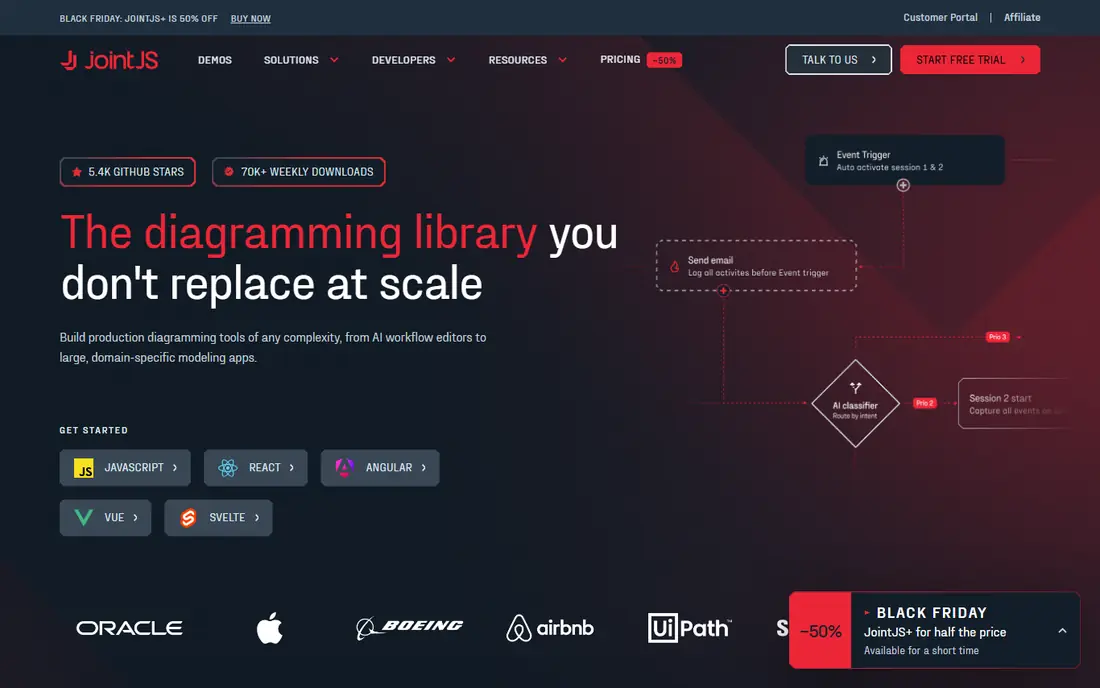
JointJS is the most complete replacement for a full diagram editor. Its open source core handles SVG diagrams, custom shapes, interactions, and layouts, while JointJS Plus adds premium UI components, ready apps, and dedicated support. A React layer sits over a framework-agnostic engine, so teams can use it beyond React as well, though React integration needs more setup than a React-native library.
The open core is free under MPL-2.0, with file-level copyleft rules for changes to library files themselves, while commercial use of an app built with it does not require open-sourcing the app. JointJS Plus pricing is listed from around $2,990 per developer in third-party summaries, so confirm the current commercial terms with the vendor. For teams building a professional editor with palettes, inspectors, and layouts, JointJS is our pick.
- Open source core with SVG rendering
- Many layouts and interaction tools
- More than 170 demo apps with source code
- Commercial JointJS Plus needed for premium UI components and support
- Larger bundle than a minimal viewer
- Styling and API take time to learn
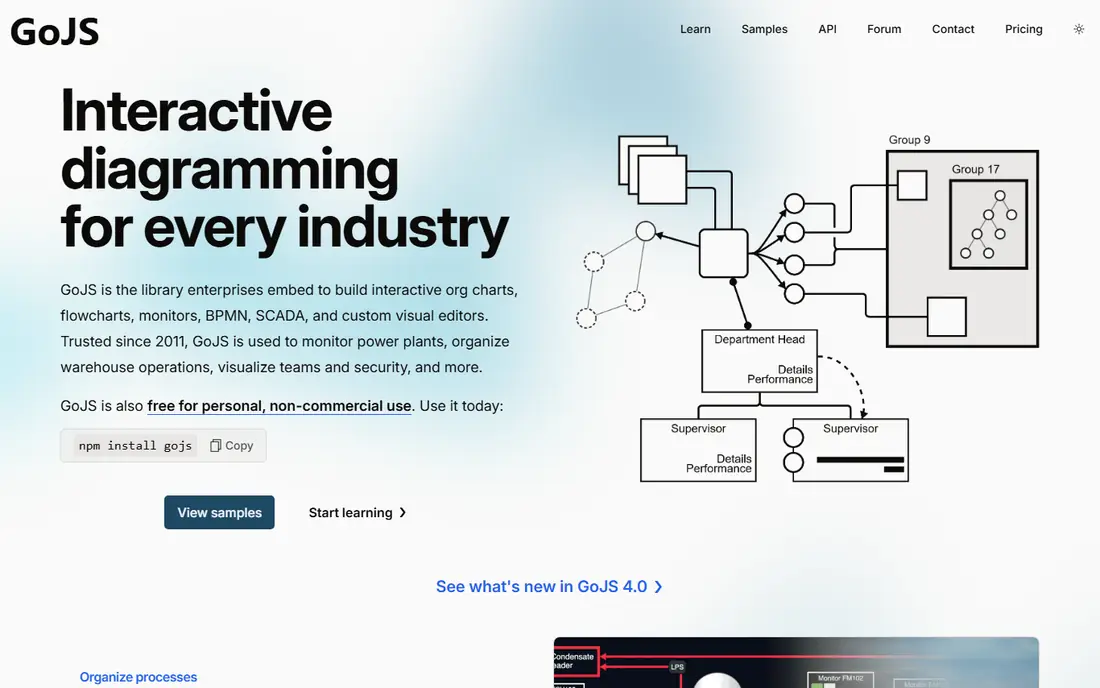
GoJS, from Northwoods Software, is built for complex, industrial diagrams: flowcharts, org charts, BPMN, SCADA, and genograms, among others. It uses HTML5 canvas rendering, which helps performance with large numbers of objects, and it offers automatic layouts, data binding, undo management, palettes, and overviews. Hundreds of samples show how templates, interactions, and layouts work in practice.
Licensing needs care. GoJS is commercial software, free for individuals for non-commercial use under a non-commercial licence, while organizational use requires a purchased licence, with evaluation licences available. Published summaries list pricing around $3,495, so confirm the current licence with Northwoods before budgeting. For enterprise apps where scale and layouts matter most, GoJS is a strong, if premium, choice.
- Strong performance with large diagrams
- Many built-in layouts including tree, force-directed, and layered digraph
- Hundreds of samples
- Commercial licence needed for organizational use
- Canvas rendering cannot be styled with CSS in the same way as SVG
- Template system takes learning
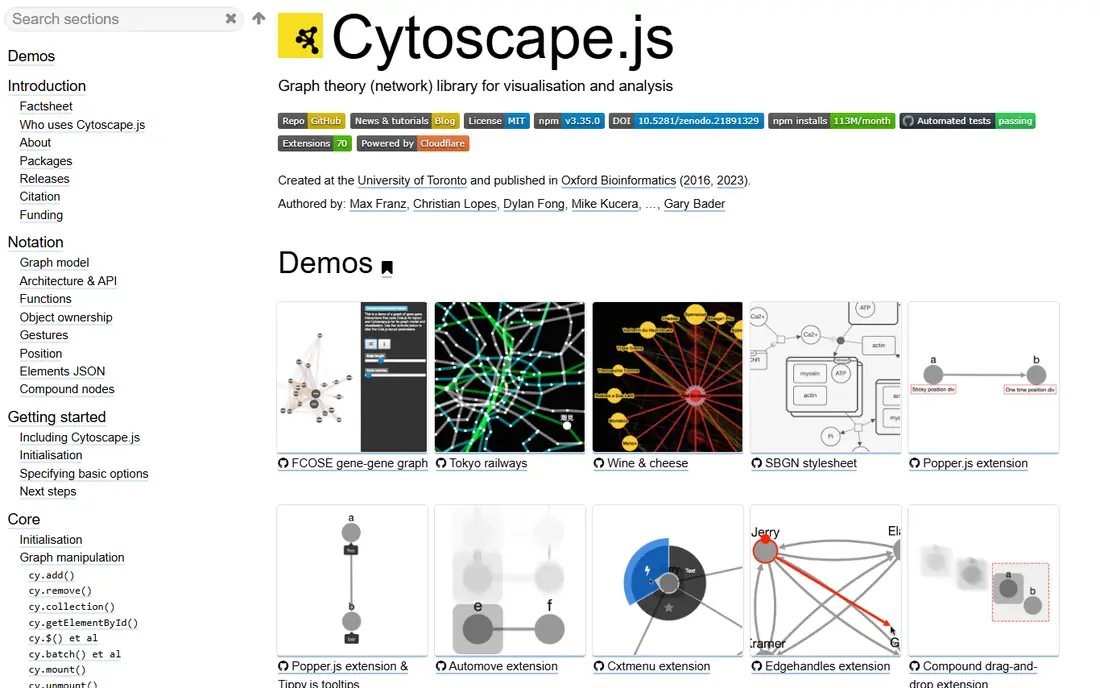
Cytoscape.js is a specialist, not a general editor, and that focus is its strength. It is built for graph visualization and analysis, with layouts and algorithms suited to networks where relationships matter more than custom node styling. Social networks, biological maps, dependency graphs, and knowledge graphs all fit well, and its open source licence keeps costs at zero for the library itself.
The trade-off is editor completeness. Cytoscape.js does not provide a full palette, inspector, and node editor out of the box in the way JointJS Plus does, and React teams need to wrap it in a component. If your app is mainly a viewer or analyzer for network data, Cytoscape.js is an excellent pick. If you need a full drag-and-drop editor, start with JointJS or Rete.js instead.
- Free and open source
- Strong graph theory and layout algorithms
- Good for social, biological, and relationship networks
- Custom node design is more limited than full editors
- React integration needs a wrapper
- Less of a ready editor UI than JointJS
Mermaid suits teams that want diagrams from text, not from dragging nodes. You write a short text definition for a flowchart, sequence diagram, class diagram, or state diagram, and Mermaid renders it as SVG. That text-first approach fits docs, wikis, code comments, and AI-generated diagrams, since the diagram can live in version control beside the code it describes.
Interactivity is the limit. Mermaid is mainly a renderer, not a full editor with palettes, drag-and-drop node creation, and inspectors. Layout is automatic, so precise placement needs another tool. For documentation, README diagrams, and quick architecture sketches, Mermaid is fast and free. For a user-facing workflow builder, pair it with an editor library instead of using it alone.
- Free and open source
- Diagrams defined in simple text syntax
- Easy to version, review, and embed in docs
- Less interactive editing than a canvas editor
- Layout control is limited
- Complex custom node designs need other tools
D3.js is not a diagram editor, it is a data visualization engine, and that distinction matters. It binds data to SVG elements, handles scales, layouts, and transitions, and gives a developer full control over every visual detail. For a unique interactive visualization that no ready editor can produce, D3 is still the most flexible tool available.
That flexibility costs time. D3 has a steep learning curve, and building drag-and-drop nodes, edges, palettes, and undo from scratch takes real engineering work. It also needs a framework wrapper for React use. Choose D3 when the visualization itself is the product, and the data drives the layout in a custom way. Choose JointJS, GoJS, or Rete.js when you need an editor quickly.
- Free and open source
- Unmatched control over data binding and SVG
- Huge example library for custom charts and diagrams
- Steep learning curve
- No ready node editor out of the box
- Building an editor from D3 takes significant custom code
Rete.js is built for the exact job many teams want from a node editor: visual programming, workflow builders, and data-flow tools where nodes process data and pass results along edges. It supports React, Vue, and Angular, and its modular design lets a team add editors, controls, and connections as needed. That framework flexibility helps teams that are not locked to React alone.
The catch is polish. Rete.js gives you an editor framework, not a finished product UI, so palettes, inspectors, and styling still need custom work. Its ecosystem is smaller than JointJS or GoJS, and version changes can affect examples. For a visual programming tool or a custom node editor, Rete.js is a strong open source starting point, especially for multi-framework teams.
- Free and open source
- Built for node editors and visual programming
- Framework support including React, Vue, and Angular
- Smaller ecosystem than older libraries
- Editor UI still needs custom components for a polished product
- Docs and examples vary by version
React Diagrams, from Project Storm, is a flexible diagramming engine for React, with drag-and-drop nodes, links, and a model-based design. It suits teams that want control over the diagram model and are comfortable building their own editor UI around a core engine. Its open source licence keeps library cost at zero, and its React-native design fits React apps directly.
Momentum is the honest question. React Diagrams has had quieter periods than some rivals, so check the current repository activity, issues, and release history before committing a new product to it. For a team that wants a free, flexible React engine and can build the surrounding UI, it remains a viable alternative. For a team that wants a maintained, full-featured editor with support, JointJS or GoJS may be safer.
- Free and open source
- Flexible engine for custom diagrams
- Drag-and-drop nodes and links in React
- Less maintained momentum than newer libraries in some periods
- Editor UI needs building
- Documentation and examples need careful checking
jsPlumb has long been used for connecting elements, building flowcharts, and wiring visual interfaces, and it remains a practical alternative for connection-heavy UIs. The Community edition is free and open, covering core connection features, while the jsPlumb Toolkit adds layouts, data binding, groups, and ready UI components for full applications. That split lets a team start free and pay only when Toolkit features are needed.
Toolkit pricing should be confirmed on the vendor site, since it is sold by developer and product terms, not as a simple monthly SaaS price. Community use suits simple flow UIs and prototypes, while Toolkit suits a polished editor with layouts and data models. For apps where connections and flow logic matter more than custom node art, jsPlumb deserves a test beside JointJS and Rete.js.
- Long-standing connection and flowchart library
- Community edition free and open
- Toolkit adds layouts, data binding, and UI components
- Toolkit pricing needs a vendor check
- Community edition is narrower than Toolkit
- React integration needs care with the Toolkit model
How we picked these
We compared official docs, licensing pages, and diagram library guides, and we kept only libraries that still work in October 2026 and can build node or graph UIs. We favored a mix of full editors, network specialists, text-driven renderers, and custom visualization engines, so readers can match a tool to their framework and node count. We did not list the named product itself, since this article covers alternatives only. Licensing and pricing should be checked on vendor pages before a commercial launch, since open core, commercial, and non-commercial terms differ sharply.
How to choose a React Flow alternative
Start with framework and rendering. A React-native engine such as React Diagrams fits React apps directly, while JointJS and Rete.js offer React layers over broader engines, and Cytoscape.js and D3.js need wrappers. SVG tools such as JointJS allow CSS styling of nodes, while canvas tools such as GoJS perform better at very large node counts but style differently. Test both with your real data, not with a demo of 20 nodes.
Next, test editing, not just viewing. Can users drag nodes, connect edges, undo, group, and save? Does the library provide a palette, inspector, and minimap, or must you build them? A viewer library such as Mermaid or Cytoscape.js may look perfect in a demo, then need weeks of editor work. Count that work in your decision, not just the library price.
Finally, check licence, support, and longevity. Open source cores are free, but premium components, support, and commercial licences can cost thousands per developer for tools such as JointJS Plus and GoJS. Check repository activity, docs, and support channels, and build a small prototype with your largest realistic diagram before you commit. A prototype with 10,000 nodes, or with your most complex node type, will reveal performance and API gaps that a feature list hides.
Frequently asked questions
What are the best react flow alternatives for a full node editor?
JointJS is our pick for a full editor, because it combines SVG rendering, layouts, interactions, and a large demo library, with JointJS Plus for premium UI and support. Rete.js suits visual programming editors, and GoJS suits enterprise editors at large scale. Test each with your real node types and editing workflows before choosing.
Is there a free alternative to React Flow?
Yes, several. JointJS core, Cytoscape.js, Mermaid, D3.js, Rete.js, and React Diagrams are free and open source, and jsPlumb Community is free. GoJS is free for individuals for non-commercial use, but organizational use needs a purchased licence. Free libraries still need your time to build editor UI around them.
Which alternative is best for large network graphs?
Cytoscape.js is the strongest specialist for network and relationship graphs, with graph algorithms and layouts built for that job. GoJS also performs well at large scale, thanks to canvas rendering and built-in layouts. Test both with your largest realistic graph, since layout speed and interaction differ by data shape.
Can I use these alternatives without React?
Yes, most of them. JointJS, GoJS, Cytoscape.js, Mermaid, D3.js, and jsPlumb are framework-agnostic or support multiple frameworks, while Rete.js supports React, Vue, and Angular. React Diagrams is React-specific, so it only fits React apps. Check the docs for your framework before you start, especially for server-side rendering needs.
What is the difference between JointJS and GoJS?
JointJS uses SVG rendering, which makes CSS styling easier, and offers an open source core plus a commercial Plus layer. GoJS uses canvas rendering, which helps performance at very large scale, and is commercial software with a non-commercial licence for individuals. JointJS suits teams that want open core plus SVG styling, while GoJS suits enterprise teams that need scale and many built-in layouts.
Should I build a diagram editor from D3.js?
Only if the visualization itself is custom and data-driven, and you have engineering time to build editing features. D3 gives unmatched control over SVG and data binding, but it does not provide a ready node editor, palette, or undo system. For a standard workflow builder, JointJS, Rete.js, or GoJS will deliver faster and with less custom code.
Sources
See where you really rank - block by block
ProMapRanker scans Google Maps across a grid of your service area. Simple monthly plans from $19, white-label on every plan.
Start freeKeep reading
 wpforms alternatives
Best WPForms Alternatives in 2026
We compare 9 wpforms alternatives for WordPress forms, with free and paid options, current pricing notes, and honest limits for small business sites in 2026.
Read → windows task scheduler alternatives
Best Windows Task Scheduler Alternatives in 2026
Looking for Windows Task Scheduler alternatives? We compare 9 schedulers for Windows and cross-platform work, from free tools to enterprise automation.
Read → which ai video service is best
Which AI Video Service Is Best in 2026
which ai video service is best? We compare 10 legitimate AI video services on price, avatars, editing and output quality to help you pick the right tool.
Read →