 ProMapRanker
Best ProProfs Alternatives in 2026

Key takeaways
- ProProfs covers quizzes, surveys, training and help content, so no single alternative matches all four jobs at once.
- Typeform and Jotform suit lead capture and surveys, while Kahoot, ClassMarker and Quizizz suit quizzes and classroom use.
- Google Forms and Microsoft Forms are the lowest cost options if you already use Google or Microsoft accounts.
- Helpjuice is the best pick here when a help centre or knowledge base is the main need, not quizzes.
Quick comparison
| Pick | Great for | Pricing starts at | Free tier | |
|---|---|---|---|---|
 Typeform | Engaging surveys and lead forms | See website | Yes | Visit |
 Jotform | Flexible forms and quizzes | See website | Yes | Visit |
 SurveyMonkey | Serious survey research | See website | Yes | Visit |
 Google Forms | Free, simple forms and quizzes | Free | Yes | Visit |
 Microsoft Forms | Forms inside Microsoft 365 | Free | Yes | Visit |
 Kahoot | Live, gamified quizzes | See website | Yes | Visit |
 ClassMarker | Graded online tests | See website | Yes | Visit |
 Quizizz | Classroom quizzes and lessons | See website | Yes | Visit |
 Helpjuice | Knowledge bases and help centres | See website | No | Visit |
 Zoho Forms | Forms inside the Zoho suite | See website | Yes | Visit |
The best ProProfs alternatives
ProProfs is a bundle: quiz maker, survey maker, training courses and a knowledge base in one account. That breadth is convenient, but it also means many buyers pay for parts they never use. The tools below each cover part of that bundle well, so pick based on the job you do most often. We compared official feature pages, pricing pages and public documentation.
Typeform is built around a simple idea: show one question at a time so people actually finish the form. That layout suits lead capture, customer feedback and short surveys where completion rate matters more than a long question bank. Templates, logic jumps and branding controls help small teams look polished without design help.
The cost is the honest catch. The free plan covers only a small number of responses, and paid plans are priced by responses and features. If you run large surveys every week, SurveyMonkey or Jotform may cost less per response. For short, high value forms, Typeform is hard to beat for finish rates.
- One question at a time layout
- Strong design and branding
- Good integrations
- Free plan is limited
- Per response pricing can rise with volume
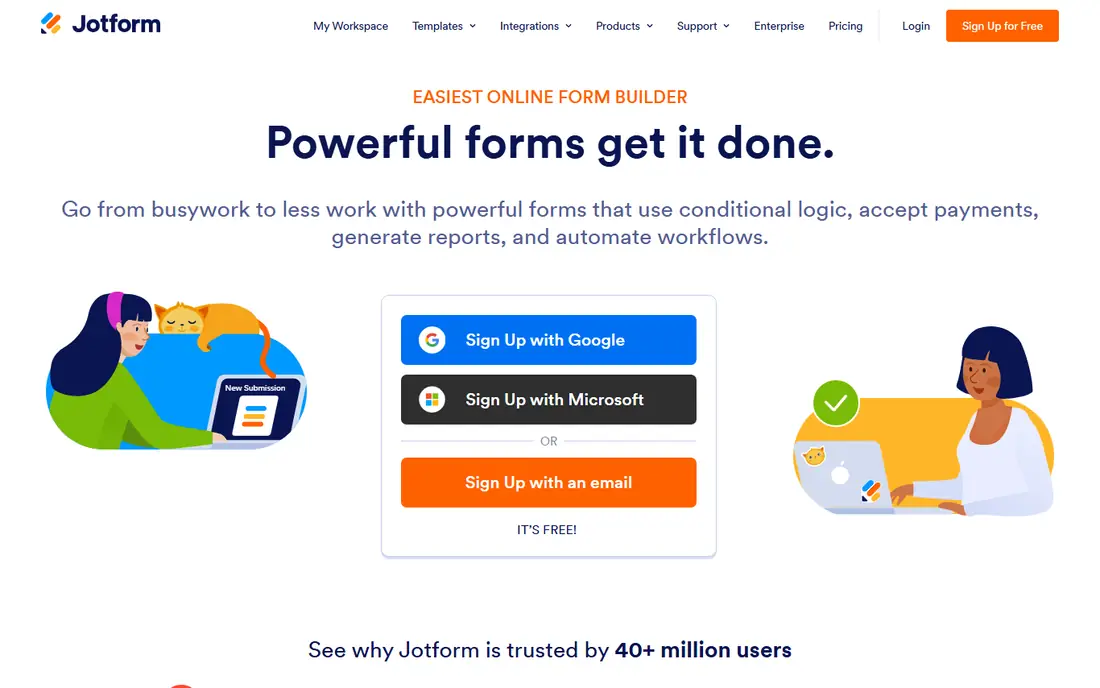
Jotform is the most flexible general form builder on this list. It covers surveys, quizzes, registrations, payments and approvals, and its template library saves time on common jobs like event signups and feedback forms. Conditional logic lets a form change based on earlier answers, which helps keep long forms short for each person.
The free plan is useful for testing, but monthly submission caps mean a busy form will need a paid plan quickly. The editor also packs in a lot of options, so first time users should start from a template rather than a blank form. For teams that need one tool for many form types, Jotform is a practical ProProfs replacement.
- Huge template library
- Conditional logic
- Payment and approval features
- Free plan caps monthly submissions
- Interface can feel busy for new users
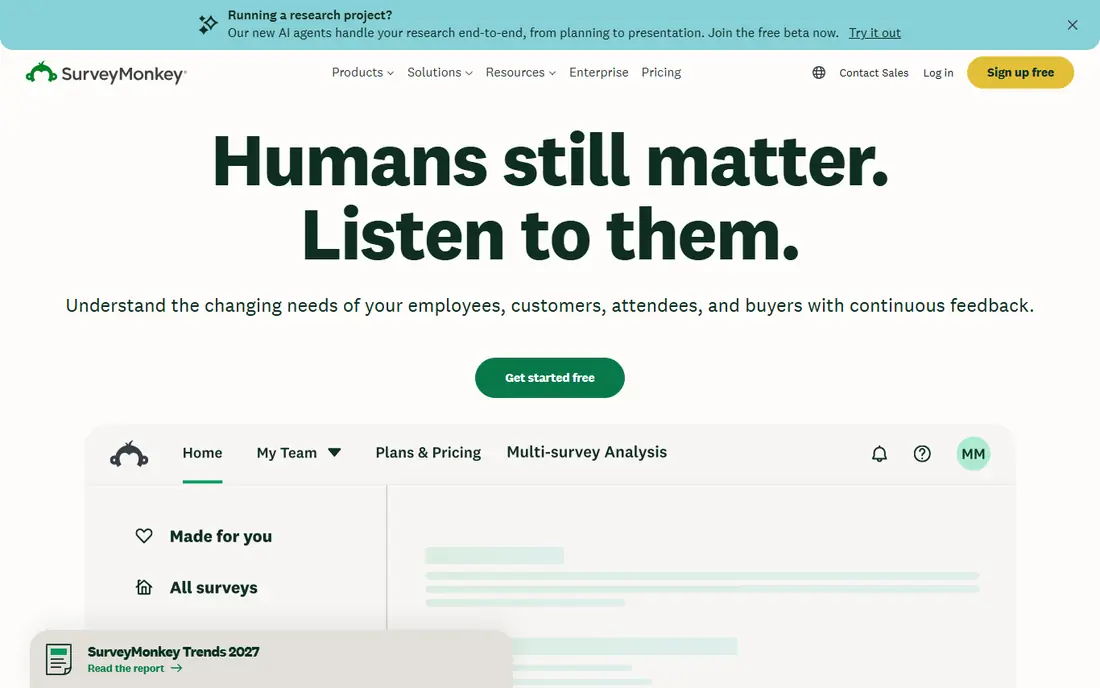
SurveyMonkey is the classic survey research tool, and it still leads when analysis matters. It offers survey templates, a question bank, logic, and reporting that helps teams spot patterns without exporting data to a spreadsheet first. For customer research, employee feedback and market surveys, that depth is useful.
The free plan is narrow, with limits on questions per survey and responses viewed. Paid plans add the full analysis and export options. SurveyMonkey is less playful than Kahoot or Quizizz, and it is not a quiz or training platform. If surveys are your main job, though, it is the most complete option here.
- Strong survey design and analysis
- Question bank and templates
- Team features
- Free plan limits questions and responses
- Best features sit on paid plans
Google Forms is the simplest and cheapest option on this list. It is free with a Google account, it sends results straight to Google Sheets, and it can grade simple quizzes with automatic scoring. For schools, clubs and small businesses that need a form today, it is often enough.
The limits are design, logic and depth. Forms look plain, branching logic is basic, and there is no training course or knowledge base feature. If you need polished branding or detailed quiz analytics, Typeform or ClassMarker will serve you better. For quick, free forms, Google Forms is the sensible default.
- Free with a Google account
- Automatic Sheets results
- Simple quiz grading
- Limited design and logic
- No built-in help centre or training courses
Microsoft Forms suits teams and schools that already live in Microsoft 365. Forms and quizzes share easily in Teams and Outlook, and results flow into Excel for review. Quiz mode supports points, correct answers and automatic grading, which covers classroom and training checks.
Outside Microsoft 365, Microsoft Forms feels less complete than Jotform or Typeform, with fewer templates and design options. It also does not offer a knowledge base or full training platform. If your team already uses Outlook, Teams and Excel every day, Microsoft Forms is a low friction pick.
- Free with a Microsoft account
- Works with Excel and Teams
- Simple quiz mode
- Fewer templates than Jotform
- Best inside Microsoft 365, weaker outside it
Kahoot turns quizzes into a live game, with players answering on their phones while a host runs the session. That format works well for classroom review, team training and events where attention matters. The question library and ready made games save prep time for teachers and trainers.
Kahoot is less suited to formal, high stakes testing. It is built for engagement first, so detailed grading, proctoring and question banks for exams are weaker than ClassMarker. Paid plans add team and reporting features. For training that needs energy rather than exam rigour, Kahoot is a strong ProProfs alternative.
- Live game format keeps groups engaged
- Large question library
- Works on phones
- Less suited to formal graded exams
- Paid plans needed for larger team features
ClassMarker is a focused online testing tool. It lets you build graded tests, randomise questions, set time limits and issue certificates, with results reporting for each test taker. That makes it a good fit for hiring tests, compliance checks and course exams where scores need to be recorded.
It does not try to be a survey or marketing form tool, so do not pick it for lead capture or customer feedback. The design is plain compared with Typeform, but for testing, clarity matters more than polish. If graded assessment is your main ProProfs job, ClassMarker is one of the most direct replacements.
- Graded tests with certificates
- Question banks and randomisation
- Results reporting
- Design is plain
- Less suited to surveys or marketing forms
Quizizz suits teachers and trainers who want quizzes that students can take live or at their own pace. It combines quizzes with short lessons, instant feedback and reports that show which questions caused trouble. The shared library means teachers can adapt existing quizzes rather than writing every question from scratch.
Corporate teams may find the classroom tone less fitting for formal training, and some reporting and library features sit on paid plans. For schools and tutoring, Quizizz is one of the easiest ProProfs quiz replacements to adopt. Students need only a link or code, with no heavy setup.
- Self-paced and live quiz modes
- Lessons and reports
- Large teacher library
- Classroom focus may not suit corporate training
- Some features need a paid plan
Helpjuice covers the ProProfs knowledge base side, not quizzes or surveys. It lets teams publish help articles, organise them into categories, track search terms and see which articles help readers and which ones fall short. Branding and access controls help companies run both public help centres and internal wikis.
There is no free plan, so Helpjuice is a paid commitment. It also will not replace a quiz maker, so pair it with Google Forms or ClassMarker if you need both jobs covered. If your main need is a help centre that customers can actually search, Helpjuice is the focused pick here.
- Purpose-built help centre
- Search and analytics
- Branding and access controls
- No free plan
- Not a quiz or survey tool
Zoho Forms is a solid form builder that shines inside the Zoho suite. Forms can feed Zoho CRM, send notifications and trigger workflows, which helps small businesses that already use Zoho for sales or support. Templates, logic and a mobile app cover most everyday form jobs.
Outside Zoho, Zoho Forms is less distinctive than Jotform or Typeform, and its template range is smaller. If you do not use Zoho already, start with Jotform or Google Forms instead. If Zoho is your main business system, Zoho Forms keeps data in one place with less manual transfer.
- Works with Zoho CRM and apps
- Templates and logic
- Mobile app
- Best value inside Zoho
- Less known outside that ecosystem
How we picked these
We compared official feature pages, pricing pages and public documentation, and we matched each tool to a job ProProfs covers: quizzes, surveys, training or help content. We kept only tools that are live in October 2026 and that cover at least one of those jobs well. Prices marked See website are ones where plan names or limits had changed recently, so checking the vendor page is safer than quoting a stale figure.
What to check before you switch
Start by naming the job you do most. If it is surveys, test Typeform, Jotform and SurveyMonkey with the same ten questions and compare finish rates and reports. If it is graded testing, test ClassMarker and Quizizz with timed questions and certificates. If it is help content, test Helpjuice with a small set of real support questions.
Also check response and submission limits, since free plans often cap them. Confirm export options, because quiz and survey data is far more useful when it can move into Sheets, Excel or a CRM. Finally, test on a phone, since many quiz takers and survey respondents will answer on mobile, and a form that is hard to use there will lose responses.
Frequently asked questions
What are the best alternatives to ProProfs?
Typeform, Jotform, SurveyMonkey, Google Forms, Microsoft Forms, Kahoot, ClassMarker, Quizizz, Helpjuice and Zoho Forms all cover part of ProProfs. The best choice depends on whether you mainly need surveys, quizzes, training or a help centre.
Is there a free alternative to ProProfs?
Yes. Google Forms and Microsoft Forms are free with their respective accounts, and Typeform, Jotform, SurveyMonkey, Kahoot, ClassMarker, Quizizz and Zoho Forms all offer free tiers. Free plans usually cap responses, questions or features, so check limits before a large rollout.
Which ProProfs alternative is best for quizzes?
ClassMarker suits graded tests with certificates, Kahoot suits live gamified sessions, and Quizizz suits classroom quizzes with self-paced options. For a simple free quiz, Google Forms and Microsoft Forms both support automatic grading.
Which ProProfs alternative is best for a knowledge base?
Helpjuice is the focused pick here, since it is built for help centres with search, analytics and access controls. ProProfs knowledge base users who also need quizzes should pair it with a quiz tool rather than expecting one product to do both jobs.
Can I migrate quizzes from ProProfs to another tool?
Often, yes, but not always in one click. Check whether the new tool imports questions by file or spreadsheet, and test with a small quiz first. Question types, images and grading rules may need manual fixes after import.
Sources
See where you really rank - block by block
ProMapRanker scans Google Maps across a grid of your service area. Simple monthly plans from $19, white-label on every plan.
Start freeKeep reading
 wpforms alternatives
Best WPForms Alternatives in 2026
We compare 9 wpforms alternatives for WordPress forms, with free and paid options, current pricing notes, and honest limits for small business sites in 2026.
Read → windows task scheduler alternatives
Best Windows Task Scheduler Alternatives in 2026
Looking for Windows Task Scheduler alternatives? We compare 9 schedulers for Windows and cross-platform work, from free tools to enterprise automation.
Read → which ai video service is best
Which AI Video Service Is Best in 2026
which ai video service is best? We compare 10 legitimate AI video services on price, avatars, editing and output quality to help you pick the right tool.
Read →