 ProMapRanker
Best Procreate Alternatives in 2026

Comics, manga, and illustration · Pricing starts at: See website
Key takeaways
- Clip Studio Paint is the strongest overall alternative for comics, manga, and illustration across desktop and mobile.
- Krita is the best free desktop painting app, with a deep brush engine and no subscription.
- MediBang Paint and ibisPaint are the best free mobile and comic focused options, with cloud features and large brush libraries.
- Adobe Fresco and Concepts suit touch first sketching and ideation, while Sketchbook suits clean, fast drawing.
- Affinity is the best free vector and design complement for artists who also need layout and vector work.
Quick comparison
| Pick | Great for | Pricing starts at | Free tier | |
|---|---|---|---|---|
| Clip Studio Paint | Comics, manga, and illustration | See website | Free trial | Visit |
 Krita | Free desktop painting and illustration | Free | Yes | Visit |
 MediBang Paint | Free comics with cloud sync | Free | Yes | Visit |
 ibisPaint | Mobile manga and social illustration | Free | Yes | Visit |
 Adobe Fresco | Touch painting with realistic brushes | Free | Yes | Visit |
 Concepts | Infinite canvas ideation and sketching | Free | Yes | Visit |
 Sketchbook | Clean, fast sketching on any device | Free | Yes | Visit |
 Affinity | Free vector design alongside illustration | Free | Yes | Visit |
The best Procreate alternatives
We compared drawing and illustration apps that run on desktop, tablet, or phone, and that are live in October 2026. Procreate itself is not listed, since this guide covers alternatives to it, and because Procreate runs only on iPad, we included strong options for Windows, Mac, Android, and iPad.
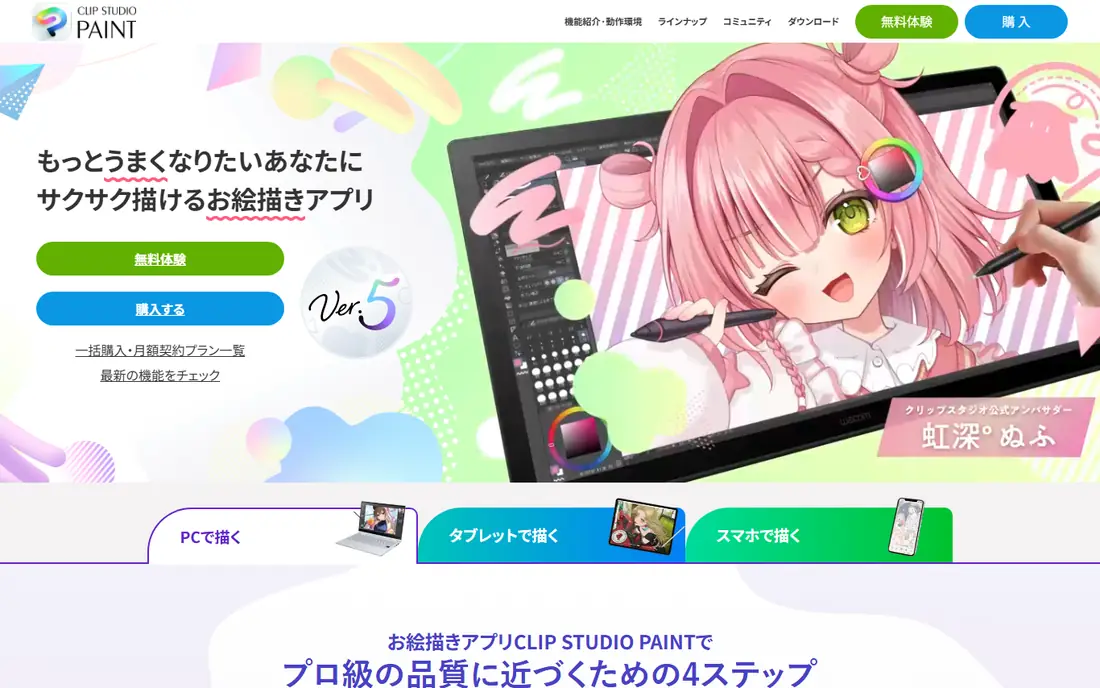
Clip Studio Paint is the tool most comic and manga artists reach for first. It covers the full comic workflow, from panels and perspective rulers to screen tones, speech balloons, and multi page management, alongside a deep brush engine for illustration. Vector layers let you adjust line work after drawing, which helps for clean inking.
Pricing needs care, because desktop perpetual licenses and mobile subscriptions differ, and the iPad version uses a subscription for ongoing use. Try the trial with a real comic page, including panels and tones, before you buy. For illustration alone, Krita may be enough, but for comics, Clip Studio is the standard to beat.
- Panel, tone, and lettering tools for comics
- Strong brush and vector layers
- Works across devices
- Pricing varies by device and license type
- Learning curve for comic tools is real
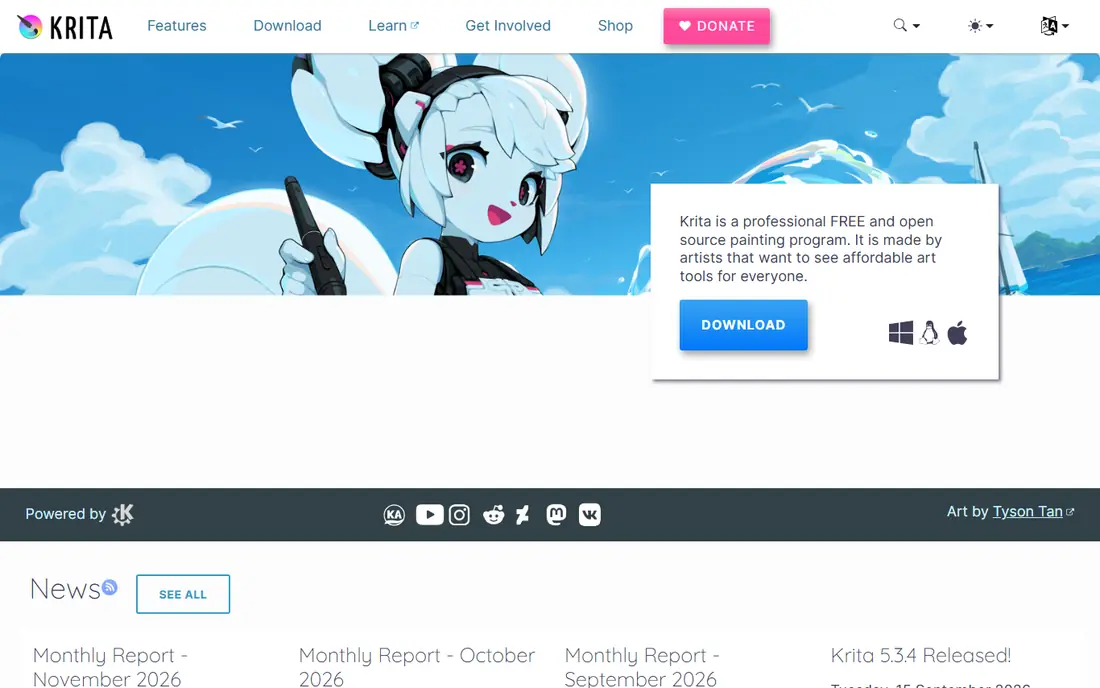
Krita is the best free alternative for desktop artists. It offers a large brush library, layer and mask tools, color management, and a timeline for simple animation, all without a subscription or a locked export format. Illustrators, concept artists, and comic artists can complete professional work in Krita, and the community brush packs extend it further.
The interface packs a lot into one window, so new users should start with a simple workspace and add panels as needed. Performance depends on canvas size and brush settings, so test a large canvas with your usual brushes before a big project. For a free tool, Krita covers an unusually wide range of painting work.
- Free and open source
- Rich brush engine
- Animation and layer tools included
- Interface can feel dense for beginners
- Mobile version is more limited than desktop
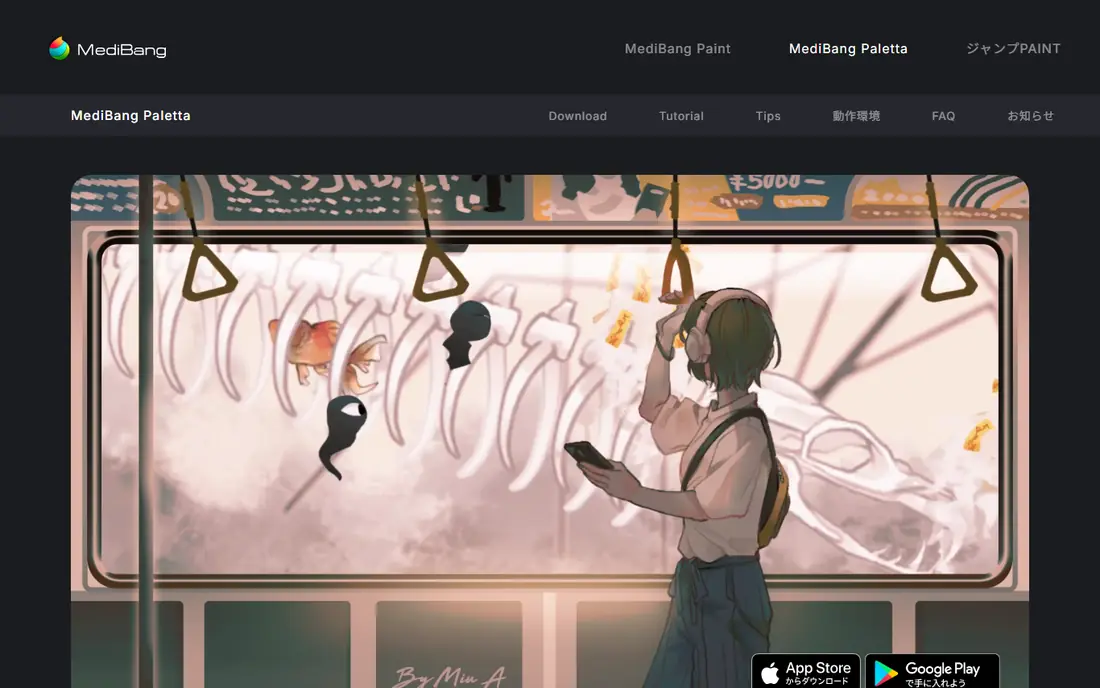
MediBang Paint is built for comic creators who work across phone, tablet, and desktop. It includes panel division, tones, and fonts for manga, plus cloud storage so a page started on a phone can continue on a desktop. Team projects let several people work on the same comic, which suits small studios and school groups.
The free core is generous, with premium options for extra storage and materials. The interface is functional rather than beautiful, and brush feel varies by device and stylus. For a free comic workflow that moves between devices, MediBang is a practical choice, especially for beginners and small teams.
- Free across devices
- Panel and comic tools
- Cloud storage and team projects
- Cloud sync needs an account
- Some premium features are paid
- Interface is plainer than paid rivals
ibisPaint is a mobile first drawing app with a very large brush and material library, layer tools, and a social community where artists share work and process videos. Manga style illustrators use it for line work, coloring, and simple animation, and the phone workflow suits artists who draw on the go.
The free version includes ads and locks some tools behind a membership, so check which brushes and features you actually use before paying. Desktop users will find Krita or Clip Studio more comfortable, but for phone and tablet drawing, ibisPaint is one of the most complete free options available.
- Huge brush library
- Strong mobile workflow
- Active community and tutorials
- Free version shows ads
- Some tools need a paid membership
- Best on phone and tablet, not desktop
Adobe Fresco focuses on the feel of painting. Live brushes spread and blend in ways that mimic real watercolor and oil, and you can mix those with pixel and vector brushes in the same document. The touch interface is clean, which helps artists who sketch on iPad or Windows touch devices.
Fresco is less of a comic production tool than Clip Studio or MediBang, since panel and lettering tools are thinner. It also sits inside the Adobe ecosystem, so check what the free version covers versus a paid Adobe plan before you build a workflow around it. For painterly sketching and illustration, Fresco is a strong touch first pick.
- Live brushes that mimic watercolor and oil
- Raster and vector brushes together
- Simple touch interface
- Full value ties to Adobe plans for some users
- Fewer comic tools than Clip Studio
Concepts is an infinite canvas app for sketching, note taking, and design ideation. Strokes stay editable as vector objects, so you can move, resize, and recolor a sketch without redrawing it, and the canvas grows as an idea grows. Designers use it for storyboards, product sketches, and annotated diagrams.
It is not a full painting app. Brush depth and texture options are lighter than Krita or Clip Studio, and the free plan limits layers, which matters for complex illustrations. Use Concepts when the job is thinking on a canvas, exploring layouts, or sketching ideas that will move into another tool later.
- Infinite canvas
- Editable vector strokes
- Good for notes, diagrams, and design sketches
- Free plan limits layers
- Painting tools are lighter than Krita or Clip Studio
- Paid Essentials adds more
Sketchbook keeps drawing simple. The interface stays out of the way, brushes respond well to pressure, and layer and symmetry tools cover most sketching needs. Beginners like it because they can start drawing in minutes, and experienced artists use it for thumbnails, studies, and quick client sketches.
The free core does not try to match a full illustration suite, and some advanced masks and grouping features sit in a paid bundle. That is fine for sketching, but for finished comics or complex paintings, a deeper tool will serve you better. Sketchbook earns its place as the fast, calm app you open when you just want to draw.
- Free core app
- Uncluttered interface
- Good brush and layer basics for quick work
- Advanced features sit in a paid bundle
- Fewer illustration tools than Krita or Clip Studio
Affinity, now free under Canva, gives artists a professional vector and design toolset without a subscription. You can draw vector illustrations, refine raster artwork, and prepare files for print or web, with tools that suit logos, posters, and book covers. For Procreate users who also need vector work, Affinity fills a gap that a painting app alone cannot.
Affinity is not a direct painting replacement. Its brush engine and painting workflow are thinner than Krita or Clip Studio, so many artists pair it with a painting app: paint in Krita, finish vector and layout work in Affinity. That pairing is free, and it covers a wider range of commercial illustration work than either tool alone.
- Free pro grade vector and raster tools
- Good for logos, layout, and illustration finishing
- Painting brush depth is less than Krita
- Learning curve for vector tools is real
How we picked these
We compared official product pages, app store listings, and recent digital art comparisons, and we kept apps that are live in October 2026 and that support drawing, painting, or illustration as a core job. We included desktop, tablet, and phone options, plus free and paid tools, because Procreate users leave for different reasons: a different device, a comic workflow, a free price, or vector work. We did not invent brush counts or scores, and where pricing varies by device, we wrote See website.
What to check before you switch
Start with your device and your main output. An iPad artist who wants a direct Procreate feel should test Clip Studio Paint, Fresco, and Concepts on iPad. A Windows or Android artist should test Krita and MediBang first. A comic artist should test panel and tone tools, not just brushes, since those tools decide daily speed.
Test brushes on a real piece
Draw a complete illustration, not just a few strokes, and check pressure response, palm rejection, layer limits, and export quality. A brush that feels good for a doodle can lag on a large canvas, and a layer cap that looks generous can pinch a complex painting. Export to the format your clients or printers need, and check color and line quality at full size.
Check files, layers, and cloud sync
Confirm that your files open in the tools you already use, and that layer structure survives export when it matters. If you work across devices, test cloud sync with a real project, including offline work and version conflicts. A drawing app that traps files on one device will cost time later, even if drawing feels good now.
Price the full workflow, not just the app
A free app plus a paid brush pack, cloud storage, or vector tool can cost more than a single paid app, and a subscription app can cost more over two years than a one time license. Add the tools you actually use, including any companion app for vector or layout work, before you judge price.
Frequently asked questions
What is the best free alternative to Procreate?
Krita is the best free desktop alternative, with a deep painting toolset and no subscription. MediBang Paint and ibisPaint are the best free mobile and comic options, and Affinity is the best free vector complement. The best free pick depends on whether you draw mainly on desktop, tablet, or phone.
Is there a Procreate alternative for Windows or Android?
Yes, Krita, MediBang Paint, Clip Studio Paint, and Sketchbook all run on Windows, and Krita, MediBang Paint, ibisPaint, and Clip Studio Paint run on Android in various forms. Procreate itself remains iPad only, so Windows and Android artists should start with Krita for desktop painting and MediBang or ibisPaint for mobile work.
Which alternative is best for comics and manga?
Clip Studio Paint is the best overall comic tool, with panels, tones, lettering, and multi page management. MediBang Paint is the best free comic option, especially for teams and cross device work, and ibisPaint suits mobile manga illustration. Test a full comic page in each before you commit.
Can I open Procreate files in these apps?
Most apps here can import common image formats such as PSD and PNG, but native Procreate files with full layer and brush data may not transfer perfectly. Export a test file from Procreate as PSD, open it in the new app, and check layers, blending, and text before you move a whole project library.
Do these apps work with Apple Pencil and other styluses?
Yes, most apps here support pressure sensitive styluses, including Apple Pencil on iPad and common pen displays on desktop. Pressure response and palm rejection vary by app and device, so test your own stylus on a real drawing before you buy a paid plan or a new device for it.
Sources
See where you really rank - block by block
ProMapRanker scans Google Maps across a grid of your service area. Simple monthly plans from $19, white-label on every plan.
Start freeKeep reading
 wpforms alternatives
Best WPForms Alternatives in 2026
We compare 9 wpforms alternatives for WordPress forms, with free and paid options, current pricing notes, and honest limits for small business sites in 2026.
Read → windows task scheduler alternatives
Best Windows Task Scheduler Alternatives in 2026
Looking for Windows Task Scheduler alternatives? We compare 9 schedulers for Windows and cross-platform work, from free tools to enterprise automation.
Read → which ai video service is best
Which AI Video Service Is Best in 2026
which ai video service is best? We compare 10 legitimate AI video services on price, avatars, editing and output quality to help you pick the right tool.
Read →