 ProMapRanker
Best Privacy Alternatives in 2026

Key takeaways
- This guide covers alternatives to the Privacy virtual card service, which lets US shoppers create merchant-locked virtual cards for online spending.
- Revolut is the closest consumer match for single-use and merchant-specific virtual cards, while Wise suits multi-currency spending.
- Capital One Eno and Citi Virtual Account Numbers are free for existing cardholders, but they only work with cards from those banks.
- Ramp and BILL Spend and Expense suit businesses that need cards tied to budgets and approvals, not just personal online shopping.
- A virtual card limits what a leaked number can do, but it does not replace strong passwords, two-factor sign-in or checking statements.
Quick comparison
| Pick | Great for | Pricing starts at | Free tier | |
|---|---|---|---|---|
 Revolut | Single-use virtual cards | Free | Yes | Visit |
 Wise | Multi-currency spending | Free | Yes | Visit |
 Capital One Eno | Existing Capital One cardholders | Free | Yes | Visit |
 Citi Virtual Account Numbers | Existing Citi cardholders | Free | Yes | Visit |
 Ramp | Business spend management | Free | Yes | Visit |
 BILL Spend and Expense | Budget-based team spending | Free | Yes | Visit |
 Skrill | Prepaid virtual spending | See website | No | Visit |
 IronVest | Masked cards and identity tools | Free | Yes | Visit |
 Getsby | Prepaid virtual cards | See website | No | Visit |
The best Privacy alternatives
This article covers alternatives to the Privacy virtual card service. Privacy is known for virtual cards that can be locked to one merchant, capped at a set amount, and paused or closed when a subscription ends. That model limits damage if a merchant database leaks, because the card number is useless elsewhere. The services below offer virtual cards, but they differ in who can sign up, how cards are funded and whether they suit personal shopping or business spending. We compared official feature and pricing pages for each service. This is not financial advice, and card availability and fees vary by country and account type.
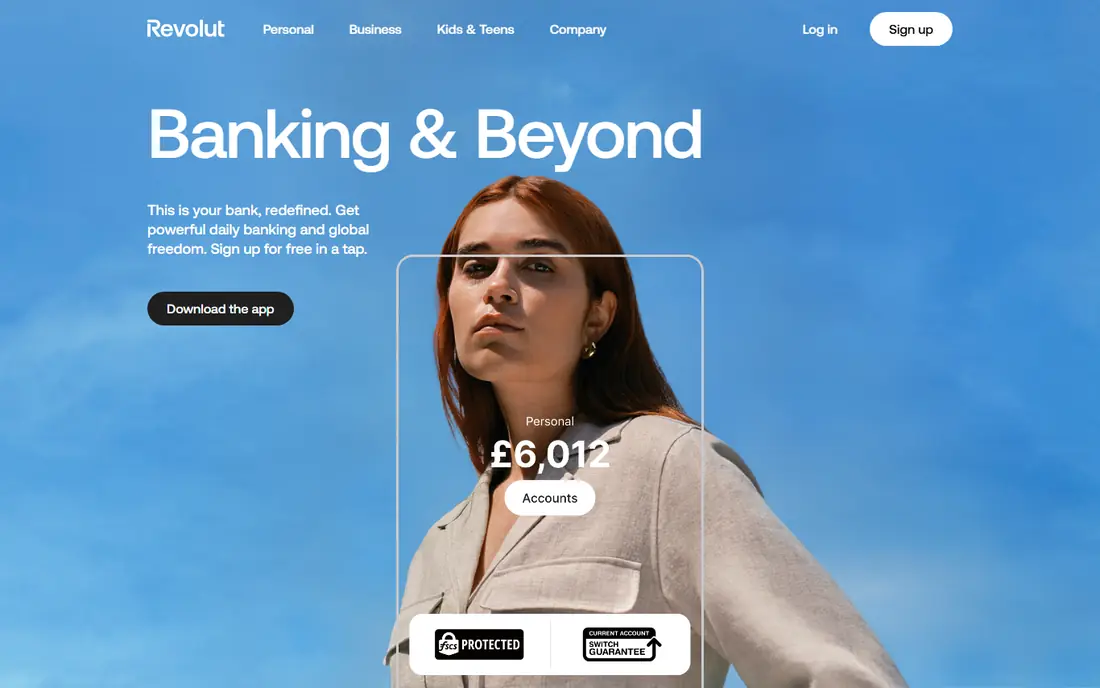
Revolut is the closest consumer alternative for people who liked Privacy for disposable cards. You can create a virtual card for a single purchase, then let it change after use, which limits what a leaked number can buy later. The app also lets you freeze a card, set limits and hold balances in several currencies, which helps when you shop on international sites.
The catch is plan variation. The number of virtual cards and the exact limits depend on your plan and country, so check the terms for your region before you rely on a specific limit. Paid plans add more cards and higher allowances. For everyday online shopping and trial sign-ups, the free plan covers the core idea well.
- Disposable virtual cards for one-off purchases
- Multi-currency balances
- Card freeze and spending limits in the app
- Virtual card limits vary by plan
- Some features differ by country
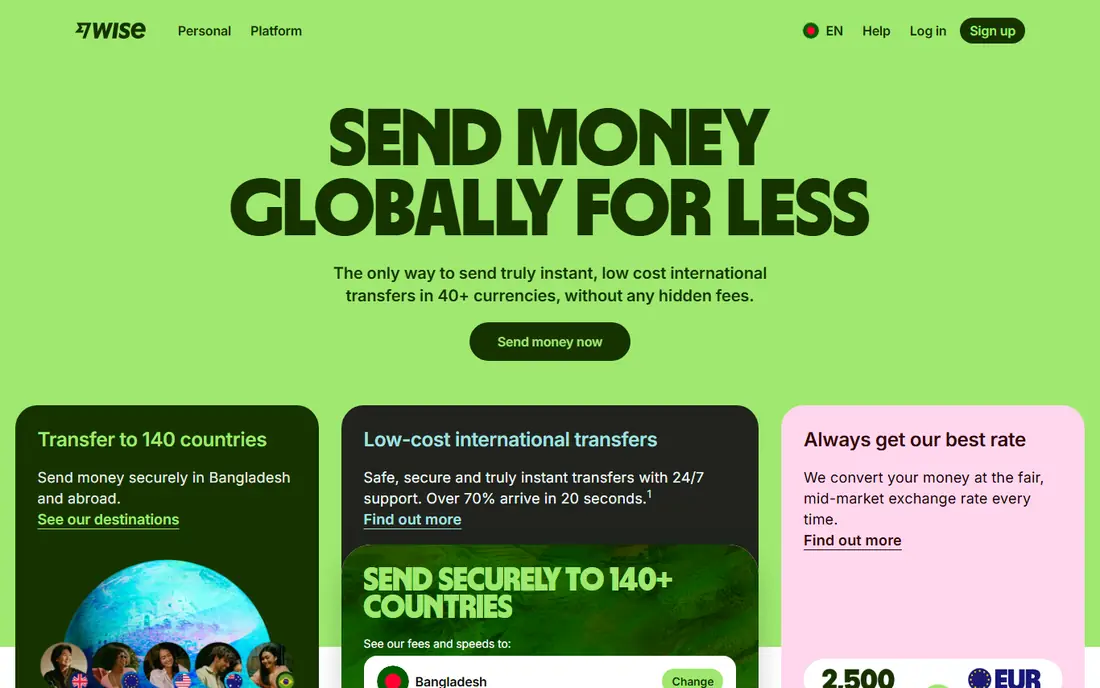
Wise suits shoppers and travellers who pay in more than one currency. You hold balances in many currencies, convert at the mid-market rate with a stated fee, and spend with a virtual card linked to that balance. You can freeze, delete or replace a card in the app, which gives you control when a subscription ends or a card number feels exposed.
Wise is not a credit card, so it will not build credit history or offer credit card rewards. Funding comes from your balance, which some users prefer for budgeting, while others miss credit protections. If your main goal is safer international spending, Wise is a practical and low-cost choice.
- Multi-currency account with mid-market exchange rates
- Up to three virtual cards
- Easy freeze and replacement
- Virtual cards draw from your Wise balance, not a credit line
- Physical card may carry a fee
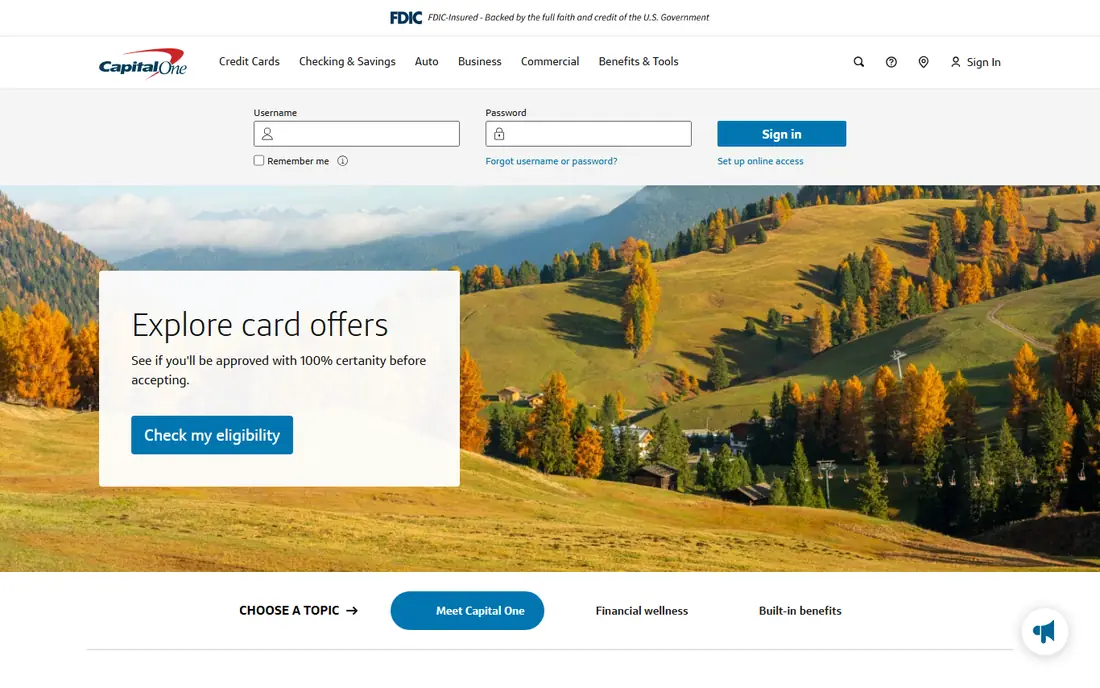
Capital One Eno is the simplest option if you already hold an eligible Capital One credit card. The browser extension creates a virtual number tied to your real card, often locked to one merchant, so the merchant never sees your actual card number. There is no separate balance to top up, and purchases still earn the rewards of the underlying card where rewards apply.
The limit is eligibility. Eno is not a standalone service, so you cannot use it without a Capital One card. It also depends on the browser extension, which may not fit every checkout flow. For existing cardholders, though, it adds Privacy-style protection at no extra cost.
- Free virtual numbers for Capital One cardholders
- Merchant-specific numbers
- No separate account to fund
- Only works with eligible Capital One cards
- No standalone account for non-cardholders
Citi Virtual Account Numbers work in a similar way to Eno, giving eligible Citi cardholders a temporary number for online checkout. That keeps your real card number off merchant sites, which is the core benefit Privacy users seek. Because the number links to your existing card, billing and statements stay in one place.
Availability is the main drawback. Not every Citi card or region supports virtual numbers, and the exact controls vary. Check your Citi account or app to confirm eligibility before you plan around this feature. If you qualify, it is a free and low-effort way to add a layer of protection.
- Free virtual numbers for eligible Citi cards
- Useful for one-off online purchases
- No new account needed
- Only for eligible Citi cardholders
- Features vary by card and region
Ramp is a business alternative, not a personal Privacy replacement. Companies can issue virtual cards for vendors, subscriptions and employees, with limits enforced at the point of purchase. Expense capture and accounting automation sit in the same platform, so finance teams spend less time chasing receipts. That control is useful when many people buy software and services.
Ramp is not suited to a single shopper who wants a personal disposable card. It requires a US business account and approval, and its value comes from team controls rather than simple personal privacy. For a growing company that wants cards tied to policy, Ramp is one of the strongest options in this list.
- Unlimited virtual and physical corporate cards
- Spend controls by merchant and category
- Expense automation
- Built for US businesses, not personal shopping
- Approval and eligibility rules apply
BILL Spend and Expense gives teams cards that follow a budget, rather than cards that simply record spending after the fact. Managers set budgets by team or category, and cards enforce those limits when a purchase is attempted. That helps small and mid-sized businesses avoid overspend on software and supplies without reviewing every receipt by hand.
Like Ramp, this is a business product, so personal shoppers should look at Revolut or Wise instead. Some BILL accounts payable and receivable features sit on separate paid plans, so confirm what the free spend plan includes. For teams that want budget discipline at no software cost, BILL is worth a close look.
- Virtual and physical cards tied to budgets
- Free core spend platform
- Links to BILL accounts payable tools
- Business use only
- Advanced accounts payable features need paid plans
Skrill offers a prepaid virtual Mastercard through a digital wallet, which suits people who want to load a set amount and spend only that balance. That prepaid limit acts as a natural cap, similar to a Privacy card with a spending limit. The wallet also supports online payments and transfers in many countries, which helps if you shop across borders.
Fees need attention, because they vary by funding method, currency and transaction type. Skrill cards also offer simpler controls than a merchant-locked card, so they are less precise for locking one card to one subscription. For prepaid spending with a clear balance limit, Skrill remains a workable option.
- Prepaid Visa virtual card
- Digital wallet for online payments
- Works in many countries
- Fees vary by transaction and funding method
- Card controls are simpler than merchant-locked cards
IronVest, formerly known for masked identity tools, bundles masked cards with masked emails and phone numbers. That bundle suits people who want to limit personal details across sign-ups, not just card numbers. The browser extension can generate a masked card at checkout, which keeps your real card details away from a new merchant.
The free plan covers basic use, while the paid plan adds more masking and features. Availability and card funding rules are US focused, so international users should confirm coverage first. If you want privacy tools beyond cards, IronVest offers a broader kit than a card-only service.
- Masked cards through a browser extension
- Masked emails and phone numbers in the same suite
- Useful for sign-ups
- Full features need a paid plan
- Availability is mainly US focused
Getsby provides prepaid virtual cards that you load and spend online, which suits shoppers who do not want to link a bank account to a new service. You choose a card, load funds and use it for online purchases, then stop using it when the balance runs out. That simple model works for trials, gifts and one-off purchases.
Getsby does not replicate Privacy merchant locking exactly, so a card is not tied to a single merchant by default. Fees, load limits and card options vary, so read the current terms before buying a card. For prepaid online spending without a bank link, Getsby is a straightforward choice.
- Prepaid virtual cards without a bank account
- Usable at many online merchants
- Simple top-up model
- Fees and limits vary by card type
- No merchant-locked card model like Privacy
How we picked these
We compared official pricing, feature and support pages for virtual card services that are live in October 2026, and we kept only services that issue virtual cards or virtual numbers for online spending. We included both consumer services and business platforms, because Privacy users split into personal shoppers and small teams, but we labelled business-only options clearly. Where a vendor does not publish a simple starting price, we wrote See website rather than guessing a fee.
How to choose a virtual card service
A virtual card is useful, but the right service depends on how you spend and what you want to protect.
Start with who you are buying for
Personal shoppers should start with Revolut, Wise, Eno or Citi, depending on cards they already hold. Business teams should compare Ramp and BILL first, because budget controls and approvals matter more than a single disposable number. A prepaid option such as Skrill or Getsby suits a set budget or a purchase you want to keep separate.
Check funding, limits and fees in full
Confirm how the card is funded, whether it draws from a bank balance, a credit card or a prepaid load, and what happens when a payment is declined. Check monthly card limits, foreign exchange fees and any fee for replacing a card. A service that looks free can still charge for currency conversion or for loading funds.
Use cards as one layer, not the whole plan
Pause or close a card when a trial ends, and review statements for charges you do not recognise. Keep strong, unique passwords for shopping accounts and turn on two-factor sign-in where it is offered. A virtual card limits the damage from a leaked number, but it does not stop a merchant from charging a card you left active.
Frequently asked questions
What is the best alternative to Privacy?
Revolut is the closest consumer match for single-use and merchant-specific virtual cards. Wise is better for multi-currency spending, while Capital One Eno and Citi Virtual Account Numbers are best if you already hold an eligible card from those banks. Business teams should look at Ramp or BILL instead.
Are Privacy alternatives free?
Several options have free plans, including Revolut, Wise, Ramp and BILL, but fees can still apply for currency conversion, card issuance or premium features. Capital One Eno and Citi virtual numbers are free for eligible cardholders. Always check the fee page for your country before you sign up.
Can I use a virtual card for subscriptions?
Yes, and that is one of the main uses. A merchant-locked or capped card lets you control a subscription and close the card if you cancel. Prepaid cards also work for subscriptions, but make sure the balance covers renewal charges, or the payment may fail.
Do virtual cards protect against all fraud?
No. A virtual card limits what a stolen number can buy, but it does not prevent phishing, account takeover or a merchant charging a card you left open. Check statements, use strong passwords and pause cards you no longer need. Report unfamiliar charges to your card provider promptly.
Can businesses use these services for team spending?
Yes. Ramp and BILL Spend and Expense are built for business teams, with cards tied to budgets, approvals and accounting tools. Revolut and Wise also offer business accounts in many regions, with separate pricing and controls. Personal Privacy-style cards are a poor fit for team spending at scale.
What happens if a merchant leaks my virtual card number?
If the card is locked to that merchant or capped, the leaked number has limited use elsewhere. Freeze or close the card in the app, create a new number for future purchases, and check recent transactions. Contact the provider if you see charges you did not make.
Sources
See where you really rank - block by block
ProMapRanker scans Google Maps across a grid of your service area. Simple monthly plans from $19, white-label on every plan.
Start freeKeep reading
 wpforms alternatives
Best WPForms Alternatives in 2026
We compare 9 wpforms alternatives for WordPress forms, with free and paid options, current pricing notes, and honest limits for small business sites in 2026.
Read → windows task scheduler alternatives
Best Windows Task Scheduler Alternatives in 2026
Looking for Windows Task Scheduler alternatives? We compare 9 schedulers for Windows and cross-platform work, from free tools to enterprise automation.
Read → which ai video service is best
Which AI Video Service Is Best in 2026
which ai video service is best? We compare 10 legitimate AI video services on price, avatars, editing and output quality to help you pick the right tool.
Read →