 ProMapRanker
Pricing for Top Project Management Software in 2026

Key takeaways
- Per-user pricing means team size decides the bill, so multiply the headline rate by seats before you compare tools.
- Asana Starter at $10.99 per user per month on annual billing is a clear benchmark, while other tools in this list need a pricing page check for current rates.
- Free plans help solo users and tiny teams, but timelines, automation and reporting usually sit on paid tiers.
- Annual billing is often cheaper per month, but only choose it after a trial with your real projects and team size.
Quick comparison
| Pick | Great for | Pricing starts at | Free tier | |
|---|---|---|---|---|
 Asana | Structured team projects | $10.99 per user per month | Yes | Visit |
 monday.com | Visual work management | See website | Yes | Visit |
 ClickUp | All-in-one projects and docs | See website | Yes | Visit |
 Trello | Simple boards for small teams | See website | Yes | Visit |
 Notion | Docs, wikis and projects together | See website | Yes | Visit |
 Jira | Software delivery and sprints | See website | Yes | Visit |
 Wrike | Cross-team project portfolios | See website | Yes | Visit |
 Smartsheet | Spreadsheet-style project tracking | See website | Free trial | Visit |
The best pricing for top project management software
We compared official feature pages, pricing pages and plan limits, and we kept only tools that are live in October 2026 and widely used for project management. The focus here is pricing structure, not just features, so each entry notes what the free plan covers and what pushes a team to a paid tier.
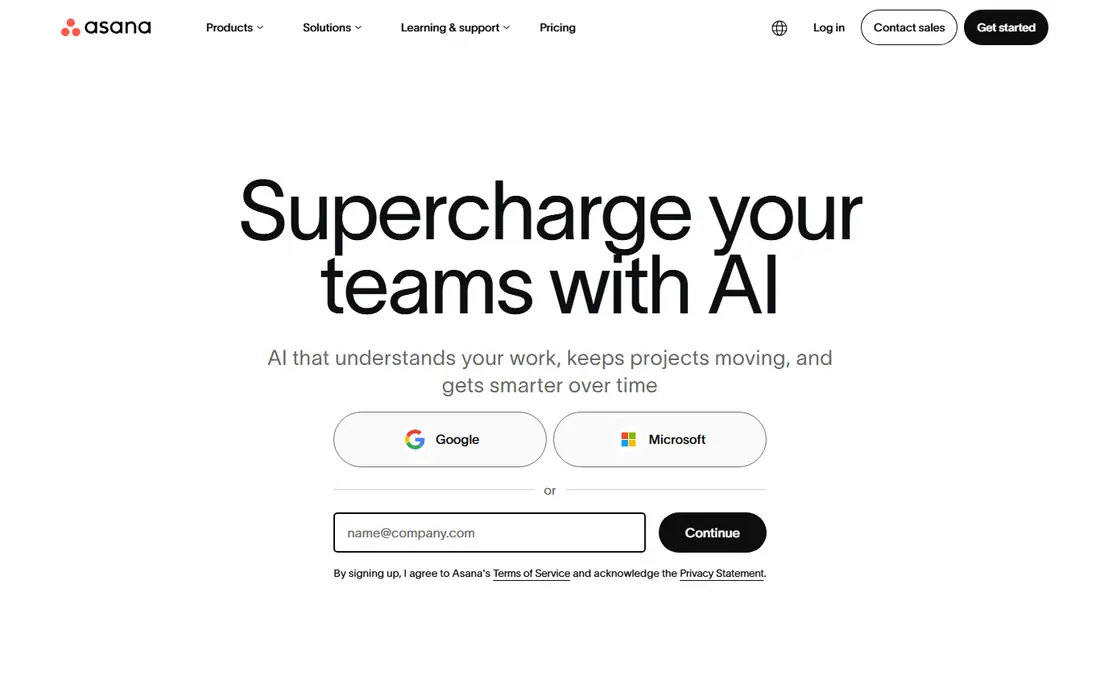
Asana pricing is easy to model, which is a strength in itself. Personal is free for up to two users with unlimited tasks and projects, Starter costs $10.99 per user per month on annual billing or $13.49 on monthly billing, and Advanced costs $24.99 per user per month on annual billing or $30.49 monthly. Enterprise tiers are quoted by sales. That clarity helps a manager budget by seat count without guessing.
The catch is the free plan limit. A team of three or more will need Starter, even for basic work, because Personal is now a solo or pair plan. Advanced is the tier for portfolios, goals, workload and approvals, so teams that manage many projects should budget for that jump, not just Starter.
- Clear Starter and Advanced tiers
- Timelines, dashboards and automation on Starter
- Unlimited guests on paid plans
- Free Personal plan is limited to two users
- Advanced reporting and portfolios need the higher tier

monday.com suits teams that want a visual overview of work, from marketing campaigns to operations. Boards, timelines, dashboards and automations help a manager see status without chasing updates, and templates speed up setup for common workflows. The pricing page should be checked for current per-user rates, seat minimums and the features on each tier.
The pricing risk is seat minimums and tier jumps. A small team may pay for more seats than it uses on some tiers, and automation limits can push a growing team to a higher plan sooner than expected. Trial it with your real board structure and count the seats you will actually need, not just the people who might view a board.
- Visual boards, dashboards and automations
- Wide template range
- Work management beyond simple tasks
- Pricing depends on seats, with minimum seat counts on some tiers
- Higher tiers needed for advanced automation
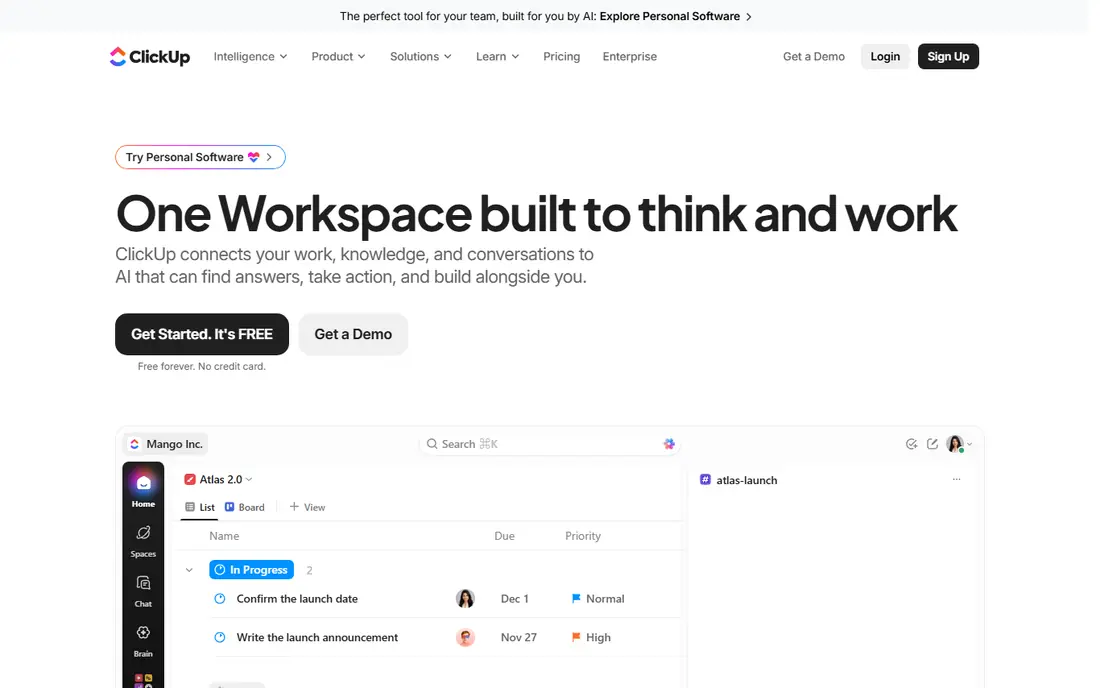
ClickUp appeals to teams that want to replace several tools with one account. Tasks, docs, whiteboards, goals and dashboards sit together, which can reduce switching between apps. The free plan is useful for solo users and for testing views and workflows before a team commits.
The trade-off is complexity. New users may need time to set up spaces, views and permissions well, and the pricing page should be checked for current per-user rates and storage or automation limits. ClickUp is best for teams that will use several of its modules, not for a team that only needs a simple board.
- Tasks, docs, goals and dashboards in one account
- Generous free plan for solo use
- Many views for different teams
- Feature range can feel crowded for new users
- Paid tiers and add-ons need careful comparison
Trello is the simplest pricing story in this list for a small team. Boards, lists and cards are easy to learn, and the free plan covers basic project tracking for individuals and small groups. For a team that manages a handful of projects with clear stages, Trello keeps cost and setup low.
For larger programmes, Trello needs paid tiers and Power-Ups for timelines, dashboards and advanced automation, and it still lacks the portfolio depth of Asana, Wrike or Smartsheet. Check the current pricing page for per-user rates and limits, and choose Trello when simplicity is the priority, not when you need deep reporting.
- Simple board, list and card workflow
- Fast setup for small teams
- Butler automation on paid tiers
- Less suited to complex portfolios and reporting
- Advanced features need higher tiers
Notion suits teams that live in documents and want projects alongside notes, wikis and databases. A project page can hold the brief, tasks, decisions and reference material in one place, which reduces lost context. The free plan works for personal use and small tests, while paid plans add collaboration, permissions and version history.
The pricing caution is that Notion is priced per user, and AI features may be an add-on depending on the plan. Teams that need strict project controls, such as workload, portfolios and advanced reporting, may still need a dedicated PM tool. Check the pricing page for current rates and AI terms before you move a whole team.
- Docs, wikis, databases and project tracking in one workspace
- Flexible templates
- Good for knowledge-led teams
- Project features are less structured than dedicated PM tools
- Pricing depends on seats and AI add-ons
Jira is the standard choice for software teams that plan in sprints. Backlogs, boards, sprints and release tracking fit development work, and reporting helps a team see velocity and bottlenecks. The free plan covers small teams, while paid plans add automation, roadmaps and advanced permissions.
For non-software teams, Jira can feel heavy. Marketing or operations teams may prefer Asana, monday.com or Trello for simpler project views. Check the Atlassian pricing page for current per-user rates, because Jira pricing depends on user count and the plan tier, and cloud and data centre options differ.
- Sprint, backlog and release planning for software teams
- Strong issue tracking and reporting
- Atlassian integrations
- Setup and configuration take time for non-software teams
- Pricing varies by user count and plan
Wrike suits larger teams that manage many projects across departments. Portfolios, workload views and reporting help managers balance work and spot overload, while request forms and approvals keep intake organised. The free plan is useful for a small team test, but most cross-team use needs a paid tier.
Pricing needs a careful check, because Wrike tiers differ on automation, reporting and user types. A team should trial Wrike with a real portfolio, confirm how many full seats versus collaborator seats it needs, and compare the total with Asana Advanced or Smartsheet before committing to an annual plan.
- Project portfolios, workload and reporting for larger teams
- Request forms and approvals
- Enterprise controls on higher tiers
- Higher tiers needed for advanced reporting and automation
- Setup takes time for large teams
Smartsheet fits teams that think in rows, dates and formulas but need project controls on top. The grid view feels familiar to spreadsheet users, while Gantt, card and calendar views help different team members see the same plan in their preferred layout. Automation and reporting support larger programmes and operations work.
The pricing difference is that Smartsheet offers a free trial, not a permanent free plan, so a team should use the trial to test real sheets, automations and reports. Check the pricing page for current per-user rates and the tier that holds the reporting and portfolio features you need, because the entry tier may not cover them.
- Familiar spreadsheet grid with Gantt, card and calendar views
- Automation and reporting for project portfolios
- Strong for operations
- No permanent free plan
- Pricing is per user and higher tiers are needed for advanced features
How we picked these
We compared official feature pages, pricing pages and plan limits for tools that are live in October 2026 and widely used for project management. We favoured tools with a published free plan or trial, a clear per-user or per-seat model, and features that match a real project need, from simple boards to software sprints and portfolios. We left out tools that had closed, that only offered a one-off purchase with no live subscription plan, or that were built for a single niche with no general project use.
How to compare project management pricing fairly
Start by counting paid seats, not total viewers. Some tools charge for every member, while others offer free guests or viewers, and that difference can change the total by hundreds of dollars a year. List who needs to edit, who needs to approve, and who only needs to view, then price each tool on that seat mix.
Next, compare the same tier level, not the cheapest tier of one tool with the top tier of another. Check whether timelines, automation, dashboards, portfolios and reporting are included at the tier you priced, or whether they need an upgrade. A tool that looks cheap at entry level can cost more once you add the features your team actually uses.
Finally, test annual versus monthly billing with a real trial. Annual billing is often cheaper per month, but it locks in seat count and tier for a year. If your team is growing or changing tools, monthly billing for the first quarter may be worth the higher rate, because it lets you adjust seats before you commit.
Frequently asked questions
What is pricing for top project management software in 2026?
Pricing varies by tool, seats and tier, with Asana Starter at $10.99 per user per month on annual billing as a clear benchmark. Other tools in this list publish per-user rates on their pricing pages, and free plans or trials cover basic use. Always multiply the per-user rate by your paid seat count and check annual versus monthly billing.
What are the best pricing project management tools for a small team?
For a small team, Trello Free, ClickUp Free and Notion Free are useful starting points, while Asana Starter at $10.99 per user per month on annual billing gives a clear paid benchmark. Choose by the views and automation your team needs, not by the lowest headline price, and trial the tool with real projects first.
What is top project management software pricing for larger teams?
Larger teams usually need Advanced or Business tiers for portfolios, workload, reporting and permissions, which cost more per user than entry tiers. Asana Advanced is $24.99 per user per month on annual billing, while other tools price similar tiers on their plan pages. Budget for seats, add-ons and any onboarding or support costs.
Is a free project management tool enough?
A free plan is enough for solo use, a small team or a single project, but timelines, automation, portfolios and advanced reporting usually need a paid tier. If your team manages several projects, needs approvals or reports to stakeholders, a paid tier is usually worth it. Start free, then upgrade when limits block a decision.
Should I pay annually or monthly for project management software?
Annual billing is usually cheaper per month, as shown by Asana, where Starter drops from $13.49 monthly to $10.99 on annual billing. Choose annual only after a trial confirms the tool, tier and seat count, because annual plans lock in cost for a year. Monthly billing suits growing teams or teams still testing a tool.
How do I avoid paying for unused seats?
Review seats every quarter, remove former team members, and use free guests or viewers where the tool allows them. Assign paid seats only to people who edit, manage or approve work, and keep a list of who holds each seat. A quarterly seat review is the simplest way to keep project software costs in line.
Sources
See where you really rank - block by block
ProMapRanker scans Google Maps across a grid of your service area. Simple monthly plans from $19, white-label on every plan.
Start freeKeep reading
 wpforms alternatives
Best WPForms Alternatives in 2026
We compare 9 wpforms alternatives for WordPress forms, with free and paid options, current pricing notes, and honest limits for small business sites in 2026.
Read → windows task scheduler alternatives
Best Windows Task Scheduler Alternatives in 2026
Looking for Windows Task Scheduler alternatives? We compare 9 schedulers for Windows and cross-platform work, from free tools to enterprise automation.
Read → which ai video service is best
Which AI Video Service Is Best in 2026
which ai video service is best? We compare 10 legitimate AI video services on price, avatars, editing and output quality to help you pick the right tool.
Read →