 ProMapRanker
Best PowerPoint Alternatives in 2026


Free collaboration and simple decks · Pricing starts at: Free
Key takeaways
- Google Slides and LibreOffice Impress are the strongest free PowerPoint alternatives for most users.
- Canva suits visual decks, Prezi suits talks that need a zooming flow, and Gamma suits fast AI drafts.
- Free plans differ on exports, branding, and AI credits, so check those limits before building a large deck.
- The best free presentation software for you depends on whether you value collaboration, design, or speed most.
Quick comparison
| Pick | Great for | Pricing starts at | Free tier | |
|---|---|---|---|---|
| Google Slides | Free collaboration and simple decks | Free | Yes | Visit |
 Canva Canva | Templates and visual decks | Free | Yes | Visit |
 Prezi Prezi | Non-linear, zooming presentations | Free | Yes | Visit |
 Keynote Keynote | Apple users and polished decks | Free | Yes | Visit |
 Visme Visme | Data-heavy slides and visual reports | Free | Yes | Visit |
 LibreOffice Impress LibreOffice Impress | Free desktop presentations without a subscription | Free | Yes | Visit |
 Gamma Gamma | AI-generated decks from a prompt | Free | Yes | Visit |
 Pitch Pitch | Team pitch decks and sharing analytics | Free | Yes | Visit |
The best PowerPoint Alternatives
We compared official feature pages, pricing pages, app store listings, and public reviews to build this list. The eight options below cover different budgets and needs, so start with the best-for note and then read the details that match your situation.
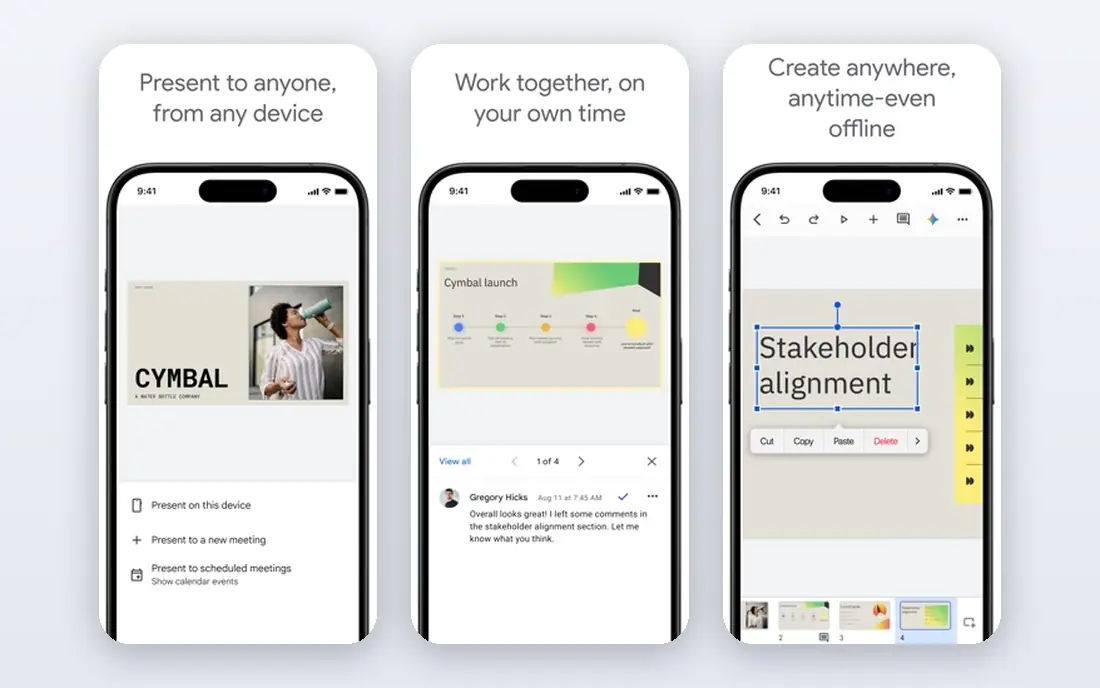
Google Slides suits free collaboration and simple decks. It lets teams edit the same deck at once, comment on slides, and share a link without licence costs. The product pages describe a focused set of tools rather than a long list of extras, and that focus helps a new user get started without a long setup period. Before you choose it, weigh this limit: Teams that need advanced design may pair it with another tool. We suggest you test it with a small real task, confirm that it fits your current workflow, and check what happens when you need to cancel or move your data elsewhere.
- Free with a Google account
- Live co-editing
- Easy sharing
- Design options are simpler than Canva
- Offline use is limited
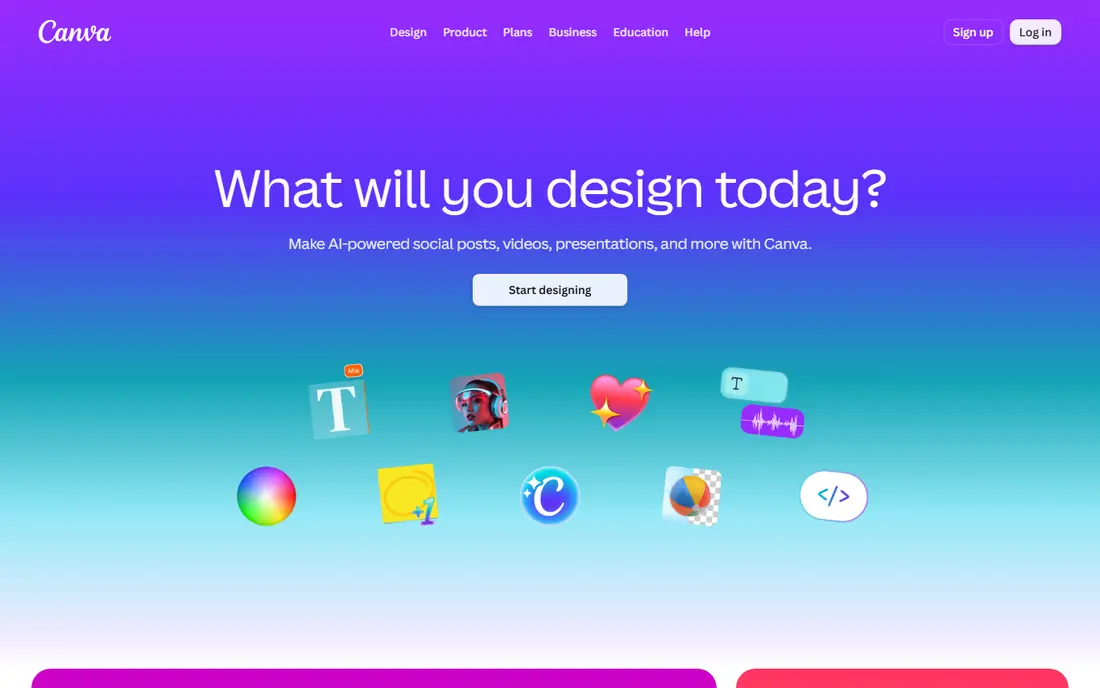
Canva works well for templates and visual decks. It gives non-designers a fast route to polished slides with templates, images, and charts. Its pricing and feature pages point to steady, everyday use, and the free or trial option gives you room to check the fit before you commit. A fair caution is this: Long decks with strict brand rules may need tighter template control. Shortlist it if that trade-off fits your budget and your team size, and keep a second option in mind if your needs grow quickly in the next year.
- Large template range
- Drag-and-drop editing
- Brand tools
- Free assets are limited
- Some exports need paid plans
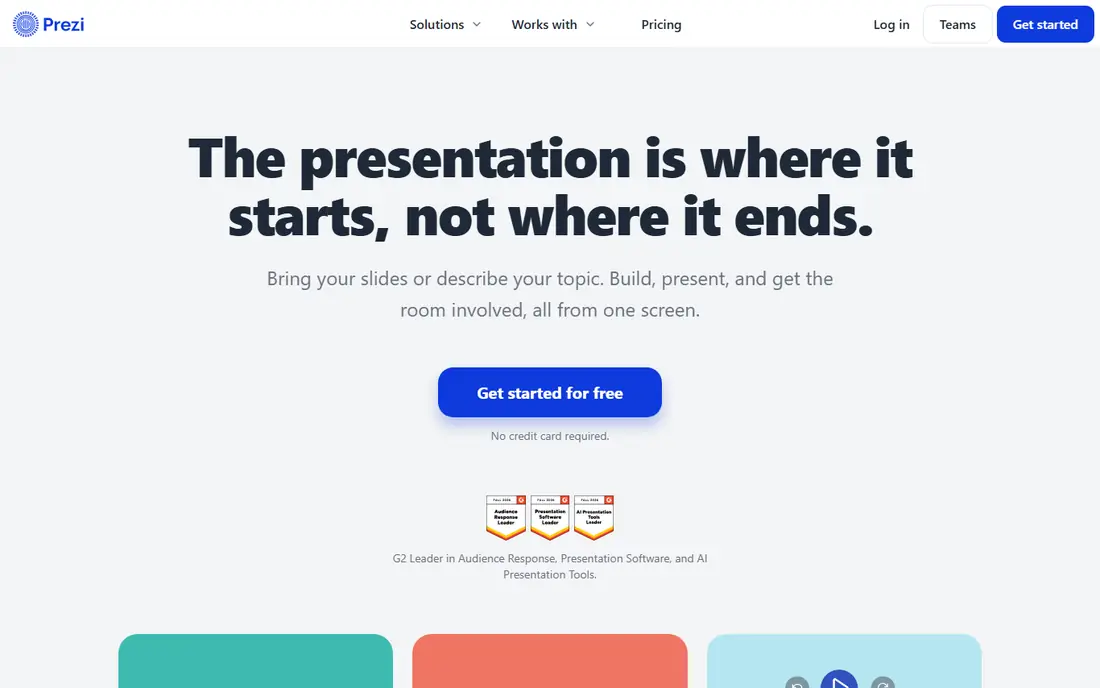
Prezi is a practical choice for non-linear, zooming presentations. It presents ideas on a zooming canvas, so a talk can move between overview and detail in one flow. We found its official pages clear about what is included at each tier, which makes it easier to compare the real monthly cost with the value you expect to get. The main limit to weigh is this: Audiences who expect standard slides may need time to adjust. Check the plan limits, the export options, and the support route before you move important work into the tool, since those details matter more over time than a first-week impression.
- Zooming canvas style
- Presentation templates
- Video options
- Linear slide export can feel awkward
- Some plans are limited
Keynote suits apple users and polished decks. It offers clean templates and smooth transitions for Mac, iPad, and iPhone users. The product pages describe a focused set of tools rather than a long list of extras, and that focus helps a new user get started without a long setup period. Before you choose it, weigh this limit: Mixed-device teams should check sharing and export before they commit. We suggest you test it with a small real task, confirm that it fits your current workflow, and check what happens when you need to cancel or move your data elsewhere.
- Free on Apple devices
- Polished templates
- Smooth animations
- Windows and Android support is limited
- Sharing needs care
Visme works well for data-heavy slides and visual reports. It suits reports and data slides, with charts, maps, and diagrams built into the editor. Its pricing and feature pages point to steady, everyday use, and the free or trial option gives you room to check the fit before you commit. A fair caution is this: Simple pitch decks may not need its data tools. Shortlist it if that trade-off fits your budget and your team size, and keep a second option in mind if your needs grow quickly in the next year.
- Charts and infographics
- Data widgets
- Templates
- Paid tiers rise with features
- Free plan has limits
LibreOffice Impress
Great for: Free desktop presentations without a subscription
LibreOffice Impress is a practical choice for free desktop presentations without a subscription. It opens and edits presentation files on desktop without a monthly fee. We found its official pages clear about what is included at each tier, which makes it easier to compare the real monthly cost with the value you expect to get. The main limit to weigh is this: Teams that co-edit online will need a cloud tool beside it. Check the plan limits, the export options, and the support route before you move important work into the tool, since those details matter more over time than a first-week impression.
- Free and open source
- Offline desktop use
- PowerPoint file support
- Design polish lags newer tools
- Collaboration is limited
Gamma suits aI-generated decks from a prompt. It turns a prompt or outline into a structured deck, which helps when a first draft is the hard part. The product pages describe a focused set of tools rather than a long list of extras, and that focus helps a new user get started without a long setup period. Before you choose it, weigh this limit: AI drafts still need fact checks and design edits before presenting. We suggest you test it with a small real task, confirm that it fits your current workflow, and check what happens when you need to cancel or move your data elsewhere.
- Prompt-to-deck drafts
- Web sharing
- Export options
- Free AI credits are limited
- Editing still takes time
Pitch works well for team pitch decks and sharing analytics. It helps teams build pitch decks together, share them, and see which slides viewers open. Its pricing and feature pages point to steady, everyday use, and the free or trial option gives you room to check the fit before you commit. A fair caution is this: Solo users may not need its team and analytics features. Shortlist it if that trade-off fits your budget and your team size, and keep a second option in mind if your needs grow quickly in the next year.
- Team decks
- Slide analytics
- Brand libraries
- Free team size is limited
- Advanced plans cost more
How we picked these
We started with the main keyword and the related terms readers use for this topic, then we checked vendor feature pages, pricing pages, app store listings, privacy pages, and public reviews for each candidate. We kept only products that exist and work today, that fit the topic directly, and that publish enough detail for a reader to judge cost and limits. We removed products with unclear pricing, a discontinued product, or a fit that was too narrow for most readers. We did not claim hands-on testing, lab testing, or daily use. Our findings come from published vendor material and public review sources, and prices can change, so we point you to the vendor page for the final figure. Where a price was not clear on the vendor page at the time of research, we wrote See website rather than guessing a number.
How to choose a PowerPoint alternative
Start with how you present. Live team editing points to Google Slides or Pitch. Visual polish points to Canva or Keynote. A talk that needs movement points to Prezi. A fast first draft points to Gamma. Data reports point to Visme.
Check sharing and export before you build
Confirm how you will present and share the final deck. Check PowerPoint export, PDF export, link sharing, and offline playback. A deck that looks good in one app can lose fonts or layout when exported.
Match the tool to your audience
A client deck needs clean exports and brand control. A classroom deck needs simple sharing. An investor deck needs analytics and tight storytelling. Pick the tool that fits the audience, not just the tool with the most templates.
Test AI drafts with real content
If you use an AI deck tool, feed it your real outline and check every fact, number, and claim. AI drafts save time on structure, but they do not remove the need for careful review before a live talk.
Frequently asked questions
What are the best alternatives to PowerPoint for free?
Google Slides and LibreOffice Impress are the best free PowerPoint alternatives, with Google Slides best for collaboration and Impress best for offline desktop work. Canva also offers a useful free plan for visual decks.
What are the best alternatives to Google Slides?
Canva suits richer design, Pitch suits team pitch decks, and Gamma suits AI drafts. If you leave Google Slides for design reasons, check sharing and export first so collaborators can still open your files.
What is the best free presentation software for students?
Google Slides is the best free choice for students because it is free, easy to share, and works in a browser. Canva is a good second choice when templates and visuals matter more than live co-editing.
Are there good Google Slides alternatives for business teams?
Pitch and Visme are strong business options, with Pitch for team decks and analytics and Visme for data-heavy reports. Canva also works well for marketing decks. Compare team size limits and brand controls before you pay.
Which PowerPoint alternative is best for AI decks?
Gamma is the strongest AI-first pick here, since it builds a deck from a prompt or outline. Treat its draft as a starting point, check all facts, and edit layout and wording before you present.
Sources
See where you really rank - block by block
ProMapRanker scans Google Maps across a grid of your service area. Simple monthly plans from $19, white-label on every plan.
Start freeKeep reading
 zoom alternatives
Best Zoom Alternatives in 2026
Compare Zoom alternatives in 2026, with free meeting limits and prices, so you can pick the best alternative to Zoom for your team, class, or community.
Read → which software is best for remote work
Which Software Is Best for Remote Work in 2026
Answering which software is best for remote work, we compare Slack, Zoom, Asana, Notion, Teams and more, with pricing and honest tradeoffs in 2026 now.
Read → which ai tool is best for content writing
Which AI Tool Is Best for Content Writing in 2026
Wondering which ai tool is best for content writing? We compare ChatGPT, Claude, Jasper, Grammarly, and more on price, quality, and best use in 2026 now.
Read →