 ProMapRanker
Best PowerApps Alternatives in 2026


Apps built on Google Sheets and data · Pricing starts at: $5 per user per month
Key takeaways
- AppSheet and Glide are the closest replacements for spreadsheet driven internal apps, with AppSheet tied to Google and Glide built for polished mobile apps.
- Bubble suits customer facing web apps that need accounts, payments, and custom workflows, while Retool suits internal tools for developers.
- OutSystems and Mendix suit large organizations that need governance, scale, and enterprise integrations.
- Zoho Creator suits teams already on Zoho, and Budibase suits teams that want open source self hosting.
- Price by total users, not just builders, since per user and per app user models change the monthly bill fast.
Quick comparison
| Pick | Great for | Pricing starts at | Free tier | |
|---|---|---|---|---|
| AppSheet | Apps built on Google Sheets and data | $5 per user per month | Free trial | Visit |
 Bubble | Custom customer facing web apps | $32 per month | Yes | Visit |
 OutSystems | Large scale enterprise apps | See website | Yes | Visit |
 Mendix | Enterprise apps with team governance | See website | Yes | Visit |
 Retool | Internal tools built by developers | Free | Yes | Visit |
 Glide | Polished apps from spreadsheets | Free | Yes | Visit |
 Zoho Creator | Low code apps for Zoho users | $12 per user per month | Yes | Visit |
 Budibase | Open source internal apps you can host | Free | Yes | Visit |
The best PowerApps alternatives
We compared low code and no code app builders that let teams create business apps without writing full code, and that are live in October 2026. PowerApps itself is not listed, since this guide covers alternatives to it.
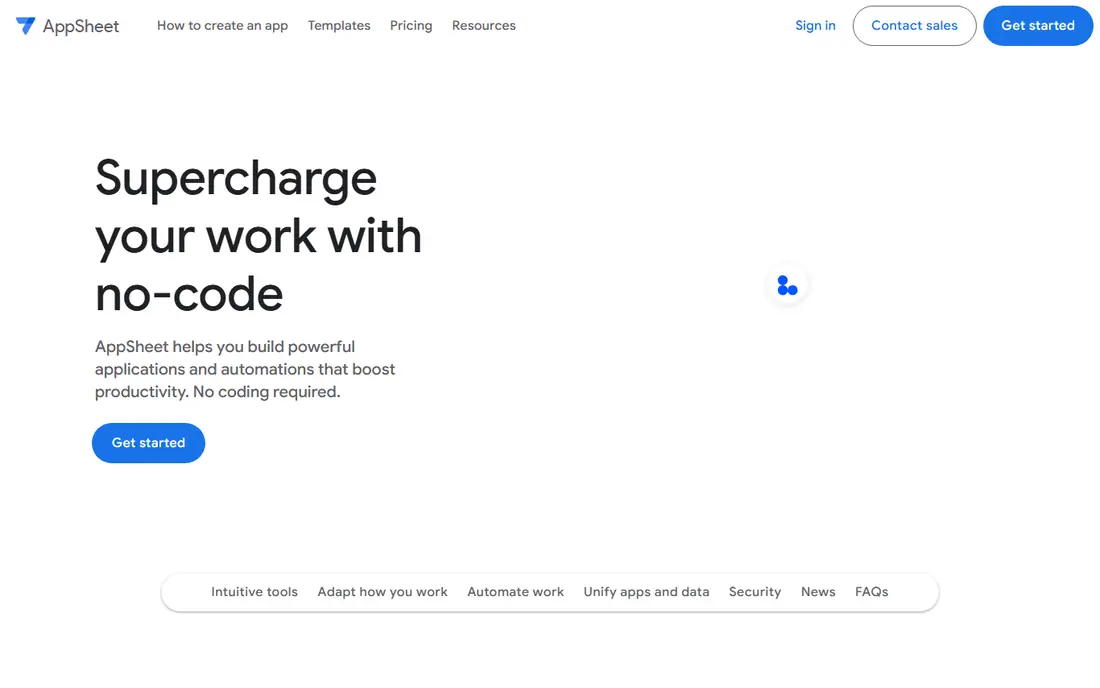
AppSheet is the natural first test for teams moving from a spreadsheet to an app. You point it at a sheet or database, and it generates forms, lists, and views that staff can use on a phone, with workflows for approvals and notifications. For field teams, inventory checks, and inspections, that speed matters more than a custom design.
The pricing model is per user, so a small team stays cheap while a large field team needs a careful count. Prototype apps are for testing with a limited number of users, and full deployment needs a paid plan. If your data already lives in Google Sheets, AppSheet keeps that workflow intact with the least rebuild.
- Fast spreadsheet to app flow
- Works with Google Sheets and databases
- Offline mobile support in many cases
- Prototype use is limited to test users
- Per user pricing grows with team size
- Design polish is functional rather than premium
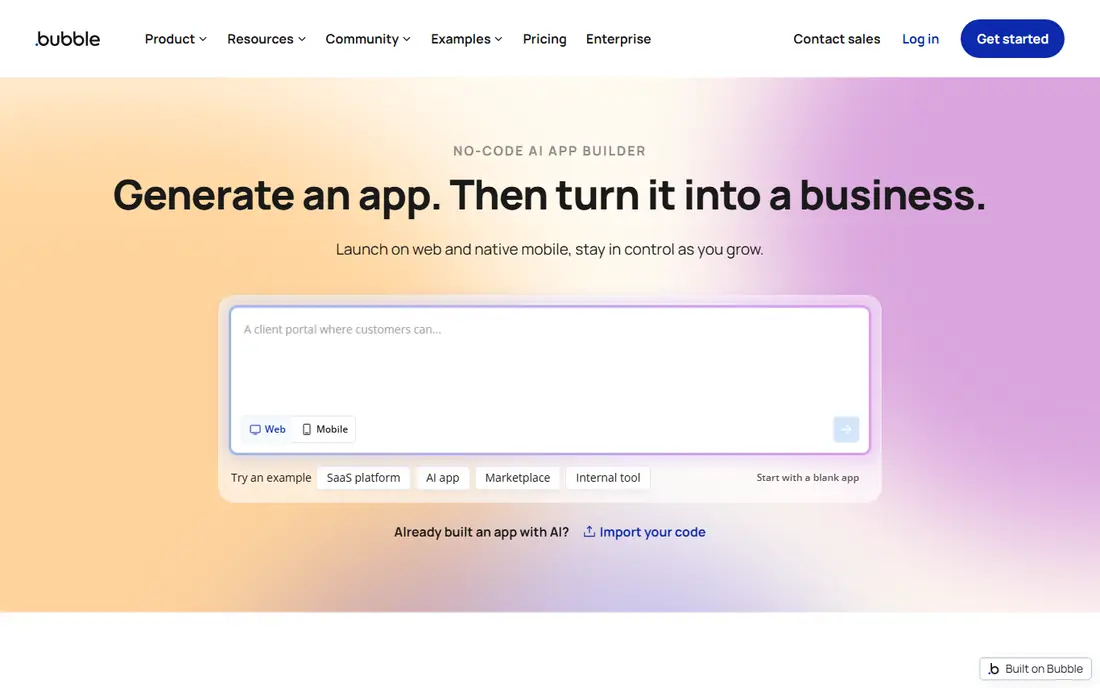
Bubble suits teams that need a real product, not just an internal form. You can design pages, build a database, add user accounts and payments, and connect plugins, all in a visual editor. Startups use it for marketplaces, booking tools, dashboards, and customer portals that PowerApps was never designed to serve.
The learning curve is steeper than a spreadsheet app builder, and workload pricing means a busy app can cost more than the entry plan suggests. Test performance and workload use with a realistic user flow before launch, and keep an eye on plugin quality, since plugins vary in support. For a customer facing web app, Bubble offers the most freedom in this list.
- Full visual web app builder
- User accounts and payments
- Large plugin library
- Steeper learning curve
- Workload based pricing can rise with usage
- No code export
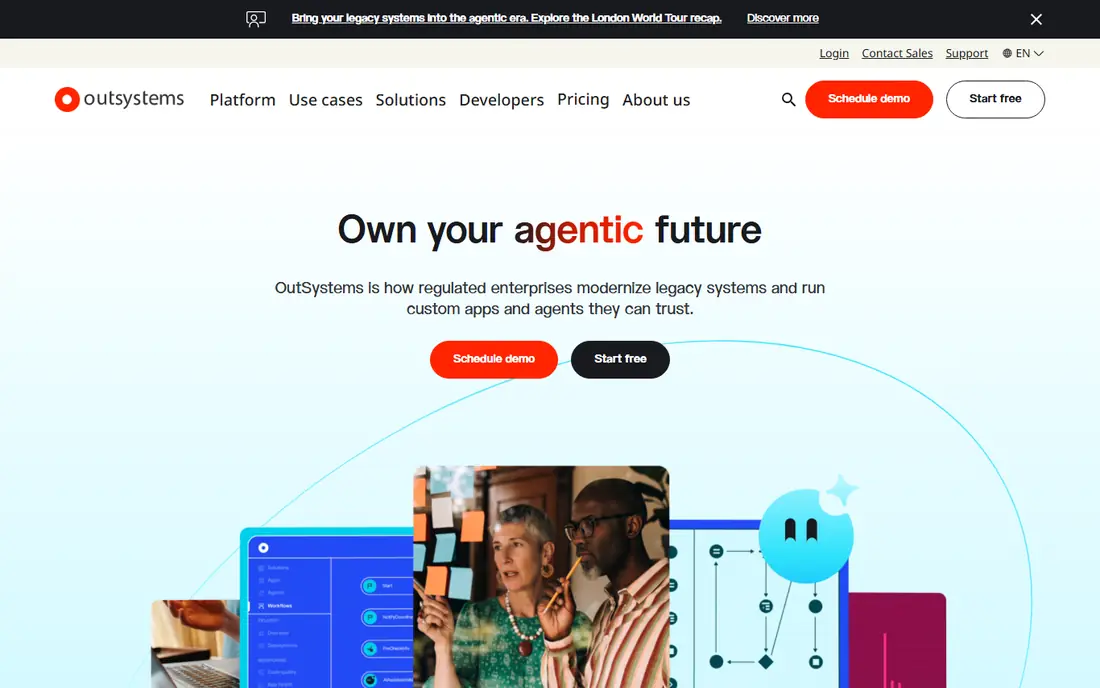
OutSystems is built for organizations that need many apps, strict controls, and complex integrations with existing systems. Visual development speeds up building, while developers can extend apps with code when needed. Governance, lifecycle management, and security controls suit regulated industries and large IT teams.
That power comes with cost and complexity. Production pricing is quoted, not listed as a simple monthly figure, and a small team with one simple app will find OutSystems heavy. Choose it when you have a portfolio of apps, a need for enterprise controls, and an IT team to run the platform, not for a single spreadsheet replacement.
- Strong enterprise governance
- Visual development with code extension
- Good for complex integrations
- Pricing is quote based for production
- Learning curve for enterprise features
- Overkill for a simple form app
Mendix, part of Siemens, targets a similar enterprise audience, with a focus on collaboration between business users and developers. Teams can model data, workflows, and interfaces visually, then govern changes across environments. That structure helps large firms that need audit trails, staged releases, and integration with industrial or enterprise systems.
As with OutSystems, production pricing is not a simple self serve figure, and setup time is longer than a spreadsheet app builder. Small teams should test the free tier to learn the model, but they should not expect a quick one day replacement for a simple internal form. Mendix earns its place for complex, governed app portfolios.
- Strong collaboration for business and IT teams
- Governance and lifecycle tools
- Good for complex workflows
- Pricing is quote based for production
- Enterprise setup takes time
- Overkill for small apps
Retool is the developer friendly internal tool builder. You drag components onto a canvas, connect them to a database or API with queries, and build admin panels, dashboards, and support tools in days rather than weeks. Teams that already use SQL or APIs will feel at home, and the component library covers tables, forms, charts, and workflows.
Pricing needs a close read, since builders and internal users are billed differently, and higher tiers add controls and support. Retool is less suited to polished customer facing apps, where Bubble or Glide will look better. For internal operations, support, and data tools, Retool is often the fastest path from a messy spreadsheet to a usable app.
- Fast internal dashboards and admin panels
- Connects to databases and APIs
- Good component library
- Pricing splits builders and internal users
- Less suited to customer facing design
- Needs some technical skill
Glide turns a spreadsheet into an app that looks good on a phone, which is why many teams pick it over a plainer spreadsheet builder. You can build field apps, dashboards, and customer portals on shared data from Google Sheets, Excel, or PostgreSQL, and the design defaults are cleaner than most internal tools.
The free plan is for building, not publishing, since published apps need a paid plan. Plans also run on credits, so check workflow and usage limits for your actual app, not just the member count. If polished mobile design matters and your data starts in a sheet, Glide is a strong PowerApps alternative, provided you budget for a paid plan to go live.
- Clean mobile design
- Builds from sheets, prompts, or files
- Portals and dashboards on shared data
- Free plan cannot publish apps
- Plans run on credits
- Classic apps cannot move to the newer platform automatically
Zoho Creator suits teams already using Zoho CRM, Books, or other Zoho apps, since data and logins flow between them. You can build forms, reports, and workflows with a low code builder, and publish apps for staff or customers. For a Zoho based business, that integration removes a layer of syncing and duplicate data entry.
Outside Zoho, the value is thinner, since you pay for an ecosystem you may not use. Per user pricing also adds up for larger teams, so count all app users, not just builders. If your business already runs on Zoho, Creator is a natural PowerApps alternative. If not, AppSheet, Glide, or Bubble may fit better.
- Good low code builder with workflows
- Integrates with Zoho apps
- Free plan for a single app
- Best value inside Zoho
- Per user pricing grows with larger teams
- Design polish varies by template
Budibase is the open source option for teams that want control over hosting and data. You can self host it free, build internal apps from databases, sheets, or APIs, and keep data inside your own infrastructure. That control appeals to teams with privacy needs, or to developers who want to avoid vendor lock in.
Self hosting is not free in effort. You need to update, back up, and secure the server yourself, and cloud plans add per user and creator costs. For a team with server skills, Budibase gives a capable internal app platform without a large license bill. For a non technical team, a hosted builder such as Glide or AppSheet will be simpler.
- Free self hosting
- Good internal app builder
- Data sources include sheets and databases
- Cloud pricing adds per user costs
- Smaller plugin ecosystem than Bubble
- Self hosting needs maintenance
How we picked these
We compared official pricing pages, product documentation, and recent low code comparisons, and we kept builders that are live in October 2026 and that cover spreadsheet apps, customer web apps, internal tools, and enterprise platforms. We did not list tools that only build websites or only automate workflows, since PowerApps users need full apps with data, forms, and users. We did not invent user limits or prices, and where pricing is quoted or varies by user type, we wrote See website.
What to check before you switch
Start with who uses the app. An internal field app, a customer portal, and an enterprise system are different products, even when they share a low code label. A spreadsheet builder wins for internal data entry, Bubble wins for customer products, Retool wins for developer built internal tools, and OutSystems or Mendix win for governed enterprise portfolios.
Count every user, not just builders
Low code pricing splits in several ways: per user, per builder plus per viewer, per app user, and by credits. List builders, staff users, and customer users separately, then price each builder with that full list. A tool that looks cheap for two builders can become expensive for fifty field staff, and a tool with a higher base price can be cheaper when it includes many viewers.
Test data, offline use, and permissions
Build one real workflow end to end, including the messiest data you actually use, and test it on a phone in the field, not just on a desktop. Check offline behavior, since field apps often lose signal, and check permissions, so a staff member sees only the records they should see. Those tests reveal limits that a demo with clean sample data hides.
Plan for export and growth
Check how you export data, whether you can move the app to another tool, and what happens to pricing as users and usage grow. A builder that locks data or charges sharply for growth can become a problem in year two. Keep a data export test in your evaluation, and document the pricing step where your user count would force a tier change.
Frequently asked questions
What is the best PowerApps alternative for spreadsheet apps?
AppSheet is the closest for Google Sheets data, while Glide offers a more polished mobile design for spreadsheet apps. Choose AppSheet if your data and team already live in Google, and Glide if design and mobile polish matter most. Both need a paid plan to publish to a full team.
Is there a free alternative to PowerApps?
Yes, Retool, Glide, Zoho Creator, Budibase, Bubble, OutSystems, and Mendix all offer a free plan or free tier, with limits. Free plans usually cap published apps, users, or features, so they suit learning and prototypes. Budget for a paid plan for production use with a full team.
Which alternative is best for customer facing apps?
Bubble is the best customer facing choice here, with accounts, payments, and custom web design in one builder. Glide also suits customer portals built on shared data, while Retool and AppSheet are better for internal use. Choose Bubble when the app is a product, not just a staff tool.
Can I move a PowerApps app to another builder?
There is no direct one click migration in most cases, so expect to rebuild forms, workflows, and data connections in the new tool. Export your data first, document your workflows, and rebuild one app at a time, testing each workflow before you retire the PowerApps version. A staged rebuild avoids a gap in daily operations.
Should I choose low code or no code?
Choose no code when the app is straightforward and business users will maintain it, such as a form or tracker built from a sheet. Choose low code when the app needs custom logic, complex integrations, or developer extension, such as an enterprise workflow or a data heavy internal tool. Many teams use both: no code for simple apps, low code for complex ones.
Sources
See where you really rank - block by block
ProMapRanker scans Google Maps across a grid of your service area. Simple monthly plans from $19, white-label on every plan.
Start freeKeep reading
 wpforms alternatives
Best WPForms Alternatives in 2026
We compare 9 wpforms alternatives for WordPress forms, with free and paid options, current pricing notes, and honest limits for small business sites in 2026.
Read → windows task scheduler alternatives
Best Windows Task Scheduler Alternatives in 2026
Looking for Windows Task Scheduler alternatives? We compare 9 schedulers for Windows and cross-platform work, from free tools to enterprise automation.
Read → which ai video service is best
Which AI Video Service Is Best in 2026
which ai video service is best? We compare 10 legitimate AI video services on price, avatars, editing and output quality to help you pick the right tool.
Read →