 ProMapRanker
Pocket Alternatives in 2026: 9 Apps Compared

Key takeaways
- Pocket shut down in 2025, so former users need a new home for saved articles and links.
- Instapaper is the closest simple reading replacement, while Raindrop.io is the strongest choice for organizing a large bookmark collection.
- Readwise Reader suits heavy readers who highlight, save PDFs and feeds, and send notes to other apps.
- Self hosted Wallabag and one time purchase GoodLinks appeal to readers who want control and no ongoing subscription.
- Start with a free plan, move only a small set of saves first, and check offline reading and export before you commit.
Quick comparison
| Pick | Great for | Pricing starts at | Free tier | |
|---|---|---|---|---|
 Raindrop.io | Organizing bookmarks into collections | Free | Yes | Visit |
 Instapaper | Simple, distraction free reading | Free | Yes | Visit |
 Readwise Reader | Power readers and highlighters | $9.99 per month | Free trial | Visit |
 Matter | Listening and reading on Apple devices | See website | Yes | Visit |
 Wallabag | Self hosting and privacy control | Free | Yes | Visit |
 GoodLinks | One time purchase on Apple devices | $9.99 one time | No | Visit |
 Refind | Daily reading digests | Free | Yes | Visit |
 mymind | Visual saving with automatic filing | See website | Yes | Visit |
 Pinboard | Fast, plain bookmarking | $22 per year | No | Visit |
The best pocket alternatives
We compared read later apps and bookmark managers that can take over from Pocket, with a focus on saving, reading, searching, and keeping your library portable.
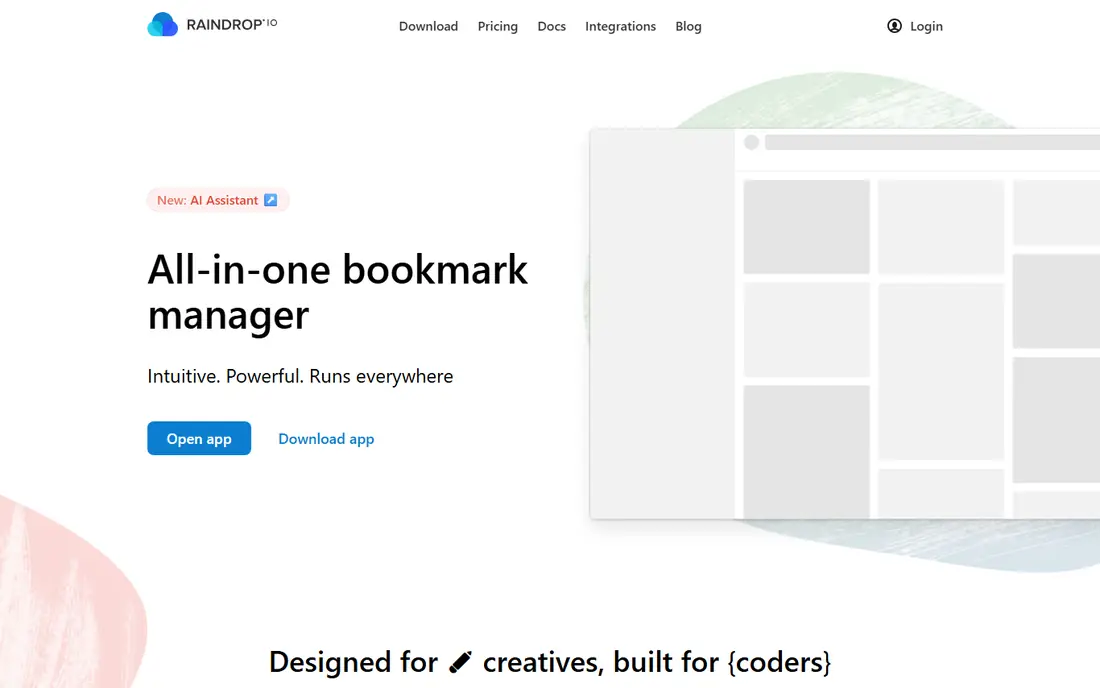
Raindrop.io is our pick for most former Pocket users who saved a mix of articles, videos, pages, and reference links rather than only long reads. Collections and tags make a large library easy to browse again, and the browser extension lets you file a link in the right place at the moment you save it. It also handles images and documents alongside web pages, which suits research, recipes, gift ideas, and work resources in one place.
The trade off is that Raindrop.io starts as a bookmark manager, not a quiet reading room. You can read saved pages, but the experience does not feel as stripped back as Instapaper or Matter. If you mainly want to sit down with one article at a time, pair Raindrop.io with a dedicated reader, or test its reading features before moving your whole library. For organization first, it is hard to beat on the free plan.
- Unlimited bookmarks on the free plan
- Collections, tags, and full text search
- Apps for web, iOS, and Android
- Reading view is less focused than a dedicated reader
- Permanent page copies need the paid plan
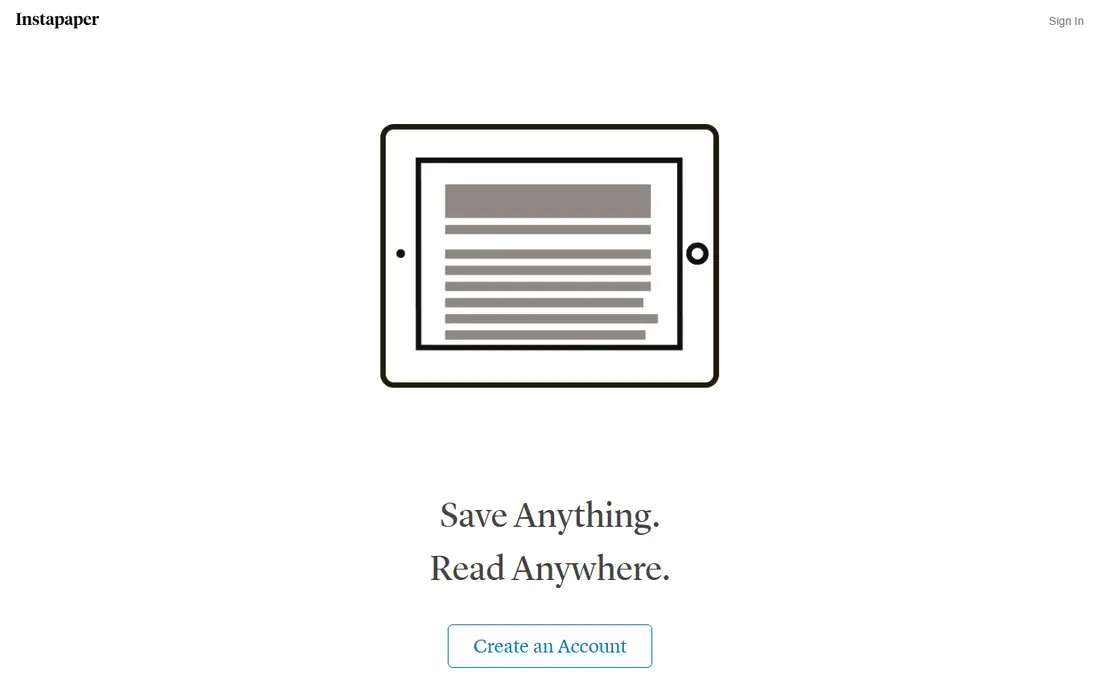
Instapaper feels closest to what many people liked about Pocket: save an article, open it later, and read without ads, popups, and sidebars. The reading view is calm and adjustable, and mobile apps let you download articles for planes, commutes, and places with weak signal. That simplicity is a strength when your goal is finishing articles, not managing a database of links.
Where Instapaper falls short is heavy organization and research. Tags and folders exist, but they do not match the collection system in Raindrop.io, and the free plan limits notes and summaries. Premium, at $5.99 per month, adds more of those features plus e-reader sending. If your saved list is mostly articles you intend to read, Instapaper is the easiest place to start.
- Clean reading view
- Offline reading on mobile
- Kindle and Kobo support on paid plans
- Notes and summaries are limited on the free plan
- Organization tools are simpler than Raindrop.io
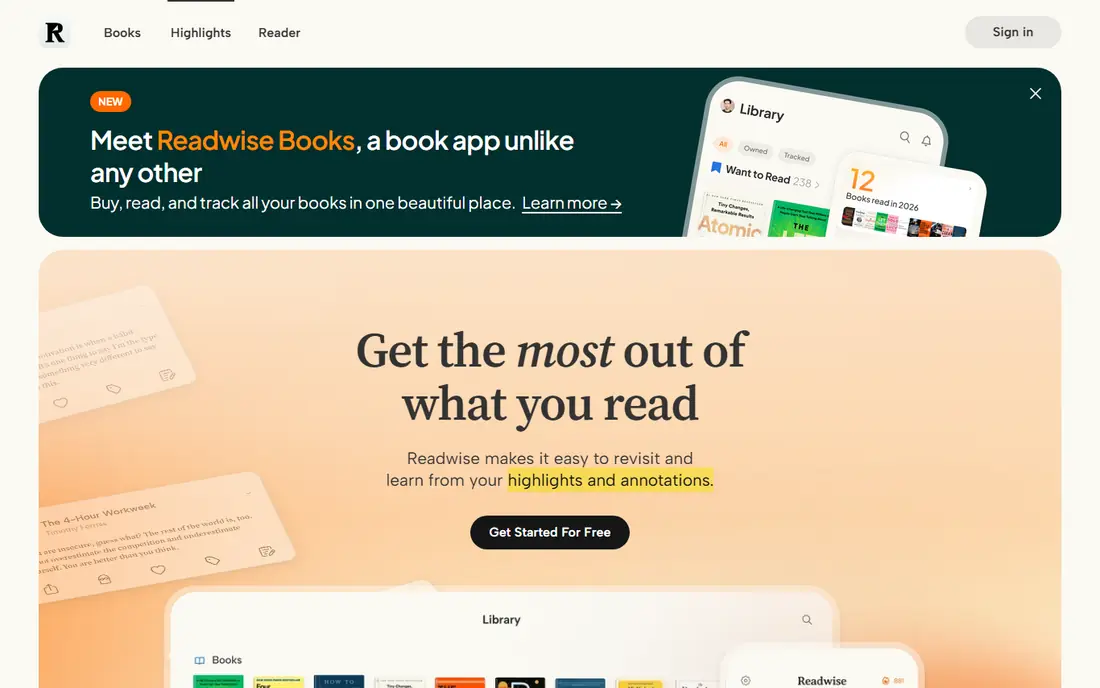
Readwise Reader is built for people who read a lot and want something to show for it. Articles, newsletters, feeds, and PDFs land in one inbox, and highlights can flow into Notion, Obsidian, and other note tools. That makes it a good fit for students, researchers, writers, and professionals who return to passages later. Text to speech also helps when you want to listen while walking or doing chores.
The catch is cost and complexity. A monthly subscription only makes sense if you read daily and actually use highlights and feeds. Casual readers who save a few articles a week will get similar reading results from Instapaper for free. Try the trial with your real reading mix, and check whether highlights reach your note app in a form you will reuse.
- Articles, newsletters, RSS feeds, PDFs, and video transcripts in one inbox
- Highlights sync to note apps
- Strong text to speech
- No permanent free plan
- Price is high for casual readers
- Setup takes time to get right
Matter stands out for readers who switch between reading and listening. Articles are presented cleanly, and the audio version is pleasant enough for long walks and commutes. It also pulls in newsletters and feeds, so it can replace several inboxes with one reading queue. For Apple users, the design and polish are a clear draw.
Android users should check the current app situation before committing, since Matter has been strongest on Apple platforms and web. Paid features also matter if you want the full listening and organization set. If you live on an iPhone and often listen to articles, Matter deserves a place near the top of your shortlist. If you need the same experience on every platform, test it beside Instapaper first.
- Polished reading view
- High quality listening
- Newsletter and RSS support
- Best experience is on iPhone, iPad, and web
- Some features need a paid plan
Wallabag is the choice for readers who do not want another shutdown to strand their library. Because it is open source, you can run it on your own server and keep full control of your data and exports. That independence matters after Pocket closed, and it appeals to privacy minded readers who prefer to avoid large cloud services. Mobile apps support offline reading once articles are saved.
The honest downside is effort. Self hosting means updates, backups, and troubleshooting fall to you, unless you pay for managed hosting. Wallabag also looks plainer than commercial rivals, and setup is not a one tap job for beginners. If you enjoy running your own tools, it is a strong long term home. If you want the simplest setup, a hosted app will suit you better.
- Open source and self hostable
- No vendor lock in for your library
- Offline reading apps available
- Self hosting needs setup and maintenance
- Managed hosting adds a separate cost
GoodLinks is a tidy answer for Apple users who dislike subscriptions. You pay once, save articles from Safari and other apps, and read them offline with tags, highlights, and notes. There is no account to create, which keeps setup simple and keeps your library tied to your own devices and iCloud rather than a vendor account. For iPhone, iPad, and Mac owners, that combination is rare in 2026.
The limit is obvious: there is no Android, Windows, or web version to match it. If you read on a mix of Apple and non Apple devices, GoodLinks will feel incomplete. It also lacks the feed and newsletter breadth of Readwise Reader. Buy it when your reading life already sits inside the Apple world and you want a quiet, paid once reader.
- One time purchase with no subscription
- Offline reading
- No account required
- Apple devices only
- No Android or Windows app
- Sync relies on iCloud
Refind takes a different approach: instead of asking you to open a long queue, it sends a daily selection of articles worth your time. It learns from links you save and read, and it surfaces pieces from people and topics you follow. That helps readers who save far more than they finish, since the digest brings the best items back to attention instead of letting them sink.
If you want a precise archive with folders, full text search, and highlights, Refind alone may feel thin. Think of it as a discovery and reminder layer rather than a full library. It pairs well with a bookmark manager for storage, while Refind handles the daily habit of actually opening something. Try the free digest for two weeks before judging it, since its value grows as it learns your taste.
- Turns saved links into a daily digest
- Learns from what you read
- Works across devices on the web
- Less control over a large archive
- Reading experience is lighter than dedicated readers
mymind suits visual thinkers who hate filing. Save an article, image, quote, or note, and mymind files it with automatic tags and a visual layout that is easy to scan. Smart search lets you find items by meaning and content, not only by exact titles, which helps when you remember an idea but not where you saw it. The result feels more like a personal inspiration board than a plain list.
The catch is price and privacy of the model: mymind is private by design, so it is not the tool for public collections or team boards. Heavy savers will also hit paid limits sooner than Raindrop.io free users. Check the current plan limits on the vendor site before importing a large library. For a personal, visual second brain, mymind is a pleasure to use.
- Beautiful visual boards
- Automatic tagging and smart search
- Saves articles, images, quotes, and notes
- Paid plans are needed for larger use
- No public sharing or team features in the same way as Raindrop.io
Pinboard has survived for years by doing one job well: saving links fast and finding them again by tag. There is no feed, no social layer, and little visual polish, and that is the point for many long term users. If your main need is a dependable bookmark store that you can search years later, Pinboard is a steady choice. An archival plan, at $39 per year, saves copies of pages for extra security.
Readers who want a polished article view will need another app for reading, since Pinboard is a bookmark tool first. There is also no free tier to test at length, though the yearly price is low. Choose Pinboard when speed, tags, and longevity matter more than design and audio features.
- Very fast tag based bookmarking
- Long running and stable
- Full text and archival options available
- Plain design
- No free plan
- Reading features are basic compared with Instapaper
How we picked these
We compared official feature pages, pricing pages, and app store listings for read later and bookmark tools that are still available in October 2026. We left out apps that have shut down, including Pocket itself and Omnivore, and we favored tools with current apps, a working save flow, and a clear way to keep or export your library. Price notes reflect vendor pages and recent published pricing checks, and we marked prices as See website where plans had changed or differed by region.
What to check before you move your library
Start by sorting your old saves into three groups: articles to read soon, reference links to keep, and items you can delete. That split tells you whether you need a reader, a bookmark manager, or both. A reader first shortlist should include Instapaper and Matter, while a collection first shortlist should start with Raindrop.io and Pinboard. Do not import thousands of links on day one, since a huge queue can hide the articles you actually want.
Saving, reading, and finding items again
Check the browser extension and share sheet on the devices you use most, since a save flow with friction will go unused. Test offline reading on your phone, and try searching for an old article by a word inside it, not only by title. If highlights matter, save one test highlight and confirm it lands in your note app or export file in usable form.
Export and long term safety
Ask how you get your data out before you put more in. Look for export to HTML, CSV, or Markdown, and confirm whether saved page copies survive if you cancel a paid plan. Self hosted Wallabag and one time purchase GoodLinks reduce vendor risk, but they need your own backups and device care. For any cloud tool, keep a periodic export in a folder you control.
Frequently asked questions
What is the best alternative to Pocket?
It depends on how you used Pocket. Instapaper is the closest simple reader, Raindrop.io is best for organizing many kinds of links, and Readwise Reader is best for heavy readers who highlight and use feeds. Pick by your main job, then test the free plan with real saves.
Can I import my Pocket export into these apps?
Many of these tools offered Pocket import while exports were available, and some still accept a Pocket export file or a standard HTML bookmark file. Check the import page of your chosen app before you pay, since import support and field coverage differ by tool.
Is there a free Pocket alternative?
Yes. Raindrop.io and Instapaper both offer useful free plans, Wallabag is free if you self host it, and Matter and Refind offer free entry options. Free plans usually limit advanced search, page copies, notes, or highlights, so read the plan limits for the features you need.
Which Pocket alternative works offline?
Instapaper, GoodLinks, Matter, Readwise Reader, and Wallabag apps support offline reading once articles are downloaded. Raindrop.io is weaker for offline article reading, so test it on your phone if offline access is a must.
Which alternative is best for highlights?
Readwise Reader is the strongest choice for highlights, with sync to note apps and support for PDFs and feeds. Instapaper and GoodLinks also support highlights and notes, but with fewer export and research features.
Do I need a reader and a bookmark manager?
Not always. Many readers use one app for both jobs, but a split can work well: Raindrop.io or Pinboard for storage and search, plus Instapaper or Matter for daily reading. Try one app first, and add a second only if a clear gap remains.
Sources
See where you really rank - block by block
ProMapRanker scans Google Maps across a grid of your service area. Simple monthly plans from $19, white-label on every plan.
Start freeKeep reading
 free alternatives to grok imagine
Free Alternatives to Grok Imagine in 2026
We compared the best free alternatives to grok imagine for image generation, from fast daily credits to design tools, so you can create without paying.
Read → best tools for instagram content creation
Best Tools for Instagram Content Creation in 2026
Compare the best tools for Instagram content creation, from Canva and CapCut to Later and Buffer, on design, video, planning, scheduling, and price in 2026.
Read → best tool to split pdf files
Best Tool to Split PDF Files in 2026
We compared the best tool to split pdf files on split modes, file limits, privacy and price, so you can split a PDF cleanly and keep every page in one go.
Read →