 ProMapRanker
Pipedrive Alternatives in 2026

Key takeaways
- HubSpot CRM is the easiest free starting point for teams that also want marketing tools in the same system.
- Zoho CRM gives strong value for money, while Salesforce suits larger teams that need deep customization.
- Close is built for teams that live on the phone, and monday CRM suits teams that also manage projects.
- The best alternatives to Pipedrive depend on whether you need calling, marketing, low cost, or complex workflows.
- Always test the pipeline view with your real deals, because a CRM that looks good in a demo can feel slow in daily use.
Quick comparison
| Pick | Great for | Pricing starts at | Free tier | |
|---|---|---|---|---|
 HubSpot CRM | Free start with marketing tools | Free | Yes | Visit |
 Zoho CRM | Low-cost customization | Free | Yes | Visit |
 Salesforce Sales Cloud | Large and complex sales teams | $25 per user per month | Free trial | Visit |
 Close | Calling-heavy sales teams | See website | Free trial | Visit |
 monday CRM | Sales plus project work | $12 per seat per month | Free trial | Visit |
 Freshsales | Fast setup with built-in calling | Free | Yes | Visit |
 Copper | Google Workspace teams | See website | Free trial | Visit |
 Attio | Flexible relationship tracking | Free | Yes | Visit |
The best Pipedrive alternatives
Pipedrive is known for a clean visual pipeline, but teams move on when they need stronger marketing, calling, reporting, or customization. The options below are true alternatives, each with a different strength, so you can match the tool to the reason you are switching.
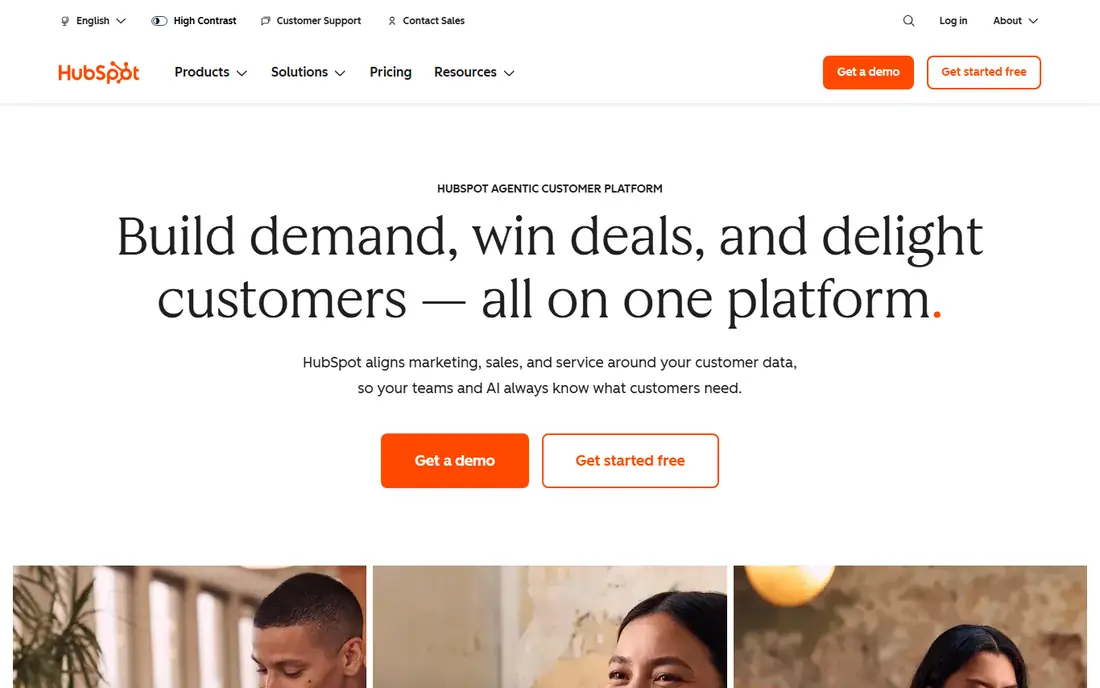
HubSpot CRM is the most natural first stop for teams that want more than a pipeline. The free tier covers contacts, deals, and basic tracking, and it connects to email marketing and service tools as your team grows. That shared system helps when marketing hands a lead to sales and sales needs the full history in one place.
The catch is price growth. Many useful features sit in paid Sales Hub tiers, and adding marketing or service hubs raises the bill further. Small teams should map the features they actually need before they commit, and use the free tier to test whether the interface fits daily work. If it does, HubSpot can grow with you for a long time.
- Free CRM for contacts and deals
- Marketing, sales, and service tools in one platform
- Large integration library
- Key features move to paid tiers quickly
- Costs rise as you add hubs
- Setup takes time for larger teams
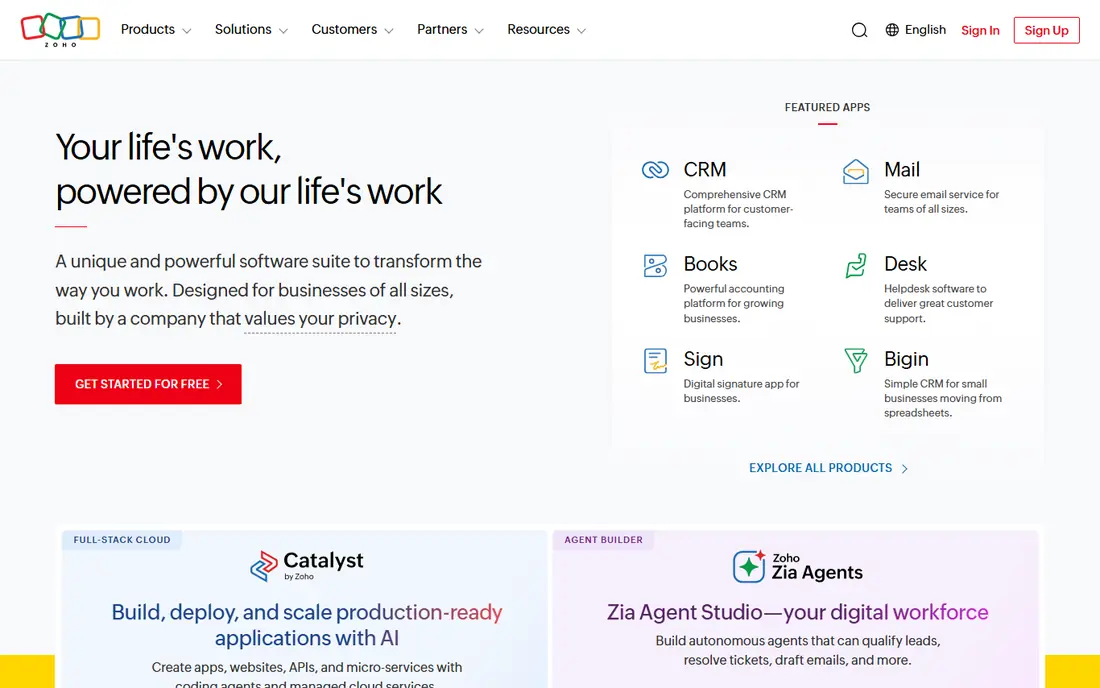
Zoho CRM wins on value. A free plan covers small teams, and paid plans start at a lower price than many rivals while still offering workflow automation, custom fields, and multichannel contact options. If your business already uses Zoho Books, Zoho Mail, or other Zoho apps, the shared data makes the case even stronger.
The trade-off is effort. Zoho can do a lot, but configuring it well takes time, and new users may need a few weeks to settle in. Teams that want a simple pipeline with no setup may prefer a lighter tool. Teams that want control without a high monthly bill will find Zoho hard to beat.
- Free plan for up to 3 users
- Strong automation and customization
- Wide Zoho app ecosystem
- Setup can feel complex
- Interface is less polished than some rivals
- Best value comes with other Zoho apps
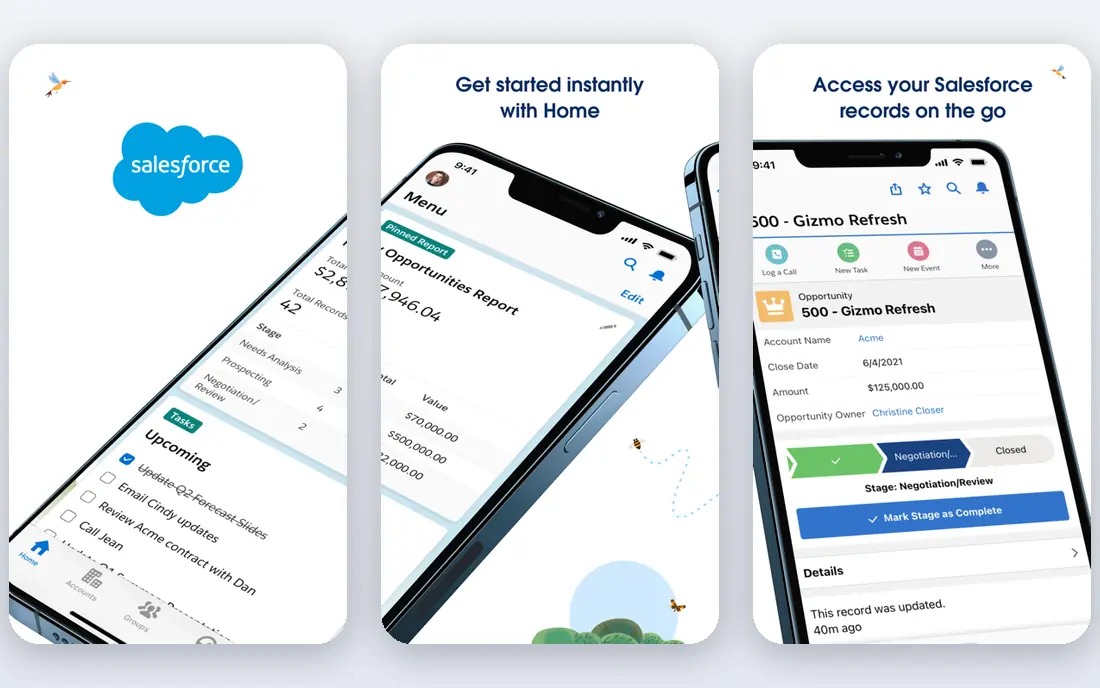
Salesforce Sales Cloud is the choice when a sales process is complex and needs to stay that way on purpose. It handles custom objects, approval flows, detailed forecasting, and permissions in ways that smaller CRMs cannot match. Large teams also benefit from the AppExchange marketplace, which adds tools for almost any sales workflow.
That power comes with weight. Small teams often find Salesforce heavy, and without an admin, it can become messy fast. The entry price looks modest, but higher tiers and add-ons raise costs quickly. Choose Salesforce when your team is growing into complexity, not when you simply want a cleaner pipeline.
- Deep customization and reporting
- Huge app marketplace
- Strong forecasting and governance tools
- Needs admin time or outside help
- Higher tiers cost much more
- Overkill for very small teams
Close is built for outbound teams that spend the day on the phone. Calling, texting, and email sequences live inside the CRM, so reps do not switch apps to reach a prospect. A power dialer speeds up call lists, and call recording helps managers coach without asking reps to log every detail by hand.
The price reflects that focus, and phone credits are billed separately on top of the subscription. Teams that mainly handle inbound leads or long deal cycles may not use the dialer enough to justify the cost. For outbound teams, though, the time saved by working inside one calling workspace is the main reason to switch.
- Built-in calling, SMS, and email sequences
- Power dialer for outbound work
- Activity captured automatically
- No free plan
- Calling costs add up
- Less suited to teams that rarely call
monday CRM suits teams that sell a project and then deliver it in the same system. Deals, tasks, timelines, and handoffs can live on connected boards, which cuts down on the gap between winning work and starting it. The visual style is also friendly for teams that found other CRMs rigid or hard to read.
Pure sales teams may miss deeper forecasting or calling tools, and the minimum seat count matters for very small teams. Check the current seat minimum on the pricing page before you decide. If your work flows from sale to delivery, monday CRM removes a lot of duplicate tracking.
- Visual boards for sales and delivery
- Easy to connect sales work to project tasks
- Flexible views and automations
- Minimum seat purchase applies
- CRM features are less deep than pure sales CRMs
- Costs rise with team size
Freshsales is a good middle ground for teams that want a working CRM quickly. The free plan covers contacts and deals, and paid plans add calling and automation without a long setup project. Its visual pipeline feels familiar to Pipedrive users, which shortens the learning curve after a switch.
The limits appear as teams grow. Lead scoring and sequences sit on higher tiers, and reporting on entry plans is basic. Still, for small teams that want phone and email in the CRM from day one, Freshsales gives a fast, low-risk start. Test the free plan with real deals before you pay for a higher tier.
- Free plan available
- Built-in phone, email, and chat
- Visual pipelines with AI lead scoring on higher tiers
- Advanced sequences and AI features need higher tiers
- Ecosystem is smaller than HubSpot or Salesforce
- Reporting is basic on entry plans
Copper is designed for teams that live in Gmail and Google Calendar. It pulls email activity into contact records automatically, so reps spend less time logging calls and messages. The pipeline view stays simple, and the Google integration feels native rather than added on as an afterthought.
The clear limit is the ecosystem. If your team does not use Google Workspace, Copper loses much of its appeal. Pricing also rises for full features, so check the current plans on the vendor site. For Google-first teams, though, Copper is one of the least disruptive switches you can make.
- Deep Gmail and Google Workspace integration
- Activity captured from email automatically
- Simple pipeline views
- Locked to Google Workspace
- Full features need higher tiers
- Weaker for teams outside Google tools
Attio takes a different approach to CRM data. Instead of forcing every relationship into a rigid deal record, it lets teams build custom objects and views around how they actually work. That flexibility suits startups, partnerships teams, and businesses that track people and companies as much as deals.
The trade-off is maturity. Attio has fewer integrations than older CRMs, and some automation features sit on higher tiers. Teams that need a large marketplace or deep enterprise controls may prefer Salesforce or HubSpot. Teams that want a modern, flexible workspace and a free starting point will find Attio refreshing.
- Free plan for small teams
- Flexible custom objects and views
- Strong relationship and contact data model
- Younger ecosystem with fewer integrations
- Advanced sequences need higher tiers
- Less proven for very large teams
How we picked these
We compared official pricing pages, feature lists, and public reviews for CRMs that are actively sold in October 2026. We looked for tools that cover a real reason to leave Pipedrive, such as free marketing tools, built-in calling, low cost, project delivery, or deep customization. We did not include Pipedrive itself, since this is an alternatives list, and we favored tools with a free plan or trial so readers can test before paying.
How to choose the right alternative
Start with the job Pipedrive is not doing for you. If marketing lives in a separate tool, HubSpot or Zoho may close that gap. If your reps call all day, Close or Freshsales will save more time than a prettier pipeline view. If your team also delivers projects, monday CRM may be the better fit, and if you need strict controls and forecasting, Salesforce is the serious option.
Next, test with real data. Import a small set of contacts and deals, run a week of normal work, and see where the tool slows you down. Check the total cost too, including seat minimums, calling credits, and paid tiers for features you need. A low starting price means little if the feature you need sits two tiers higher.
Finally, think about who will maintain the CRM. A powerful tool with no owner soon becomes a messy database. Pick a system your team will actually update, and assign one person to keep fields, stages, and automations tidy.
Frequently asked questions
What are the best Pipedrive alternatives for small teams?
HubSpot CRM and Zoho CRM are strong small-team picks because both offer free plans and scale as you grow. Freshsales is also worth testing for fast setup, while Attio suits teams that want flexible relationship tracking.
Which alternatives to Pipedrive are best for calling teams?
Close is the clearest pick for calling-heavy teams, thanks to its built-in dialer, SMS, and sequences. Freshsales also includes calling, while other CRMs often need a separate phone tool or integration.
What is the best free alternative to Pipedrive?
HubSpot CRM offers the broadest free CRM, and Zoho CRM offers a free plan for up to 3 users. Freshsales and Attio also have free plans, so the best free choice depends on whether you need marketing tools, low cost, or flexible data.
Is Salesforce a good Pipedrive alternative for a small business?
Salesforce can work for a small business that plans to grow into complex sales processes, but it is often more than a small team needs. Start with the entry tier and a clear admin plan, or choose a lighter CRM until complexity justifies the move.
How hard is it to switch from Pipedrive to another CRM?
Most CRMs offer CSV import and migration help, and the hard part is usually cleaning your data, not moving it. Export deals, contacts, and activities, tidy up stages and duplicates, and run both systems briefly before you fully switch.
Do I need a CRM with marketing tools built in?
Not always. If marketing is small and simple, a sales-only CRM plus a separate email tool can work fine. A combined platform helps most when leads move often between marketing and sales and you need one shared history.
Sources
See where you really rank - block by block
ProMapRanker scans Google Maps across a grid of your service area. Simple monthly plans from $19, white-label on every plan.
Start freeKeep reading
 wix alternatives
Wix Alternatives in 2026: 8 Products Compared
Compare the best Wix alternatives in 2026 for portfolios, stores and blogs, with current prices, free plans and the right builder by site type in this guide.
Read → webflow alternatives
Best Webflow Alternatives in 2026
Looking for webflow alternatives? We compared 8 website builders on design control, CMS, hosting and price, so you can build without the learning curve.
Read → squarespace alternatives
Best Squarespace Alternatives in 2026
We compared the best Squarespace alternatives for portfolios, stores, blogs and client work, with current pricing, free plans and honest trade-offs in 2026.
Read →