 ProMapRanker
Best Pingdom Alternatives in 2026


Simple uptime checks for small sites · Pricing starts at: See website
Key takeaways
- UptimeRobot and StatusCake cover basic uptime checks at a lower entry point than many enterprise tools.
- Better Stack and Site24x7 suit teams that also need status pages, logs, or wider infrastructure checks.
- Checkly and HetrixTools are strong picks when API checks, browser checks, or blacklist checks matter.
- Uptime Kuma is the free self-hosted option, but you take on hosting, updates, and alert delivery yourself.
- Compare check intervals, monitor limits, and alert channels before you pay, since those limits drive most upgrades.
Quick comparison
| Pick | Great for | Pricing starts at | Free tier | |
|---|---|---|---|---|
| UptimeRobot | Simple uptime checks for small sites | See website | Yes | Visit |
 StatusCake | Uptime, page speed, SSL, and domain checks in one place | $20.41 per month | Yes | Visit |
 Better Stack | Uptime monitoring with status pages and on-call tools | Free | Yes | Visit |
 Site24x7 | Full infrastructure and website monitoring | See website | Free trial | Visit |
 Checkly | API and browser checks written as code | $24 per month | Yes | Visit |
 HetrixTools | Uptime plus blacklist and server checks | $9.95 per month | Yes | Visit |
 Uptime Kuma | Free self-hosted uptime monitoring | Free | Yes | Visit |
 Pulsetic | Branded status pages with uptime checks | $9 per month | Yes | Visit |
 Oh Dear | Website health checks for small teams | See website | Free trial | Visit |
The best Pingdom alternatives
If Pingdom feels costly or heavier than you need, these tools cover the same core job in different ways. Some focus on simple uptime checks, others add status pages, browser tests, or wider infrastructure monitoring. We compared them on check types, intervals, monitor limits, and price, so you can match the tool to the sites you actually run.
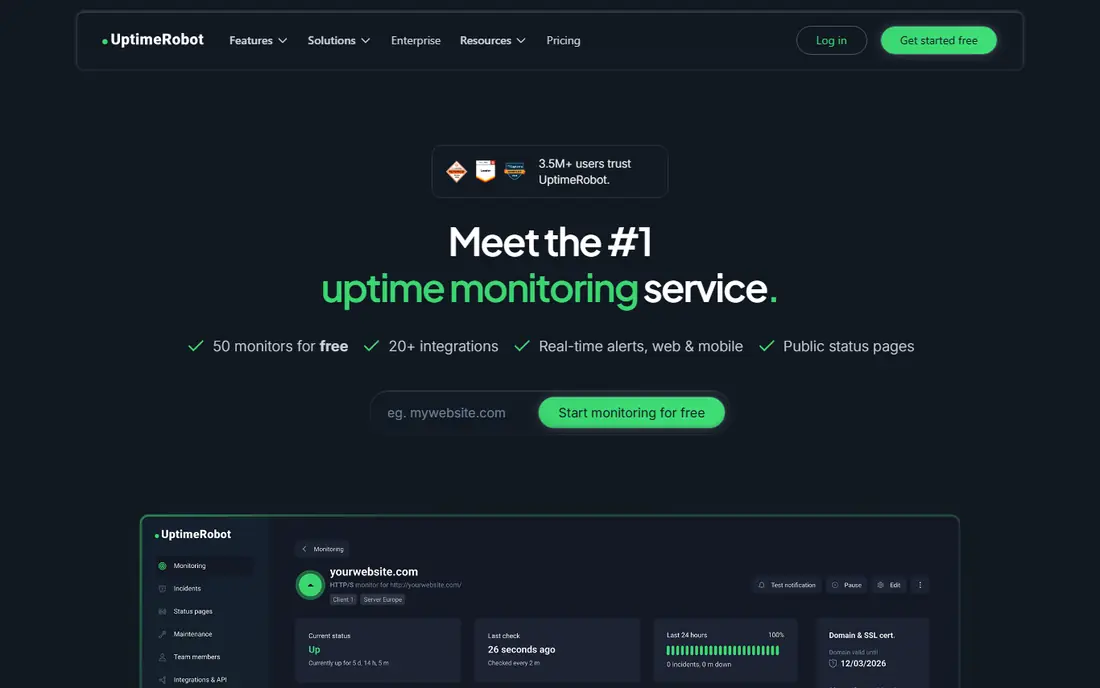
UptimeRobot fits owners of a small set of websites who want a quick alert when a site goes down. UptimeRobot keeps the basics simple, with HTTP, ping, port, and keyword checks plus alerts by email and common chat tools. That combination is the reason we kept it on this list, and it also explains who should look elsewhere if the fit is not right.
The honest catch is monitor counts and check intervals change between tiers, so a move from free to paid does not always keep the same limits. We suggest checking the current pricing page and the plan limits before you sign up, because the cheapest tier may not include the feature you need most. If that feature is included, UptimeRobot is a practical choice that most small teams can set up without a long project.
- 50 monitors on the free plan in past listings
- Simple setup
- Status pages
- Paid tiers change monitor counts
- Advanced checks are limited
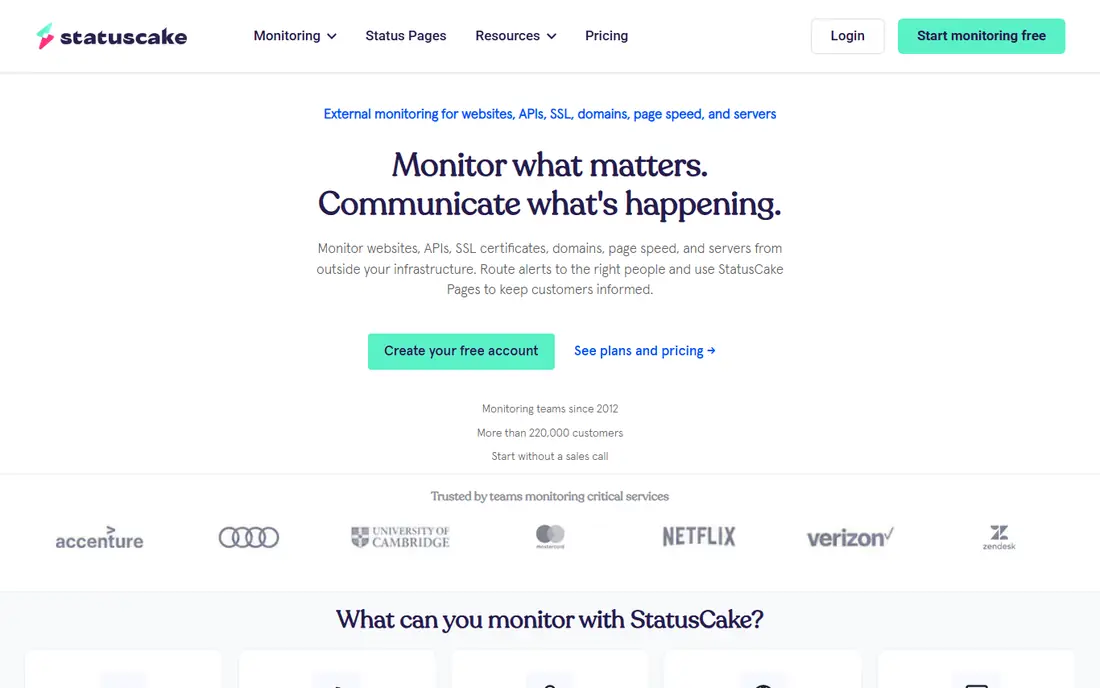
StatusCake fits small teams that want uptime, speed, SSL, and domain checks without buying four separate tools. StatusCake bundles several check types that other tools sell separately, which helps a small team watch a site from more than one angle. That combination is the reason we kept it on this list, and it also explains who should look elsewhere if the fit is not right.
The honest catch is the free tier is limited in frequency and capacity, so larger portfolios will need a paid plan sooner. We suggest checking the current pricing page and the plan limits before you sign up, because the cheapest tier may not include the feature you need most. If that feature is included, StatusCake is a practical choice that most small teams can set up without a long project.
- Bundled check types
- One minute checks on paid plans
- Public status pages
- Free tier checks run every five minutes
- Some features need higher tiers
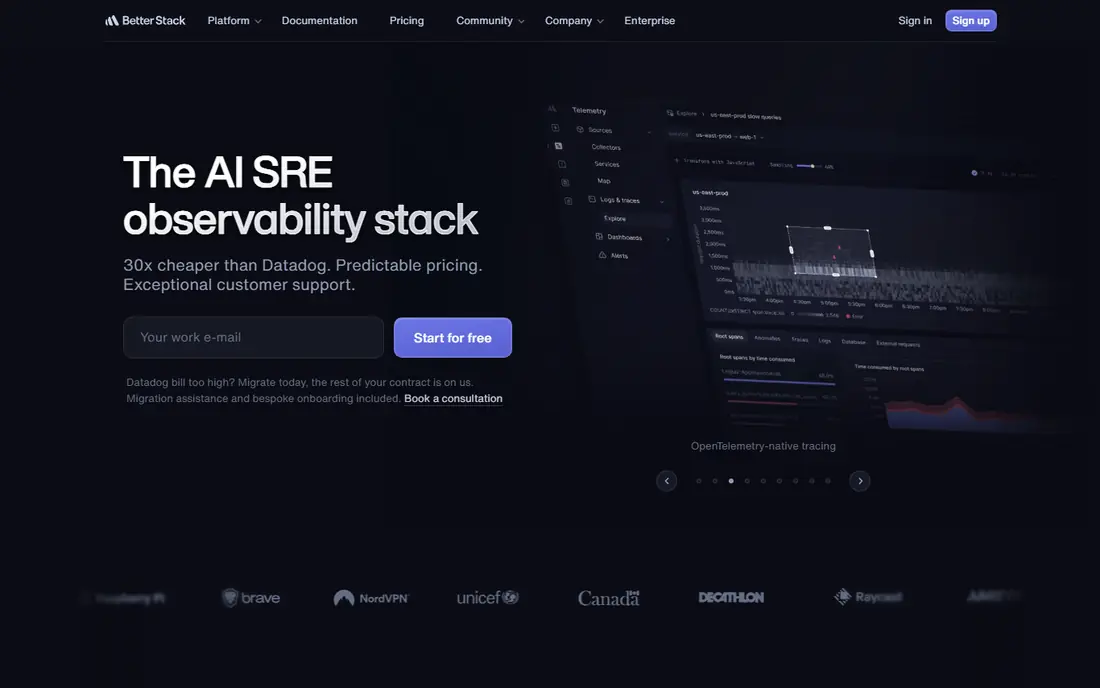
Better Stack fits teams that want monitoring, status communication, and incident response in one account. Better Stack pairs uptime checks with incident management, so an alert can turn into a clear response flow rather than a lone email. That combination is the reason we kept it on this list, and it also explains who should look elsewhere if the fit is not right.
The honest catch is teams that pay per responder may see costs grow as more people join on-call rotations. We suggest checking the current pricing page and the plan limits before you sign up, because the cheapest tier may not include the feature you need most. If that feature is included, Better Stack is a practical choice that most small teams can set up without a long project.
- Clean status pages
- Heartbeats and incident tools
- Log and metric options
- Per-responder pricing can rise fast for larger teams
- Scope can feel broad for uptime only
Site24x7 fits businesses that already need server and network visibility next to website uptime. Site24x7 covers far more than a homepage check, with server, network, application, and cloud checks alongside website monitoring. That combination is the reason we kept it on this list, and it also explains who should look elsewhere if the fit is not right.
The honest catch is the breadth of the product means setup takes longer and the price depends on monitor count and add-ons. We suggest checking the current pricing page and the plan limits before you sign up, because the cheapest tier may not include the feature you need most. If that feature is included, Site24x7 is a practical choice that most small teams can set up without a long project.
- Wide coverage from websites to servers and networks
- Many monitor types
- Large feature set can feel heavy for a site that only needs uptime checks
Checkly fits developer teams that want to test real user journeys, not just a homepage response. Checkly treats checks as code, which lets developers version, review, and repeat browser and API tests in the same way they handle other code. That combination is the reason we kept it on this list, and it also explains who should look elsewhere if the fit is not right.
The honest catch is non-developers may find the setup slower than a point-and-click monitor, and usage limits need care on busy sites. We suggest checking the current pricing page and the plan limits before you sign up, because the cheapest tier may not include the feature you need most. If that feature is included, Checkly is a practical choice that most small teams can set up without a long project.
- Playwright browser checks
- Monitoring as code
- Clear API testing
- Code-first setup suits developers more than non-technical site owners
HetrixTools fits site operators who also watch IP reputation and server health. HetrixTools adds blacklist and server checks next to uptime monitoring, which is useful when email delivery or search visibility depends on a clean reputation. That combination is the reason we kept it on this list, and it also explains who should look elsewhere if the fit is not right.
The honest catch is the reporting and status page design are more basic than tools built mainly around public status pages. We suggest checking the current pricing page and the plan limits before you sign up, because the cheapest tier may not include the feature you need most. If that feature is included, HetrixTools is a practical choice that most small teams can set up without a long project.
- One minute checks on paid plans
- Blacklist monitoring
- Status pages
- Status pages are simpler than dedicated status tools
- Interface is plain
Uptime Kuma fits technical users with a spare server who want control and no monthly fee. Uptime Kuma gives full control at no licence cost, with a clear dashboard, status pages, and alerts through many channels. That combination is the reason we kept it on this list, and it also explains who should look elsewhere if the fit is not right.
The honest catch is you are responsible for hosting, backups, updates, and making sure alerts still reach you if your own server fails. We suggest checking the current pricing page and the plan limits before you sign up, because the cheapest tier may not include the feature you need most. If that feature is included, Uptime Kuma is a practical choice that most small teams can set up without a long project.
- Free and open source
- Fast checks
- Many notification options
- You host and maintain it
- One instance gives one vantage point
Pulsetic fits small businesses that want a clear status page plus basic uptime checks. Pulsetic puts the public status page first, which helps teams that need to keep customers informed during an outage. That combination is the reason we kept it on this list, and it also explains who should look elsewhere if the fit is not right.
The honest catch is teams that need deep synthetic testing or wide infrastructure coverage should check the monitor types first. We suggest checking the current pricing page and the plan limits before you sign up, because the cheapest tier may not include the feature you need most. If that feature is included, Pulsetic is a practical choice that most small teams can set up without a long project.
- Polished status pages
- Simple setup
- Affordable entry plan
- Monitoring depth is thinner than specialist uptime tools
Oh Dear fits agencies and site owners who want website health checks in one dashboard. Oh Dear watches several kinds of website health in one place, including broken links and certificate expiry that a plain ping check would miss. That combination is the reason we kept it on this list, and it also explains who should look elsewhere if the fit is not right.
The honest catch is the tool is focused on websites, so it is not a replacement for full server or network monitoring. We suggest checking the current pricing page and the plan limits before you sign up, because the cheapest tier may not include the feature you need most. If that feature is included, Oh Dear is a practical choice that most small teams can set up without a long project.
- Uptime, broken link, DNS, and certificate checks
- Clear reports
- Smaller ecosystem than large monitoring suites
- Pricing varies by site count
How we picked these
We compared official pricing pages, feature lists, and public documentation for tools that monitor websites in October 2026. We kept only tools that are live, that offer uptime checks or closely related website health checks, and that publish enough detail to judge plan limits. We did not claim hands-on testing, and we left out tools that had shut down or that no longer publish a working product page.
How to choose a Pingdom alternative
Start with the check you actually need. A simple HTTP check is enough for a brochure site, while an online store or booking site may need browser checks that follow a checkout or booking path. Then check the interval, because a five minute check can miss a short outage that a one minute check would catch. Count your monitors honestly, including staging sites and key API endpoints, and check whether status pages, SSL checks, and SMS or phone alerts are included or charged separately. Run the free plan or trial with your real site first, test an alert end to end, and only then move a whole portfolio across.
Frequently asked questions
What are good alternatives to Pingdom?
UptimeRobot, StatusCake, Better Stack, and Checkly are common alternatives to Pingdom, and the right pick depends on whether you need simple uptime checks, status pages, or browser tests. Start with the check type and the number of monitors you own, then compare intervals and alert options.
Are there free alternatives to Pingdom?
Yes. UptimeRobot, StatusCake, Better Stack, HetrixTools, Pulsetic, and Uptime Kuma all offer a free tier or a free self-hosted option, with limits on monitors and check frequency. Free tiers suit small portfolios, while larger sites usually need a paid plan.
Which Pingdom alternative is best for small businesses?
For most small businesses, StatusCake or UptimeRobot is a practical starting point, because setup is quick and the core uptime check is clear. If you also need a polished status page, Better Stack or Pulsetic may be a better fit.
Do these tools include status pages?
Many do, including Better Stack, Pulsetic, UptimeRobot, StatusCake, and Uptime Kuma, though custom domains and subscriber limits vary by plan. Check whether your plan includes a custom domain before you announce the page to customers.
What should I check before switching from Pingdom?
Export or note your current monitors, check intervals, alert contacts, and status page settings, then rebuild them in the new tool and test an alert. Keep both tools running for a short overlap so a missed alert does not leave a gap in coverage.
Sources
See where you really rank - block by block
ProMapRanker scans Google Maps across a grid of your service area. Simple monthly plans from $19, white-label on every plan.
Start freeKeep reading
 wpforms alternatives
Best WPForms Alternatives in 2026
We compare 9 wpforms alternatives for WordPress forms, with free and paid options, current pricing notes, and honest limits for small business sites in 2026.
Read → windows task scheduler alternatives
Best Windows Task Scheduler Alternatives in 2026
Looking for Windows Task Scheduler alternatives? We compare 9 schedulers for Windows and cross-platform work, from free tools to enterprise automation.
Read → which ai video service is best
Which AI Video Service Is Best in 2026
which ai video service is best? We compare 10 legitimate AI video services on price, avatars, editing and output quality to help you pick the right tool.
Read →