 ProMapRanker
Best PDQ Alternatives in 2026

Key takeaways
- Action1 is the cheapest starting point for small Windows fleets, with a free tier for up to 100 endpoints in some listings and up to 200 in others, so confirm the current limit before you rely on it.
- Atera suits small teams with many devices because it charges per technician rather than per device, while NinjaOne suits teams that prefer per-device pricing with a polished cloud console.
- Microsoft Intune is the natural fit if your team already lives in Microsoft 365, but it is less direct as a drop-in replacement for PDQ Deploy style package deployment.
- ManageEngine Endpoint Central gives you an on-premises option as well as a cloud option, which matters for teams with strict network rules.
- No single tool here copies PDQ exactly, so pick based on fleet size, operating systems, and whether you need remote monitoring as well as deployment.
Quick comparison
| Pick | Great for | Pricing starts at | Free tier | |
|---|---|---|---|---|
 NinjaOne | Polished cloud endpoint management | See website | Free trial | Visit |
 Atera | Per-technician pricing for growing teams | $129 per technician per month | Free trial | Visit |
 Action1 | Free patching for small fleets | Free | Yes | Visit |
 Automox | Cross-platform patching without a server | See website | Free trial | Visit |
 ManageEngine Endpoint Central | Broad endpoint management on-premises or cloud | See website | Free trial | Visit |
 Microsoft Intune | Microsoft 365 shops | See website | Free trial | Visit |
 ConnectWise Automate | Deep automation for larger MSPs | See website | Free trial | Visit |
The best PDQ alternatives
These tools cover the ground PDQ Deploy and PDQ Inventory cover, from pushing software to Windows machines to keeping an inventory of what is installed. Some add remote monitoring, some focus on patching, and some lean into asset discovery.
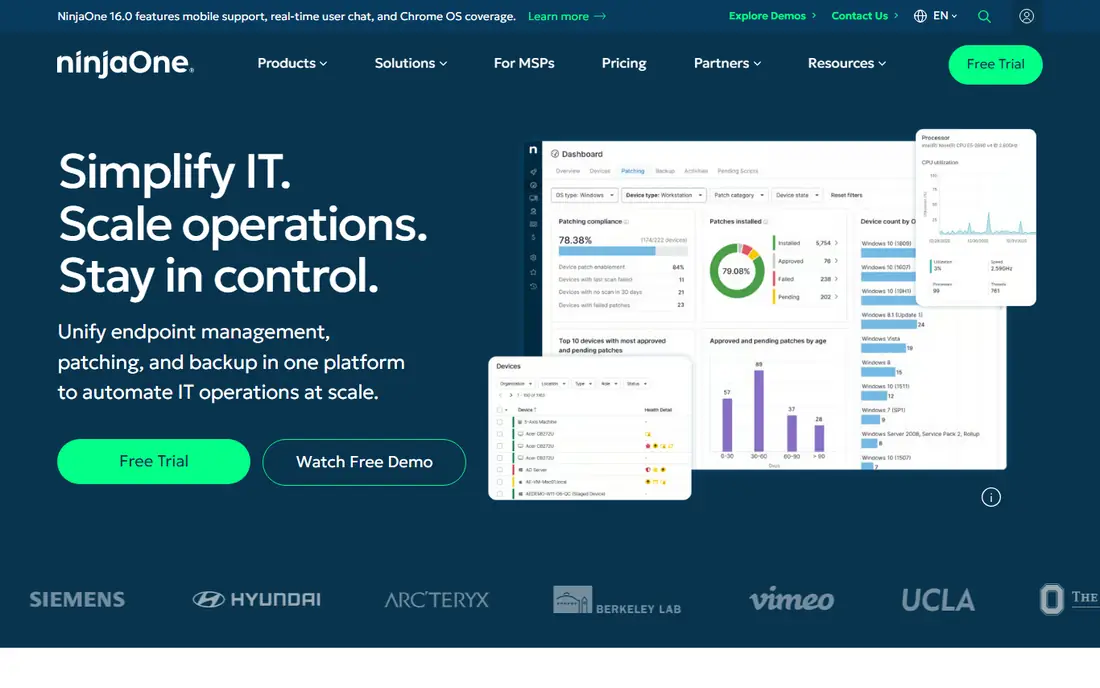
NinjaOne is our pick for most teams that want a modern cloud replacement for a PDQ style workflow without running a server. You get patch management, remote access, scripting, and monitoring from one console, and policies let you group machines by team, site, or role. That matters when a fleet grows past the point where manual package pushes are practical. The interface is widely praised for being easy to learn, which shortens the time between signing up and actually deploying software with confidence.
The catch is pricing transparency. NinjaOne does not publish a simple per-device price on its main pricing page, so a small team cannot always compare it line by line with PDQ without a quote. It is also a broader platform than PDQ Deploy alone, so teams that only push a handful of packages may pay for monitoring and backup features they rarely open. If you need that breadth, the extra scope is a strength. If you do not, start with a trial and measure how many of the extra modules you actually use in the first two weeks.
- Cloud console with patching, monitoring, and automation in one place
- Supports Windows, macOS, and Linux
- Clear device policies for larger fleets
- Pricing is quote based on the public site, so budgeting takes a sales conversation
- Can be more than a small team needs if deployment is the only job
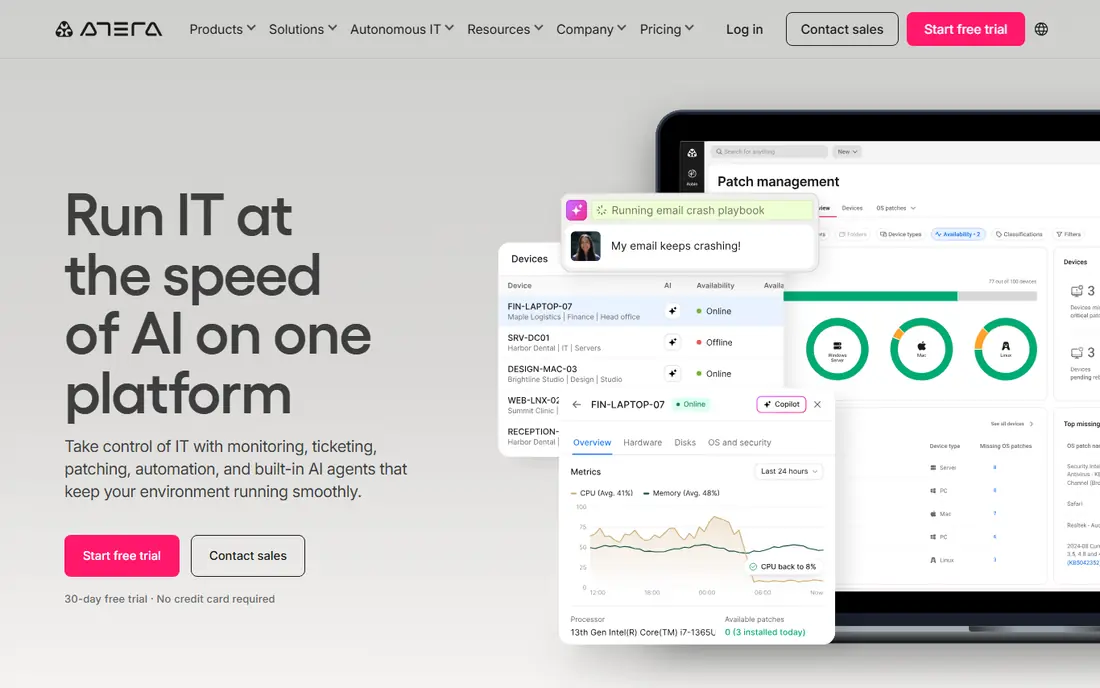
Atera flips the pricing model that most PDQ alternatives use. Instead of charging for every device, it charges for every technician, with unlimited endpoints on its paid plans. For a managed service provider or an internal team where one technician looks after hundreds of machines, that math can beat per-device tools by a wide margin. It also bundles remote monitoring, patching, scripting, ticketing, and remote access, so a small team can run most of its day from one place.
The trade-off is the starting price. At $129 per technician per month on the published annual pricing, a single admin with 40 machines will pay more than with a free or low per-device tool. Atera also leans toward MSP workflows, so an internal IT team that only wants deployment may find parts of the platform surplus to requirements. Run the trial against your real endpoint count, and compare the monthly total, not just the headline rate, before you commit.
- Unlimited endpoints on paid plans, which helps teams with large fleets
- Includes ticketing and remote access
- No per-device fee to track
- Per-technician price can look high for a solo admin with a small fleet
- Some advanced features sit on higher tiers
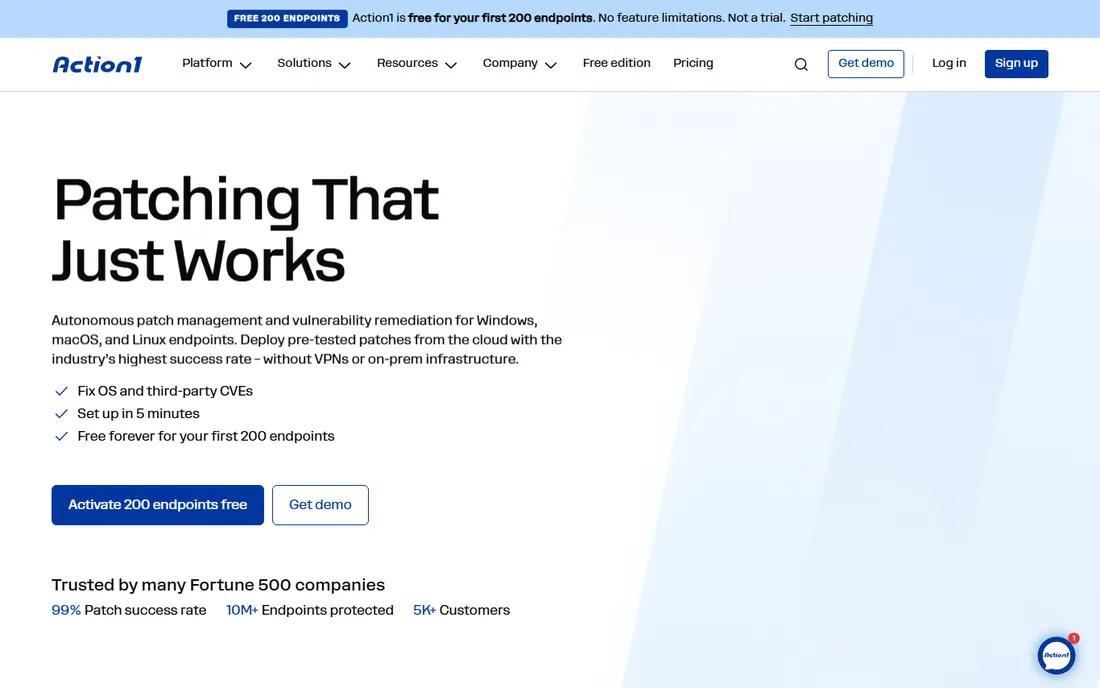
Action1 is the closest thing here to a no-risk PDQ replacement for a small Windows shop. It is cloud based, so there is no server to maintain, and its free tier covers small fleets, which lets a team start patching and deploying without a purchase order. The software repository and custom package options mean you are not limited to operating system updates alone. For schools, small offices, and lean IT teams, that combination is hard to beat on price alone.
The honest limit is scope. Action1 is strongest on Windows patching and remediation, and teams with large macOS or Linux fleets will want to check current support carefully before switching. The free endpoint limit has also been described differently in different sources, so confirm the current figure on the vendor site before planning around it. If your fleet fits inside the free tier and your machines are mostly Windows, Action1 deserves the first trial slot.
- Free tier for small fleets with cloud patching
- Quick setup with no on-premises server
- Covers third-party patching as well as operating system updates
- Windows focused, with more limited macOS and Linux depth than some rivals
- Larger fleets move to quote based pricing
Automox is a good fit for teams that liked PDQ Deploy for pushing updates but need the same discipline across Windows, macOS, and Linux. It runs in the cloud, so agents check in from anywhere, including laptops that rarely visit the office network. Worklets, its scripted automation blocks, let admins handle the odd jobs that a standard patch catalog does not cover, from configuration changes to custom software installs. That flexibility is what separates a patch tool from a simple update scheduler.
The weakness is that Automox is patching first and everything else second. If you also need asset inventory, remote control, and a help desk in the same product, you may need a second tool or a broader platform. Pricing also requires a conversation rather than a quick web comparison. For a team whose main pain is keeping three operating systems patched on time, that focus is a plus rather than a problem.
- Cloud based patching for Windows, macOS, and Linux
- Scripted Worklets for custom tasks
- No on-premises infrastructure to maintain
- Pricing is not published as a simple public rate, so comparison takes a quote
- Patching depth matters more here than full remote monitoring
ManageEngine Endpoint Central
Great for: Broad endpoint management on-premises or cloud
ManageEngine Endpoint Central is the pick for teams that cannot move everything to the cloud, or simply do not want to. It offers both on-premises and cloud versions, and it covers desktop management, patching, software deployment, and mobile device management in one console. That breadth suits mid-size IT departments that support a mix of desktops, laptops, and mobile devices and need one inventory to rule them all. A free edition for small device counts also gives small teams a way to test the core features.
The downside is complexity. With so many modules, the console can feel busy at first, and new admins may need time to learn where deployment, patching, and inventory settings live. Pricing varies by edition and endpoint count, so get a written quote for your exact fleet before comparing it with simpler tools. If control over where your management server lives matters, Endpoint Central earns its place on the shortlist.
- On-premises and cloud deployment options
- Broad device management including mobile devices
- Free edition for up to 25 devices in some listings
- Interface can feel dense for new admins
- Edition and endpoint pricing needs careful checking before purchase
Microsoft Intune is less a like-for-like PDQ clone and more the platform Microsoft expects Windows fleets to grow into. It manages devices, apps, and policies from the cloud, and it ties closely to Entra ID, Microsoft 365, and Windows Autopilot for provisioning new machines. For a team already paying for Microsoft 365, Intune may already be included in its licensing, which changes the cost comparison completely. Compliance policies, conditional access, and app deployment all live in the same Microsoft admin world.
The catch is workflow. Intune app deployment follows Microsoft packaging and policy rules, which can feel slower and more formal than pointing PDQ Deploy at a package and pushing it to a collection. Teams with a heavy third-party patching habit should check how their key apps are handled before migrating. If your estate is Windows heavy, cloud joined, and Microsoft licensed, Intune is a strong long-term pick. If you want the fastest possible package push to on-premises machines, a dedicated deployment tool may still feel quicker.
- Deep fit with Microsoft 365, Entra ID, and Windows Autopilot
- Cloud based device and app management
- Strong policy and compliance controls
- Learning curve for teams used to PDQ style direct package pushes
- Best value only when Microsoft licensing is already in place
ConnectWise Automate is the heavyweight option here, built for managed service providers that run large, multi-client fleets. Its scripting and automation depth goes well beyond simple package deployment, with policy driven patching, monitoring, and remote management across many clients from one system. Teams already using ConnectWise Manage for ticketing and billing get the tightest fit, since the two products are designed to work as a pair. That depth is why larger MSPs stay with it despite newer, simpler rivals.
For a small internal team, Automate can feel like too much tool. Onboarding takes longer, pricing is quote based, and the learning curve is steeper than with Action1 or NinjaOne. It earns its place here because PDQ users at MSPs often ask what scales beyond a single-site deployment tool, and Automate is a common answer. Test it only if your fleet, client count, or automation needs justify the extra setup time.
- Deep scripting and automation for large fleets
- Strong fit with ConnectWise Manage for MSP operations
- Mature patch and monitoring features
- Quote based pricing and longer onboarding
- Overkill for a small internal team that only needs deployment
How we picked these
We compared official feature pages, pricing pages, and public product documentation for endpoint management, patching, and deployment tools that cover the same jobs as PDQ Deploy and PDQ Inventory. We favored tools that are live and supported in October 2026, that deploy software or patches to real fleets, and that publish enough pricing or trial information for a reader to start a fair comparison. We left out tools that only do remote access, only do asset tracking without deployment, or that had no clear current product page.
What to check before you switch
Start with your fleet, not with a feature list. Count your Windows, macOS, and Linux machines, note how many rarely connect to the office network, and list the third-party apps you patch every month. A tool that is excellent for Windows-only offices can disappoint a mixed fleet, and a cloud tool that assumes always-on internet can struggle with machines that spend weeks offline. Write those numbers down before any trial, so each vendor is judged on the same fleet.
Next, test one real deployment end to end during the trial. Pick an app your users actually need, push it to a small pilot group, and watch for failures, reboot prompts, and reporting gaps. Check how the tool handles a machine that is off during the push, and how clearly it reports success versus a silent miss. That single pilot tells you more than a demo video, because deployment tools live or die on their failure reporting.
Finally, compare total cost at your endpoint count, not the headline rate. Per-technician tools look expensive until your fleet passes a certain size, and per-device tools look cheap until you add monitoring, backup, or mobile modules. Ask each vendor for a written quote that includes your endpoint count, any required add-ons, and renewal terms. Keep PDQ running in parallel until the pilot group is stable, so a migration problem never leaves users without a working deployment path.
Frequently asked questions
What are the best alternatives to PDQ?
The best alternatives to PDQ depend on fleet size and operating systems. Action1 suits small Windows fleets on a budget, NinjaOne and Atera suit growing teams and MSPs, and Microsoft Intune suits Microsoft 365 shops. Test two or three tools on a pilot group before migrating a full fleet.
Is there a free alternative to PDQ Deploy?
Action1 offers a free tier for small fleets, and ManageEngine Endpoint Central has offered a free edition for up to 25 devices in some listings. Free tiers usually limit endpoint counts or features, so confirm the current limits on the vendor site before you plan around them.
Can these tools replace both PDQ Deploy and PDQ Inventory?
Some can, but not all in the same way. NinjaOne and ManageEngine Endpoint Central combine deployment with inventory or asset discovery, while Automox and Action1 lean more toward patching. If inventory matters as much as deployment, shortlist the broader platforms first.
Do PDQ alternatives work on macOS and Linux?
Many do, but depth varies. Automox, NinjaOne, and ManageEngine Endpoint Central support macOS and Linux alongside Windows, while Action1 is strongest on Windows. Check third-party patch coverage for your key apps on each operating system during a trial.
Should I choose per-device or per-technician pricing?
Choose per-technician pricing when a small team manages many devices, since the bill stays flat as the fleet grows. Choose per-device pricing when the fleet is small or device counts change often, since you only pay for machines you actually manage. Model both at your projected fleet size for the next two years.
Is Microsoft Intune a direct PDQ replacement?
Intune can replace much of the PDQ workflow for cloud managed Windows fleets, but its app deployment process follows Microsoft policy rules and can feel more formal than a direct package push. Teams that want the fastest possible on-premises push may prefer a dedicated deployment tool alongside Intune.
Sources
See where you really rank - block by block
ProMapRanker scans Google Maps across a grid of your service area. Simple monthly plans from $19, white-label on every plan.
Start freeKeep reading
 wpforms alternatives
Best WPForms Alternatives in 2026
We compare 9 wpforms alternatives for WordPress forms, with free and paid options, current pricing notes, and honest limits for small business sites in 2026.
Read → windows task scheduler alternatives
Best Windows Task Scheduler Alternatives in 2026
Looking for Windows Task Scheduler alternatives? We compare 9 schedulers for Windows and cross-platform work, from free tools to enterprise automation.
Read → which ai video service is best
Which AI Video Service Is Best in 2026
which ai video service is best? We compare 10 legitimate AI video services on price, avatars, editing and output quality to help you pick the right tool.
Read →