 ProMapRanker
Best Parsec Alternatives in 2026


Free home game streaming · Pricing starts at: Free
Key takeaways
- Moonlight with Sunshine is our pick for most home gamers, since it is free, open source, and streams your own PC at high quality.
- Steam Remote Play is the easiest pick for Steam libraries, with no extra software beyond Steam itself.
- RustDesk suits people who want self-hosted control, while AnyDesk and TeamViewer suit support work across many devices.
- Chrome Remote Desktop is the simplest free option for reaching your own computers, though it is not built for fast gaming.
- For internet play, check port forwarding and VPN needs early, since some free tools work best on a local network.
Quick comparison
| Pick | Great for | Pricing starts at | Free tier | |
|---|---|---|---|---|
| Moonlight and Sunshine | Free home game streaming | Free | Yes | Visit |
 Steam Remote Play | Steam libraries | Free | Yes | Visit |
 RustDesk | Self-hosted remote access | Free | Yes | Visit |
 AnyDesk | Fast cross-platform support | See website | Yes | Visit |
 TeamViewer | All-round remote support | See website | Yes | Visit |
 Splashtop | Remote access and support teams | See website | Free trial | Visit |
 NoMachine | Fast personal remote desktop | Free | Yes | Visit |
 Jump Desktop | Mac-friendly high-performance access | $34.99 one-time | No | Visit |
 Chrome Remote Desktop | Simple free personal access | Free | Yes | Visit |
The best parsec alternatives
Parsec is known for low latency and easy setup, so the best replacement depends on your main job: streaming your own games, helping others, or reaching your own work PC. We included tools for each of those jobs, and we note where a tool is best on a local network.
Moonlight is the client and Sunshine is the host, and together they form the most popular free replacement for Parsec among home gamers. You install Sunshine on your gaming PC and Moonlight on the device you play from, and you can stream any game or app on the host, not just Steam titles. Recent versions support high resolutions, high frame rates, and multi-monitor setups.
Setup takes more effort than Parsec, especially for play over the internet, where you may need port forwarding or a VPN. On a local network, though, the experience is excellent, with low latency and strong image quality. If you are willing to spend an evening on setup, this pair gives you the most control for no monthly cost.
- Free and open source
- High resolution and frame rates
- Multi-monitor support on recent versions
- Needs setup on host and client
- Internet play needs port forwarding or a VPN
- No central account system
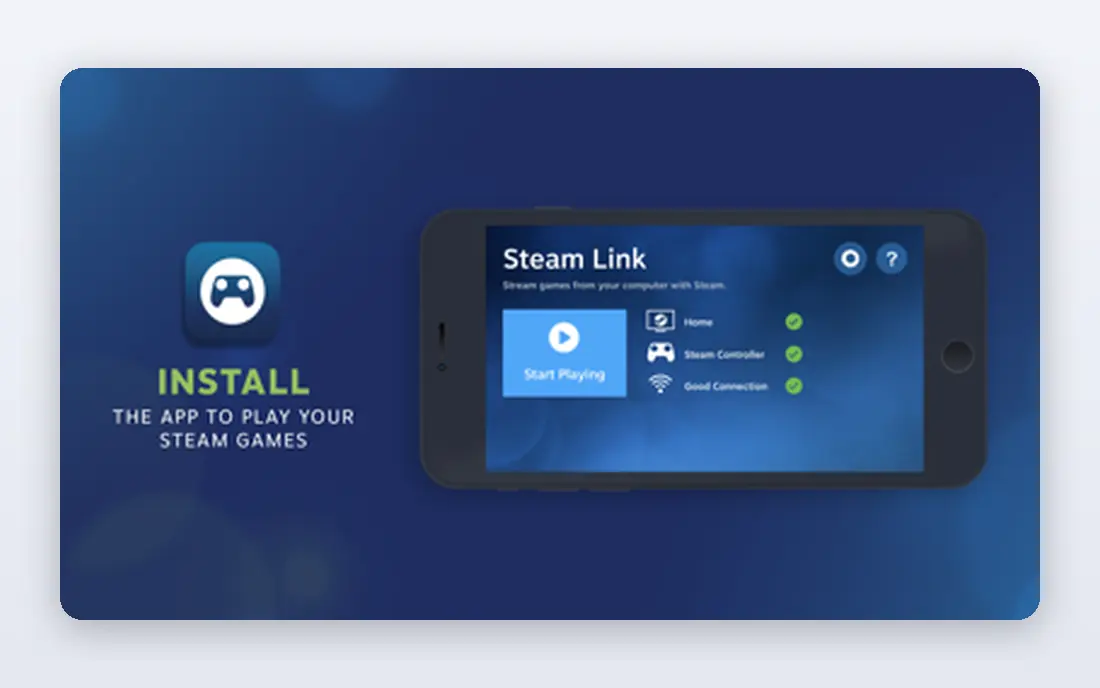
Steam Remote Play is the simplest option if your games live on Steam. You enable it in Steam settings, then stream to another PC, phone, tablet, or TV with the Steam Link app. It handles controllers, audio, and touch controls for many titles, and it costs nothing beyond the games you own.
The limit is scope. Remote Play is built for Steam games, not for general desktop work, and internet play can be less reliable than local network play. You can add non-Steam games to Steam as a workaround, but that is not as clean as a full desktop tool. For Steam-first players, it is the lowest-friction pick.
- Built into Steam
- No extra account
- Controller and audio support
- Steam games only for the main flow
- Remote play over the internet is less reliable
- No full desktop control by default
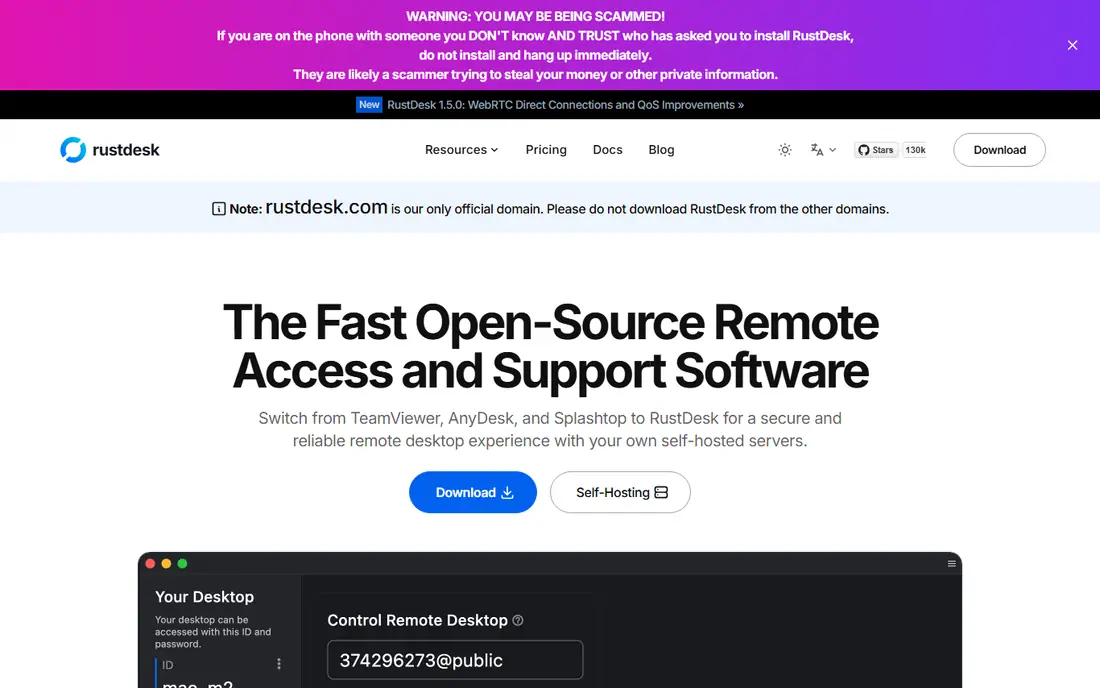
RustDesk is an open source remote desktop tool that you can run through its public servers or self-host on your own server. That control appeals to privacy-minded users and IT teams, since you can keep connection data on your own infrastructure. It supports file transfer, chat, and unattended access, and it works across desktop and mobile platforms.
For gaming, RustDesk is not as tuned as Moonlight or Parsec, so fast action games may feel less responsive. It is better suited to remote work, support, and administration than to competitive play. If control and self-hosting matter more than peak frame rates, RustDesk is a strong choice.
- Open source and self-hostable
- End-to-end encryption
- Works on Windows, Mac, Linux, and mobile
- Gaming performance is lower than Moonlight
- Self-hosting needs technical setup
- Paid Pro plans for hosted features
AnyDesk is known for its DeskRT codec, which aims for smooth video even on weaker connections, and its client is light and quick to install. It supports unattended access, file transfer, and remote printing on paid plans, and it runs on Windows, Mac, Linux, Android, and iOS. The free tier covers personal, non-commercial use.
Commercial use detection can interrupt sessions if the free tier is used for work, so businesses should buy a paid plan. Paid pricing also varies by region, so check your local page. For quick support sessions and personal access across mixed devices, AnyDesk remains a fast and practical tool.
- Low-latency codec
- Lightweight client
- Free for personal, non-commercial use
- Free tier watches for commercial use
- Fewer enterprise features than TeamViewer
- Paid pricing varies by region
TeamViewer is the best-known remote support tool, with apps for almost every platform, plus management, session logging, and team features for IT departments. It handles attended support, unattended access, file transfer, and meetings in one product, which is why many companies standardize on it.
The price is the main drawback, since paid plans cost more than Splashtop or RustDesk for similar core access. The free tier is for personal, non-commercial use only, and commercial detection can be strict. If you need a complete, supported platform for a team, TeamViewer is still the safe, familiar pick.
- Very wide platform support
- Strong support and management features
- Well known for IT teams
- Higher price than many rivals
- Free tier is personal use only
- Commercial detection can be strict
Splashtop offers separate editions for personal remote access, business access, and support, with strong performance and security features. Support technicians often find good value in its SOS edition, while individuals can use its Solo and Pro editions for unattended access to their own computers. Performance is solid for both work and casual gaming.
The lineup takes study, since Solo, Pro, Performance, SOS, and Enterprise editions use different licensing models and unattended limits. There is also no free tier, only a trial, so budget for a paid plan from the start. If you want a TeamViewer-style platform at a lower price, Splashtop is worth a close look.
- Strong performance
- Clear team editions
- Good value for support technicians
- Product lineup can be confusing
- No free tier
- Unattended limits vary by edition
NoMachine uses its NX protocol for remote desktop access, with a free version for personal use and paid enterprise editions for larger teams. It supports file transfer, multi-monitor setups, and access from many platforms, and it feels responsive for everyday desktop work. That makes it a good fit for reaching a work PC or a home server.
For fast gaming, NoMachine lags behind Moonlight and Parsec, with latency that suits productivity more than competitive play. Internet access also needs careful setup, such as port forwarding or a VPN. If your main job is desktop work rather than gaming, NoMachine is a fast, free starting point.
- Free for personal use
- Fast NX protocol
- File transfer and multi-monitor support
- Gaming latency is higher than Moonlight
- Enterprise features need paid plans
- Setup for internet access takes care
Jump Desktop is popular with Mac users, thanks to its Fluid protocol for smooth remote sessions and its support for RDP and VNC. The Mac app costs $34.99 as a one-time purchase, with team plans from $7.49 per user per month, and the host app for Fluid connections is free. Multi-monitor support and customizable shortcuts help power users.
The pricing model differs from monthly tools, since you buy the client app per platform, and host setup varies by protocol. Jump Desktop is best for individuals and small teams who access their own computers daily, rather than for large support fleets. For Mac-heavy setups, it is a polished, responsive choice.
- Fluid protocol for smooth sessions
- RDP and VNC support
- Multi-monitor support
- One-time price is per platform app
- Host setup varies by protocol
- Less suited to large IT fleets
Chrome Remote Desktop is the simplest free option for reaching your own computers. You install it from the browser, sign in with a Google account, and connect from any computer or phone app. There is no subscription, no complex setup, and no need to learn a new platform.
It is not built for fast gaming, and it lacks the management, file transfer, and session features of paid tools. For occasional access to a home or work PC, though, it is more than enough. If you only need to grab a file or check a desktop now and then, start here before paying for anything.
- Completely free for personal use
- Works in a browser
- Very easy setup
- Not built for fast gaming
- Fewer features than paid tools
- Needs a Google account
How we picked these
We compared official product pages, pricing pages, and platform support, and we favored tools that are live in October 2026 and clearly state their free and paid terms. We included game streaming tools, general remote desktop tools, and support tools, since Parsec users span all three jobs. We used See website where pricing varies by region or edition, and we noted where internet play needs extra network setup.
How to choose the right remote tool
Start with the job, not the latency number alone. For home game streaming, Moonlight with Sunshine or Steam Remote Play will usually beat a general support tool. For helping others, AnyDesk, TeamViewer, or Splashtop will be easier to manage. For simple personal access, Chrome Remote Desktop or NoMachine may be all you need.
Test on your own network first
Latency depends on your network, your host GPU, and your client device, not just the tool. Test on a wired local connection first, then over the internet if you need remote play. Try the games or apps you actually use, and check controller, audio, and multi-monitor behavior before committing.
Lock down remote access
Enable two-factor sign-in where offered, use strong unique passwords on every host, and limit unattended access to machines that need it. Review who can connect on a regular basis, and keep remote software updated, since these tools are high-value targets for attackers.
Frequently asked questions
What are the best free alternatives to Parsec?
Moonlight with Sunshine, Steam Remote Play, RustDesk, NoMachine, and Chrome Remote Desktop all offer free options. Moonlight with Sunshine is best for gaming, Steam Remote Play is best for Steam libraries, and Chrome Remote Desktop is best for simple personal access.
Is Moonlight better than Parsec for gaming?
For many home gamers, yes, especially on a local network, since Moonlight with Sunshine supports high resolutions and frame rates at no cost. Parsec is easier to set up for internet play, while Moonlight needs port forwarding or a VPN for reliable remote access. Test both on your network if you can.
Can I use these tools over the internet?
Yes, but setup varies. Parsec-style tools with central servers handle internet connections more easily, while Moonlight with Sunshine and NoMachine may need port forwarding or a VPN. Steam Remote Play also works over the internet, though local network play is more reliable.
Do I need a gaming PC to use these tools?
For game streaming tools, yes, you need a host PC that can run the game. Support and remote desktop tools work with ordinary office PCs as well. Cloud gaming services are a different model, since they run games on provider servers instead of your own PC.
Are these tools safe?
They can be, when you use strong passwords, two-factor sign-in, and updated software, and limit unattended access. Avoid sharing access codes in public, and remove old devices from your account. Self-hosted tools add control, but they also add responsibility for updates and network security.
Sources
See where you really rank - block by block
ProMapRanker scans Google Maps across a grid of your service area. Simple monthly plans from $19, white-label on every plan.
Start freeKeep reading
 wpforms alternatives
Best WPForms Alternatives in 2026
We compare 9 wpforms alternatives for WordPress forms, with free and paid options, current pricing notes, and honest limits for small business sites in 2026.
Read → windows task scheduler alternatives
Best Windows Task Scheduler Alternatives in 2026
Looking for Windows Task Scheduler alternatives? We compare 9 schedulers for Windows and cross-platform work, from free tools to enterprise automation.
Read → which ai video service is best
Which AI Video Service Is Best in 2026
which ai video service is best? We compare 10 legitimate AI video services on price, avatars, editing and output quality to help you pick the right tool.
Read →