 ProMapRanker
PandaDoc Alternatives in 2026

Key takeaways
- Alternatives to PandaDoc split into two groups: proposal builders such as Prospero, and signing-focused tools such as DocuSign, signNow and BoldSign.
- DocuSign is the most widely recognized signing standard, but its envelope caps matter more than its starting price for high-volume teams.
- signNow and BoldSign are strong budget picks, with low per-seat prices and generous sending limits on paid plans.
- Dropbox Sign, Zoho Sign and Signeasy suit teams that want simple signing without a full proposal platform.
- Adobe Acrobat Sign suits teams already inside Adobe or Microsoft workflows, while Prospero suits freelancers who sell with proposals.
Quick comparison
| Pick | Great for | Pricing starts at | Free tier | |
|---|---|---|---|---|
 DocuSign | Widely recognized eSignatures | $10 per month | Free trial | Visit |
 Prospero | Proposal building for freelancers | $12 per month | Free trial | Visit |
 signNow | Budget eSignatures | $8 per user per month | Free trial | Visit |
 BoldSign | High-volume sending value | $15 per seat per month | Yes | Visit |
 Dropbox Sign | Simple signing | $15 per user per month | Yes | Visit |
 Zoho Sign | Zoho ecosystem signing | $10 per user per month | Yes | Visit |
 Signeasy | Mobile-first signing | $10 per user per month | Free trial | Visit |
 Adobe Acrobat Sign | Adobe and Microsoft workflows | See website | Free trial | Visit |
The best pandadoc alternatives
PandaDoc combines proposal building, pricing tables, eSignatures and tracking in one tool. The alternatives below are not PandaDoc itself, and each replaces a different part of that mix, so pick by whether you need proposals, signing, or both.
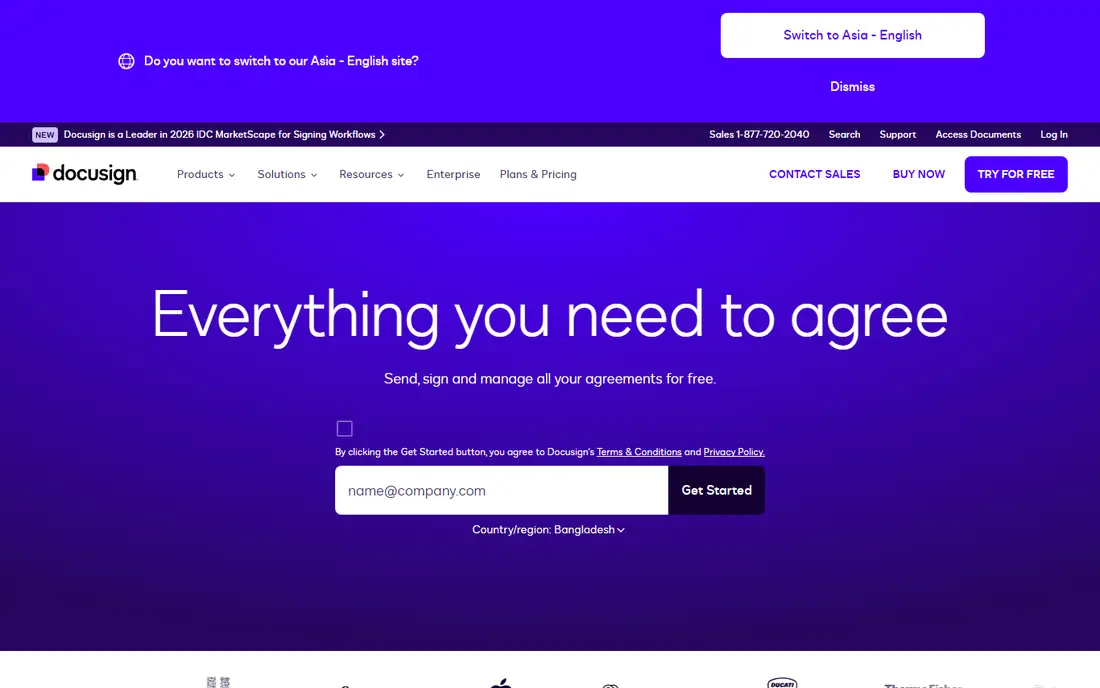
DocuSign is the default alternative when client trust and compliance matter more than proposal design. Most recipients have signed a DocuSign envelope before, so there is little friction in the signing step, and the audit trail, templates and reminders are mature. For legal, finance and real estate work, that familiarity can shorten a deal cycle on its own.
The pricing detail to check is the envelope allowance. Personal allows five envelopes per month, while Standard and Business Pro allow 100 envelopes per user per year on annual plans, with overage charges beyond that. A team sending more than a few agreements per week should model annual volume before choosing a tier, because the envelope cap, not the monthly fee, often decides the real cost.
- Most clients already trust the brand
- Strong audit trails and templates
- Wide integrations with CRM and storage tools
- Envelope caps on Standard and Business Pro
- Annual commitment on lower billed prices
- Higher cost at scale for high-volume senders
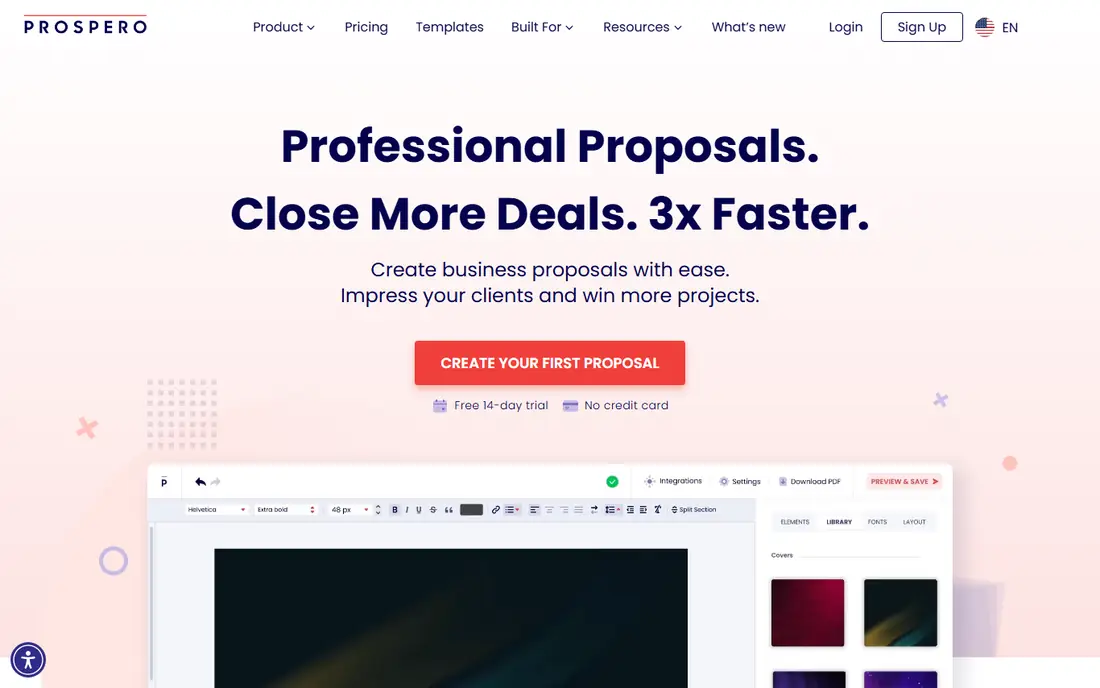
Prospero is the closest proposal-first alternative for freelancers and small agencies that sell with written proposals. Its builder covers templates, pricing, analytics, reminders and e-signatures, so a proposal can go from draft to signed acceptance without a second tool. The advertised annual price of $12 per month, billed as $144 per year, with a monthly option at $19 per month, makes it easy to compare against a per-seat signing tool.
The limit is scope. Prospero is not a full contract lifecycle platform, and teams with complex approval workflows, redlining or large legal libraries will need a different tool. For a freelancer who sends proposals weekly and wants to see when a client opens and signs, Prospero is a focused and affordable fit.
- Proposal-focused builder with templates and analytics
- Unlimited proposals on its advertised plan
- E-signatures included
- Less suited to complex contract workflows
- Smaller integration range than DocuSign
- Proposal focus may be too narrow for large teams
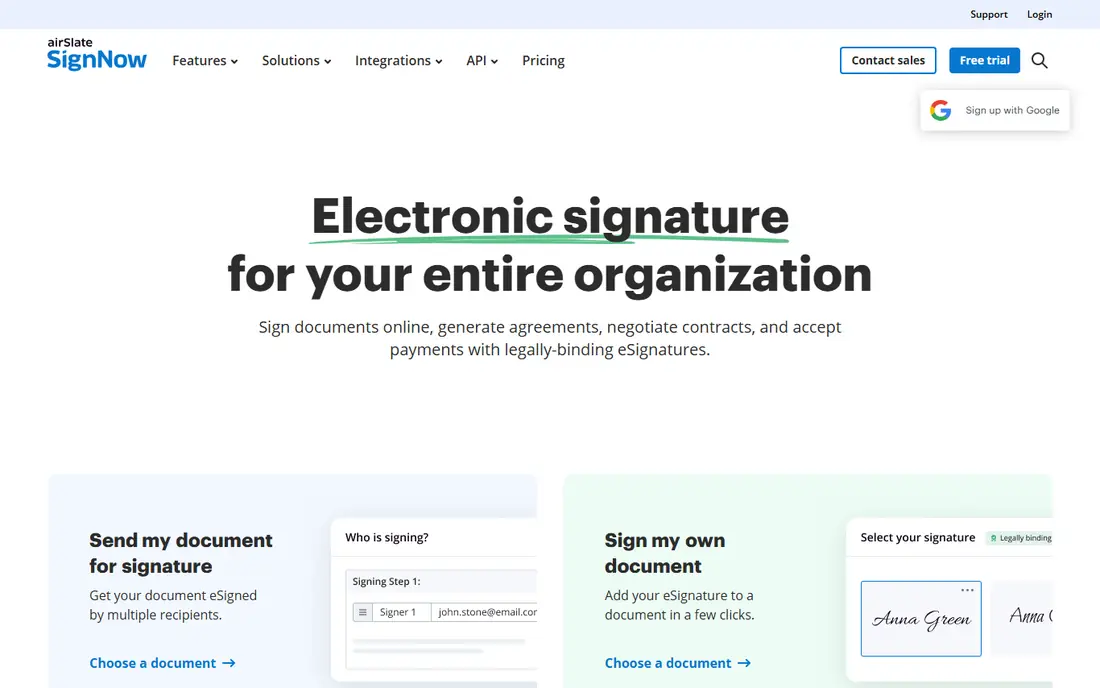
signNow is the budget pick for teams whose main need is getting documents signed reliably, without paying for a full proposal platform. At $8 per user per month on its starting paid plan, it undercuts DocuSign and several rivals, while still offering templates, signing roles, reminders and audit trails. For a small business that sends contracts, NDAs and client agreements each week, that price gap adds up across a team.
The trade-off is proposal depth and brand familiarity. Clients may not recognize signNow as readily as DocuSign, though the signing experience itself is straightforward. If your work is mostly signing finished documents rather than building interactive proposals, signNow is a strong value choice.
- Lowest starting price on this list
- Core signing, templates and audit trails
- Good for small teams with regular volume
- Proposal building is thinner than Prospero
- Advanced workflow features need higher tiers
- Brand recognition is lower than DocuSign
BoldSign is worth a close look for high-volume senders, because its Business plan includes unlimited documents at $15 per seat per month, and its Premium plan is a flat $99 per month with unlimited senders and 250 documents. That structure avoids the envelope-cap problem that makes DocuSign expensive at scale, and it makes budgeting simple for a team that sends many agreements.
BoldSign is a newer brand, so clients may ask about it more often than they ask about DocuSign, and its proposal building is not the main focus. For teams replacing PandaDoc mainly for signing and tracking, rather than for interactive proposals, BoldSign offers a clear cost advantage. Test the template and bulk-send workflow with your real documents before switching.
- Business plan includes unlimited documents at $15 per seat
- Flat Premium plan for unlimited senders
- Strong for high-volume senders
- Newer brand than DocuSign
- Proposal features are thinner
- Some add-ons such as SMS verification cost extra
Dropbox Sign, formerly HelloSign, suits teams that want signing to be simple and that already store documents in Dropbox. Paid plans offer unlimited signature requests, which removes the envelope-count anxiety that comes with DocuSign, and the signing experience is clean for recipients. Templates and audit trails cover the core needs of a small team.
The free tier is limited to three sends per month, so it is only a trial for occasional use. Proposal building, pricing tables and interactive quotes are not the focus here, so teams that need those features should pair Dropbox Sign with a proposal tool or choose Prospero instead. For pure signing, its simplicity is the appeal.
- Simple signing flow with unlimited requests on paid plans
- Dropbox integration for storage
- Free tier for occasional sends
- Proposal building is limited
- Free tier allows only three sends per month
- Advanced workflows need higher tiers
Zoho Sign is a natural pick for businesses already using Zoho CRM, Zoho Books or other Zoho apps, since documents, contacts and signing can stay in one system. At $10 per user per month on its starting paid plan, with a free tier for five documents per month, it is affordable for small teams. Templates, reminders and audit trails cover standard signing work.
Outside the Zoho ecosystem, the case is less clear, because clients may be less familiar with the brand and the integration advantage disappears. If you already run on Zoho, that integration saves time. If you do not, compare Zoho Sign against signNow and BoldSign on price and sending limits for your volume.
- Low starting price
- Free tier with five documents per month
- Strong fit inside Zoho CRM and Zoho apps
- Less familiar to clients outside Zoho
- Proposal features are limited
- Advanced features need higher tiers
Signeasy suits teams that sign on the move, such as field sales, contractors and service firms that close deals at a client site. Its mobile app makes preparing, sending and signing straightforward on a phone or tablet, and its Business tier offers unlimited signature requests, which helps teams with steady volume. Templates and routing cover the common workflows without a complex setup.
The Personal plan at $10 per user per month is a single-user starting point, so teams should price the Business tier for shared work. Like other signing-focused tools, Signeasy does not replace a full proposal builder, so proposal-heavy teams should shortlist Prospero alongside it. For mobile signing, Signeasy is a practical and well-tested choice.
- Strong mobile signing experience
- Unlimited signature requests on Business tier
- Good for field and on-the-go teams
- Starting Personal plan is limited for teams
- Proposal features are thin
- Higher tiers needed for advanced workflows
Adobe Acrobat Sign fits teams already working in Adobe Acrobat, Microsoft 365 or enterprise document workflows. Signatures, approvals and audit trails sit inside tools staff already use, which reduces training and keeps documents in a familiar system. For enterprise buyers with compliance needs, that integration and control carry weight.
Pricing varies by plan and agreement, so small teams should ask for a clear quote and compare it against signNow or BoldSign for the same volume. The platform can feel heavy for a freelancer who just needs to send a contract, but for a team with established Adobe or Microsoft workflows, it is a logical alternative to PandaDoc.
- Deep integration with Adobe Acrobat and Microsoft apps
- Strong compliance and audit features
- Familiar for enterprise buyers
- Pricing is not as transparent as rivals
- Can be costly for small teams
- Setup can be heavier than simpler tools
How we picked these
We compared official pricing pages, vendor documentation and recent eSignature comparisons, and we favored alternatives that are actively sold in October 2026 and that cover both proposal building and signing, so readers can match the tool to the PandaDoc feature they actually use. We wrote See website where pricing is quoted or varies by agreement, and we kept published starting prices where vendors list them.
What to check before you switch
Count your sending volume first. List how many documents your team sends per month, how many senders you have, and how many recipients each document needs. That count decides whether an envelope cap, a per-seat price or a flat plan is cheapest, and it prevents a low starting price from turning into a high overage bill.
Match the tool to the document type
If you build proposals with pricing tables, choose a proposal-first tool such as Prospero. If you sign finished PDFs, choose a signing-first tool such as DocuSign, signNow or BoldSign. If you need both, check whether one tool covers both jobs well, or whether two simpler tools cost less together than one large platform.
Test the recipient experience
Send a test document to yourself and to a colleague, and sign it on a phone. Check how clear the signing steps are, whether reminders work, and whether the audit trail records what you need. A tool that is easy for your team but confusing for clients will slow deals, however good its internal features look.
Check templates, integrations and migration
Confirm that your templates, CRM integration and storage connection will carry over, or budget time to rebuild them. Ask about bulk sending, signer attachments and payment collection if those features matter to your workflow, since they often sit on higher tiers. A short pilot with real documents will reveal gaps faster than a feature checklist.
Frequently asked questions
What are the best alternatives to PandaDoc for proposals?
Prospero is a strong proposal-first alternative for freelancers and small agencies, with templates, pricing and e-signatures in one tool. If you also need complex contract workflows, compare DocuSign or Adobe Acrobat Sign, which offer deeper approval and compliance features.
What is the cheapest PandaDoc alternative for signing?
signNow starts at $8 per user per month, making it the lowest starting price on this list for paid signing. BoldSign is also strong value for high-volume senders, with unlimited documents on its Business plan at $15 per seat per month.
Is there a free PandaDoc alternative?
Yes, BoldSign, Dropbox Sign and Zoho Sign all offer free tiers, though each caps monthly sends. Free tiers suit occasional use, while regular senders should compare paid plans on volume, not just on the starting price.
Does DocuSign replace PandaDoc fully?
DocuSign replaces the signing, template and audit parts of PandaDoc well, but it is not a proposal builder in the same way. Teams that need interactive proposals with pricing tables should keep a proposal tool alongside DocuSign, or choose Prospero for that job.
How do I choose between DocuSign and signNow?
Choose DocuSign when client recognition, compliance and a wide integration range matter most. Choose signNow when budget is the priority and your main need is reliable signing with templates and audit trails, without a proposal platform.
Sources
See where you really rank - block by block
ProMapRanker scans Google Maps across a grid of your service area. Simple monthly plans from $19, white-label on every plan.
Start freeKeep reading
 which software is best for pdf page removal
Which Software Is Best for PDF Page Removal in 2026
Find which software is best for pdf page removal, from free online tools to desktop editors, with page controls, privacy, safety, and pricing compared.
Read → when i work alternatives
Best When I Work Alternatives in 2026
Looking for when i work alternatives? We compare 8 scheduling apps for hourly teams, covering pricing, free plans, time clocks and the best fit for business.
Read → the best tool for keyword analysis
The Best Tool for Keyword Analysis in 2026
Find the best tool for keyword analysis with our 2026 comparison of 10 keyword analysis software tools on data depth, difficulty scores and price today.
Read →