 ProMapRanker
OneDrive Alternatives in 2026


everyday docs and collaboration · Pricing starts at: $1.99 per month
Key takeaways
- Google Drive is the best all-round OneDrive replacement for most people, with 15 GB free and strong collaboration.
- Dropbox still leads for reliable sync and third-party app support, at a higher price.
- Sync.com, Proton Drive, and MEGA suit privacy-focused users, with end-to-end encryption on every plan.
- pCloud is the pick if you want to pay once for lifetime storage instead of a monthly bill.
Quick comparison
| Pick | Great for | Pricing starts at | Free tier | |
|---|---|---|---|---|
| Google Drive | everyday docs and collaboration | $1.99 per month | Yes | Visit |
 Dropbox | reliable sync and third-party integrations | $9.99 per month | Yes | Visit |
 iCloud Drive | Apple households and devices | $0.99 per month | Yes | Visit |
 Box | business governance and compliance | See website | Yes | Visit |
 pCloud | lifetime plans and media handling | $4.99 per month | Yes | Visit |
 Sync.com | zero-knowledge privacy and sharing | $8 per month | Yes | Visit |
 Proton Drive | privacy-first Proton ecosystem users | $3.99 per month | Yes | Visit |
 MEGA | large free encrypted tier | See website | Yes | Visit |
The best OneDrive alternatives
OneDrive itself is not listed here, since this guide covers replacements. The services below differ mainly on free storage, encryption, collaboration, and which devices they fit best.
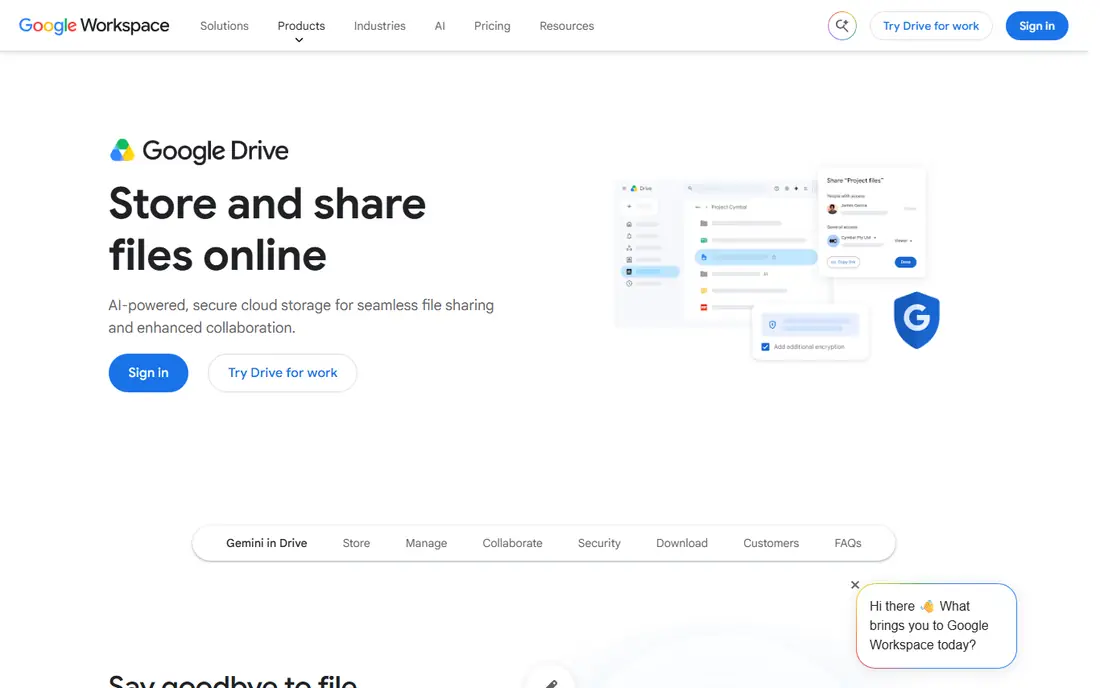
Google Drive is our pick for most OneDrive switchers, because it replaces both storage and Office-style collaboration in one place. Docs, Sheets, and Slides let several people edit at once, comments and version history are built in, and search across file names and content is stronger than most rivals. Paid plans through Google One start at $1.99 per month for 100 GB.
The catch is the shared free tier. That 15 GB covers Drive, Gmail, and Google Photos together, so heavy photo users can fill it fast. If privacy is your top concern, the encrypted picks below are a better fit, but for everyday work and sharing, Drive is hard to beat.
- 15 GB free shared across Google services
- Strong Docs, Sheets, and Slides collaboration
- Excellent search
- Free storage is shared with Gmail and Photos
- Privacy model is not zero-knowledge
- Paid plans climb for large teams
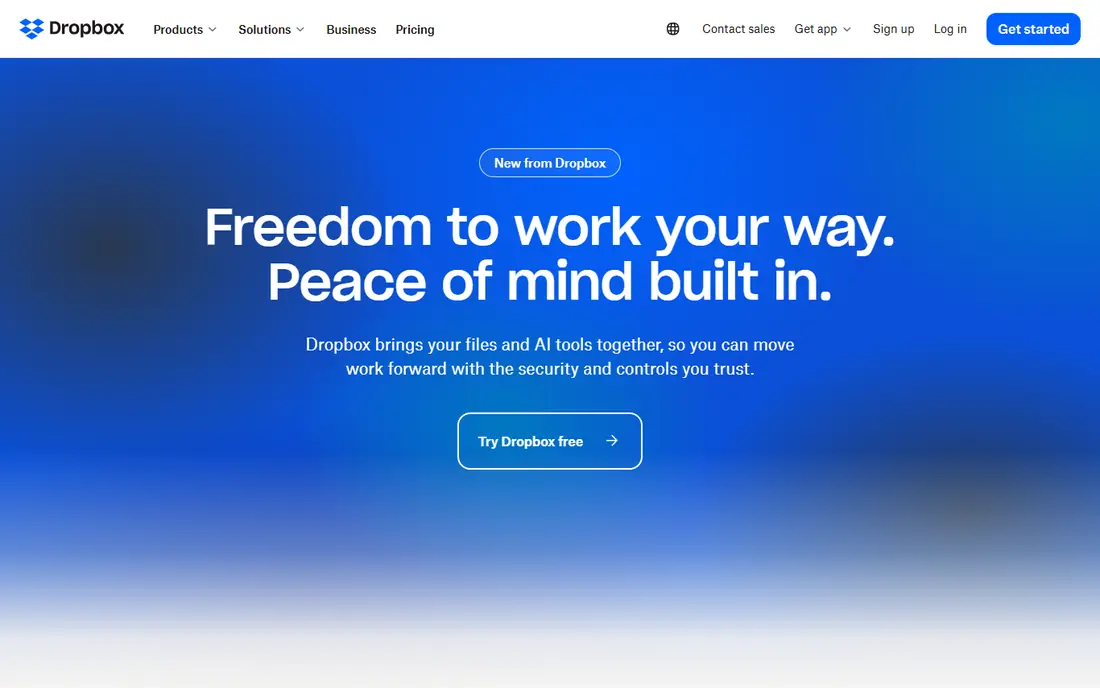
Dropbox remains the sync benchmark that other services are judged against. Delta sync uploads only changed parts of a file, which saves time on large documents, and its integration range covers design tools, office apps, and team software. The Plus plan at $9.99 per month gives 2 TB, which suits households and small teams with large media libraries.
Free storage is small at 2 GB, and privacy-focused users should note that Dropbox encryption is server-side rather than zero-knowledge. If you value sync speed and app support above free space, Dropbox still earns its price.
- Fast delta sync
- Huge app integration range
- Simple sharing and requests
- Only 2 GB free
- Plus plan costs $9.99 per month for 2 TB
- Encryption is not zero-knowledge by default
iCloud Drive is the natural OneDrive replacement if your household runs on Apple devices. Files, photos, and app data sync across iPhone, iPad, and Mac without extra setup, and iCloud+ plans start at $0.99 per month for 50 GB, rising to $9.99 per month for 2 TB. Private Relay and HomeKit Secure Video come with paid tiers, which adds value for Apple users.
Windows and Android users will find it less comfortable, and real-time document collaboration is not as strong as Google Drive. For an all-Apple household, though, the low entry price and automatic sync make it an easy switch.
- Deep iPhone, iPad, and Mac integration
- Low entry price at $0.99 per month for 50 GB
- Family sharing on higher tiers
- Only 5 GB free
- Weaker on Windows and Android
- Collaboration is thinner than Google Drive
Box is built for teams that need control over who sees what, for how long, and under which rules. Retention policies, legal holds, granular permissions, and audit trails suit regulated work in a way that consumer drives do not attempt. Individual accounts start with 10 GB free, while business plans are priced per user and should be confirmed on the Box site for your team size.
Most households do not need this depth, and the price reflects the business focus. If you handle client files, contracts, or regulated documents, Box is the most governance-ready pick in this list.
- Strong permissions and retention controls
- Wide enterprise integrations
- 10 GB free for individuals
- Business plans cost more than consumer drives
- Features exceed what most households need
- Paid tiers vary by team size
pCloud suits people who dislike monthly bills. Monthly plans start at $4.99 per month for 500 GB, while lifetime plans start near $199 for a one-time payment, which pays for itself after a few years of use. A built-in media player lets you stream music and video straight from storage, which is handy for large personal libraries.
Client-side encryption, called pCloud Crypto, costs extra rather than being included by default. If you want zero-knowledge privacy out of the box, Sync.com or Proton Drive are better picks, but for media storage with a one-time price, pCloud is strong.
- Up to 10 GB free
- Lifetime plans from about $199
- Built-in media player and streaming
- Full client-side encryption is a paid add-on
- Smaller app ecosystem than Google or Dropbox
- Lifetime value depends on long use
Sync.com is our pick for privacy-focused OneDrive switchers who still want normal sharing. Every plan uses end-to-end, zero-knowledge encryption, which means Sync.com cannot read your files, and sharing links, password protection, and expiry dates are built in. Paid plans start near $8 per month for 2 TB, with a 5 GB free tier to test sync and sharing.
Real-time document editing is not its strength, so pair it with a separate docs tool if you collaborate daily. For storing and sharing sensitive files with confidence, though, Sync.com gives the strongest privacy at a fair price.
- End-to-end encryption on every plan
- 5 GB free
- Strong privacy and compliance focus
- 2 TB plan costs $8 per month
- Collaboration is thinner than Google Drive
- Fewer third-party integrations
Proton Drive suits people who already use Proton Mail or Proton VPN and want storage under the same privacy rules. Files, file names, and metadata are encrypted on every plan, and the service runs under Swiss jurisdiction with open-source apps. Drive Plus costs $3.99 per month for 200 GB, while Proton Unlimited bundles 500 GB with the wider suite.
The free tier is modest, and real-time collaboration is still catching up with Google Drive. If your priority is privacy across mail, VPN, and storage in one account, Proton Drive is the most coherent choice here.
- End-to-end encryption on every plan
- Swiss jurisdiction
- Links to Proton Mail, VPN, and Calendar
- Free tier starts at 2 GB and rises to 5 GB after setup steps
- Collaboration is still maturing
- Paid storage is smaller per dollar than rivals
MEGA offers the largest free tier in this list at 20 GB, with end-to-end encryption on every plan. That combination suits people who want private storage without paying first, and paid plans add larger quotas and transfer limits. Prices are listed in euros on some pages, so check the MEGA site for your region before comparing with dollar-priced rivals.
Collaboration is basic next to Google Drive, and MEGA is best seen as secure storage and sharing rather than a docs suite. For a free, encrypted OneDrive replacement with room to grow, it is hard to beat.
- 20 GB free
- End-to-end encryption on every plan
- Fast sync and sharing
- Paid prices vary by currency and region
- Collaboration tools are basic
- Free tier limits can change
How we picked these
We compared official pricing pages, free tiers, encryption models, and collaboration features for cloud services that still work in October 2026. We favored services with a free tier, clear paid pricing, and current apps for Windows, Mac, iOS, and Android, and we noted where encryption is an add-on rather than a default.
Choosing the right OneDrive replacement
Start with your ecosystem. Google Drive fits mixed-device households and heavy collaborators, iCloud Drive fits Apple households, and Dropbox fits people who sync large files across many apps. Privacy changes the answer: Sync.com, Proton Drive, and MEGA all encrypt files end to end, while Google, Dropbox, and iCloud use server-side encryption by default.
Check the free tier math before you pay. Google gives 15 GB shared across services, MEGA gives 20 GB, pCloud gives up to 10 GB, and Dropbox gives only 2 GB. If your photo library alone exceeds the free tier, compare the 100 GB and 200 GB paid tiers, not just the headline free number, since that is where most households land.
Moving files without losing anything
Export a file list from OneDrive first, then move files in batches by folder and check that shared links still work after the move. Shared folders and permissions do not transfer automatically between services, so re-share the folders that matter and test one link from a second device. Keep OneDrive active until the new service has synced fully, and only then cancel the old plan.
Frequently asked questions
What is the best alternative to OneDrive?
Google Drive is the best all-round alternative for most people, with 15 GB free and strong collaboration. Dropbox suits heavy sync users, iCloud Drive suits Apple households, and Sync.com suits privacy-focused users.
Is there a free alternative to OneDrive?
Yes. Google Drive gives 15 GB free, MEGA gives 20 GB free, pCloud gives up to 10 GB free, and Sync.com and Proton Drive both offer free tiers. Free tiers differ on sharing limits and encryption, so check both before you pick.
What is the best OneDrive alternative for privacy?
Sync.com, Proton Drive, and MEGA all offer end-to-end, zero-knowledge encryption on every plan. Sync.com is our pick for balanced privacy and sharing, while Proton Drive suits people already in the Proton ecosystem.
Does Microsoft OneDrive have a free plan?
OneDrive itself offers 5 GB free, with paid storage through Microsoft 365 plans. This guide lists alternatives only, so OneDrive is not included in the comparison table above.
Can I use Google Drive instead of OneDrive on Windows?
Yes. Google Drive for Desktop syncs files on Windows and Mac, and Docs, Sheets, and Slides work in any modern browser. Office files open in Google Docs, although complex formatting can shift, so test a few key documents before a full switch.
Sources
See where you really rank - block by block
ProMapRanker scans Google Maps across a grid of your service area. Simple monthly plans from $19, white-label on every plan.
Start freeKeep reading
 which software is best for pdf page removal
Which Software Is Best for PDF Page Removal in 2026
Find which software is best for pdf page removal, from free online tools to desktop editors, with page controls, privacy, safety, and pricing compared.
Read → when i work alternatives
Best When I Work Alternatives in 2026
Looking for when i work alternatives? We compare 8 scheduling apps for hourly teams, covering pricing, free plans, time clocks and the best fit for business.
Read → the best tool for keyword analysis
The Best Tool for Keyword Analysis in 2026
Find the best tool for keyword analysis with our 2026 comparison of 10 keyword analysis software tools on data depth, difficulty scores and price today.
Read →