 ProMapRanker
Best ON24 Alternatives in 2026

Key takeaways
- Zoom Webinars and GoTo Webinar suit teams that already use those meeting tools and need reliable large webinars.
- Demio and Livestorm suit marketing teams that want polished registration, engagement, and CRM follow-up without enterprise pricing.
- BigMarker and Webex Webinars suit enterprise events, while WebinarJam suits sales-led automated webinars.
- Attendee limits, not only monthly price, decide true cost, so compare the plan that covers your usual audience size.
Quick comparison
| Pick | Great for | Pricing starts at | Free tier | |
|---|---|---|---|---|
 Zoom Webinars | Large Zoom webinars | See website | No | Visit |
 GoTo Webinar | Reliable general webinars | $59 per organizer per month | No | Visit |
 Demio | Marketing webinars | See website | No | Visit |
 Livestorm | Browser webinars | See website | Yes | Visit |
 BigMarker | Enterprise virtual events | See website | No | Visit |
 Cisco Webex Webinars | Enterprise webinars | See website | No | Visit |
 WebinarJam | Sales webinars | See website | No | Visit |
 ClickMeeting | Meetings plus webinars | See website | No | Visit |
 Zoho Webinar | Zoho teams | $8 per organizer per month | Yes | Visit |
The best on24 alternatives
ON24 is known for enterprise webinars and virtual events with deep engagement data and marketing integrations. The alternatives below cover the same core jobs at different scales: large reliable webinars, marketing webinars with lead follow-up, and enterprise events. We left out the named platform itself, and we compared attendee capacity, registration, engagement, and pricing model.
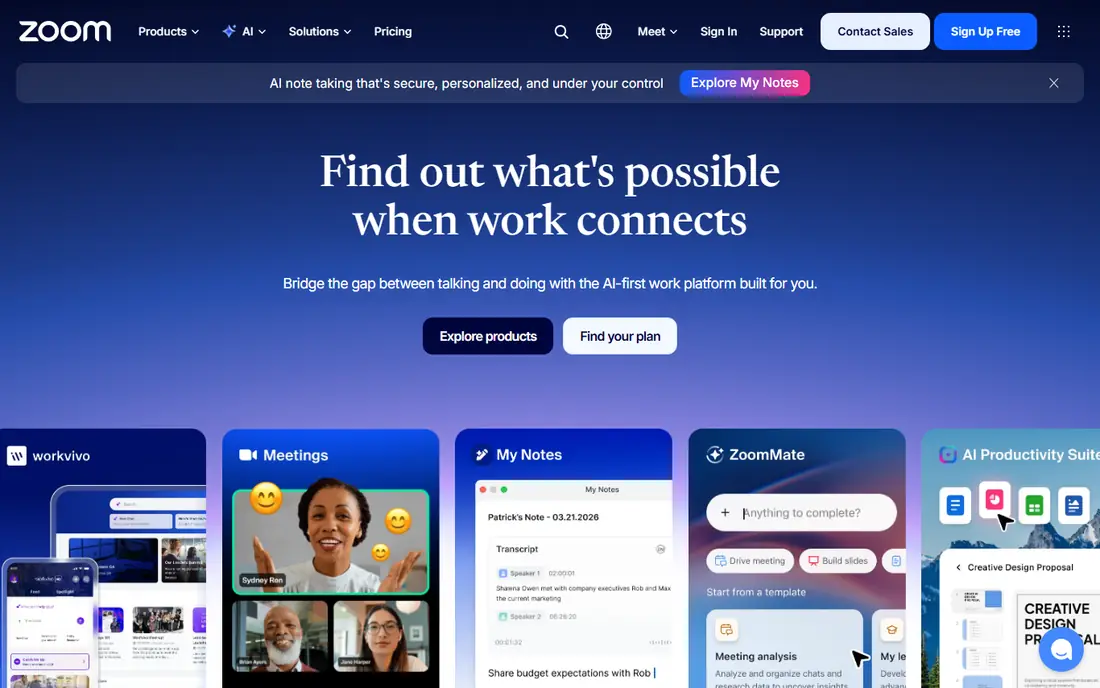
Zoom Webinars is the safest large-scale pick for teams already on Zoom. Attendees know the join flow, hosts can manage panels, polls, and Q and A, and capacity scales well beyond a normal meeting. Recording and reporting cover the basics for internal town halls, product launches, and training sessions.
The cost structure needs care. A webinar license sits on top of a Workplace plan, and the price rises with the attendee tier you choose, so a team that occasionally needs a large room should not price the smallest tier. Marketing features such as lead scoring and deep CRM engagement tracking are also thinner than in specialist webinar tools. For scale and familiarity, Zoom Webinars remains hard to beat.
- Familiar join flow for attendees
- Scales to very large audiences
- Recording, polls, and Q and A included
- Webinar license is separate from a basic meeting plan
- Pricing rises with attendee capacity
- Marketing automation is thinner than specialist tools
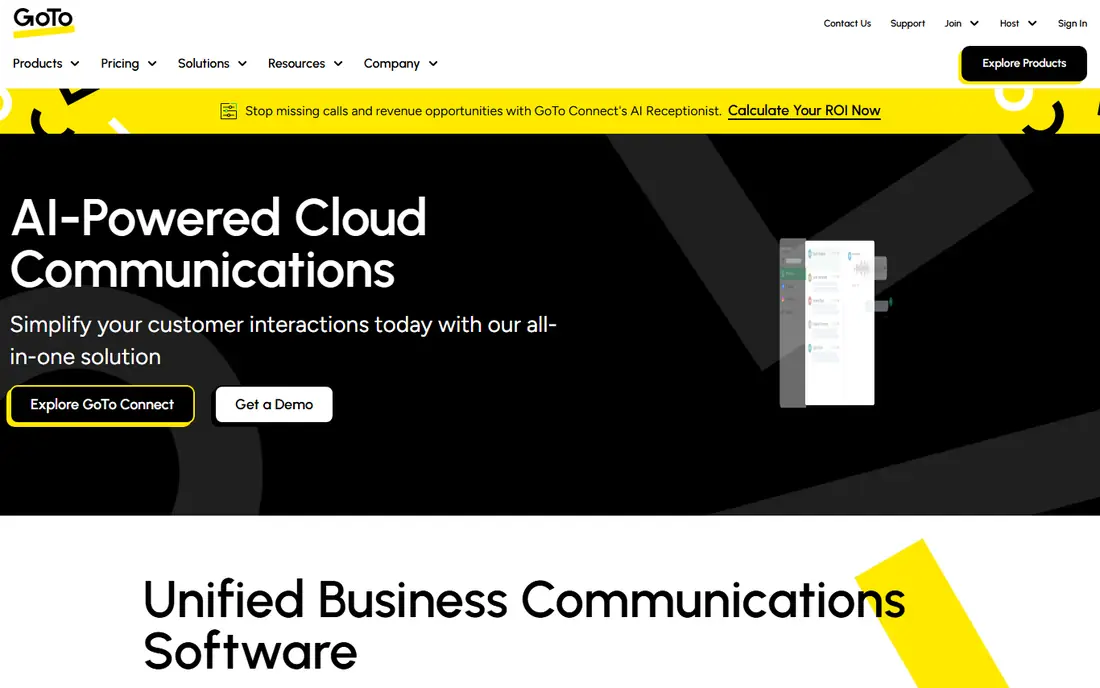
GoTo Webinar suits teams that want a dependable, general-purpose webinar tool without enterprise complexity. Registration pages, email reminders, polls, handouts, and reporting cover the standard webinar workflow, and practice mode helps presenters rehearse before going live. That reliability is why many training and corporate teams have used it for years.
The interface feels more traditional than Demio or Livestorm, and there is no permanent free plan, only trials. Pricing also scales with attendee capacity, so confirm the tier for your usual audience rather than the entry tier alone. For regular business webinars where reliability matters more than marketing flair, GoTo Webinar is a solid, well-understood choice.
- Long track record for business webinars
- Registration, polls, and reporting
- Practice mode and presenter tools
- No free plan
- Interface feels more traditional than newer rivals
- Attendee tiers raise price for larger rooms
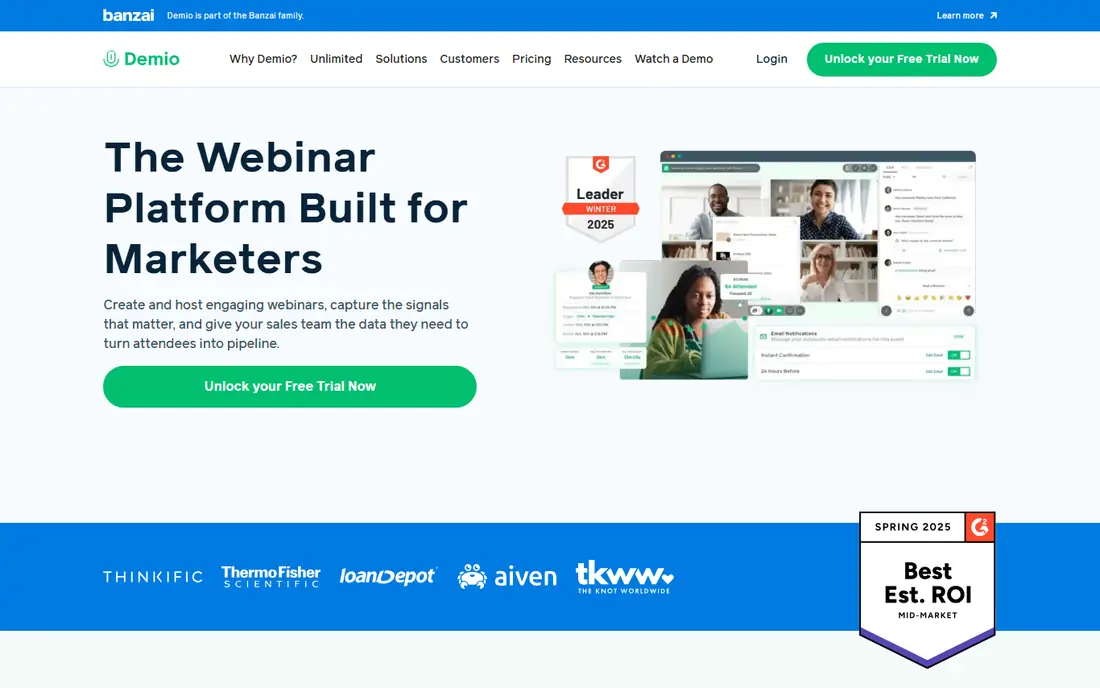
Demio is built for marketing teams that run webinars to generate and qualify leads. Rooms run in a browser, registration pages look polished, and engagement data helps sales teams follow up with the most interested attendees first. Live, automated, and on-demand formats sit in one tool, which helps a team reuse a strong session without rebuilding it each time.
There is no free plan, and pricing scales with room size, so a team that grows from fifty attendees to five hundred should price that growth early. Demio also focuses on marketing webinars rather than multi-day virtual conferences, so enterprise event teams may need a broader platform. For weekly marketing webinars, its balance of polish and lead data is strong.
- Polished browser-based rooms
- Engagement analytics for follow-up
- Automated and live webinar options
- No free plan
- Pricing scales with room size
- Larger rooms move to higher tiers or custom plans
Livestorm suits teams that want webinars to feel as easy as joining a meeting link. Attendees join from a browser, hosts manage polls, Q and A, and chat, and replay analytics show who watched and for how long. CRM integrations help push registration and engagement data to sales and marketing systems without manual exports.
Pricing needs attention, since some plans use attendee credits rather than a simple per-host price. The free plan is useful for testing, but it limits session length and active contacts. Multi-host and larger programs also add cost. For browser-first marketing and training webinars, Livestorm offers a modern experience with a free starting point.
- Browser-first rooms with no download for attendees
- Free plan for small tests
- CRM integrations and replay analytics
- Pricing uses attendee credits on some plans, which needs modeling
- Free plan limits session length and contacts
- Multi-host setups add cost
BigMarker is the closest enterprise event alternative in this list, covering webinars, series, and multi-session virtual conferences. White-label branding, custom registration, expo-style features, and on-demand content hubs suit companies that run webinars as a sustained program rather than a one-off session. Large audience capacity also helps for flagship launches and partner events.
Quote-based pricing makes budgeting less transparent than a fixed tier, so request a quote for your expected audience and event count before you compare totals. Setup also takes more planning than a simple webinar tool, especially for branded multi-session events. For a single weekly webinar, Demio or Livestorm may be simpler. For a full event program, BigMarker scale and branding justify a closer look.
- Scales to very large events and conferences
- White-label branding and virtual expo options
- Webinar series and on-demand hubs
- Pricing is quote-based for many plans
- Setup and branding take more planning
- Overkill for a simple weekly webinar
Cisco Webex Webinars suits regulated and large organizations that already use Webex for meetings. Production controls, registration, polls, and reporting support formal town halls, training, and customer events, while security and admin controls meet enterprise requirements. Capacity scales to very large events when needed.
Smaller teams may find the platform heavier and pricier than a marketing webinar tool, and pricing often depends on license type and attendee capacity. There is no simple free webinar tier to test at scale. Choose Webex Webinars when security, existing Webex use, or large formal events drive the decision, rather than when you only need a simple marketing webinar.
- Enterprise security and production controls
- Large event capacity
- Integrates with Webex meetings and rooms
- Pricing is less transparent and often license-based
- Interface can feel enterprise-heavy
- Smaller teams may pay for unused scale
WebinarJam is built for sales-led webinars, including product launches, courses, and offers with live and automated replays. Registration pages, reminders, live chat, polls, and offer displays support a full sales presentation, and automated webinars let a team run the same session on a schedule without a live presenter each time. That focus makes it popular with coaches, course sellers, and small marketing teams.
Formal training teams may prefer a cleaner, less sales-focused room, and pricing varies with attendee capacity, so check the tier for your audience size. There is no permanent free plan, only a trial or introductory offer depending on current terms. For webinars where the goal is a sale or a sign-up, WebinarJam tools match that job directly.
- Live and automated sales webinars
- Registration, offers, and follow-up tools
- Active chat and attendee engagement features
- No permanent free plan
- Pricing varies with attendee capacity
- Interface favors sales tactics over formal training polish
ClickMeeting suits teams that need both meetings and webinars from one subscription. You can run internal meetings, host live webinars, offer paid events, and reuse sessions as automated webinars. Registration, follow-up, and analytics cover the standard webinar workflow without adding a separate event platform.
Pricing varies with audience size, and there is no permanent free plan, so test the host and attendee experience during the trial. Enterprise features for multi-day conferences are thinner than BigMarker or Webex. For trainers and small teams that present regularly and meet internally in the same tool, ClickMeeting reduces subscriptions and keeps the workflow in one place.
- Meetings, webinars, and paid events in one tool
- Automated webinars
- Registration and analytics
- No free plan, only a trial
- Pricing varies with audience size
- Enterprise event features are thinner than BigMarker
Zoho Webinar is the value pick for teams already using Zoho CRM, Campaigns, or other Zoho apps. The entry price is low, a free plan covers small sessions, and registration and attendee data can flow into Zoho systems without extra integration work. For a small business that runs occasional webinars, that combination is hard to match on price.
The feature set is simpler than Demio, Livestorm, or BigMarker, and capacity varies by plan, so large events need a higher tier. The attendee room is functional rather than polished, which matters less for training and more for flagship marketing events. For Zoho-based teams with modest webinar needs, Zoho Webinar is a practical and low-cost choice.
- Low entry price
- Free plan for small sessions
- Integrates with Zoho CRM and other Zoho apps
- Smaller feature set than enterprise webinar platforms
- Capacity varies by plan
- Attendee experience is simpler than Demio or Livestorm
How we picked these
We compared official pricing pages, feature pages, and public reviews for webinar platforms that are live in October 2026. We kept platforms that cover registration, live delivery, engagement, and reporting, and we left out the named platform itself. Where pricing is quote-based or scales with attendees, we used See website rather than a figure that could mislead a buyer with a different audience size.
How to choose for your webinar program
Start with audience size and frequency, not with feature lists. A weekly webinar for fifty people has different needs from a quarterly launch for five thousand. Check the plan that covers your usual audience, including recording, polls, and replay access, then add CRM and email integration needs on top. A cheap entry tier that caps your room will cost more in upgrades than a correctly sized plan.
Test the attendee experience with a real guest before a flagship event. Join from a phone and a laptop, check audio, chat, and Q and A, and confirm that registration emails and reminders arrive as expected. For marketing webinars, also test how engagement data reaches your CRM, since that handoff decides whether sales follow-up happens on time.
Frequently asked questions
What are alternatives to ON24 for webinars?
Zoom Webinars, GoTo Webinar, Demio, Livestorm, BigMarker, Webex Webinars, WebinarJam, ClickMeeting, and Zoho Webinar all cover webinar delivery with different strengths. Zoom and GoTo suit reliable large webinars, Demio and Livestorm suit marketing webinars, and BigMarker suits enterprise events. Match the tool to audience size and follow-up needs.
Which ON24 alternative is best for small teams?
Demio, Livestorm, and Zoho Webinar suit small teams best, with Zoho Webinar offering the lowest entry price for Zoho users. Livestorm offers a free plan for small tests, while Demio offers polished marketing rooms for regular webinars. Compare room size pricing, not only the entry price, before you choose.
Are there free alternatives to ON24?
Yes, Livestorm and Zoho Webinar offer free plans for small sessions, though limits on length, contacts, or attendees apply. Most other webinar tools offer trials rather than permanent free plans. A free plan suits testing and small internal sessions, while regular marketing webinars usually need a paid plan.
Which alternative is best for large virtual events?
BigMarker and Webex Webinars suit large virtual events and conferences, while Zoom Webinars scales well for large single-session webinars. BigMarker adds white-label branding and multi-session event features, while Webex adds enterprise controls. Request quotes based on your expected audience and event count to compare true costs.
Can I run automated webinars with these tools?
Yes. Demio, Livestorm, WebinarJam, ClickMeeting, and BigMarker all support automated or on-demand webinars in various forms, along with live sessions. Check whether automated delivery, chat simulation, and replay analytics are included on your plan, since those features vary by tier. Test an automated session end to end before promoting it to a live audience.
Sources
See where you really rank - block by block
ProMapRanker scans Google Maps across a grid of your service area. Simple monthly plans from $19, white-label on every plan.
Start freeKeep reading
 wpforms alternatives
Best WPForms Alternatives in 2026
We compare 9 wpforms alternatives for WordPress forms, with free and paid options, current pricing notes, and honest limits for small business sites in 2026.
Read → windows task scheduler alternatives
Best Windows Task Scheduler Alternatives in 2026
Looking for Windows Task Scheduler alternatives? We compare 9 schedulers for Windows and cross-platform work, from free tools to enterprise automation.
Read → which ai video service is best
Which AI Video Service Is Best in 2026
which ai video service is best? We compare 10 legitimate AI video services on price, avatars, editing and output quality to help you pick the right tool.
Read →