 ProMapRanker
Ollama Alternatives in 2026: 9 Tools Compared


Desktop users wanting an easy local chat app · Pricing starts at: Free
Key takeaways
- Local tools differ in one key way: some run models themselves, while others are interfaces that need a separate engine.
- Desktop apps suit single users, while servers such as LocalAI and vLLM suit teams and apps.
- Model size matters more than app choice. Start with a small quantized model that fits your RAM or VRAM.
- Privacy gains depend on setup. Check whether a tool phones home, downloads models from a public hub, or enables cloud models.
- Our pick for most desktop users is LM Studio, with Jan close behind for privacy-first chat and llama.cpp for full control.
Quick comparison
| Pick | Great for | Pricing starts at | Free tier | |
|---|---|---|---|---|
| LM Studio | Desktop users wanting an easy local chat app | Free | Yes | Visit |
 Jan | Privacy-first desktop chat | Free | Yes | Visit |
 LocalAI | Self-hosted API replacement | Free | Yes | Visit |
 llama.cpp | Developers wanting full control | Free | Yes | Visit |
 vLLM | High-throughput GPU serving | Free | Yes | Visit |
 Text Generation WebUI | Power users wanting deep controls | Free | Yes | Visit |
 Msty | Comparing models side by side | Free | Yes | Visit |
 AnythingLLM | Document chat and workspaces | Free | Yes | Visit |
 Llamafile | Portable single-file model running | Free | Yes | Visit |
The best Ollama alternatives
These tools let you run open models on your own computer or server instead of sending prompts to a cloud service. We list alternatives only, not Ollama itself, and we note where a tool is a full runtime, a desktop app or an interface that needs an engine underneath.
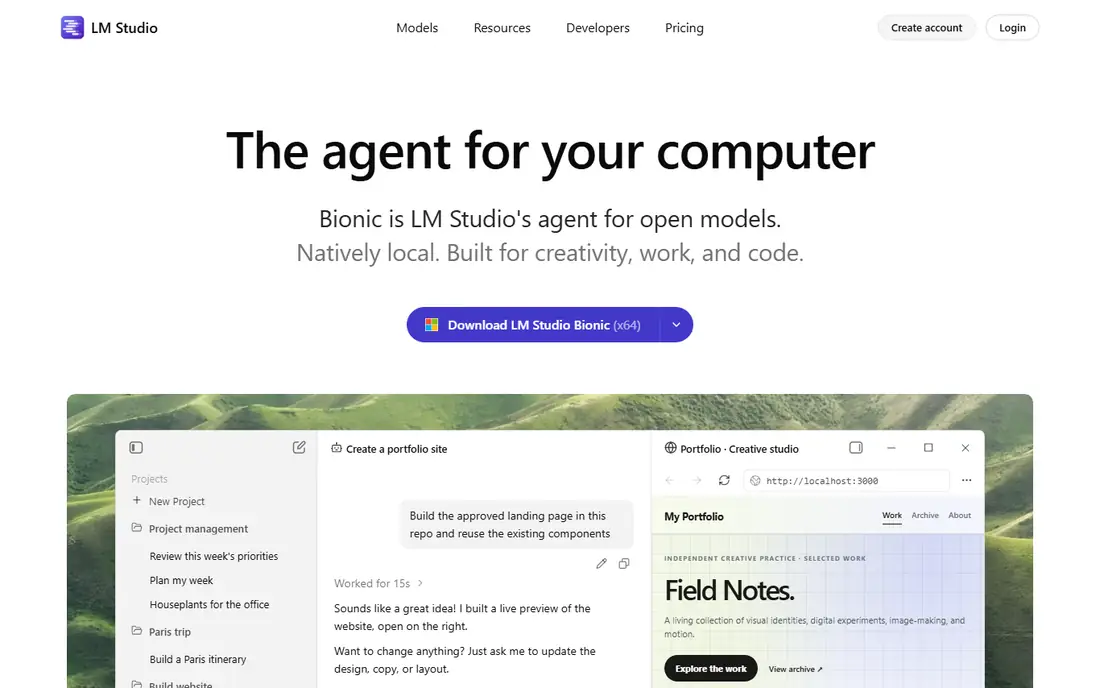
LM Studio is the easiest starting point for local models on a desktop. You can browse models, download a quantized version that fits your hardware, chat in a clean interface, and expose a local server for other apps. That combination suits users who want to try local models without learning command-line tools first.
The trade-off is scale. It is a desktop app, not a production server, so teams needing high concurrent throughput should look at vLLM or LocalAI. LM Studio also depends on models hosted elsewhere, so check model licences before business use. For personal and small-team desktop work, it is our first pick.
- Model discovery and download
- Local chat
- Developer server
- Desktop-focused
- Not built for high-throughput serving
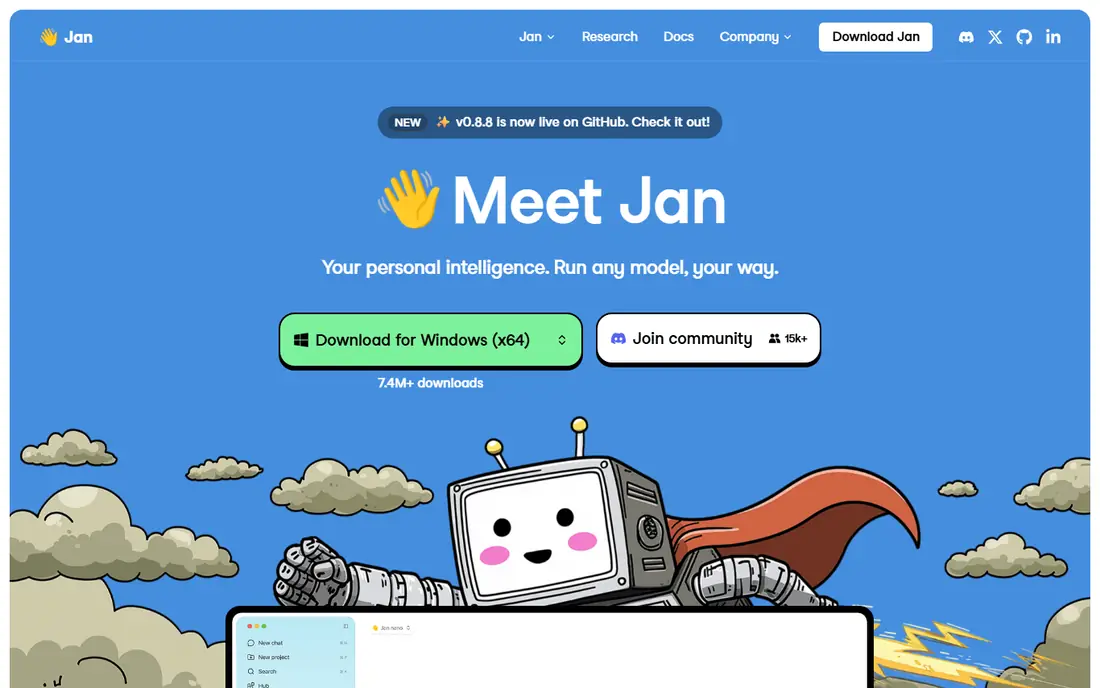
Jan is an open-source desktop app that puts privacy first. It can run models locally, work offline once models are downloaded, and connect to online models when you choose to. The interface is straightforward, with chat threads and model settings that do not demand technical setup.
Jan is a personal app, not a server, so it will not serve many users at once. Model compatibility and features also change between releases, so check the current version for your preferred model format. If you want a private, local chat app with open code, Jan is a strong choice.
- Open-source desktop app
- Local and online models
- Offline focus
- Desktop only
- Model support varies by release
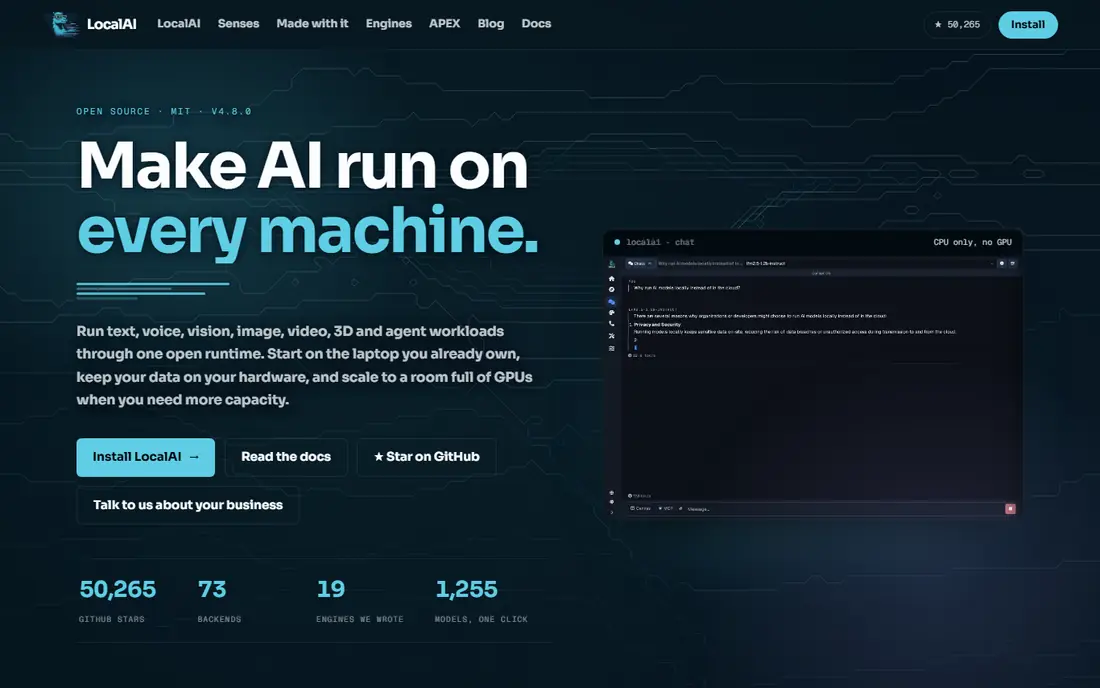
LocalAI is a self-hosted server that presents local models behind familiar API shapes, including text, speech and vision backends. That design lets developers point existing tools at a local endpoint instead of rewriting them for a new API. Docker deployment suits a home server or a small team server.
The cost is complexity. Setup, model management and hardware tuning need more skill than installing a desktop app, and raw throughput will not match a GPU-optimized server such as vLLM. For teams that want one local API for several model types, LocalAI is a flexible, open option.
- OpenAI-compatible APIs
- Multiple modalities
- Docker deployment
- Setup is heavier than desktop apps
- Needs server skills
llama.cpp is the engine underneath many local tools, and using it directly gives the most control. It runs quantized GGUF models efficiently on CPU and GPU, supports a server mode, and works across platforms and smaller devices. Developers who need to tune memory, layers and batching will value that control.
The price is effort. There is no polished chat interface by default, and setup involves command-line work. Beginners should start with LM Studio or Jan, which use similar technology behind a friendlier front end. For builders and tinkerers, llama.cpp remains the reference engine.
- Efficient CPU and GPU inference
- GGUF support
- Server mode
- Command-line first
- Setup and tuning need technical skill
vLLM is the serving choice when many requests must run at once on a GPU server. It is designed for throughput, with continuous batching and efficient memory handling that suit production APIs and internal tools. Teams running a local model as a service, rather than as a personal chat app, should evaluate it first.
It is not a desktop chat app, and setup assumes Linux, GPU and server experience. Small teams may find LM Studio or LocalAI simpler. When concurrency and latency matter more than ease of install, vLLM is the strongest server option here.
- High concurrent throughput
- Production serving
- OpenAI-compatible server
- Linux and GPU focused
- Setup needs server and GPU skills
Text Generation WebUI, often called TextGen, is a web interface for running and testing local models with deep controls. Users can adjust sampling, compare outputs, load extensions and use an API, which suits experimentation and research. Its community extensions add tools that desktop chat apps do not offer.
The interface is dense, and installation takes more steps than a desktop app. Beginners may prefer LM Studio for first experiments. For users who want to tweak every generation setting and test models side by side, TextGen offers depth that simpler apps cannot match.
- Highly customizable web interface
- Extensions
- API support
- Setup is involved
- Interface can overwhelm beginners
Msty is a desktop workspace for working with several models at once. Split chats let you compare answers from two models side by side, and knowledge stacks let you ground chats in your own documents. It supports local models alongside online models, which helps when one model is better for one task than another.
The workspace depth can feel heavy for a user who only wants simple chat, and local running still depends on the chosen backend. For researchers, writers and developers who compare models regularly, Msty turns comparison from a chore into a normal workflow.
- Split chats
- Knowledge stacks
- Local and online models
- Workspace features suit power users more than casual chat
AnythingLLM focuses on chatting with your own documents. Upload files into a workspace, and the tool retrieves relevant passages before answering, which reduces guessing and keeps answers tied to your material. Desktop and self-hosted versions suit personal use and small teams that handle internal documents.
It is not a general-purpose model server, and document quality depends on clean uploads and sensible chunking. Teams that need a pure API server should look at LocalAI or vLLM. For document-heavy work on local models, AnythingLLM is a practical, focused choice.
- Document workspaces
- Retrieval chat
- Desktop and self-hosted versions
- Document setup needs care
- Not a general model server
Llamafile turns a model into a single executable file that can run on several systems. That portability suits demos, offline sharing and simple deployments, where installing a full app or server would be overkill. The file can also serve an API, so a small app can talk to it locally.
The model-per-file shape is less handy when you browse and switch models often, and larger models still need suitable hardware. For a portable, no-install way to run one model, Llamafile is a clever option that stands apart from app-based tools.
- Single executable per model
- Portable across systems
- Server mode
- One model per file
- Less convenient for browsing many models
How we picked these
We compared official project pages, documentation and release information for each tool in October 2026. We weighted whether a tool runs models itself or needs an engine, desktop versus server fit, API compatibility, privacy posture and ease of setup. We did not claim hands-on testing, and we treated performance claims as vendor and community reports to verify on your own hardware.
How to choose an Ollama alternative
Decide whether you need an app or a server. Desktop users should start with LM Studio or Jan. Developers building an app should look at LocalAI, vLLM or llama.cpp, depending on scale. Interfaces such as Msty and AnythingLLM add value on top, but they do not replace a runtime.
Match the model to your hardware first. A small quantized model on a laptop will feel fast, while a large model on weak hardware will feel slow in any app. Check RAM, VRAM and disk space before judging a tool, and start small.
Check privacy and licences before business use. Local running keeps prompts off a vendor server, but model downloads, telemetry and optional cloud models can change that picture. Read the privacy notes and model licence for any tool and model you deploy.
Frequently asked questions
What are the best alternatives to Ollama?
LM Studio and Jan are the best desktop alternatives for most users, while LocalAI and vLLM suit servers and apps. llama.cpp offers the most control for developers. Choose by whether you need chat, an API or high-throughput serving.
What is the best Ollama alternative for beginners?
LM Studio is the easiest starting point, thanks to model browsing, one-app chat and a local server. Jan is close behind for privacy-first users. Both avoid command-line setup for basic local chat.
Can I run large language models fully offline?
Yes, once a model is downloaded, desktop tools such as Jan and LM Studio can run it locally without sending prompts to the cloud. Check each tool for telemetry and optional cloud features, and disable online models if strict offline use matters.
What is the best Ollama alternative for a server?
LocalAI suits a general self-hosted API, while vLLM suits high-throughput GPU serving. llama.cpp suits developers who want direct control. Match the choice to request volume, hardware and API needs.
Do Ollama alternatives cost money?
Most tools on this list are free and open source, though models themselves carry their own licences. Costs usually come from hardware, electricity and time, not software licences. Check each project page for any paid or enterprise tier.
Sources
See where you really rank - block by block
ProMapRanker scans Google Maps across a grid of your service area. Simple monthly plans from $19, white-label on every plan.
Start freeKeep reading
 which software is best for pdf page removal
Which Software Is Best for PDF Page Removal in 2026
Find which software is best for pdf page removal, from free online tools to desktop editors, with page controls, privacy, safety, and pricing compared.
Read → when i work alternatives
Best When I Work Alternatives in 2026
Looking for when i work alternatives? We compare 8 scheduling apps for hourly teams, covering pricing, free plans, time clocks and the best fit for business.
Read → the best tool for keyword analysis
The Best Tool for Keyword Analysis in 2026
Find the best tool for keyword analysis with our 2026 comparison of 10 keyword analysis software tools on data depth, difficulty scores and price today.
Read →