 ProMapRanker
Office Alternatives in 2026


Cloud collaboration for teams · Pricing starts at: $7 per user per month
Key takeaways
- Google Workspace is our pick for teams that need real-time collaboration, with Docs, Sheets, Slides, Gmail, and Drive in one suite.
- LibreOffice is the best free desktop suite, with Writer, Calc, and Impress that work offline on Windows, Mac, and Linux.
- ONLYOFFICE suits teams that need close file-format compatibility with common document and spreadsheet formats.
- WPS Office and Zoho Workplace suit users who want a familiar interface at a low price, with free tiers to start.
- Apple iWork is free for Apple users and excellent for simple, polished documents, spreadsheets, and presentations.
Quick comparison
| Pick | Great for | Pricing starts at | Free tier | |
|---|---|---|---|---|
| Google Workspace | Cloud collaboration for teams | $7 per user per month | Free trial | Visit |
 LibreOffice | Free offline desktop suite | Free | Yes | Visit |
 ONLYOFFICE | Format-compatible collaboration | Free | Yes | Visit |
 WPS Office | Familiar interface at low cost | Free | Yes | Visit |
 Zoho Workplace | Low-cost business suite | $3 per user per month | Yes | Visit |
 Apple iWork | Free suite for Apple users | Free | Yes | Visit |
 Apache OpenOffice | Simple free offline suite | Free | Yes | Visit |
 SoftMaker FreeOffice | Fast lightweight desktop suite | Free | Yes | Visit |
 CryptPad | Private encrypted collaboration | Free | Yes | Visit |
The best office alternatives
We compared nine suites on documents, spreadsheets, presentations, file compatibility, collaboration, offline use, and published pricing. The best microsoft office alternatives below are all independent suites, and none of them is the suite you are replacing. Note that Google Workspace and Apple iWork include personal free versions as well as paid business plans, so check which version fits your use.
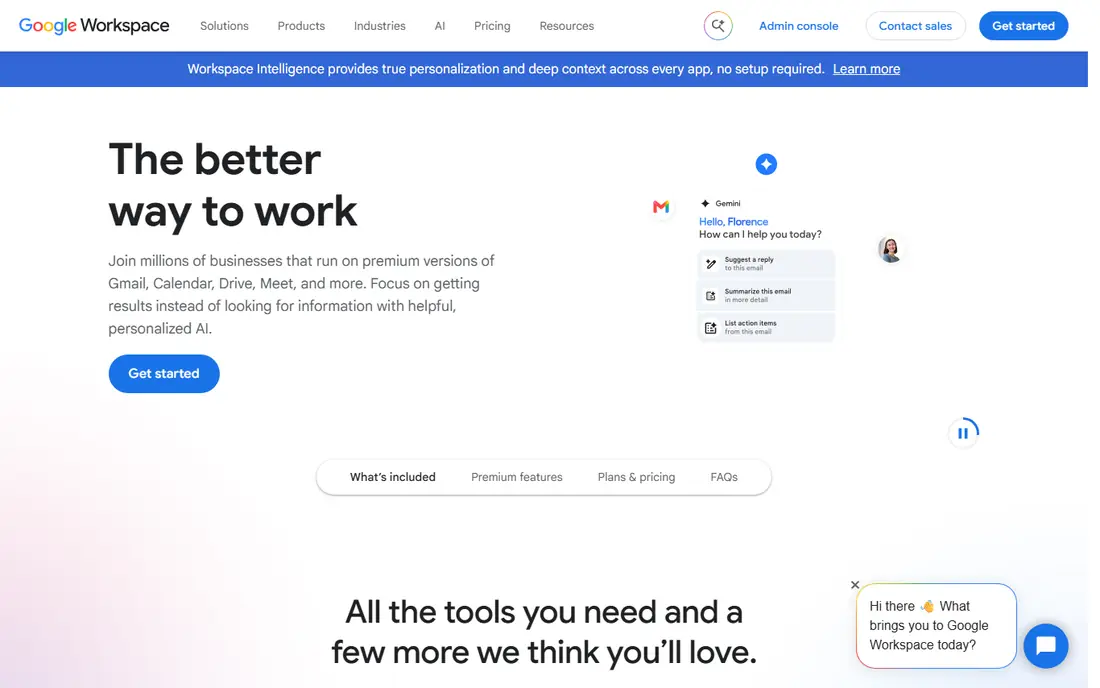
Google Workspace is the most complete cloud alternative for teams. Docs, Sheets, and Slides support real-time editing by several people at once, with comments, version history, and autosave that remove the old email-attachment loop. Gmail, Drive, Meet, and Calendar round out a business suite that many small teams can run on alone.
Business Starter is listed at $7 per user per month on an annual commitment in recent listings, with a free trial, while personal Google accounts can use Docs, Sheets, and Slides free. The trade-off is depth: very complex spreadsheets with heavy macros may run better in a desktop suite. For collaboration-first teams, Google Workspace is our pick among ms office alternatives.
- Real-time editing in Docs, Sheets, and Slides
- Gmail, Drive, Meet, and Calendar included
- Autosave and easy sharing
- Advanced spreadsheet features trail desktop suites
- Offline use needs setup in Chrome
LibreOffice, from The Document Foundation, is the best free desktop office suite available. Writer handles documents, Calc handles spreadsheets, Impress handles presentations, and Draw, Base, and Math cover graphics, databases, and formulas. It works fully offline, with no subscription and no account required.
File compatibility with common document formats is generally good, but very complex formatting can shift when you open or save files in another format. Collaboration is also weaker than Google Workspace, since real-time co-editing is limited. For a free, private, offline suite, LibreOffice is hard to beat, and it is a top pick among microsoft 365 alternatives for individuals.
- Completely free and open-source
- Writer, Calc, Impress, Draw, Base, and Math
- Works offline on Windows, Mac, and Linux
- Interface feels dated
- Collaboration is weaker than cloud suites
- Complex file formatting can shift
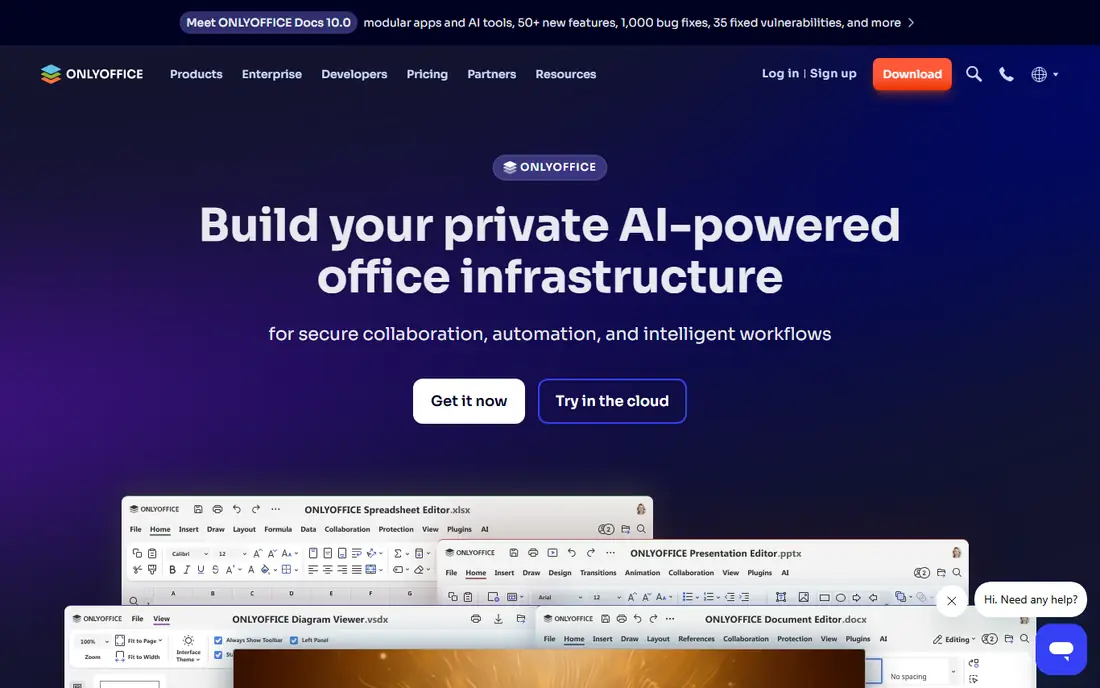
ONLYOFFICE suits teams that share files with people who use other suites, since its editors aim for close format compatibility. Desktop editors are free, and DocSpace adds cloud rooms for team document editing, sharing, and comments. That mix lets a team edit together without giving up desktop apps.
Cloud business pricing is listed from $20 per admin per month in recent listings, which is priced per admin rather than per user, so read the plan terms carefully. Template depth is thinner than Google or Zoho. If format fidelity matters most, ONLYOFFICE is a strong, modern choice.
- Strong compatibility with common document formats
- Desktop editors free
- Cloud DocSpace for team editing
- Cloud business pricing is per admin, which can confuse budgeting
- Smaller template set than larger suites
WPS Office is popular with users who want an interface that feels familiar right away. It includes Writer, Spreadsheet, Presentation, and PDF tools, with tabbed documents and templates that help new users start fast. Mobile apps are strong, which suits users who edit on a phone or tablet as well as a desktop.
The free version includes ads and upgrade prompts, which some users find distracting. Paid plans are listed from around $2.49 to $2.99 per user per month on annual billing in recent listings, varying by plan and region, so check the current price before you buy. For a low-cost, familiar suite, WPS Office is a practical pick.
- Familiar tabbed interface
- Writer, Spreadsheet, Presentation, and PDF tools
- Mobile and desktop apps
- Free version shows ads and prompts
- Premium features need a paid plan
Zoho Workplace bundles Writer, Sheet, and Show with Mail, WorkDrive, Cliq chat, and meeting tools for a low business price. The Standard plan is listed at $3 per user per month on annual billing in recent listings, which makes it one of the cheapest business suites with email and storage included. A free tier covers individual use of the editors.
The ecosystem is smaller than Google, so integrations with outside tools are thinner. Some advanced features also sit on higher plans. For a small business that wants email, documents, and storage in one low-cost bundle, Zoho Workplace is excellent value.
- Writer, Sheet, and Show plus Mail, WorkDrive, and Chat
- Low business starting price
- Free tier for individuals
- Smaller ecosystem than Google
- Advanced features vary by plan
Apple iWork includes Pages for documents, Numbers for spreadsheets, and Keynote for presentations, free on compatible Apple devices. Templates are polished, Keynote in particular is strong for presentations, and iCloud sharing allows collaboration with other Apple users and, via web links, with others.
Windows and Android users can use iWork on the web through iCloud, but the full experience is Apple-first. Complex spreadsheet work may also be easier in Calc or Sheets. For Apple households and small Apple-based teams, iWork is a free, polished suite that needs no subscription.
- Pages, Numbers, and Keynote free on Apple devices
- Polished templates
- ICloud collaboration
- Apple devices only for full use
- Spreadsheet depth trails Calc and Sheets for complex work
Apache OpenOffice is the older open-source suite from which LibreOffice grew. It includes Writer, Calc, Impress, Draw, Base, and Math, and it works offline for basic documents, spreadsheets, and presentations. It remains free, with no account or subscription.
Development pace is slower than LibreOffice, and the interface feels older. For most users, LibreOffice is the better free desktop pick today. OpenOffice still suits an older computer or a user who wants a simple, stable, free suite for basic work.
- Completely free and open-source
- Writer, Calc, Impress, Draw, Base, and Math
- Simple offline use
- Updates are slower than LibreOffice
- Interface and features feel older
SoftMaker FreeOffice is a free desktop suite with TextMaker, PlanMaker, and Presentations, built to run fast even on older computers. It offers good compatibility with common document formats and a familiar ribbon-style interface that helps new users settle in quickly. That speed is a real plus for a laptop with limited resources.
Some features, such as advanced tools in the paid SoftMaker Office, are not in the free version, and cloud collaboration is thinner than Google Workspace. For a fast, free desktop suite on Windows, Mac, or Linux, FreeOffice is a strong, underrated option.
- Fast and lightweight
- Good format compatibility
- Familiar ribbon-style interface
- Free version lacks some paid features
- Collaboration tools are thinner than cloud suites
CryptPad is a privacy-first collaboration suite with encrypted documents, spreadsheets, presentations, forms, and whiteboards. Content is encrypted so that even the service operator cannot read your documents in plain form, which suits teams handling sensitive notes. Basic use needs no account, and the code is open-source.
Templates, polish, and advanced spreadsheet features trail Google Workspace and LibreOffice. Paid plans start around 5 euros per month in recent listings, varying by storage. If privacy matters more than template depth, CryptPad is a distinctive and honest choice among alternatives to microsoft 365.
- End-to-end encrypted documents, sheets, and slides
- No account needed for basic use
- Open-source
- Fewer templates and polish than larger suites
- Paid plans priced in euros and vary by storage
How we picked these
We compared official feature and pricing pages for each suite, plus recent comparison listings. We favored suites that are actively maintained in October 2026, that cover documents, spreadsheets, and presentations together, and that fit a clear need: cloud collaboration, free desktop use, low-cost business use, or privacy. We left out single-app editors with no spreadsheet or presentation tool, and we left out the suite being replaced. Where pricing varies by region or billing term, we wrote the recent listing figure and urged a check of the vendor page.
What to check before you switch
Start with your most complex files. Open your hardest document, spreadsheet, and presentation in the new suite and check formatting, formulas, charts, and fonts. A suite that handles simple files well can still shift a complex report, so test with real work, not a blank page.
Next, check collaboration and sharing. Who needs to edit at the same time, who only needs to view, and how do you share with clients who use other suites? Cloud suites win on live editing, while desktop suites win on offline control. Also check email and storage: a business bundle that includes mail and drive may replace more than one subscription, while a free desktop suite may still need separate email and backup.
Finally, check migration cost. Moving templates, macros, and shared folders takes time, and macros in particular rarely transfer cleanly. Run both suites side by side for a month, move one team or one project first, and keep your old files backed up until the new suite proves itself on real work.
Frequently asked questions
What is the best free alternative to Microsoft Office?
LibreOffice is the best free desktop alternative, with a full suite that works offline and costs nothing. Google Docs, Sheets, and Slides are also free for personal use and better for collaboration. For a fast, lightweight free desktop suite, SoftMaker FreeOffice is another strong option.
What are the best microsoft office alternatives for teams?
Google Workspace leads for real-time collaboration, with Docs, Sheets, Slides, Gmail, and Drive together. Zoho Workplace is a cheaper business bundle with mail and storage, and ONLYOFFICE suits teams that need close format compatibility. Choose by collaboration needs, email needs, and budget per user.
Are there microsoft 365 alternatives that work offline?
Yes. LibreOffice, Apache OpenOffice, SoftMaker FreeOffice, and ONLYOFFICE desktop editors all work offline. Google Workspace and Zoho Workplace are cloud-first, with offline modes that need setup. If you work on planes or in areas with weak internet, a desktop suite is the safer pick.
Which office alternative is closest in look and feel?
WPS Office and SoftMaker FreeOffice both offer familiar, ribbon-style interfaces that feel close to common desktop suites. ONLYOFFICE also feels familiar and focuses on format compatibility. Test the interface with your own files, since small layout differences matter more than marketing claims.
Can I open and save common document formats in these suites?
Yes, all the suites on this list can open and save common document, spreadsheet, and presentation formats, though complex formatting can shift. Always test your most complex files before you switch, and keep a backup of originals. For files you must share widely, export a PDF for reading and keep the editable file for changes.
What is the cheapest business office suite?
Zoho Workplace Standard is listed at $3 per user per month on annual billing, which is among the lowest business prices on this list. Google Workspace Business Starter is listed at $7 per user per month. LibreOffice and Apple iWork are free, but they do not include business email and managed storage in the same bundle.
Sources
See where you really rank - block by block
ProMapRanker scans Google Maps across a grid of your service area. Simple monthly plans from $19, white-label on every plan.
Start freeKeep reading
 which software is best for pdf page removal
Which Software Is Best for PDF Page Removal in 2026
Find which software is best for pdf page removal, from free online tools to desktop editors, with page controls, privacy, safety, and pricing compared.
Read → when i work alternatives
Best When I Work Alternatives in 2026
Looking for when i work alternatives? We compare 8 scheduling apps for hourly teams, covering pricing, free plans, time clocks and the best fit for business.
Read → the best tool for keyword analysis
The Best Tool for Keyword Analysis in 2026
Find the best tool for keyword analysis with our 2026 comparison of 10 keyword analysis software tools on data depth, difficulty scores and price today.
Read →