 ProMapRanker
Obsidian Alternatives in 2026

Key takeaways
- Logseq is the closest alternative for linked, daily notes, with a block-first design and local files.
- Notion suits teams that need collaboration, databases, and wikis, while Joplin and Anytype suit people who want local control and privacy.
- Bear is best for Apple users who want a fast, beautiful markdown editor, while Capacities suits visual, object-based note taking.
- Decide first where your notes live, how they sync, and what happens if you stop paying, since those choices matter more than a feature list.
Quick comparison
| Pick | Great for | Pricing starts at | Free tier | |
|---|---|---|---|---|
 Logseq | Daily notes and linked blocks | Free | Yes | Visit |
 Notion | Team wikis and databases | Free | Yes | Visit |
 Joplin | Encrypted, self-hosted notes | Free | Yes | Visit |
 Anytype | Private local-first knowledge base | Free | Yes | Visit |
 Capacities | Object-based visual notes | Free | Yes | Visit |
 Bear | Fast Apple markdown notes | Free | Yes | Visit |
 Roam Research | Networked thought and backlinks | $15 per month | No | Visit |
 Standard Notes | Maximum privacy notes | Free | Yes | Visit |
The best obsidian alternatives
These alternatives to Obsidian cover different reasons for switching, from collaboration to privacy to a simpler editor. We compared note structure, offline behavior, sync, encryption, platform support, and price from vendor pages and recent note-app comparisons. All eight are real, working products in October 2026, and none of them is Obsidian itself. The right pick depends less on which app has the most features and more on how you think, where your notes should live, and who else needs to see them.
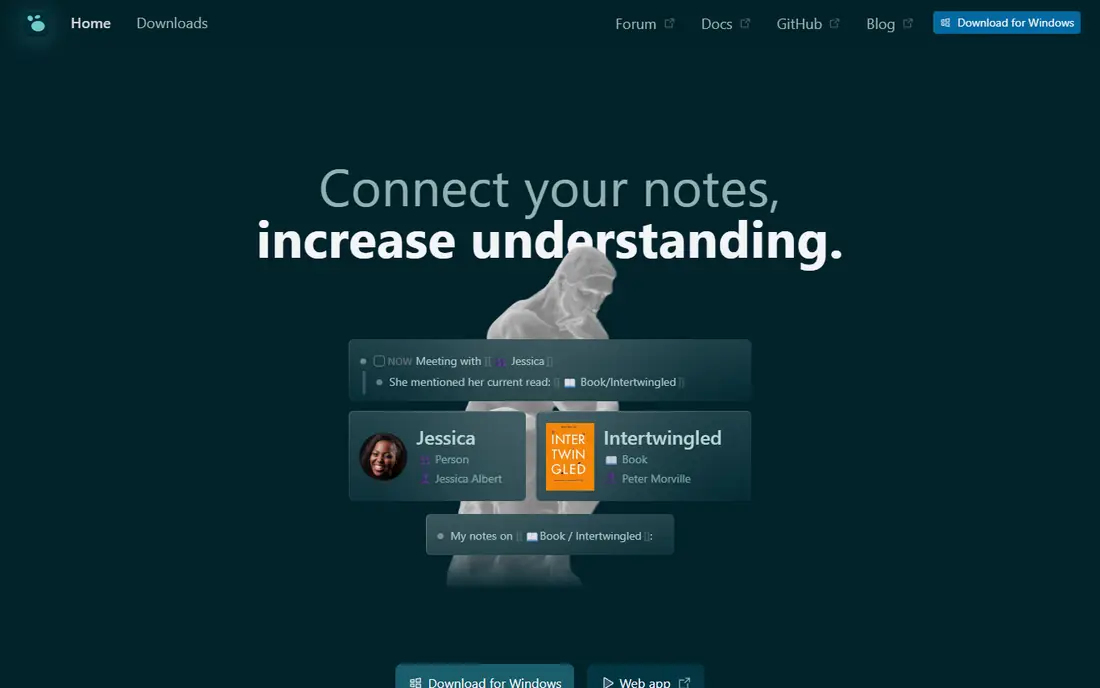
Logseq is the closest alternative for people who liked linked notes but want a different workflow. Where Obsidian is file-first, Logseq is block-first, so every bullet point can be referenced, embedded, or queried from anywhere in your graph. The daily journal is the natural starting point, and tags and page links build a knowledge graph over time without upfront organization. Built-in flashcards, PDF annotation, and a whiteboard view add study and research tools without extra setup.
The trade-offs are polish and scale. Mobile apps work, but they feel less smooth than desktop, and very large graphs can slow down. The plugin ecosystem is also smaller, though core features cover more out of the box. If daily notes and block-level thinking fit your brain, Logseq is the most natural next step.
- Free and open source
- Local markdown files
- Block-level references, queries, and daily journals
- Mobile apps feel less polished
- Very large graphs can slow down
- Plugin ecosystem is smaller
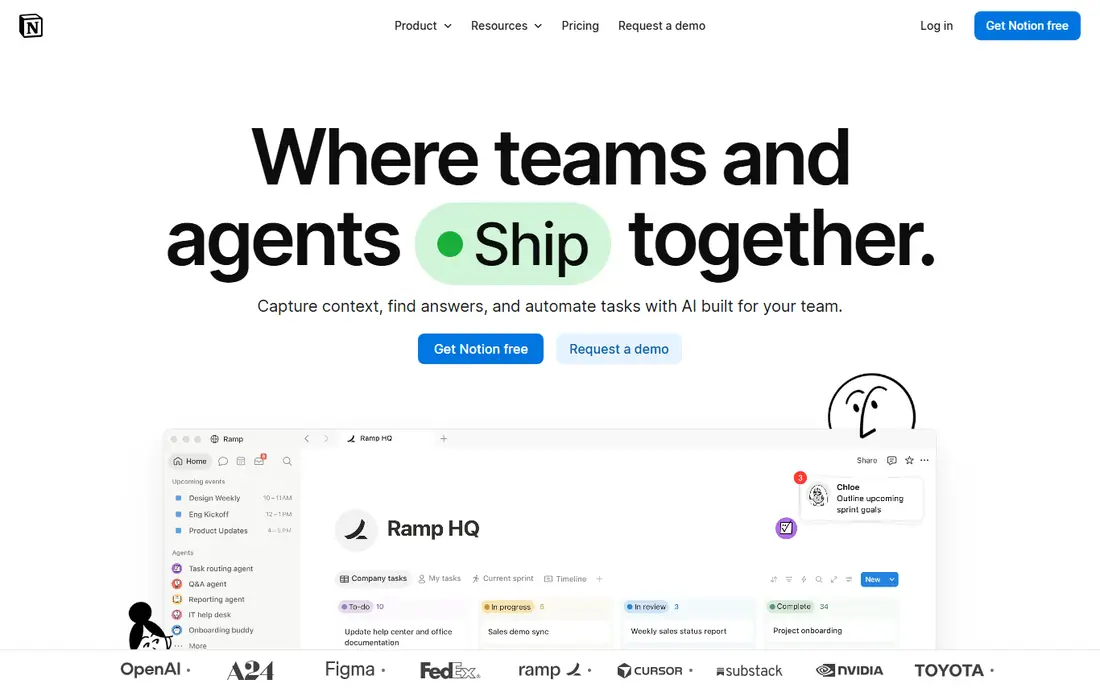
Notion is the best alternative when collaboration is the reason for switching. Teams can edit docs together in real time, build databases with relations, rollups, and formulas, and run wikis, project trackers, and habit systems without code. The free plan covers personal use well, and Plus starts at $10 per user per month for larger uploads and longer history. Templates and AI features for summarizing and drafting have also matured, which helps teams that write together.
Data ownership is the main concern. Notes live on Notion servers, offline access is limited to recently opened pages, and a Notion outage can block access to your work. For personal knowledge purists, that is a deal-breaker, but for teams that need shared structure, Notion is still the strongest option here. Export your workspace regularly if you choose it.
- Real-time collaboration
- Flexible databases, wikis, and docs in one place
- Strong templates and AI features
- Notes live on Notion servers
- Offline mode is limited
- Large workspaces can feel slow
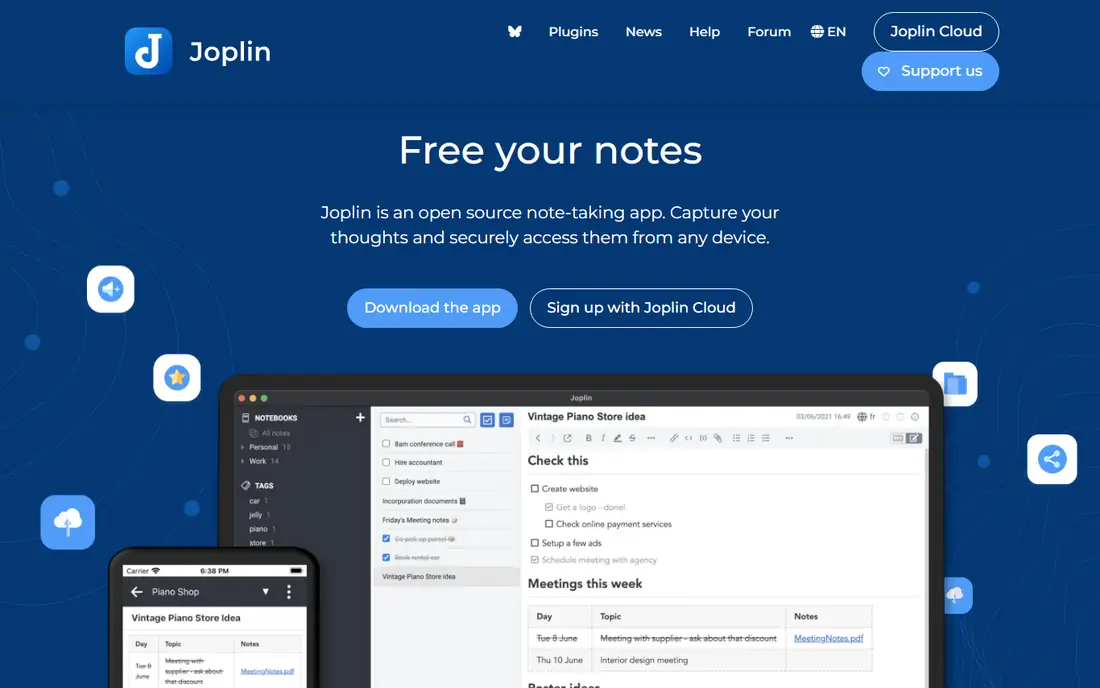
Joplin is a practical, no-nonsense alternative for people who want their notes under their own control. It is free and open source, supports markdown, notebooks, tags, and web clipping, and offers end-to-end encryption for synced notes. You can sync with your own cloud storage or pay for Joplin Cloud, which starts at a low monthly price for basic sync. That flexibility suits privacy-minded users, students, and small teams that do not need real-time editing.
The interface is functional rather than beautiful, and collaboration is limited compared with Notion. Setting up plugins and sync also takes more effort than a cloud-first app. If you value open source, encryption, and self-hosting over polish, Joplin is a dependable and honest choice.
- Free and open source
- End-to-end encryption
- Sync with your own cloud or Joplin Cloud
- Markdown notes
- Interface looks dated
- Collaboration is limited
- Plugin setup takes more effort
Anytype aims to give you Notion-style structure without Notion-style cloud dependence. Notes live on your device first, sync peer to peer without a central server, and are protected with end-to-end encryption. Objects, sets, and relations let you build structured collections for books, people, projects, and ideas, which suits people who like databases but want local control. The free plan covers local use with limited remote storage, and paid plans raise storage and add features.
Anytype is still maturing, so some features feel less finished than in Notion or Logseq, and third-party integrations are fewer. Migration from other apps also takes planning, since the object model differs from plain markdown files. For privacy-first users who want structure plus local ownership, Anytype is a compelling and modern option.
- Local-first with peer-to-peer sync
- End-to-end encryption
- Objects, sets, and relations for structured notes
- Still maturing in places
- Smaller ecosystem and fewer integrations than Notion
Capacities takes an object-based approach, where people, books, projects, and ideas are objects with their own pages and properties, rather than plain notes in folders. That structure makes it easy to see connections, build collections, and keep a visual knowledge base that still feels calm. Daily notes, a calendar view, and a polished editor help with journaling and planning, and the free plan covers personal use, with Pro at $9.99 per month for more features.
The limits are offline use and team features. Capacities is cloud-based, so offline work is limited, and it is mainly built for personal use rather than large team wikis. The ecosystem is also smaller than Notion. If you want a beautiful, object-based personal system and you are comfortable with cloud sync, Capacities is a joy to use.
- Beautiful object-based editor
- Calendar, daily notes, and collections
- Clean visual design
- Cloud-based with limited offline use
- Smaller ecosystem
- Mainly for personal use rather than teams
Bear is the best alternative for Apple users who want speed and beauty over a huge feature set. It offers a clean markdown editor, fast search, tags with nested tags, and excellent iOS and Mac apps that open instantly. The free plan covers basic notes, while Pro at $2.99 per month adds sync across devices, export options, and themes. For daily capture, journaling, and short writing, Bear feels lighter and faster than most knowledge tools.
The Apple-only limit is decisive for many people. There is no Windows or Android app, so cross-platform users should pick Logseq, Joplin, or Notion instead. Bear also lacks a graph view and deep database features, which will disappoint networked-thought users. Within the Apple ecosystem, however, Bear is one of the best note apps available at any price.
- Fast, beautiful markdown editor
- Excellent iOS and Mac apps
- Tags and nested tags for organization
- Apple only, with no Windows or Android app
- Sync and export features need Pro
Roam Research helped define networked thought, with daily notes, block references, and backlinks that let ideas connect without folders. Researchers and writers use it to build literature notes, track arguments, and query blocks across a whole database, which suits long projects with many sources. The graph view and query language reward users who invest time in linking, and the tool remains popular for research-heavy work.
The price and cloud model are the main barriers. Roam Research costs $15 per month, with no free plan, and it is cloud-based, so offline use is limited. Logseq offers a similar block-first model for free and offline, which makes Roam hard to justify unless you specifically want its query system and community. For committed networked-thought users, Roam remains a powerful, if costly, option.
- Pioneered block-level backlinks and daily notes
- Powerful queries and graph views
- Strong for research and writing
- No free plan
- Cloud-only with limited offline use
- Price is high for personal notes
Standard Notes is built for longevity and privacy above all else. Notes are end-to-end encrypted, the code includes open source components, and the focus is on simple, durable notes that will still open years from now. The free plan covers basic encrypted notes, while paid plans add advanced editors, themes, and more storage. That restraint suits people who want a private notebook, not a second operating system for thought.
The plain interface and lighter linking will disappoint users who want graphs, queries, and databases. Advanced markdown and code editors sit behind paid plans, so free users get a simpler tool. If privacy and long-term access matter more than visual flair, Standard Notes is the safest long-term home for your notes here.
- End-to-end encryption by default
- Open source components
- Simple, durable notes with long-term focus
- Interface is plain
- Advanced editors and features need a paid plan
- Linked-note features are lighter than rivals
How we picked these
We compared vendor pages and recent note-app comparisons for structure, offline behavior, sync, encryption, platform support, and price. We favored tools that still work in October 2026, cover a distinct reason for switching, and offer a usable free plan or a clear paid value. We left out tools that are no longer maintained or that only offer a small subset of note features, since this list focuses on full note and knowledge systems.
Choosing by how you think
Start with your daily habit. Daily journal writers should try Logseq first, while database builders should try Notion or Anytype, and simple note takers should try Bear or Standard Notes. Next, check sync and export. If you need notes on Windows, Mac, Android, and iOS, rule out Apple-only tools at once, and test export before you import hundreds of notes. Finally, test with real notes for a week, not a demo, since a note app only reveals its friction after daily use.
Migration tips that save time
Export a small test set first and check links, images, tags, and attachments before a full move. Keep your old vault or workspace read-only for a month, so you can recover anything that did not transfer cleanly. Avoid rebuilding your whole system on day one, and let structure grow from daily use, since an overbuilt system is the most common reason people abandon a new note app.
Frequently asked questions
What are the best obsidian alternatives?
Logseq is best for linked daily notes, Notion is best for team wikis, Joplin and Anytype are best for local control, and Bear is best for Apple users. The best pick depends on whether you need collaboration, privacy, offline access, or a simple editor.
Which Obsidian alternative is free and open source?
Logseq and Joplin are both free and open source, with local files and offline use. Anytype also offers a free local-first plan with open code, while Standard Notes offers free encrypted notes with open source components.
Can I use Obsidian alternatives offline?
Yes, with the right pick. Logseq, Joplin, Anytype, and Bear offer strong offline use, while Notion, Capacities, and Roam Research are mainly cloud-based with limited offline access. Check offline behavior on your devices before you commit.
What are obsidian notes alternatives for teams?
Notion is the strongest team alternative, with real-time collaboration, databases, and shared wikis. Logseq and Joplin work for small groups with shared folders or sync, but they do not match Notion for live team editing.
Is it easy to move notes from Obsidian to another app?
Markdown-based apps such as Logseq and Joplin make migration easier, since notes are plain files. Database and object-based apps such as Notion, Anytype, and Capacities need more mapping, so test a small export first and keep your old vault until the move is clean.
Sources
See where you really rank - block by block
ProMapRanker scans Google Maps across a grid of your service area. Simple monthly plans from $19, white-label on every plan.
Start freeKeep reading
 free alternatives to grok imagine
Free Alternatives to Grok Imagine in 2026
We compared the best free alternatives to grok imagine for image generation, from fast daily credits to design tools, so you can create without paying.
Read → best tools for instagram content creation
Best Tools for Instagram Content Creation in 2026
Compare the best tools for Instagram content creation, from Canva and CapCut to Later and Buffer, on design, video, planning, scheduling, and price in 2026.
Read → best tool to split pdf files
Best Tool to Split PDF Files in 2026
We compared the best tool to split pdf files on split modes, file limits, privacy and price, so you can split a PDF cleanly and keep every page in one go.
Read →