 ProMapRanker
Best n8n Alternatives in 2026

Key takeaways
- Zapier is the easiest alternative for non-technical teams, thanks to its large app catalog and simple builder.
- Make suits visual builders who need multi-step scenarios with branching, filters and data handling.
- Activepieces and Node-RED suit teams that want to self-host, while Windmill and Pipedream suit code-first teams.
- Pricing units differ widely, so compare tasks, operations, credits and executions before judging which tool is cheapest.
Quick comparison
| Pick | Great for | Pricing starts at | Free tier | |
|---|---|---|---|---|
 Zapier | Non-technical teams | $19.99 per month | Yes | Visit |
 Make | Visual multi-step scenarios | See website | Yes | Visit |
 Activepieces | Open source self-hosting | See website | Yes | Visit |
 Pipedream | Developer-led integrations | $29 per month | Yes | Visit |
 Windmill | Code-first internal tools | Free | Yes | Visit |
 Node-RED | Self-hosted flow building | Free | Yes | Visit |
 IFTTT | Simple personal automations | $2.99 per month | Yes | Visit |
 Pabbly Connect | Budget flat-rate workflows | See website | Yes | Visit |
The best n8n alternatives
This list covers alternatives only, and it leaves n8n itself out on purpose. Each tool below connects apps and automates steps, but they differ in who builds the workflow, where it runs, and how it is billed.
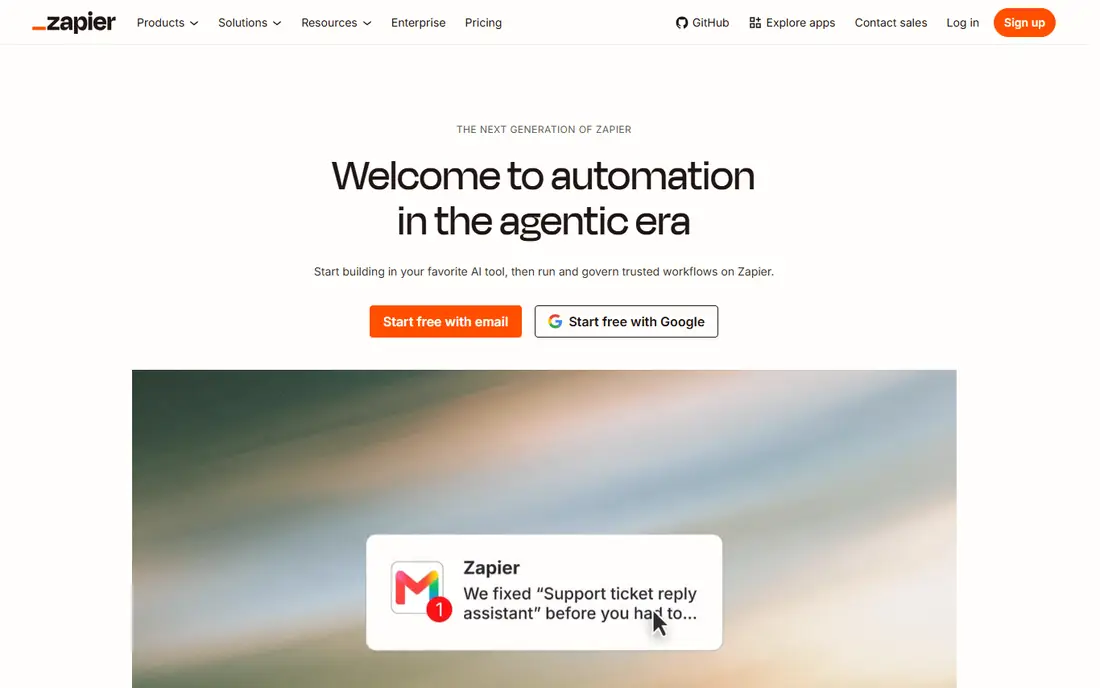
Zapier is the default alternative for teams that want automation without writing code. You pick a trigger, add actions, and publish a Zap that moves data between apps such as forms, spreadsheets, email and CRMs. Templates cover common jobs, so a first automation can go live in an afternoon rather than after a training course.
The billing model needs attention. Zapier counts tasks, and each action step in a run counts, so a busy workflow can use a monthly allowance quickly. The free plan suits testing and tiny jobs, while paid plans start at $19.99 per month billed yearly. For small teams with clear, low-volume jobs, Zapier remains the simplest path.
- Very large app catalog
- Simple builder
- Many templates
- Task-based billing adds up at volume
- Free plan limits Zaps to two steps
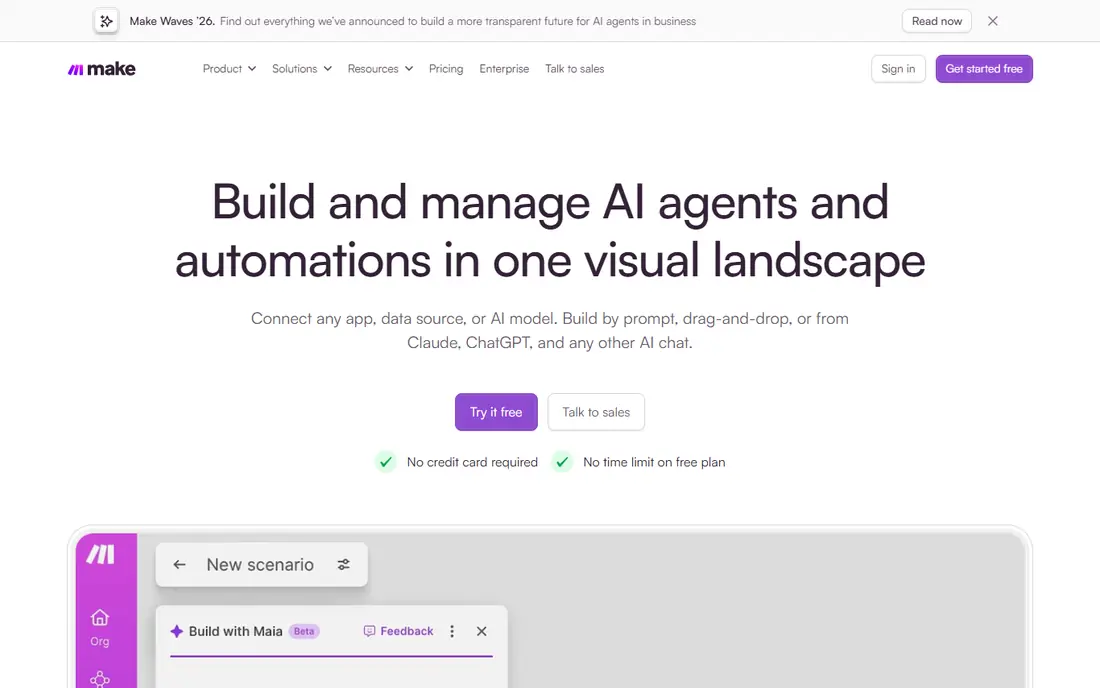
Make gives visual builders more room than a simple trigger-and-action tool. Scenarios can branch, filter, loop through lists and transform data, all on a canvas that shows how information flows. That depth suits marketing, operations and support workflows where one trigger leads to several different outcomes.
The free plan allows testing with a monthly credit allowance, while paid plans add more credits and features. Because Make bills by operations or credits, a scenario with many modules can cost more than its step count suggests. Test a real scenario at real volume before choosing a plan, and watch the credit use for a full week.
- Visual canvas with branching
- Strong data tools
- Free plan for testing
- Pricing units and limits change often
- Learning curve for complex scenarios
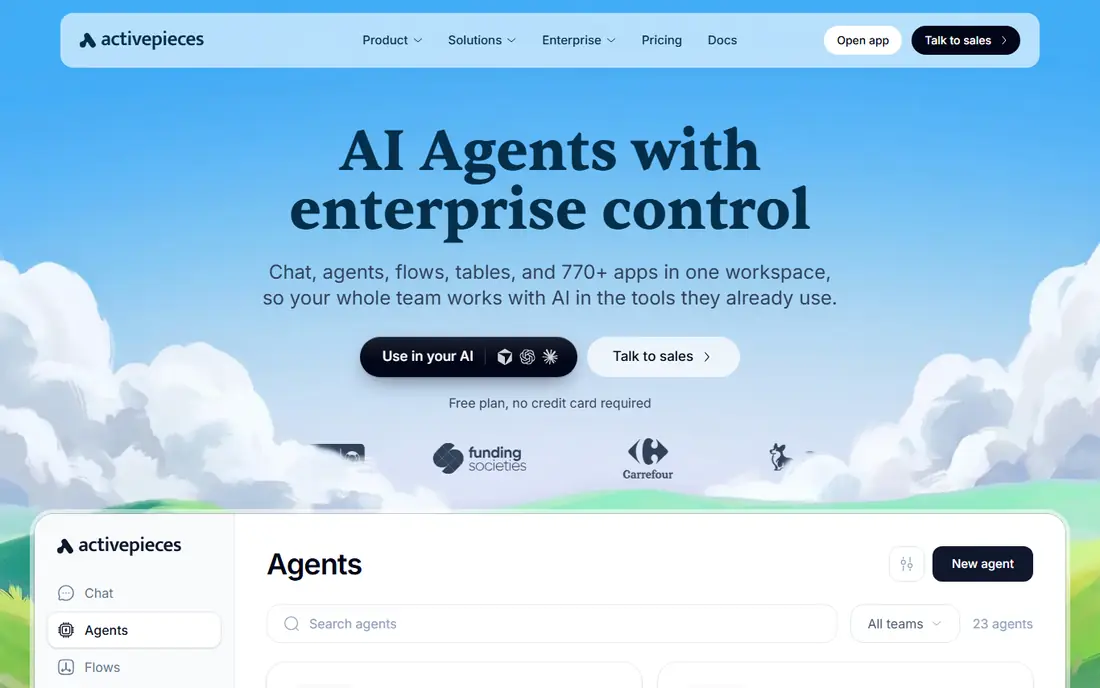
Activepieces appeals to teams that want an open source automation builder they can run themselves. You can self-host the community version, or use the cloud version for a managed setup. The visual builder covers common app connections, and AI steps help with tasks such as summarizing text or extracting data from a message.
The app catalog is smaller than Zapier's, so a niche tool may need a generic webhook or API step instead of a native piece. Cloud pricing has changed over time, so check the current page before budgeting. For teams that value control, data residency and open code, Activepieces is a strong alternative.
- Open source code
- Self-hosting option
- Visual builder with AI steps
- Smaller app catalog than Zapier
- Cloud pricing varies by plan
Pipedream sits between a visual builder and a serverless platform, which suits developers who want code where it matters. Workflows can mix app components with Node.js or Python steps, handle webhooks quickly, and connect to APIs without building a whole backend. That flexibility helps with data cleaning, custom logic and internal tools.
Non-technical users may find the interface less guided than Zapier or Make, and the free plan has volume limits. Paid plans start at $29 per month for higher usage. Pipedream fits teams where a developer owns integrations and wants precise control over each step, rather than a fully no-code setup.
- Code steps in real workflows
- Fast webhook handling
- Large component library
- Less friendly for non-technical users
- Paid plan needed for higher volume
Windmill is built for engineers who prefer scripts to drag-and-drop blocks. You write flows in Python, TypeScript, Go or other supported languages, chain them into workflows, and build internal apps on top of the same platform. Self-hosting gives teams control over data and execution, while the cloud version removes server work.
The code-first approach is a strength for internal tools and data jobs, and a barrier for business users who want a simple builder. Windmill is free to self-host, with paid cloud and enterprise options for teams that need them. Choose it when your automation work is really software work, not a set of simple app connections.
- Self-hosting option
- Scripts in Python and TypeScript
- Flows and internal apps
- Needs coding skill
- Less suited to simple no-code marketing automations
Node-RED is a free, open source flow editor that runs on your own server or device. You wire nodes together on a canvas, handle messages between systems, and build automations for local devices, sensors and web services. Its roots in device and Internet of Things work show in its strengths, including local control and low cost.
Running Node-RED means owning updates, backups and security, which suits technical teams but not every small business. The catalog of business app nodes is smaller than Zapier's, though HTTP nodes can reach most APIs. For a free, self-hosted flow builder with no per-task billing, Node-RED remains a solid pick.
- Free open source
- Visual flow editor
- Strong for devices and local systems
- Self-hosting and upkeep are your job
- Business app catalog is smaller
IFTTT is the simplest tool in this list, and that simplicity is its point. Applets connect one trigger to one or a few actions, such as saving a photo, logging a device event or posting a message. Smart home users benefit most, since IFTTT covers many devices and services that larger business tools ignore.
Complex branching, data transforms and approval steps sit outside IFTTT's scope. The free plan covers a small number of applets, while Pro costs $2.99 per month for more. IFTTT fits personal automations and simple home or small business jobs, not the multi-system workflows that Make or Zapier handle.
- Very simple applets
- Smart home support
- Low Pro price
- Limited multi-step logic
- Not built for complex business workflows
Pabbly Connect appeals to budget-conscious teams that dislike per-task surprises. Paid plans offer unlimited workflows, with task limits that differ by plan, and a free plan for testing. The builder covers common triggers and actions for forms, email, spreadsheets and CRMs, which is enough for many small business automations.
The app catalog is smaller than Zapier's, and some advanced data tools are less deep than Make. Pricing details should be checked on the official site, since plans and limits have changed. For a small team running steady, predictable workflows, Pabbly Connect can cost less over a year than a task-metered rival.
- Unlimited workflows on paid plans
- Flat-rate style pricing
- Simple builder
- Smaller catalog than Zapier
- Pricing and task limits need careful checking
How we picked these
We compared official feature pages, pricing pages and hosting options for automation tools that can replace n8n for app connections and workflows. We favored tools that remain maintained in 2026, offer a free start or self-hosted version, and support webhooks or API steps. We left out tools that only schedule posts, only handle one app, or require an enterprise contract to start.
Choosing by who builds and where it runs
Start with the builder. Non-technical teams should test Zapier or Make first, while developers should test Pipedream or Windmill. Self-hosting fans should test Activepieces or Node-RED, and personal users should test IFTTT before paying for a business tool.
Compare billing units, not just monthly prices
One tool bills by tasks, another by operations, another by executions, and another by flows. A cheap monthly price can still cost more at your volume, so run a real workflow for a week and record its unit use. That test beats any pricing table, because it reflects your actual triggers, steps and error retries.
Check the apps you actually use
A catalog of thousands of apps means little if your CRM, form tool or accounting app is missing. List your five core apps, confirm native support or a workable API path for each, and test one live connection before migrating. Webhooks and HTTP steps can fill gaps, but they add maintenance that a native connection avoids.
Frequently asked questions
What are the best alternatives to n8n?
Zapier suits non-technical teams, Make suits visual multi-step builders, and Activepieces suits open source self-hosting. Pipedream and Windmill suit developers, while Node-RED suits free self-hosted flows. The best alternative follows your team's skill, hosting needs and workflow volume.
What is the best n8n alternative for beginners?
Zapier is the easiest starting point for beginners, thanks to its simple builder, templates and large app catalog. Make is a good second step when you need branching or data handling. Start with a free plan, build one real workflow, and only pay when its limits block real work.
Can I self-host an n8n alternative?
Yes, Activepieces, Windmill and Node-RED all offer self-hosted options, with different licenses and setup needs. Self-hosting gives you control over data and removes per-task billing, but it adds server upkeep and security work. Check the license terms and update process before choosing a self-hosted tool.
Is Zapier or Make better than n8n for small teams?
Zapier is simpler for small teams with straightforward automations, while Make offers deeper visual logic for complex scenarios. Neither matches n8n's self-hosted execution model exactly, so the choice depends on whether you value simplicity, visual depth or hosting control. Test both free plans with the same workflow for a fair comparison.
Do these tools support AI workflows?
Many do, including Activepieces with built-in AI steps, Zapier and Make with AI app connections, and Pipedream or Windmill with code-based AI API calls. AI steps can summarize, classify or extract data, but they add cost and need checking for accuracy. Start with one AI step in a low-risk workflow before adding it to customer-facing jobs.
Sources
See where you really rank - block by block
ProMapRanker scans Google Maps across a grid of your service area. Simple monthly plans from $19, white-label on every plan.
Start freeKeep reading
 free alternatives to grok imagine
Free Alternatives to Grok Imagine in 2026
We compared the best free alternatives to grok imagine for image generation, from fast daily credits to design tools, so you can create without paying.
Read → best tools for instagram content creation
Best Tools for Instagram Content Creation in 2026
Compare the best tools for Instagram content creation, from Canva and CapCut to Later and Buffer, on design, video, planning, scheduling, and price in 2026.
Read → best tool to split pdf files
Best Tool to Split PDF Files in 2026
We compared the best tool to split pdf files on split modes, file limits, privacy and price, so you can split a PDF cleanly and keep every page in one go.
Read →