 ProMapRanker
Best Mural Alternatives in 2026

Key takeaways
- Miro is our pick for most teams because it pairs a large template library with a free plan and clear paid tiers.
- FigJam suits design teams already using Figma, while Lucidspark suits teams that also need structured diagrams.
- Microsoft Whiteboard costs nothing extra for Microsoft 365 users, but it is less focused on guided workshops than dedicated boards.
- Excalidraw is the best low-cost, open option for quick sketching and technical diagrams.
- If you run formal workshops with voting and timers, compare facilitation controls closely before you switch, since that is where tools differ most.
Quick comparison
| Pick | Great for | Pricing starts at | Free tier | |
|---|---|---|---|---|
 Miro | Large remote teams | $8 per member per month | Yes | Visit |
 FigJam | Design teams in Figma | $3 per month | Yes | Visit |
 Lucidspark | Diagram-heavy teams | $9 per user per month | Yes | Visit |
 Microsoft Whiteboard | Microsoft 365 users | Free | Yes | Visit |
 Excalidraw | Quick sketching and diagrams | Free | Yes | Visit |
 Canva Whiteboards | Marketing and creative teams | Free | Yes | Visit |
 Whimsical | Flowcharts and wireframes | $10 per user per month | Yes | Visit |
 Creately | Process and project diagrams | See website | Yes | Visit |
 Stormboard | Structured brainstorming reports | See website | Free trial | Visit |
The best mural alternatives
Mural is built around guided workshops, with facilitation controls, templates for common methods, and a canvas that keeps a whole session in one place. The tools below cover the same ground in different ways, from broad team canvases to focused diagram boards. We compared official feature pages, pricing pages, and public reviews to judge fit, cost, and limits.

Miro is the closest broad replacement for most Mural users. Its canvas handles sticky notes, diagrams, mind maps, and documents side by side, and its template library covers retrospectives, planning, journey mapping, and workshops. Teams that run varied sessions each week will find less need to switch tools mid-project.
The catch is seat management. The free plan allows three editable boards, and paid plans start at $8 per member per month billed annually. Check who actually needs edit access before inviting a large group, since viewers and editors are treated differently and the bill follows editors.
- Very large template library
- Unlimited boards on paid plans
- Broad integration options
- Paid guest rules need care
- Costs rise fast with many editors
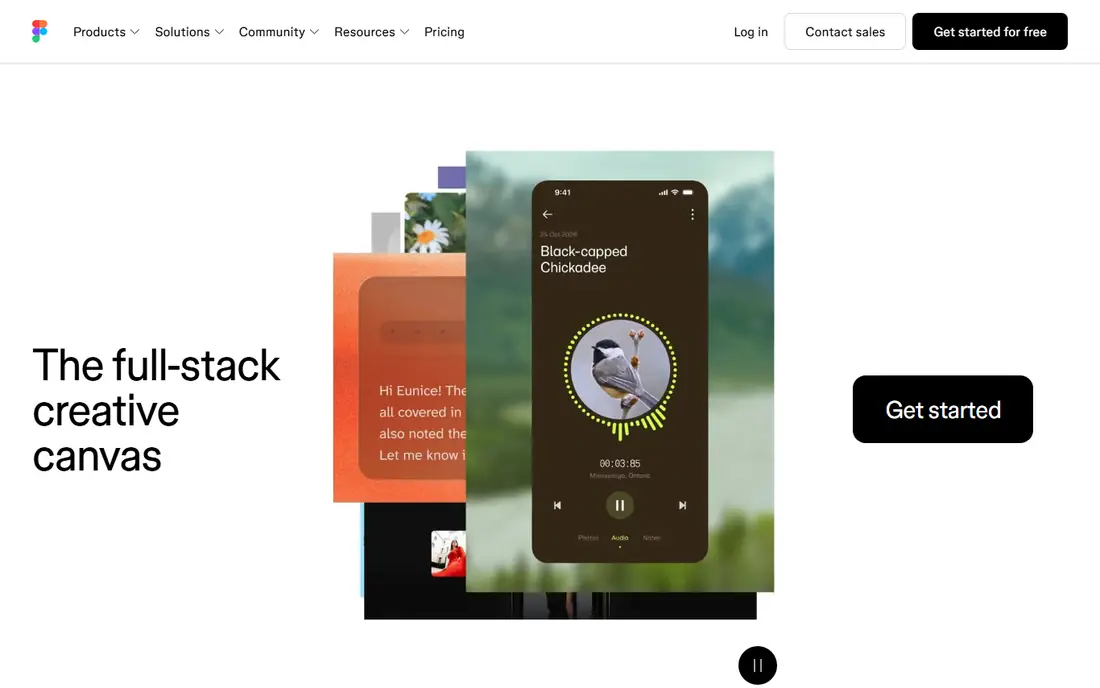
FigJam feels lighter than a full workshop platform, and that is its appeal for product and design teams. You can sketch flows, gather feedback, and move a chosen idea straight into a Figma file without exporting and re-importing work. The playful style also suits early-stage brainstorming.
The limit shows up when a session needs strict facilitation. FigJam covers the basics, including timers and voting in simple forms, but it does not match a dedicated workshop tool for multi-step methods. Teams outside design may also find the surrounding Figma pricing harder to justify.
- Tight handoff to Figma design files
- Simple, fast canvas
- Useful stamps and voting tools
- Weaker as a standalone tool outside design work
- Fewer formal workshop methods
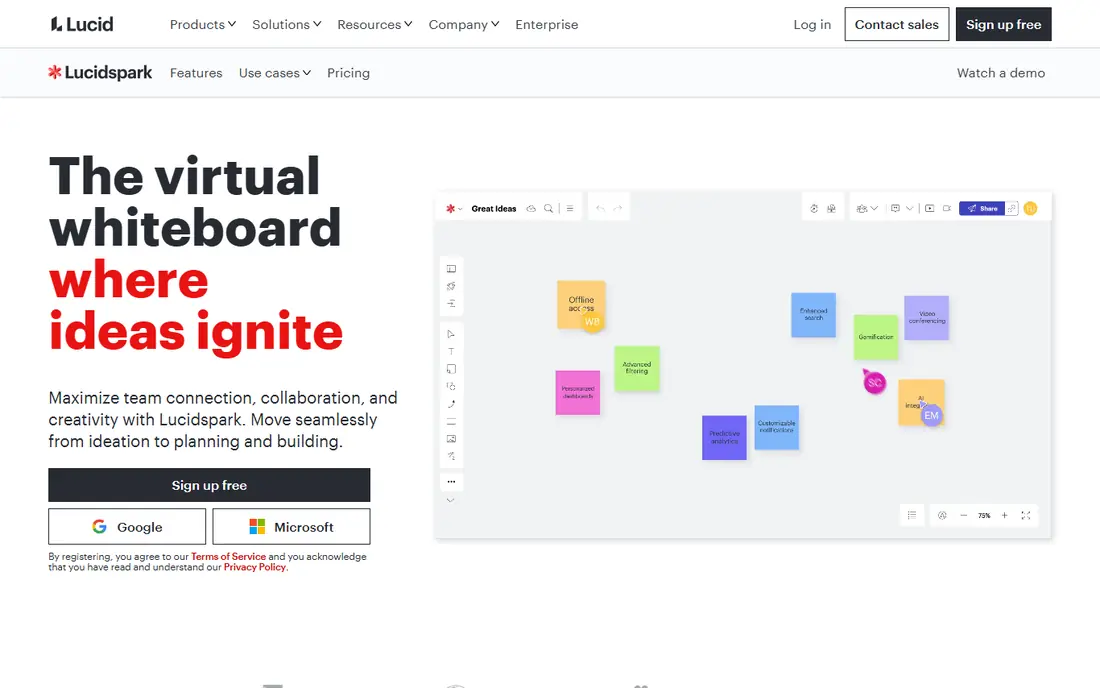
Lucidspark comes from the same company as Lucidchart, and that pairing is the reason to pick it. A team can brainstorm on a freeform canvas, then turn the result into a cleaner diagram without starting over. Breakout-style grouping and voting support group work.
For a quick, informal sticky-note session, Lucidspark can feel like more tool than the job needs. Pricing starts at $9 per user per month for individuals, with team plans priced per user, so confirm the current team terms before budgeting for a larger group.
- Strong diagram tools
- Pairs well with Lucidchart
- Good for structured sessions
- Interface can feel heavy for casual brainstorming
- Team pricing has a seat minimum on some plans
Microsoft Whiteboard is the pragmatic choice if your team already lives in Teams and Microsoft 365. Boards open inside meetings, notes stay in the Microsoft ecosystem, and there is no separate bill to approve. For internal brainstorming and simple planning, that is often enough.
It is not a like-for-like workshop platform. Template depth and facilitation controls are thinner than Mural, and the product direction has shifted toward Teams and the web. Teams that run client workshops may want a dedicated tool alongside it.
- No extra cost with a Microsoft account or Microsoft 365
- Works inside Teams
- Simple to start
- Fewer workshop templates and controls
- Standalone apps have changed over time
Excalidraw is refreshingly plain. Open the site, draw, share a link, and collaborate in real time. The hand-drawn look suits architecture sketches, wireframes, and rough process diagrams, and developers like that the core editor is open source.
What it lacks is structure for a guided session. There is no built-in voting, timer-led activity flow, or large method library. Paid Excalidraw Plus, listed at $6 per user per month, adds hosted extras, but teams needing facilitation should pair it with a separate meeting plan.
- Free core editor with no account needed
- Hand-drawn style
- Open source and self-hostable
- Few workshop controls
- Limited admin features on the free hosted version
Canva Whiteboards make sense when a session ends in a visual asset. A campaign plan, storyboard, or mood board can move from sticky notes to a polished deck or social graphic without leaving Canva. The media library and brand tools are a real advantage for marketing teams.
As a workshop tool, it is more general than Mural. Sorting and grouping tools help tidy a busy board, but facilitators who need private ideation, structured activities, and detailed session controls may find gaps. Paid Canva plans start around $12 per user per month billed annually for Pro, so check the current plan before relying on paid features.
- Huge media and template library
- Easy conversion of a board into a doc or deck
- Free plan available
- Less suited to formal workshop methods
- Advanced features sit behind paid Canva plans
Whimsical trades breadth for clarity. Flowcharts snap into place, wireframes look tidy, and a new user can contribute within minutes. Product and engineering teams often use it for planning docs that need to stay readable weeks later.
That focus is also the limit. It is not built to run a full-day workshop with many activities, and its canvas feels more structured than a freeform wall of notes. If your main need is diagrams rather than sessions, though, that structure is a strength.
- Clean, fast boards
- Strong flowcharts, mind maps, and wireframes
- Easy to learn
- Smaller freeform canvas feel
- Less depth for large facilitated workshops
Creately sits between a whiteboard and a diagramming suite. It covers flowcharts, org charts, UML, and process maps, and it lets teams attach tasks and data to visual work. That makes it useful when a brainstorm has to become a documented process.
The trade-off is complexity. Casual users may need a short learning period before they use the deeper features well, and the free plan has limits that push active teams toward paid plans. Confirm current pricing on the vendor site, since plans and limits change.
- Wide diagram types
- Database-linked diagrams
- Task features alongside visuals
- Learning curve for advanced features
- Pricing is less plain at a glance
Stormboard takes a more structured path than a blank canvas. Ideas go into organized sections, and built-in reporting turns a session into a summary that managers can read without replaying the whole board. That suits teams that need a record, not just a wall of notes.
The interface is less modern than Miro or FigJam, and the template range is narrower. Still, if your sessions end with a report and follow-up actions, Stormboard earns a look. Check current pricing on the vendor site, since older per-seat figures vary across sources.
- Structured idea capture
- Built-in reporting
- Good for turning sessions into summaries
- Interface feels dated next to newer boards
- Smaller template range
How we picked these
We compared official feature pages, pricing pages, and public reviews for tools that offer a shared canvas, real-time collaboration, and templates for planning or workshops. We favored tools that are live and supported in October 2026, cover different budgets, and fit distinct use cases rather than repeating the same general board nine times. Prices shown are entry paid prices where vendors publish them clearly, and we wrote See website where pricing varies by plan or is quoted.
What to check before you switch
Match the tool to the session type
A weekly team brainstorm, a client workshop, and a technical diagram review are different jobs. List the three session types you run most, then test each candidate on one real session of each type. A tool that feels fast for brainstorming may frustrate a facilitator who needs timed activities.
Count editors, not viewers
Most boards charge for editors and let others view for free, but the rules differ. Before you buy, list who must edit, who only needs to comment, and how often guests join. A small difference in guest rules can change the annual bill more than the headline price.
Test export and follow-up
A workshop is only useful if its output survives the meeting. Check how a board exports to PDF or image, how tasks carry over, and how easy it is to find a board months later. If follow-up lives in another tool, confirm the integration works on the plan you will actually buy.
Frequently asked questions
Is Miro the best Mural alternative for most teams?
For most teams, yes, because it covers brainstorming, planning, and diagrams on one canvas with a free plan to start. Teams that only need design handoff may prefer FigJam, and teams on Microsoft 365 may find Whiteboard sufficient for internal sessions.
What is the cheapest Mural alternative?
Excalidraw and Microsoft Whiteboard are the cheapest starting points, since both offer a free core experience. Canva Whiteboards also has a free plan, though paid features require a Canva subscription. The cheapest paid plan overall depends on team size and guest rules.
Can I run workshops with voting and timers in these tools?
Miro, Lucidspark, FigJam, and Stormboard all offer voting or timer features in some form, but depth varies. Mural remains strong for formal facilitation, so test voting, private ideation, and timed activities on a real session before committing.
Do these tools work for remote and hybrid teams?
Yes, all nine support real-time collaboration in a browser, and most offer desktop and mobile apps. Check guest access and comment permissions if outside clients or partners join sessions regularly.
How hard is it to move boards from Mural?
Moving depends on export options and how much structure you need to keep. Simple sticky-note boards transfer more easily than boards with facilitation settings, timers, and activity flows. Export a test board first and rebuild one session by hand to judge the effort.
Sources
- https://miro.com
- https://www.figma.com
- https://lucidspark.com
- https://www.microsoft.com
- https://excalidraw.com
- https://www.canva.com
- https://whimsical.com
- https://creately.com
- https://stormboard.com
- https://huddleiq.com/online-whiteboard-market-report-2026/
- https://resources.rework.com/tools/design-creative/best-miro-alternatives
- https://clickup.com/blog/mural-alternatives/
See where you really rank - block by block
ProMapRanker scans Google Maps across a grid of your service area. Simple monthly plans from $19, white-label on every plan.
Start freeKeep reading
 wpforms alternatives
Best WPForms Alternatives in 2026
We compare 9 wpforms alternatives for WordPress forms, with free and paid options, current pricing notes, and honest limits for small business sites in 2026.
Read → windows task scheduler alternatives
Best Windows Task Scheduler Alternatives in 2026
Looking for Windows Task Scheduler alternatives? We compare 9 schedulers for Windows and cross-platform work, from free tools to enterprise automation.
Read → which ai video service is best
Which AI Video Service Is Best in 2026
which ai video service is best? We compare 10 legitimate AI video services on price, avatars, editing and output quality to help you pick the right tool.
Read →