 ProMapRanker
Best Motion Alternatives in 2026


Auto-scheduling with focus-time protection · Pricing starts at: See website
Key takeaways
- Motion combines tasks, projects, and AI auto-scheduling, but its price and its hands-off automation do not suit every planner.
- Reclaim.ai is the closest direct replacement for auto-scheduling, with a free Lite plan and focus-time protection.
- Sunsama and Akiflow suit planners who want more control, with guided daily planning or keyboard-first time blocking.
- Morgen, SkedPal, and FlowSavvy offer AI-assisted scheduling with different levels of user control.
- Todoist, ClickUp, and TickTick suit users who mainly need tasks and projects, and who can pair them with a scheduler if needed.
Quick comparison
| Pick | Great for | Pricing starts at | Free tier | |
|---|---|---|---|---|
| Reclaim.ai | Auto-scheduling with focus-time protection | See website | Yes | Visit |
 Sunsama | Guided daily planning ritual | See website | No | Visit |
 Akiflow | Keyboard-first time blocking | See website | No | Visit |
 Morgen | AI planning you can accept or reject | See website | No | Visit |
 SkedPal | Rule-based smart scheduling | See website | No | Visit |
 FlowSavvy | Cross-platform auto-scheduling | See website | Yes | Visit |
 Todoist | Simple tasks across every device | See website | Yes | Visit |
 ClickUp | Team tasks and projects in one place | See website | Yes | Visit |
 TickTick | Budget tasks, habits, and calendar | See website | Yes | Visit |
The best motion alternatives
Motion auto-builds your calendar from tasks, reshuffles work when meetings move, and promises to remove manual planning. The apps below cover that job in different ways. Some auto-schedule like Motion, some guide you through a daily plan, and some give you strong tasks with a calendar view you control yourself.
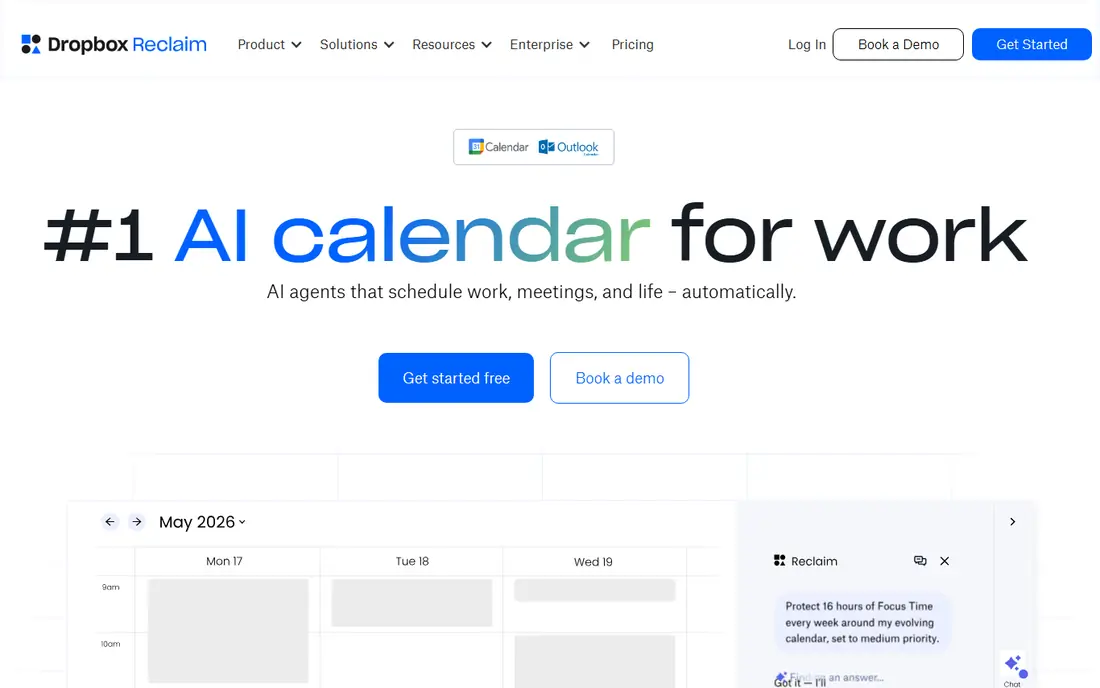
Reclaim.ai is the most direct Motion replacement for scheduling. You define tasks with deadlines and durations, habits you want protected, and meeting preferences, and Reclaim places and re-places them on your calendar as the week shifts. It pulls tasks from tools like Asana, ClickUp, Todoist, and Google Tasks, and it syncs status with Slack, so the schedule stays tied to the work you already track.
The free Lite plan lets you test the core idea with one user, one habit, and one scheduling link. Paid plans add more seats and features, with no credit meter on the core scheduling. Reclaim lacks native mobile apps, so phone use runs through mobile web and your regular calendar apps. For desk-based work where auto-scheduling matters most, that gap is manageable.
- Auto-schedules tasks, habits, and focus blocks
- Free Lite plan
- Works with Google Calendar and Outlook
- No native mobile apps, mobile web carries the phone experience
- Smart Meetings for larger groups use extra units
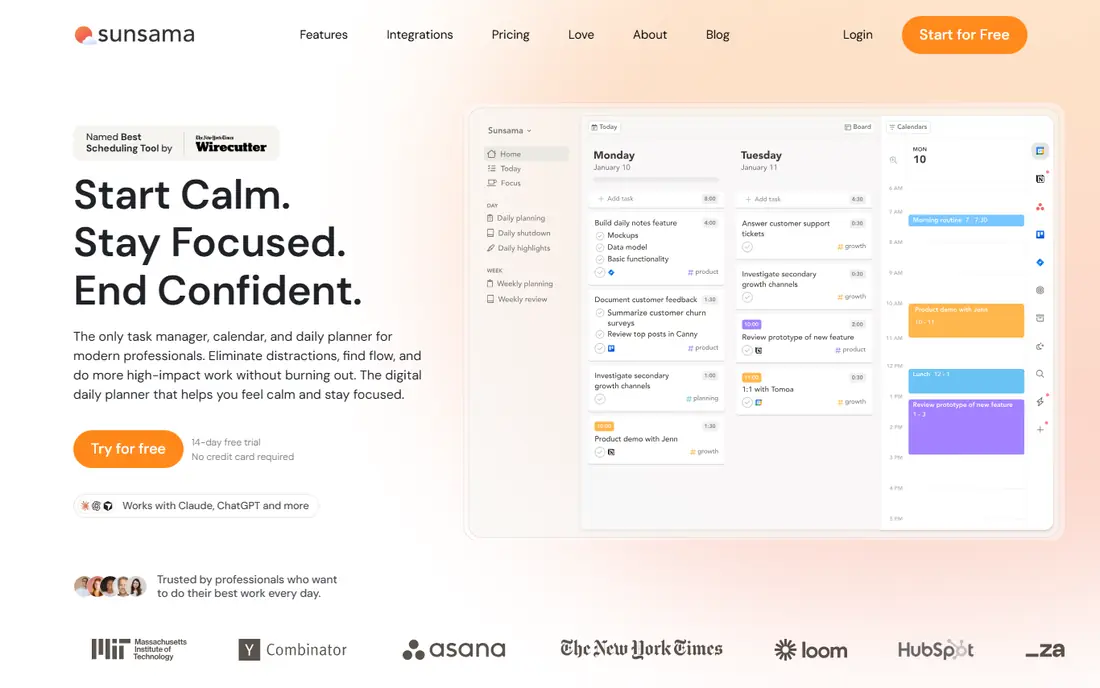
Sunsama takes the opposite approach from Motion: instead of letting an algorithm plan your day, it guides you through choosing what to work on each morning and dragging those tasks into time blocks. That ritual suits people who felt Motion moved their work without asking, and who want to stay in charge of priorities. Integrations pull tasks from tools you already use, so planning starts from real work, not a blank page.
Sunsama does not auto-schedule in the Motion sense, so it will not rebuild your day when a meeting moves. It also has no free plan, only a trial. Choose Sunsama when you want a calmer, more intentional planning habit, and when you are willing to spend a few minutes each morning to get a day you actually trust.
- Calm daily planning flow
- Drag tasks into the calendar
- Integrates with common task and calendar tools
- No full auto-scheduling
- No free plan, trial only
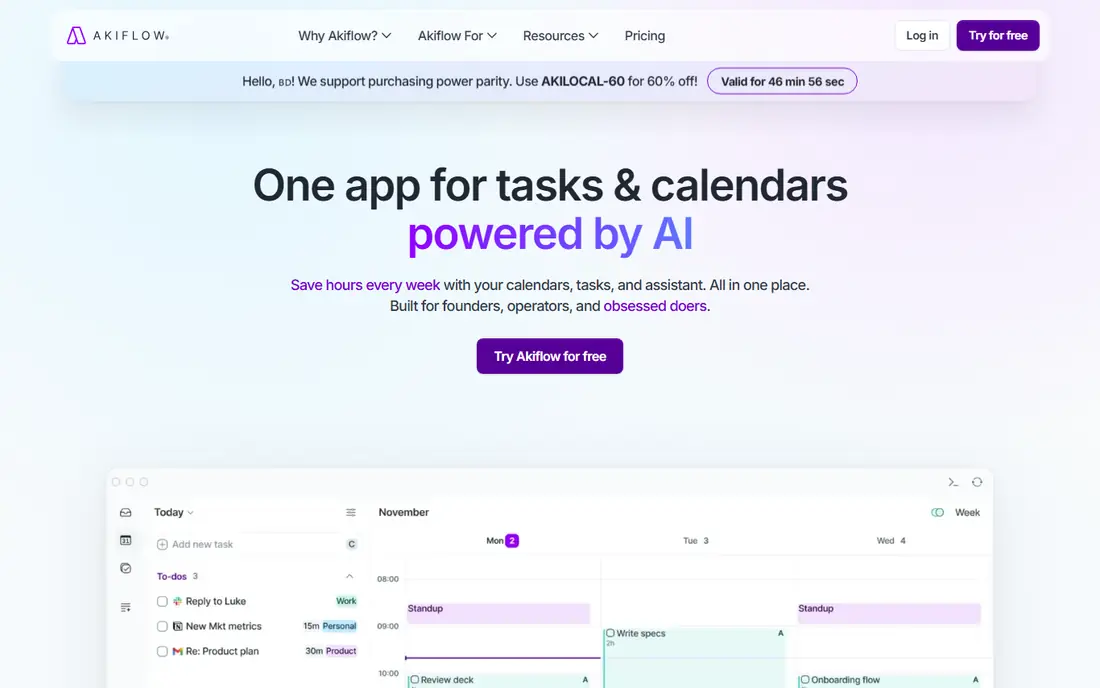
Akiflow is built for power users who live on the keyboard. A command bar lets you capture tasks, schedule them, and jump between views without touching the mouse, and tasks from other tools appear alongside your calendar in one place. Its assistant can help plan a day, but you stay in control of the final schedule, which suits users who want speed without surrendering decisions to an algorithm.
The price is higher than many rivals on monthly billing, and annual billing brings it down. Akiflow is not a fully automatic scheduler, so if you want Motion-style hands-off rebuilding, Reclaim or FlowSavvy will fit better. If you want the fastest manual planning tool you can drive entirely from the keyboard, Akiflow is a strong pick.
- Fast command bar and keyboard shortcuts
- Tasks and calendar in one view
- Assistant help for planning
- Higher monthly price
- Auto-scheduling is plan-assisted rather than fully automatic
Morgen blends tasks and calendars with an AI planner that suggests a schedule you can accept, change, or reject. That middle path suits users who like AI help but want a final say before the calendar changes. It runs on Windows, Mac, and Linux, with mobile apps, and it connects to Google Calendar, Outlook, and common task tools, so it fits mixed-device setups well.
Morgen offers a trial rather than a permanent free plan, and its paid price sits in the mid-range for personal planning tools. It is a good pick when you want AI suggestions without full autopilot, and when you use more than one calendar system. Test the AI planner on a busy week before you decide, since its value shows most when the week is full.
- AI planner with suggestions you control
- Tasks and calendars in one app
- Works across major platforms
- No free plan, trial only
- Paid price is mid-range for a personal planner
SkedPal is the most rule-driven scheduler on this list. You set time maps for when you can do certain kinds of work, assign priorities and durations, and SkedPal builds a schedule that respects those rules and reshuffles when things move. Users with complex routines, shift patterns, or many recurring tasks often prefer this explicit control over a black-box AI schedule.
The interface is more functional than pretty, and setting up time maps takes time at the start. SkedPal is not the pick for a quick, pretty planner. It is the pick when you have specific scheduling rules that a simple planner cannot express, and when you are willing to invest an hour in setup to get a schedule that follows those rules every week.
- Detailed scheduling rules for time maps and priorities
- Nested tasks
- Smart rescheduling around changes
- Interface feels dated next to newer apps
- Learning curve for rule setup
FlowSavvy aims to be the closest Motion-style auto-scheduler for individual users, with tasks that schedule themselves and reschedule when plans change. It offers a free tier, mobile apps, and a simpler interface than enterprise project tools, which keeps the focus on the day plan rather than on team management. For a solo user who wants Motion-style automation at a lower price, it is worth testing first.
FlowSavvy is newer and smaller than the team tools on this list, so its integrations and team features are narrower. If you need project reporting, team workloads, or deep app integrations, ClickUp or Reclaim paired with a task tool will serve you better. If you need auto-scheduling for one person, FlowSavvy gives you that core job without team bloat.
- Fully automatic task scheduling
- Free tier available
- Mobile apps on major platforms
- Smaller team feature set than ClickUp
- Newer product with a narrower integration range
Todoist is the simplest task tool here, and that simplicity is its strength. You capture a task in seconds, set a date in plain language, and see it on every device. Its free plan covers core tasks for personal use, and its paid plan adds reminders, filters, and calendar layouts. Many Reclaim users pair Todoist tasks with Reclaim scheduling to get a Motion-like result in two tools.
Todoist alone will not auto-schedule your day, so it fits best when you already plan manually or when you pair it with a scheduler. It is our pick for users who want a fast, reliable task list first, and who do not want to pay for project features they will never use.
- Fast capture and natural language dates
- Apps on every platform
- Free Beginner plan for core tasks
- No AI auto-scheduling
- Calendar view and scheduling depth need paid features or a partner tool
ClickUp covers the project half of Motion better than the scheduling half. You get tasks, docs, goals, and team views in one workspace, with a free plan that suits personal use and small teams. Calendar view lets you see tasks by date, and integrations connect ClickUp tasks to schedulers like Reclaim when you want automation on top.
ClickUp can feel heavy for a solo user who only wants a daily plan, and its breadth takes time to learn. Choose ClickUp when your work involves a team, shared projects, and reporting, and when scheduling is a secondary need. For solo auto-scheduling alone, Reclaim or FlowSavvy will be simpler.
- Free plan for personal use
- Many views including list, board, and calendar
- Strong team collaboration
- Can feel complex for solo planning
- No built-in AI auto-scheduling like Motion
TickTick is the budget all-in-one pick. It combines tasks, habits, a Pomodoro timer, and a calendar view in one app, with a free plan and a low-cost premium plan. Users who want one app for daily tasks, habit tracking, and focus sessions, without paying for a full project platform, will find TickTick covers a lot for little money.
It does not auto-schedule like Motion, so your day plan stays manual, with drag-and-drop time blocking as the main tool. TickTick fits best when you want a simple, cheap daily system and you are happy to place tasks yourself. Pair it with a scheduler only if you later decide you want automatic rebuilding.
- Tasks, habits, Pomodoro timer, and calendar in one app
- Low paid price
- Apps on all major platforms
- No AI auto-scheduling
- Project features are lighter than ClickUp
How we picked these
We compared official product pages, pricing pages, and feature documentation for scheduling and planning apps that are actively available in October 2026. We checked whether each tool auto-schedules, guides manual planning, or only offers tasks with a calendar view, and we noted free plans, trials, and platform support. We left out booking-only tools that do not manage personal tasks, and we did not list Motion itself, since this is an alternatives list.
What to check before you choose
Start with how much control you want. If you want the calendar to rebuild itself, test Reclaim, FlowSavvy, or SkedPal on a real busy week. If you want to choose each day yourself, test Sunsama or Akiflow for a week and see whether the ritual sticks. A scheduler that you do not trust will be ignored, so trust matters more than feature count.
Next, check calendar and task connections. Confirm the tool works with the calendar you already use, whether that is Google Calendar or Outlook, and whether it pulls tasks from the tool you already use. Also check mobile support, since a planner that only works well on desktop will fail on days when you are away from your desk.
Frequently asked questions
What are the best motion app alternatives?
Reclaim.ai is our pick for direct auto-scheduling, Sunsama is our pick for guided daily planning, and Akiflow is our pick for keyboard-first time blocking. The best pick follows whether you want automation, guidance, or manual control, since those three approaches feel very different in daily use.
Is there a free Motion alternative?
Yes. Reclaim.ai offers a free Lite plan, FlowSavvy offers a free tier, and Todoist, ClickUp, and TickTick offer free plans for tasks. Sunsama, Akiflow, Morgen, and SkedPal offer trials rather than permanent free plans, so check trial length before you start testing.
Which alternative is best for focus time?
Reclaim.ai is built around defending focus time, habits, and buffers on your calendar, and it auto-reschedules them when meetings move. Sunsama also protects focus by helping you choose a small set of tasks for the day. If focus time is your main need, start with Reclaim and test how it handles a week with many meetings.
Do these tools work with Google Calendar and Outlook?
Reclaim.ai, Morgen, and most tools here support Google Calendar and Outlook, but support depth varies by plan. Check whether the tool syncs two-way, whether it creates its own calendar or writes to your main calendar, and whether mobile apps or mobile web carry the experience you need.
Can I replace Motion with Todoist alone?
Todoist alone gives you tasks, not auto-scheduling, so it replaces only part of Motion. Pair Todoist with Reclaim.ai if you want tasks plus automatic scheduling, or pair it with a manual planner like Sunsama if you want guided planning. Todoist alone suits users who are happy to place tasks on the calendar themselves.
Which Motion alternative is cheapest?
TickTick has one of the lowest paid prices among the all-in-one tools here, and Todoist and ClickUp offer free plans for core use. Reclaim Lite and FlowSavvy free tiers also let you test auto-scheduling without paying. Compare annual prices, since monthly billing is often much higher for planners in this category.
Sources
See where you really rank - block by block
ProMapRanker scans Google Maps across a grid of your service area. Simple monthly plans from $19, white-label on every plan.
Start freeKeep reading
 wpforms alternatives
Best WPForms Alternatives in 2026
We compare 9 wpforms alternatives for WordPress forms, with free and paid options, current pricing notes, and honest limits for small business sites in 2026.
Read → windows task scheduler alternatives
Best Windows Task Scheduler Alternatives in 2026
Looking for Windows Task Scheduler alternatives? We compare 9 schedulers for Windows and cross-platform work, from free tools to enterprise automation.
Read → which ai video service is best
Which AI Video Service Is Best in 2026
which ai video service is best? We compare 10 legitimate AI video services on price, avatars, editing and output quality to help you pick the right tool.
Read →