 ProMapRanker
Monday.com Alternatives in 2026


Structured projects and goals · Pricing starts at: $10.99 per user per month
Key takeaways
- Asana and ClickUp are the closest all-round replacements, with timelines, goals, and strong free plans for small teams.
- Trello and Basecamp suit teams that want simple boards and flat pricing instead of a large feature set.
- Notion suits teams whose main problem is scattered docs, while Smartsheet suits teams that think in spreadsheets.
- Monday.com itself is not listed here, because this article covers alternatives only.
Quick comparison
| Pick | Great for | Pricing starts at | Free tier | |
|---|---|---|---|---|
| Asana | Structured projects and goals | $10.99 per user per month | Yes | Visit |
 ClickUp | All-in-one value | $7 per user per month | Yes | Visit |
 Trello | Simple visual boards | $5 per user per month | Yes | Visit |
 Notion | Docs and light project tracking | $10 per user per month | Yes | Visit |
 Wrike | Structured workflows and approvals | $10 per user per month | Yes | Visit |
 Smartsheet | Spreadsheet-style project tracking | $9 per user per month | Free trial | Visit |
 Airtable | Database-driven project work | $20 per user per month | Yes | Visit |
 Basecamp | Flat-price simplicity for small teams | $15 per user per month | No | Visit |
 Zoho Projects | Budget-friendly project management | $4 per user per month | Yes | Visit |
The best monday.com alternatives
Teams leave monday.com for many reasons, including seat pricing, setup time, and a wish for stronger docs or simpler boards. The tools below cover each of those gaps, and none of them is monday.com itself.

Asana is the safest direct replacement for most teams. It handles tasks, timelines, portfolios, and goals in one place, and its workflow builder helps recurring work run the same way each time. Marketing, operations, and product teams use it for campaigns, launches, and cross-team projects without needing heavy setup. The interface is calm and consistent, which helps new team members find their work fast.
The main limit is the free plan, which covers only one or two people, so most teams need the Starter plan at $10.99 per user per month on annual billing. Portfolios and goals sit on the Advanced plan, so budget for that step if leadership reporting matters. If your team wants structure without the board-heavy feel of monday.com, Asana is our pick for most people.
- Clear timelines, portfolios, and goals
- Strong templates
- Wide integration range
- Free plan suits only one or two people
- Advanced features sit on the $24.99 plan
- Can feel formal for casual teams
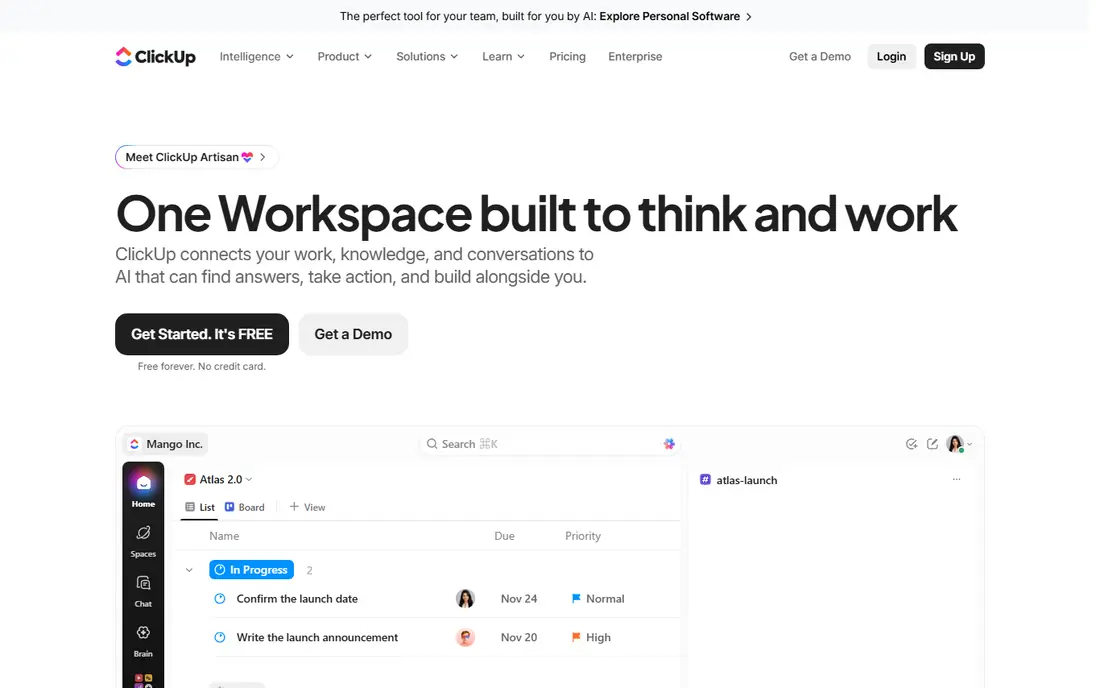
ClickUp packs the most features per dollar in this list. Its free plan covers unlimited members and tasks, which no rival matches, and paid plans start at $7 per user per month on annual billing for the Unlimited tier. Docs, goals, time tracking, dashboards, and chat sit in the same workspace, so teams can cut down on separate tools. That breadth suits startups and growing teams that want one hub rather than five subscriptions.
The honest catch is complexity. ClickUp ships so many views and settings that a team without an owner can end up with messy workspaces. Turn off what you do not use, agree on naming rules, and appoint one admin. If you do that, ClickUp is hard to beat on value. If nobody will own setup, a simpler tool like Trello will serve you better.
- Generous free plan with unlimited members
- Docs, tasks, chat, and dashboards in one place
- Low paid starting price
- Large feature set can feel overwhelming
- Setup needs an owner
- Some AI features cost extra
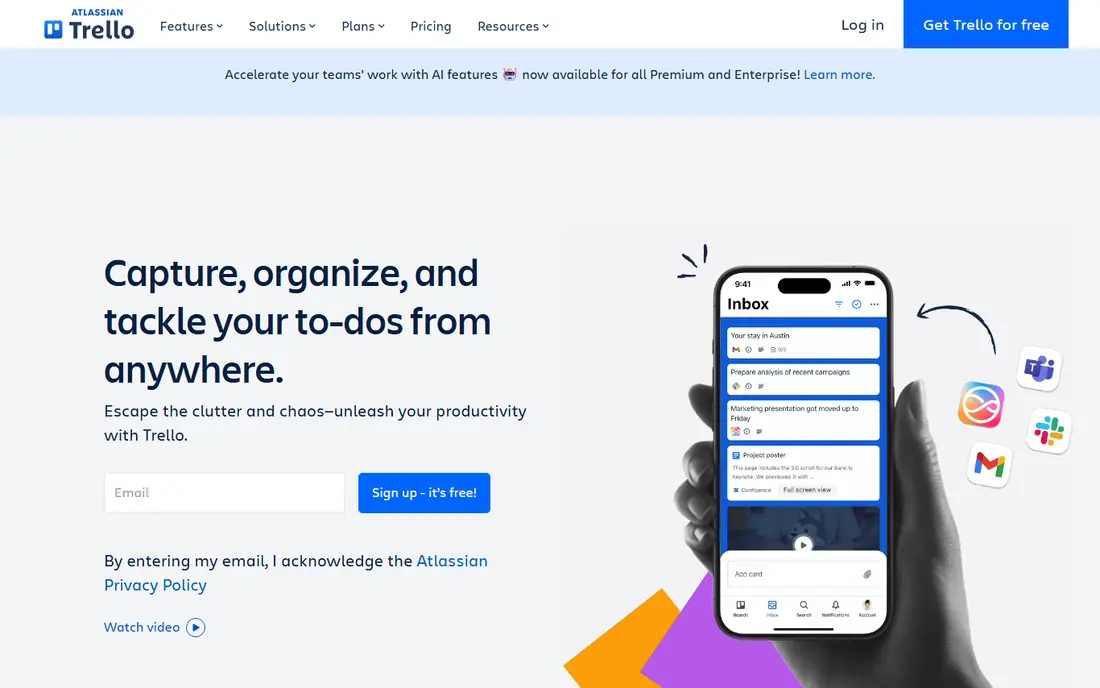
Trello is the simplest board tool here, and that is its strength. You create a board, add lists for each stage, and move cards across as work progresses. Small teams use it for content pipelines, client onboarding, hiring, and event planning. The free plan covers up to 10 collaborators per workspace, and Standard costs $5 per user per month on annual billing. Most people learn Trello in an afternoon.
The limit is depth. Trello lacks the portfolios, workload views, and advanced reporting that Asana or Wrike offer, and big projects can turn into long boards that are hard to scan. Automation helps, but higher limits sit on paid plans. Choose Trello when your work fits stages on a board and your team values speed over structure.
- Fast to learn
- Free plan covers up to 10 collaborators
- Cheap Standard plan
- Weak for complex reporting and portfolios
- Power-ups and automation have limits on lower plans
- Large projects need discipline
Notion suits teams whose real problem is scattered documents, not missing task lists. You can keep meeting notes, specs, wikis, and project trackers in one workspace, linked together instead of spread across drives and chats. The Plus plan costs $10 per user per month, and Business at $20 adds stronger AI and admin controls. For knowledge-heavy teams, that mix is hard to replace.
Pure project work is where Notion shows its limits. Timelines and boards exist, but they lack the workload planning, approvals, and portfolio reporting of dedicated project tools. Teams that need strict deadlines and resource planning should pair Notion with Asana or use ClickUp instead. If docs come first and tasks second, Notion is the right pick.
- Docs, wikis, and databases in one workspace
- Strong templates
- Free plan for individuals
- Project tracking is lighter than Asana or ClickUp
- Large databases need careful design
- Offline use is limited
Wrike fits teams that run formal work: approvals, intake forms, resource planning, and client reporting. Its Team plan starts at $10 per user per month, and it handles Gantt charts, dashboards, and time tracking with more structure than Trello. Marketing, creative, and professional services teams use it when work must pass through review steps before delivery. Request forms also help outside teams submit work without joining the workspace.
The trade-off is learning time. Wrike is less friendly on first use than Asana, and its strongest reporting and automation features sit on higher tiers. Small casual teams may find it heavy. If your work needs approvals and audit trails, though, Wrike gives you control that simpler boards cannot.
- Strong approvals, request forms, and reporting
- Good for cross-team work
- Free plan for small teams
- Interface takes time to learn
- Best features sit on higher plans
- Smaller template range than Asana
Smartsheet is built for people who already think in rows and columns. Its grid view feels like a spreadsheet, but each row can hold owners, dates, files, attachments, and status, and you can switch to Gantt, card, or calendar views. The Pro plan starts at $9 per user per month, and it suits operations, construction, finance, and other teams that track large lists of tasks with dates and budgets. Reporting across sheets helps managers see progress without building dashboards from scratch.
The catch is that there is no free plan, only a trial, so you need to test it properly in that window. The design also feels more business-like than playful, which some teams like and others do not. If your team lives in spreadsheets and wants project controls on top, Smartsheet is a natural move from monday.com.
- Familiar grid view for spreadsheet users
- Gantt, card, and calendar views
- Strong reporting and automation
- No free plan, only a 30-day trial
- Interface feels less modern than rivals
- Collaboration costs add up for guests
Airtable sits between a spreadsheet and a database, and that flexibility is why teams choose it. You can link records across tables, so a project, a client, and a set of tasks stay connected instead of copied. Views let the same data appear as a grid for planners, a kanban board for doers, and a calendar for deadlines. It suits content teams, product teams, and operations teams that track structured work with custom fields.
The price is the main barrier, with paid plans starting at $20 per user per month. Pure project tracking can also feel softer than Asana or ClickUp unless you design the base well. Spend time on field design and permissions before inviting a large team. If your work is data-rich and custom, Airtable rewards that effort.
- Flexible relational databases
- Many views including grid, kanban, and calendar
- Strong automation and AI features
- Higher starting price than rivals
- Learning curve for database design
- Project features need careful setup
Basecamp takes the opposite approach to ClickUp: fewer features, clearer structure. Each project gets to-dos, messages, docs, files, and chat in one place, so teams stop hunting across tools. Pricing starts at $15 per user per month for Plus, with a flat-rate Pro option for larger accounts, which can save money as teams grow. Small businesses, agencies, and nonprofits like Basecamp because new staff learn it fast.
The limits are real. Basecamp lacks Gantt charts, portfolios, and deep reporting, and it will frustrate teams that need workload planning or complex automation. It is a communication and task hub, not a full project platform. If simplicity and a calm workspace matter more than power features, Basecamp is a good fit.
- Simple to-do lists, messages, docs, and chat in one place
- Flat pricing option for whole accounts
- Low learning curve
- No free plan
- Fewer advanced project views than rivals
- Reporting is basic
Zoho Projects is the budget pick for teams that want real project features without a large bill. Paid plans start at $4 per user per month, and you still get tasks, milestones, Gantt charts, time tracking, and reporting. It works best for teams already using Zoho apps, such as Zoho CRM or Zoho Books, because data flows between them with less setup. Small businesses and agencies on tight budgets get a lot for the price.
The interface is less polished than Asana or Trello, and some advanced features feel buried. Teams outside the Zoho world may also miss native integrations they rely on. Check your must-have integrations before switching. If price is the main reason you are leaving monday.com, Zoho Projects is the cheapest credible replacement here.
- Very low starting price
- Tasks, milestones, Gantt, and time tracking included
- Strong value inside the Zoho suite
- Interface feels dated next to Asana
- Some integrations need Zoho apps
- Support quality varies by plan
How we picked these
We compared official pricing pages checked in October 2026, free plan limits, and core project features such as boards, timelines, docs, reporting, and automation. We favoured tools with a clear free or trial path, a working US offering, and a distinct reason to choose them over monday.com. We excluded monday.com itself, as this article lists alternatives only.
How to choose the right replacement
Start with the job your team actually does each week. If work moves through stages, Trello or Basecamp may be enough. If work needs owners, deadlines, portfolios, and reporting, Asana, Wrike, or ClickUp fit better. If docs and knowledge matter most, Notion leads. If your data is structured and custom, Airtable or Smartsheet may suit you best.
Test before you migrate
Run a real project in your top two tools for two weeks, not just a demo board. Import a past project, invite the people who will use it daily, and check reporting, mobile use, and integrations. Price the plan for your true team size, including guests and viewers, because seat minimums change the total fast.
Frequently asked questions
What is the best monday.com alternative for small teams?
Asana and ClickUp lead for most small teams, with Trello best for simple boards. Asana gives structure and goals, ClickUp gives the most features per dollar, and Trello gives the fastest start. Test two tools on a real project before you commit.
Is there a free alternative to monday.com?
Yes, ClickUp, Trello, Asana, Notion, Wrike, Airtable, and Zoho Projects all offer free plans, with different limits. ClickUp has the most generous free plan for members, while Asana free suits only one or two people. Check storage, automation, and guest limits on each free plan.
What is the best alternative to monday.com for agencies?
Asana and ClickUp suit agencies that manage many client projects, thanks to portfolios, timelines, and reporting. Basecamp suits agencies that want flat pricing and simple client communication. Smartsheet suits agencies that track work in spreadsheet-style lists.
Is ClickUp better than monday.com?
ClickUp offers more features per dollar and a more generous free plan, but it can feel complex without an owner. Monday.com offers colourful boards and a simpler visual feel for some teams. The better tool depends on team size, setup time, and reporting needs.
What is the best monday.com alternative for docs and projects?
Notion is the best pick when docs and wikis matter as much as tasks. It keeps notes, specs, and trackers linked in one workspace. If project controls matter more than docs, Asana or ClickUp will serve you better.
Does Basecamp charge per user?
Basecamp Plus charges per user, starting at $15 per user per month, and it also offers a flat-rate Pro plan for whole accounts. Flat pricing can save money for larger teams, so compare both options for your team size.
Sources
- https://www.asana.com
- https://www.clickup.com
- https://www.trello.com
- https://www.notion.com
- https://www.wrike.com
- https://www.smartsheet.com
- https://www.airtable.com
- https://www.basecamp.com
- https://www.zoho.com/projects
- https://www.airtable.com/articles/monday-alternatives
- https://www.taskade.com/blog/best-monday-alternatives
See where you really rank - block by block
ProMapRanker scans Google Maps across a grid of your service area. Simple monthly plans from $19, white-label on every plan.
Start freeKeep reading
 which software is best for pdf page removal
Which Software Is Best for PDF Page Removal in 2026
Find which software is best for pdf page removal, from free online tools to desktop editors, with page controls, privacy, safety, and pricing compared.
Read → when i work alternatives
Best When I Work Alternatives in 2026
Looking for when i work alternatives? We compare 8 scheduling apps for hourly teams, covering pricing, free plans, time clocks and the best fit for business.
Read → the best tool for keyword analysis
The Best Tool for Keyword Analysis in 2026
Find the best tool for keyword analysis with our 2026 comparison of 10 keyword analysis software tools on data depth, difficulty scores and price today.
Read →