 ProMapRanker
Best Monday Alternatives in 2026


Structured cross-team projects · Pricing starts at: $10.99 per user per month
Key takeaways
- Asana and ClickUp are the closest all-round alternatives, with structured projects, timelines and strong free plans.
- Trello is the simplest and cheapest board tool, while Smartsheet suits teams that already think in spreadsheets.
- Notion and Airtable combine docs or databases with tasks, which suits teams that want one workspace for planning and knowledge.
- Basecamp uses flat pricing that beats per-seat billing for larger teams, and Wrike suits structured approvals and reporting.
- None of the tools on this list is Monday.com itself; every entry is an independent alternative with its own pricing.
Quick comparison
| Pick | Great for | Pricing starts at | Free tier | |
|---|---|---|---|---|
| Asana | Structured cross-team projects | $10.99 per user per month | Yes | Visit |
 ClickUp | Most features per dollar | $7 per user per month | Yes | Visit |
 Trello | Simple kanban boards | $5 per user per month | Yes | Visit |
 Wrike | Structured workflows and approvals | $10 per user per month | Yes | Visit |
 Smartsheet | Spreadsheet-style project planning | $9 per user per month | Free trial (30 days) | Visit |
 Notion | Docs, wikis and tasks in one place | $10 per user per month | Yes | Visit |
 Airtable | Database-driven custom workflows | $20 per user per month | Yes | Visit |
 Basecamp | Flat pricing for large teams | $15 per user per month | Yes | Visit |
The best monday alternatives
Teams leave Monday.com for different reasons: per-seat costs that grow with hiring, setup time, or a need for stronger docs, databases or reporting. We compared alternatives across those reasons, and we list only independent tools, never Monday.com itself.

Asana is the most direct alternative for teams that run campaigns, launches and repeatable processes across departments. Tasks, timelines, dependencies and portfolios give managers a clear view of who owns what, and the interface is calm enough that non-technical colleagues adopt it quickly. Integrations with chat, file storage and calendar tools cover most daily workflows.
The free plan suits only very small teams, since it caps at a few users, so most real teams will pay the Starter price. Asana also offers less board customization than some rivals, which matters if your team lives inside highly tailored views. For structured work with clear ownership, it remains our first suggestion.
- Clean timelines and dependencies
- Portfolios and goals on paid plans
- Easy adoption for non-technical teams
- Paid plan starts at $10.99 per user per month
- Free plan limited to small teams
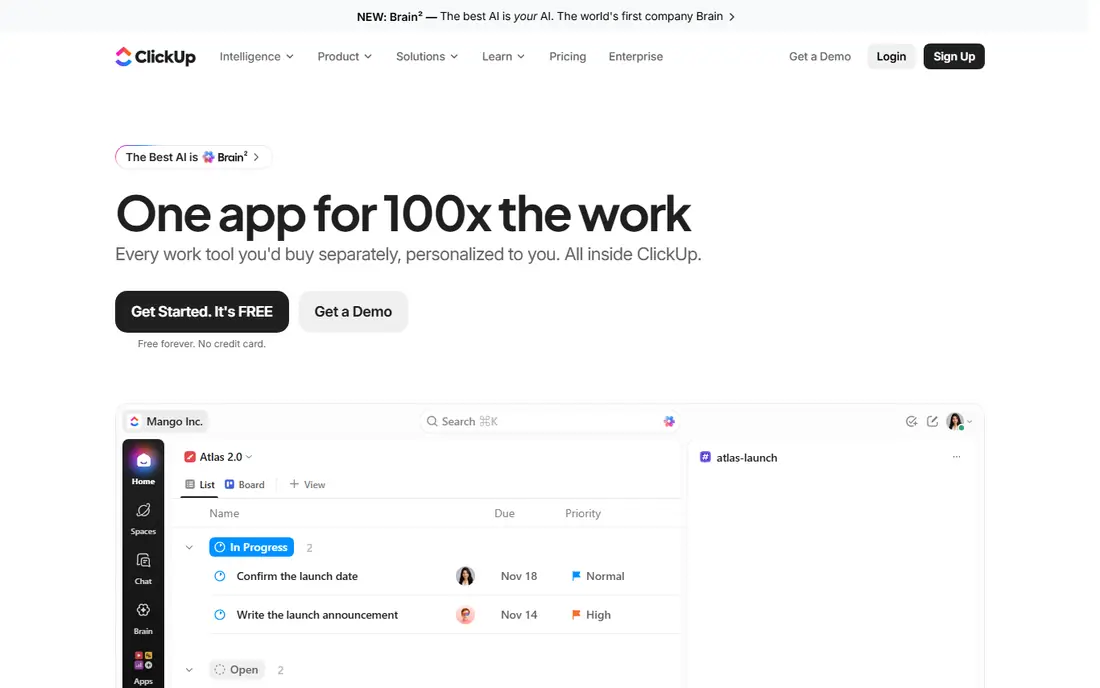
ClickUp packs the most features per dollar on this list, with tasks, documents, goals, whiteboards and chat inside a single workspace. Its free plan covers unlimited members, which is rare, and the paid Unlimited plan starts at $7 per user per month billed annually. Teams that want one tool instead of four will find the breadth appealing.
That breadth is also the drawback. New users face many views, settings and options, and a team that only needs simple boards may find ClickUp heavier than necessary. Invest an afternoon in setup and templates, and the tool pays off; skip that step, and it can feel cluttered.
- Tasks, docs, goals and chat in one workspace
- Free plan covers unlimited members
- Low paid entry price
- Setup takes time and can overwhelm new users
- Feature depth can slow small teams down
Trello keeps project work as simple as cards on boards, and that simplicity is its strength. Small teams can start in minutes, move cards through stages, attach files and comment, and everyone understands the system without training. The Standard plan at $5 per user per month billed annually is the cheapest paid entry on this list.
Complexity is where Trello shows its limits. Dependencies, workload views and detailed reporting are thinner than in Asana or Wrike, and power features such as advanced automation sit behind paid plans. If your work fits on boards and stays simple, Trello is the fastest alternative to adopt.
- Simplest board tool here
- Cheapest paid plan
- Fast onboarding with almost no training
- Weak for complex reporting and dependencies
- Advanced views need paid plans
Wrike suits marketing, agency and enterprise teams that need structured workflows, approvals and proofing in one place. Gantt charts, workload views and custom request forms help managers run intake and delivery as a process, not a pile of tasks. The Team plan starts at $10 per user per month billed annually, with a free plan for small teams.
New users should expect a learning curve, since Wrike offers many configuration options and its best reporting sits on higher tiers. Teams that only need simple boards will find it overbuilt, but teams that run approvals and client work will use the depth daily.
- Gantt charts, proofing and approvals
- Strong reporting for managers
- Scales to enterprise teams
- Learning curve for new users
- Higher tiers needed for advanced reporting and security
Smartsheet looks like a spreadsheet and acts like a project tool, which makes it the easiest switch for operations teams that already run the business in grids. Sheets support Gantt charts, card views, calendars, forms and automated alerts, so a team can plan, collect requests and report without learning a new mental model. The Pro plan starts at $9 per user per month billed annually.
There is no permanent free plan, only a 30-day trial, and the entry plan caps automation runs, which can force an upgrade for busy teams. If your team thinks in rows and columns and wants structure without a steep learning curve, Smartsheet is a strong pick.
- Familiar grid view for spreadsheet users
- Gantt, card and calendar views
- Strong forms and automation
- No permanent free plan
- Automation limits on the entry plan push some teams to upgrade
Notion combines documents, wikis, databases and task tracking in a single workspace, which suits teams that want planning and knowledge to live together. A project page can hold the brief, the task database, meeting notes and reference material without switching apps, and templates speed up common setups. The Plus plan starts at $10 per user per month billed annually.
As a pure project tool, Notion is lighter than Asana or Wrike: dependencies, workload views and advanced reporting are thinner. Teams that mainly need task tracking plus strong docs will love it, while teams that need deep project controls should pair it with, or choose, a dedicated project tool.
- Docs, wikis, databases and tasks in one workspace
- Flexible pages for planning and knowledge
- Generous free plan for individuals
- Project tracking is lighter than Asana or Wrike
- Large workspaces need careful structure
Airtable is a database tool that behaves like a project platform, letting teams build custom workflows from tables, linked records and views. Product, marketing and operations teams use it for content calendars, product catalogs, event planning and pipeline tracking, with automations and interfaces that hide database complexity from everyday users. The Team plan starts at $20 per user per month billed annually.
That price is the highest on this list, and lower plans cap records and automation runs, so costs can grow as a base expands. Airtable rewards teams that design their data model carefully; teams that only need task boards will find it more expensive and more complex than Trello or Asana.
- Flexible databases with grid, kanban, calendar and gallery views
- Strong automations
- Interfaces for non-technical users
- Highest entry price here
- Record limits on lower plans
- Needs design thought to scale well
Basecamp keeps team work simple: message boards, to-do lists, schedules, docs and file storage in one calm workspace, with chat built in. Per-user pricing starts at $15 per month, while the Pro Unlimited plan at $299 per month covers unlimited users billed annually, which beats per-seat pricing once a team passes about twenty people. Client-facing teams like the clean, separate project spaces.
The simplicity has a ceiling. There are no task dependencies, workload charts or advanced reports, so teams running complex, interlinked projects will feel constrained. For teams that value clarity and predictable pricing over deep controls, Basecamp is a refreshing alternative.
- Flat $299 per month unlimited plan for large teams
- Simple all-in-one workspace
- Message boards, to-dos and schedules included
- No dependencies or advanced reporting
- Simplicity frustrates teams that need deep project controls
How we picked these
We compared official pricing pages, feature sets and public user feedback for tools that genuinely replace Monday.com for team project work. We kept only live, supported products in 2026, and we excluded Monday.com itself from the list, since this article covers alternatives. We mixed simple boards, structured project tools, docs-first workspaces and database platforms so different reasons for switching are covered.
We also weighed free plans and entry prices, since cost is a common reason teams switch. Where a vendor price changed between sources, we used the figure most consistently reported on official pricing pages in 2026 and marked trial-only options clearly.
How to switch without losing work
Start by exporting your Monday.com boards and listing which views, automations and integrations your team actually uses each week. Many teams discover they use only a fraction of their setup, which makes the new tool choice simpler and the migration smaller than feared.
Next, run a two-week pilot with one real project in the new tool, including the people who were skeptical about switching. Test task creation, assignments, notifications, file attachments and one report the manager relies on. A pilot surfaces gaps in days, while a full migration surfaces them in months.
Finally, plan the cutover date and archive the old boards rather than deleting them. Keep Monday.com data readable for at least a quarter, so old project history stays available while the team settles into the new system.
Frequently asked questions
What is the best alternative to Monday.com?
Asana is the best all-round alternative for structured team projects, while ClickUp offers the most features per dollar. Trello suits teams that want simple boards, and Smartsheet suits teams that think in spreadsheets.
Are there free alternatives to Monday.com?
Yes, ClickUp, Trello, Asana, Wrike, Notion and Airtable all offer free plans, though limits on users, features or views vary. Smartsheet offers only a 30-day trial, so budget for its paid plan from the start.
Which Monday alternative is cheapest?
Trello at $5 per user per month billed annually is the cheapest paid plan here, followed by ClickUp at $7. Basecamp can be cheapest for large teams, since its $299 per month unlimited plan covers any number of users.
Can I migrate my boards from Monday.com?
Most alternatives offer import tools or CSV import for tasks, and some offer direct migration help for larger accounts. Expect to rebuild automations, dashboards and custom views by hand, since those rarely transfer exactly.
Is Notion a good Monday alternative?
Notion works well when docs, wikis and light task tracking matter more than deep project controls. Teams that need dependencies, workload planning and advanced reporting should choose Asana, ClickUp or Wrike instead.
Sources
See where you really rank - block by block
ProMapRanker scans Google Maps across a grid of your service area. Simple monthly plans from $19, white-label on every plan.
Start freeKeep reading
 free alternatives to grok imagine
Free Alternatives to Grok Imagine in 2026
We compared the best free alternatives to grok imagine for image generation, from fast daily credits to design tools, so you can create without paying.
Read → best tools for instagram content creation
Best Tools for Instagram Content Creation in 2026
Compare the best tools for Instagram content creation, from Canva and CapCut to Later and Buffer, on design, video, planning, scheduling, and price in 2026.
Read → best tool to split pdf files
Best Tool to Split PDF Files in 2026
We compared the best tool to split pdf files on split modes, file limits, privacy and price, so you can split a PDF cleanly and keep every page in one go.
Read →