 ProMapRanker
Best Mobile App Best Practices Tools in 2026

Key takeaways
- Figma is our pick for design practice, since it keeps design, feedback, and handoff in one place.
- Flutter and React Native help teams ship on iOS and Android from one codebase, which cuts duplicate work.
- Firebase and RevenueCat cover backend and payments, two areas where shortcuts cause the most trouble.
- Sentry and Bitrise help teams catch crashes and ship updates safely, which are core parts of good app practice.
- Mobile apps best practices are habits plus tools: test on real devices, protect privacy, and ship small updates often.
Quick comparison
| Pick | Great for | Pricing starts at | Free tier | |
|---|---|---|---|---|
 Figma | App design and prototyping | Free | Yes | Visit |
 Flutter | Cross-platform building | Free | Yes | Visit |
 React Native | Cross-platform building with JavaScript | Free | Yes | Visit |
 Firebase | Backend and analytics | Free | Yes | Visit |
 Expo | Faster React Native shipping | Free | Yes | Visit |
 Sentry | Crash and error tracking | See website | Yes | Visit |
 Bitrise | Mobile CI and delivery | Free | Yes | Visit |
 RevenueCat | In-app purchases and subscriptions | Free | Yes | Visit |
The best mobile app best practices tools
This article is not a list of abstract tips alone. It covers tools and platforms that help teams put mobile app best practices into practice, from design and building to testing, payments, and release. Each tool maps to a practice that matters in a real app: clear design, fast performance, safe data handling, reliable payments, and careful releases.
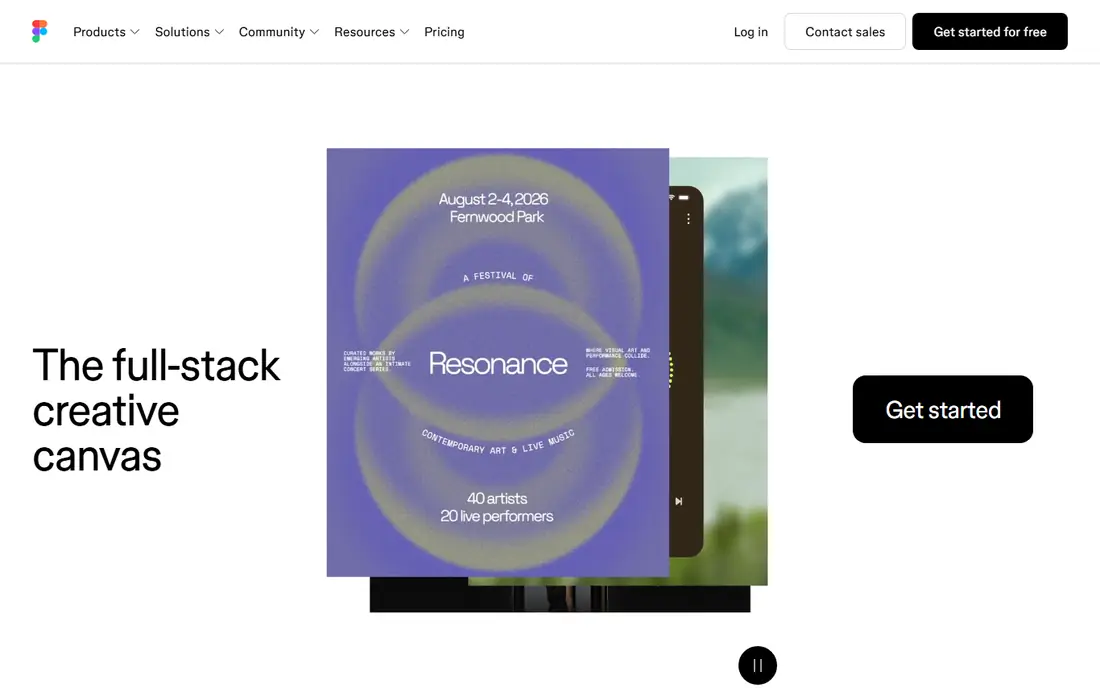
Figma is our pick for design practice because it turns good design habits into a shared workflow. Teams can design screens, build prototypes, test flows with users, and hand off specs to developers in one place. Design systems and shared libraries also help small teams keep buttons, colours, and spacing consistent across an app, which is a basic quality signal users notice.
The catch is organisation. A Figma file without naming rules, components, and version discipline can become messy fast, especially as a team grows. Set up a simple design system early, keep prototypes close to real content, and test on a phone, not just on a desktop screen, before you call a design done.
- Collaborative design and prototyping
- Design systems and shared libraries
- Developer handoff tools
- Paid seats for full professional features
- Large files can get complex without good organisation
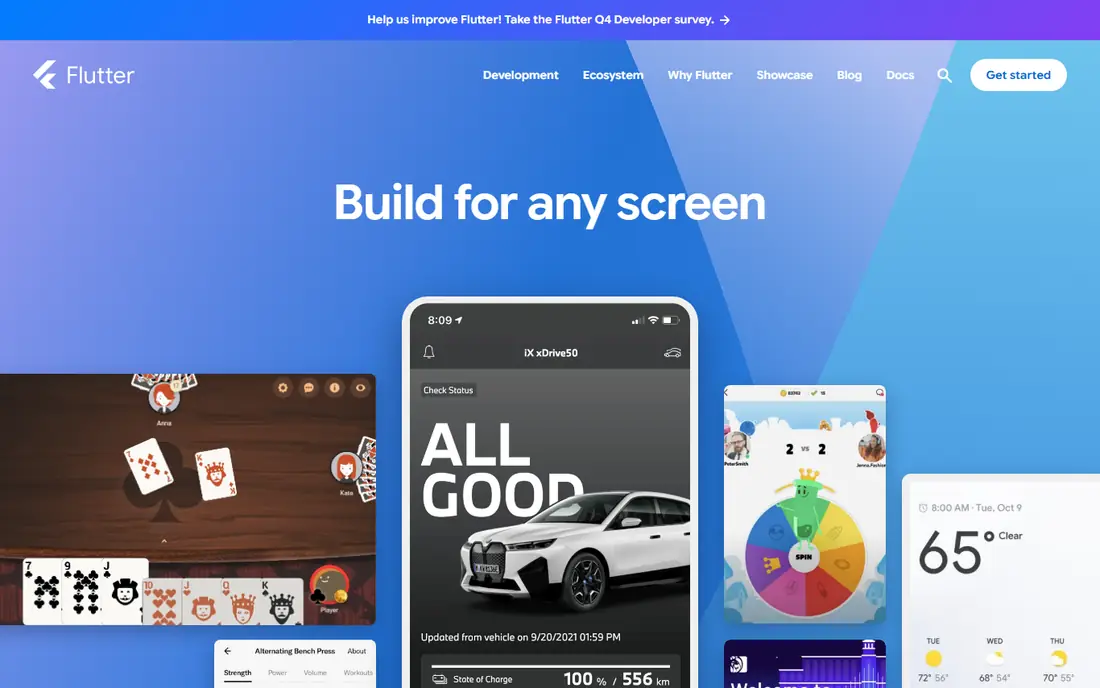
Flutter suits teams that want one codebase for iOS and Android without giving up a native feel. You write in Dart, use a large widget library, and use hot reload to see changes fast, which helps teams test ideas and fix layout problems early. For a small team with limited native developers, that single codebase is a practical advantage.
The honest limit is that cross-platform does not mean platform-free. You still need to handle iOS and Android guidelines, permissions, store rules, and device differences, and some features still need native code. Budget time for real-device testing on both platforms, even when most code is shared.
- One codebase for iOS and Android
- Fast hot reload for iteration
- Strong widget library
- Needs Dart skills
- App size and platform-specific work can still require native knowledge
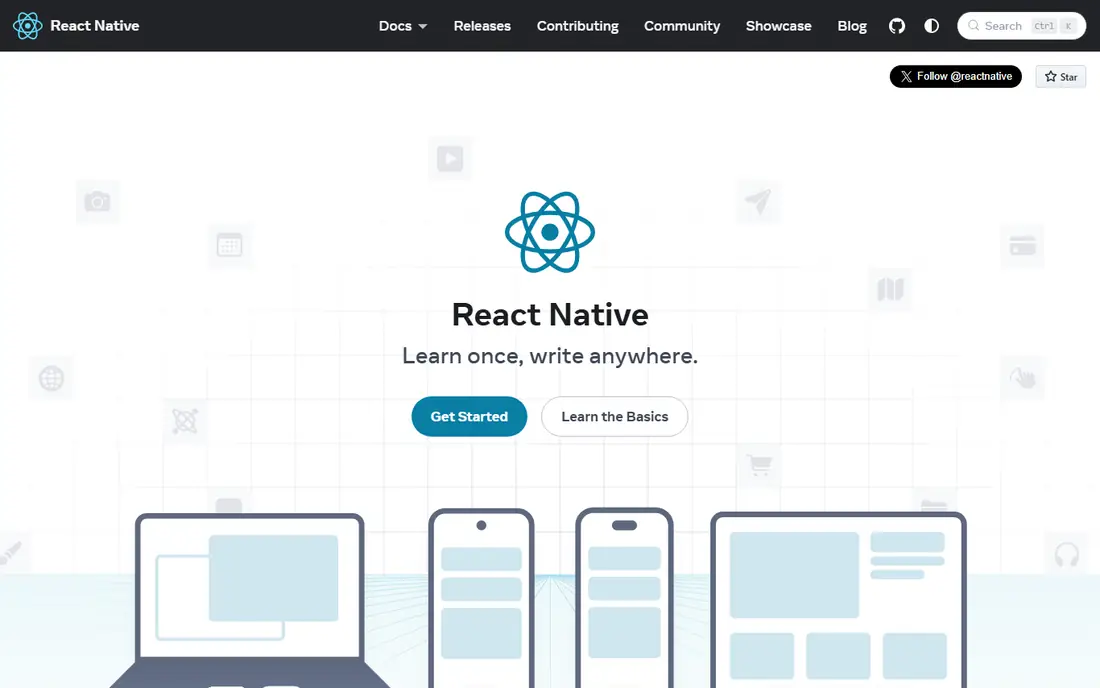
React Native suits teams that already know JavaScript or TypeScript and want both stores from one codebase. It renders real native views, has a large community, and works well with modern tooling for navigation, state, and testing. For web teams moving into mobile, that skill overlap shortens the learning curve.
The catch is maintenance. Upgrades, native modules, and third-party libraries need regular attention, and complex animations or lists need performance work. Keep dependencies lean, test upgrades on a branch, and measure performance on low-end devices, not just on a flagship phone.
- One codebase in JavaScript or TypeScript
- Large community and library ecosystem
- Renders real native views
- Upgrades and native modules can need care
- Performance tuning matters for complex screens
Firebase helps teams follow backend best practices without building a server from scratch. You get auth, databases, storage, push notifications, analytics, and crash reporting in one Google platform, with a free tier for early apps. That lets a small team focus on the app itself, while still covering login security, data rules, and basic analytics.
The limit is scale and lock-in. Usage-based costs can rise as an app grows, and moving away from Firebase later takes planning. Set security rules carefully from day one, monitor usage and costs, and keep user data handling clear in your privacy policy.
- Auth, database, storage, and push in one platform
- Analytics and crash reporting
- Free tier for starting
- Costs can grow with usage
- Vendor lock-in needs thought for larger apps
Expo suits React Native teams that want to ship faster with less native setup. It adds file-based routing, a standard library of native modules, development builds, and cloud build and update services. For a small team, that means less time on Xcode and Android Studio configuration and more time on the app.
The catch is flexibility. Some advanced native features need development builds or extra configuration, and very custom native work may not fit a managed workflow. Check the Expo docs for your must-have native features before you commit, and test builds early in the project.
- File-based routing and standard native modules
- Cloud builds and updates
- Faster setup than bare React Native
- Some native features need development builds
- Larger apps may need to eject from managed workflows
Sentry is a core practice tool, because you cannot fix crashes you cannot see. It reports errors in real time, ties them to releases, and shows which crashes affect the most users, so a team can fix the worst problems first. Performance insights also help spot slow screens before users complain in reviews.
The downside is noise if you set it up badly. Unfiltered alerts, missing context, or too many low-priority errors can hide real problems. Group errors well, set sensible alert rules, and fix crashes in the same release cycle, not in a backlog that never clears.
- Real-time crash and error reports
- Release tracking
- Performance insights
- Pricing depends on events and usage
- Setup needs care to avoid noisy alerts
Bitrise helps teams ship safely, which is a best practice many small teams skip. It runs automated builds, tests, and delivery steps for iOS and Android, so every release goes through the same checks. That consistency catches broken builds before they reach the store, and it makes releases less dependent on one developer's laptop.
The catch is cost and setup. Free tiers cover starting projects, but paid plans scale with concurrency and build minutes, so a team with many daily builds should check pricing. Start with a simple workflow, such as build and test on every pull request, and add steps only when they prove useful.
- Mobile-focused CI workflows
- Cloud builds for iOS and Android
- Integrations with GitHub and GitLab
- Paid plans scale with concurrency and build time
- Complex workflows need setup time
RevenueCat suits apps that sell subscriptions or in-app purchases, which is where many teams make costly mistakes. It handles purchase logic for iOS and Android in one SDK, tracks subscription status, and gives analytics on trials, renewals, and churn. For a small team, that removes a lot of store-specific purchase code and edge cases.
The limit is that RevenueCat does not remove store responsibility. You still need to follow Apple and Google rules, handle refunds and cancellations clearly, and show prices and terms honestly. Check the current free revenue threshold and pricing page, and test purchases on real store accounts before launch.
- Handles iOS and Android purchases in one SDK
- Subscription analytics
- Free up to a revenue threshold
- Revenue-based pricing after the free threshold
- Store rules still need careful handling
How we picked these
We compared official feature pages, pricing pages, and docs for tools that support mobile app best practices in October 2026. We looked for tools that help with design, building, backend, payments, crash tracking, and delivery, rather than tools that only list tips. We kept free starting options where possible, and we wrote See website where pricing depends on usage or plan details.
A practical checklist for mobile app best practices
Start with users and devices. Design for small screens first, test on real phones with different sizes and operating system versions, and check accessibility with larger text, voiceover, and colour contrast. An app that only works well on one flagship phone will fail for a large share of real users.
Next, protect privacy and performance. Ask for only the permissions you need, explain why you need them, and store as little personal data as possible. Keep app size reasonable, lazy-load heavy content, cache wisely, and measure startup time and battery use on low-end devices.
Finally, ship carefully. Use automated builds and tests, track crashes from day one, and release small updates often instead of one huge release. Write clear release notes, watch reviews and crash reports after each release, and roll back or fix fast when a release causes problems. Good practice is a loop, not a launch checklist you tick once.
Frequently asked questions
What are mobile apps best practices?
Mobile apps best practices include designing for real devices, testing on phones, protecting privacy, keeping performance good, and shipping small, tested updates. Tools like Figma, Flutter, Firebase, Sentry, and Bitrise help teams put those habits into a repeatable workflow.
Which tool is best for building a mobile app?
It depends on your team. Flutter suits Dart teams that want one codebase, while React Native and Expo suit JavaScript teams. Both can build good apps, so pick the stack your team can maintain, test, and update for years, not just for launch.
How do I test a mobile app properly?
Test on real devices across screen sizes and operating system versions, not only on simulators. Add automated tests, beta test with real users through TestFlight or Play internal testing, and track crashes with a tool like Sentry after release.
What are best practices for mobile apps around privacy?
Ask for only needed permissions, explain each request, minimise personal data, use secure auth and storage, and keep your privacy policy clear. Review third-party SDKs too, since they can collect data even when your own code does not.
How often should I update a mobile app?
Small, regular updates are usually better than rare, large ones, since they are easier to test and roll back. Fix crashes and security issues fast, batch small improvements into planned releases, and always test a release build before it reaches the store.
Sources
See where you really rank - block by block
ProMapRanker scans Google Maps across a grid of your service area. Simple monthly plans from $19, white-label on every plan.
Start freeKeep reading
 wpforms alternatives
Best WPForms Alternatives in 2026
We compare 9 wpforms alternatives for WordPress forms, with free and paid options, current pricing notes, and honest limits for small business sites in 2026.
Read → windows task scheduler alternatives
Best Windows Task Scheduler Alternatives in 2026
Looking for Windows Task Scheduler alternatives? We compare 9 schedulers for Windows and cross-platform work, from free tools to enterprise automation.
Read → which ai video service is best
Which AI Video Service Is Best in 2026
which ai video service is best? We compare 10 legitimate AI video services on price, avatars, editing and output quality to help you pick the right tool.
Read →