 ProMapRanker
Best Microsoft Project Alternatives in 2026


Cross-functional team planning · Pricing starts at: $10.99 per user per month
Key takeaways
- Microsoft Project is strong on formal scheduling, but most teams get a better fit from a simpler tool with Gantt views, such as Asana or monday.com.
- ClickUp offers the most features per dollar, while Smartsheet suits teams that already think in spreadsheets.
- TeamGantt and GanttPRO suit planners who want the Gantt chart itself to be the main workspace, not an add-on view.
- Wrike suits mid-size and enterprise teams that need configurable workflows, proofing, and reporting in one place.
- Zoho Projects is the budget pick for small teams, especially those already using Zoho apps.
Quick comparison
| Pick | Great for | Pricing starts at | Free tier | |
|---|---|---|---|---|
| Asana | Cross-functional team planning | $10.99 per user per month | Yes | Visit |
 monday.com | Visual workflows for non-technical teams | $9 per seat per month | Yes | Visit |
 ClickUp | Most features per dollar | $7 per user per month | Yes | Visit |
 Smartsheet | Spreadsheet-style planning | $9 per member per month | Free trial | Visit |
 Wrike | Configurable enterprise workflows | $10 per user per month | Yes | Visit |
 TeamGantt | Drag-and-drop Gantt scheduling | See website | Yes | Visit |
 GanttPRO | Full Gantt features at low cost | $7 per user per month | Free trial | Visit |
 Zoho Projects | Budget planning in the Zoho suite | See website | Yes | Visit |
The best microsoft project alternatives
Microsoft Project is known for detailed scheduling, dependencies, baselines, and critical path analysis, but many teams find it heavy for day-to-day collaboration. The alternatives below cover the same core jobs, Gantt charts, timelines, task tracking, and team coordination, with different trade-offs on price, ease of use, and depth. We compared official pricing and feature pages, plus public project roundups, to put this list together. Note that Microsoft Project itself is not listed here, since this article covers alternatives only.
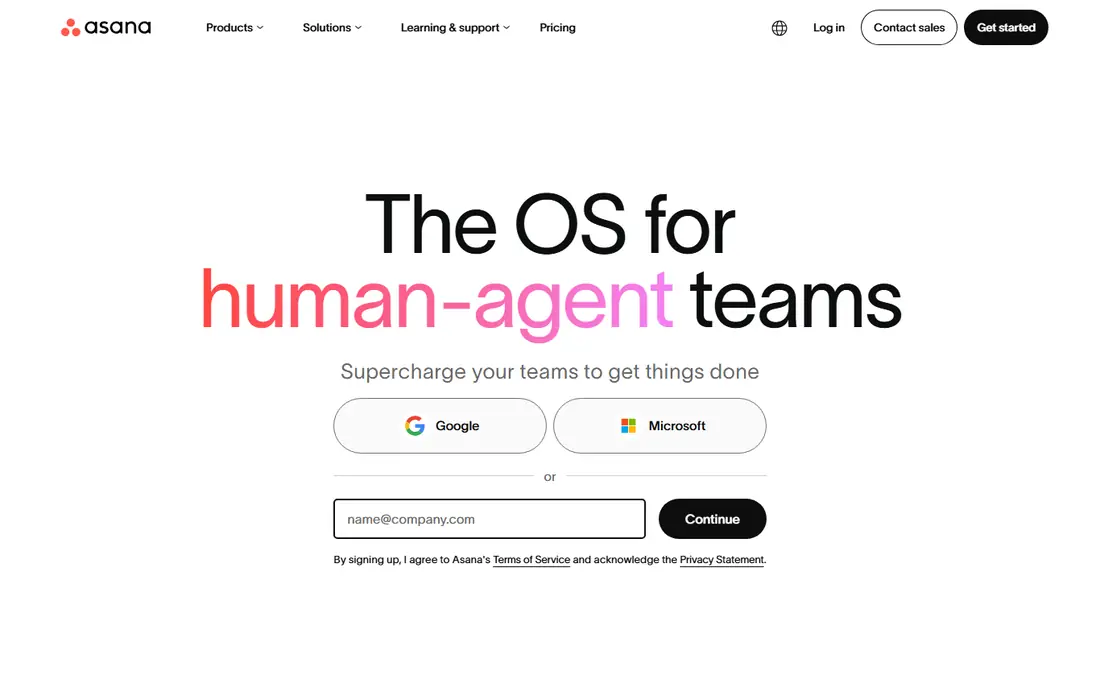
Asana is a strong default for teams moving away from Project, because it balances structure with ease of use. Projects can be viewed as lists, boards, timelines, or calendars, and goals and portfolios help managers see how team work connects to larger aims. That structure suits marketing, operations, and cross-functional teams that run repeatable processes.
The free Personal plan covers up to 2 users, while Starter starts at $10.99 per user per month on annual billing and adds timeline views and more automation. Asana does not match Project for deep scheduling controls such as baselines on every plan, so formal schedulers should check the higher plans. For most collaborative teams, though, Asana is easier to adopt and easier to keep current.
- Timeline and Gantt-style views on paid plans
- Goals and portfolios for cross-team work
- Clean task and project structure
- Full timeline features require a paid plan
- Free plan is capped at a small team size
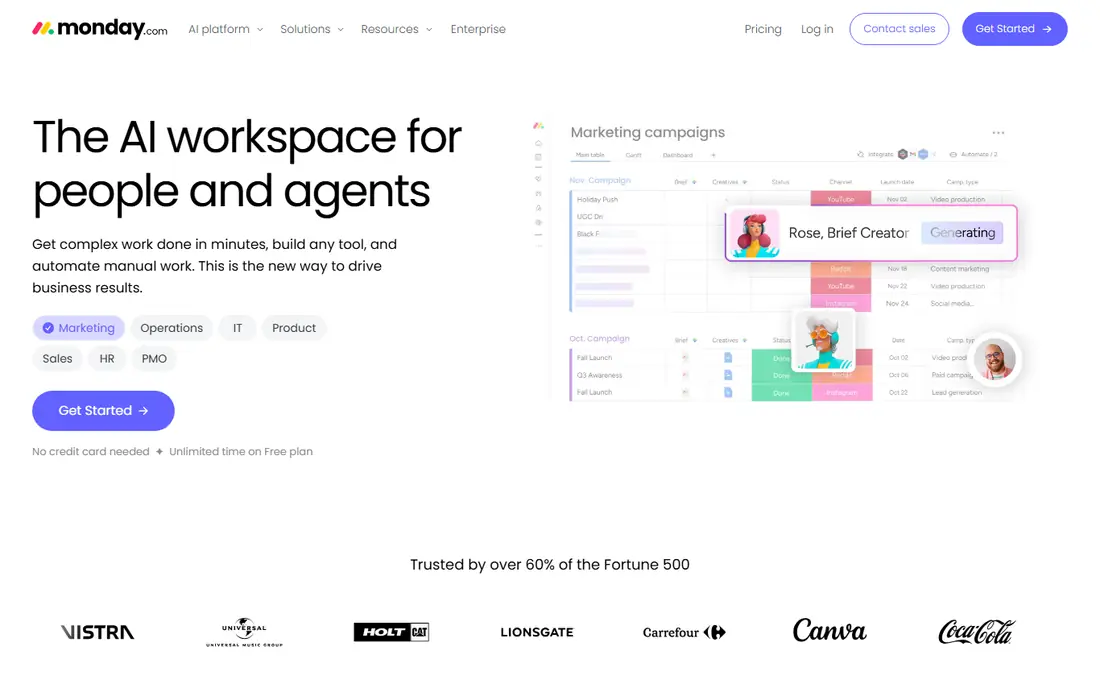
monday.com is the easiest switch for a team that found Project heavy. Work lives on colorful boards, status columns make progress visible at a glance, and automations handle routine updates such as notifications and status changes. A team can usually get a first project running in a day, which matters when adoption is the main risk.
The pricing detail to check is views. Basic starts at $9 per seat per month on annual billing, but Timeline and Gantt views start on Standard, which costs more. The free plan covers up to 2 seats and 3 boards. If Gantt planning is essential, budget for Standard from the start rather than judging monday.com on Basic alone.
- Visual boards that non-technical teams learn fast
- Automations and dashboards
- Free plan for up to 2 seats
- Gantt and timeline views start on Standard, not Basic
- Plans require a 3-seat minimum for paid tiers
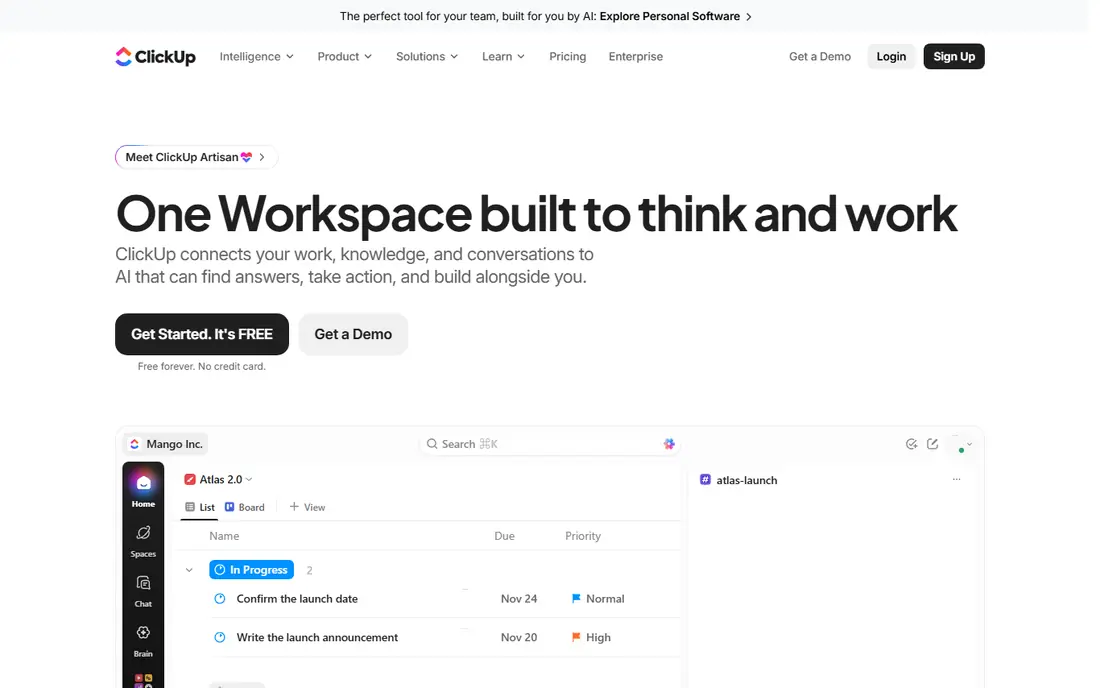
ClickUp packs the most into the lowest paid price here. The free plan covers unlimited members and tasks, while Unlimited starts at $7 per user per month on annual billing and adds Gantt charts, unlimited integrations, and more storage. Docs, goals, dashboards, and time tracking sit in the same workspace, so a team can replace several smaller tools with one subscription.
That breadth is also the drawback. New users can feel lost among views, custom fields, and settings, and a workspace without clear conventions gets messy fast. Spend time on templates and permissions during setup, and ClickUp becomes a strong value pick for teams that want one hub for planning and delivery.
- Free plan with unlimited members
- Gantt, docs, goals, and time tracking in one workspace
- Low paid starting price
- Feature depth can feel overwhelming at first
- Setup takes care to avoid clutter
Smartsheet suits teams that think in rows and columns but need real project controls. The grid view looks like a spreadsheet, which lowers the learning curve for operations, construction, and IT teams, while Gantt, card, and calendar views show the same data in other forms. Reports and dashboards pull across sheets, which helps a project office track many projects at once.
Pro starts at $9 per member per month on annual billing, for up to 10 members, with Business at a higher price for larger teams. There is no permanent free plan, only a trial, so test with a real project before buying. If your team already plans in spreadsheets, Smartsheet is the least disruptive move from Project.
- Grid view feels familiar to spreadsheet users
- Gantt, card, and calendar views on the same data
- Strong reporting
- No permanent free plan, only a trial
- Pricing is per member, so viewer roles need checking
Wrike is built for mid-size and enterprise teams that need one system across departments. Workflows can be shaped to each team, request forms bring work in cleanly, and proofing tools let creative teams review images, video, and documents inside the project. Reporting across projects helps managers spot delays without chasing updates in meetings.
The free plan covers up to 5 users, while Team starts at $10 per user per month on annual billing. Wrike takes more setup than Asana or monday.com to get right, especially for custom workflows and reporting. If your main need is configurable process control rather than simple task lists, that setup effort pays off.
- Highly configurable workflows
- Proofing and approvals for creative work
- Reporting across departments
- Team plan is limited to smaller team sizes in some tiers
- Enterprise depth takes setup time
TeamGantt is for planners who want to schedule by dragging bars, not by editing cells. The Gantt chart sits at the center, with tasks, dependencies, and workloads visible in one view, which makes it easy to see how a delay in one task shifts the rest of the plan. That clarity suits construction, event, and product teams that plan around dates first.
The free plan covers 1 project and 1 manager, which is enough to test the approach. Paid plans add more projects, baselines, and advanced dependencies, and pricing is often quoted as a flat monthly figure rather than per user, so check the current plan page for your team size. If you need docs, CRM, or broad workflow tools as well, pair TeamGantt with another tool or pick an all-in-one rival.
- Gantt chart is the main workspace, not an add-on
- Drag-and-drop scheduling
- Baselines and dependencies on higher plans
- Less breadth than all-in-one work tools
- Pricing varies by plan shape, so check the current page
GanttPRO gives solo planners and small teams a full Gantt toolkit at a low price. Core starts at $7 per user per month on annual billing, with dependencies, milestones, baselines, and critical path views included in a way that some rivals reserve for higher plans. That makes it a good pick for a planner who needs real scheduling controls without paying for an enterprise suite.
The trade-off is breadth. GanttPRO is a scheduling tool first, so teams that also need rich docs, forms, or broad workflow automation may prefer Asana, monday.com, or ClickUp. For a team whose main question is when work will finish and what depends on what, GanttPRO is strong value.
- Full Gantt features from the entry plan
- Dependencies, milestones, and critical path tools
- Low starting price
- No permanent free plan, only a trial
- Less depth on non-Gantt collaboration than Asana or ClickUp
Zoho Projects is the budget pick, especially for teams already using Zoho apps such as Zoho CRM or Zoho Books. Tasks, milestones, timesheets, and Gantt charts cover the core of project work, and data flows more cleanly inside the Zoho suite than across separate vendors. The free plan suits very small teams getting started.
Check plan details before you buy. Gantt charts start above the entry paid plan, and baselines sit on higher tiers, so a team that needs full scheduling controls should budget above the cheapest paid price. For a small team that wants solid planning at low cost inside Zoho, Zoho Projects is a sensible choice.
- Free plan for small teams
- Gantt charts and baselines on higher plans
- Tight fit with other Zoho apps
- Gantt features start above the entry paid plan
- Baselines are limited to higher tiers
How we picked these
We compared official pricing and feature pages, plus public project roundups, and kept only tools that work now, in October 2026, and that cover Gantt or timeline planning with team collaboration. We favored a mix of all-in-one work tools, spreadsheet-style planners, and Gantt-first tools, so readers can match the tool to how their team actually plans. Where pricing varied between sources, we wrote See website rather than guess a figure.
How to move from Microsoft Project
Start with your scheduling needs, then test two finalists on a real project.
List the Project features you truly use
Write down the features your team uses every week, such as dependencies, baselines, critical path, resource views, or portfolio reporting. Many teams use only a few of these, and that short list often points to a simpler and cheaper tool.
Test with a real project, not a demo
Import or rebuild one live project in each finalist, assign real owners, and run it for two weeks. That test reveals gaps in views, permissions, and reporting that a sales demo will not show, and it shows whether the team will actually keep the tool current.
Plan the migration of dates and files
Check import options for Project files, and confirm how tasks, dates, dependencies, and attachments carry over. Keep the old Project file as a backup until the new tool has run a full planning cycle without gaps.
Frequently asked questions
What is the best alternative to Microsoft Project?
Asana is the best all-round alternative for most collaborative teams, monday.com is the easiest for non-technical teams, and ClickUp offers the most features per dollar. For pure Gantt scheduling, TeamGantt and GanttPRO are strong picks, while Smartsheet suits spreadsheet-style teams.
Is there a free alternative to Microsoft Project?
Yes. Asana, monday.com, ClickUp, Wrike, TeamGantt, and Zoho Projects all offer free plans, though free plans limit users, projects, or views. Check whether Gantt views are included in the free plan, since many tools reserve them for paid tiers.
Which alternative has the best Gantt chart?
TeamGantt and GanttPRO put the Gantt chart at the center of the product, with drag-and-drop scheduling and dependency tools. Asana, monday.com, ClickUp, and Smartsheet also offer Gantt or timeline views, but usually on paid plans.
Can I import Microsoft Project files into these tools?
Many tools offer import from Project files or from spreadsheets, but coverage varies by tool and plan. Test an import with a real file before you commit, and check how dependencies, baselines, and custom fields carry over.
Do these tools work for large enterprise projects?
Wrike, Smartsheet, and Asana at higher tiers handle larger programs with portfolios and reporting, but very complex scheduling with deep resource leveling may still favor Project or a specialist scheduling tool. Match the tool to the complexity of your actual projects, not to the largest project you might run one day.
Sources
See where you really rank - block by block
ProMapRanker scans Google Maps across a grid of your service area. Simple monthly plans from $19, white-label on every plan.
Start freeKeep reading
 which software is best for pdf page removal
Which Software Is Best for PDF Page Removal in 2026
Find which software is best for pdf page removal, from free online tools to desktop editors, with page controls, privacy, safety, and pricing compared.
Read → when i work alternatives
Best When I Work Alternatives in 2026
Looking for when i work alternatives? We compare 8 scheduling apps for hourly teams, covering pricing, free plans, time clocks and the best fit for business.
Read → the best tool for keyword analysis
The Best Tool for Keyword Analysis in 2026
Find the best tool for keyword analysis with our 2026 comparison of 10 keyword analysis software tools on data depth, difficulty scores and price today.
Read →