 ProMapRanker
Best MATLAB Alternatives in 2026

Key takeaways
- GNU Octave is the closest free replacement for MATLAB syntax, while Python with NumPy and SciPy is the most flexible long-term path.
- Julia suits high-performance numerical work, and R suits statistics and data visualization.
- Scilab and SageMath suit engineers and mathematicians who want a free, complete environment rather than a programming library.
- Mathematica and Maple suit symbolic math and polished documents, at a paid price.
- Our pick for most users is GNU Octave for MATLAB-style scripts, or Python for new projects that need modern libraries.
Quick comparison
| Pick | Great for | Pricing starts at | Free tier | |
|---|---|---|---|---|
 GNU Octave | MATLAB-style scripts for free | Free | Yes | Visit |
 Python with NumPy and SciPy | Flexible scientific computing | Free | Yes | Visit |
 Julia | High-performance numerical code | Free | Yes | Visit |
 R | Statistics and visualization | Free | Yes | Visit |
 Scilab | Free engineering environment | Free | Yes | Visit |
 SageMath | Free mathematics system | Free | Yes | Visit |
 Wolfram Mathematica | Symbolic and numerical work | See website | Free trial | Visit |
 Maple | Symbolic math and documents | See website | Free trial | Visit |
 Maxima | Free symbolic computation | Free | Yes | Visit |
The best matlab alternatives
MATLAB is known for matrix math, plotting, toolboxes, and simulation, but its license and toolbox costs push many users to look elsewhere. The tools below cover different parts of that job. Some copy MATLAB syntax, some are programming languages with scientific libraries, and some focus on symbolic math. Match the tool to your actual work.
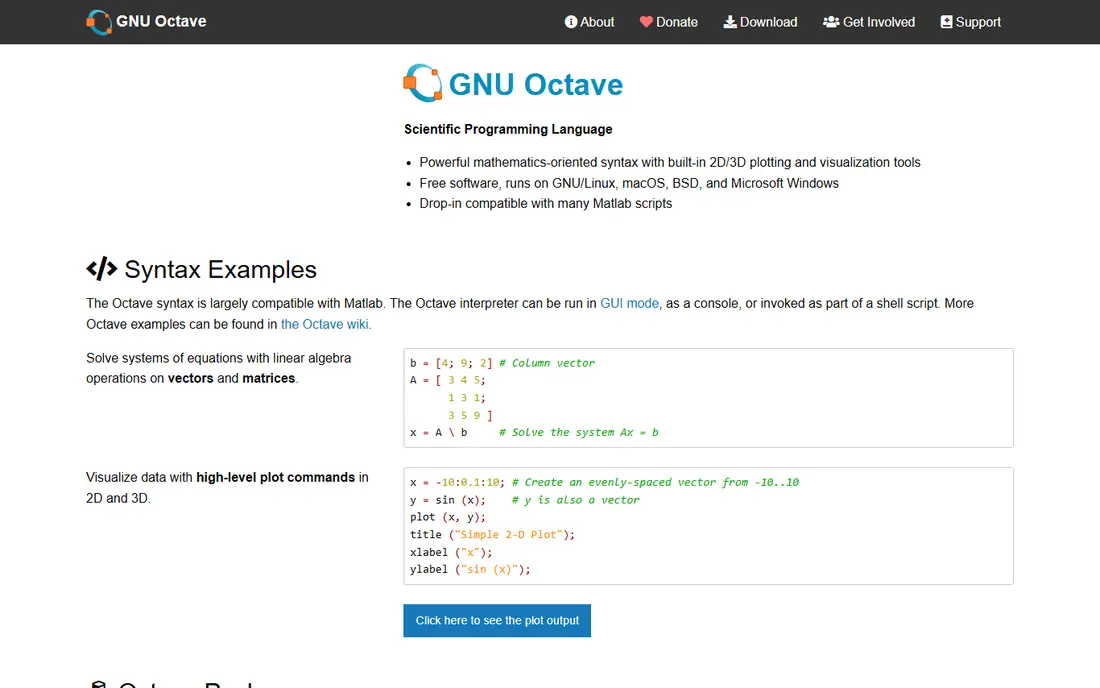
GNU Octave is the first tool to try if you have MATLAB scripts to keep running. It uses matrices as a core data type, supports much MATLAB syntax, and runs on Windows, Mac, and Linux. For coursework, linear algebra, signal work, and plotting, Octave covers a large share of everyday MATLAB use at no license cost.
The gaps show up with specialized toolboxes and with Simulink, which Octave does not copy. A script that relies on a paid MATLAB toolbox may need rewriting. For core numerical work, though, Octave is the most direct free replacement, and it is easy to recommend to students and small teams.
- Free and open source
- Runs much MATLAB syntax with few changes
- Plotting, linear algebra, and statistics built in
- Some toolboxes and Simulink-style features are missing
- Interface is plainer than MATLAB
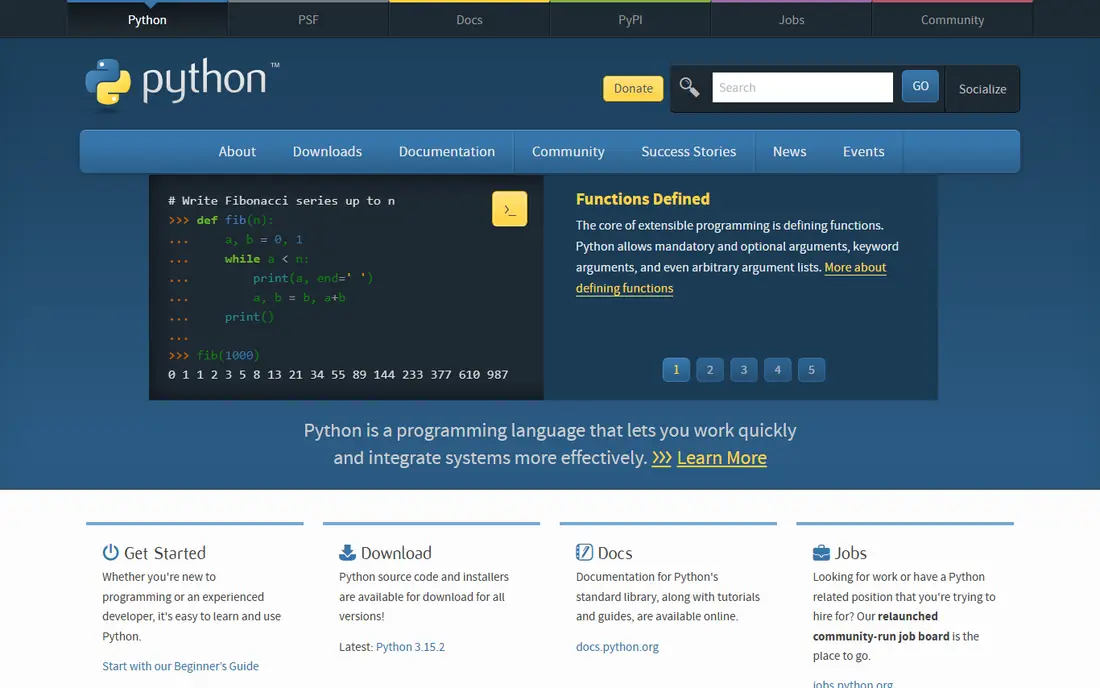
Python, with NumPy for arrays, SciPy for scientific routines, and Matplotlib for plotting, is the most flexible MATLAB alternative for new projects. It handles data work, machine learning, web tools, and automation in one language, which MATLAB does less naturally. The ecosystem also means a Python skill transfers to work far beyond numerical computing.
The trade-off is migration effort. MATLAB scripts do not run in Python unchanged, and a team needs to learn Python habits for arrays and plotting. For a new project, that effort pays off quickly. For a large existing MATLAB codebase, Octave may be the faster first step.
- Free and open source
- NumPy, SciPy, Matplotlib, and Pandas cover math, plotting, and data
- Huge library ecosystem
- Needs more setup than a single MATLAB install
- Syntax differs from MATLAB, so scripts need rewriting
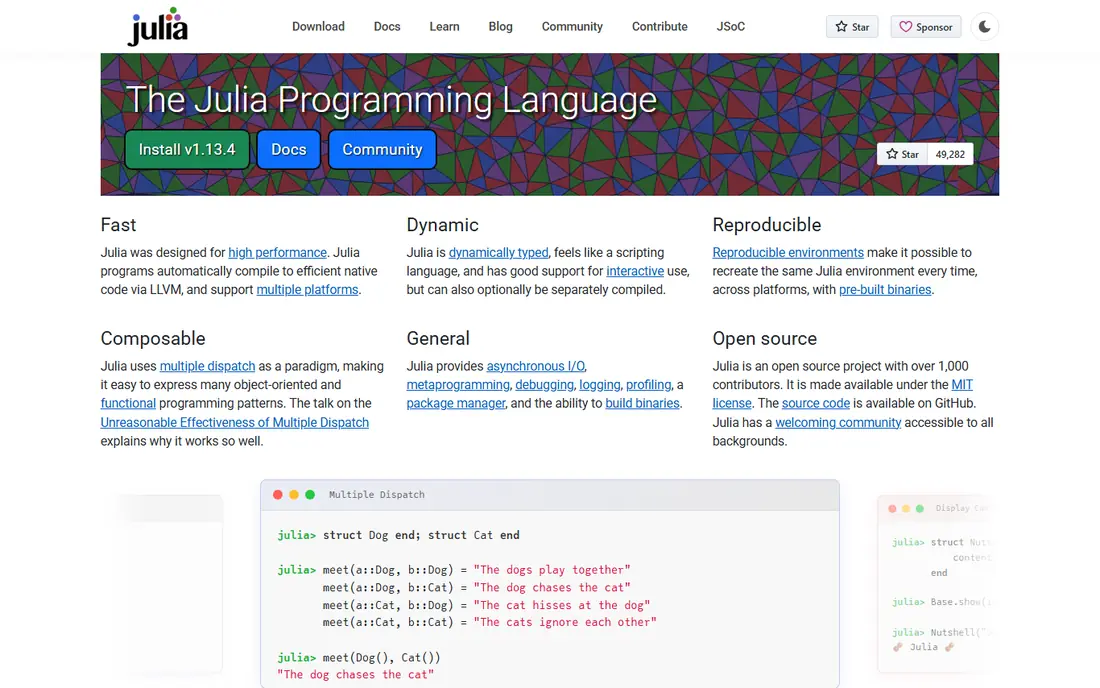
Julia suits researchers and engineers who need speed without dropping into a low-level language. It was designed for technical computing, so matrix math, differential equations, and data work feel natural, and its just-in-time compilation gives performance close to compiled code for many tasks. For simulation-heavy work, Julia can be a strong MATLAB replacement.
The ecosystem is the catch. Python has a larger library range, and some niche MATLAB toolbox areas have no direct Julia equal yet. If your work stays in core numerical computing, Julia shines. If you need a very wide library range, Python may be safer.
- Free and open source
- Fast numerical performance
- Clean syntax for math and data work
- Strong scientific packages
- Smaller ecosystem than Python
- Some domain packages are less mature
R fits users whose MATLAB work is mostly statistics, data analysis, and visualization. Its package range for statistical modeling, time series, and graphics is deep, and tools such as RStudio make interactive analysis pleasant. For a data analyst moving from MATLAB, R often feels more useful than a general programming language.
R is less natural for control systems, signal simulation, or general engineering workflows that MATLAB handles well. Treat R as a statistics-led alternative, not as a full MATLAB copy. For mixed work, pair R with Python or Octave rather than forcing one tool to do everything.
- Free and open source
- Deep statistics and plotting packages
- Strong for data analysis and reporting
- Less suited to general engineering simulation
- Syntax can feel unusual for MATLAB users
Scilab suits engineers who want a free, complete environment rather than a library to assemble. Its language and interface feel familiar to MATLAB users, and Xcos provides graphical simulation in a style similar to Simulink for many basic models. That combination makes Scilab useful for teaching and for engineering projects that need simulation.
Compatibility is the limit. Scilab does not aim for exact MATLAB compatibility, so scripts may need changes. Its community is also smaller than Octave or Python, which can mean fewer ready answers online. For a fresh engineering project, though, Scilab is a solid free choice.
- Free and open source
- MATLAB-like environment
- Xcos for graphical simulation
- Runs on Windows, Mac, and Linux
- Exact MATLAB compatibility is not a goal
- Smaller community than Octave or Python
SageMath fits mathematicians and students who need symbolic math, algebra, calculus, and number theory in one free system. It brings together many open source math packages under a Python-based interface, with notebook support for documents that mix text, math, and code. For pure and applied math teaching, it is a strong free option.
SageMath is less suited to engineering simulation or signal processing in the MATLAB style. Its install is also large, and its workflow takes learning. For math-led work, those costs are worth it. For engineering-led work, Octave or Scilab will feel closer to MATLAB.
- Free and open source
- Combines many math packages in one system
- Strong symbolic, algebra, and number theory support
- Large install
- Interface and workflow differ from MATLAB
- Best for math-led work
Mathematica suits users who need symbolic math, exact computation, and polished documents in one system. Its language handles algebra, calculus, differential equations, and data work, and its notebooks produce presentation-ready results. For research and teaching that mix symbolic and numerical work, Mathematica is a premium, capable choice.
The price and language change are the catches. Mathematica is a paid product, and MATLAB scripts will not transfer directly. Teams that already use Wolfram products will get the most value. Teams that only need numerical work may find Octave or Python cheaper and simpler.
- Very strong symbolic computation
- Polished notebooks and visualization
- Large built-in function range
- Paid license
- Wolfram Language differs from MATLAB syntax
- Cost can be high for individuals
Maple fits teachers, students, and engineers who work with symbolic math and want results in a readable document. It solves equations symbolically, handles calculus and linear algebra, and presents steps in a worksheet that reads like a math document. That presentation style suits coursework and reports.
Maple is not a full MATLAB replacement for large numerical simulation or data work. Its strength is symbolic math and clear documents, so pair it with a numerical tool if your work needs both. For math teaching and symbolic tasks, Maple is a respected paid option.
- Strong symbolic math and equation solving
- Document-style worksheets
- Good for teaching and engineering math
- Paid license
- Numerical and simulation range is narrower than MATLAB
- Syntax differs
Maxima suits users who want free symbolic math without a large install. It handles differentiation, integration, equation solving, and series work, and graphical front ends such as wxMaxima make it easier to use. For a student who needs symbolic help alongside a numerical tool, Maxima is a useful, no-cost addition.
The limits are polish and breadth. Maxima will not match Mathematica or Maple for presentation, and it is not a MATLAB-style numerical environment on its own. Use it as a symbolic companion to Octave or Python, and it earns its place.
- Free and open source
- Solid symbolic computation for calculus, algebra, and equations
- Lightweight install
- Interface is plainer than Mathematica or Maple
- Numerical and plotting features are more limited
How we picked these
We compared official product pages, documentation, and public comparison guides, and we kept only tools that are live in October 2026 and that handle numerical computing, symbolic math, plotting, or simulation. We favored free tools with a clear MATLAB connection, plus paid tools with a distinct symbolic strength. Prices are shown as Free where tools are open source, and as See website where vendors sell licenses or subscriptions, because we do not invent numbers.
How to switch from MATLAB without losing your work
Start by sorting your MATLAB use into three groups: scripts you run often, toolboxes you depend on, and Simulink models if you have them. Scripts often move to Octave with small changes. Toolbox-heavy work may move better to Python, where a library covers the same area. Simulink models are the hardest group, and they may need rebuilding in Scilab Xcos or in a Python simulation library.
Test one script, not the whole codebase
Pick a representative script, run it in Octave, and note every function that fails or behaves differently. That small test tells you how large the migration really is. A script that runs with a few changes points to Octave. A script that needs a full rewrite points to Python or Julia as a fresh start.
Keep MATLAB for the transition if you can
If you still have MATLAB access, run old and new results side by side for key cases. Numerical differences can come from library versions, not from errors, but you need to see them before you trust the new tool. Keep that comparison for the first project, then drop the old workflow once results match.
Choose the tool your team will actually maintain
A free tool that no one on your team knows is not cheaper than a paid tool your team already uses well. Check who will maintain code, answer questions, and update libraries. For a student, Octave or Python both work. For a research group, the shared skill of the group matters more than a single feature list.
Frequently asked questions
What are alternatives to matlab?
Alternatives to MATLAB include GNU Octave, Python with NumPy and SciPy, Julia, R, Scilab, SageMath, Wolfram Mathematica, Maple, and Maxima. Octave is closest to MATLAB syntax, Python is most flexible for new projects, and Mathematica and Maple lead for paid symbolic math.
Is there a free alternative to MATLAB?
Yes. GNU Octave, Python, Julia, R, Scilab, SageMath, and Maxima are all free and open source. Octave is the best free pick for existing MATLAB scripts, while Python is the best free pick for new scientific projects that need a wide library range.
Which MATLAB alternative is best for students?
For students, GNU Octave is the simplest free start if coursework uses MATLAB syntax, and Python is the best long-term skill if the course allows it. Both are free, both run on common systems, and both have large learning resources. Check what your course accepts before switching.
Can Octave run MATLAB code?
Octave runs much MATLAB code with few or no changes, especially for core math, plotting, and scripts that avoid paid toolboxes. Scripts that use specialized MATLAB toolboxes, Simulink, or recent MATLAB-only functions may need changes or a different tool. Test your key scripts before committing to a switch.
Is Python better than MATLAB?
Python is better for flexible, general scientific work, data analysis, machine learning, and automation, and it is free. MATLAB is better for a single, integrated engineering environment with toolboxes and Simulink, especially where a team already works in that system. The better choice depends on your project and your team skill.
Should I learn Julia or Python as a MATLAB user?
Learn Python first if you want the widest job and library options, since Python covers data, web, and machine learning work beyond numerical computing. Learn Julia if your main need is high-performance numerical simulation and you value speed in a math-friendly language. Many researchers learn Python first and add Julia later for speed-critical work.
Sources
See where you really rank - block by block
ProMapRanker scans Google Maps across a grid of your service area. Simple monthly plans from $19, white-label on every plan.
Start freeKeep reading
 wpforms alternatives
Best WPForms Alternatives in 2026
We compare 9 wpforms alternatives for WordPress forms, with free and paid options, current pricing notes, and honest limits for small business sites in 2026.
Read → windows task scheduler alternatives
Best Windows Task Scheduler Alternatives in 2026
Looking for Windows Task Scheduler alternatives? We compare 9 schedulers for Windows and cross-platform work, from free tools to enterprise automation.
Read → which ai video service is best
Which AI Video Service Is Best in 2026
which ai video service is best? We compare 10 legitimate AI video services on price, avatars, editing and output quality to help you pick the right tool.
Read →