 ProMapRanker
Best Lucky Orange Alternatives in 2026


Free behavior insights for any site size · Pricing starts at: Free
Key takeaways
- Lucky Orange bundles heatmaps, recordings, and live chat, but its paid plans start higher than they once did, which pushes small sites to look elsewhere.
- Microsoft Clarity is the clear free pick, with heatmaps and recordings at no cost and no traffic cap stated on its site.
- Mouseflow and Crazy Egg suit small and mid-size stores that want form analytics, funnels, or testing without enterprise contracts.
- FullStory, Contentsquare, and VWO suit larger teams that need deeper journey analysis, experimentation, or product analytics.
- Privacy controls matter here: check masking, consent handling, and data retention before you add any recording script to your site.
Quick comparison
| Pick | Great for | Pricing starts at | Free tier | |
|---|---|---|---|---|
| Microsoft Clarity | Free behavior insights for any site size | Free | Yes | Visit |
 Mouseflow | Small teams that want funnels and form data | See website | Yes | Visit |
 Contentsquare | Large teams needing journey and zone analysis | See website | No | Visit |
 FullStory | Product teams that live in session data | See website | Yes | Visit |
 Crazy Egg | Heatmaps plus affordable A/B testing | See website | No | Visit |
 Smartlook | Web and mobile app recordings in one place | See website | Yes | Visit |
 VWO | Experimentation and personalization at scale | See website | No | Visit |
 Plerdy | Heatmaps plus pop-ups and SEO checks | See website | Yes | Visit |
 OpenReplay | Engineering teams that want self-hosting | See website | Yes | Visit |
The best lucky orange alternatives
Lucky Orange is known for real-time visitor data, dynamic heatmaps, session recordings, surveys, and live chat in one plan. The tools below match parts of that bundle, and a few go further on funnels, testing, or privacy. The best pick depends on your traffic, your budget, and whether you need recordings, testing, or both.
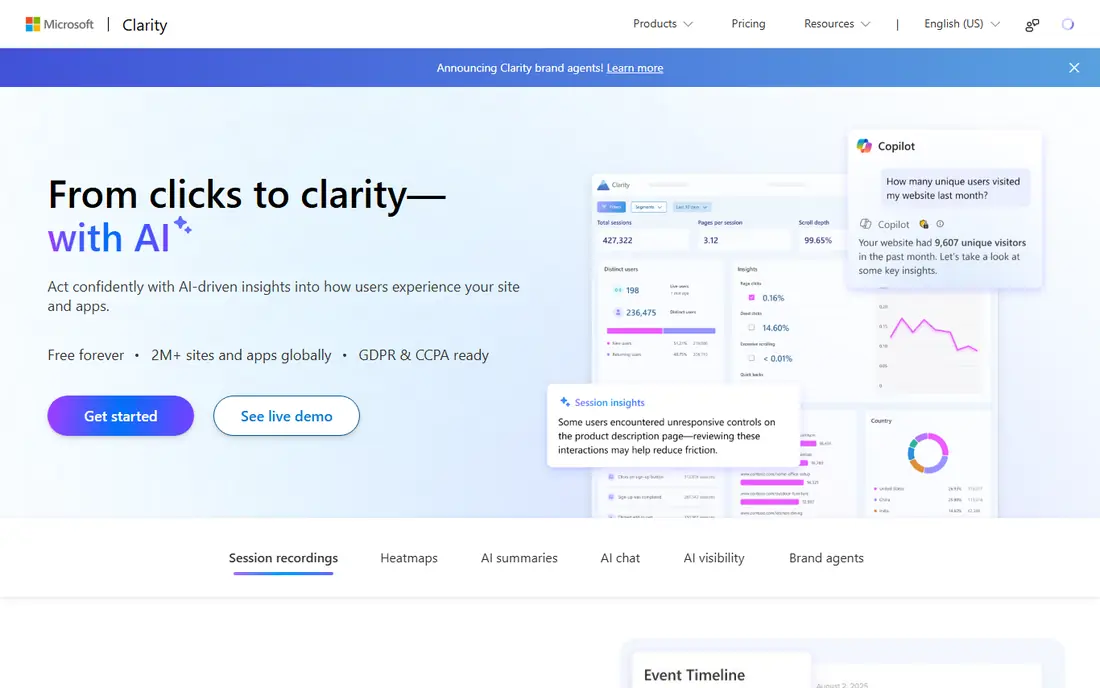
Clarity is the easiest recommendation on this list for a small site owner who just wants to see where visitors click and where they get stuck. It is free, it includes heatmaps and recordings, and it surfaces sessions with dead clicks, rage clicks, and quick back behavior so you do not have to watch hours of video. Setup is a single script, and dashboards are plain to read.
The gaps are real but manageable. Clarity does not include live chat, polls with the depth of some rivals, or enterprise support contracts. If you need chat alongside analytics, you will pair it with a separate chat tool. For pure behavior insight at zero cost, though, it is hard to argue against starting here.
- Free heatmaps and session recordings
- No stated traffic cap
- Friction and rage-click signals built in
- No live chat
- Support and retention options are lighter than enterprise tools
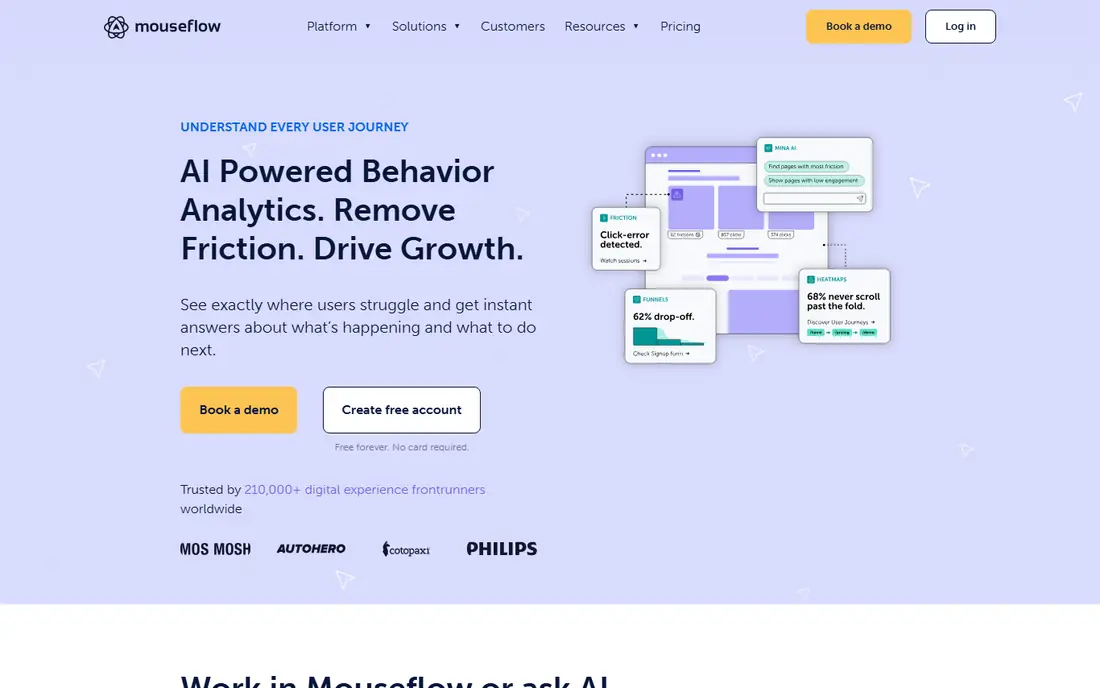
Mouseflow goes a step further than a basic heatmap tool by linking recordings to funnels and form fields. You can see which step loses visitors, which form field causes drop-off, and which sessions show friction, then watch those exact sessions. That link between aggregate data and individual replays saves time when you are fixing a checkout or a sign-up flow.
Mouseflow is not the cheapest option at higher traffic, and its range of reports can feel busy at first. It is a good fit when you already know your pages get traffic but you do not know why visitors leave. Start on the free plan, test one funnel, and only upgrade when session volume makes the upgrade necessary.
- Heatmaps, recordings, funnels, and form analytics
- Friction scoring
- Free plan for low traffic
- Paid tiers rise with session volume
- Interface takes time to learn
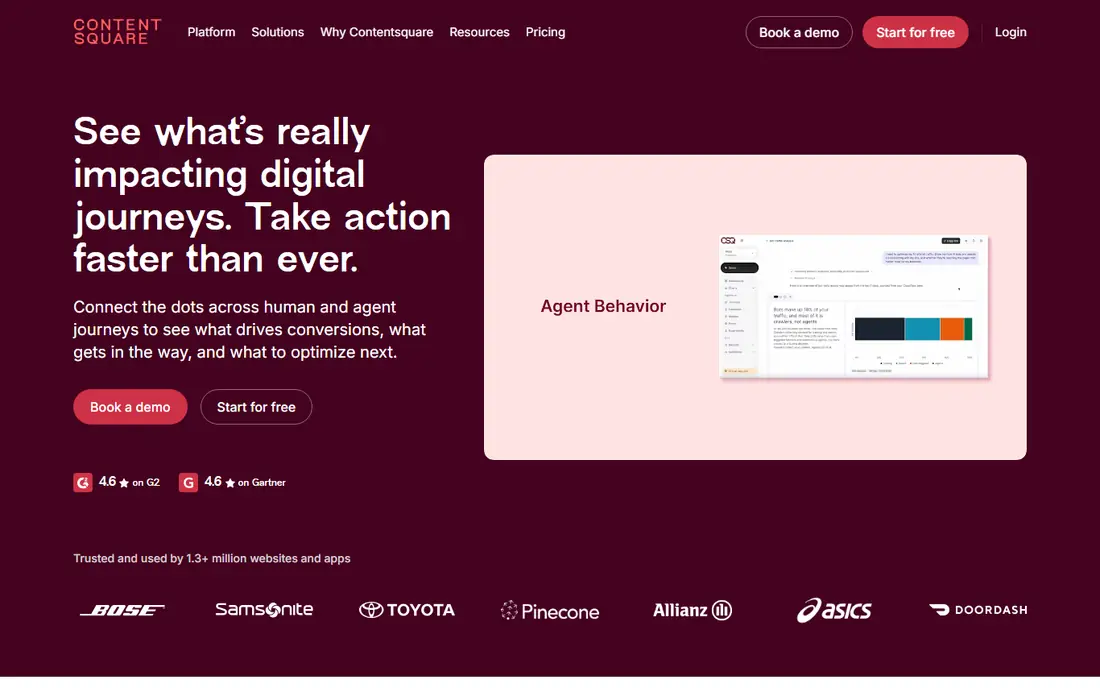
Contentsquare now carries the Hotjar product line after Hotjar was merged into the Contentsquare group, and its platform combines heatmaps, recordings, surveys, and journey analysis at enterprise scale. Zone-based heatmaps show how each part of a page performs, not just where clicks land, which helps large sites with complex templates. Its insight features also help teams spot patterns across many sessions without watching each one.
This is not a small-business tool in price or in setup. If you run a single store with modest traffic, Clarity or Mouseflow will give you faster answers for less money. Contentsquare earns its place when several teams share one analytics standard, when you need governance and support, and when journey data across many pages matters more than a quick heatmap.
- Deep journey mapping and zone-based heatmaps
- Survey and feedback tools
- AI-assisted insight summaries
- Enterprise pricing
- Setup and onboarding take longer than small tools
FullStory is built for teams that treat session replay as a daily research tool, not an occasional check. You can search sessions by event, error, or user behavior, build funnels from those events, and jump straight to the moments that matter. That search-first approach is a clear step up from browsing recordings in date order, and it pairs well with product analytics.
The trade-off is scope and cost. FullStory is aimed at product and engineering teams, and its full value shows only when someone owns the analysis work. A solo store owner may find it heavy. A product team that needs to link a bug report or a drop in conversion to exact user sessions will find it worth the learning curve.
- Detailed session replay with search
- Funnels and frustration signals
- Strong integrations with product tools
- Pricing is quote-based for larger use
- Can be more than a small store needs
Crazy Egg is a practical pick when your main question is which version of a page works better. Its heatmaps are easy to read, including confetti views that split clicks by source or device, and its A/B testing lets you test a headline or button without adding another tool. Surveys add a feedback channel that pairs well with the visual data.
Recording is present but not the star here, so teams that need deep replay search should look at FullStory or Mouseflow instead. Crazy Egg fits owners of a few key pages who want clear visuals, a simple test, and a price that stays in small-business range. Trial it on your top landing page first.
- Click, scroll, and confetti heatmaps
- Built-in A/B testing
- Surveys included on many plans
- No free plan
- Session recording depth is lighter than FullStory
Smartlook suits teams that run both a website and a mobile app and want one replay tool for both. It records sessions, tracks events and funnels, and lets you filter to the sessions that show errors or drop-off. That cross-platform view helps when a user starts on the web and finishes in the app, or the other way around.
Its free plan is useful for testing, but the fuller heatmap and analysis features require paid plans. Smartlook is a balanced middle option: stronger on apps than Clarity, simpler to adopt than FullStory, and a good fit for growing product teams that do not yet need enterprise analytics.
- Session recordings for web and mobile apps
- Funnels and events
- Free plan for testing
- Heatmap depth varies by plan
- Advanced features sit on higher tiers
VWO is for teams whose main job is testing, not just watching. It combines heatmaps and recordings with A/B testing, multivariate testing, and personalization, so you can move from insight to experiment in one platform. That closed loop matters when conversion work is ongoing and several tests run at once.
VWO is priced and built for larger operations, and a small site will find it more than it needs. It also takes more setup than a simple script install. Choose VWO when testing is a regular program with clear owners, and when you need personalization rules that a basic heatmap tool cannot provide.
- Full testing suite with personalization
- Funnels and heatmaps
- Strong enterprise controls
- Enterprise pricing
- More complex than a heatmap-only tool
Plerdy bundles behavior analytics with marketing extras that small teams often buy separately. Alongside heatmaps and recordings, you get pop-up forms, funnel views, and a basic SEO check for the pages you track. That bundle can replace two or three small tools for a marketing-led site, and the free plan lets you test the core features first.
The bundle is also the drawback. Plerdy is not as deep on product analytics or replay search as the enterprise tools, and the interface can feel crowded. It fits marketing teams that want heatmaps, pop-ups, and a quick SEO view in one place, and that value breadth over depth in any single area.
- Heatmaps, recordings, and pop-ups in one tool
- Basic SEO audit included
- Free plan available
- Product analytics depth is lighter than FullStory
- Interface mixes many features
OpenReplay is the pick when recordings must stay on your own infrastructure, or when engineers need console errors, network requests, and performance data alongside the replay. Its self-hosted edition gives teams control over where session data lives, which matters for privacy-sensitive products and for companies with strict data rules.
That control comes with setup work, and marketers who want surveys, pop-ups, or simple heatmap reports may find OpenReplay less friendly. It is best for engineering-led teams that debug real user issues from replays and that have someone to run the deployment. For a marketing-only use case, Clarity or Mouseflow will be faster to adopt.
- Self-hosted edition available
- Detailed technical replay with console and network data
- Developer-friendly debugging
- Needs engineering setup for self-hosting
- Marketing features are thinner than rivals
How we picked these
We compared official product pages, pricing pages, and feature documentation for tools that offer heatmaps, session recordings, or both, and that are actively available in October 2026. We checked free tiers, session limits where published, and whether each tool also covers surveys, funnels, or testing. We left out tools that only track page views without visual behavior data, and we did not list Lucky Orange itself, since this is an alternatives list.
What to check before you choose
Start with privacy, not with features. Any recording tool can capture text typed into forms, so check how it masks sensitive fields, how it handles consent, and how long it keeps data. Test the masking on your own checkout and contact forms before you roll it out site-wide, and confirm the tool fits the privacy rules that apply to your visitors.
Next, match the tool to the question you ask most. If the question is where people click, a free heatmap tool may be enough. If the question is why a form fails, you need form analytics and filtered replays. If the question is which page version wins, you need testing. Paying for enterprise journey analysis when you only need a heatmap wastes money, and buying a heatmap-only tool when you need testing wastes time.
Frequently asked questions
What are the best alternatives to Lucky Orange?
Microsoft Clarity is our free pick, Mouseflow is our pick for funnels and form analytics, and FullStory is our pick for deep product replay. Contentsquare and VWO suit larger teams, while Crazy Egg and Plerdy suit smaller teams that want testing or marketing extras in the same tool.
Is there a free alternative to Lucky Orange?
Yes. Microsoft Clarity is free with heatmaps and recordings, and Mouseflow, Smartlook, Plerdy, and OpenReplay offer free plans with limits. FullStory also offers a free tier. Check session limits and retention on each free plan, since those limits decide whether free stays useful as traffic grows.
Do these tools replace live chat?
No, most do not. Lucky Orange includes live chat, but most alternatives on this list focus on analytics and do not bundle chat. If chat matters to you, keep a separate chat tool alongside Clarity or Mouseflow, and budget for both when you compare total cost.
Are session recordings private and safe?
Recordings can capture sensitive input if masking is not set up well, so privacy setup matters. Use field masking, respect consent settings, and check retention controls before launch. Tell visitors in your privacy policy that you use behavior analytics, and avoid recording pages that handle highly sensitive data unless you have a clear reason and proper controls.
Which tool is best for Shopify stores?
Mouseflow and Crazy Egg both work well for Shopify stores, with heatmaps, recordings, and funnel views for product and checkout pages. Clarity is a strong free starting point for any Shopify store. Check each tool's Shopify app or install guide, since install ease varies and can affect how fast you get data.
How much traffic do I need for heatmaps to be useful?
You do not need huge traffic, but you do need enough sessions on a page to see a pattern rather than a few random clicks. For a low-traffic page, run the tool for several weeks before you change a design based on its data. For high-traffic pages, a few days of data can already show clear click and scroll patterns.
Sources
See where you really rank - block by block
ProMapRanker scans Google Maps across a grid of your service area. Simple monthly plans from $19, white-label on every plan.
Start freeKeep reading
 wpforms alternatives
Best WPForms Alternatives in 2026
We compare 9 wpforms alternatives for WordPress forms, with free and paid options, current pricing notes, and honest limits for small business sites in 2026.
Read → windows task scheduler alternatives
Best Windows Task Scheduler Alternatives in 2026
Looking for Windows Task Scheduler alternatives? We compare 9 schedulers for Windows and cross-platform work, from free tools to enterprise automation.
Read → which ai video service is best
Which AI Video Service Is Best in 2026
which ai video service is best? We compare 10 legitimate AI video services on price, avatars, editing and output quality to help you pick the right tool.
Read →