 ProMapRanker
Loom Alternatives in 2026: 8 Tools Compared


Polished product demos and editing · Pricing starts at: $13 per user per month
Key takeaways
- Tella suits polished product demos, while Vidyard suits sales teams that need CRM links.
- ScreenPal suits budget lessons, while Cap suits privacy-minded users who want a simple recorder.
- Descript suits heavy editing, while OBS Studio suits free, advanced capture without hosting.
- Free tiers usually limit video count, length or quality, so check those limits first.
Quick comparison
| Pick | Great for | Pricing starts at | Free tier | |
|---|---|---|---|---|
| Tella | Polished product demos and editing | $13 per user per month | Free trial (7 days) | Visit |
 Vidyard Vidyard | Sales video with CRM links | $19 per month | Yes | Visit |
 ScreenPal ScreenPal | Budget lessons and course videos | $3 per month | Yes | Visit |
 Cap Cap | Simple privacy-minded recording | $12 per month | Yes | Visit |
 Descript Descript | Editing video by editing text | $19 per month | Free trial | Visit |
 OBS Studio OBS Studio | Free advanced capture without hosting | Free | Yes | Visit |
 Screencastify Screencastify | Chrome-based classroom recording | $7 per user per month | Yes | Visit |
 Vimeo Vimeo | Hosting plus screen recording | See website | Yes | Visit |
The best loom alternatives in 2026
Loom made async video messages simple, but price, video limits and editing needs push many teams to look elsewhere. The best alternatives to Loom range from polished demo tools to free recorders, so the right pick depends on audience and editing needs.
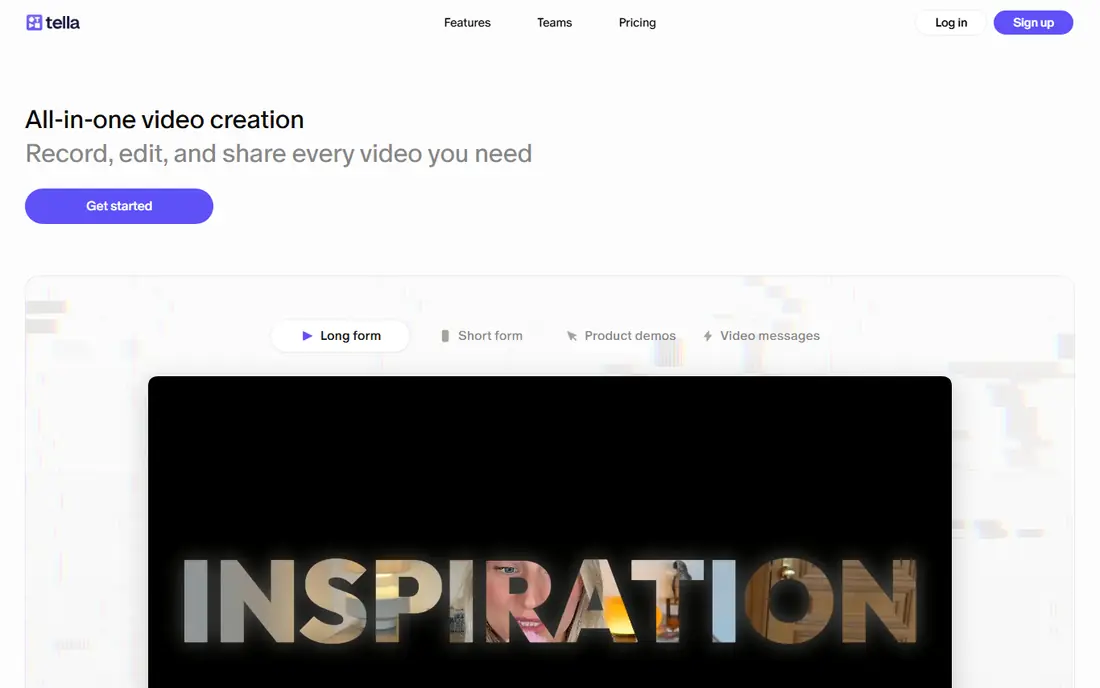
For many readers, Tella is the first name worth trying, because it focuses on one job and does it clearly. It is best for polished product demos and editing. Tella focuses on polished demos, with editing, layouts and zoom that make a short product video look professional without a full editor. In daily use, that strength is what most people notice first, and it helps explain why this option keeps appearing in current roundups and vendor documentation.
There is no permanent free plan, so you should use the trial to test recording, editing and sharing before you pay. That trade-off does not make it a poor choice, but it does mean you should weigh it against how you plan to use it. Try the free option first if one is offered, and check whether the paid limits match how often you will actually use it. If it fits your routine and budget, it can serve you well for a long time.
- Browser recording
- Auto layouts and zoom
- 4K export on paid plans
- No permanent free plan
- Monthly billing costs more than annual
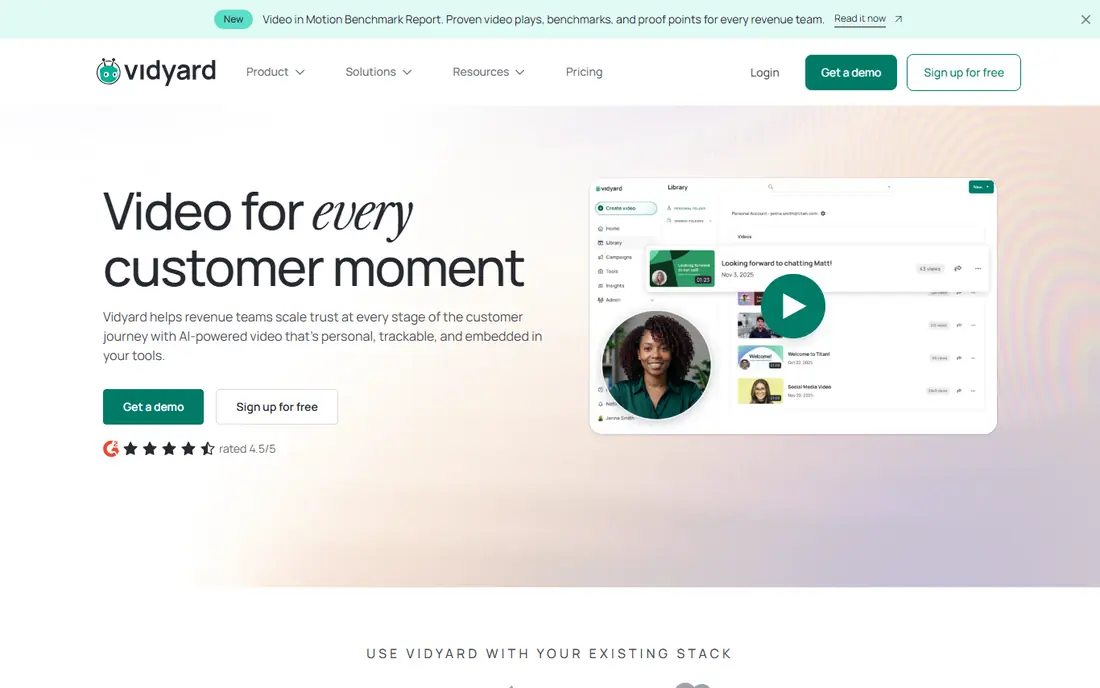
If you want a calmer starting point, Vidyard deserves a close look, since it keeps the setup short and the daily routine simple. It is best for sales video with crm links. Vidyard suits sales teams, since it links video views to CRM records and shows who watched and for how long. In daily use, that strength is what most people notice first, and it helps explain why this option keeps appearing in current roundups and vendor documentation.
Free use is limited in video count, and deeper analytics and team features sit on paid tiers. That trade-off does not make it a poor choice, but it does mean you should weigh it against how you plan to use it. Before you pay, compare the plan limits with your real weekly use, not with the longest feature list. If it fits your routine and budget, it can serve you well for a long time.
- Sales prospecting videos
- CRM integrations
- Viewer insights
- Free tier limits videos
- Advanced features need higher plans
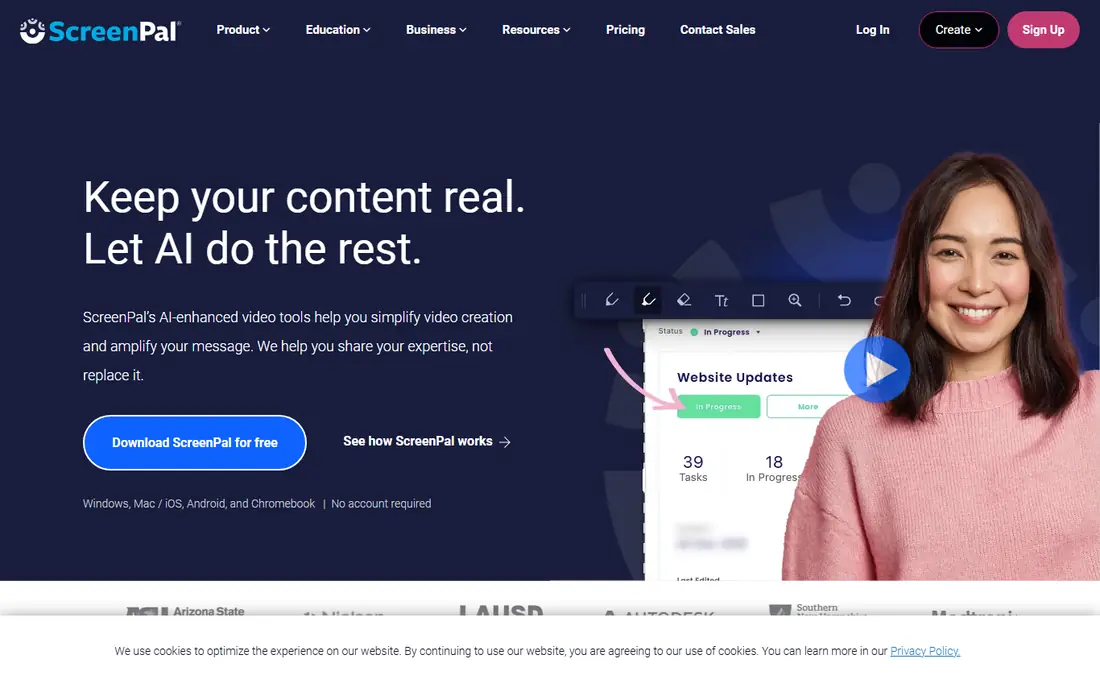
We put ScreenPal on this list for readers who need a practical option rather than a long feature list. It is best for budget lessons and course videos. ScreenPal is one of the cheapest hosted options, with simple recording and editing that suits teachers and course creators. In daily use, that strength is what most people notice first, and it helps explain why this option keeps appearing in current roundups and vendor documentation.
Free clips are capped in length and hosted count, so regular creators will need a paid plan for longer lessons. That trade-off does not make it a poor choice, but it does mean you should weigh it against how you plan to use it. It is worth a short trial period, because the right fit usually shows up in the first week of daily use. If it fits your routine and budget, it can serve you well for a long time.
- Low price
- Screen and webcam recording
- Simple editing
- Free clips are capped at 15 minutes
- Hosting limits apply
Cap stands out for a different reason than the leaders above it, and that difference may matter more to you than raw size. It is best for simple privacy-minded recording. Cap keeps recording simple, with share links and a self-host option that appeals to users who want more control over hosting. In daily use, that strength is what most people notice first, and it helps explain why this option keeps appearing in current roundups and vendor documentation.
Its editing and team features are lighter than Tella or Descript, so it fits simple messages better than polished marketing videos. That trade-off does not make it a poor choice, but it does mean you should weigh it against how you plan to use it. Check the current pricing page before you subscribe, since plans and limits change during the year. If it fits your routine and budget, it can serve you well for a long time.
- Simple recorder
- Share links
- Self-host option
- Fewer AI editing features than Tella or Descript
- Team features are lighter
A good shortlist should include Descript, because it serves a specific kind of user very well. It is best for editing video by editing text. Descript lets you edit video by editing its transcript, which makes cutting filler and fixing mistakes far faster than timeline editing alone. In daily use, that strength is what most people notice first, and it helps explain why this option keeps appearing in current roundups and vendor documentation.
It is a heavier tool than a simple recorder, and transcription allowances limit free and entry-plan use. That trade-off does not make it a poor choice, but it does mean you should weigh it against how you plan to use it. Try the free option first if one is offered, and check whether the paid limits match how often you will actually use it. If it fits your routine and budget, it can serve you well for a long time.
- Edit by transcript
- Captions
- Studio-quality audio tools
- Desktop app needed
- Transcription limits on lower plans
OBS Studio is the quieter choice here, and quiet can be a strength when you want fewer distractions. It is best for free advanced capture without hosting. OBS Studio is free, open source and powerful, with multi-source capture for streams, tutorials and advanced recordings. In daily use, that strength is what most people notice first, and it helps explain why this option keeps appearing in current roundups and vendor documentation.
It offers no hosting, share links or viewer analytics, so you must upload and share files yourself after recording. That trade-off does not make it a poor choice, but it does mean you should weigh it against how you plan to use it. Before you pay, compare the plan limits with your real weekly use, not with the longest feature list. If it fits your routine and budget, it can serve you well for a long time.
- Free and open source
- Multi-source capture
- No length limits
- No hosting or share links
- Setup takes time
If the bigger names feel like too much, Screencastify offers a smaller, more focused way to get the same job done. It is best for chrome-based classroom recording. Screencastify records from Chrome, which suits teachers and Google Workspace users who want quick classroom videos. In daily use, that strength is what most people notice first, and it helps explain why this option keeps appearing in current roundups and vendor documentation.
It works best inside Chrome and Google tools, so teams on other browsers or platforms should check compatibility first. That trade-off does not make it a poor choice, but it does mean you should weigh it against how you plan to use it. It is worth a short trial period, because the right fit usually shows up in the first week of daily use. If it fits your routine and budget, it can serve you well for a long time.
- Chrome extension
- Classroom-friendly sharing
- Simple editing
- Some features need a paid plan
- Best inside Chrome and Google tools
We included Vimeo because it answers a need the other picks do not cover as directly. It is best for hosting plus screen recording. Vimeo pairs a screen recorder with polished hosting, privacy controls and embeds, which suits teams that already host video there. In daily use, that strength is what most people notice first, and it helps explain why this option keeps appearing in current roundups and vendor documentation.
Advanced recording, team and analytics features sit on paid tiers, so check the current plan that includes the recorder you need. That trade-off does not make it a poor choice, but it does mean you should weigh it against how you plan to use it. Check the current pricing page before you subscribe, since plans and limits change during the year. If it fits your routine and budget, it can serve you well for a long time.
- Screen recorder
- Polished hosting
- Privacy controls
- Full recording and team features need paid plans
- Pricing varies by tier
How we picked these
We compared official pricing pages, free tier terms and feature lists for tools that are still offered in October 2026. We favored tools that record screen and webcam, offer share links or hosting, and state limits clearly, and we noted where editing, hosting or analytics required a paid plan.
How to choose a Loom alternative
Start with the audience. Internal messages need speed and simple links, sales videos need CRM and viewer data, and product demos need polish and editing.
Next, check free limits in numbers. Video count, length, quality and storage decide whether a free tier is usable or just a trial in disguise.
Finally, test sharing. Record a short video, send the link to a colleague, and check playback on phone and desktop before you move a whole library.
Frequently asked questions
What are the best alternatives to Loom for free?
OBS Studio is fully free for capture, while ScreenPal, Cap, Vidyard and Screencastify offer free tiers with limits. Choose based on whether you need hosting or just a local recording.
What are the best Loom alternatives for sales teams?
Vidyard is a strong sales pick, thanks to CRM links and viewer insights. Tella also works for polished prospect demos, though its focus is editing rather than sales tracking.
What is the best free Loom alternative with share links?
ScreenPal and Cap offer free share links with limits, while OBS Studio needs manual uploading. Check length and count limits before you rely on a free tier.
What is the best Loom alternative for polished demos?
Tella is the strongest polished demo pick here, thanks to auto layouts, zoom and 4K export on paid plans. Descript suits demos that need heavier editing.
Can I move videos from Loom to another tool?
Some tools offer migration help, and you can usually download and re-upload videos manually. Check export options before cancelling, since comments and analytics rarely transfer cleanly.
Sources
See where you really rank - block by block
ProMapRanker scans Google Maps across a grid of your service area. Simple monthly plans from $19, white-label on every plan.
Start freeKeep reading
 zoom alternatives
Best Zoom Alternatives in 2026
Compare Zoom alternatives in 2026, with free meeting limits and prices, so you can pick the best alternative to Zoom for your team, class, or community.
Read → which software is best for remote work
Which Software Is Best for Remote Work in 2026
Answering which software is best for remote work, we compare Slack, Zoom, Asana, Notion, Teams and more, with pricing and honest tradeoffs in 2026 now.
Read → which ai tool is best for content writing
Which AI Tool Is Best for Content Writing in 2026
Wondering which ai tool is best for content writing? We compare ChatGPT, Claude, Jasper, Grammarly, and more on price, quality, and best use in 2026 now.
Read →