 ProMapRanker
Lightroom Alternatives in 2026

Key takeaways
- Capture One suits studio and tethered work, while DxO PhotoLab suits photographers who prize RAW quality and noise control.
- ON1 Photo RAW is the most complete one-purchase replacement for a catalog plus editor workflow.
- Affinity, darktable, and RawTherapee cost nothing, which makes them ideal for testing a new workflow before paying.
- Luminar Neo suits fast, AI-assisted edits, while ACDSee suits Windows users with large photo archives.
Quick comparison
| Pick | Great for | Pricing starts at | Free tier | |
|---|---|---|---|---|
 Capture One | Studio and tethered shooting | $18 per month | Free trial | Visit |
 DxO PhotoLab | RAW quality and noise control | $149.99 one-time | Free trial | Visit |
 ON1 Photo RAW | All-in-one catalog and editing | $99.99 one-time | Free trial | Visit |
 Luminar Neo | Fast AI-assisted edits | $119 one-time | Free trial | Visit |
 Affinity | Free full-featured editing | Free | Yes | Visit |
 darktable | Free RAW workflow | Free | Yes | Visit |
 RawTherapee | Free detailed RAW control | Free | Yes | Visit |
 ACDSee Photo Studio | Large Windows archives | See website | Free trial | Visit |
The best Lightroom alternatives
We compared RAW editors and photo managers that can replace the core Lightroom job of organizing and editing photos, without listing Lightroom itself. Prices reflect vendor pages and 2026 comparisons, with one-time licenses noted where they apply. A trial is worth running on your own RAW files before you switch catalogs.
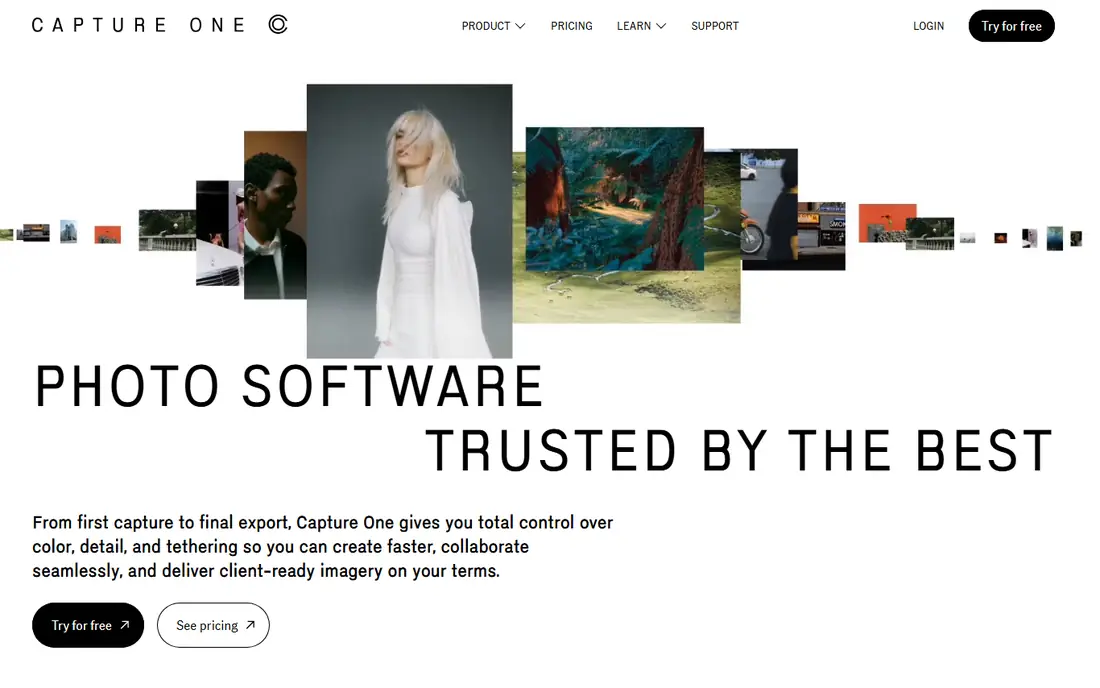
Capture One is the studio pick, and tethering is the reason it keeps that title. Shooting tethered with live previews and fast file handling helps a commercial or fashion session run smoothly. Color tools and layer-based local edits give precise control over skin tones, product colors, and selective adjustments.
The cost is higher than a one-time purchase, and the interface rewards time spent learning it. Some denoise features also have sensor limits, so check support for your camera before you commit. If studio work or color-critical jobs pay your bills, Capture One is the most capable replacement here.
- Strong tethered shooting
- Precise color tools
- Layer-based local editing
- Higher cost than one-time rivals
- Learning curve for new users
- Denoise limits on some sensors
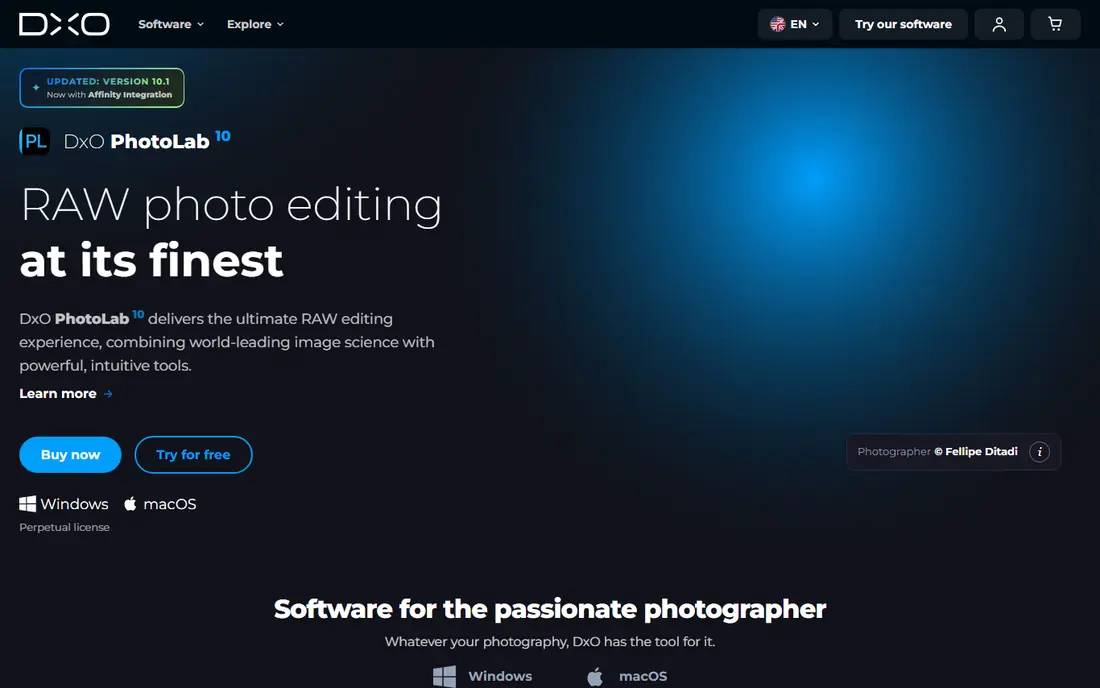
DxO PhotoLab focuses on image quality above all, with lab-measured modules that correct distortion, vignetting, and lens softness for specific camera and lens pairs. Noise reduction is a headline strength, especially for high-ISO files that need cleaning without losing detail. Non-destructive editing keeps your originals safe while you experiment.
Catalog features are basic compared with a full library manager, so photographers with huge archives may need a second tool for organization. There is also no mobile version to match a phone-to-desktop workflow. If RAW quality matters more than catalog depth, DxO is a top pick.
- Lab-measured lens corrections
- Strong noise reduction
- Non-destructive editing
- Catalog tools are basic
- No mobile or tablet version
- Elite tier costs more
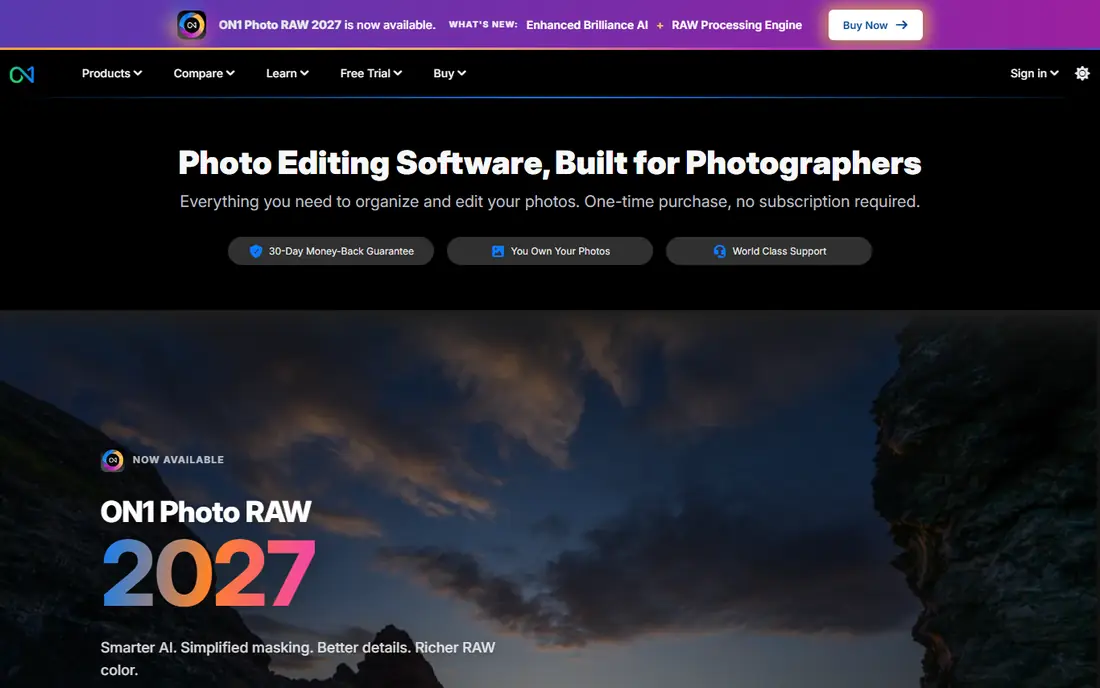
ON1 Photo RAW is the closest one-purchase match for a photographer who wants organizing plus editing in one program. Browsing without a forced import step saves time, and layers, masking, and effects cover most editing jobs. A one-time price avoids a monthly bill, which many Lightroom switchers want most.
Performance can vary on older hardware, especially with large files and heavy effects, so test the trial on your own machine. AI tools are useful but less polished than in some rivals. For a complete workflow at a fair one-time price, ON1 is hard to beat.
- Full catalog without an import step
- One-time purchase
- Layers and effects included
- Performance varies on older machines
- AI tools are less polished than some rivals
Luminar Neo suits a photographer who wants strong results quickly, especially for portraits, skies, and creative looks. AI tools handle sky replacement, portrait retouching, and relighting with a few sliders, which saves time on social and client previews. The interface stays friendly for a beginner.
Catalog depth is basic, and some AI features involve yearly renewal even with a perpetual license, so read the license terms. Precise RAW control also lags behind Capture One and DxO. If speed and creative effects matter more than deep catalog work, Luminar Neo is a fun and fast alternative.
- Fast AI sky, portrait, and relight tools
- Simple interface
- One-time license option
- Catalog tools are basic
- Some AI tools renew yearly
- Less precise than pro RAW editors
Affinity, now free under Canva, is the best free pixel editor in this list for photographers who also need design-style editing. Layer-based editing, masks, and retouching tools cover compositing and detailed edits that a RAW-only editor cannot. Professional file support makes it useful beside a RAW workflow.
It has no catalog manager, so it works best paired with a browser or a free RAW tool for organization. RAW workflow depth is also thinner than in Capture One or DxO. If you want a powerful free editor for finishing work, Affinity is an easy download.
- Completely free since the Canva relaunch
- Layer-based editing
- Professional file support
- No catalog manager
- Less RAW workflow depth than dedicated RAW editors
darktable is the free RAW workflow closest in spirit to Lightroom, with non-destructive editing, catalog basics, and tethered shooting. It runs on Windows, macOS, and Linux, which makes it a good fit for a Linux photographer or a budget-conscious professional. Open-source development keeps it free with no subscription.
The learning curve is steep, and the interface feels technical compared with a polished commercial editor. AI-assisted tools are also thinner here. If you are willing to learn the modules and want a free, capable RAW workflow, darktable rewards the effort.
- Free and open source
- Full RAW workflow with catalog basics
- Tethered shooting support
- Steep learning curve
- Interface feels technical
- Fewer AI tools
RawTherapee gives a technical photographer deep control over RAW processing at no cost, with detailed tone, color, and noise tools. It works well as a processor for individual files or small batches where quality matters more than speed. Open-source licensing means no subscription and no account lock-in.
There is no catalog manager, and the interface looks dated beside modern editors. Large batch workflows can also feel slower than in a commercial tool. Pair it with a file browser or a catalog tool, and RawTherapee becomes a powerful free processing engine.
- Free and open source
- Deep RAW controls
- No catalog lock-in
- No catalog manager
- Interface is dated
- Slower workflow for large batches
ACDSee Photo Studio suits a Windows photographer with a huge archive who values fast browsing and search. The Ultimate edition combines catalog tools with layers, which covers organizing and editing in one purchase. Speed on large folders is a practical strength that matters daily.
Mac users need a separate version, and pricing varies by edition, so check the current edition that fits your needs. RAW processing depth is also less than DxO or Capture One. If you manage thousands of files on Windows, ACDSee is a strong, archive-first alternative.
- Fast browsing of large archives
- Catalog plus layers in Ultimate
- Windows focus
- Mac version is separate
- Pricing varies by edition
- Less RAW depth than DxO
How we picked these
We compared vendor pricing pages, product documentation, and 2026 photo software guides for editors that are still available in October 2026. We kept tools that handle RAW files or full photo editing, and we excluded Lightroom itself as required for an alternatives list. Prices are starting prices or one-time license prices as listed by each vendor.
How to switch without losing your library
Export your current catalog structure, keywords, and ratings before you move, and test the new editor on copies of your files first. Check that your camera RAW files are supported, including any newer body you own. Keep the old catalog readable for a few months, so a missing edit or a lost rating can still be recovered.
Choose by your main job
Studio and color work points to Capture One, RAW quality points to DxO, and a full one-purchase workflow points to ON1. Fast creative edits point to Luminar Neo, while a free start points to Affinity, darktable, or RawTherapee. Large Windows archives point to ACDSee. Pick by the job you do most, not by the longest feature list.
Frequently asked questions
What are the best Lightroom alternatives?
The best Lightroom alternatives are Capture One for studio work, DxO PhotoLab for RAW quality, ON1 Photo RAW for an all-in-one workflow, and darktable for a free RAW workflow. Luminar Neo suits fast AI edits, while Affinity suits free finishing work. Test two editors on your own files before switching.
What is the best free alternative to Lightroom?
darktable is the best free alternative for a full RAW workflow, since it covers non-destructive editing and catalog basics at no cost. Affinity is free for pixel editing, and RawTherapee is free for detailed RAW processing. Pairing darktable with Affinity covers much of a paid workflow for free.
Is Capture One better than Lightroom?
Capture One is better for tethered studio shooting and precise color work, while Lightroom remains strong for cloud sync and mobile editing. The right choice depends on whether studio control or cross-device sync matters more to you. Both are professional tools with different strengths.
Can I buy a Lightroom alternative outright?
Yes, DxO PhotoLab, ON1 Photo RAW, and Luminar Neo offer one-time licenses, and Affinity, darktable, and RawTherapee are free. Capture One also offers a perpetual license beside its subscription. Read renewal terms for AI features, since some tools charge yearly for those parts.
Do these alternatives support my camera?
Most editors support a wide range of cameras, but newer bodies may need a recent version. Check the vendor camera support list for your exact model before you buy or switch. A trial with your own RAW files is the safest test.
Sources
See where you really rank - block by block
ProMapRanker scans Google Maps across a grid of your service area. Simple monthly plans from $19, white-label on every plan.
Start freeKeep reading
 free alternatives to grok imagine
Free Alternatives to Grok Imagine in 2026
We compared the best free alternatives to grok imagine for image generation, from fast daily credits to design tools, so you can create without paying.
Read → best tools for instagram content creation
Best Tools for Instagram Content Creation in 2026
Compare the best tools for Instagram content creation, from Canva and CapCut to Later and Buffer, on design, video, planning, scheduling, and price in 2026.
Read → best tool to split pdf files
Best Tool to Split PDF Files in 2026
We compared the best tool to split pdf files on split modes, file limits, privacy and price, so you can split a PDF cleanly and keep every page in one go.
Read →