 ProMapRanker
Best Kubernetes Alternatives in 2026

Key takeaways
- Docker Swarm and HashiCorp Nomad are the simplest self-hosted paths when a full cluster feels like overkill for a handful of services.
- Managed services such as Amazon ECS, Google Cloud Run, and Azure Container Apps remove cluster upkeep, but their bills follow actual usage and traffic.
- Rancher and Red Hat OpenShift still sit close to Kubernetes, so they suit teams that want its model with more control or enterprise support.
- Fly.io is the most approachable choice for a small app that needs to run close to users in several regions without a platform team.
Quick comparison
| Pick | Great for | Pricing starts at | Free tier | |
|---|---|---|---|---|
 Docker Swarm | simple Docker deployments | Free | Yes | Visit |
 HashiCorp Nomad | mixed container and non-container workloads | Free | Yes | Visit |
 Rancher | managing several clusters | Free | Yes | Visit |
 Red Hat OpenShift | regulated enterprise deployments | See website | No | Visit |
 Amazon ECS | AWS-based container services | See website | No | Visit |
 Google Cloud Run | serverless containers on Google Cloud | See website | Yes | Visit |
 Azure Container Apps | serverless containers on Azure | See website | Yes | Visit |
 Fly.io | small global apps | See website | No | Visit |
The best kubernetes alternatives
These eight options cover the main reasons people leave Kubernetes behind: less upkeep, a smaller learning curve, a closer fit to one cloud, or a lower bill for a small workload. None of them is a drop-in replacement for every Kubernetes feature, so the right pick depends on what you actually run.
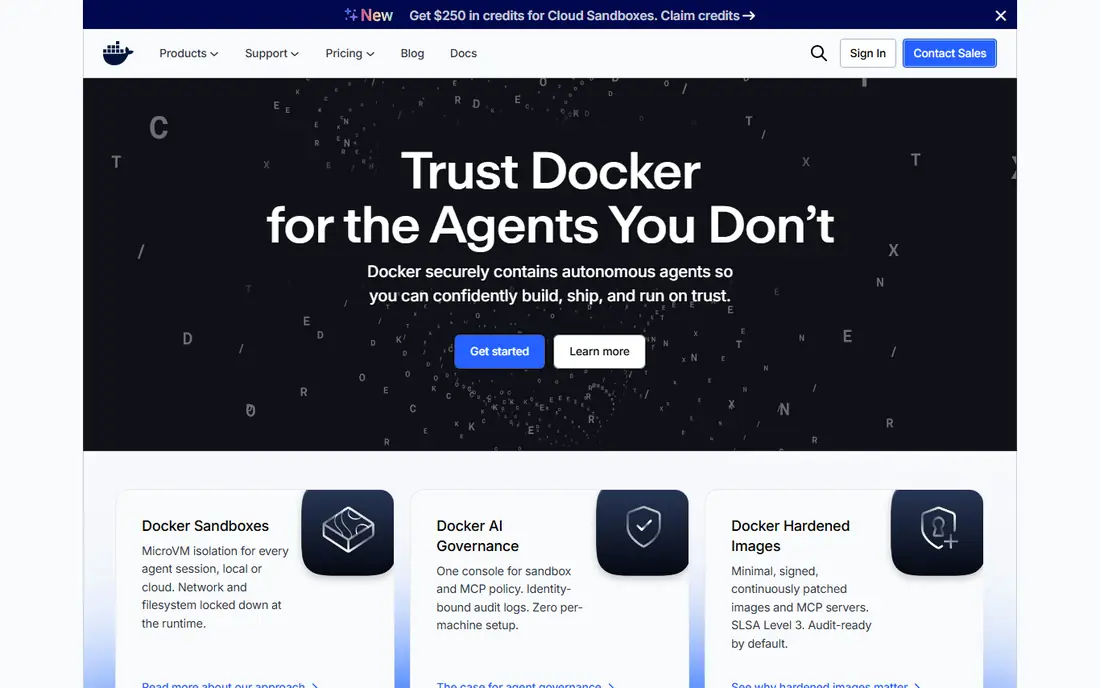
Docker Swarm is the shortest step away from running containers by hand, because it is built into Docker itself and uses commands that Docker users already know. You define services, replicas, and networks in a familiar Compose-style file, then Swarm spreads the work across your machines and restarts failed containers. For a small team with a few stateless services, that simplicity is the whole point, and there is no separate control plane to babysit.
The honest catch is scope. Swarm does not match Kubernetes on advanced scheduling, autoscaling options, or the sheer number of third-party tools, and its community is smaller than it once was. If your workload grows into dozens of services with complex dependencies, you may outgrow it and face a migration. Our pick for most small Docker shops is to start here only when the service count stays modest and the team wants the least moving parts.
- Built into Docker
- Very easy to start
- Low resource use
- Smaller ecosystem than Kubernetes
- Fewer advanced scheduling features
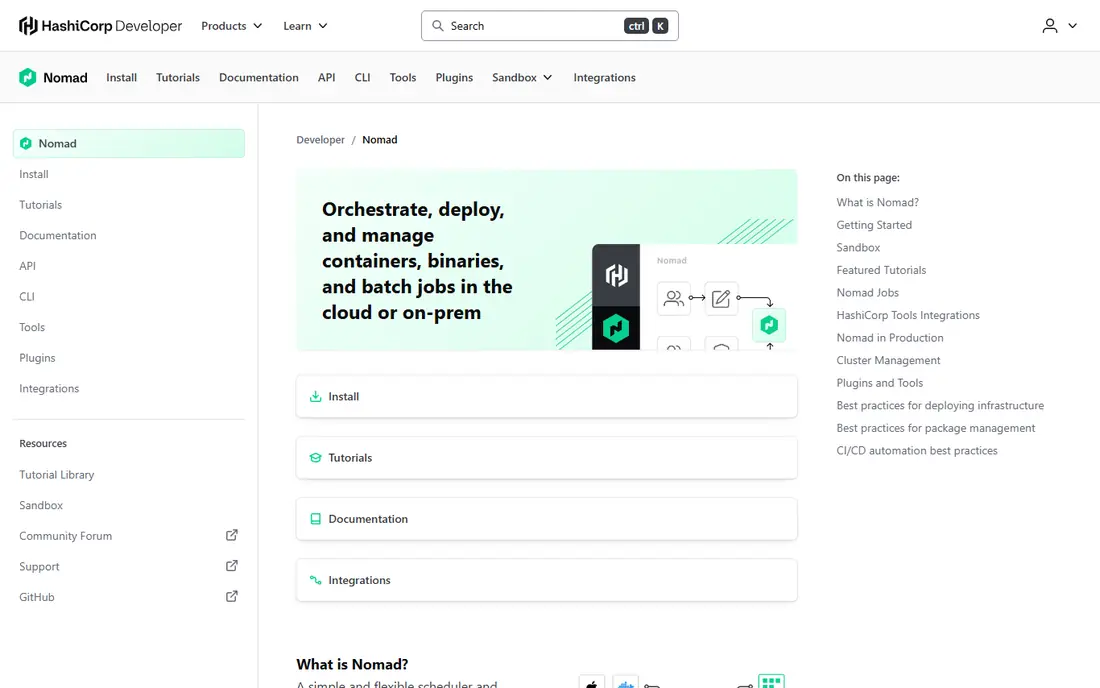
Nomad earns its place because many real workloads are not pure containers. A team may run a web service in a container, a legacy binary on a virtual machine, and a nightly batch job, and Nomad can schedule all three from one system. Its single-binary design keeps installation plain, and its job files are readable without learning a large new API surface. That combination makes it a strong fit for edge sites, mixed infrastructure, and teams that value one scheduler over a stack of tools.
The trade-off is that Nomad asks you to accept a smaller ecosystem. You will find fewer ready-made operators, dashboards, and community examples than Kubernetes offers, and some enterprise features sit behind a paid tier. Teams that need deep service mesh or policy tooling out of the box should check those gaps before committing. For mixed workloads with a lean operations team, though, Nomad is often the most practical middle ground.
- Runs containers, binaries, and batch jobs in one scheduler
- Single binary to deploy
- Flexible drivers
- Smaller ecosystem than Kubernetes
- Enterprise features are paid
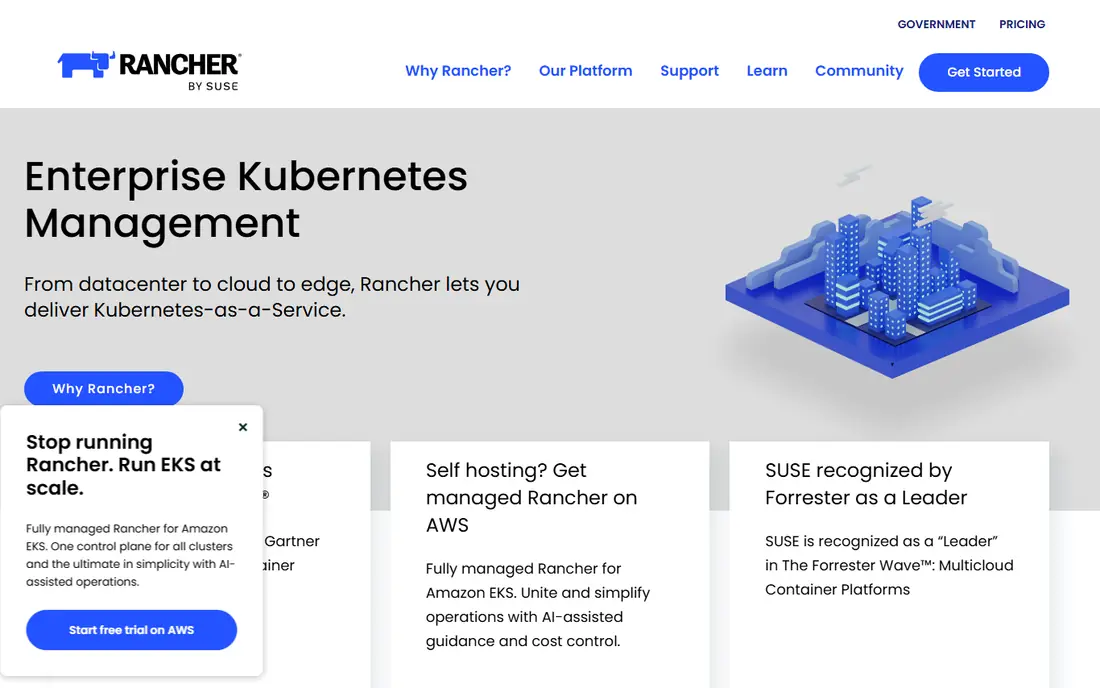
Rancher is not a way to escape Kubernetes so much as a way to make it manageable, and that distinction matters for this list. If your team already depends on Kubernetes features but struggles with many clusters spread across clouds and on-premises servers, Rancher gives you one dashboard, centralized access control, and consistent cluster provisioning. The open source core means you can start without a license fee, and the multi-cluster view saves real time once the cluster count grows.
The catch is that you still run Kubernetes, with its concepts, upgrades, and failure modes, so Rancher does not lower the learning curve for a team that found Kubernetes too complex in the first place. Paid support under Rancher Prime is a separate cost, and large deployments still need someone who understands the platform. Choose Rancher when the problem is managing Kubernetes at scale, not when the goal is to avoid it entirely.
- Central dashboard for many clusters
- Works across clouds and on premises
- Open source core
- Still Kubernetes underneath
- Paid support is separate
OpenShift takes Kubernetes and adds hardened defaults, integrated developer tooling, and a support contract from Red Hat, which is exactly what regulated industries often need. Security controls, image policies, and audit-friendly defaults arrive as part of the platform rather than as add-ons each team must assemble. For a bank, health provider, or government contractor, that packaged approach can shorten approval cycles and reduce the risk of a misconfigured cluster.
The price of that packaging is weight and cost. OpenShift is not a light choice for a startup with three services, and its pricing is quoted rather than listed as a simple monthly figure, so small teams should expect a sales conversation. It also assumes a platform team that can run it properly. Our view is that OpenShift belongs on the shortlist only when compliance, support, and enterprise scale justify the spend.
- Hardened defaults and security controls
- Built-in developer tools and pipelines
- Vendor support
- Higher cost than open source options
- Heavier to run for small teams
Amazon ECS is the natural answer for a team that already lives on AWS and does not want to run a Kubernetes control plane. The control plane itself carries no separate charge, and you pay for the compute you use, either on EC2 instances you manage or on Fargate, where AWS runs the underlying servers. Integration with load balancing, identity controls, logging, and monitoring is close, so a standard web service can go from image to production with little extra plumbing.
Portability is the main weakness. ECS is an AWS service, so moving the same setup to another cloud means rebuilding parts of it, and some advanced orchestration patterns that Kubernetes users take for granted need extra work. Teams that prize cloud independence should weigh that lock-in carefully. For AWS-centered teams that want managed containers without Kubernetes complexity, ECS is a strong and boring choice, in a good way.
- Deep AWS integration
- No control plane to manage
- Fargate removes server management
- Tied to AWS
- Less portable than open source schedulers
Google Cloud Run is the simplest path on this list for a container that answers web requests. You deploy an image, Google gives it an HTTPS endpoint, and the service scales up with traffic and back to zero when idle, so a quiet side project can cost very little. The free tier covers a meaningful amount of monthly usage, which makes it easy to test an idea before committing to a larger setup. For APIs, webhooks, and small web apps, the developer experience is hard to beat.
The limit is the workload shape. Cloud Run shines for request-driven services and is a weaker fit for long-running background workers or services that must stay warm at all times, since scaling to zero brings cold starts. Teams with heavy stateful needs or strict latency targets should test those paths early. If your app is mostly web requests with uneven traffic, Cloud Run is our pick for the least effort per deploy.
- Scales to zero
- Simple deploy command
- Generous free usage tier
- Best for request-driven services
- Cold starts can add latency
Azure Container Apps plays a similar role to Cloud Run for teams already on Microsoft Azure, with a few extras that suit microservices. The Consumption plan scales to zero and bills for usage, while built-in Dapr support helps services talk to each other, share state, and handle messaging without each team building that plumbing. Event-driven scaling, driven by KEDA, also fits jobs and queue-driven work better than a plain web-only model.
The trade-off mirrors the other cloud options: you gain a managed service and lose portability, and the community and third-party examples are smaller than those around the biggest container platforms. Pricing also needs care, since a busy service on the wrong plan can cost more than a fixed server. For Azure shops building microservices, Container Apps is a sensible default that keeps the operations burden low.
- Scales to zero on the Consumption plan
- Built-in Dapr support
- Event-driven scaling
- Tied to Azure
- Smaller community than the largest clouds
Fly.io takes a different angle from the cloud giants: it runs each app as a small virtual machine in regions around the world, so a small app can serve users from nearby locations without a global infrastructure project. Deployment is a short command-line flow, and the platform handles routing, certificates, and scaling for a modest service. A managed Postgres option covers the common database need, which means a solo developer or tiny team can ship a full app without assembling many separate services.
The catch is billing and scale. Usage-based pricing is fair for small apps but can climb if traffic or machine sizes grow without attention, so set spending alerts early. The ecosystem is also smaller than AWS, Google Cloud, or Azure, which means fewer managed add-ons. For a small product that values global reach and a short path to production, Fly.io is an appealing alternative to running a cluster at all.
- Runs apps close to users worldwide
- Simple deploy workflow
- Built-in Postgres option
- Usage-based billing can surprise
- Smaller ecosystem than major clouds
How we picked these
We compared official product pages, pricing pages, and public documentation for each platform, and we favored options that are still actively offered in October 2026. We looked for a clear answer to one question: what workload does this platform serve better than a full Kubernetes cluster, and what does it give up to do that. Where a vendor does not publish a simple list price, we wrote See website rather than guessing a figure from a third-party roundup.
What to check before you switch
Start with your workload shape, not the tool. Count your services, note which ones are stateful, and check whether traffic is steady or spiky, since those answers separate the serverless options from the self-hosted schedulers. Next, test the migration path on one non-critical service, including logging, monitoring, and rollbacks, before moving anything customers depend on. Finally, model the bill at your real traffic level, including data transfer and any paid support, because the cheapest control plane can still produce an expensive total.
Frequently asked questions
What are the best alternatives to Kubernetes for small teams?
Docker Swarm, Nomad, Cloud Run, and Fly.io are the most common small-team picks, because they need less operations work than a full cluster. The right one depends on whether you want to self-host, stay in one cloud, or run serverless. Start with one service and measure the effort before migrating the rest.
Is Docker Swarm still a good alternative to Kubernetes?
Yes, for simple Docker workloads, Swarm remains a valid choice, since it is built into Docker and needs little setup. It lacks some advanced Kubernetes features and has a smaller ecosystem, so it suits modest service counts rather than large, complex platforms.
Which Kubernetes alternative is cheapest?
For quiet or spiky workloads, a scale-to-zero service such as Cloud Run or Azure Container Apps can be cheapest, since idle time costs little. For steady workloads, a self-hosted open source scheduler such as Swarm or Nomad on your own servers can cost less, once you count the time to run it.
Do I need Kubernetes at all?
Many small apps do not. If you run a few services, a single server with Compose, a managed container service, or a platform such as Fly.io may cover your needs with far less upkeep. Kubernetes earns its complexity when you have many services, several teams, and strict scaling or multi-cloud requirements.
Can I move from Kubernetes to one of these without rewriting my app?
Often yes, since your app itself is already a container image, and the main work is recreating deployment, networking, and scaling settings in the new platform. Stateful services, custom operators, and complex networking rules take more effort, so audit those parts first.
Sources
See where you really rank - block by block
ProMapRanker scans Google Maps across a grid of your service area. Simple monthly plans from $19, white-label on every plan.
Start freeKeep reading
 best resource management software
Best Resource Management Software in 2026
We compared the best resource management software for scheduling, capacity and utilization, with current pricing and free trials, to help teams choose well.
Read → best reporting tools
Best Reporting Tools in 2026
Compare the best reporting tools for dashboards, scheduled reports, and business insights, from Power BI and Tableau to Looker Studio for every team size.
Read → best remote support software
Best Remote Support Software in 2026
Looking for the best remote support software? We compare 9 tools on price, security, session controls, and fit for helpdesks, MSPs, and small teams in 2026.
Read →