 ProMapRanker
Best KeePass Alternatives in 2026

Key takeaways
- KeePass gives full local control, but it needs manual sync and backups, which is why many users move to a cloud manager.
- Bitwarden is the best value replacement, with a generous free tier, open source code, and optional self-hosting.
- 1Password is the polish pick, with the best apps and family sharing, but it has no free tier.
- Proton Pass and NordPass suit privacy-focused users, while Enpass and KeePassXC suit users who still want local control.
- Our pick for most people is Bitwarden, with 1Password for users who value polish over price.
Quick comparison
| Pick | Great for | Pricing starts at | Free tier | |
|---|---|---|---|---|
 Bitwarden | Best value and open source | See website | Yes | Visit |
 1Password | Polished apps and families | See website | No | Visit |
 Dashlane | Security extras and VPN bundle | See website | No | Visit |
 NordPass | Simple, private password storage | See website | Yes | Visit |
 Proton Pass | Privacy plus email aliases | See website | Yes | Visit |
 Keeper | Admin controls for teams | See website | Yes | Visit |
 RoboForm | Strong form filling | See website | Yes | Visit |
 Enpass | Offline-first local vaults | See website | Yes | Visit |
 KeePassXC | Free offline KeePass-style vault | Free | Yes | Visit |
The best keepass alternatives
KeePass is a free, offline password manager that stores passwords in a local encrypted database file. Users who like that control often leave it because syncing across devices, sharing, and mobile autofill need manual setup. The tools below trade some of that local control for sync, sharing, and easier daily use. Security note: use a strong, unique master password for any manager here, turn on two-factor authentication where offered, and keep a secure backup of your vault.
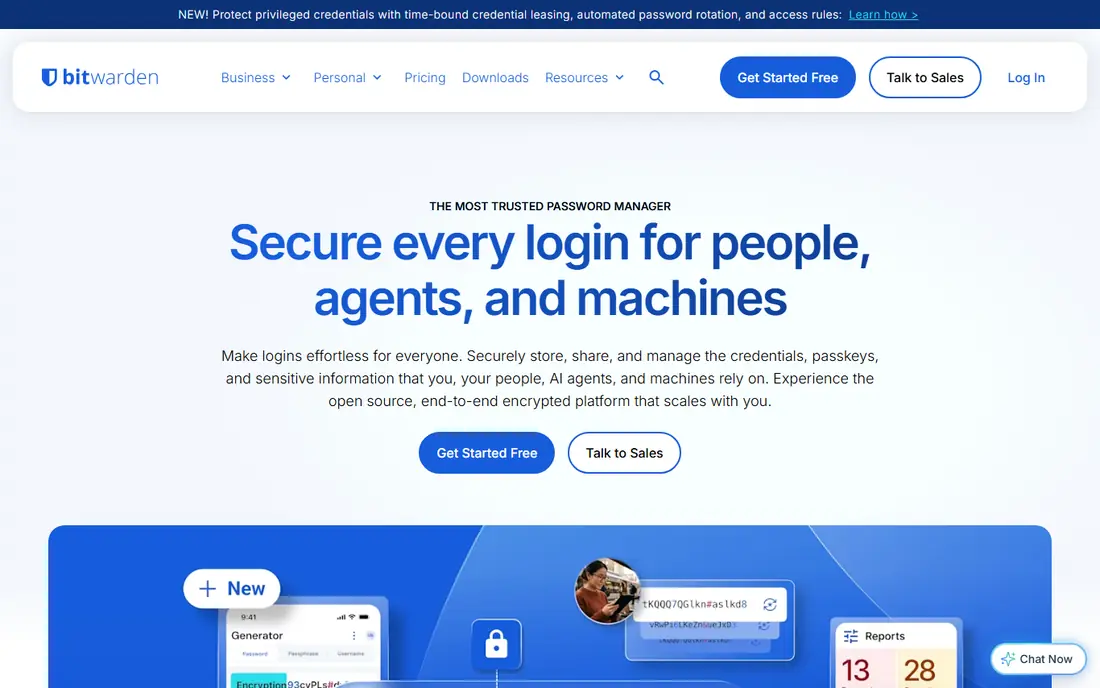
Bitwarden is the closest in spirit to KeePass, with open source code and a free tier that is genuinely usable for daily life. It syncs across browsers, phones, and desktops, so a password saved on a laptop appears on a phone without manual file copying. Premium adds a built-in authenticator, file attachments, and vault health reports at a low annual price.
The interface is the main trade-off. Bitwarden apps are clear and reliable, but they lack the polish of 1Password, and autofill can miss a field that 1Password handles smoothly. For a KeePass user who wants sync without giving up open source trust, Bitwarden is the natural move.
- Free tier covers unlimited passwords and devices
- Open source and audited
- Optional self-hosting
- Passkey support
- Interface is functional rather than polished
- Some premium features need a paid plan
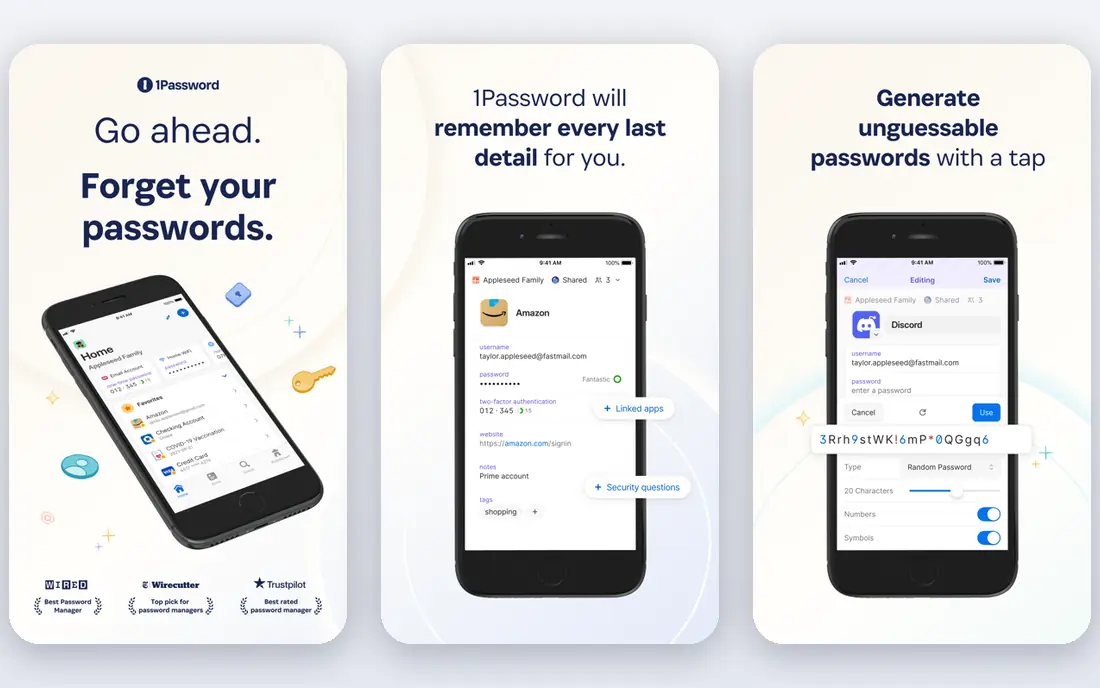
1Password suits users who want password management to feel effortless. Its apps are polished, autofill is reliable, and family plans make sharing with household members simple. Watchtower flags weak, reused, or breached passwords, and Travel Mode can hide selected vaults when crossing a border, which frequent travelers value.
The cost is the catch. 1Password has no free tier, and its subscription model means you pay every year to keep using it. For a KeePass user who values polish and family sharing over price, that trade is often worth it. For a free-only user, Bitwarden is the better fit.
- Best apps in the category
- Watchtower breach alerts
- Travel Mode for border crossings
- Strong family sharing
- No free tier, only a trial
- Subscription-only model
- Price has risen in recent years
Dashlane fits users who want security extras in one subscription. Paid plans include dark web monitoring, password health reports, and a VPN, which can suit a user who would buy those services separately. Its apps are clean, and onboarding is simple for a first-time password manager user.
The price and bundle are the trade-offs. Dashlane costs more than Bitwarden, and its free tier has been removed or heavily limited in recent years, so check the current plan before assuming a free start. If you already own a VPN, the bundle adds less value, and Bitwarden or 1Password may be cheaper.
- Dark web monitoring and password health checks
- Bundled VPN on paid plans
- Clean apps
- No lasting free tier
- Higher price than Bitwarden
- VPN bundle may duplicate a VPN you already own
NordPass suits users who want a simple manager, especially if they already use NordVPN or other Nord products. Its apps are easy to learn, encryption uses the modern XChaCha20 cipher, and passkey support covers modern logins. The free tier lets a new user test the basics before paying.
The free tier limit matters. Staying signed in on one device at a time can frustrate a user with a phone and a laptop, so most multi-device users will need a paid plan. Check the current term pricing, since longer terms lower the monthly figure but lock you in for longer.
- Simple apps
- XChaCha20 encryption
- Free tier for basic use
- Passkey support
- Free tier is limited to one device at a time in practice
- Premium pricing varies by term length
Proton Pass fits privacy-focused users, especially those already using Proton Mail or Proton VPN. Its standout feature is hide-my-email aliases, which let you create a different email address for each site and forward mail to your real inbox. That reduces tracking and makes a breach at one site less useful to an attacker.
Proton Pass is newer than its main rivals, so business and team features are still catching up in some areas. For personal use, though, its free tier and alias feature make it a strong KeePass alternative, and its open source apps add trust for privacy-minded buyers.
- Strong privacy focus
- Built-in hide-my-email aliases
- Free tier with unlimited passwords
- Open source apps
- Newer than Bitwarden and 1Password, so some team features are still growing
- Paid price varies by plan
Keeper suits families and teams that need admin controls, audit logs, and compliance features. It handles shared folders, role-based access, and encrypted file storage well, which matters when passwords and documents must be shared in a controlled way. Breach monitoring adds a useful safety check for shared accounts.
Personal users may find Keeper more business-focused and more expensive than Bitwarden. The free tier is also limited compared with Bitwarden free tier. For a team or a family that needs controls, Keeper earns its price. For a single user, Bitwarden is usually better value.
- Strong admin and compliance controls
- Encrypted file storage
- Breach monitoring
- Good team sharing
- Free tier is limited
- Personal price is higher than Bitwarden
- Interface can feel business-focused
RoboForm suits users who fill many forms, not just logins. Its form filling handles addresses, payment details, and custom fields well, including on older sites where other managers struggle. That strength matters for shoppers, applicants, and anyone who completes long online forms often.
The free tier limit is the catch. Without sync, a free user must choose one device, which defeats much of the point of a modern manager. Paid RoboForm adds sync and is still affordable, but users who mainly need logins may prefer Bitwarden free tier instead.
- Excellent form filling, including older sites
- Free tier for basic use
- Good browser coverage
- Free tier does not sync across devices
- Interface feels dated in places
- Premium features are modest
Enpass is the closest cloud-era match to KeePass control. Your vault lives on your device or in a cloud account you control, such as iCloud, Dropbox, or WebDAV, rather than on a vendor server by default. That model appeals to KeePass users who want sync without handing their vault to a new vendor cloud.
The trade-off is setup. You must choose and maintain the sync location, and mobile features depend on the plan you hold. Pricing terms have also changed over time, so check the current plan page before buying. For a user who values local control above all, Enpass is worth that extra setup.
- Vaults stored locally or in your own cloud
- No required vendor cloud
- Desktop apps free for basic use
- One-time purchase options have been offered
- Sync setup needs your own cloud account
- Mobile features vary by plan
- Pricing terms have changed over time
KeePassXC is the direct KeePass-family option for users who want to stay offline and free. It reads and writes the KeePass database format, runs on major desktop systems, and adds browser integration for autofill. For a KeePass user on a new system, KeePassXC is often the simplest move, since the database format stays familiar.
Sync and sharing still need manual work. You must copy the database file yourself, or sync it through a cloud folder you control, and mobile apps are separate projects. If that manual habit is why you left KeePass, choose Bitwarden instead. If you left only for a better desktop app, KeePassXC may be enough.
- Free and open source
- Compatible with KeePass database format
- Runs on Windows, Mac, and Linux
- Browser integration
- No built-in cloud sync
- Sharing and mobile use need manual setup
- Interface is functional, not polished
How we picked these
We compared official product pages, pricing pages, and security documentation, plus public comparison guides, and we kept only password managers that are live in October 2026 and that store, sync, or share passwords securely. We favored tools with a free tier or trial, clear encryption and zero-knowledge claims, and a reachable official site. We did not list KeePass itself, since this article covers alternatives to it. Prices are shown as See website where vendors vary pricing by term or plan, because we do not invent numbers.
How to move from KeePass without losing passwords
Export from KeePass only when you are ready, and treat the export file as sensitive. Export to a CSV or XML file, import it into the new manager, check that logins, notes, and attachments arrived, then delete the export file securely. Do not email the export to yourself or store it in an unencrypted folder.
Set up sync and backup before you delete anything
Keep your KeePass database until the new manager is working on every device you use daily. Test a login on your phone and on your desktop, and confirm that a new password saved on one device appears on the other. Set up the new manager backup or emergency access feature before you remove the old database.
Fix weak and reused passwords in stages
A new manager will flag weak and reused passwords, and that list can feel long. Fix high-value accounts first, such as email, banking, and cloud accounts, then work through the rest over weeks. Change one account at a time, confirm the new password is saved, and only then move to the next account.
Turn on two-factor authentication for the manager itself
Your password manager account deserves its own second factor, such as an authenticator app or a security key. Without it, a stolen master password gives an attacker the whole vault. Store recovery codes in a safe place that is not inside the vault itself, so you can recover access if a device is lost.
Frequently asked questions
What are the best keepass alternatives?
The best keepass alternatives are Bitwarden for value and open source code, 1Password for polish and family sharing, Proton Pass for privacy and email aliases, and Enpass or KeePassXC for users who still want local control. Dashlane, NordPass, Keeper, and RoboForm cover security extras, simplicity, team controls, and form filling.
Is Bitwarden better than KeePass?
Bitwarden is better for sync, sharing, and mobile use, since it syncs across devices without manual file copying. KeePass is better for full local control, since its database file stays where you put it and no vendor cloud is involved. A user who wants both can self-host Bitwarden, which brings its sync closer to KeePass control.
Is there a free alternative to KeePass?
KeePassXC is free and uses the KeePass database format, so it is the closest free, offline alternative. Bitwarden, Proton Pass, NordPass, RoboForm, and Enpass also offer free tiers, though free plans limit sync, devices, or features in different ways. Check the free tier limits before choosing.
Can I import my KeePass database into Bitwarden or 1Password?
Yes, in most cases. Export your KeePass database to a supported format, import it into the new manager, and check that entries arrived correctly. Treat the export file as sensitive, delete it securely after import, and keep your original KeePass database until the new manager works on all your devices.
Is 1Password worth the price compared with Bitwarden?
1Password is worth the price if you value polished apps, reliable autofill, family sharing, and features such as Watchtower and Travel Mode. Bitwarden offers similar core security at a much lower price, and its free tier covers most personal needs. Choose 1Password for polish, and Bitwarden for value.
Should I keep using KeePass instead of switching?
Keep using KeePass if local control matters most to you, and if manual sync and backups do not bother you. Switch if you need reliable mobile autofill, easy sharing, or sync across many devices without manual file work. KeePassXC is a middle step if you want to stay in the KeePass family with a better desktop app.
Sources
See where you really rank - block by block
ProMapRanker scans Google Maps across a grid of your service area. Simple monthly plans from $19, white-label on every plan.
Start freeKeep reading
 wpforms alternatives
Best WPForms Alternatives in 2026
We compare 9 wpforms alternatives for WordPress forms, with free and paid options, current pricing notes, and honest limits for small business sites in 2026.
Read → windows task scheduler alternatives
Best Windows Task Scheduler Alternatives in 2026
Looking for Windows Task Scheduler alternatives? We compare 9 schedulers for Windows and cross-platform work, from free tools to enterprise automation.
Read → which ai video service is best
Which AI Video Service Is Best in 2026
which ai video service is best? We compare 10 legitimate AI video services on price, avatars, editing and output quality to help you pick the right tool.
Read →