 ProMapRanker
Jibble Alternatives in 2026: 9 Tools Compared


Free tracking for teams of any size · Pricing starts at: $3.99 per user per month
Key takeaways
- Clockify is the strongest free starting point, with a free plan that covers unlimited users.
- Toggl Track suits freelancers and small teams that want a simple timer people will actually use.
- Homebase and Deputy go further into scheduling and shift management for hourly teams.
- Hubstaff and Time Doctor add screenshots and activity checks, so tell staff clearly how those features will be used.
Quick comparison
| Pick | Great for | Pricing starts at | Free tier | |
|---|---|---|---|---|
| Clockify | Free tracking for teams of any size | $3.99 per user per month | Yes | Visit |
 Toggl Track | Simple timer for freelancers | $9 per user per month | Yes | Visit |
 Hubstaff | Remote teams that need payroll and oversight | $4.99 per user per month | Free trial (14 days) | Visit |
 Time Doctor | Distributed teams that need auditable hours | $6.67 per user per month | Free trial (14 days) | Visit |
 Homebase | Hourly teams that need scheduling | Free | Yes | Visit |
 Deputy | Shift scheduling for cafes, retail, and care | $5 per user per month | Free trial (31 days) | Visit |
 Connecteam | Field and deskless teams in one app | $29 per month | Free trial | Visit |
 DeskTime | Automatic tracking without timers | $6.42 per user per month | Free trial (14 days) | Visit |
 TimeCamp | Tracking with invoicing for client work | See website | Yes | Visit |
The best Jibble alternatives
Jibble covers time tracking, attendance, and scheduling, so the alternatives below are judged on the same jobs: clock-in, timesheets, schedules, GPS for field staff, and payroll links. We compared official pricing pages, feature pages, and public guides, and we kept only tools live in October 2026.
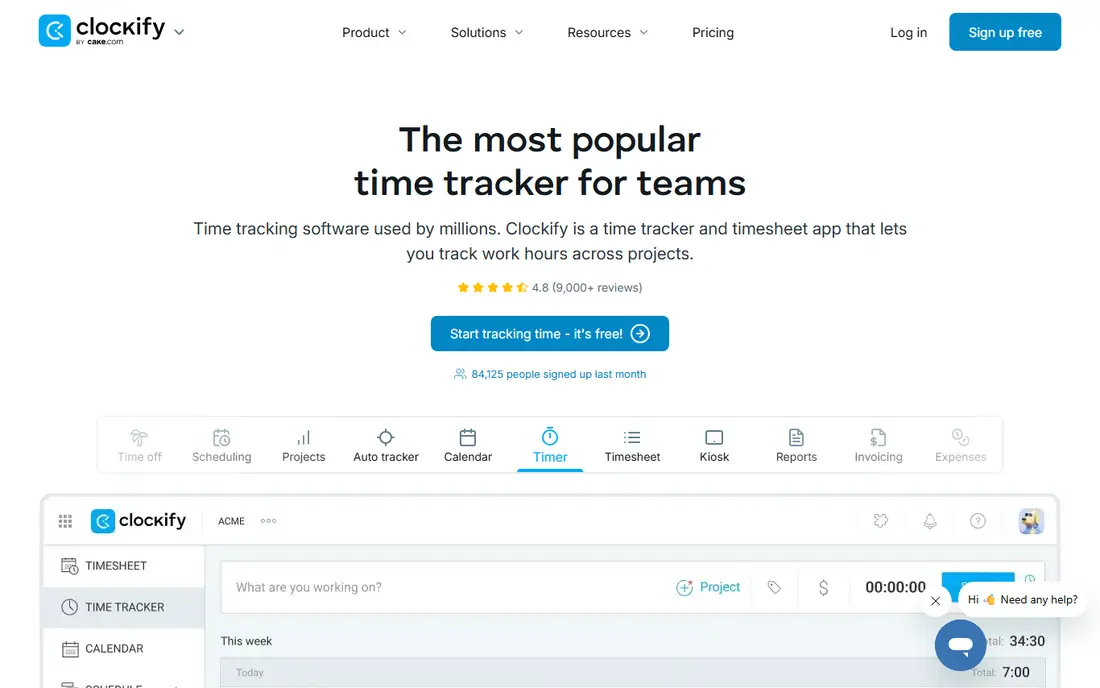
Clockify is the easiest free replacement to test. The free plan covers unlimited users and projects, with a timer, manual timesheets, and reports, so a whole team can track time without paying. Paid plans start at $3.99 per user per month on annual billing and add scheduling, approvals, invoicing, and GPS tracking.
The limits are in workforce management rather than time tracking. If you need shift scheduling, leave management, and payroll in one system, Clockify will feel thinner than Homebase or Deputy. For pure time tracking with solid reports, it is hard to beat at the price.
- Free plan covers unlimited users and projects
- Simple timer and timesheets
- Good reporting
- Scheduling and payroll features need higher tiers
- GPS and advanced approvals are paid
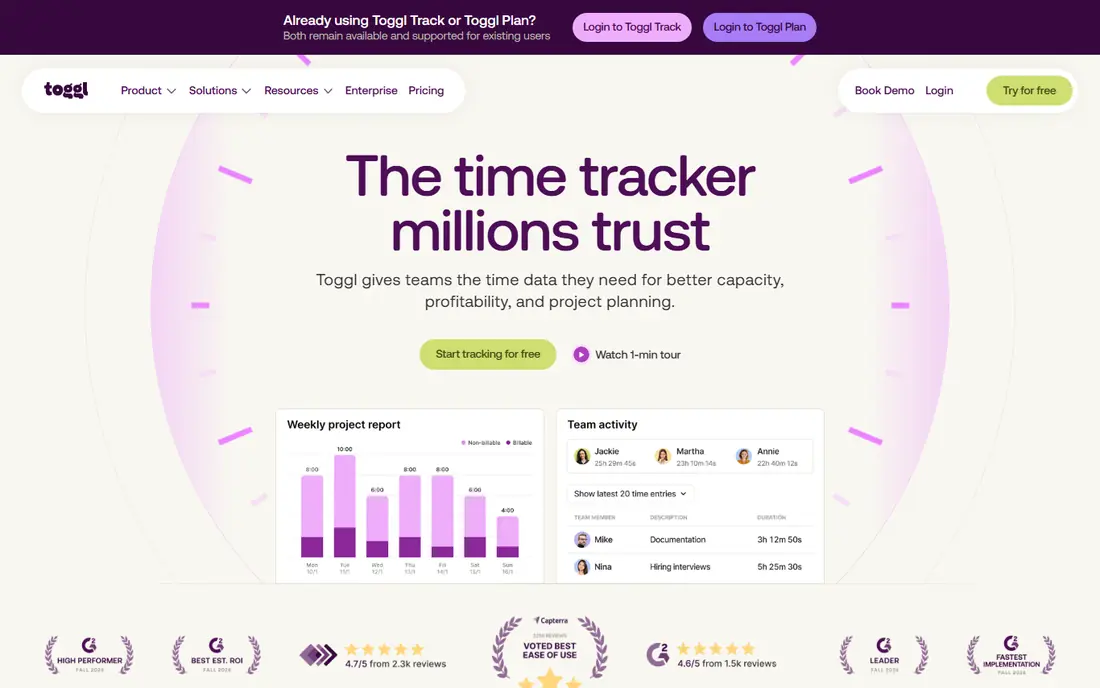
Toggl Track wins on adoption. Staff open it, press start, and stop when the job ends, with no complex attendance setup to learn. The free plan covers up to five users, and the Starter plan costs $9 per user per month on annual billing, adding billable rates, project estimates, and saved reports.
Toggl Track is not a scheduling tool. It will not build shift rotas, handle leave requests, or manage GPS clock-in for field teams in the way Jibble, Homebase, or Deputy do. Choose it when the main job is recording billable hours cleanly, not managing a rota.
- Fast, simple timer
- Free plan for small teams
- Good reports and integrations
- No shift scheduling
- Approvals and advanced features need higher tiers
- GPS tracking is limited
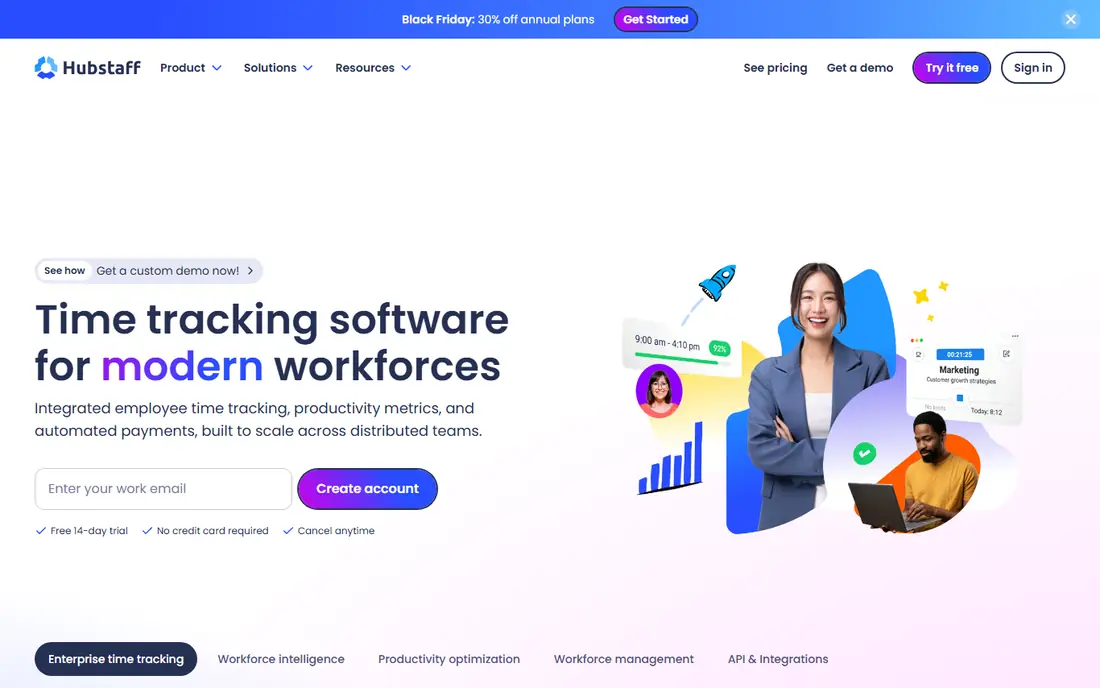
Hubstaff combines time tracking, screenshots, activity monitoring, GPS, and payroll for remote and field teams. Managers can see hours, locations, and activity, then run payroll from tracked time without retyping figures. The Starter plan costs $4.99 per user per month on annual billing, with a 14-day trial.
Monitoring is the part to handle with care. Screenshots and activity scores can damage trust if staff learn about them after the fact, so explain what is recorded, when, and why before you turn those features on. Check local rules on employee monitoring too, since they vary by state and country.
- Time tracking with screenshots and activity levels
- Automated payroll
- GPS for field teams
- No permanent free plan
- Monitoring features need clear staff communication
- Some features are tier-gated
Time Doctor is built for teams that need to prove hours, whether for clients, payroll, or compliance. It records time, app and website use, screenshots, and breaks, then turns that record into reports managers can audit. The Basic plan costs $6.67 per user per month on annual billing, with a 14-day trial.
Like Hubstaff, Time Doctor works best when monitoring is open and limited to work hours. If your team only needs a timer and timesheets, the monitoring layer adds complexity you will not use. If you bill clients by the hour and need an auditable trail, that layer is the reason to choose it.
- Detailed time and activity reports
- Screenshots and app tracking
- Payroll and integrations
- No permanent free plan
- Monitoring can feel intrusive
- Setup takes time to tune
Homebase is made for restaurants, retail shops, salons, and other hourly workplaces. The free Basic plan covers one location with up to ten employees, with scheduling, time clocks, and messaging. Paid plans start at $24 per location per month on annual billing and add hiring, onboarding, and payroll tools.
Pricing by location changes the math for multi-site businesses, so count locations, not just staff, when you compare Homebase with per-user tools. For a single shop with hourly staff, the free plan is a strong starting point, and the scheduling tools are more complete than a pure timer app.
- Free Basic plan for one location
- Scheduling, time clocks, and hiring tools
- Easy for hourly staff
- Paid plans are per location, not per user
- Advanced payroll and HR tools need higher tiers
Deputy is a scheduling-first tool for shift-based businesses. Managers build rotas, staff confirm shifts in the app, and time clocks with GPS location record attendance against the schedule. The Lite plan costs $5 per user per month on annual billing, with Core and Pro tiers adding more scheduling, leave, and reporting features.
The 31-day trial is longer than most, which helps for testing a full rota cycle. Deputy fits cafes, retail, healthcare, and hospitality teams better than office teams, because its scheduling, shift swap, and compliance tools match hourly work patterns.
- Strong shift scheduling
- Time clocks with GPS and facial checks
- Leave and payroll links
- No permanent free plan
- Costs rise with each user
- Setup needs care for complex rotas
Connecteam is an all-in-one app for teams that do not sit at desks. Time clocks with GPS, schedules, forms, checklists, and team chat sit in one mobile app, so field, retail, and service staff need only one tool. Pricing starts at $29 per month for the first 30 users on the basic plan, which can be good value for a larger deskless team.
The trade-off is depth in any single area. Connecteam covers many jobs well, but a specialist scheduling tool or a specialist time tracker may go deeper in its own area. Choose Connecteam when one app for the whole deskless team matters more than the deepest feature in one category.
- Time clock, scheduling, forms, and chat in one app
- Priced for first 30 users
- Good for deskless teams
- Advanced features need higher tiers
- Per-user pricing above the included user count
- Desktop office use is secondary
DeskTime suits people who forget to start timers. It records app and website use automatically, sorts time into productive and unproductive categories, and builds reports without manual entries. The Pro plan costs $6.42 per user per month on annual billing, with a 14-day trial.
Automatic tracking raises the same trust question as screenshots. Tell staff what is tracked, give them access to their own reports, and limit tracking to work devices and hours. For office teams that want honest time data without timer discipline, DeskTime removes the main reason timesheets go missing.
- Automatic time tracking
- Productivity reports
- Shift scheduling on higher tiers
- No permanent free plan
- Automatic tracking needs staff trust and clear rules
- Mobile features are thinner
TimeCamp pairs time tracking with invoicing, which suits freelancers and agencies that bill clients by the hour. Track time against projects, set billable rates, and turn tracked hours into invoices without exporting to another tool. A free plan covers solo use, with paid plans adding team features and integrations.
Scheduling is lighter here than in Homebase or Deputy, so TimeCamp fits best when billing is the main job and rotas are simple. Check current pricing on its own site, since plan names and prices have changed in past listings, and test the invoice flow during the trial.
- Free plan for solo users
- Time tracking with invoicing
- Good reports for client billing
- Pricing varies by plan
- Scheduling features are lighter than Homebase or Deputy
- Interface is plainer
How we picked these
We compared official pricing pages, feature pages, and public guides for tools that cover time tracking, attendance, or scheduling for small and mid-size teams. We kept only tools live in October 2026, and we favored tools that handle real clock-in and timesheet work rather than personal habit timers. Where pricing differs by billing period, we used the annual-billing figure, and we wrote See website where current pricing was not clear.
What to check before you switch
Start with how your team actually works. Office and freelance teams need a simple timer and reports, while hourly and field teams need scheduling, GPS clock-in, and leave handling. A tool that is perfect for one group will frustrate the other, so test with the staff who will use it daily, not just with managers.
Next, settle the monitoring question in writing. If a tool records screenshots, locations, or app use, tell staff before you switch it on, limit it to work hours, and check the rules that apply in your state. A clear policy protects trust and keeps you on the right side of workplace privacy expectations.
Frequently asked questions
What are the best Jibble alternatives?
Clockify is best for free team tracking, Toggl Track is best for a simple timer, Homebase and Deputy are best for hourly scheduling, and Hubstaff and Time Doctor are best when you need auditable hours with monitoring. Connecteam suits deskless teams that want one app for several jobs.
Is there a free alternative to Jibble?
Yes. Clockify offers a free plan for unlimited users, Homebase offers a free Basic plan for one location, and TimeCamp and Toggl Track offer free plans for small teams. Free plans usually limit scheduling, GPS, approvals, or payroll features, so check those limits against your needs.
Which Jibble alternative is best for field teams?
Connecteam, Deputy, and Hubstaff all offer GPS clock-in for field staff, with scheduling and forms in the same app. Deputy is strongest on shift scheduling, Hubstaff is strongest on payroll and oversight, and Connecteam is strongest as a single app for deskless teams.
Do these tools handle payroll?
Hubstaff, Homebase, Deputy, and Time Doctor all link tracked time to payroll in some form, but the depth varies. Confirm whether payroll is included in your plan or needs a higher tier or an integration, and test one full pay run before you rely on it.
Should I use screenshots and activity tracking?
Only with clear communication. Tell staff what is recorded, when it is recorded, and how it will be used, and keep tracking to work hours and work devices. If you do not need monitoring for billing or compliance, a simple timer like Clockify or Toggl Track will serve the team better and protect trust.
Sources
- https://clockify.me
- https://toggl.com
- https://www.hubstaff.com
- https://www.timedoctor.com
- https://www.homebase.com
- https://www.deputy.com
- https://www.connecteam.com
- https://www.desktime.com
- https://www.timecamp.com
- https://rankite.com/blog/best-time-tracking-software-for-employees
- https://rankite.com/blog/best-time-tracking-software-for-small-business
See where you really rank - block by block
ProMapRanker scans Google Maps across a grid of your service area. Simple monthly plans from $19, white-label on every plan.
Start freeKeep reading
 wpforms alternatives
Best WPForms Alternatives in 2026
We compare 9 wpforms alternatives for WordPress forms, with free and paid options, current pricing notes, and honest limits for small business sites in 2026.
Read → windows task scheduler alternatives
Best Windows Task Scheduler Alternatives in 2026
Looking for Windows Task Scheduler alternatives? We compare 9 schedulers for Windows and cross-platform work, from free tools to enterprise automation.
Read → which ai video service is best
Which AI Video Service Is Best in 2026
which ai video service is best? We compare 10 legitimate AI video services on price, avatars, editing and output quality to help you pick the right tool.
Read →