 ProMapRanker
Best Instacams Alternatives in 2026

Key takeaways
- OBS Studio is the free starting point for webcam and streaming production on any major desktop system.
- Streamlabs and XSplit suit streamers who want alerts, overlays, and scene tools without building a setup from parts.
- ManyCam and Camo suit people who mainly want a better webcam feed for calls and streams.
- Ecamm Live, vMix, and Wirecast suit multi-camera and professional live production.
- Use only your own camera and your own feed, and get consent before anyone else appears on camera.
Quick comparison
| Pick | Great for | Pricing starts at | Free tier | |
|---|---|---|---|---|
 OBS Studio | Free webcam and streaming production | Free | Yes | Visit |
 Streamlabs | Streaming with alerts and overlays | $27 per month | Yes | Visit |
 ManyCam | Virtual webcam with effects and sources | $49 per year | Free trial | Visit |
 XSplit | Streamer-friendly broadcasting software | See website | Yes | Visit |
 Ecamm Live | Mac live production with guests | $20 per month | Free trial | Visit |
 vMix | Professional multi-camera production | See website | Free trial | Visit |
 Wirecast | Studio production for Mac and Windows | See website | Free trial | Visit |
 Camo | Phone as a high-quality webcam | See website | Yes | Visit |
The best Instacams alternatives
We angle this article plainly as webcam and streaming camera software. The tools below help you improve your own camera feed for calls, lessons, and live streams. We list only legitimate, lawful tools, and we do not list any tool for watching other people without consent.
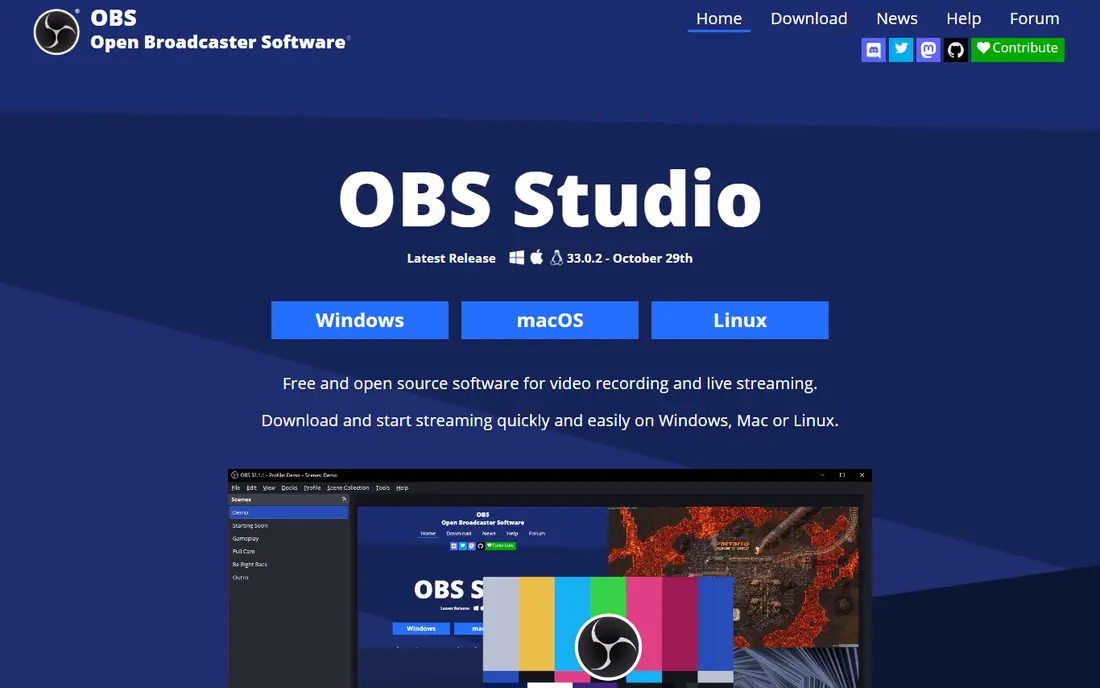
OBS Studio fits streamers and creators who want free, full production control. OBS Studio turns a webcam and other sources into a live production, with scenes, audio mixing, and recording at no cost. That combination is the reason we kept it on this list, and it also explains who should look elsewhere if the fit is not right.
The honest catch is there is no built-in multistream service, so multistreaming needs a relay service or plugin, and new users face a learning curve. We suggest checking the current pricing page and the plan limits before you sign up, because the cheapest tier may not include the feature you need most. If that feature is included, OBS Studio is a practical choice that most small teams can set up without a long project.
- Free and open source
- Scenes and sources
- Works on Windows, Mac, and Linux
- No built-in multistreaming
- Setup takes learning
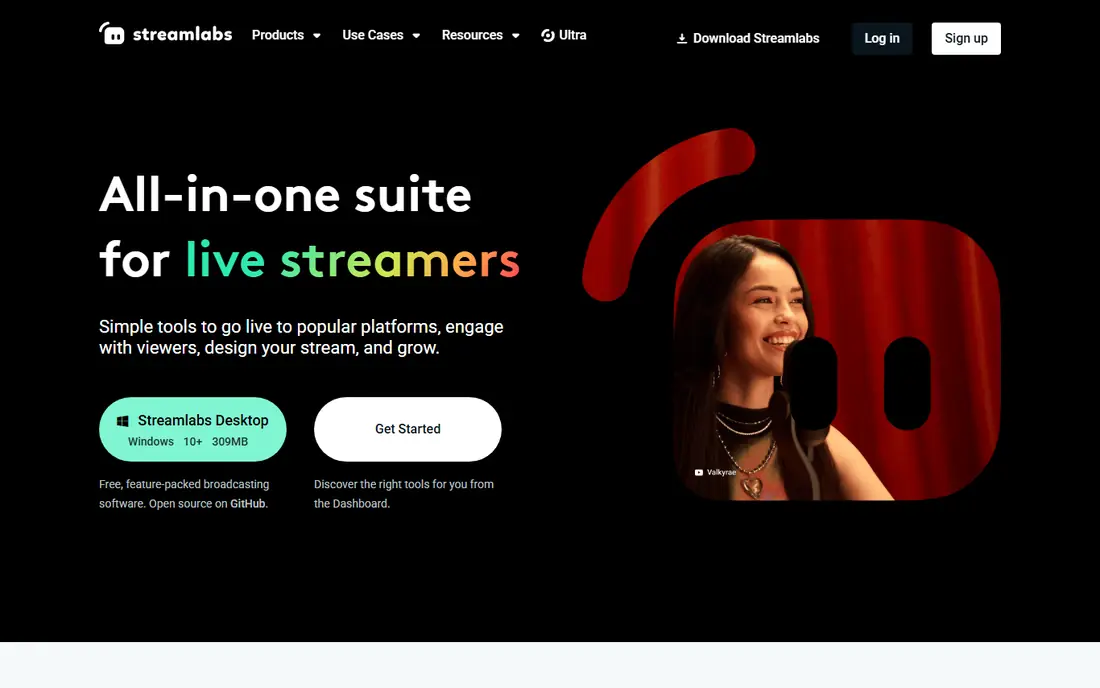
Streamlabs fits game and live streamers who want alerts and overlays quickly. Streamlabs bundles the streamer extras that OBS Studio users often add by hand, including alerts, overlays, and themes. That combination is the reason we kept it on this list, and it also explains who should look elsewhere if the fit is not right.
The honest catch is the free tier covers the basics, while the fuller set of themes and apps sits behind a paid plan. We suggest checking the current pricing page and the plan limits before you sign up, because the cheapest tier may not include the feature you need most. If that feature is included, Streamlabs is a practical choice that most small teams can set up without a long project.
- Alerts, overlays, and themes
- Simple setup
- Recording and streaming tools
- Paid plan is needed for the full theme and app set
- Desktop app can feel heavy
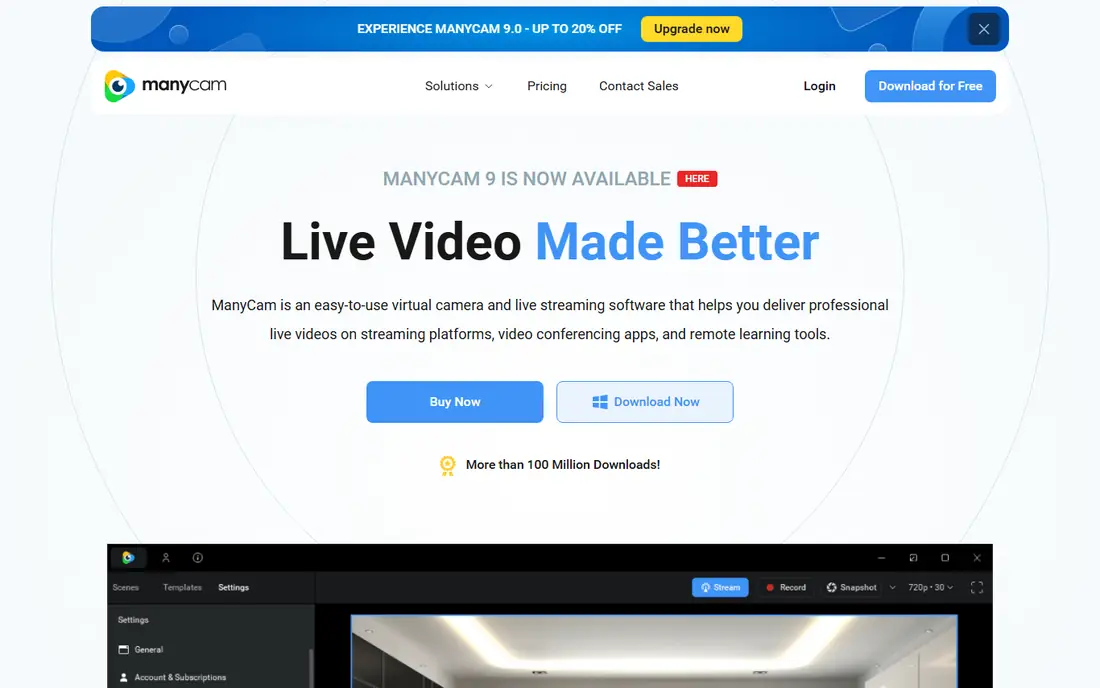
ManyCam fits teachers, presenters, and streamers who want a better webcam feed. ManyCam turns one webcam feed into a studio feed, with picture-in-picture, backgrounds, and multiple sources for calls and streams. That combination is the reason we kept it on this list, and it also explains who should look elsewhere if the fit is not right.
The honest catch is the cheapest plan limits sources and resolution, so check the tier that matches your camera and call setup. We suggest checking the current pricing page and the plan limits before you sign up, because the cheapest tier may not include the feature you need most. If that feature is included, ManyCam is a practical choice that most small teams can set up without a long project.
- Virtual webcam for calls
- Multiple sources
- Effects and backgrounds
- Higher tiers are needed for 4K and many sources
- Some features are plan-gated
XSplit fits Windows streamers who want a simple broadcaster with plugins. XSplit keeps scene building simple, with drag-and-drop sources, game capture, and camera tools in a clear interface. That combination is the reason we kept it on this list, and it also explains who should look elsewhere if the fit is not right.
The honest catch is the main broadcaster is Windows only, so Mac users need another tool from this list. We suggest checking the current pricing page and the plan limits before you sign up, because the cheapest tier may not include the feature you need most. If that feature is included, XSplit is a practical choice that most small teams can set up without a long project.
- Simple scene setup
- Game and camera tools
- Plugin support
- Full premium features need a paid licence
- Windows only for the main broadcaster
Ecamm Live fits Mac creators and interview shows with guests. Ecamm Live is a Mac-first live studio, with camera switching, guest interviews, and a virtual camera that feeds Zoom and other call apps. That combination is the reason we kept it on this list, and it also explains who should look elsewhere if the fit is not right.
The honest catch is Mac-only support rules it out for Windows teams, and the Pro tier is needed for the full feature set. We suggest checking the current pricing page and the plan limits before you sign up, because the cheapest tier may not include the feature you need most. If that feature is included, Ecamm Live is a practical choice that most small teams can set up without a long project.
- Multi-camera and guest interviews
- Virtual camera for calls
- 4K on Pro
- Mac only
- Pro features need the higher plan
vMix fits event and broadcast teams with multiple cameras. vMix is a professional live production tool, with many camera inputs, mixing, and recording for events and broadcasts. That combination is the reason we kept it on this list, and it also explains who should look elsewhere if the fit is not right.
The honest catch is it is Windows only and the fuller editions cost more, so it suits production teams rather than casual webcam users. We suggest checking the current pricing page and the plan limits before you sign up, because the cheapest tier may not include the feature you need most. If that feature is included, vMix is a practical choice that most small teams can set up without a long project.
- Many inputs and NDI support
- Instant replay and recording
- Strong production tools
- Windows only
- Pricing and learning curve rise with the edition
Wirecast fits professional producers who need a studio tool on Mac or Windows. Wirecast gives Mac and Windows teams a studio-grade production tool, with layered scenes, guests, and broadcast outputs. That combination is the reason we kept it on this list, and it also explains who should look elsewhere if the fit is not right.
The honest catch is the price and depth suit experienced producers more than someone who only needs a better webcam for calls. We suggest checking the current pricing page and the plan limits before you sign up, because the cheapest tier may not include the feature you need most. If that feature is included, Wirecast is a practical choice that most small teams can set up without a long project.
- Dual-system support
- Many inputs
- Professional output options
- Higher price than consumer tools
- Setup suits experienced producers
Camo fits callers who want a better camera without buying new hardware. Camo turns a phone camera into a webcam feed, which often looks better than a built-in laptop camera. That combination is the reason we kept it on this list, and it also explains who should look elsewhere if the fit is not right.
The honest catch is the paid plan opens the full controls, and the phone must stay connected and charged during a long call. We suggest checking the current pricing page and the plan limits before you sign up, because the cheapest tier may not include the feature you need most. If that feature is included, Camo is a practical choice that most small teams can set up without a long project.
- Turns a phone into a webcam
- Framing and lens controls
- Works with call apps
- Full features need a paid plan
- Phone and computer must stay connected
How we picked these
We treated this topic plainly as webcam and streaming camera software, and we compared official product pages and pricing notes for tools that are live in October 2026. We kept only legitimate, lawful tools that use your own camera for your own calls and streams. We did not list any tool for watching other people without consent, and we did not claim hands-on testing. Use only cameras you own or control, and get consent before anyone else appears on camera.
How to choose an Instacams alternative
Start with the job: a better call feed, a live stream, or a multi-camera show. For calls, ManyCam or Camo may be enough. For streams, OBS Studio or Streamlabs gives scenes and overlays. For multi-camera work, Ecamm Live, vMix, or Wirecast fits better. Check your system first, because several tools here are limited to Mac or Windows. Test your camera, light, and audio together, and check CPU use during a real stream, since effects and high resolution can slow an older computer. Keep consent in mind: use only your own feed, and do not point a camera at people who have not agreed to be recorded.
Frequently asked questions
What are good instacam alternatives for webcam streaming?
OBS Studio, Streamlabs, ManyCam, XSplit, and Ecamm Live are common instacam alternatives for webcam and streaming work, with vMix and Wirecast for larger productions. This article covers lawful camera software for your own calls and streams only.
What is the best free webcam software?
OBS Studio is the best free starting point, with scenes, sources, and recording at no cost. Camo also offers a free tier for using a phone as a webcam, while ManyCam and Ecamm Live offer free trials.
Which tool is best for a better Zoom or Teams camera feed?
ManyCam and Camo are the simplest picks for a better call feed, because both feed a virtual webcam into common call apps. Ecamm Live also offers a virtual camera, but it is Mac only.
Do I need a paid plan for streaming?
Not always. OBS Studio streams for free, and Streamlabs and XSplit offer free tiers, though themes, extra apps, and higher limits often need a paid plan. Check what your stream actually needs before you pay.
Can I use these tools without consent from people on camera?
No. Use only your own camera and your own feed, and get clear consent before anyone else appears or is recorded. Follow the rules of the platform you stream on and the law where you and your guests are located.
Sources
See where you really rank - block by block
ProMapRanker scans Google Maps across a grid of your service area. Simple monthly plans from $19, white-label on every plan.
Start freeKeep reading
 wpforms alternatives
Best WPForms Alternatives in 2026
We compare 9 wpforms alternatives for WordPress forms, with free and paid options, current pricing notes, and honest limits for small business sites in 2026.
Read → windows task scheduler alternatives
Best Windows Task Scheduler Alternatives in 2026
Looking for Windows Task Scheduler alternatives? We compare 9 schedulers for Windows and cross-platform work, from free tools to enterprise automation.
Read → which ai video service is best
Which AI Video Service Is Best in 2026
which ai video service is best? We compare 10 legitimate AI video services on price, avatars, editing and output quality to help you pick the right tool.
Read →