 ProMapRanker
Best I Hope You Are Doing Well Alternatives in 2026

Key takeaways
- The best replacement for "I hope you are doing well" is usually a specific opener, such as a reference to a shared project, a recent meeting, or the reason for the email itself.
- "I hope your day is going well" and "I hope your week is off to a good start" work as softer swaps, but they still read as filler if you use them in every email.
- Time neutral greetings such as "Hello [Name]," avoid the time zone trap that comes with "Good morning" in an email that may be read hours later.
- Grammarly, ProWritingAid, and LanguageTool help with tone, grammar, and clarity, but none of them can tell whether your opener is actually specific to the reader.
- Keep a short list of openers for follow-ups, cold outreach, and reconnections, and rotate them, so no single phrase becomes your default filler.
Quick comparison
| Pick | Great for | Pricing starts at | Free tier | |
|---|---|---|---|---|
 Grammarly | Everyday grammar and tone checks | Free | Yes | Visit |
 ProWritingAid | Deeper writing reports for longer emails | Free | Yes | Visit |
 LanguageTool | Multilingual grammar checking | Free | Yes | Visit |
 QuillBot | Rephrasing awkward openers | Free | Yes | Visit |
 Wordtune | Rewriting sentences for clarity and tone | Free | Yes | Visit |
 Hemingway Editor | Short, plain sentences | Free | Yes | Visit |
 TextExpander | Reusable greeting and opener snippets | See website | Free trial | Visit |
The best I hope you are doing well alternatives
This guide is about phrases first and tools second. The phrases below replace a vague wish with something the reader can actually respond to, and the tools below help you check tone, grammar, and clarity before you send. No tool here writes a good opener for you on its own. The best opener still comes from knowing why you are writing and what the reader cares about.
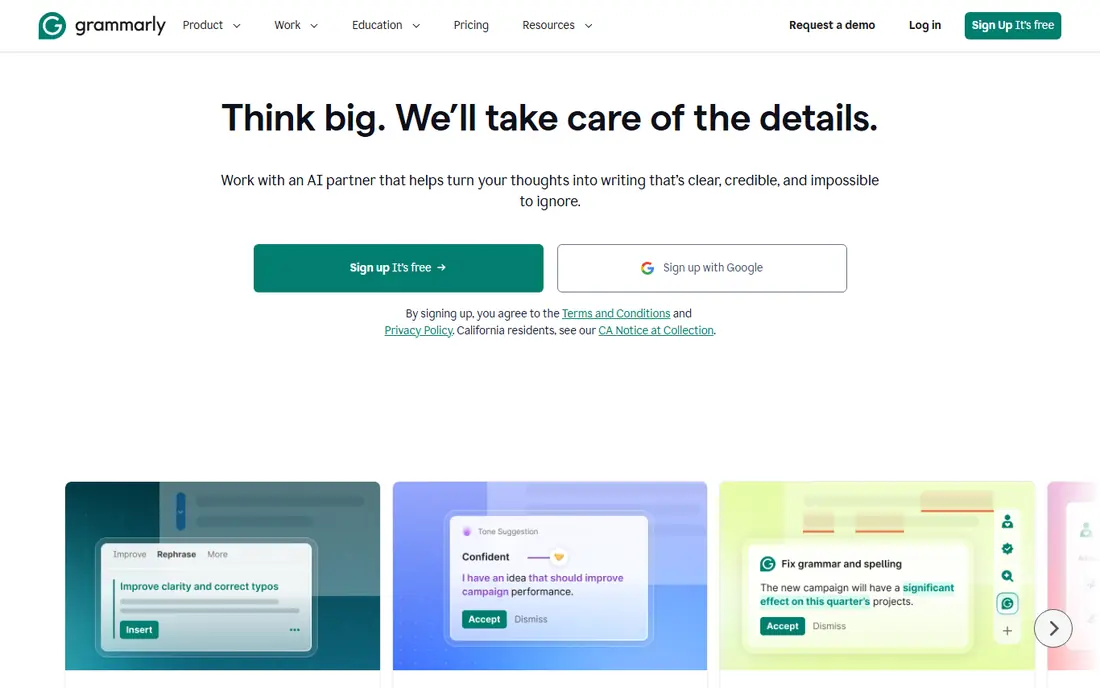
Grammarly is the tool most readers will already know, and it earns its place because it checks the whole email, not just the greeting. Paste or type your opener, and it flags grammar, spelling, and clarity issues, plus tone cues that can tell you when a line reads as overly formal or overly casual. That matters for greetings, where a single word can shift an email from warm to stiff. The free plan covers the basics, which is enough for most everyday work email.
The limit is judgment. Grammarly can tell you a sentence is clear, but it cannot tell you whether "I hope your week is going well" is the right opener for a client you have not spoken to in a year. Use it as a second pair of eyes after you have chosen a specific opener, not as a replacement for that choice. Pair it with the phrase lists in the buying guide below, and your emails will read both clean and personal.
- Works in Gmail, Docs, and browsers
- Tone suggestions help catch overly casual or stiff openers
- Free plan covers basic grammar and spelling
- Tone detection is a guide, not a guarantee
- Advanced suggestions sit behind a paid plan
ProWritingAid suits writers who send longer, higher stakes emails, such as proposals, client updates, and job applications. Its reports highlight repeated phrases, long sentences, and vague wording, which is exactly how a filler greeting hides in an otherwise strong email. If you open every message with a version of "I hope you are doing well," ProWritingAid will make that habit visible in its repetition and style reports. That visibility is useful, because most of us do not notice our own default openers until a tool shows them back to us.
The downside is weight. For a two-line internal note, a full ProWritingAid report is more than you need, and the free plan limits some reports. Use it for important emails where tone and clarity carry real weight, and use a lighter checker for quick messages. In both cases, the fix for a weak opener is the same: replace the wish with a specific reference or a direct statement of purpose.
- Detailed reports on style, readability, and repeated phrases
- Helps spot filler openers you reuse too often
- Integrations with Docs, Word, and browsers
- Reports can feel heavy for a short email
- Full features need a paid plan
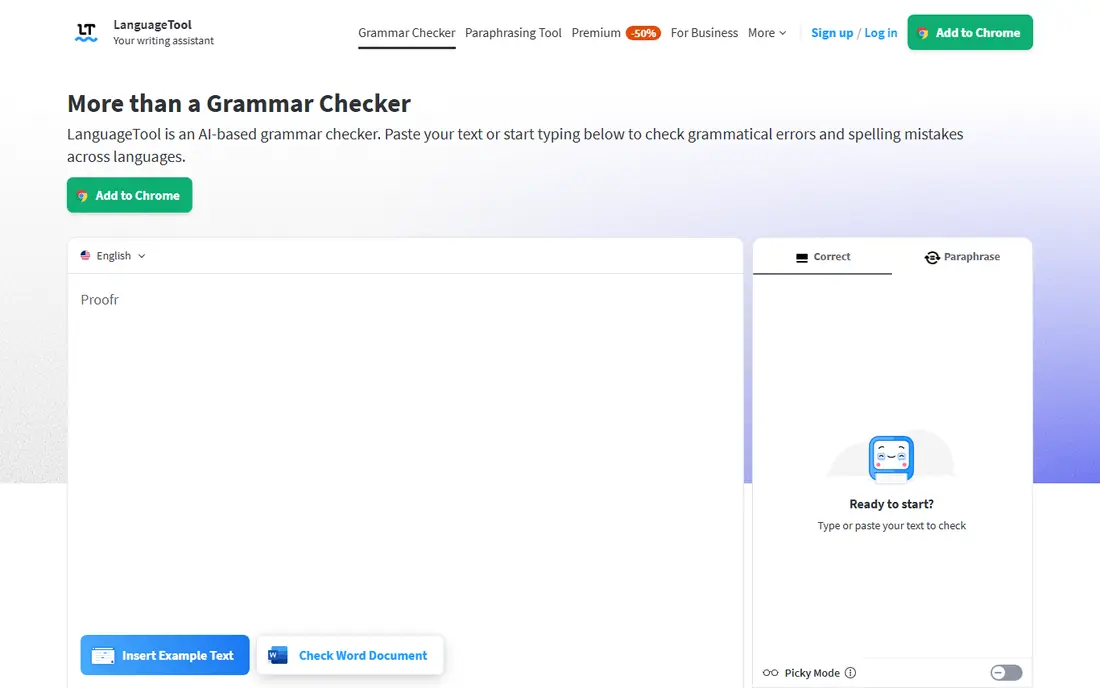
LanguageTool is a strong pick for teams that write professional email in more than one language, or for non-native English writers who want a second check on grammar. It covers many languages in its free and paid plans, and it integrates with browsers and Docs so you can check an email before sending it. For greetings, that matters because a small grammar slip in an opener sets the tone for the whole message, even when the rest of the email is solid.
The trade-off is tone depth. LanguageTool is stronger on grammar than on nuanced tone advice, so it may not warn you that an opener sounds stiff or overly familiar. Use it alongside your own judgment about the relationship: formal for a first contact, warm and direct for a known colleague, and specific in both cases. For multilingual teams, its language coverage alone can justify a place in the workflow.
- Free plan covers grammar and spelling in many languages
- Browser and Docs integrations
- Useful for teams writing in more than one language
- Tone guidance is lighter than Grammarly
- Paid plan needed for advanced style checks
QuillBot helps at the exact moment many writers get stuck: you have written "I hope you are doing well" for the tenth time, you know it reads as filler, and you cannot find a better version. Paste the sentence, try a different paraphrase mode, and use the output as a starting point for a more specific opener. It is also useful for softening a blunt opener or tightening a wordy one, since different modes favor fluency, formality, or brevity.
The caution is to edit, not to accept. A paraphrase tool can make a vague sentence smoother without making it more specific, and a smoother version of filler is still filler. Use QuillBot to break a wording block, then add the specific detail yourself: the project name, the meeting date, or the question you need answered. That two-step process, rephrase then specify, produces openers that read as written for one person.
- Paraphrasing modes help rewrite a stiff or vague opener
- Free plan covers basic paraphrasing
- Useful when you are stuck on wording
- Paraphrased output still needs a human edit
- Free plan limits modes and word count
Wordtune is similar to QuillBot in purpose but different in feel: it offers several rewrites for one sentence at a time, with tone options that let you test a formal version against a casual version. That is useful for greetings, where the right tone depends on the reader. A formal client email and a quick note to a close colleague should not open the same way, and seeing both versions side by side helps you choose. The browser extension means you can rewrite inside Gmail rather than copying text to another app.
The limit is the free plan, which caps daily rewrites, and the need to check each rewrite for meaning. A rewrite that changes "following up on the proposal" to a vaguer phrase has made the email worse, not better. Use Wordtune to explore wording, then keep the version that is most specific and most honest about why you are writing.
- Offers several rewrites for a single sentence
- Tone options help shift formal to casual and back
- Browser extension works in Gmail and Docs
- Free plan limits daily rewrites
- Rewrites need checking for meaning changes
Hemingway Editor is the tool to use when your opener has grown into a paragraph. Paste your email, and it highlights long sentences, passive voice, and hard to read passages, which nudges you toward a shorter, clearer start. Many weak greetings are weak because they delay the point: a wish, an apology, and a throat-clearing sentence before the actual request. Hemingway makes that delay visible, and cutting it is often the fastest improvement you can make.
The catch is that Hemingway is a style tool, not a grammar checker, and its advice can be too blunt for formal writing where a longer sentence is appropriate. Use it to tighten, not to flatten every email into short bursts. A good professional opener is direct, but it can still be warm. Hemingway helps you find the direct version, and you add the warmth back with a specific, human detail.
- Free web editor highlights long and hard to read sentences
- Pushes writers toward plain, direct openers
- No account needed for the web version
- No grammar checking of the kind Grammarly offers
- Style advice can be too blunt for formal business writing
TextExpander solves a different problem from the grammar checkers above: it stores your best openers as snippets you can insert with a short shortcut. Write a strong follow-up opener once, save it, and reuse it without retyping or misremembering it. Teams can share snippets for common cases, such as a polite follow-up, a meeting recap, or a cold outreach opener, which keeps quality consistent. That reuse is valuable when you send similar emails every day.
The risk is overuse. A snippet that was specific when you wrote it becomes generic when you paste it into fifty unrelated emails. Keep snippets for structure, not for the whole message, and always fill in the specific detail: the name, the project, the date, or the question. TextExpander works best as a starting point library, with a human edit at the end for each reader. Used that way, it saves time without turning your greetings into filler.
- Snippets let you reuse strong openers without retyping them
- Shared snippets help teams stay consistent
- Works across apps on desktop and mobile
- Snippets can become filler if you reuse one opener for every reader
- Pricing is subscription based, so check current plans
How we picked these
We compared official product pages, pricing pages, and feature descriptions for writing tools that are live in October 2026 and that help with professional email greetings in a direct way: grammar, tone, rephrasing, readability, style consistency, or reusable snippets. We left out generic AI chatbots, email marketing platforms, and tools with no clear writing product, since this guide is about writing better openers, not about sending bulk email. We favored tools with a free plan or trial so readers can test them before paying.
Better openers to use instead
Start with the reason for the email when you do not have a personal detail to share. "I am writing about the vendor contract due Friday" is clearer than any wish about the reader day, and it respects their time by getting to the point. For a follow-up, name the earlier message: "Following up on the proposal I sent on March 4" tells the reader exactly what you need without apology or filler. For cold outreach, show you did homework: "I saw your team opened three support roles" is specific in a way no generic greeting can be.
When you do want warmth, make it specific and true. "How did the product launch land last week" works when you actually know about a launch and actually want the answer. "It was good to hear your point about onboarding at the Denver conference" works when you were there and you remember it. "I hope your day is going well" works as a light, polite bridge when you genuinely do not have a specific detail, but use it sparingly, not as your default. If you use it in every email, readers stop hearing it as warmth and start hearing it as habit.
Avoid openers that apologize for existing. "Sorry to bother you," "I know you are busy," and "Just wanted to reach out" all weaken the email before it starts. They also waste the first line, which is the line most likely to be read in a preview pane. Replace an apology with a clear purpose, and replace a vague wish with a specific reference. For group emails, "Hello team," or "Hi everyone," followed by the purpose is cleaner than a wish addressed to no one in particular. For a first contact, "Dear [Name]," or "Hello [Name]," followed by a specific reason is formal without being stiff.
Time of day greetings need care across time zones. "Good morning" is warm when you know the reader will open the email in the morning, and awkward when they open it at night or days later. If you are unsure when it will be read, use a time neutral greeting such as "Hello [Name]," and save "Good morning" for same-day, same-time-zone messages or live meetings. In a thread, you do not need a new greeting for every reply. A simple "Hi again," or picking up directly with the next point is cleaner than repeating a morning greeting in the afternoon.
Frequently asked questions
What are good I hope you are doing well alternatives?
Good alternatives include "I hope your day is going well," "I hope your week is off to a good start," and, better still, a specific opener such as "Following up on the proposal I sent last week." The specific version is stronger because it tells the reader why you are writing in the first sentence.
What is a good I hope your day is going well alternative?
If you want a similar warm tone, try "I trust you are having a productive week," "Hope all is well on your end," or "It was good to speak with you yesterday," when that last one is true. For a more direct email, skip the wish and start with the purpose, such as "I am writing about the contract renewal."
Is it unprofessional to say I hope you are doing well?
No, it is not unprofessional, but it is overused, so it often reads as filler rather than warmth. It works best when used sparingly, with a reader you know, and followed quickly by a specific point. In a first contact or a follow-up, a specific reference usually lands better.
How do I start a professional email without a greeting cliché?
Start with the purpose or a specific reference: the project, the meeting, the document, or the question. "I am following up on the budget draft we discussed on Tuesday" gives the reader context in one line. Add warmth through specificity, not through a generic wish.
Should I use Good morning in a professional email?
Use "Good morning" when you are confident the reader will open the email in the morning and in the same time zone. Otherwise, use a time neutral greeting such as "Hello [Name]," to avoid a greeting that feels out of sync with when the email is actually read.
Which tool helps most with professional email greetings?
Grammarly helps most readers with everyday tone and grammar checks, while ProWritingAid suits longer, higher stakes emails. For rewriting a stuck opener, QuillBot or Wordtune can help, but the best improvement still comes from adding a specific detail about the reader or the project.
Sources
See where you really rank - block by block
ProMapRanker scans Google Maps across a grid of your service area. Simple monthly plans from $19, white-label on every plan.
Start freeKeep reading
 wpforms alternatives
Best WPForms Alternatives in 2026
We compare 9 wpforms alternatives for WordPress forms, with free and paid options, current pricing notes, and honest limits for small business sites in 2026.
Read → windows task scheduler alternatives
Best Windows Task Scheduler Alternatives in 2026
Looking for Windows Task Scheduler alternatives? We compare 9 schedulers for Windows and cross-platform work, from free tools to enterprise automation.
Read → which ai video service is best
Which AI Video Service Is Best in 2026
which ai video service is best? We compare 10 legitimate AI video services on price, avatars, editing and output quality to help you pick the right tool.
Read →