 ProMapRanker
Best Helium 10 Alternatives in 2026

Key takeaways
- Jungle Scout and AMZScout suit sellers who mainly need product research, while SellerApp and Sellerboard cover ads and profit tracking.
- Keepa is the strongest low-cost check for price and sales-rank history before you commit to a product.
- SmartScout and Data Dive suit brand and category research, but they are less useful as a first tool for a brand-new seller.
- No single tool replaces judgment: estimates differ between tools, so cross-check a shortlist before ordering stock.
Quick comparison
| Pick | Great for | Pricing starts at | Free tier | |
|---|---|---|---|---|
 Jungle Scout | Product research | $49 per month | No | Visit |
 SellerApp | Research plus ads | See website | Yes | Visit |
 ZonGuru | Private label research | $49 per month | No | Visit |
 AMZScout | Beginner research | $59.99 per month | No | Visit |
 Viral Launch | Product launches | See website | No | Visit |
 SmartScout | Brand and category data | $29 per month | No | Visit |
 Data Dive | Keyword-led listings | $39 per month | No | Visit |
 Keepa | Price and rank history | See website | Yes | Visit |
 Sellerboard | Profit analytics | $19 per month | No | Visit |
The best helium 10 alternatives
These tools cover the main jobs Amazon sellers need: finding products, checking keywords, studying competitors, and tracking profit. We compared them on research depth, keyword tools, and price, and we left out the named suite itself so you can judge each option on its own merits.
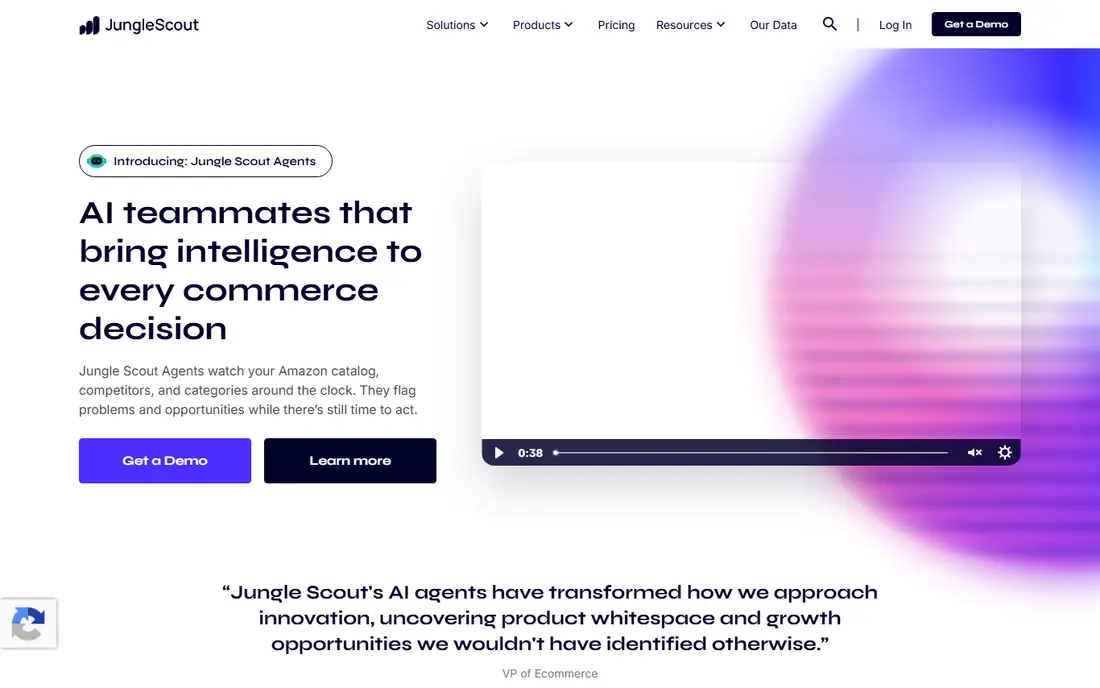
Jungle Scout is the most direct research replacement for sellers who spend most of their time choosing what to sell. Its product database lets you filter by sales, revenue, reviews, and category, and the Opportunity Finder helps surface niches that are less crowded. The browser extension adds on-page estimates while you browse Amazon, which speeds up the first pass through a list of ideas.
The main drawback is price structure. There is no free plan, and the entry plan covers research rather than the full set of listing and tracking tools that a larger suite bundles together. That makes Jungle Scout a strong pick if product choice is your bottleneck, but a weaker value if you also need deep keyword tracking, listing tools, and ad management from one subscription. Start with the research job, then add a second tool only if a gap remains.
- Large product database with filters
- Opportunity Finder for niches
- Supplier database and browser extension
- No free plan
- Entry plan is research-focused
- Higher tiers add cost quickly
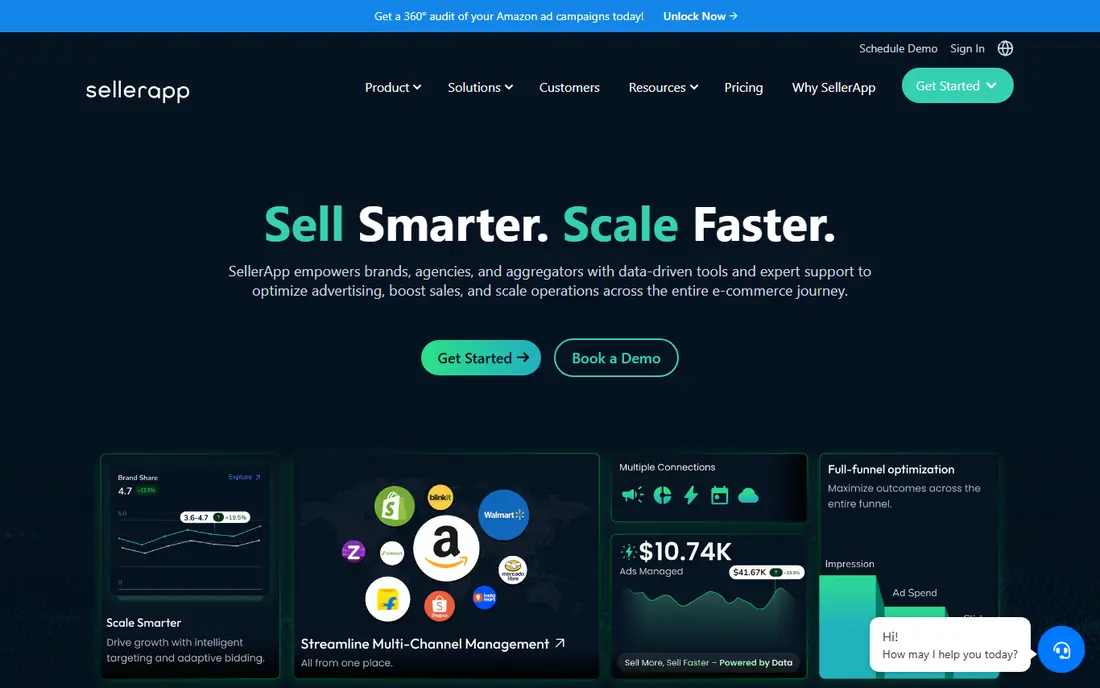
SellerApp suits sellers who want research and advertising in one place rather than buying two separate tools. You can research keywords, check a listing, and manage pay-per-click campaigns without exporting data between systems. That combination is useful once a product is live, since keyword and ad decisions feed into each other every week.
The free tier helps new sellers test the basics, but it will not cover a growing catalog for long. Paid pricing depends on plan and scale, so check the current pricing page against your number of products and ad spend before you commit. The breadth is also a learning cost: give yourself time to set up keyword tracking and campaign rules properly, rather than judging the tool after a single afternoon.
- Free tier for getting started
- Keyword research plus PPC tools
- Listing quality checks
- Paid plans rise with scale
- Interface covers many tools, so setup takes time
- Some advanced features sit on higher tiers
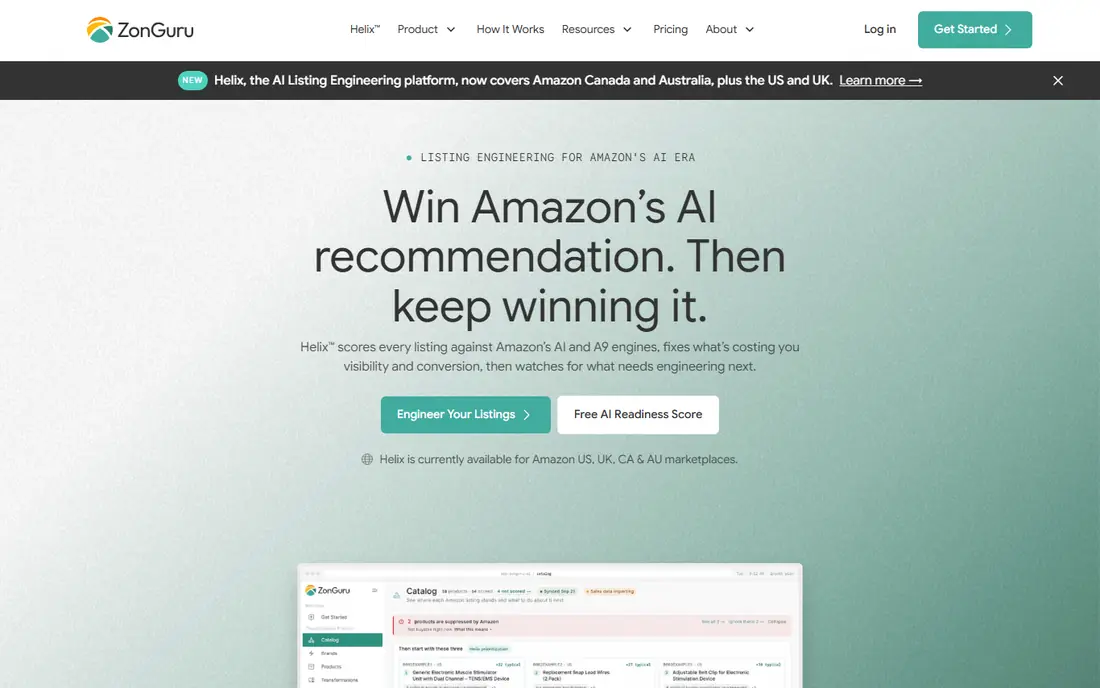
ZonGuru is built around private label sellers who need to pick a niche, build a listing, and watch reviews after launch. Its Niche Finder and listing tools cover that arc in a clear order, and the supplier features help connect a product idea to sourcing options. For a seller with a small catalog, that focused flow can be easier to follow than a suite with dozens of tools competing for attention.
The limits show up as a catalog grows. Some plans scale with the number of products, so a seller who expands from five listings to fifty should price that growth before signing up. ZonGuru also works best as a research and listing tool rather than a full ad platform, so sellers who run large ad budgets may still need a separate PPC tool. For a private label start, though, it covers the core jobs well.
- Niche Finder for private label ideas
- Listing optimizer
- Review insights and supplier tools
- No free plan
- Pricing scales with catalog size on some plans
- Smaller keyword database feel than a full suite
AMZScout is a practical pick for beginners because it keeps the research workflow simple. The product database and browser extension show sales, profit, and stock signals while you browse, which helps a new seller rule out weak ideas fast. It also covers multiple Amazon marketplaces, which matters if you plan to sell outside the United States from the start.
Beginners should still treat every estimate as a guide, not a fact. Different tools use different data and methods, so the same product can show different sales figures in two tools. Use AMZScout to build a shortlist, then check demand, competition, and supplier costs separately before you order. The lack of a free plan is a drawback, but a trial period can help you test whether the workflow fits how you research.
- Simple product database and extension
- Sales and profit estimates on listings
- Covers several marketplaces
- No free plan
- Estimates are still estimates, not exact sales
- Advanced keyword depth is thinner than specialist tools
Viral Launch fits sellers who are past the idea stage and are planning how to launch a product with momentum. Its research tools help validate an idea, and its launch-focused features help with keyword targeting and early sales activity. That launch angle is the reason to choose it over a pure research tool, especially for private label sellers who need a structured first month.
If you only need product research, Viral Launch may cost more than a simpler database tool, so compare plans carefully. Launch support and related services can also add cost beyond the software subscription, so read what is included before you assume a plan covers everything. Used well, it is a launch companion rather than a tool you open once and forget.
- Product research plus launch tools
- Keyword research for listings
- Market intelligence features
- Pricing varies by plan and needs checking
- Less of a value pick for research alone
- Launch services add extra cost
SmartScout is the pick for sellers who think in brands and categories rather than single products. You can study which brands dominate a category, how many sellers compete on a listing, and where a niche has room for a new entrant. That view suits wholesale sellers, arbitrage sellers, and agencies that need to compare many brands quickly.
It is less suited to a new seller who just wants to know whether one product idea will sell. The brand-level data is powerful, but it does not replace careful keyword and listing work for a single launch. Pricing should also be checked on the vendor site at the time you buy, since entry prices have shifted. For category research, though, few tools present the market this clearly.
- Brand and subcategory analytics
- Seller and market share views
- Useful for wholesale and arbitrage research
- Less focused on single-product keyword work
- Pricing has changed over time, so verify current plans
- Not a beginner first tool
Data Dive suits sellers who build listings from keywords rather than writing copy first and adding keywords later. Its clustering groups related search terms, maps them to title, bullets, and backend fields, and tracks rank movement over time. That structure helps avoid keyword stuffing and keeps a listing focused on the terms buyers actually use.
The tool assumes some keyword knowledge, so complete beginners may find the workflow demanding at first. It also works best as part of a research stack: use a product database to choose the product, then Data Dive to build and track the listing. Higher tiers cost much more, so start on the entry plan and upgrade only when your catalog and keyword volume justify it.
- Keyword clustering mapped to listings
- Rank tracking
- Listing builder on all plans
- No free plan
- Best for sellers who already understand keyword structure
- Higher tiers rise steeply
Keepa answers a question other tools often gloss over: what has this product actually done over time. Price history, sales-rank movement, and availability patterns reveal seasonality, discount pressure, and whether a sales spike was a one-off event. That history is essential before you commit money to stock, especially for arbitrage and wholesale sellers.
Keepa is not a replacement for a product database or keyword tool, and it does not build listings or manage ads. Treat it as a verification step in your workflow: find an idea elsewhere, check its history in Keepa, and drop ideas whose rank or price pattern looks unstable. The free tier covers basic checks, while paid access adds deeper history and alerts for sellers who monitor many products.
- Detailed price and sales-rank history charts
- Alerts for price drops and availability
- Free tier for basic checks
- Not a full product research suite
- Data depth varies by marketplace
- Paid features needed for deeper history and alerts
Sellerboard fills the gap many research tools leave open: knowing whether you actually made money after fees, ads, shipping, and refunds. It tracks profit per product, monitors inventory, and surfaces reimbursements that are easy to miss when you manage sales in spreadsheets. For a seller with live products, that clarity often matters more than another research database.
It will not help you find your next product, and its reports are only as good as the cost data you enter. Take time to record product costs, shipping, and fees accurately, or the profit figures will mislead you. The entry price is low compared with full suites, which makes it a sensible add-on once you have sales to track, rather than a first purchase for a seller with no live listings yet.
- Clear profit and cost tracking
- Inventory and reimbursement features
- Free trial period
- Not a product research tool
- Setup requires accurate cost data
- Value depends on sales volume
How we picked these
We compared official pricing pages, feature pages, and public reviews for tools that cover Amazon product research, keywords, listings, ads, or profit tracking. We kept only tools that are live and that serve a clear seller job, and we left out the named suite itself. Where pricing varies by plan, marketplace, or catalog size, we used See website rather than a figure that could mislead a seller in a different situation.
How to choose the right stack without overspending
Start from the job you do most often. If you are still choosing products, pick one research tool and use it until you have a shortlist you trust. If you already sell, profit tracking and keyword rank tracking usually pay back faster than a second research database. Write down your monthly product count, ad spend, and marketplaces, then match those numbers to a plan instead of buying the largest tier by default.
Cross-check any product idea in two places before ordering stock. Compare sales estimates, check price and rank history, and confirm supplier costs and fees separately. A tool that shows a promising product is only the first step; the decision should rest on demand, competition, margins, and your ability to source reliably. Review subscriptions quarterly and cancel tools you have not opened in a month.
Frequently asked questions
What are helium10 alternatives for product research?
Jungle Scout, AMZScout, ZonGuru, and Viral Launch are the closest research options, each with a product database and a browser extension. SmartScout adds brand and category views, while Data Dive focuses on keyword-led listing work. Choose the research tool that matches how you pick products, then add tracking or profit tools only if needed.
Are there free helium10 alternatives?
SellerApp and Keepa both offer free tiers, and Keepa is especially useful for price and rank history checks at no cost. Free tiers are limited, so they suit testing and small catalogs rather than full-time selling. Most full research tools require a paid plan or a trial period.
Which alternative is best for beginners?
AMZScout and Jungle Scout are the most beginner-friendly research picks because their workflows are simple and their estimates appear while you browse Amazon. Start with one tool, learn to filter by sales, reviews, and competition, and avoid buying several tools before you have validated a first product idea.
Which alternative is best for profit tracking?
Sellerboard is the best pick in this list for profit tracking, since it is built around costs, fees, and profit per product. Research tools can estimate sales, but they do not replace a profit dashboard once products are live. Enter accurate costs to get figures you can trust.
Do sales estimates from these tools match real sales?
No, estimates are modeled figures and they differ between tools, so treat them as guides rather than exact sales numbers. Cross-check a shortlist with price history, rank trends, and supplier quotes before ordering stock. A product that looks strong in one tool should still make sense on margins and competition in another check.
Sources
See where you really rank - block by block
ProMapRanker scans Google Maps across a grid of your service area. Simple monthly plans from $19, white-label on every plan.
Start freeKeep reading
 wpforms alternatives
Best WPForms Alternatives in 2026
We compare 9 wpforms alternatives for WordPress forms, with free and paid options, current pricing notes, and honest limits for small business sites in 2026.
Read → windows task scheduler alternatives
Best Windows Task Scheduler Alternatives in 2026
Looking for Windows Task Scheduler alternatives? We compare 9 schedulers for Windows and cross-platform work, from free tools to enterprise automation.
Read → which ai video service is best
Which AI Video Service Is Best in 2026
which ai video service is best? We compare 10 legitimate AI video services on price, avatars, editing and output quality to help you pick the right tool.
Read →