 ProMapRanker
Grok Imagine Alternatives in 2026


Artistic stills and moodboards · Pricing starts at: $10 per month
Key takeaways
- Midjourney still leads on pure image style, while Adobe Firefly is the safer pick for commercial work inside Adobe apps.
- Ideogram is the strongest choice when text, logos, or posters must read correctly in the image itself.
- Runway and FLUX cover video and developer use, so pick by output type first and price second.
- Free plans are useful for trying a tool, but paid plans are usually needed for regular commercial use and faster generation.
Quick comparison
| Pick | Great for | Pricing starts at | Free tier | |
|---|---|---|---|---|
| Midjourney | Artistic stills and moodboards | $10 per month | No | Visit |
 Adobe Firefly | Commercially safe Adobe work | $9.99 per month | Yes | Visit |
 Leonardo AI | Game assets and high volume | $12 per month | Yes | Visit |
 Ideogram | Text, logos, and posters | $20 per month | Yes | Visit |
 ChatGPT Images | Chat-based edits and ideas | $20 per month | Yes | Visit |
 Google Gemini | Google users and photo edits | $19.99 per month | Yes | Visit |
 Runway | Short AI video clips | $12 per month | Yes | Visit |
 Black Forest Labs FLUX | Developer and API image work | See website | No | Visit |
The best Grok Imagine alternatives
Grok Imagine itself is not listed here. These eight alternatives cover still images, short video, and editing, and each one suits a different kind of creator.
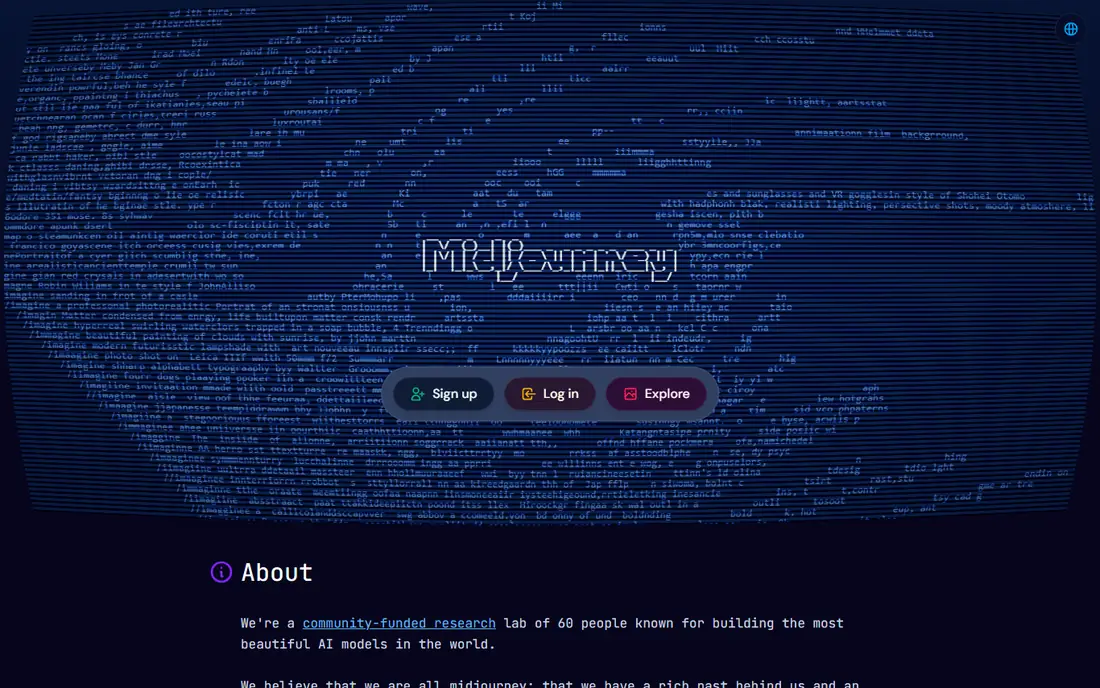
Midjourney remains our pick for most people who care mainly about how an image looks. Its results tend to feel finished and atmospheric with less prompt fiddling than many rivals, which matters when you are building a moodboard or a set of illustrations. The plan ladder is clear, starting at $10 per month, and higher plans add faster generation and more capacity.
The catch is access. There is no free tier, so you pay before you can judge the current model on your own prompts. The Discord-based history also takes some getting used to, even though a web editor is now part of the experience. If you need readable text in images, pair it with another tool rather than forcing it.
- Distinctive image style
- Strong community and style controls
- Regular model updates
- No free plan
- Discord-based workflow can feel awkward at first
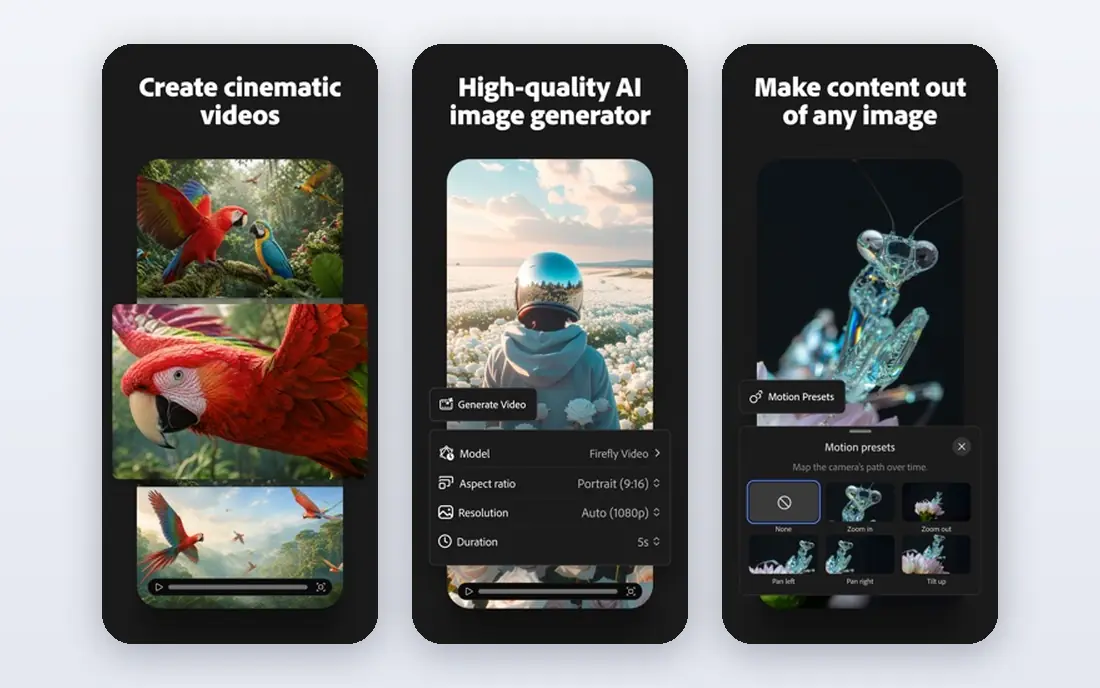
Firefly is the sensible choice for teams that already live in Adobe apps. Its image models are trained with commercial safety in mind, and features such as generative fill sit directly inside Photoshop and Express workflows. That reduces the extra steps between generating an image and finishing it for a client or a post.
The free tier is limited, and monthly credits do not roll over, so unused capacity is lost. The $9.99 per month starting plan is reasonable for light use, but heavy users may need a larger plan. If you do not use Adobe apps, the main selling point is weaker, and a standalone generator may offer better value.
- Designed for commercial use with Adobe models
- Fits Photoshop and Express
- Free tier for trying it
- Credits reset each month
- Best value is inside a wider Adobe subscription
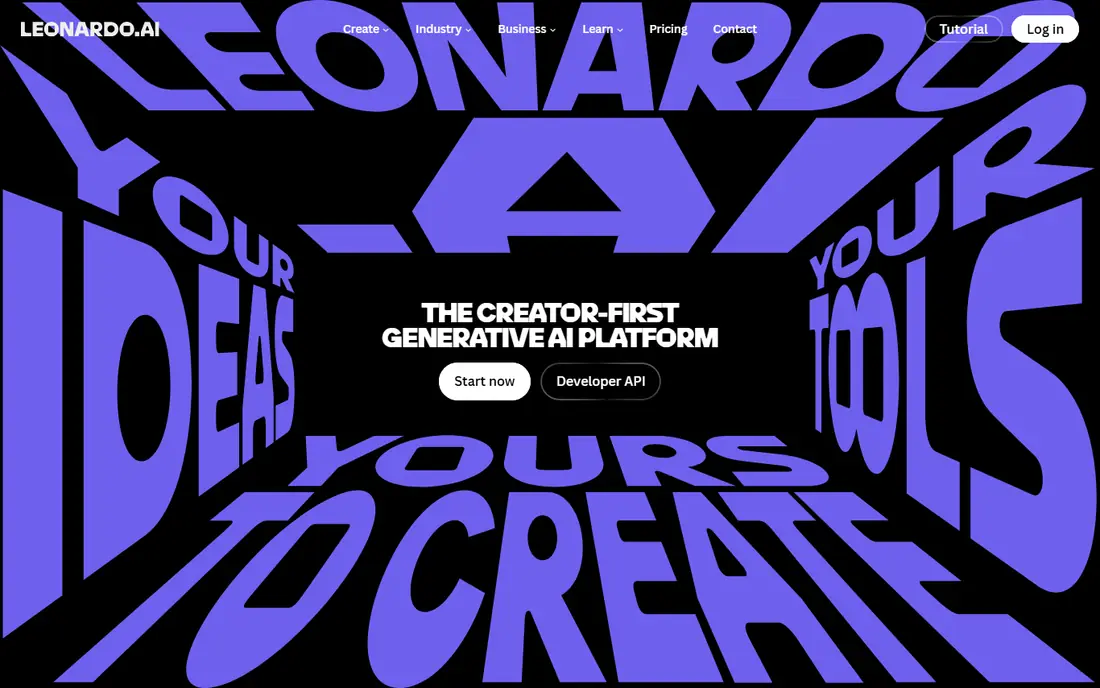
Leonardo AI suits creators who generate a lot of images and want control over style. The free tier gives daily tokens, and paid plans from $12 per month add more capacity and private generation. Its canvas editor and training options help when you need a consistent character, product style, or game asset set rather than one-off pictures.
The trade-off is complexity. Tokens, models, and generation settings take a little learning, and results vary enough that you should test more than one model for a job. For casual single images, a simpler chat-based tool may be faster. For production volume, Leonardo AI earns its place.
- Daily free tokens
- Model training and canvas editing
- Good for repeated characters and assets
- Token maths takes time to learn
- Quality varies by model
Ideogram is our pick when words must appear correctly inside an image. Many generators still garble text, but Ideogram handles posters, labels, and logo-style work far more reliably. That makes it a practical choice for social graphics, event posters, and simple brand marks where a spelling error ruins the whole image.
The price is the main drawback. Paid plans start at $20 per month, which is higher than Leonardo AI or Firefly at entry level. Free credits are limited and slow, so they suit testing rather than regular work. If text accuracy is not your main need, you can save money elsewhere.
- Strong text rendering in images
- Useful for posters and logos
- Free tier available
- Paid plans cost more than some rivals
- Credits expire monthly
ChatGPT Images works best as a thinking partner. You can describe an image, ask for a change, and refine it in the same conversation without learning a separate editor. That flow suits blog images, social posts, and quick mockups where the idea matters more than fine art control.
It is not a specialist art studio. Generation caps can shift with demand, and the free tier is limited. The $20 per month Plus plan is the practical starting point for regular use. If you already pay for ChatGPT, its image tools may be all you need, and buying another generator would duplicate cost.
- Easy conversational edits
- Good prompt understanding
- Useful for brainstorming
- Generation limits vary with demand
- Plus plan needed for fuller access
Google Gemini is a strong all-round option, especially for editing a photo you already have. Describe the change in plain words and Gemini can adjust the image, which is handy for product shots, social images, and quick fixes. The free tier lets you test that workflow before paying.
The $19.99 per month Pro plan is the practical paid starting point for heavier use. Gemini is less focused on pure art direction than Midjourney, so stylised illustration fans may prefer a specialist. For everyday image work inside a Google-centred setup, it is a solid and convenient pick.
- Strong photo editing from a description
- Fits Google apps
- Free tier for trying it
- Paid plan needed for fuller limits
- Output control is less specialised than art tools
Runway is the video-first pick on this list. While Grok Imagine covers both images and video, Runway goes deeper on video, with text-to-video, image-to-video, and editing tools in one place. That makes it useful for short social clips, product teasers, and motion tests where a still image is not enough.
Credit use needs attention. Many actions consume credits, not just final exports, so a busy session can burn through a plan faster than expected. The Standard plan is listed at $12 per month billed annually, and removing watermarks requires a paid plan. Start with the free tier to learn the credit cost of your typical clip.
- Full video generation suite
- Text-to-video and image-to-video
- Useful for social clips
- Credits are used by many actions
- Higher resolution work costs more
FLUX, from Black Forest Labs, is the pick for developers and teams building image generation into a product. Its models follow detailed prompts well, and the API route suits high-volume or automated work. Open-weight versions also allow self-hosting for teams with the technical skill to run them.
Casual creators should look elsewhere. There is no simple consumer subscription that matches the other tools here, and pricing is per image or per use through the API. If you just want a few images a week, a subscription tool will be easier to budget and use.
- Strong prompt adherence
- API and open-weight options
- Good for production pipelines
- No simple flat monthly plan for casual users
- Setup is more technical
How we picked these
We compared official pricing pages, product feature pages, app listings, and recent independent pricing roundups for October 2026. We kept only tools that are live, that generate images or short video from prompts or edits, and that offer a clear route for a new user to start. We left out Grok Imagine itself, since this article is about alternatives, and we left out tools that are mainly stock photo libraries or general design editors without their own generation models.
What to check before you pay
Start with the output you need most. Still images, readable text, photo edits, and short video are different jobs, and no single tool wins all four. Run the same two or three prompts through two free tiers and compare the results on your own material, not on marketing samples. Check commercial use terms carefully, since some low-cost plans limit business use, and check how credits expire and whether watermarks appear on free or low plans.
Also check the workflow cost, not just the headline price. A cheap plan with slow generation or tight caps can cost more time than a slightly dearer plan. If you work in Adobe apps, Firefly may save steps. If you work in chat, ChatGPT Images or Gemini may fit better. If you build a product, FLUX through an API is the more honest comparison than a consumer subscription.
Frequently asked questions
What is the best Grok Imagine alternative for most people?
Midjourney is our pick for image quality, while ChatGPT Images or Google Gemini suit people who want simple chat-based creation. If you need video as well, add Runway to the shortlist and compare it on your own clips.
Are there free Grok Imagine alternatives?
Yes. Firefly, Leonardo AI, Ideogram, ChatGPT Images, Google Gemini, and Runway all offer free tiers or limited free use. Free tiers are best for testing, since caps, speed, and watermark rules usually push regular users to a paid plan.
Which alternative is best for text in images?
Ideogram is the strongest pick here, since it renders words, posters, and logo-style images more reliably than most rivals. Always proofread the output, since no generator is perfect with spelling or small print.
Can I use these tools for commercial work?
Many allow commercial use, but the terms vary by plan, so read the plan terms before using images in paid work. Adobe Firefly is marketed with commercial safety in mind, while other tools may limit commercial use on their cheapest plans.
Do I need more than one tool?
Not always. One good tool covers most casual needs. People who need both stylised stills and video, or both art and accurate text, often keep two tools and use each one for the job it does best.
Is Grok Imagine itself included in this list?
No. This article lists alternatives only, so Grok Imagine itself is not listed as a product. The tools above are separate products from other companies.
Sources
- https://www.midjourney.com
- https://www.adobe.com/products/firefly.html
- https://leonardo.ai
- https://ideogram.ai
- https://chatgpt.com
- https://gemini.google.com
- https://runwayml.com
- https://bfl.ai
- https://aipricecompare.org/best/best-ai-image-generator.html
- https://fluxnote.io/guides/runway-vs-pika-vs-kaiber-comparison
See where you really rank - block by block
ProMapRanker scans Google Maps across a grid of your service area. Simple monthly plans from $19, white-label on every plan.
Start freeKeep reading
 best rank tracking software
Best Rank Tracking Software in 2026
Searching for the best rank tracking software? We compare 8 tools for daily keyword tracking, local rankings, client reports, and competitor checks in 2026.
Read → best platform for ecommerce website
Best Platform for Ecommerce Website in 2026
Find the best platform for ecommerce website builds in 2026. We compare Shopify, WooCommerce, BigCommerce, Wix and more on price, fees and scale for stores.
Read → best math apps
Best Math Apps in 2026: 8 Apps Compared
Find the best math apps for homework, revision, and deeper study in our 2026 comparison of 8 free and paid solvers, courses, and visual tools for students.
Read →