 ProMapRanker
Best Math Apps in 2026: 8 Apps Compared

Key takeaways
- Photomath is the easiest starting point for checking a worked problem, while Khan Academy is the strongest free route for learning the topic from the start.
- Desmos and GeoGebra cover graphing and geometry at no cost, so most students do not need to pay for a visual tool.
- WolframAlpha and Symbolab are better fits for advanced algebra, calculus, and detailed steps than a basic answer checker.
- Paid plans mainly add full steps, extra explanations, and textbook help, so check the free tier first before subscribing.
Quick comparison
| Pick | Great for | Pricing starts at | Free tier | |
|---|---|---|---|---|
 Photomath | Scanning a problem and seeing the steps | Free | Yes | Visit |
 Khan Academy | Learning maths from the basics upward | Free | Yes | Visit |
 WolframAlpha | Advanced computation and checking complex work | Free | Yes | Visit |
 Symbolab | Step-by-step algebra and calculus | Free | Yes | Visit |
 Desmos | Graphing functions and exploring maths visually | Free | Yes | Visit |
 Brilliant | Interactive maths and problem solving practice | See website | Yes | Visit |
 Mathway | Fast answers across many maths topics | Free | Yes | Visit |
 GeoGebra | Geometry, algebra, and interactive diagrams | Free | Yes | Visit |
The best math apps
We compared solvers, courses, and visual tools on free access, step clarity, subject range, and cost. These eight cover most school, college, and self-study needs.
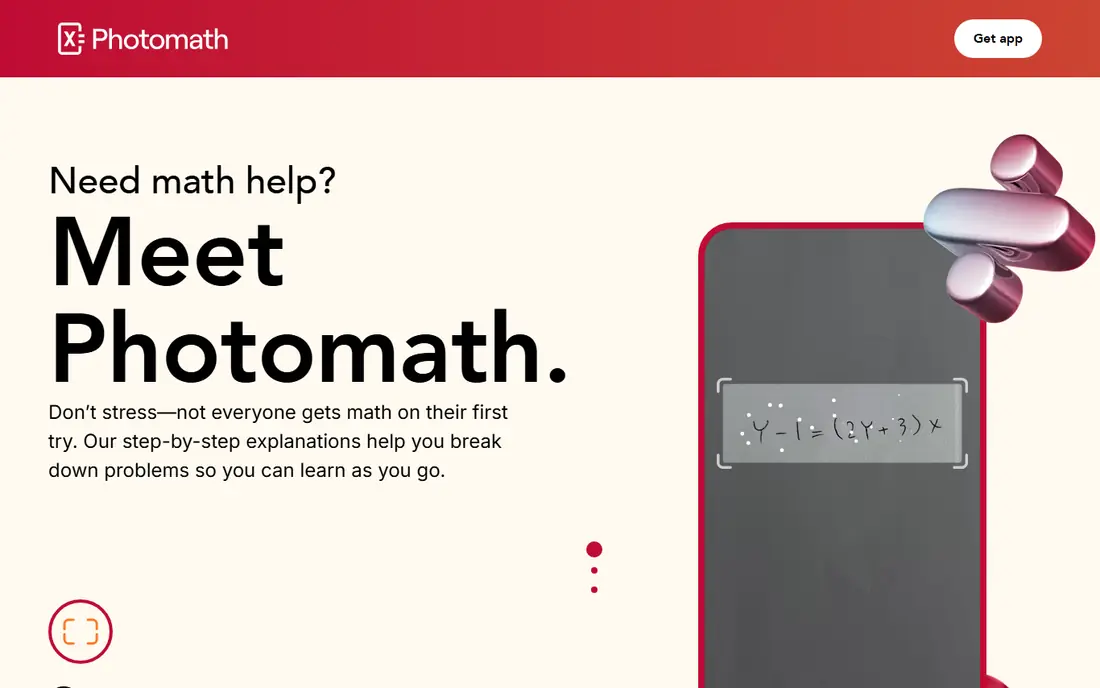
Photomath fits students who get stuck on one problem and want to see how the answer was reached. Pointing a phone camera at a printed problem is quicker than typing symbols, and the basic steps are usually easy to follow. That makes it useful for checking homework after an honest attempt, rather than as a first step for every question.
The catch is the paywall around deeper help. Animated explanations and some textbook solutions need Photomath Plus, so a student who needs repeated guidance may hit limits. We suggest using the free tier for spot checks and pairing it with a learning app for topics that keep causing trouble.
- Fast camera scanning
- Clear basic steps
- Covers many school topics
- Full explanations and textbook help sit behind a paid plan
- Camera input can misread handwritten work
Khan Academy is the pick for students who want to understand a topic, not just finish a set of questions. Lessons build in order, practice adapts to mistakes, and the range runs from arithmetic through advanced school maths. Parents and adult learners can use the same material without paying for a course.
Its weakness is speed. It will not solve a single problem on demand, and a student with a deadline may prefer a solver for that one question. For lasting progress, though, Khan Academy remains the strongest free option in this list, and it pairs well with Photomath or Desmos.
- Fully free courses and practice
- Structured paths from early maths to calculus
- Short videos with exercises
- No photo solver
- Progress depends on regular practice
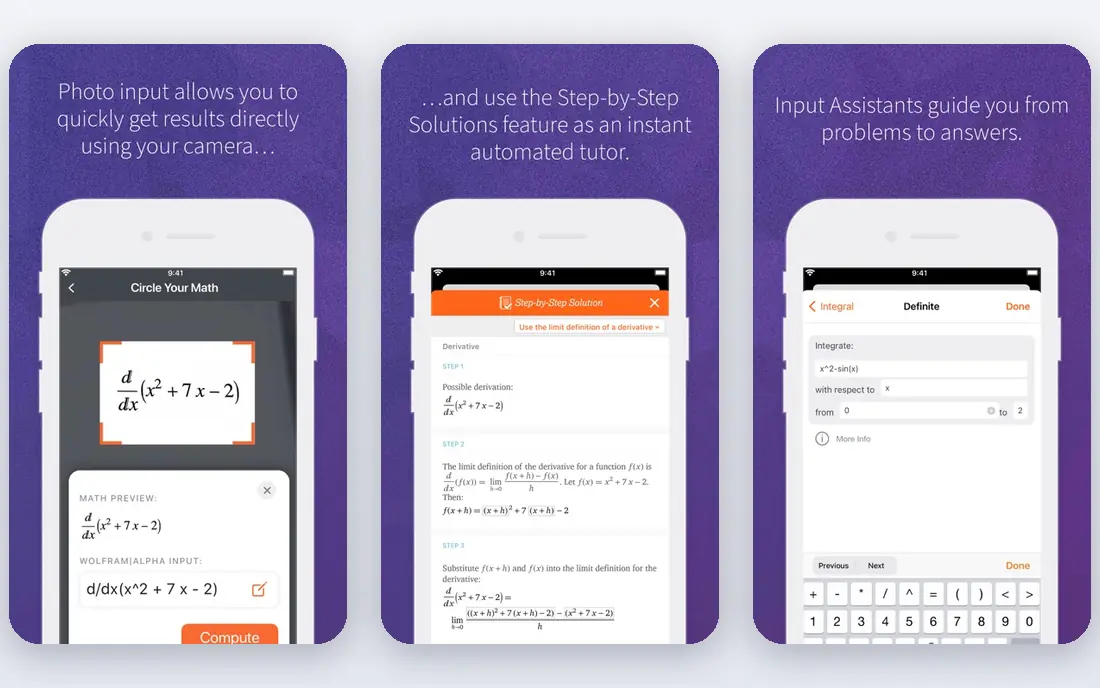
WolframAlpha suits college students and anyone working beyond school algebra. It handles integrals, equations, plots, and data questions in one place, and it is a strong second check for work that a simpler solver cannot handle. The free version answers many queries, which makes it easy to test before paying.
The trade-off is presentation. Steps are limited without Pro, and the tool assumes the user can read mathematical notation with some confidence. It is best treated as a computation engine and checker, with Khan Academy or Brilliant supplying the teaching around it.
- Very broad computational coverage
- Useful for calculus, statistics, and science maths
- Clear input handling
- Full step-by-step solutions need a paid Pro plan
- Interface feels technical for younger students
Symbolab is a strong choice for students who live in algebra, trigonometry, and calculus. Its steps tend to show the working in more detail than a quick answer app, which helps when a single missed sign changes the result. The site also offers calculators and practice material, so it works for revision as well as homework checks.
Free use has limits, and heavy users may need the paid plan to see every step without interruption. Before subscribing, try the free tier on real coursework for a week. If the limits rarely appear, there is no need to pay.
- Detailed steps for many problem types
- Graphing and practice tools
- Wide topic range
- Free steps are limited
- Paid plan needed for full access
Desmos turns equations into pictures, which often clears up confusion faster than another written explanation. Students can slide a value, watch a graph change, and test an idea in seconds. Teachers also use its classroom activities, and the calculator runs well in a browser without an install.
It does not replace a solver or a course. Desmos will not work through a word problem or teach a new method from scratch. Use it alongside Khan Academy for learning and a solver for checking, and it becomes one of the most useful free tools a maths student can keep open.
- Fully free graphing calculator
- Fast and easy to use
- Classroom activities included
- Not a solver or a full course
- Limited help for non-graphing topics
Brilliant fits learners who like to work through problems rather than watch long lectures. Lessons ask questions as they go, so the learner stays active, and the maths paths cover logic, algebra, geometry, and more advanced ideas. It is a good option for curious students and adults returning to maths.
It is not a homework solver, and the free preview only shows part of each course. Check the current pricing page before subscribing, since plans and trial terms change. For exam revision, Brilliant works best next to a free course or a solver, not instead of one.
- Interactive lessons that build thinking skills
- Good for maths, science, and computing topics
- Short daily practice
- Paid plan needed for full courses
- Less suited to single homework answers
Mathway is the answer checker for students who already know the method and want to confirm a result. It covers algebra, calculus, statistics, and more, and the interface stays simple even for longer problems. That speed makes it handy during revision, when checking ten answers matters more than studying one in depth.
The honest limit is that free answers alone teach little. Full steps sit behind the paid plan, so a student who is stuck on method may learn more from Symbolab, Photomath, or Khan Academy. Use Mathway to verify finished work, then return to a teaching tool when the answer does not match.
- Broad topic coverage
- Quick typed input
- Simple interface
- Step-by-step explanations need a paid plan
- Typing complex problems takes care
GeoGebra is the visual companion to Desmos, with stronger geometry tools and a wider set of classroom resources. Students can build shapes, move points, and see how lengths and angles change, which helps geometry feel concrete rather than abstract. It also handles algebra and graphing, so one tool can cover several school topics.
New users may need a short period to learn the menus and tools. That effort pays off for geometry and for teachers building demonstrations, but a student who only needs a quick answer will find a solver faster. GeoGebra is best for exploration, classwork, and revision where seeing the maths matters.
- Fully free tools for geometry and graphing
- Interactive diagrams
- Works on web and mobile
- Interface takes time to learn
- Not a homework solver
How we picked these
We compared official feature pages, pricing pages, and app store listings, and we left out tools that no longer work. Microsoft Math Solver, for example, was shut down in July 2025, so it does not appear here even though older guides still list it. We favoured tools with a usable free tier, a clear subject strength, and current availability in October 2026. We did not claim hands-on testing that did not happen; our comparison rests on published features, pricing, and public reviews.
Choosing the right math app for your level
Start with the problem you face most often. A student stuck on homework steps needs a solver such as Photomath or Symbolab. A student with gaps in understanding needs Khan Academy or Brilliant first, with a solver kept for checks. A student studying graphs or geometry should add Desmos or GeoGebra, since both are free and visual.
Check the free tier before paying. Most students can combine two free tools and cover homework, revision, and visualisation without a subscription. Pay only when free steps run out often, when a course keeps you practising, or when advanced steps are part of daily college work. Also check school rules on solver use, since some assignments ask for working shown by hand.
Frequently asked questions
What is the best math app for free?
Khan Academy is the strongest fully free learning option, while Desmos and GeoGebra are fully free visual tools. Photomath, Symbolab, Mathway, and WolframAlpha also offer free tiers, though full steps may need a paid plan.
What is the best app for math homework help?
Photomath is the fastest for printed problems, and Symbolab gives more detailed steps for algebra and calculus. For understanding rather than answers, start with Khan Academy and use a solver only to check finished work.
Is Photomath free?
Yes, the core camera solver and basic steps are free. Photomath Plus adds animated explanations and extra textbook help, so check the current pricing in the app before subscribing.
Which math app is best for graphing?
Desmos is the simplest free graphing calculator for most students. GeoGebra is a better pick when geometry diagrams, constructions, and classroom materials matter as well.
Do these apps work for college maths?
WolframAlpha and Symbolab handle more advanced topics, including calculus and statistics, better than basic school solvers. Brilliant and Khan Academy help with concepts, but college students should still check course rules on solver use.
What is the best math software for younger students?
Khan Academy offers structured, age-appropriate paths, and Desmos and GeoGebra make ideas visual. Parents should check content levels inside each app, since difficulty varies by topic rather than by age alone.
Sources
See where you really rank - block by block
ProMapRanker scans Google Maps across a grid of your service area. Simple monthly plans from $19, white-label on every plan.
Start freeKeep reading
 best rank tracking software
Best Rank Tracking Software in 2026
Searching for the best rank tracking software? We compare 8 tools for daily keyword tracking, local rankings, client reports, and competitor checks in 2026.
Read → best platform for ecommerce website
Best Platform for Ecommerce Website in 2026
Find the best platform for ecommerce website builds in 2026. We compare Shopify, WooCommerce, BigCommerce, Wix and more on price, fees and scale for stores.
Read → best live sports streaming services
Best Live Sports Streaming Services in 2026
Best live sports streaming services compared for NFL, soccer, boxing and more, with monthly prices, channels, DVR and free trials to help you choose well.
Read →