 ProMapRanker
Grammarly Alternatives in 2026


Authors and long-form editing · Pricing starts at: $10 per month
Key takeaways
- ProWritingAid is the best pick for authors and long-form writers, thanks to deep style reports that go past basic grammar.
- LanguageTool is the best pick for multilingual writers, with support for more than 30 languages and a low-cost premium tier.
- QuillBot and Wordtune suit rewriting and paraphrasing, while Hemingway suits tightening prose for readability.
- Sapling and Writer are the strongest workplace options, with team controls, snippets, and style guides.
- Grammarly itself is not listed here, since this guide covers alternatives to it, and free plans differ a lot in word limits.
Quick comparison
| Pick | Great for | Pricing starts at | Free tier | |
|---|---|---|---|---|
| ProWritingAid | Authors and long-form editing | $10 per month | Yes | Visit |
 QuillBot | Paraphrasing and rewriting | $8.33 per month | Yes | Visit |
 LanguageTool | Multilingual grammar checks | $5.83 per month | Yes | Visit |
 Hemingway Editor | Readability and tight prose | $8.33 per month | Yes | Visit |
 Wordtune | Sentence rewrites and tone | See website | Yes | Visit |
 Sapling | Support and workplace writing | $12 per user per month | Yes | Visit |
 Ginger | Everyday grammar and translation | $6 per month | Yes | Visit |
 Writer | Team style and brand voice | See website | Yes | Visit |
The best grammarly alternatives
Grammarly is popular for a reason: it works almost everywhere you type and it catches a wide range of errors. But it is not the only good writing checker, and for some writers it is not the best fit. Authors may want deeper style reports, multilingual writers may need more languages, and teams may need style guides and admin controls that Grammarly handles differently. The tools below each replace a different part of Grammarly, so the right pick depends on what you write and where you write it.
Grammarly itself is not included in this list. Prices below are per month with annual billing where the vendor states it, and free plans are noted with their main limits, since a free plan that only checks 500 words at a time feels very different from one with no word limit.
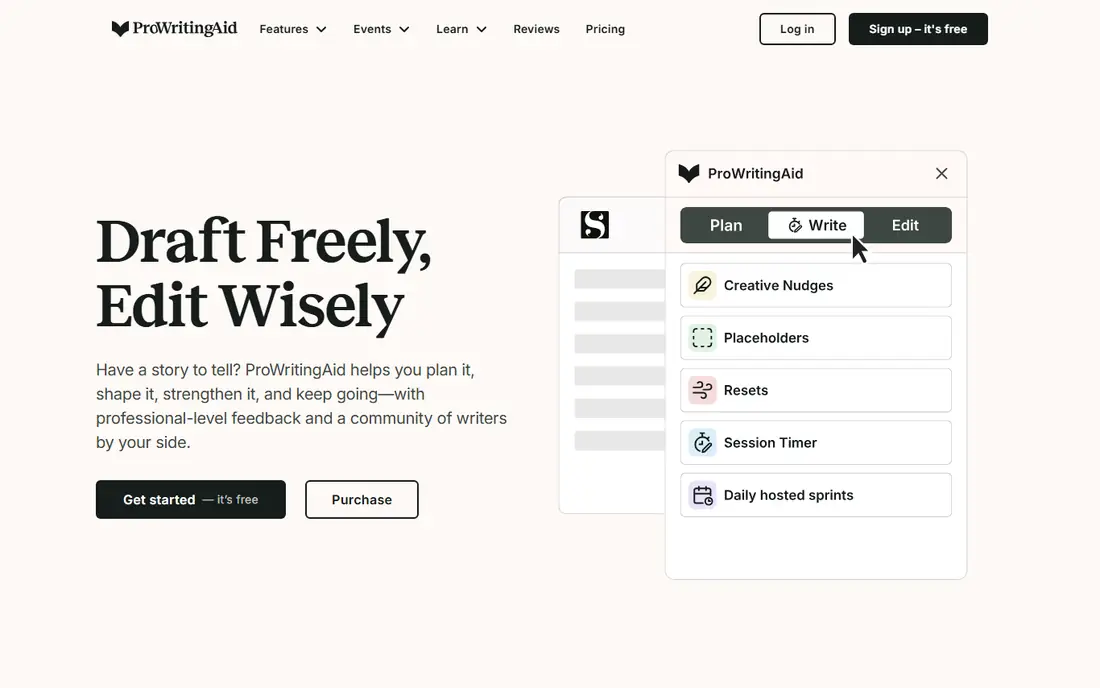
ProWritingAid is the strongest alternative for fiction writers, editors, and anyone working on a long manuscript. Beyond grammar and spelling, it reports on pacing, repetition, dialogue, readability, and sentence variety across whole chapters, which is a kind of feedback Grammarly does not offer in the same depth. That makes it useful for a second or third draft, when the basic errors are already fixed and the remaining work is style.
Premium costs $10 per month with annual billing, or $120 per year, with a lifetime option listed at $399 in published guides. The free plan checks 500 words at a time, which is enough to test the tool but slow for a full manuscript. It only supports English, and its reports can be noisy, so you should treat suggestions as prompts to review, not as orders to accept. For authors, though, no other tool here matches its depth.
- Deep style, pacing, and repetition reports
- Works in Word, Google Docs, and browsers
- Lifetime plan available
- English only
- Free plan checks 500 words at a time
- Can flag correct prose too often
QuillBot is the best alternative if rewriting is your main job. Its paraphraser offers modes such as standard, fluency, formal, and creative, so you can rephrase a sentence for a different tone without starting from scratch. It also includes a grammar checker, a summarizer, and a citation tool, which makes it popular with students and content writers who need to rework source material in their own words.
Premium costs $8.33 per month with annual billing, or $99.95 per year, with a higher monthly price if you pay month to month. The free plan limits paraphrasing to about 125 words and two modes, which is enough for short passages but not for long drafts. Grammar checking is solid for common errors, but it is not as deep as ProWritingAid for style. If you paraphrase daily, QuillBot is a better fit than a pure grammar checker.
- Multiple paraphrase modes
- Summarizer and grammar checker
- Low annual price
- Free paraphraser limited to about 125 words
- Plagiarism checker not on free plan
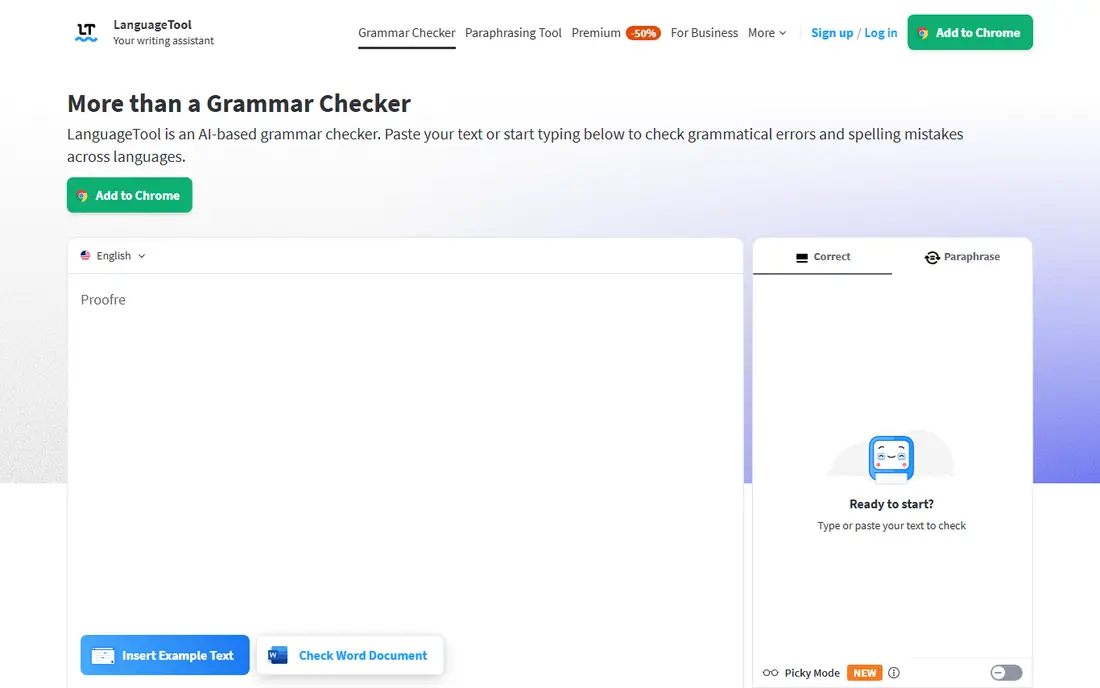
LanguageTool is the clear pick for writers who work in more than one language. It checks grammar, spelling, and style in more than 30 languages, with browser extensions, Word and Google Docs support, and an API for developers. Its open-source core and self-hosting option also appeal to teams that want more control over their data, which is rare among writing tools.
Premium costs $5.83 per month with annual billing, or $69.90 per year in published guides, which makes it one of the cheapest paid options here. The free plan covers a limited number of characters per check, so long documents need splitting or a paid plan. English checking is strong, though style suggestions are deeper in some languages than others. If you write in two or more languages, LanguageTool should be your first trial.
- More than 30 languages
- Open-source core
- Self-hosting option
- Free plan limited to a set number of characters
- Style depth varies by language
Hemingway Editor does one job well: it shows you where your prose is hard to read. It highlights long sentences, passive voice, adverbs, and complex phrases, and it gives a readability grade for the whole text. That makes it a good second pass after a grammar checker, especially for blog posts, emails, and marketing copy where clarity matters more than perfect grammar.
The free web editor covers readability, while Editor Plus costs $8.33 per month with annual billing, or $100 per year, and adds grammar and AI features. The desktop app is a separate one-time purchase listed at $19.99 in published guides. Hemingway will not catch every grammar error, so do not use it as your only checker. Pair it with LanguageTool or ProWritingAid if you need both readability and grammar in one workflow.
- Clear readability grades
- Highlights passive voice and hard sentences
- One-time desktop app
- Grammar checking is a paid feature
- Not a full grammar checker
- Web editor is basic
Wordtune suits writers who get stuck on a single sentence and want a better way to say it. Highlight a sentence, and Wordtune offers several alternatives, from more formal to more casual, plus options to shorten or expand it. It also checks spelling and grammar without a cap on the free plan, which is a useful bonus for everyday email and document writing.
The free plan allows 10 rewrites per day, which is enough to test the tool but tight for heavy daily use. Paid plans raise that cap and add summaries, with prices that have varied by promotion, so check the current pricing page before you buy. Wordtune is English only and it is not a long-form content generator, so it will not draft an article for you. For sentence-level polishing, though, it is one of the most pleasant tools here.
- Several rewrites per sentence
- Tone switching
- Unlimited grammar checks on free plan
- English only
- Free rewrites capped daily
- Not a long-form generator
Sapling is built for workplace writing, especially customer support and sales teams that write similar messages all day. It checks grammar and spelling in browsers, Google Docs, Outlook, and Word, and it adds autocomplete, shared snippets, and an AI content detector on higher plans. Its integration list includes Zendesk, Salesforce, Slack, and other workplace tools, which is where it differs most from consumer grammar checkers.
Pro costs $12 per user per month with annual billing, with a free plan for basic suggestions and a 30-day trial on paid plans. That price is high for a solo writer, but reasonable for a team that saves time with snippets and consistent replies. If you mainly write personal documents, pick LanguageTool or ProWritingAid instead. If your team writes support replies or sales messages at scale, Sapling is worth a trial.
- Works in support tools such as Zendesk and Salesforce
- Snippets and autocomplete
- Team features
- Higher price than consumer tools
- Best value is for teams, not solo writers
Ginger is a long-running grammar checker that also offers translation, sentence rephrasing, and a personal trainer for English learners. That mix makes it a good fit for non-native English speakers who want grammar help plus a quick translation when they are unsure of a word. It works through a browser extension, desktop apps, and mobile apps, and it integrates with Word, Outlook, and Google Docs.
Paid plans start at $6 per month in published guides, with a free plan that limits each check to a set number of characters. That limit means long documents need splitting on the free tier, which can get tedious. Ginger also offers fewer deep style reports than ProWritingAid. But for everyday emails, messages, and short documents, it is a straightforward, affordable alternative, and its translation feature is a real plus for learners.
- Grammar checker plus translator and rephraser
- Desktop and mobile apps
- Simple interface
- Free checks limited in length
- Fewer style features than ProWritingAid
- English focus
Writer is the most team-focused tool on this list. It lets a company define its own style guide, approved terminology, and brand voice rules, then checks every document against those rules, not just against general grammar. That matters for marketing, legal, and support teams that need consistent language across many writers, and it is a feature consumer tools do not offer in the same way.
Pricing is quote-based for team and enterprise plans, with a free tier for individual use, so check the vendor site for current plans. That makes Writer a poor pick for a solo writer on a budget, but a strong pick for a company that already has a style guide on paper and wants it enforced in practice. If your team struggles with inconsistent terms, tone, or inclusive language, Writer addresses that problem directly, while the other tools here focus on individual correctness.
- Custom style guides
- Terminology control
- Team admin and brand voice features
- Enterprise pricing needs a sales check
- Overkill for solo writers
- Free tier is limited
How we picked these
We compared official pricing pages, free plan limits, and feature lists for tools that check grammar, style, or rewriting in a way that can replace Grammarly for a real workflow. We left out pure AI chat tools and pure plagiarism checkers, since they do not check your writing as you type in the same way. We favored tools with a current free plan or trial, clear paid pricing, and a distinct strength, whether that is fiction editing, multilingual support, rewriting, or team style. We did not test each tool hands-on for this guide; we based the comparison on vendor pages, pricing, and public reviews.
How to choose between them
Start with what you write most. Fiction and long reports point to ProWritingAid, multilingual work points to LanguageTool, rewriting points to QuillBot or Wordtune, and short, clear copy points to Hemingway plus a grammar checker. Next, check where you write. If you need checking in support tools or CRMs, Sapling fits better than a consumer tool, and if you need team style rules, Writer fits better than any of the others.
Then test the free plan on your own text, not on a sample paragraph. Paste a real email, a real chapter, or a real support reply, and see which suggestions you agree with and which feel wrong. A checker that flags correct writing will train you to ignore it, which defeats the purpose. Finally, check the word and character limits on the free plan, since those limits, more than the feature list, often decide whether a tool is usable day to day.
Frequently asked questions
What are the best grammarly alternatives for free?
LanguageTool, QuillBot, and Wordtune all offer useful free plans, with different limits. LanguageTool is best for multilingual free checks, QuillBot for short paraphrases, and Wordtune for sentence rewrites plus unlimited grammar checks. ProWritingAid also has a free plan, but it limits checks to 500 words at a time.
What is the best alternative to grammarly for authors?
ProWritingAid is the best alternative for authors, thanks to its pacing, repetition, dialogue, and readability reports across whole manuscripts. Hemingway is a good companion for readability, but it does not replace a full grammar checker. Authors who write in English and want depth should start with ProWritingAid.
Are there free alternatives to grammarly premium?
Yes, but free plans come with limits on words, characters, or daily rewrites. LanguageTool Premium is one of the cheapest paid upgrades at $5.83 per month with annual billing, and QuillBot Premium is $8.33 per month with annual billing. If you write a lot, a paid plan is usually better value than splitting documents to fit a free limit.
What are good grammerly alternatives for non-native speakers?
LanguageTool and Ginger are strong picks for non-native speakers, since LanguageTool covers many languages and Ginger adds translation and rephrasing. Wordtune also helps non-native writers by offering clearer sentence alternatives and tone options. Try each on your own writing, since the best fit depends on your first language and your writing tasks.
Is QuillBot a good Grammarly alternative?
QuillBot is a good alternative if rewriting and paraphrasing matter more than deep grammar checking. Its paraphraser modes and summarizer are stronger than Grammarly's rewriting features, while its grammar checker covers common errors. If you need long-form style reports, ProWritingAid is a better match.
Which Grammarly alternative is best for teams?
Sapling and Writer are the best team options here. Sapling suits support and sales teams that need snippets and CRM integrations, while Writer suits marketing and content teams that need custom style guides and brand voice rules. Both cost more than consumer tools, but they solve team problems that a personal checker cannot.
Sources
- https://aialleyway.com/grammarly-alternatives/
- https://max-productive.ai/ai-tools/grammar-checkers/
- https://www.toolscout.in/blog/grammarly-vs-wordtune-vs-sapling.html
- https://prowritingaid.com
- https://quillbot.com
- https://languagetool.org
- https://hemingwayapp.com
- https://www.wordtune.com
- https://sapling.ai
- https://www.gingersoftware.com
- https://writer.com
See where you really rank - block by block
ProMapRanker scans Google Maps across a grid of your service area. Simple monthly plans from $19, white-label on every plan.
Start freeKeep reading
 free alternatives to grok imagine
Free Alternatives to Grok Imagine in 2026
We compared the best free alternatives to grok imagine for image generation, from fast daily credits to design tools, so you can create without paying.
Read → best tools for instagram content creation
Best Tools for Instagram Content Creation in 2026
Compare the best tools for Instagram content creation, from Canva and CapCut to Later and Buffer, on design, video, planning, scheduling, and price in 2026.
Read → best tool to split pdf files
Best Tool to Split PDF Files in 2026
We compared the best tool to split pdf files on split modes, file limits, privacy and price, so you can split a PDF cleanly and keep every page in one go.
Read →