 ProMapRanker
Best GoToMeeting Alternatives in 2026

Key takeaways
- Teams already on Microsoft 365 or Google Workspace usually save money by using Teams or Meet instead of buying a separate meeting tool.
- Zoom remains the strongest choice for meetings with people outside your company, thanks to wide familiarity and simple guest joining.
- Whereby, Jitsi Meet, and Google Meet suit browser-first teams that want guests to join without installing an app.
- Check meeting limits, recording rules, and AI note features on the plan you will actually buy, since free tiers differ a lot.
Quick comparison
| Pick | Great for | Pricing starts at | Free tier | |
|---|---|---|---|---|
 Zoom Workplace | External meetings | $14.16 per user per month | Yes | Visit |
 Microsoft Teams | Microsoft 365 teams | $4 per user per month | Yes | Visit |
 Google Meet | Google Workspace teams | $7 per user per month | Yes | Visit |
 Cisco Webex | Regulated teams | See website | Yes | Visit |
 RingCentral Video | Phone plus video | See website | Yes | Visit |
 Zoho Meeting | Zoho users | $1 per user per month | Yes | Visit |
 Whereby | Browser meetings | See website | Yes | Visit |
 Jitsi Meet | Free open meetings | Free | Yes | Visit |
 ClickMeeting | Meetings plus webinars | See website | No | Visit |
The best gotomeeting alternatives
GoTo Meeting built its name on simple, reliable meetings, but most teams now get a meeting tool inside a suite they already pay for, or they need webinar and recording features that a basic meeting app does not cover. These nine options cover both cases, and we left out the named product itself.
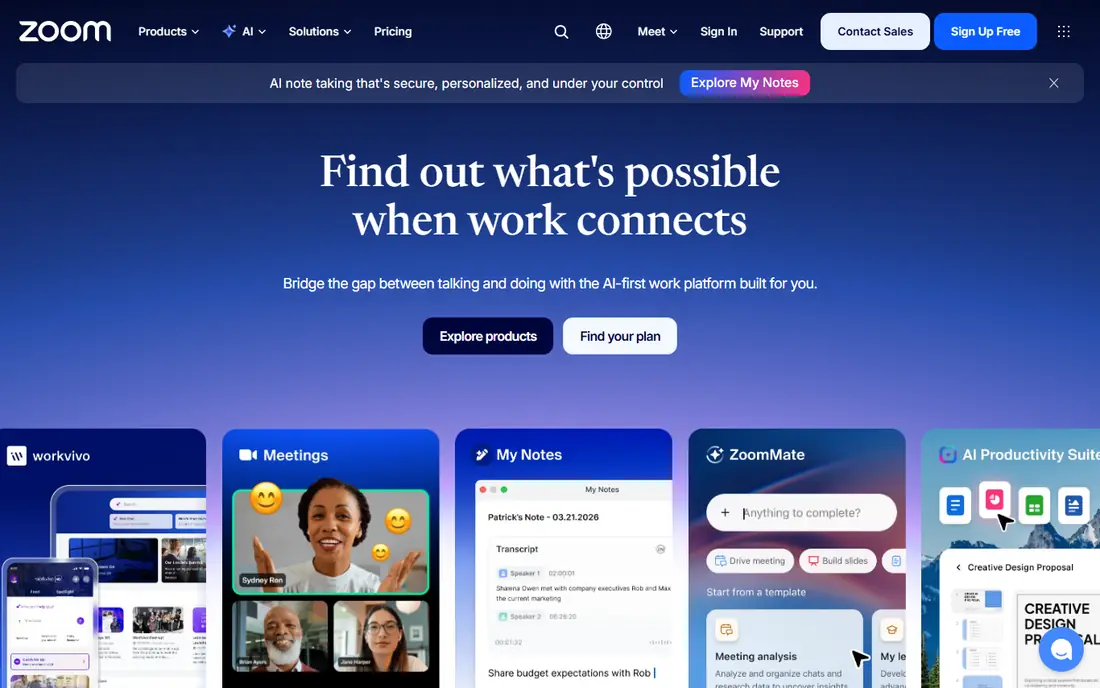
Zoom is the safest default when your meetings include clients, partners, and people outside your company. Almost everyone has joined a Zoom call before, so you spend less time helping guests install software or find the right link. Paid plans add longer meetings, cloud recording, and webinar capacity, which makes Zoom a meeting and event tool rather than only a call app.
The cost is the main drawback. If your team already pays for Microsoft 365 or Google Workspace, Teams or Meet may cover daily meetings at no extra cost, and Zoom becomes an added expense. The free plan also limits group meetings, so it suits one-to-one calls and trials rather than regular team meetings. Choose Zoom when external meetings are frequent and guest ease matters most.
- Guests know the join flow
- Strong webinar and room options
- AI Companion features on paid plans
- Paid plans cost more than suite-bundled options
- Free group meetings are time-limited
- Add-ons can raise the total
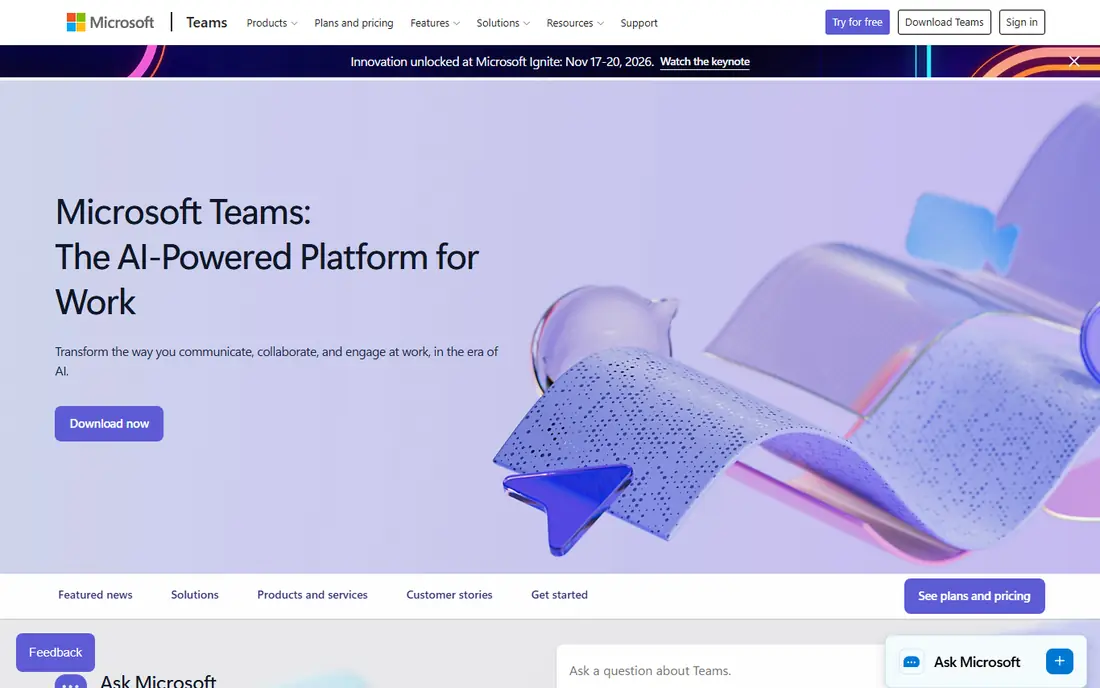
Teams makes sense when your work already lives in Microsoft 365. Meetings start from chat, calendars, and shared files, so a call is part of a workflow rather than a separate app you open and close. That integration helps teams that share documents daily, and business plans add webinar and town hall capacity for larger internal events.
For a simple external call, Teams can feel heavier than a browser link, and some guests prefer a lighter join flow. Copilot meeting features also require an extra license, so do not assume every AI feature comes with a basic plan. If your company standardizes on Microsoft tools, though, Teams is usually the lowest-friction and lowest-cost meeting option.
- Bundled with Microsoft 365 plans
- Chat, files, and meetings in one place
- Webinar and town hall options on business plans
- Can feel heavy for simple calls
- AI Copilot features need a separate license
- Guest experience varies by setup
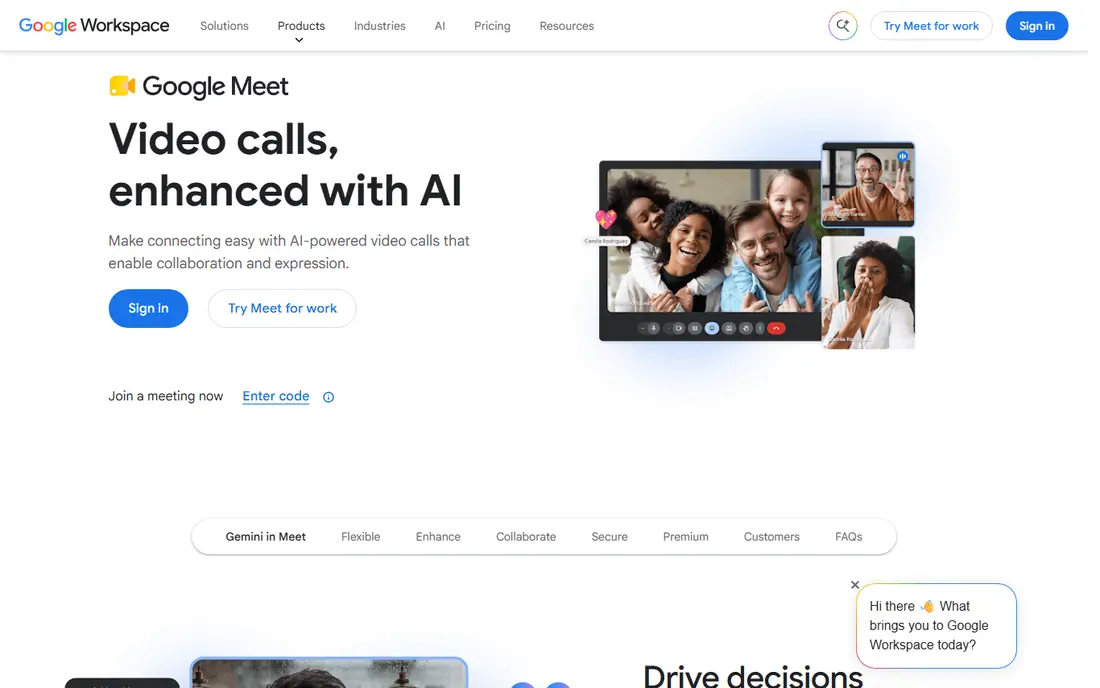
Google Meet is the natural pick for teams on Google Workspace, and it is also one of the easiest tools for guests. A meeting link opens in a browser, and Calendar invites carry the link automatically, so scheduling and joining stay in one place. For internal meetings and regular client calls, that simplicity removes a common source of delay at the start of a call.
The free tier suits short calls, but regular team meetings will need a paid Workspace plan for longer sessions and larger groups. Recording, transcription, and AI note features also sit on higher tiers, so check the plan details before you promise those features to a team. If your work is already in Gmail, Docs, and Drive, Meet keeps meetings close to that work without another subscription.
- Browser-first joining with no install for guests
- Tied to Gmail and Calendar
- Free tier for short group calls
- Free group calls are time-limited
- Advanced recording and AI notes need higher plans
- Fewer webinar controls than specialist tools
Webex suits organizations where security, compliance, and room systems matter as much as the call itself. Hospitals, banks, government teams, and large companies often choose Webex because it pairs with Cisco hardware and offers controls that smaller tools do not. Webinar and large event options extend it beyond daily meetings when a team needs both.
Smaller teams may find Webex more complex than they need, and pricing often requires checking the vendor site or talking to sales for larger plans. The free plan covers basic meetings, but it is not a full replacement for a paid business plan. Choose Webex when compliance, hardware, or enterprise administration is a requirement, not simply when you need a video call.
- Enterprise security and compliance options
- Hardware and room integration
- Webinar and event options
- Pricing is less transparent on the site
- Interface can feel enterprise-heavy
- Smaller teams may pay for features they never use
RingCentral Video fits teams that want phone calls and video meetings from one provider. Sales and support teams benefit most, since a customer conversation can move from a phone call to a video meeting without switching vendors. Messaging and team chat sit alongside video, which helps small companies keep communication in one system.
The trade-off is that RingCentral is a communications bundle, so a team that only needs video may find a suite tool cheaper. Pricing varies by plan and user count, so check the current pricing page for the bundle you would actually buy. If phone service is already on your shopping list, adding video from the same vendor is often simpler than managing two separate tools.
- Combines phone, video, and messaging
- Useful for customer-facing teams
- Browser joining and mobile apps
- Pricing depends on bundle and user count
- Video alone may cost more than a suite tool
- Setup takes planning for phone features
Zoho Meeting is a strong value pick for small teams, especially those already using Zoho CRM, Mail, or other Zoho apps. Meetings run in a browser, scheduling ties into the Zoho suite, and the entry price is lower than most competitors. Webinar features are available through Zoho Webinar, which helps a small team run both meetings and marketing events without a second vendor.
The limits are scale and familiarity. Guests outside the Zoho world may know Zoom better, and larger event features are less deep than specialist webinar platforms. Capacity and recording rules also vary by plan, so confirm them before a large session. For a Zoho-based small business, though, the price and integration are hard to beat.
- Low entry price
- Browser-based meetings
- Webinar options through Zoho Webinar
- Smaller ecosystem than Zoom or Teams
- Some features need separate Zoho products
- Meeting capacity varies by plan
Whereby is built around one idea: a meeting link should just work in a browser. Guests click and join, which suits client calls, interviews, and support sessions where you cannot ask the other person to install software first. Room links are easy to share and reuse, and embedding lets a business add video to its own site or product.
The free plan is limited in length and participants, so regular team use will need a paid plan. Whereby also does not try to replace a full office suite, so teams that need shared files, persistent chat, and deep calendar integration may still need another tool. For external, browser-first meetings, its simplicity is the main selling point.
- Guests join from a browser with no download
- Simple room links
- Embed options for websites and products
- Free plan limits meeting length and room size
- No full suite of chat and files
- Larger meetings need paid plans
Jitsi Meet is the best free option for teams that want meetings without a subscription or a vendor lock-in. Guests can join from a browser, and the open source project can also be self-hosted by teams with technical skills. That combination suits community groups, classrooms, and small teams with tight budgets.
Free hosted use is not unlimited, and there is no business support desk or polished webinar suite behind it. Performance also depends on the server you use and the network conditions of participants. If you need guaranteed support, large webinars, or deep admin controls, a paid tool is a better fit. For straightforward free meetings, Jitsi Meet remains a practical and honest choice.
- Free to use with no account for guests
- Open source with self-hosting option
- Browser-based joining
- Free hosted use has practical limits
- No built-in business support or advanced webinar tools
- Performance depends on server and network
ClickMeeting suits teams that run both internal meetings and customer-facing webinars, since one tool covers both jobs. You can host live sessions, run automated webinars, and handle registration and follow-up without adding a separate event platform. That breadth helps trainers, coaches, and small marketing teams that present regularly.
Meeting-only teams should compare it carefully with Zoom or a suite tool, since ClickMeeting pricing scales with audience size and webinar features may go unused. There is no permanent free plan, only a trial, so test the host and attendee experience before committing. If webinars are a regular part of your work, the combined tool can save time and reduce the number of subscriptions you manage.
- Meetings, webinars, and paid events in one tool
- Automated webinar options
- Registration and follow-up features
- No free plan, only a trial
- Pricing varies by audience size
- Meeting-only teams may pay for webinar features they do not need
How we picked these
We compared official pricing pages, feature pages, and app store listings for meeting tools that are live in October 2026. We kept tools that cover the core meeting job and that suit small or mid-size teams, and we left out the named product itself. Where pricing varies by billing period, user count, or bundle, we used See website rather than a single figure that could mislead a buyer.
How to choose for your team
Start with what you already pay for. If your team uses Microsoft 365, test Teams first. If you use Google Workspace, test Meet first. Only add a separate meeting tool when guests, webinars, or compliance needs make the suite option a poor fit. That simple check saves many teams a duplicate subscription.
Next, test the guest experience with a real outsider, not only with colleagues. A tool that feels smooth inside your company can still frustrate a client who must install an app or create an account. Check recording, captions, and meeting limits on the plan you will buy, and confirm how AI notes handle privacy and storage before you turn them on for customer calls.
Frequently asked questions
What are alternatives to GoToMeeting for small teams?
Zoom, Google Meet, Microsoft Teams, Zoho Meeting, and Whereby all suit small teams, with different strengths. Suite tools suit teams already on Microsoft or Google, while Zoom and Whereby suit teams that meet often with outside guests. Jitsi Meet is the free option for basic browser meetings.
Are there free alternatives to GoToMeeting?
Yes. Google Meet, Microsoft Teams, Cisco Webex, RingCentral Video, Zoho Meeting, Whereby, and Jitsi Meet all offer free tiers, though group time limits and participant caps apply. Jitsi Meet is free to use, while the others reserve longer meetings and advanced features for paid plans.
Which GoToMeeting alternative is best for webinars?
ClickMeeting and Zoom cover meetings plus webinars in one tool, while Teams and Webex add webinar options on business plans. For marketing webinars with registration and lead follow-up, a specialist webinar tool may still be a better fit than a general meeting app. Compare attendee limits and recording features before you choose.
Can guests join without installing software?
Yes, with Google Meet, Whereby, and Jitsi Meet, guests can join from a browser in most cases. Zoom and Teams also offer browser joining, though the full app experience is often smoother for hosts. Test the guest link on a phone and a laptop before an important client call.
Is Zoom or Teams better than GoToMeeting?
It depends on your stack. Teams is better value if you already pay for Microsoft 365, and Zoom is often easier for external guests who already know it. Both add webinar, recording, and AI features that a basic meeting tool may not include. Compare total cost, guest ease, and the features your team will actually use each week.
Sources
See where you really rank - block by block
ProMapRanker scans Google Maps across a grid of your service area. Simple monthly plans from $19, white-label on every plan.
Start freeKeep reading
 wpforms alternatives
Best WPForms Alternatives in 2026
We compare 9 wpforms alternatives for WordPress forms, with free and paid options, current pricing notes, and honest limits for small business sites in 2026.
Read → windows task scheduler alternatives
Best Windows Task Scheduler Alternatives in 2026
Looking for Windows Task Scheduler alternatives? We compare 9 schedulers for Windows and cross-platform work, from free tools to enterprise automation.
Read → which ai video service is best
Which AI Video Service Is Best in 2026
which ai video service is best? We compare 10 legitimate AI video services on price, avatars, editing and output quality to help you pick the right tool.
Read →