 ProMapRanker
Best Google Trends Alternatives in 2026


Early trend discovery · Pricing starts at: $39 per month
Key takeaways
- Exploding Topics is our pick for discovering trends early, because it surfaces topics before they peak.
- Glimpse suits researchers who want absolute search volumes and forecasts for a specific keyword.
- AnswerThePublic and Semrush suit content teams that need questions, keywords and competitor context together.
- Pinterest Trends and Rising Trends offer lower-cost ways to test ideas in visual and founder-focused niches.
- No alternative replaces a free quick check, so use these tools to add depth, not to repeat a simple volume chart.
Quick comparison
| Pick | Great for | Pricing starts at | Free tier | |
|---|---|---|---|---|
| Exploding Topics | Early trend discovery | $39 per month | Free trial | Visit |
 Glimpse | Absolute volumes and forecasts | See website | Yes | Visit |
 Treendly | Budget trend tracking | See website | Yes | Visit |
 AnswerThePublic | Questions and search intent | $20 per month | No | Visit |
 BuzzSumo | Viral content and media trends | $199 per month | Free trial | Visit |
 Semrush | Keyword and market trends | $139.95 per month | Yes | Visit |
 Pinterest Trends | Visual and seasonal trends | Free | Yes | Visit |
 Rising Trends | Founder-focused trend reports | $19 per month | Yes | Visit |
The best google trends alternatives
This list covers alternatives only. Each tool below offers a different view of trends, from curated discovery to search volumes, content performance and seasonal shopping interest. We compared official feature pages, pricing pages and public reviews.
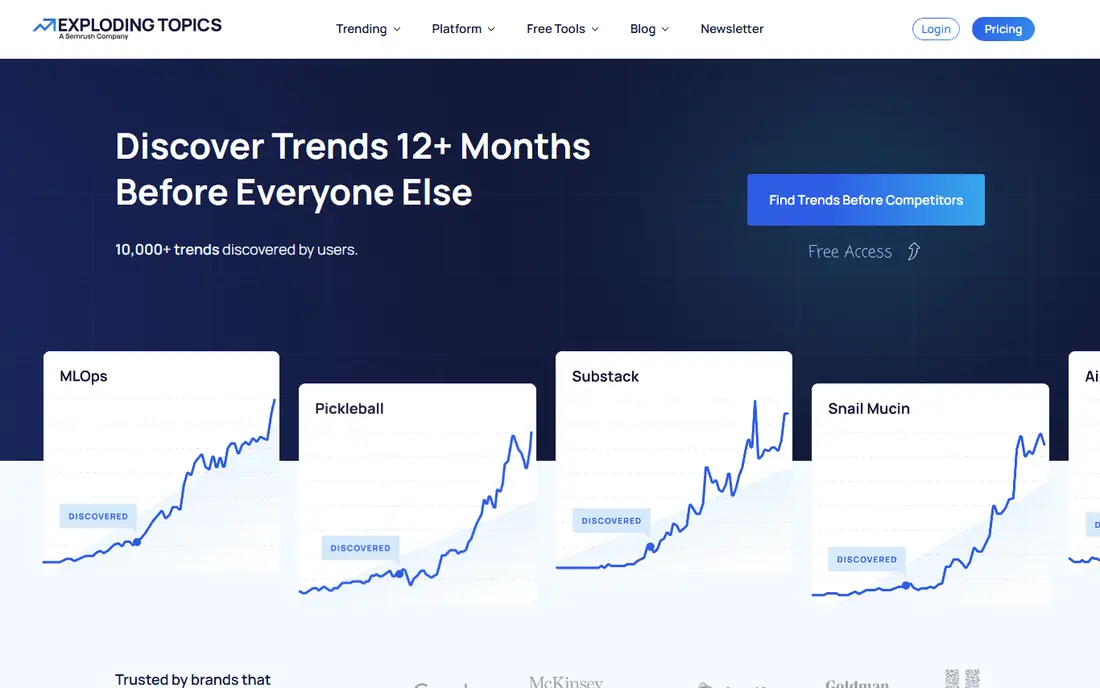
Exploding Topics is built for discovery, not just validation. Instead of waiting for you to type a keyword, it presents a curated database of topics, products and startups that are gaining traction, with analysis of why each trend matters. For a founder or content creator looking for the next topic, that push model saves hours of guessing.
The Entrepreneur plan starts at 39 dollars a month billed annually, with a cap on tracked trends and a 7-day trial on paid plans. You can browse some trends free on the website, but full access requires a subscription. If you already know your keyword and only need a volume check, a cheaper validation tool may fit better.
- Curated trend database
- Trending products and startups
- Expert analysis reports
- Entry plan caps tracked trends
- No browser extension for quick checks
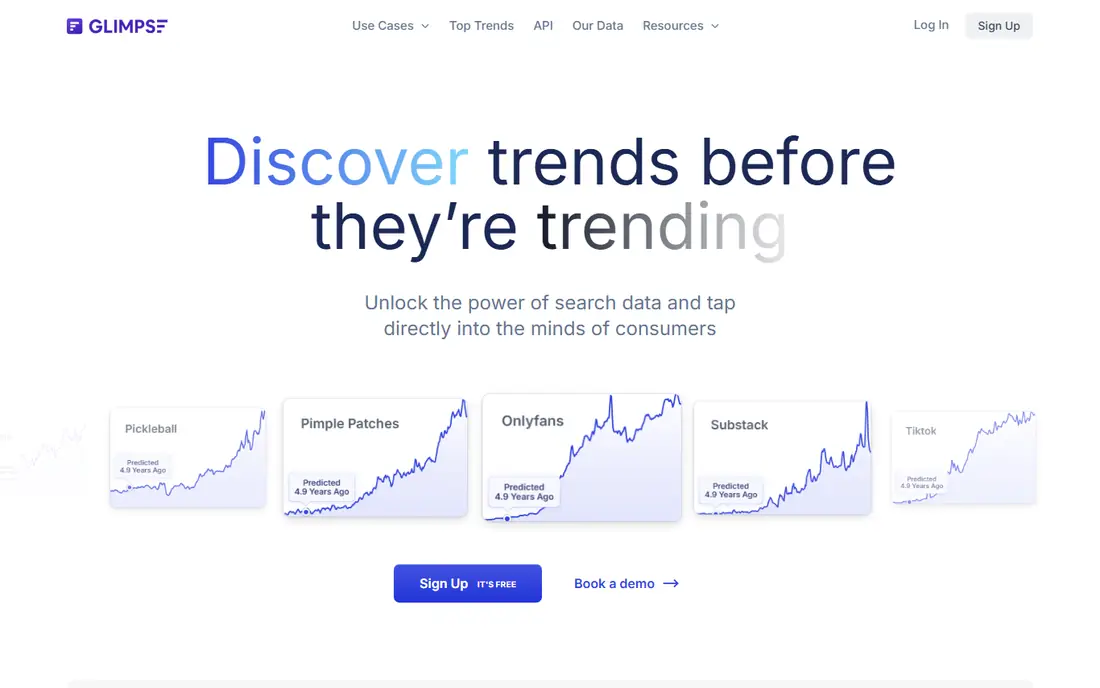
Glimpse answers the question that a relative index cannot: how many searches does this topic actually get? It adds absolute volumes, forecasts and related data on top of trend charts, and its browser extension lets you check a term while you browse. For a business deciding whether a niche is large enough to enter, that absolute number matters.
The free plan offers a limited number of lookups each month, which is enough for occasional checks but not for regular research. Paid pricing is shown after sign-up, and recent comparisons have shown different figures, so check the current in-app price before committing. For deep validation of a short list, Glimpse is a strong specialist.
- Absolute search volumes
- Trend forecasts
- Browser extension for quick checks
- Pricing is shown after sign-up
- Paid plans limit trends per category
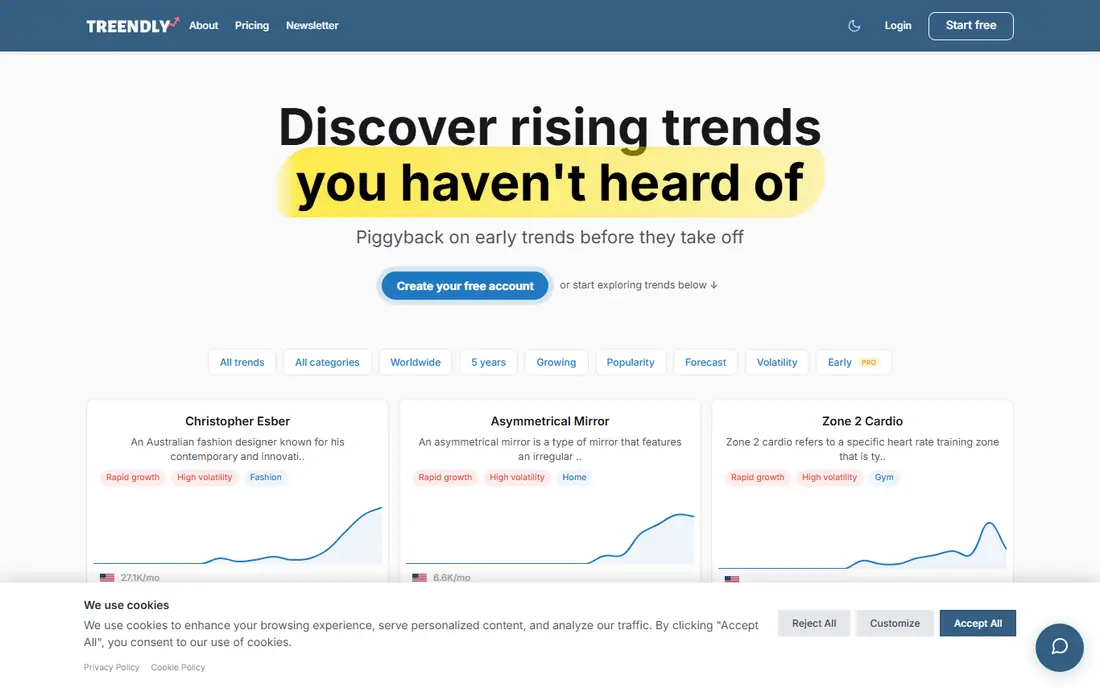
Treendly is a budget-friendly trend tracker for solo creators and small teams. It maintains a database of concepts, products and companies, tracks search volume and growth over time, and lets you filter by seasonality, freshness, category and location. A browser extension adds a trend graph to search results, which makes quick checks easy.
The free tier covers a limited number of trends, and paid pricing has varied across sources, so check the current site before paying. The database is smaller than Exploding Topics, and analysis is less deep. For a low-cost way to monitor a handful of ideas, Treendly offers good value.
- Trend database with growth filters
- Browser extension
- Affordable annual option
- Smaller database than Exploding Topics
- Pricing varies by source
AnswerThePublic shows the questions people actually ask around a topic, which is a different view from a trend line. You can see what, why, how and where questions cluster, and that helps a content team plan articles, videos and product pages that match real intent. For SEO and content planning, that question data is often more useful than a volume chart alone.
The tool does not track trends over time as deeply as Exploding Topics or Glimpse, and recent comparisons list no free plan. At 20 dollars a month in recent listings, it is affordable as a content planning add-on, but it works best alongside a trend tracker rather than instead of one.
- Visual question maps
- Search intent data
- Useful for content planning
- No free plan listed in recent comparisons
- Trend depth is narrower than specialist tools
BuzzSumo tracks what content is gaining attention, which articles are shared, and which topics journalists cover. That content lens complements search trends, because a topic can trend in media before it trends in search. PR and content teams use it to find angles, experts and stories that are already gaining traction.
The entry price, at 199 dollars a month billed annually in recent listings, puts it out of reach for many solo creators. It also measures content performance, not search volume, so it cannot replace a volume tool for keyword decisions. For a content or PR team, BuzzSumo adds a media layer that search tools miss.
- Content discovery and trending articles
- Media monitoring
- Journalist database
- High entry price
- Trend focus is content, not search volume
Semrush is the broadest tool on this list for market and keyword trends. It shows keyword volume trends, traffic estimates, market context and competitor data, which helps a team judge whether a trend is real, growing and worth pursuing. A free account offers limited reports per day, which is enough to test the tool.
The cost is the barrier. At 139.95 dollars a month for the SEO plan in recent listings, you pay for a full SEO suite even if you only need trend data. If you already use Semrush for SEO, its trend tools are a strong bonus. If you only need trends, a specialist tool is cheaper.
- Keyword trends, traffic and market data
- Competitor context
- Large keyword database
- Entry price is high
- Trend features sit inside a large SEO suite
Pinterest Trends is free and unusually useful for visual and seasonal planning. It shows what people search, save and shop for on Pinterest, with seasonal patterns that help retailers, creators and food, home and fashion brands plan content months ahead. For a visual niche, that data is more relevant than a general search trend.
The limit is scope. It covers Pinterest only, so it cannot tell you about search behaviour elsewhere. You also need a business account for full access. Use Pinterest Trends as a free seasonal lens for visual topics, and pair it with a broader tool for general keyword decisions.
- Free
- Visual search and shopping trends
- Seasonal patterns for planning
- Pinterest only
- Needs a business account for full access
Rising Trends focuses on emerging trends, products, apps and websites for founders and e-commerce teams. A free weekly newsletter gives a taste of its curation, while paid access offers deeper trend reports and tracking. At 19 dollars a month, or about 97 dollars a year in recent listings, it is one of the more affordable paid options here.
Curation is both the strength and the limit. You get a filtered view of promising trends, but you cannot always run an on-demand deep dive on any niche you choose. For a founder who wants a weekly shortlist of ideas, Rising Trends is a good fit. For a researcher who needs custom analysis, pair it with Glimpse or Semrush.
- Weekly newsletter
- Emerging trends for founders
- Affordable annual option
- Smaller database than larger tools
- Reports are curated, not on-demand for every niche
How we picked these
We compared official feature pages, pricing pages and public reviews for each tool. We included tools that help users discover, validate or track trends, and we left out the product this article is meant to replace. Where pricing was shown only after sign-up or varied across sources, we wrote See website rather than publishing a figure we could not support.
How to choose a trend tool
Start with the question you need to answer. Discovery asks what is new. Validation asks whether a specific idea is large enough. Content planning asks what questions people ask. Seasonal planning asks when interest rises. Each tool on this list leads on a different question, so naming your question first prevents buying the wrong tool.
Next, test with a topic you know well. Run a trend you already understand through a trial, and check whether the tool shows the rise, peak and fall you expect. If it misses a trend you know, it may miss the next one too. If it adds context you did not know, such as related products or questions, that extra context is where the value sits.
Then check the data source. Some tools use search data, some use social and media data, and some use curated expert analysis. A trend that looks strong in one source may look weak in another, and that difference is useful, not a flaw, as long as you know which source you are reading.
Finally, set a review rhythm. Trends are useful only if someone checks them regularly and acts on them. A weekly review of a curated newsletter, plus a monthly deep check on your top five tracked topics, beats a large database that no one opens. Choose a tool your team will actually open each week.
Frequently asked questions
What are the best alternatives to google trends for discovering new trends?
Exploding Topics and Rising Trends are the strongest discovery picks. Exploding Topics offers a larger curated database and expert analysis, while Rising Trends offers a cheaper founder-focused newsletter and reports. Treendly is a budget option for tracking a smaller set of ideas.
Which tool gives absolute search volumes instead of a relative index?
Glimpse is the best pick for absolute volumes and forecasts, because it adds real search numbers on top of trend charts. Semrush also offers keyword volume data inside its SEO suite. Check the free lookup limits on Glimpse before relying on it for daily research.
Are there free google trends alternatives?
Yes. Pinterest Trends is free for visual and seasonal trends, Rising Trends offers a free weekly newsletter, and Glimpse and Treendly offer limited free tiers. Free tiers cap lookups or tracked trends, so they suit occasional checks better than daily research.
What is the best trend tool for content creators?
AnswerThePublic and BuzzSumo suit content creators best. AnswerThePublic shows the questions people ask, which helps plan articles and videos, while BuzzSumo shows which content is already gaining shares and media attention. Pair either with a discovery tool for a fuller picture.
Should I pay for a trend tool if I only check trends occasionally?
No, for occasional checks a free tier or a free tool is enough. Pay when you track trends weekly, need absolute volumes, or need curated discovery for business decisions. Start with a free newsletter and a limited free tier, and upgrade only when a cap blocks real work.
Sources
See where you really rank - block by block
ProMapRanker scans Google Maps across a grid of your service area. Simple monthly plans from $19, white-label on every plan.
Start freeKeep reading
 free alternatives to grok imagine
Free Alternatives to Grok Imagine in 2026
We compared the best free alternatives to grok imagine for image generation, from fast daily credits to design tools, so you can create without paying.
Read → best tools for instagram content creation
Best Tools for Instagram Content Creation in 2026
Compare the best tools for Instagram content creation, from Canva and CapCut to Later and Buffer, on design, video, planning, scheduling, and price in 2026.
Read → best tool to split pdf files
Best Tool to Split PDF Files in 2026
We compared the best tool to split pdf files on split modes, file limits, privacy and price, so you can split a PDF cleanly and keep every page in one go.
Read →