 ProMapRanker
Best Google Translate Alternatives in 2026

Key takeaways
- Google Translate leads on language coverage and price for everyday use, but rivals lead on writing quality, context, or privacy.
- DeepL is our pick for European language quality, with tone controls and document translation on paid plans.
- Microsoft Translator suits Microsoft 365 and Teams users, with broad language support and a free consumer app.
- Reverso suits language learners who need examples in context, while Papago and Yandex suit Asian and Slavic language pairs.
- For private or offline work, LibreTranslate and SYSTRAN offer self-hosted or private deployment options that a free web translator cannot match.
Quick comparison
| Pick | Great for | Pricing starts at | Free tier | |
|---|---|---|---|---|
 DeepL | Quality European language translation | See website | Yes | Visit |
 Microsoft Translator | Microsoft 365 and Teams users | Free | Yes | Visit |
 Reverso | Context and examples for learners | See website | Yes | Visit |
 iTranslate | Travel and everyday phone translation | See website | Yes | Visit |
 Papago | Korean, Japanese, and Chinese pairs | Free | Yes | Visit |
 Yandex Translate | Slavic and Asian pairs with documents | Free | Yes | Visit |
 Lingvanex | Offline and private translation | See website | Yes | Visit |
 SYSTRAN | Regulated and private deployment | See website | No | Visit |
 LibreTranslate | Free self-hosted translation | Free | Yes | Visit |
The best google translate alternatives
Google Translate is free, fast, and covers a very large number of languages, which makes it hard to beat for a quick everyday translation. The tools below beat it in specific areas: smoother writing in European languages, better examples for learners, stronger Asian language pairs, or private deployment for sensitive documents. Pick by language pair and by use case, not by headline language count alone.
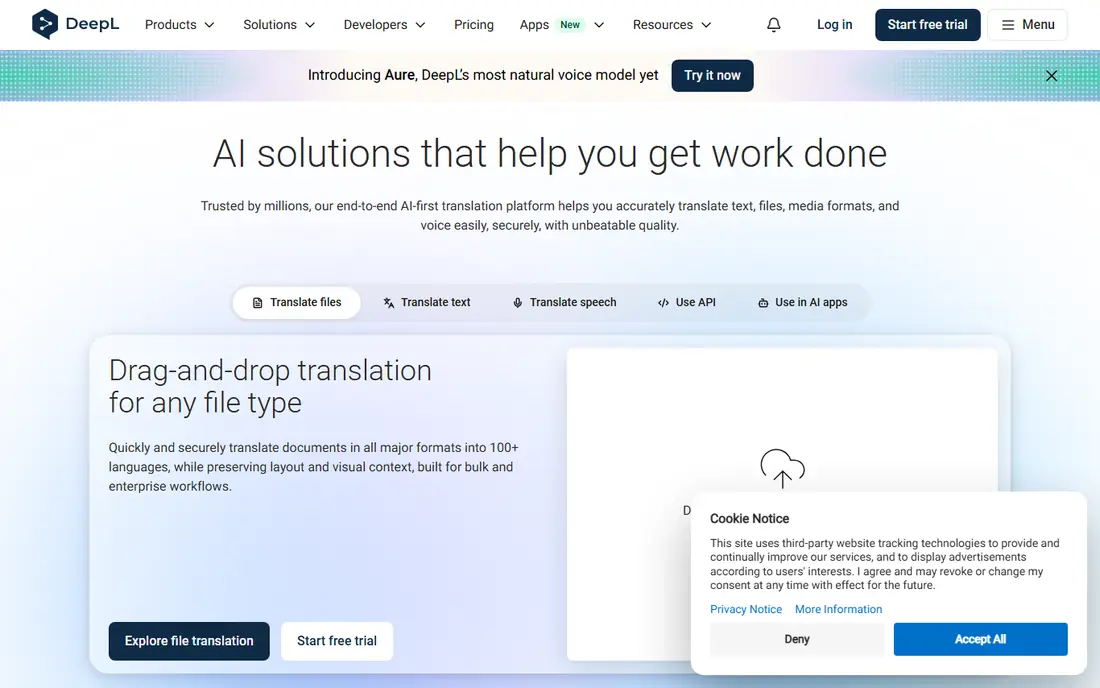
DeepL is the quality pick for most European language work. Its translations often read more naturally than a word-for-word machine output, especially for business writing, marketing copy, and longer documents where tone matters. Paid plans add glossary control, so a company term always translates the same way, and document translation keeps formatting for common file types.
The free tier is useful for short texts, with limits on characters and files, and the language list is smaller than Google, so less common pairs may not be covered. DeepL is our pick when you translate between European languages for work and when a smoother draft saves editing time. For a rare language pair, check coverage before you switch.
- Natural-sounding output for European pairs
- Document translation for PDF, Word, and PowerPoint
- Glossary and tone controls on paid plans
- Language count is smaller than Google
- Free tier limits characters and files per month
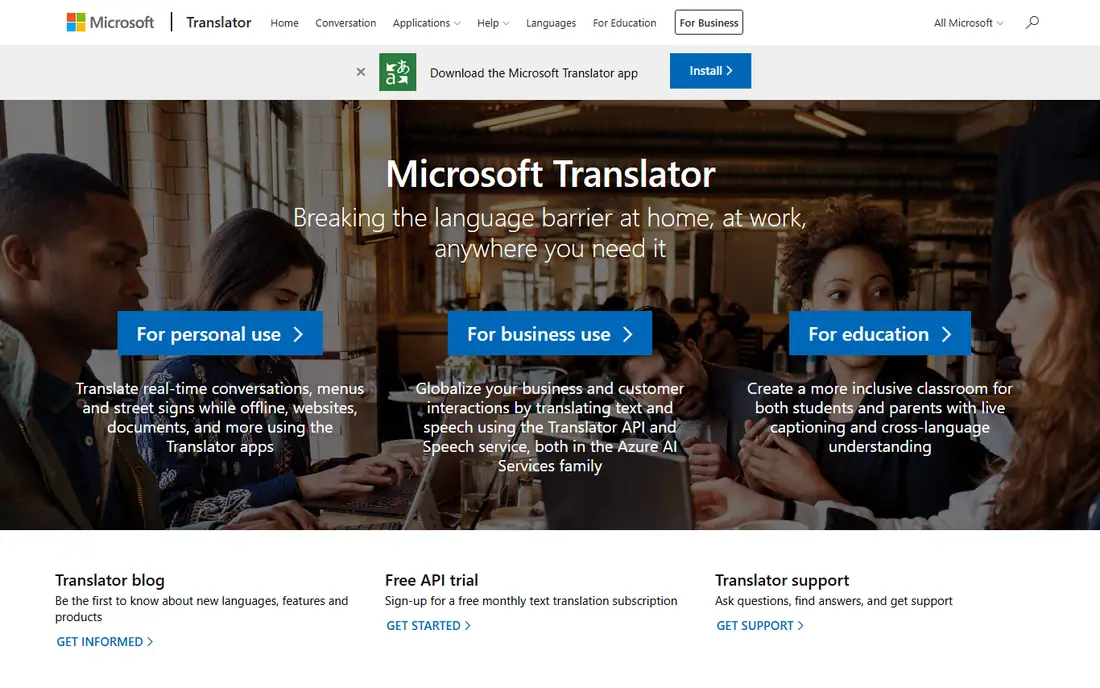
Microsoft Translator is the most convenient alternative if you already use Microsoft tools. The free app translates text, speech, and images on your phone, and the same engine powers translation in Teams, Office, and Edge. Language coverage is broad, and the app is free for everyday use, which makes it a direct rival to Google Translate for travel and daily work.
For polished business writing in European languages, DeepL often produces a smoother draft, and Microsoft Translator can sound more literal. That gap matters less for a quick conversation or a short message. Choose Microsoft Translator when you live in Microsoft apps, when you need speech and image translation on the go, and when free coverage matters most.
- Free consumer app for text, speech, and images
- Strong Microsoft 365 and Teams integration
- Broad language support
- Idiomatic nuance can lag DeepL for European writing
- Business API pricing applies at scale
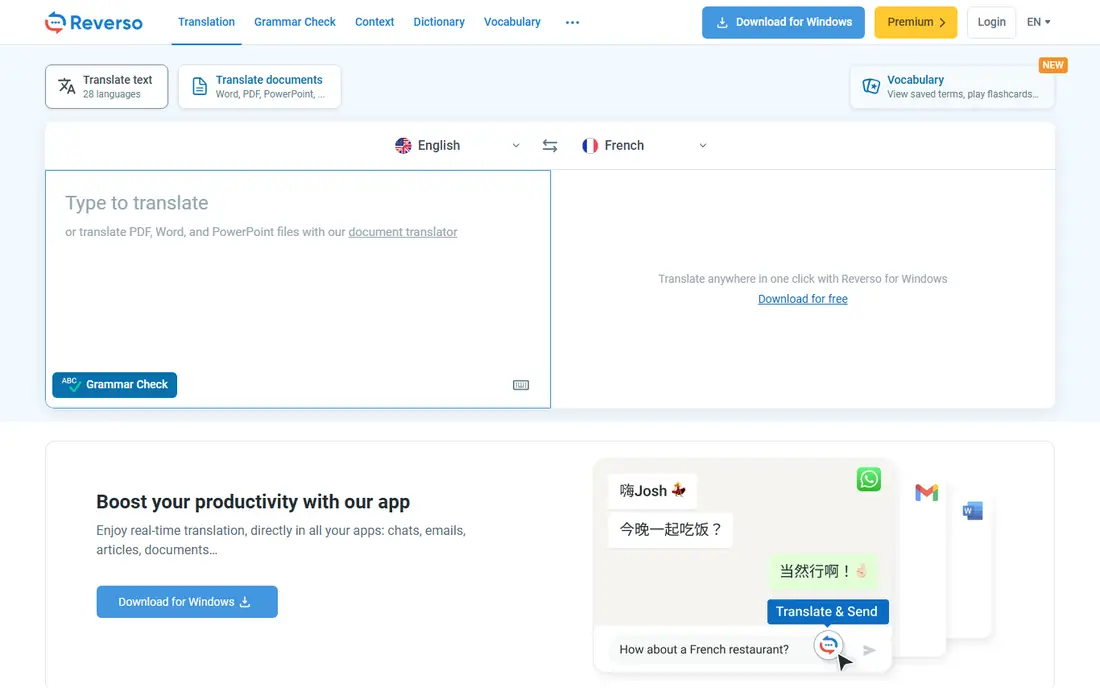
Reverso is different from a plain translator because it shows you examples. When you translate a phrase, Reverso Context shows sentences where that phrase appears in real translated texts, so you can see whether a word fits a formal, casual, or technical setting. That context help is valuable for learners, writers, and anyone who needs to choose between two possible translations.
Reverso covers fewer languages than Google or Microsoft, and its document translation is lighter than DeepL. It is our pick as a second tool alongside a main translator: use DeepL or Microsoft for the draft, then check Reverso when a phrase feels uncertain. For language learning and careful writing, that extra check is worth the extra step.
- Context examples show how a phrase is actually used
- Conjugation and grammar help
- Free web translation
- Language count is smaller than Google
- Document features are lighter than DeepL
iTranslate is a travel-focused phone app that covers the basics well: type or speak a phrase, point the camera at a sign, and get a translation you can show or play aloud. Its interface is simple, which helps when you are abroad and need a quick answer without learning a new tool. A phrasebook and offline language packs on paid plans add value for trips with limited data.
The free tier limits some features, and translation quality depends on the language pair, as with every machine translator. iTranslate is our pick for a traveler who wants one simple app on the phone, rather than a web tool for documents. For work documents, DeepL or Microsoft Translator will serve you better.
- Simple phone app for text, voice, and camera translation
- Offline packs on paid plans
- Phrasebook features
- Free tier is limited
- Quality varies by language pair
Papago, from Naver, is the specialist pick for Korean, Japanese, and Chinese translation. It was built for those language pairs first, and users working between Korean and English, or between Japanese and Chinese, often find its output more natural than a general translator. The free app supports text, voice, and image input, plus website translation in a browser.
Outside its core Asian pairs, Papago is less strong, and offline text and voice cover a smaller set of languages. It is not a full replacement for Google Translate for every pair. It is a strong second tool for anyone who regularly works with Korean, Japanese, or Chinese, and it is free to keep alongside a general translator.
- Strong Korean, Japanese, and Chinese translation from Naver
- Free app with text, voice, and image input
- Website translation
- Coverage outside Asian pairs is thinner
- Offline support covers a smaller language set
Yandex Translate covers a large number of languages for free, with document, image, and website translation in the browser and in apps. Its strength is in Russian and other Slavic pairs, and in Asian pairs where it has long invested. For a user who needs free document translation without paying for DeepL, Yandex is a practical option.
Availability and data handling can vary by region, so business users should review privacy terms and check whether Yandex services are fully available in their location before relying on them for work. For personal use and for Slavic language pairs, Yandex is a solid free alternative, and it is worth testing on your specific language pair before you commit.
- Free web and app translation
- Document and image translation
- Strong Russian and Slavic language support
- Availability and data handling vary by region
- Business use needs a privacy review
Lingvanex suits users who need translation without a constant internet connection, or who want to keep text on the device. Its apps offer offline language packs, text and speech translation, and a translator app for common platforms. That offline model helps travelers, field workers, and anyone handling text they do not want to send to a cloud service for every translation.
Translation quality is good for common pairs but varies for less common ones, and the interface is workmanlike rather than polished. Lingvanex is our pick when offline use or on-device privacy matters more than having the smoothest possible draft. Test your main language pair offline before a trip, since offline packs differ from online quality.
- Offline translation apps for desktop and mobile
- Broad language support
- On-device option for private use
- Quality varies by language pair
- Interface is functional rather than polished
SYSTRAN is built for organizations that cannot send sensitive documents to a public web translator. It offers private deployment, document translation for common formats, and controls that suit regulated industries like legal, finance, and government work. That deployment model is the reason to choose SYSTRAN over a free consumer tool, even when the free tool translates a single sentence just as well.
SYSTRAN is not a consumer app with a free tier, and its pricing is quote-based. It fits companies with a compliance requirement, a large document volume, or a need to keep translation inside their own network. For personal use, DeepL, Microsoft Translator, or LibreTranslate will be simpler and cheaper.
- Private and on-premises deployment options
- Document translation
- Suited to regulated industries
- No permanent free plan, trial only
- Pricing is quote-based for business use
LibreTranslate is the privacy and budget pick for technical users. It is free and open source, and you can run it on your own server so translated text never leaves your infrastructure. That model suits developers, small teams with privacy rules, and anyone who wants a translator API without a commercial contract or per-character billing.
Quality and language coverage lag DeepL and Google for many pairs, and self-hosting takes setup and maintenance. LibreTranslate is not the pick for polished business writing. It is the pick when you need a free, private, self-hosted translator and you accept a quality trade-off, or when you want to embed translation in your own product without vendor lock-in.
- Free and open source
- Self-hosting keeps data on your server
- No account needed for basic use
- Language count and quality lag commercial engines
- Self-hosting needs technical setup
How we picked these
We compared official product pages, pricing pages, and documentation for translation tools that are actively available in October 2026. We checked language coverage, free tiers, document translation, offline support, and private deployment options, and we favored tools with a clear free or trial path for testing. We left out tools that only translate inside a single chat app without a standalone translator, and we did not list Google Translate itself, since this is an alternatives list.
What to check before you choose
Start with your language pair, not with the tool brand. Translate a real paragraph from your own work in each candidate tool, and compare the drafts for tone, terminology, and errors. A tool that leads for French to English may lag for Korean to English, and the only reliable test is your own text in your own pair.
Next, check privacy and document needs. If you translate contracts, medical notes, or internal strategy, a public free translator may not be appropriate, and a private or self-hosted option like SYSTRAN or LibreTranslate deserves a look. For everyday travel and casual use, a free app is fine. Always review machine output before you publish or send it, since no tool here replaces a human check for important text.
Frequently asked questions
What are the best alternatives to Google Translate, and what are good alternatives for Google Translate?
DeepL is our pick for European language quality, Microsoft Translator is our pick for broad free coverage and Microsoft users, and Papago is our pick for Korean, Japanese, and Chinese pairs. The best pick follows your language pair and whether you need document translation, offline use, or private deployment.
Are there good free alternatives for Google Translate?
Yes. Microsoft Translator, Papago, and Yandex Translate are free for everyday use, DeepL and Reverso offer free tiers with limits, and LibreTranslate is free and open source. Free tiers usually limit characters, files, or offline packs, so check those limits against how much you translate each month.
Which translator is best for documents?
DeepL is our pick for document translation with formatting for PDF, Word, and PowerPoint on paid plans. Yandex Translate also offers free document translation, and SYSTRAN suits regulated document work with private deployment. Always check the translated document for formatting and terminology before you use it.
Which translator works offline?
Lingvanex offers offline packs, iTranslate offers offline packs on paid plans, and LibreTranslate can run on your own server without sending text to a cloud service. Offline quality and language coverage vary, so download and test your language pack before you travel or work without internet.
Is machine translation safe for sensitive documents?
Public web translators may store or process your text under their own terms, so they are not ideal for highly sensitive documents. For sensitive work, use a private deployment like SYSTRAN, a self-hosted tool like LibreTranslate, or a paid plan with clear data retention terms, and have a human review the output before use.
How do I choose between DeepL and Microsoft Translator?
Choose DeepL when you translate European languages for work and want a smoother draft with glossary control. Choose Microsoft Translator when you need a free app for travel, speech, and image translation, or when you already use Microsoft 365 and Teams. Many users keep both, using DeepL for writing and Microsoft for quick everyday translation.
Sources
See where you really rank - block by block
ProMapRanker scans Google Maps across a grid of your service area. Simple monthly plans from $19, white-label on every plan.
Start freeKeep reading
 wpforms alternatives
Best WPForms Alternatives in 2026
We compare 9 wpforms alternatives for WordPress forms, with free and paid options, current pricing notes, and honest limits for small business sites in 2026.
Read → windows task scheduler alternatives
Best Windows Task Scheduler Alternatives in 2026
Looking for Windows Task Scheduler alternatives? We compare 9 schedulers for Windows and cross-platform work, from free tools to enterprise automation.
Read → which ai video service is best
Which AI Video Service Is Best in 2026
which ai video service is best? We compare 10 legitimate AI video services on price, avatars, editing and output quality to help you pick the right tool.
Read →