 ProMapRanker
Best Google Search Alternatives in 2026

Key takeaways
- DuckDuckGo and Brave Search are the easiest free switches for most people, with private search and familiar results.
- Kagi is the strongest paid option, with no ads and controls that let you raise, lower or block sites.
- Startpage suits people who want familiar results with a privacy layer in front of them.
- Smaller independent engines such as Mojeek trade some result depth for independence from large providers.
Quick comparison
| Pick | Great for | Pricing starts at | Free tier | |
|---|---|---|---|---|
 DuckDuckGo | Private everyday search | Free | Yes | Visit |
 Brave Search | Independent free search | Free | Yes | Visit |
 Bing | Full-featured free search with rewards | Free | Yes | Visit |
 Ecosia | Search that funds tree planting | Free | Yes | Visit |
 Startpage | Familiar results with privacy protection | Free | Yes | Visit |
 Mojeek | Truly independent search | Free | Yes | Visit |
 Qwant | European search with a clean page | Free | Yes | Visit |
 Kagi | Paid search with no ads | $10 per month | Free trial | Visit |
 You.com | Search with AI answers and apps | Free | Yes | Visit |
The best Google search alternatives
These engines range from free private search to a paid ad-free service. Start with a free option, set it as your default for a week, and only pay if the free options leave you wanting more.
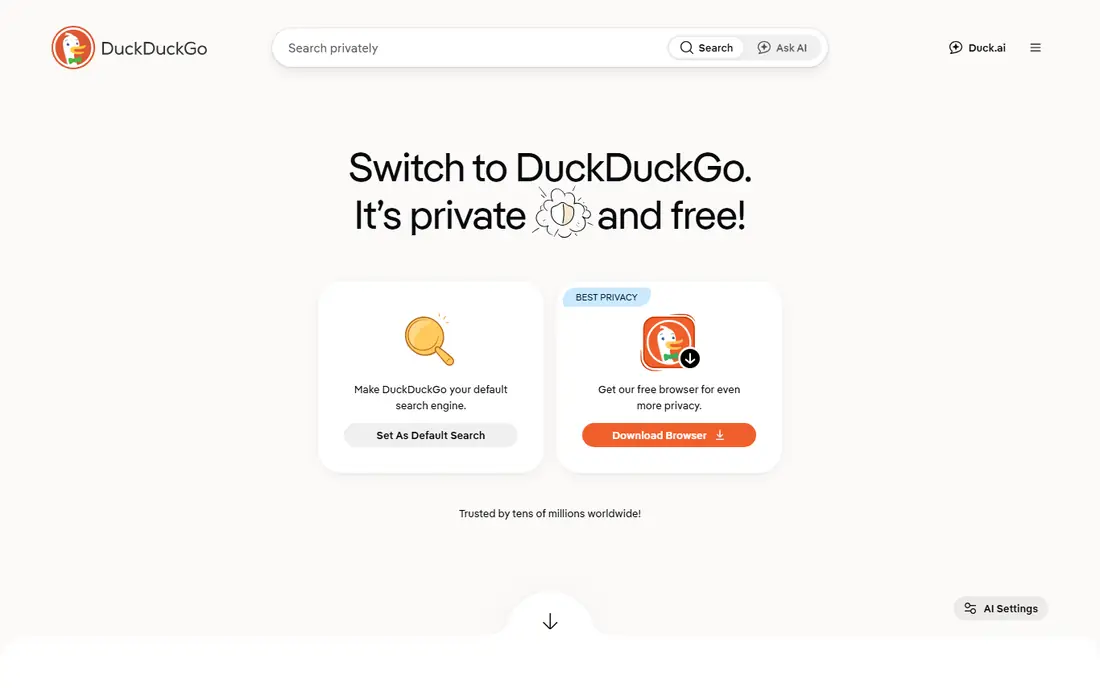
DuckDuckGo is the easiest switch for most people. Search works the way you expect, results appear without a profile built around you, and bang shortcuts let you jump straight to a site with a short code. It also offers a browser and apps that block common trackers, so the privacy story extends beyond the search box.
The trade-off is result depth on some queries. Because DuckDuckGo draws on partner sources alongside its own crawler, very local or very niche searches can feel thinner than a larger engine. For most everyday searches it is close enough that many users never look back, but keep a second engine handy for tricky local queries.
- No search profiling
- Useful bang shortcuts
- Available as a browser and search default
- Results draw heavily on partner sources
- Local results can lag behind larger engines
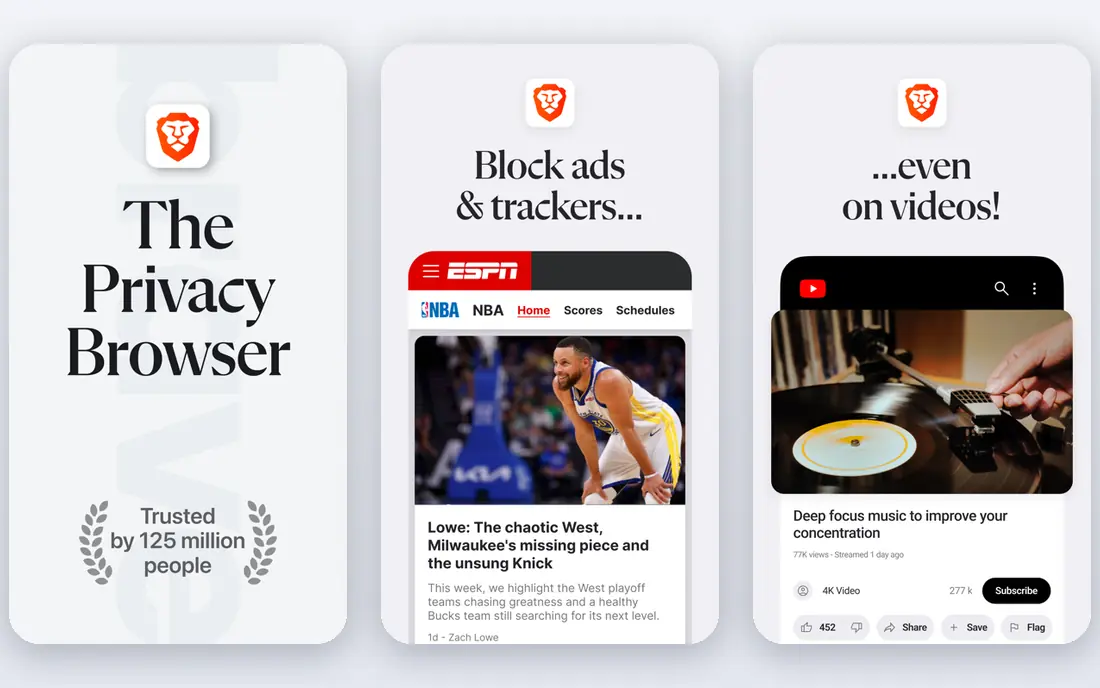
Brave Search stands out because it runs its own index rather than reselling another engine's results. That independence matters if you want a genuine second opinion on the web, and Goggles give you a way to shape ranking rules for topics you search often. The free tier is usable for daily search without an account.
Independence has a cost in coverage. On obscure or highly local topics, Brave results can be thinner or ordered differently from what you expect. The paid tier removes ads, but most users will be fine on the free version. Treat Brave as a strong daily default with a backup for edge cases.
- Own independent index
- Optional paid ad-free tier
- Goggles let you re-rank results
- Results can vary on niche topics
- AI answers need attention if you prefer plain results
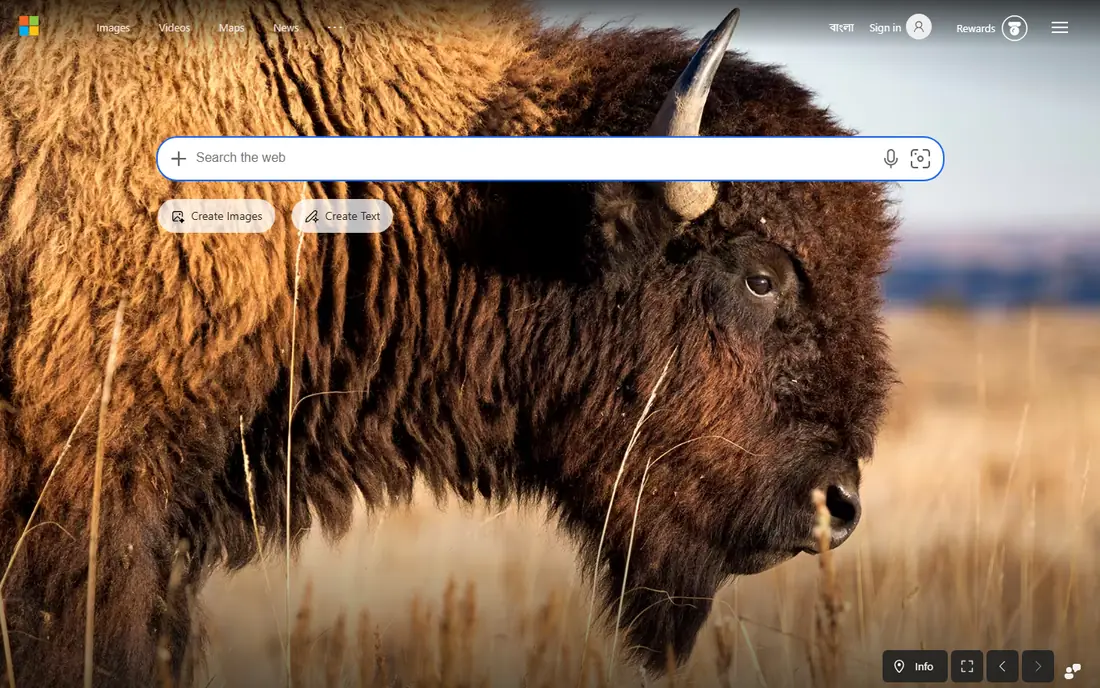
Bing is the most complete free alternative if you want a large engine with extras. Image and video search are strong, news and maps are integrated, and the rewards programme gives points for searches that can be exchanged for gift cards. If you already use Microsoft products, Bing fits naturally into that setup.
Bing is not a privacy-first engine. It personalises results and shows ads, so users who switch mainly for privacy should review account and ad settings carefully. It is best viewed as a feature-rich mainstream engine, not as a private one, and that distinction should guide your choice.
- Strong image and video search
- Rewards programme
- Deep integration with Microsoft products
- Search personalisation and ads are part of the model
- Privacy controls need review
Ecosia gives everyday searching a visible purpose: its profits fund tree planting, and it publishes financial reports showing where money goes. The search experience itself feels familiar, with web, image and video results, so the switch costs almost nothing in learning time. It suits people who want their default search to do some good.
Result quality depends on partner sources, so Ecosia will not always match a larger engine on depth. Ads are part of the model that funds planting, which may bother users who want a clean page. If you value the climate purpose over a perfectly ad-free page, Ecosia is a satisfying daily choice.
- Profits fund tree planting projects
- Clear monthly financial reports
- Familiar search experience
- Results rely on partner sources
- Ads fund the model, so expect sponsored results
Startpage suits people who like the results they are used to but not the tracking that usually comes with them. It fetches results on your behalf and strips identifying details, and Anonymous View lets you open a result through a proxy so the site does not see your visit directly. There is no account needed for basic search.
The experience is deliberately plain. Startpage lacks the maps, news panels and personalised extras of a large engine, and heavy users may miss those integrations. It is a focused tool: private search and private page visits, without trying to be a whole portal. For that job, it does it well.
- Returns results from major engines without profiling
- Anonymous View for visiting pages privately
- Interface is plain
- Fewer extra features than larger engines
Mojeek is one of the few engines that crawls and indexes the web itself, without depending on a large provider for results. That independence is its whole point: no profiling, no tracking, and an index built by a small team. For users who want to support a genuinely separate engine, Mojeek is the clearest example.
A smaller index shows up in practice. Some searches return fewer results, and local or breaking-news queries can lag behind larger engines. Mojeek works best as a principled daily engine for general searches, paired with a larger engine when you need exhaustive coverage on a specific topic.
- Own crawler and index
- No tracking or profiling
- Based in the UK
- Smaller index means weaker coverage on some queries
- Fewer features
Qwant offers a clean, European alternative with a clear no-profiling stance. Its interface separates web, news, image and social results, which helps when you know the kind of result you want. A junior version for younger users is a thoughtful extra for families sharing a device.
Qwant still relies partly on partner sources, so it is not fully independent in the way Mojeek is. Some features vary by region, and users outside Europe may find local results less complete. It suits privacy-minded users who want a tidy interface and a European home for their searches.
- European base
- No profiling
- Dedicated search for news, images and social content
- Results draw on partner sources
- Availability of some features varies by region
Kagi is the paid engine for people who are tired of ads and search-engine optimisation clutter. A subscription removes ads entirely, and lenses let you focus searches on topics such as programming or research. You can raise, lower or block individual sites, which gives heavy searchers a level of control no free engine matches.
The barrier is price and habit. Kagi needs an account and a subscription for unlimited use, though a trial lets you test it first. Light searchers may not feel the benefit over a good free engine, but researchers, writers and developers who search all day often find the cleaner results worth the monthly cost.
- No ads
- Lenses and site controls
- Small-team support and fast development
- Paid only for full use
- Requires an account
- Local results can still vary
You.com blends traditional web results with AI answers and task-focused modes. You can ask a question and get a direct answer with sources, then switch to ordinary web results when you want to browse. Custom modes for coding, writing and research make it flexible for people who search in different ways during the day.
AI answers are a convenience, not a source of truth, so important claims still need checking against the linked pages. Some advanced features sit behind a paid tier, and the interface can feel busy compared with a plain search box. Use You.com when you want AI help alongside results, not as a replacement for verification.
- AI chat alongside web results
- App-style modes for different tasks
- Customisable sources
- AI answers need fact-checking
- Free tier limits some advanced features
How we picked these
We compared official feature pages, pricing pages, privacy policies and app store listings for each option. We kept only products that are still offered in October 2026 and that fit the topic directly. We checked whether a free tier or trial is real, what the paid plan adds, and where each product falls short, so the list reflects trade-offs rather than marketing claims alone.
How to pick a search engine you will stick with
Try the engine as your default, not as a bookmark you visit occasionally. Set it in your browser for a full week and notice where it helps and where it frustrates you. Pay attention to local searches, news, images and shopping, since those are the queries where engines differ most.
Decide what you are trading. Free engines usually pay for search with ads or partner deals, while paid engines such as Kagi remove ads but ask for a subscription and an account. Privacy-first engines may return fewer local results, while mainstream engines return more but personalise more. There is no engine that wins on every measure.
Finally, keep a second engine in your pocket. Even the best default struggles with some queries, and a quick second search often beats a long argument with one engine. A privacy engine plus a large mainstream engine covers almost every everyday need.
Frequently asked questions
What are the best alternatives to Google Search?
DuckDuckGo and Brave Search are the best free starting points for most people, with private search and familiar results. Startpage suits users who want familiar results with privacy protection, while Kagi is the strongest paid option with no ads.
Is DuckDuckGo really private?
DuckDuckGo states that it does not build a search profile or store personal search history. It still shows contextual ads from partners, and its browser blocks many trackers, but no search engine can guarantee total anonymity on its own, especially once you click through to other sites.
Which search engine has no ads?
Kagi has no ads on its paid plans, funded by subscriptions instead. Free engines generally show ads or sponsored results in some form, even when they do not profile you, so an ad-free page usually means paying or accepting a smaller engine.
Can I set an alternative as my default?
Yes. Most browsers let you change the default search engine in settings, and many alternatives offer a browser extension or a one-click setup. On phones, change the default in the browser settings or, on some devices, in system search settings.
Do alternative search engines work for local searches?
They work, but local depth varies. Larger engines and engines that draw on partner sources tend to do better for maps, hours and nearby businesses. If local results matter to you, test a few local queries before committing to a new default.
Sources
See where you really rank - block by block
ProMapRanker scans Google Maps across a grid of your service area. Simple monthly plans from $19, white-label on every plan.
Start freeKeep reading
 free alternatives to grok imagine
Free Alternatives to Grok Imagine in 2026
We compared the best free alternatives to grok imagine for image generation, from fast daily credits to design tools, so you can create without paying.
Read → best tools for instagram content creation
Best Tools for Instagram Content Creation in 2026
Compare the best tools for Instagram content creation, from Canva and CapCut to Later and Buffer, on design, video, planning, scheduling, and price in 2026.
Read → best tool to split pdf files
Best Tool to Split PDF Files in 2026
We compared the best tool to split pdf files on split modes, file limits, privacy and price, so you can split a PDF cleanly and keep every page in one go.
Read →