 ProMapRanker
Google Forms Alternatives in 2026

Key takeaways
- Typeform and Paperform suit teams that want polished, conversational forms with high completion rates.
- Jotform and Formstack suit operations teams that need templates, payments, workflows and integrations.
- SurveyMonkey and Microsoft Forms suit surveys and internal feedback, with Microsoft Forms best for Microsoft 365 teams.
- Tally and Wufoo suit creators and small teams that want simple, low cost forms without enterprise complexity.
- Free plans vary a lot on response limits, so check monthly submissions before you choose a free tier.
Quick comparison
| Pick | Great for | Pricing starts at | Free tier | |
|---|---|---|---|---|
 Typeform | Conversational design led forms | Free | Yes | Visit |
 Jotform | Templates, payments and workflows | Free | Yes | Visit |
 SurveyMonkey | Surveys and research | Free | Yes | Visit |
 Microsoft Forms | Microsoft 365 feedback | Free | Yes | Visit |
 Paperform | Design led order forms | Free | Yes | Visit |
 Formstack | Regulated and workflow forms | See website | Free trial | Visit |
 Tally | Simple unlimited forms | Free | Yes | Visit |
 Wufoo | Easy drag and drop forms | Free | Yes | Visit |
The best Google Forms alternatives
We compared official product pages and pricing pages for form builders active in October 2026. Each tool below builds forms, surveys, quizzes or order forms, with more design, logic or workflow features than a basic free form. The best choice depends on if you need beautiful forms, survey analysis, payments or internal team feedback.
Typeform is known for forms that feel like a conversation. Instead of a long page of fields, respondents answer one question at a time, which can raise completion rates for surveys, signups and lead forms. Design options, templates and logic let you branch questions based on earlier answers, and integrations connect responses to email, sheets and CRM tools. For customer facing forms where first impression matters, Typeform design is a clear step up from a basic form.
The catch is cost and limits. The free plan allows only a small number of responses per month, and paid plans start at a moderate monthly price when billed annually. Typeform suits marketing, research and signup teams that value completion and brand presentation. If you need thousands of free responses, a simpler builder such as Tally may fit better.
- One question at a time flow
- Polished design and templates
- Logic and integrations
- Free plan limits responses
- Paid plans start higher than simple builders
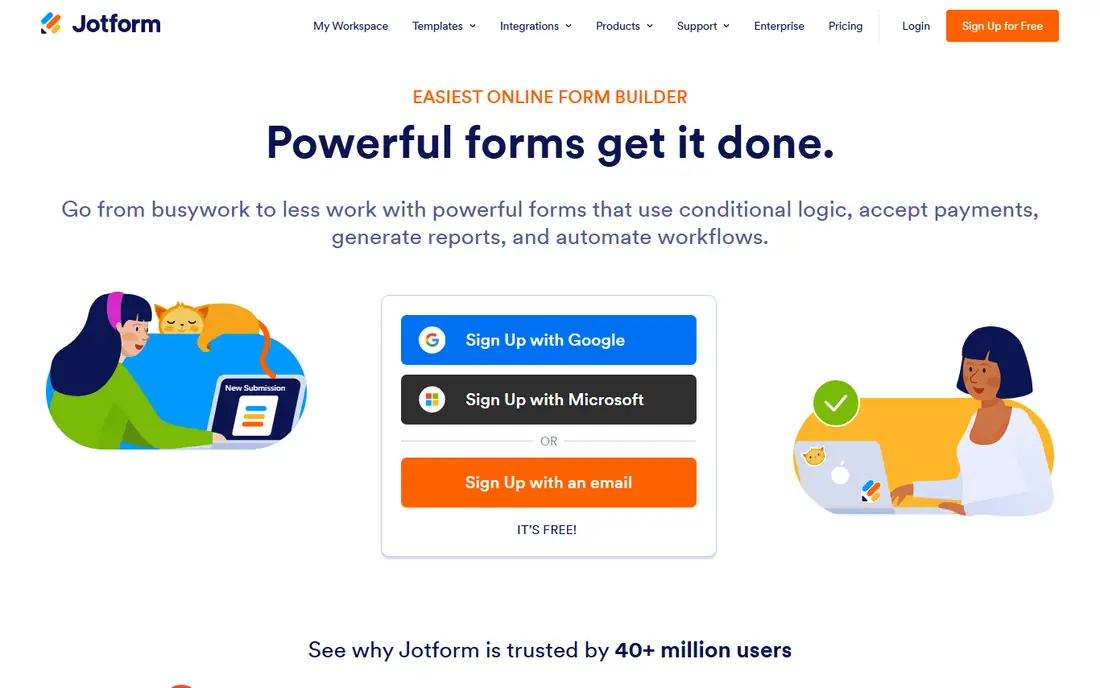
Jotform is the most all round builder on this list. It offers tens of thousands of templates for surveys, registrations, order forms, applications and quizzes, plus a drag and drop builder with conditional logic. Beyond forms, Jotform Tables organizes submissions, Report Builder turns them into visual reports, and Jotform Sign adds e signature workflows. Payment integrations let you collect orders and fees in the same form, which suits small businesses and schools.
The trade off is price and submission limits. The free plan caps monthly submissions, and paid plans start at a higher monthly price than simpler tools. Jotform suits operations teams that want one platform for forms, payments, tables and approvals, rather than stitching several tools together. For a single simple survey, it may be more than you need.
- Very large template library
- Payments, tables and e signatures
- Mobile forms and workflows
- Paid plans start higher than Tally
- Free plan limits monthly submissions
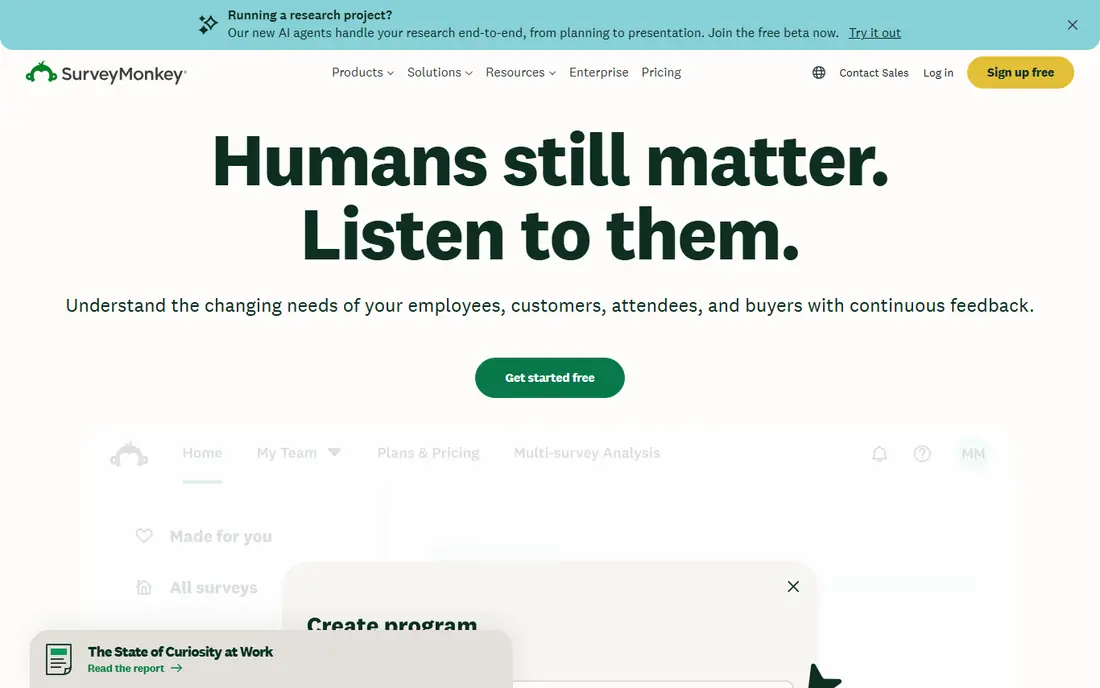
SurveyMonkey is built for surveys and research first, not just generic forms. It offers a question bank, templates, logic, and analysis tools that turn responses into charts and summaries without exporting to a spreadsheet. Teams can run customer satisfaction, employee feedback and market research surveys, and paid plans add advanced analysis and audience panels for reaching respondents beyond your own list. That research focus is why many larger teams still choose it.
The limits are free tier and per user pricing. The free plan limits question count and how many responses you can view, and paid individual plans are priced per user per month when billed annually, with team minimums on some plans. SurveyMonkey suits teams that run surveys often and need analysis, not just collection. For a one off contact form, a simpler builder is cheaper.
- Strong survey design and analysis
- Question bank and templates
- Audience panel options
- Free plan limits questions and viewable responses
- Paid plans are priced per user
Microsoft Forms is the simplest alternative for teams already in Microsoft 365. You can build surveys, quizzes and polls in minutes, share them in Teams or by link, and view results in built in charts or sync them to Excel. The personal version is free with a Microsoft account, and business and education plans include Forms as part of Microsoft 365. For internal feedback, class quizzes and quick polls, that integration is hard to beat.
The catch is design and depth. Themes and layouts are basic compared with Typeform or Paperform, and advanced logic, payments and workflow features are limited. Response limits can also apply on personal accounts. Microsoft Forms suits Microsoft 365 teams that need fast internal forms without a new subscription. For polished customer facing forms, look at Typeform, Paperform or Jotform.
- Free with a personal Microsoft account
- Syncs with Excel
- Teams integration
- Design options are basic
- Personal tier limits responses in some cases
Paperform lets you build forms that look like landing pages, not spreadsheets. You can mix text, images, video and payment fields in a single flowing page, which suits order forms, bookings, applications and event registrations. Custom branding, logic and integrations help small businesses present a professional front end without a developer. For sellers and service businesses, the ability to take payment inside a beautiful form is the main draw.
The downside is response limits on lower plans and a moderate starting price for paid tiers. Paperform is not the cheapest way to collect a simple survey, and its strength is presentation rather than deep research analysis. It suits brands, studios and service businesses that want forms to feel like part of their website. For internal polls, Microsoft Forms or Tally are simpler and cheaper.
- Beautiful, page like forms
- Payment integrations
- Custom branding and logic
- Free plan limits responses
- Paid plans start at a moderate monthly price
Formstack is built for teams that need forms plus workflows, not just a standalone questionnaire. You can route submissions for approval, collect e signatures, and connect forms to CRM, sheets and document tools. For healthcare, finance and other regulated work, Formstack offers compliance focused options that simpler builders do not. That workflow depth suits operations teams with multi step processes, from intake to approval to filing.
The trade off is price and complexity. There is no permanent free plan, only a trial, and paid plans start at a higher monthly price than Typeform or Jotform. Small teams with a single simple form will find Formstack overkill. It suits mid size and larger teams that need approvals, compliance and workflow automation in the same platform as their forms.
- Workflows, approvals and e signatures
- HIPAA friendly options
- Strong integrations
- No free plan, only a trial
- Paid plans start higher than most builders here
Tally is a favorite for creators, startups and small teams that want unlimited forms without worrying about monthly submission caps. The builder is clean and Notion like, with logic, payments through integrations, and easy embedding. The free plan is generous, and the paid tier adds custom domains, team features and higher limits at a low monthly price compared with larger builders. For a team that just needs reliable forms at scale, Tally value is hard to beat.
The limits are design polish and workflow depth. Tally forms look clean but less bespoke than Paperform or Typeform, and it lacks the full workflow, tables and signature suite of Jotform. It suits teams that prioritize unlimited responses and low cost over brand heavy design. If you need advanced approvals, pair Tally with another tool or choose Formstack or Jotform.
- Unlimited forms and submissions on free and paid plans in many cases
- Clean builder
- Low cost paid tier
- Design options are simpler than Typeform
- Fewer advanced workflow features than Jotform or Formstack
Wufoo is a long running form builder with a simple drag and drop editor, templates, reports and payment options. It suits small businesses, nonprofits and schools that want to build a contact, registration or order form quickly without learning a new system. Reports show submissions in charts and tables, and notifications alert you when a form is filled. Wufoo integration with email and sheets covers most basic workflows.
The downside is age. The interface feels older than Typeform, Paperform or Tally, and the free plan limits entries per month. Paid plans are priced per month and vary by entry count, so check current pricing against your expected volume. Wufoo suits teams that want a proven, no fuss builder and do not need the newest design. For a modern look, choose Tally or Paperform instead.
- Simple drag and drop builder
- Templates and reports
- Payment integrations
- Interface feels older than newer builders
- Free plan limits entries
How we picked these
We compared official product pages and pricing pages for form builders active in October 2026. We kept only builders that create real forms, surveys or order forms, offer sharing by link or embed, and provide response management. We favored builders with free plans or trials, conditional logic, templates and integrations, and we noted where free plans limit responses.
We did not claim hands on testing that did not happen. Our view comes from vendor pages, pricing pages and public comparisons. Pricing varies by responses, users and billing period, so check the vendor pricing page before you commit. Test a form with real respondents before you switch a live signup or order form.
How to choose a form builder
Start with the job, not the design. For a customer facing signup or order form, choose Typeform or Paperform for presentation, or Jotform if you need payments and workflows in the same tool. For research surveys, choose SurveyMonkey for analysis. For internal team polls, Microsoft Forms is fastest if you already use Microsoft 365. For unlimited simple forms on a budget, Tally is the clear value pick.
Next, check limits that bite later. Count expected monthly responses, check if the free plan caps them, and look at logic, payment fees, branding removal and data export on the plan you would actually buy. Test the form on a phone, since most respondents will use one, and check that confirmation emails and notifications work. If you handle sensitive data, ask about encryption, access controls and compliance options before you collect real submissions.
Frequently asked questions
What are the best alternatives to Google Forms?
Typeform, Jotform, SurveyMonkey and Microsoft Forms are the most common alternatives, with Paperform, Formstack, Tally and Wufoo covering design, workflows and low cost use. The best choice depends on if you need design, survey analysis, payments or internal feedback. Start with the job, then check response limits and price.
What is the best free alternative to Google Forms?
Tally is the strongest free option for many users, since it allows unlimited forms and submissions in many cases. Microsoft Forms is also free with a Microsoft account, and Jotform and Typeform offer free plans with response limits. Check monthly submission caps before you rely on a free tier for a large survey.
What is the best Google Forms alternative for surveys?
SurveyMonkey leads for survey design and analysis, with templates, logic and built in charts. Typeform is a good second choice if you want higher completion through a conversational flow. For internal surveys in a Microsoft 365 team, Microsoft Forms is faster and included in your existing plan.
Can form builders take payments?
Yes. Jotform, Paperform, Wufoo and Tally, through integrations, support payment fields for orders, bookings and donations. Check payment processing fees on top of the form builder plan, and test a payment end to end before you go live. For regulated payments, check compliance and receipt handling too.
Do these tools work without a Google account?
Yes. None of the tools on this list require a Google account to build or fill a form, though some offer Google Sheets integrations if you want them. Respondents usually need only a link, and many builders allow anonymous responses. Check each tool sharing settings if you need to limit responses to your team.
How do I move my forms from Google Forms?
Export your Google Forms responses to Sheets first, then rebuild each form in the new tool, since direct import is limited for most builders. Use templates where offered, recreate logic question by question, and test with a small group before you switch the live link. Keep the old form read only until the new form proves itself.
Sources
See where you really rank - block by block
ProMapRanker scans Google Maps across a grid of your service area. Simple monthly plans from $19, white-label on every plan.
Start freeKeep reading
 best resource management software
Best Resource Management Software in 2026
We compared the best resource management software for scheduling, capacity and utilization, with current pricing and free trials, to help teams choose well.
Read → best reporting tools
Best Reporting Tools in 2026
Compare the best reporting tools for dashboards, scheduled reports, and business insights, from Power BI and Tableau to Looker Studio for every team size.
Read → best remote support software
Best Remote Support Software in 2026
Looking for the best remote support software? We compare 9 tools on price, security, session controls, and fit for helpdesks, MSPs, and small teams in 2026.
Read →