 ProMapRanker
Google Drive Alternatives in 2026

Key takeaways
- Dropbox remains the simplest cross platform sync choice, while OneDrive suits Microsoft 365 users and iCloud Drive suits Apple households.
- Privacy focused users should look at Proton Drive, Sync.com and MEGA, which offer end to end encryption.
- pCloud suits users who want a one time lifetime plan, while Nextcloud suits users who want full control over hosting.
- Free tiers range from small to generous, so check the current free allowance and file size limits before switching.
- We compared official feature and pricing pages and public reviews, and we did not claim hands on testing we did not do.
Quick comparison
| Pick | Great for | Pricing starts at | Free tier | |
|---|---|---|---|---|
 Dropbox | Cross platform sync | See website | Yes | Visit |
 OneDrive | Microsoft 365 users | See website | Yes | Visit |
 iCloud Drive | Apple households | See website | Yes | Visit |
 Box | Business content control | See website | Yes | Visit |
 pCloud | Lifetime plan value | See website | Yes | Visit |
 Proton Drive | Privacy focused storage | See website | Yes | Visit |
 Sync.com | Encrypted team storage | See website | Yes | Visit |
 MEGA | Generous free tier | See website | Yes | Visit |
 Nextcloud | Self hosted control | See website | No | Visit |
The best google drive alternatives
We compared cloud storage services that can replace Google Drive for file storage, sync and sharing. Google Drive itself is not listed, since this guide is about alternatives. Pick by your devices, your office suite and how much privacy you need.
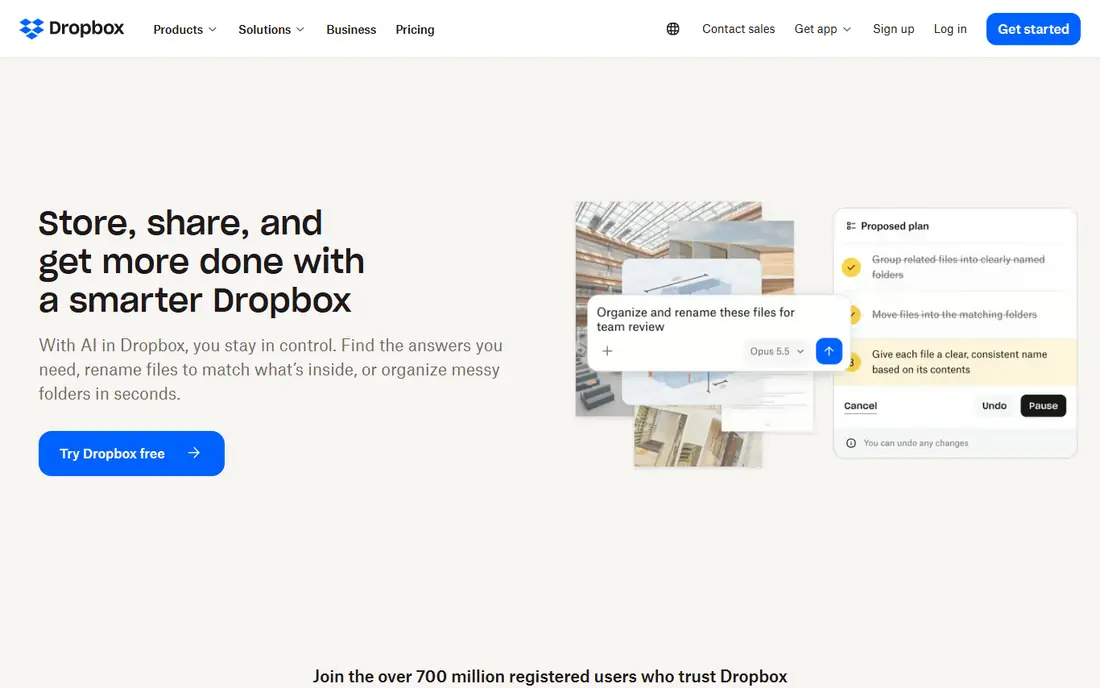
Dropbox is the most familiar alternative, and its sync engine remains a strength. Files update reliably across Windows, Mac, phones and web, and sharing links with expiry and password options work well for client files. Many third party apps integrate with Dropbox, so it fits into varied workflows.
The free tier is small, so most users need a paid plan for real storage. Dropbox also lacks a built in office suite to match Google Docs, though it offers document collaboration tools. For pure sync and sharing, it remains a safe pick.
- Reliable sync across devices
- Easy sharing links
- Wide app support
- Free tier is small
- Paid plans cost more than some rivals
- No built in office suite
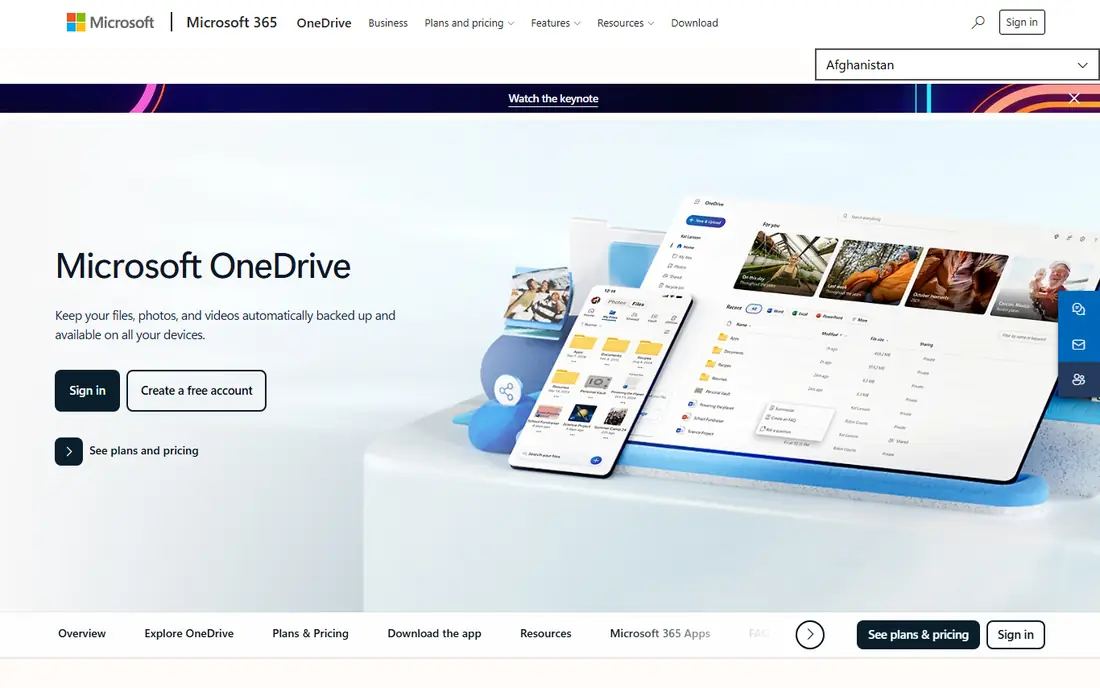
OneDrive is the obvious alternative for Microsoft 365 users, since storage is included with many plans and Office files co-author smoothly. Windows integration is deep, with Files on Demand keeping large libraries light on local disk. For teams already paying for Microsoft 365, using OneDrive avoids a second bill.
Outside that ecosystem, OneDrive is less compelling, and the free tier alone is small. Sharing and permission controls are powerful but need care to avoid oversharing. If your work lives in Word and Excel, OneDrive is hard to beat.
- Deep Office integration
- Included with Microsoft 365
- Strong Windows integration
- Free tier is small
- Web interface can feel cluttered
- Sharing controls take learning
iCloud Drive suits households and teams that live on Apple devices. It syncs Desktop and Documents folders, integrates with Photos, and works quietly in the background on Mac, iPhone and iPad. Family sharing lets several people share a storage plan, which helps households.
Cross platform users will find the Windows experience weaker and Android support limited. Sharing large folders with non Apple users is also less smooth than Dropbox. For Apple only users, the convenience is real.
- Built into Apple devices
- Strong Photos integration
- Family sharing options
- Windows and Android experience is weaker
- Free tier is small
- Sharing is less polished
Box is built for businesses that need control over content, with admin tools, permissions, retention rules and compliance features. It integrates with Office and other business apps, and secure sharing with external partners is a core strength. Regulated firms often choose Box for governance reasons.
Individual users will find Box less appealing, since pricing and features target business use. The free plan is limited, and the interface feels more corporate than personal. For teams with compliance needs, Box is a strong alternative.
- Strong admin and compliance controls
- Good Office and Google integrations
- Secure sharing
- Higher business pricing
- Free plan is limited
- Interface can feel corporate
pCloud appeals to users tired of monthly bills, thanks to its lifetime plan option for one time payment storage. The free tier gives a useful starting allowance, and file versioning, sharing links and media playback cover everyday needs. It works across Windows, Mac, Linux, phones and web.
Encryption for all files is a paid add on rather than default, so privacy focused users should check that option. There is also no built in office suite, so document editing needs another app. For long term personal storage, the lifetime model is attractive.
- Lifetime plan option
- Free tier is useful
- File versioning and sharing tools
- No built in office suite
- Encryption is a paid add on
- Support can be slower
Proton Drive suits users who put privacy first. Files are end to end encrypted, so even the provider cannot read them, and the service comes from the same company behind Proton Mail. The interface is clean, and sharing links include password and expiry options.
Collaboration is thinner than Google Drive, with fewer real time editing features, and the free tier is small. Paid plans also cost more per gigabyte than some rivals. For sensitive personal files, the privacy trade off is worth it.
- End to end encryption by default
- Swiss based provider
- Clean interface
- Free tier is small
- Collaboration features are thinner
- Paid storage costs more per gigabyte
Sync.com offers zero knowledge encryption at a price that undercuts some privacy rivals, with team plans for small businesses. Sharing, permissions and file requests cover client work, and the service works across major platforms. For firms handling confidential files, the encryption model is a clear plus.
The app ecosystem is smaller than Dropbox or OneDrive, and there is no built in office editing. Very large libraries can also sync more slowly. Teams that value encryption over integrations will find Sync.com a strong fit.
- Zero knowledge encryption
- Team sharing tools
- Good value for secure storage
- Fewer third party integrations
- No office suite
- Sync can be slower for huge libraries
MEGA stands out for its generous free tier, which gives far more starting storage than most rivals. End to end encryption is built in, and the service includes chat and sharing tools alongside storage. For personal backup and large file sharing, the free allowance is hard to ignore.
Collaboration and business admin tools are basic compared with Box or OneDrive, and free tier terms can change, so heavy users should check current limits. For personal storage and sharing, MEGA is a strong free first option.
- Large free allowance
- End to end encryption
- Fast transfers for many users
- Free tier limits can change
- Collaboration tools are basic
- Business features are thinner
Nextcloud is different from the rest, because you host it yourself or choose a hosting provider. That gives full control over data, location and features, plus a wide app ecosystem for files, calendars, contacts and collaboration. Users who distrust large platforms or need specific compliance setups value that freedom.
Control comes with work. Self hosting needs setup, updates and backups, and hosted plans add cost. Non technical users should choose a managed Nextcloud provider rather than running a server alone. For control focused users, no other option matches it.
- Full control over hosting and data
- Wide app ecosystem
- No vendor lock in
- Self hosting needs technical skill
- Hosted plans cost extra
- Maintenance is your job
How we picked these
We compared official feature and pricing pages for cloud storage services that work in October 2026, plus public reviews. We weighed sync reliability, sharing tools, free tier size, encryption, office integration and platform support. We excluded services that are backup only, discontinued, or too narrow for general Drive replacement.
What to check before you switch
Start with your office suite. If you edit documents daily in Office, OneDrive will feel natural. If you live on Apple devices, iCloud Drive will feel natural. If you need only storage and sharing, Dropbox, pCloud or MEGA may serve you better at lower cost.
Next, check migration effort. Look at how much data you have, whether shared folders and permissions transfer cleanly, and whether your team uses links in old documents. Move in stages, starting with a small team or folder, and keep the old Drive access until the new service proves reliable.
Finally, check encryption and sharing defaults. Decide whether end to end encryption matters for your files, and set sharing links to expire where possible. A quick audit of shared folders after migration prevents old links from lingering.
Frequently asked questions
What are the best alternatives to Google Drive?
Dropbox suits cross platform sync, OneDrive suits Microsoft 365 users, iCloud Drive suits Apple users, and Proton Drive, Sync.com and MEGA suit privacy focused users. The best choice depends on your devices, office suite and privacy needs, not on storage size alone.
What is the best free Google Drive alternative?
MEGA offers the largest free allowance among major services, while pCloud and Sync.com also offer useful free tiers. Free tiers often limit file size, features or support, so check current terms on the vendor site. For heavy use, a paid plan is usually needed.
Is there a private alternative to Google Drive?
Yes, Proton Drive and Sync.com offer end to end encryption by default, and MEGA offers end to end encryption as well. Nextcloud offers control over hosting, which also helps privacy. Read each provider privacy policy to confirm what encryption covers.
Can I self host a Google Drive alternative?
Yes, Nextcloud is the leading self hosted option, with file sync, sharing and collaboration apps. You can run it on your own server or use a managed hosting provider. Self hosting needs technical skill and ongoing maintenance, so managed hosting suits most users.
Which Google Drive alternative is best for business?
Box suits regulated businesses with compliance needs, OneDrive suits Microsoft 365 businesses, and Dropbox suits creative and client facing teams. Compare admin controls, sharing permissions and audit features, not just storage price, before choosing for a team.
How do I move files from Google Drive to another service?
Most services offer import tools or desktop sync apps that let you copy folders across. Move in stages, check shared folder permissions after the move, and keep Google Drive access until you confirm files, links and team access work in the new service.
Sources
See where you really rank - block by block
ProMapRanker scans Google Maps across a grid of your service area. Simple monthly plans from $19, white-label on every plan.
Start freeKeep reading
 free alternatives to grok imagine
Free Alternatives to Grok Imagine in 2026
We compared the best free alternatives to grok imagine for image generation, from fast daily credits to design tools, so you can create without paying.
Read → best tools for instagram content creation
Best Tools for Instagram Content Creation in 2026
Compare the best tools for Instagram content creation, from Canva and CapCut to Later and Buffer, on design, video, planning, scheduling, and price in 2026.
Read → best tool to split pdf files
Best Tool to Split PDF Files in 2026
We compared the best tool to split pdf files on split modes, file limits, privacy and price, so you can split a PDF cleanly and keep every page in one go.
Read →