 ProMapRanker
Google Calendar Alternatives in 2026

Microsoft 365 users and teams · Pricing starts at: Free
Key takeaways
- Outlook Calendar is the easiest switch for Microsoft 365 households and workplaces, with a free web version.
- Apple Calendar is the best free choice for people who live inside Apple devices, with iCloud sync built in.
- Proton Calendar suits privacy-focused users who want end-to-end encrypted event details.
- Fantastical, Morgen, Motion and Reclaim suit power users who want natural language input, time blocking or automatic scheduling.
Quick comparison
| Pick | Great for | Pricing starts at | Free tier | |
|---|---|---|---|---|
| Microsoft Outlook Calendar | Microsoft 365 users and teams | Free | Yes | Visit |
 Apple Calendar | Apple device owners | Free | Yes | Visit |
 Fantastical | Apple power users | $56.99 per year | Yes | Visit |
 Proton Calendar | Privacy-focused users | Free | Yes | Visit |
 Zoho Calendar | Free calendar with Zoho tools | Free | Yes | Visit |
 Notion Calendar | Notes and calendar in one place | Free | Yes | Visit |
 Morgen | Cross-platform time blocking | $15 per month | Free trial | Visit |
 Motion | AI scheduling for busy teams | $19 per seat per month | Free trial | Visit |
The best google calendar alternatives
We compared calendars that can replace Google Calendar for daily scheduling, not just booking pages. That means real calendar apps with events, reminders, sharing and sync, plus two scheduling-led tools for users whose main need is automatic planning. Google Calendar itself is not listed, since this article covers alternatives only.
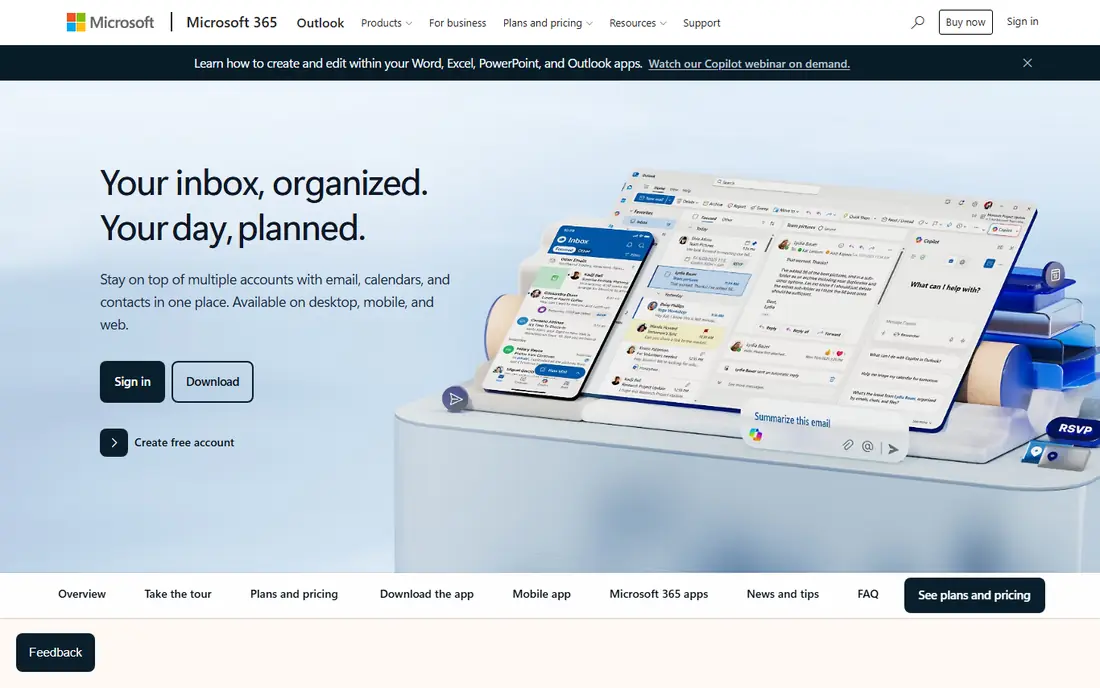
Outlook Calendar is the most straightforward alternative for anyone already in the Microsoft world. It is free on Outlook.com, bundled with Microsoft 365 Personal at $99.99 per year or Family at $129.99 per year, and it integrates with Exchange, Teams and Office apps. Shared calendars, meeting invites and scheduling assistance work well for workplaces.
The migration catch is sync. Google calendars can be subscribed to or imported, but they do not offer a live two-way sync in the way some users expect, and subscribed calendars can refresh slowly. If your workplace already runs on Microsoft 365, Outlook is the natural switch. If you need live Google sync, Morgen or Fantastical may suit you better.
- Free on Outlook.com
- Strong Exchange and Teams integration
- Native apps on major platforms
- Subscribed Google calendars refresh slowly
- Booking pages need a business licence
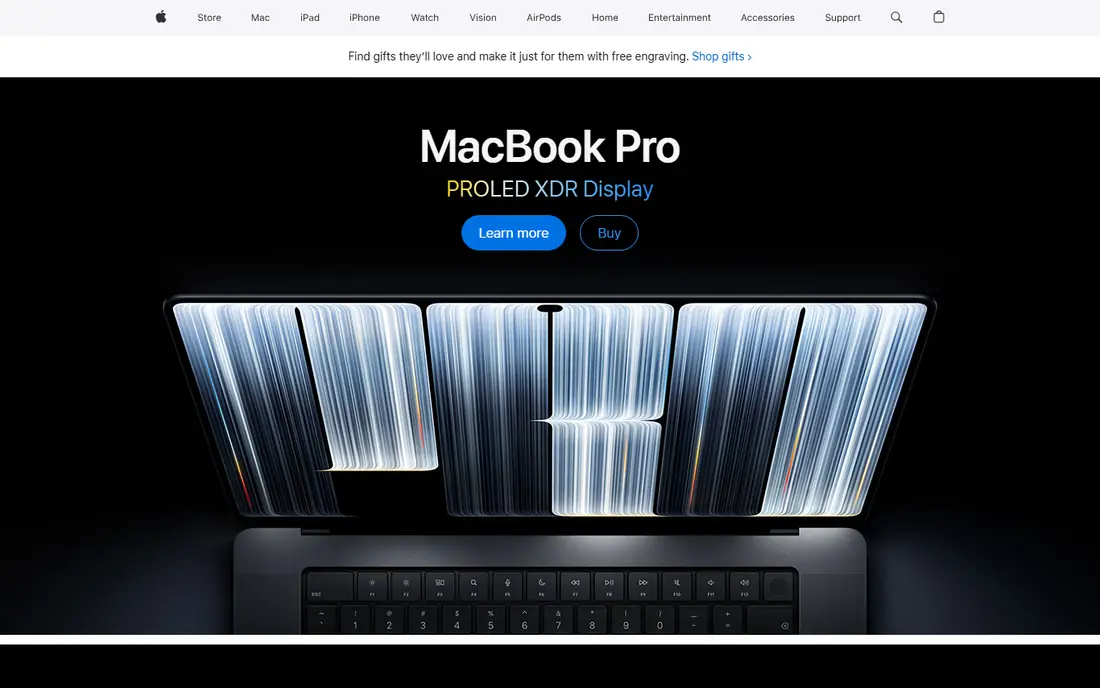
Apple Calendar is the quiet, free alternative that many Apple users already own. It is preinstalled on Mac, iPhone, iPad and Apple Watch, syncs through iCloud, and can add Google, Exchange and CalDAV accounts with live sync. Siri integration, travel time and natural language entry cover most daily needs without a subscription.
The limits are platform and features. There is no Android or Windows app, and there are no booking pages for clients to self-schedule. Apple Calendar also does not offer end-to-end encryption for calendar data. For an all-Apple household or team, it is the best free switch. For cross-platform teams, look at Outlook, Proton or Morgen.
- Free and preinstalled on Apple devices
- Adds Google and Exchange accounts
- Deep Siri and iCloud integration
- No Android or Windows app
- No built-in booking pages
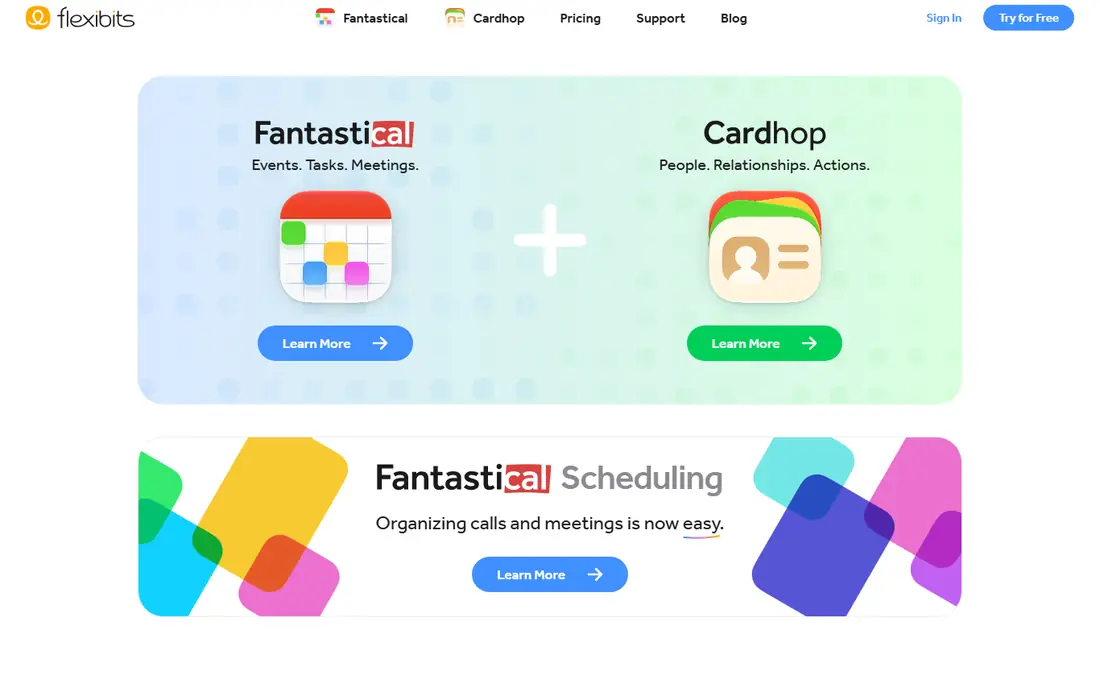
Fantastical is the polished upgrade for Apple Calendar users who want more. Natural language input turns a typed sentence into an event with date, time and location, calendar sets let you switch views for work and personal life, and templates speed up recurring events. The free version covers basic calendar use, while Flexibits Premium is listed at $56.99 per year, or $6.99 monthly.
The catch is platform. Fantastical shines on Apple devices, and users on Android or Windows will not get the same experience. It also syncs with Google Calendar, which helps during a switch, but the paid plan is needed for the features that justify leaving Apple Calendar. For Apple power users, it is the most enjoyable calendar here.
- Natural language event creation
- Calendar sets and templates
- Polished Apple design
- Best experience is Apple-only
- Full features need the paid Premium plan
Proton Calendar is the privacy-first alternative. Event details are end-to-end encrypted, the calendar is free with any Proton account, and apps cover web, mobile and desktop. It integrates with Proton Mail, and paid plans add encrypted booking pages and more storage. Mail Plus is listed at $3.99 per month billed yearly, with Proton Unlimited at $9.99 per month billed yearly.
The migration limit is sync. Google events import once, rather than syncing live, so you need to plan the switch rather than run both calendars in parallel indefinitely. Event times and recurrence are visible to the server for scheduling, which Proton documents openly. For users who put privacy first, Proton Calendar is the clearest alternative here.
- End-to-end encrypted event details
- Free tier on web, mobile and desktop
- Swiss company with a clear privacy model
- Google events import once rather than live syncing
- Booking pages need a paid plan
Zoho Calendar is a solid free alternative, especially for users already in the Zoho ecosystem. It offers group calendars, a meeting scheduler, calendar embedding and sharing, and it can sync with Google Calendar. The core calendar is free, with paid features tied to Zoho Mail plans from around $1 per user per month billed yearly.
The design is the weakness. Zoho Calendar looks plainer than Fantastical or Morgen, and some users will find the interface less polished. It also lacks the AI scheduling of Motion or Reclaim. For a free, cross-platform calendar that handles team scheduling without a subscription, Zoho Calendar is hard to argue against.
- Free for everyone
- Group calendars and meeting scheduler
- Two-way Google sync options
- Design feels plainer than Fantastical
- Advanced features tie into paid Zoho Mail plans
Notion Calendar suits users who plan inside Notion. It connects events to docs, timelines and databases, so a project note and its deadline live in the same system. The calendar itself is free, connects to Google Calendar, and supports time blocking for users who plan their day in blocks. Paid Notion plans start from $10 per user per month for wider workspace features.
The limit is focus. Notion Calendar is excellent inside Notion, but it is less complete as a standalone calendar for users who do not use Notion daily. It also depends on Google Calendar connection for some workflows, which matters if your goal is to leave Google entirely. For Notion users, it is the natural calendar choice. For others, pick a standalone app.
- Free calendar connected to Notion docs and databases
- Time blocking alongside notes
- Google Calendar connection
- Less of a standalone calendar than Outlook or Apple Calendar
- Paid Notion features sit behind higher plans
Morgen is built for people who juggle several calendars. It pulls Google, Outlook and other calendars into one view, supports time blocking, task lists and scheduling links, and runs on Windows, Mac, Linux, iOS and Android. Pro is listed at $15 per month billed yearly, with a trial for testing.
The price is the barrier for casual users. Morgen costs more than free calendars, and its value only shows if you actually manage multiple calendars and time-block your day. For a freelancer or manager with work, personal and client calendars to merge, Morgen is one of the best tools here. For a single calendar, a free app will do.
- Combines Google, Outlook and other calendars in one view
- Strong time blocking and scheduling links
- Linux support
- Pro starts at $15 per month billed yearly
- Free use is limited to a trial
Motion takes a different approach: instead of a calendar you fill by hand, it builds your day from tasks, meetings and priorities, then reschedules automatically when plans change. Team plans are listed from $19 per seat per month billed annually, with individual pricing higher, and a trial is available. That automation suits busy professionals and teams with packed, shifting schedules.
The cost and Google link are the catches. Motion is expensive for a single user, and its workflow is built around Google Calendar connection, which may not suit users leaving Google entirely. For a team that wants AI to manage the schedule rather than a prettier calendar grid, Motion is worth a trial. For simple event scheduling, a free calendar is enough.
- AI builds your schedule from tasks and meetings
- Auto-rescheduling when plans change
- Team scheduling tools
- Expensive for individuals
- Google Calendar connection is central to its workflow
How we picked these
We compared official pricing pages, product documentation and public reviews for calendar apps still operating in October 2026. We kept only tools that work as a daily calendar or a scheduling-led planner, and we excluded Google Calendar itself, since this article covers alternatives. We mixed free calendars, privacy options, Apple-focused tools and AI schedulers because users leave Google Calendar for different reasons, from privacy to time blocking to workplace tools.
How to switch calendars without losing events
Start by exporting, not deleting. Export your Google Calendar events and import them into the new app, then run both calendars side by side for a week or two. That overlap catches missing recurring events, shared calendars and reminders before you rely on the new tool alone.
Next, move sharing deliberately. Shared family or team calendars need new invites and permissions in the new system, and booking links need to be updated wherever they appear, from email signatures to websites. Tell regular contacts about the new link, and check that meeting invites from the new calendar land correctly in other people's inboxes.
Finally, test the features you switched for. If privacy was the reason, check encryption and sharing settings. If time blocking was the reason, build a real week in the new tool before committing. A calendar switch fails most often not on import, but on a small daily habit that the new app handles differently, so test that habit first.
Frequently asked questions
What are the best alternatives to Google Calendar?
Outlook Calendar, Apple Calendar, Proton Calendar and Fantastical lead for most users. Outlook suits Microsoft workplaces, Apple Calendar suits Apple owners, Proton suits privacy-focused users, and Fantastical suits Apple power users. Morgen and Motion suit users who want time blocking or AI scheduling.
Is there a free alternative to Google Calendar?
Yes. Outlook.com, Apple Calendar, Proton Calendar, Zoho Calendar and Notion Calendar all offer free tiers for core calendar use. Apple Calendar is free on Apple devices, Outlook is free on the web, and Proton and Zoho offer free cross-platform calendars. Paid plans add storage, booking pages or advanced features.
What is the best calendar alternative for privacy?
Proton Calendar is the strongest privacy pick here, with end-to-end encrypted event details and a Swiss privacy model. Apple Calendar and Outlook offer standard account security but not end-to-end encryption for calendar data. Check sharing settings on any calendar, since shared events expose details regardless of encryption.
Can I sync a Google Calendar alternative with Google Calendar?
Many alternatives can import Google events or subscribe to Google calendars, but live two-way sync varies. Apple Calendar and Morgen handle Google accounts well, while Proton Calendar imports events once rather than syncing live. Check sync behavior before you switch if you need to run both calendars in parallel.
What is the best alternative to Google Calendar for teams?
Outlook Calendar suits Microsoft-based teams, with shared calendars, Teams integration and scheduling assistance. Zoho Calendar suits free team scheduling, and Morgen suits teams juggling several calendar systems. Choose based on your existing workplace tools, since calendar adoption fails when it fights the tools a team already uses.
Does Fantastical work on Windows or Android?
Fantastical is built primarily for Apple devices, with the best experience on Mac, iPhone, iPad and Apple Watch. Windows and Android users should look at Outlook, Proton, Zoho or Morgen instead. Check the current platform support on the vendor site before buying a Premium plan.
Sources
See where you really rank - block by block
ProMapRanker scans Google Maps across a grid of your service area. Simple monthly plans from $19, white-label on every plan.
Start freeKeep reading
 best resource management software
Best Resource Management Software in 2026
We compared the best resource management software for scheduling, capacity and utilization, with current pricing and free trials, to help teams choose well.
Read → best reporting tools
Best Reporting Tools in 2026
Compare the best reporting tools for dashboards, scheduled reports, and business insights, from Power BI and Tableau to Looker Studio for every team size.
Read → best remote support software
Best Remote Support Software in 2026
Looking for the best remote support software? We compare 9 tools on price, security, session controls, and fit for helpdesks, MSPs, and small teams in 2026.
Read →