 ProMapRanker
Best GoodNotes Alternatives in 2026

Key takeaways
- Notability is the closest rival for lecture notes, thanks to audio that stays linked to your handwriting.
- Noteshelf and CollaNote offer strong handwriting and PDF tools at a lower cost than the big subscription apps.
- MyScript Notes leads for handwriting-to-text conversion, especially for people who write faster than they type.
- OneNote and Apple Notes are the best free starting points if you already use Microsoft or Apple devices.
Quick comparison
| Pick | Great for | Pricing starts at | Free tier | |
|---|---|---|---|---|
 Notability | Lecture notes with audio | $14.99 per year | Yes | Visit |
 Noteshelf | Affordable handwriting notes | See website | Yes | Visit |
 CollaNote | Free-feeling iPad notes | Free | Yes | Visit |
 MyScript Notes | Handwriting to text | See website | Yes | Visit |
 ZoomNotes | Deep customisation | See website | No | Visit |
 OneNote | Free cross-platform notes | Free | Yes | Visit |
 Apple Notes | Free Apple notes | Free | Yes | Visit |
 Flexcil | Study notes and PDFs | See website | Yes | Visit |
 Penbook | Simple pen-first notes | See website | Yes | Visit |
The best GoodNotes alternatives
GoodNotes sets a high bar for handwriting, PDF annotation and digital planners. The apps below match parts of that package, and some beat it on audio, price, handwriting conversion or platform reach. Your device and your note style matter more than any single feature list.
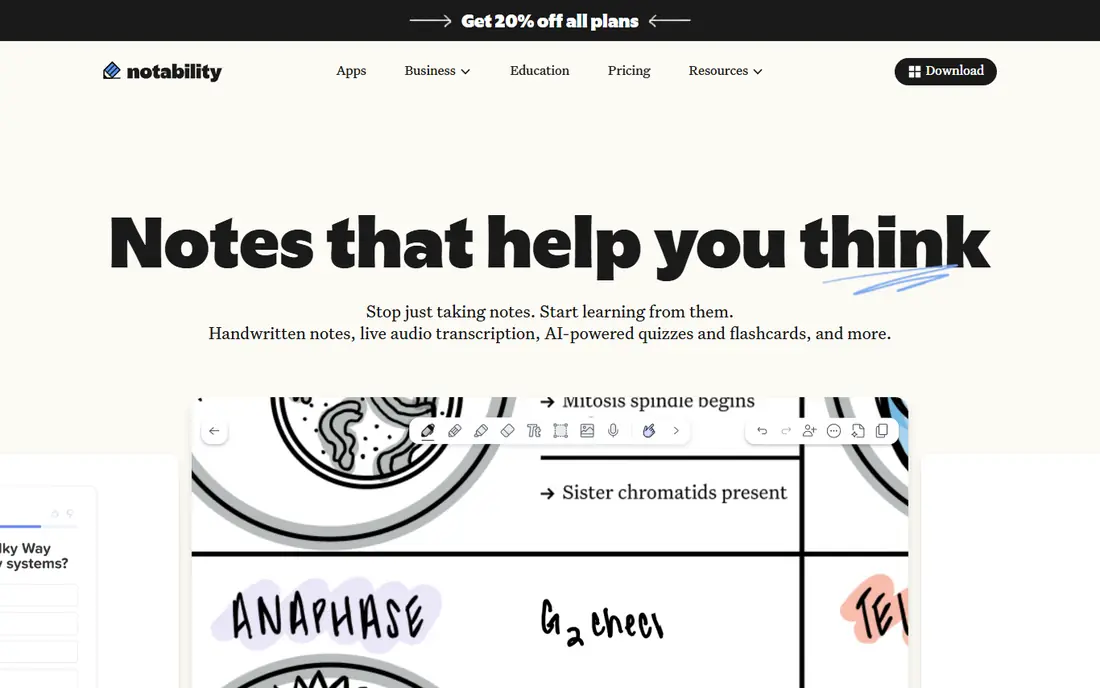
Notability is the most direct GoodNotes rival for students, and audio is the reason. Record a lecture, write alongside it, and tap a note later to hear what was said at that moment. That link between ink and sound helps when a diagram or formula needs its spoken explanation, and it is the feature most GoodNotes users miss when they switch.
Pricing needs care. The entry paid tier is far cheaper than the top tier, which adds live transcription and other AI features, so check which tier covers the feature you actually need. The free Starter plan lets you try the basics, but it limits editing in ways that matter for daily use.
- Audio recording linked to notes
- Strong handwriting and PDF tools
- Broad platform support
- Top tiers cost much more
- Some AI features sit behind higher plans
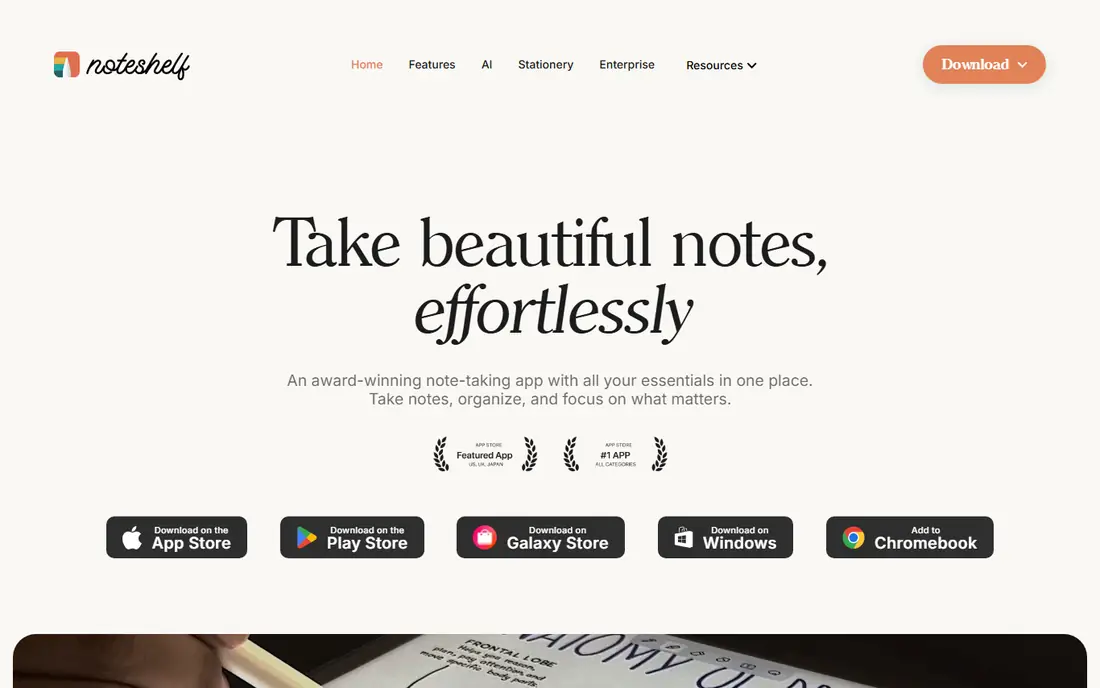
Noteshelf has long been a favourite for people who want a clean notebook without a large yearly bill. Handwriting feels smooth, PDF annotation covers textbooks and handouts, and notebooks, folders and bookmarks keep a semester organised. It is a calm, focused app, and that focus is part of its charm.
It does not chase every AI feature, so users who want live transcription or smart summaries should look at Notability or OneNote. If your priority is writing, reading and annotating PDFs at a fair price, Noteshelf is a strong, low-drama pick.
- Natural handwriting feel
- PDF annotation and notebooks
- Lower cost than subscription rivals
- Fewer AI features than newer apps
- Sync options vary by platform
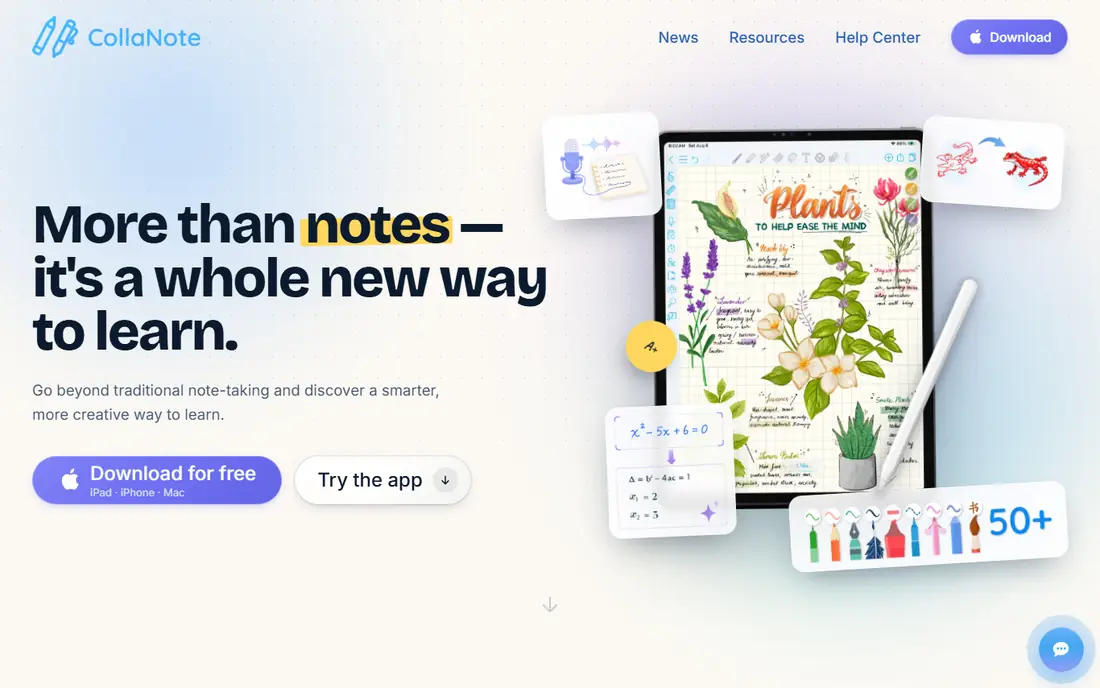
CollaNote stands out because so much of it is free. You get handwriting, PDF annotation, shapes, images and collaboration tools without an upfront purchase, which makes it easy to recommend to students on a tight budget. The interface is friendly, and the app has grown steadily with new tools for study and planning.
The main limit is ecosystem. It is built for Apple devices, and its planner and template community is smaller than the one around GoodNotes. If you live on an iPad and want a capable free notebook, CollaNote is hard to beat. If you need Windows or Android, OneNote is the safer cross-platform pick.
- Generous free features
- Handwriting, PDF and collaboration tools
- Active development
- IPad and iPhone focus
- Smaller template and planner community than GoodNotes
MyScript Notes, formerly known as Nebo, is the pick when handwriting must become searchable, editable text. Its recognition works as you write, handles diagrams and maths notation better than most rivals, and lets you export clean text for essays, emails and documents. For people whose handwriting is faster than typing, that conversion changes how notes get used.
It is not a PDF planner in the GoodNotes sense, and its notebook design is simpler. Treat it as a writing and conversion tool first, with note organisation second. Paired with a PDF app, it covers a study workflow very well.
- Excellent real-time handwriting recognition
- Works across platforms
- Good for long handwritten drafts
- Less focused on PDF planners
- Interface is plainer than GoodNotes
ZoomNotes is for note takers who want control. Pages can be huge, sub-pages can nest inside a main note, and you can mix handwriting, typed text, images, PDF pages and bookmarks in one document. Teachers and researchers who build large, linked notebooks often like this freedom, and the app runs on Apple, Windows and Android devices.
That freedom has a learning curve, and there is no free plan to soften the trial. If you want a simple notebook, Noteshelf or CollaNote will feel faster. If you want to build a deep, custom notebook system, ZoomNotes repays the effort.
- Very flexible page sizes and sub-pages
- Handwriting, PDF and presentation tools
- Cross-platform apps
- No free plan
- Interface takes time to learn
OneNote is the safest free starting point for most people, because it runs on Windows, Mac, iPad, iPhone, Android and the web, and it syncs through a Microsoft account. Notebooks, sections and pages give you room to grow, search covers typed and handwritten text, and collaboration is straightforward for shared class or work notes.
Handwriting is good rather than great, and PDF annotation is less polished than in GoodNotes or Notability. If your notes are mostly typed, mixed media, or shared across platforms, OneNote wins on reach and price. If pen feel is the top priority, try a dedicated handwriting app first.
- Free
- Works on almost every platform
- Strong search, sync and organisation
- Handwriting feel is less refined than GoodNotes
- PDF handling is more basic
Apple Notes is easy to overlook because it is already on your device, but for many Apple users it is enough. It handles typed notes, checklists, images, scans and basic handwriting well, syncs through iCloud, and opens instantly for a quick note. There is no subscription, no setup, and no learning curve.
The limits show up with heavy PDF study or digital planners. Annotation is basic, template support is limited, and there is no Android or Windows app. If you are all-in on Apple and your notes are mostly short and practical, Apple Notes saves money and friction. If you need a planner system, look higher on this list.
- Free and built in
- Simple, fast and reliable
- Good sync across Apple devices
- Apple only
- Handwriting and PDF tools are more basic than GoodNotes
Flexcil is built around studying from PDFs. You can read a textbook or paper, pull out key passages, and link them to your own notes, so revision traces back to the source. Gestures speed up common actions, and the app suits students who annotate heavily and want their notes tied to the document they came from.
Its community and template library are smaller than those around GoodNotes, and the full feature set needs payment. For PDF-heavy study, that source-linked workflow is a real advantage. For general journaling or planning, a broader notebook app may feel more natural.
- PDF-first study workflow
- Links between PDF and notes
- Gesture-based tools
- Smaller user community
- Some features need a paid plan
Penbook keeps the focus on writing. The interface stays out of the way, paper styles are pleasant, and starting a note takes seconds, which helps for daily journaling, sketching and quick meeting notes. It is a calm alternative for people who found GoodNotes or Notability too busy for simple writing.
It is not the best pick for a complex planner or a large PDF library, and its ecosystem is smaller. If you want a simple, attractive notebook for pen-first notes, Penbook is a good trial. If you need deep PDF or planner tools, start with Notability or Noteshelf.
- Clean, pen-first design
- Live paper and page options
- Low friction for daily notes
- Fewer planner and PDF features than GoodNotes
- Smaller ecosystem
How we picked these
We compared official feature pages, app store listings and pricing pages for each app, and we kept only apps that exist and work now. We looked for real handwriting support, PDF annotation where claimed, honest pricing, and a clear fit for GoodNotes users. Apps that were discontinued, that lacked a working homepage, or that only offered typed notes were left out.
How to choose a GoodNotes replacement
Start with your device. An iPad-only student can choose almost any app here, while someone who switches between iPad, Windows and Android needs OneNote, MyScript Notes or ZoomNotes for a smoother sync. Test your actual pen and tablet, since handwriting feel varies more in use than on a feature page.
Next, name the one feature you cannot give up. Audio-linked notes point to Notability, handwriting-to-text points to MyScript Notes, PDF study points to Flexcil or Noteshelf, and a free start points to CollaNote, OneNote or Apple Notes. A trial week with real class or work notes will tell you more than a list of features.
Finally, check the price at the tier you need, not the headline price. AI transcription, cloud sync and unlimited notebooks often sit on different tiers, and a cheap entry plan can become expensive once you add the feature that made you switch.
Frequently asked questions
What is the best alternative to GoodNotes?
Notability is the best all-round alternative for most students, thanks to audio-linked notes and strong PDF tools. Noteshelf is a strong lower-cost pick, and CollaNote is the best free-feeling iPad option. The right choice depends on your device and your top feature.
Are there free alternatives to GoodNotes?
Yes. CollaNote, OneNote and Apple Notes all offer capable free plans, and Noteshelf and MyScript Notes offer free entry points. Free plans often limit notebooks, editing or AI features, so check the limits before you move a large library.
Which alternative is best for handwriting to text?
MyScript Notes leads for handwriting-to-text conversion, with real-time recognition that handles long handwritten drafts well. OneNote also offers handwriting search, while Notability and GoodNotes-style apps focus more on keeping ink as ink.
Can I use these apps on Android or Windows?
OneNote, MyScript Notes and ZoomNotes cover Android and Windows alongside Apple devices, while CollaNote, Apple Notes and Penbook are Apple focused. Check the app store listing for your exact device before you buy, since features can vary by platform.
Do GoodNotes alternatives support digital planners?
Noteshelf, CollaNote and ZoomNotes support planners and templates, though their template communities are smaller than the GoodNotes marketplace. Try a planner PDF in the trial version first, and check that hyperlinks and tabs work as you expect.
Can I move my GoodNotes notebooks to another app?
You can usually export PDFs or images from GoodNotes and import them elsewhere, but editable ink, links and organisation may not transfer perfectly. Export a test notebook first, import it into the new app, and check pages, handwriting and links before you move everything.
Sources
See where you really rank - block by block
ProMapRanker scans Google Maps across a grid of your service area. Simple monthly plans from $19, white-label on every plan.
Start freeKeep reading
 wpforms alternatives
Best WPForms Alternatives in 2026
We compare 9 wpforms alternatives for WordPress forms, with free and paid options, current pricing notes, and honest limits for small business sites in 2026.
Read → windows task scheduler alternatives
Best Windows Task Scheduler Alternatives in 2026
Looking for Windows Task Scheduler alternatives? We compare 9 schedulers for Windows and cross-platform work, from free tools to enterprise automation.
Read → which ai video service is best
Which AI Video Service Is Best in 2026
which ai video service is best? We compare 10 legitimate AI video services on price, avatars, editing and output quality to help you pick the right tool.
Read →