 ProMapRanker
Best Gmail Alternatives in 2026


Privacy and encryption-first email · Pricing starts at: Free plan; Mail Plus from $3.99 per month on annual billing
Key takeaways
- Proton Mail is our first pick for privacy and encryption-first email, while Microsoft Outlook stands out for microsoft 365 users and business mail.
- Prices range from free plans on several picks to paid plans from Standard from $5 per user per month on annual billing, so check the plan that matches your actual use.
- The best fit depends on format: live help, self-paced work, or a managed service change the experience more than a single feature.
- Check free plan limits, export options, and cancellation terms before committing, because headline prices rarely tell the full story.
- Start with a trial or a short plan, test it on a real task, and keep only the tool that clearly helps your workflow.
Quick comparison
| Pick | Great for | Pricing starts at | Free tier | |
|---|---|---|---|---|
| Proton Mail | Privacy and encryption-first email | Free plan; Mail Plus from $3.99 per month on annual billing | Yes, free plan | Visit |
 Microsoft Outlook Microsoft Outlook | Microsoft 365 users and business mail | Free plan; paid from $1.99 per month for some plans, Microsoft 365 plans vary | Yes, free plan | Visit |
 Fastmail Fastmail | Power users who want customisation and custom domains | Standard from $5 per user per month on annual billing | No; 30-day trial | Visit |
 Tuta Tuta | Encrypted email on a budget | Free plan; paid from $3 per month on annual billing in many listings, see website | Yes, free plan | Visit |
 Zoho Mail Zoho Mail | Small businesses and Zoho users | Free plan for up to 5 users; Mail Lite from $1 per user per month on annual billing | Yes, free plan for small teams | Visit |
 Yahoo Mail Yahoo Mail | Casual personal use with large storage | Free plan; Mail Plus from $5 per month | Yes, free plan | Visit |
 iCloud Mail iCloud Mail | Apple device users | Free plan with Apple ID; iCloud+ from $0.99 per month | Yes, free plan | Visit |
 HEY HEY | Individuals who want a workflow-based inbox | From $99 per year | No; trial available | Visit |
The best Gmail alternatives
We compared privacy, storage, custom domains, and ecosystem fit, and the eight picks below cover personal mail, business mail, and privacy-first inboxes.
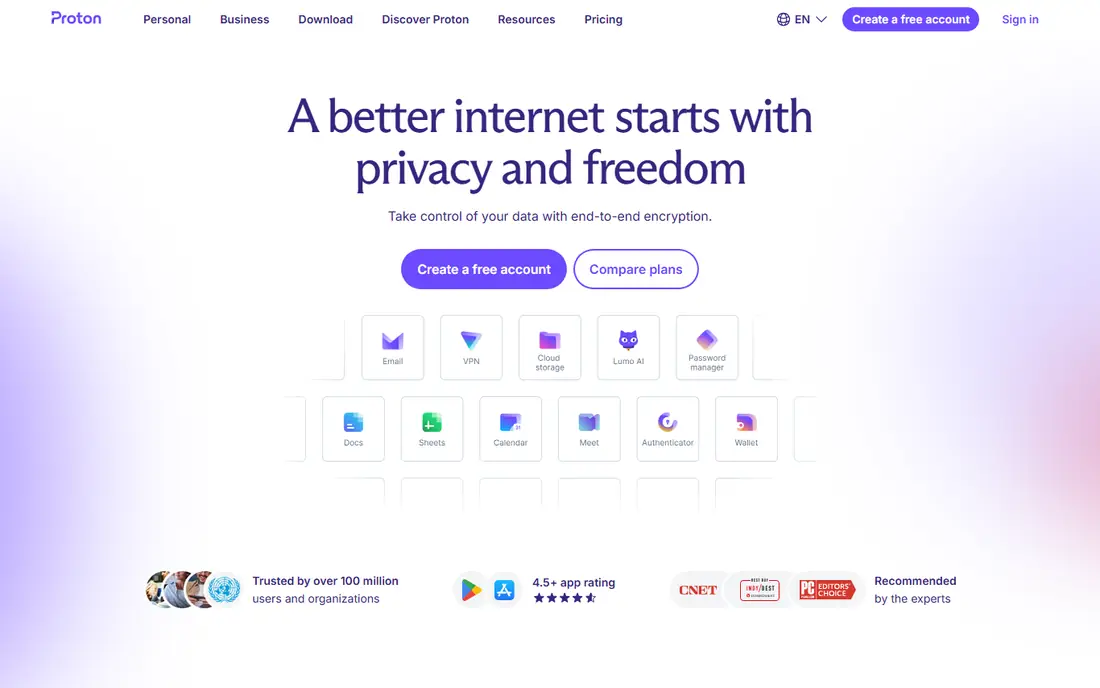
Proton Mail is a privacy-focused email service with end-to-end encryption. Messages are encrypted in a way that means Proton cannot read mailbox contents in the same way as a conventional provider. It suits users who handle sensitive mail and are willing to accept smaller free storage for stronger privacy. Pricing also matters here, because the starting price is Free plan; Mail Plus from $3.99 per month on annual billing, and the free plan status is Yes, free plan. Compare that price at your real usage level, not just the entry tier, and check what is included before you pay. We would shortlist Proton Mail for readers whose main need is privacy and encryption-first email. If that need is not your priority, another pick on this list may fit better, and the comparison table above is a good place to start that second look.
- End-to-end encryption, Swiss jurisdiction, and no ads
- Storage is limited on the free plan, and desktop IMAP needs the Bridge app
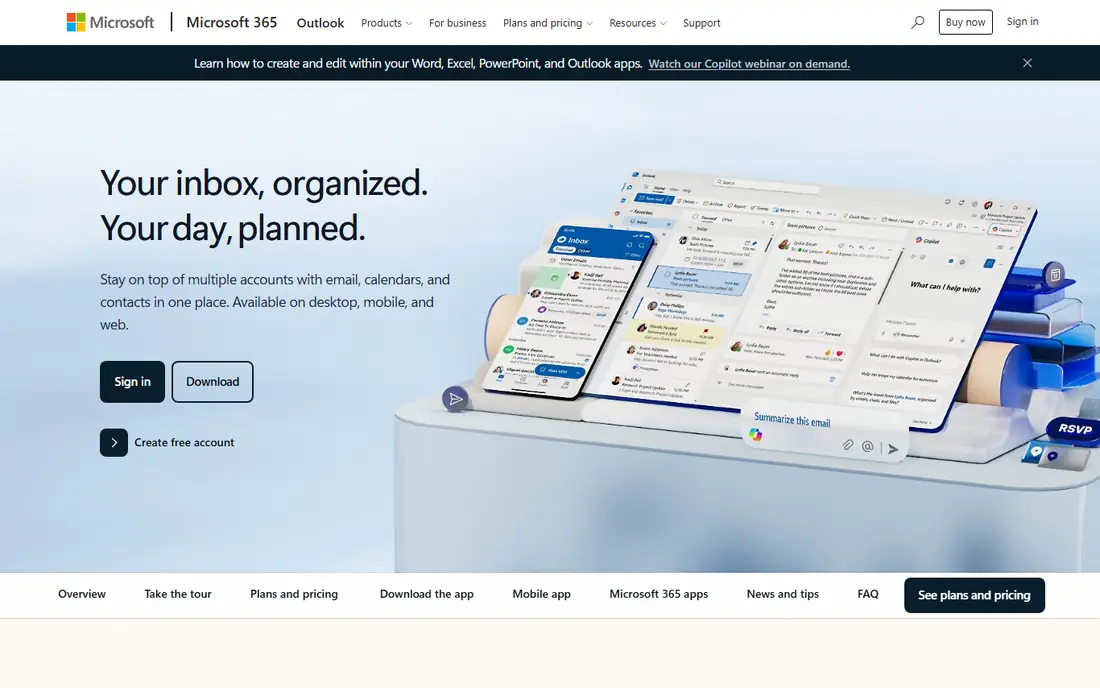
Microsoft Outlook covers free Outlook.com mail and the Outlook app used with Microsoft 365. Its calendar, contacts, and Office integrations make it a natural fit for Microsoft users. It is the best Gmail alternative for teams already using Word, Excel, and Teams. Pricing also matters here, because the starting price is Free plan; paid from $1.99 per month for some plans, Microsoft 365 plans vary, and the free plan status is Yes, free plan. Compare that price at your real usage level, not just the entry tier, and check what is included before you pay. We would shortlist Microsoft Outlook for readers whose main need is microsoft 365 users and business mail. If that need is not your priority, another pick on this list may fit better, and the comparison table above is a good place to start that second look.
- Calendar and Office integration, large storage on paid plans, and familiar interface
- Free plan shows ads, and custom domains require Microsoft 365 plans
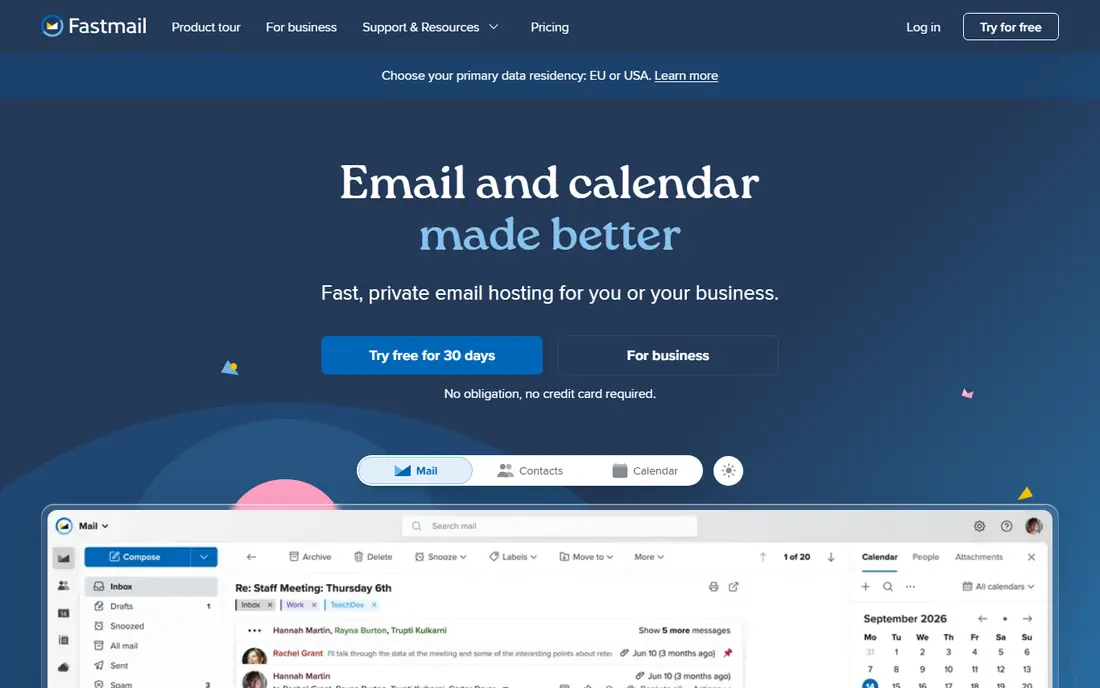
Fastmail is an independent email provider built for speed and control. It offers custom domains, unlimited aliases on many plans, and strong standards support including IMAP and JMAP. It suits users who run a personal domain and want a clean, ad-free inbox with detailed rules. Pricing also matters here, because the starting price is Standard from $5 per user per month on annual billing, and the free plan status is No; 30-day trial. Compare that price at your real usage level, not just the entry tier, and check what is included before you pay. We would shortlist Fastmail for readers whose main need is power users who want customisation and custom domains. If that need is not your priority, another pick on this list may fit better, and the comparison table above is a good place to start that second look.
- Fast webmail, custom domains, aliases, and masked email
- No free plan, and end-to-end encryption is not the default model
Tuta is an encrypted email service with a focus on privacy and sustainability. Its free plan offers encrypted mail and calendar, with paid plans adding storage and custom domains. It is a good low-cost privacy option for users who do not need the wider Proton ecosystem. Pricing also matters here, because the starting price is Free plan; paid from $3 per month on annual billing in many listings, see website, and the free plan status is Yes, free plan. Compare that price at your real usage level, not just the entry tier, and check what is included before you pay. We would shortlist Tuta for readers whose main need is encrypted email on a budget. If that need is not your priority, another pick on this list may fit better, and the comparison table above is a good place to start that second look.
- Automatic encryption, no ads, and low paid price
- Storage is limited on the free plan, and some features need paid tiers
Zoho Mail is a business email host with a generous free tier for small teams. It supports custom domains and works with Zoho CRM, Docs, and other Zoho apps. It suits startups that need business email on a domain at very low cost. Pricing also matters here, because the starting price is Free plan for up to 5 users; Mail Lite from $1 per user per month on annual billing, and the free plan status is Yes, free plan for small teams. Compare that price at your real usage level, not just the entry tier, and check what is included before you pay. We would shortlist Zoho Mail for readers whose main need is small businesses and zoho users. If that need is not your priority, another pick on this list may fit better, and the comparison table above is a good place to start that second look.
- Low price, custom domain on the free plan for small teams, and Zoho app integration
- Free plan excludes IMAP and POP access, and search can feel slower than rivals
Yahoo Mail is a long-running free email service with large storage for personal archives. Its interface is simple, and it offers tools for managing subscriptions and large inboxes. It suits users who want a free, high-storage personal mailbox and do not need custom domains. Pricing also matters here, because the starting price is Free plan; Mail Plus from $5 per month, and the free plan status is Yes, free plan. Compare that price at your real usage level, not just the entry tier, and check what is included before you pay. We would shortlist Yahoo Mail for readers whose main need is casual personal use with large storage. If that need is not your priority, another pick on this list may fit better, and the comparison table above is a good place to start that second look.
- Large free storage, simple interface, and disposable addresses
- Free plan shows ads, and custom domains need paid plans
iCloud Mail is Apple email service, built into iPhone, iPad, and Mac. Mail, calendar, and contacts sync across Apple devices, and Hide My Email helps with aliases. It is the natural pick for Apple users, and a weaker pick for users who mainly use Windows or Android. Pricing also matters here, because the starting price is Free plan with Apple ID; iCloud+ from $0.99 per month, and the free plan status is Yes, free plan. Compare that price at your real usage level, not just the entry tier, and check what is included before you pay. We would shortlist iCloud Mail for readers whose main need is apple device users. If that need is not your priority, another pick on this list may fit better, and the comparison table above is a good place to start that second look.
- No ads, deep Apple device sync, and custom domain on iCloud+
- Free storage is shared across iCloud, and it is less flexible outside Apple devices
HEY is an email service from Basecamp with a different inbox workflow. New senders are screened before they reach the main inbox, and mail is grouped into focused views. It suits users who feel overwhelmed by email and want stricter control over what reaches them. Pricing also matters here, because the starting price is From $99 per year, and the free plan status is No; trial available. Compare that price at your real usage level, not just the entry tier, and check what is included before you pay. We would shortlist HEY for readers whose main need is individuals who want a workflow-based inbox. If that need is not your priority, another pick on this list may fit better, and the comparison table above is a good place to start that second look.
- Screening of new senders, focused inbox workflow, and clean design
- Price is higher than basic mail, and it works differently from conventional inboxes
How we picked these
We compared official feature pages, pricing pages, app store listings, privacy policies, and public reviews for each product, and we checked that each product exists and works today. We looked at core features, price, free plan limits, and fit for the topic, rather than popularity alone. We did not claim hands-on testing, lab testing, or daily use, and we did not invent prices, awards, user counts, or ratings. Where a price could not be verified from a clear public source, we wrote See website, so readers can check the current vendor page before buying.
How to choose a Gmail alternative
Start with privacy, domain, and device needs, then check storage and migration tools before moving your mail. Price, format, and support should be weighed together, and a short trial is worth more than a long feature list when the choice is close.
Check the real cost
Add up the monthly price, any per-user or per-client charge, and fees for extra features, seats, or exports. Free plans help for testing, but they often limit the exact feature you will need most, so read the free plan limits on the vendor page.
Match the format to the work
A tool that fits your daily workflow will be used, while a more complete tool that feels awkward will sit unused. Check device support, integrations with tools you already use, and whether a team or a single user will run it.
Test before you commit
Run a real task through a trial, such as one lesson, one order, one report, or one poster, and judge the result on that task. Check support options, cancellation terms, and data export, because switching later is harder than testing now.
Frequently asked questions
What are the best email alternatives to Gmail for privacy?
Proton Mail and Tuta are the strongest privacy picks, with encryption and no ads. Fastmail is also ad-free and independent, but it does not use end-to-end encryption by default. Choose Proton Mail for the strongest encryption, and Tuta for a lower price.
What is the best Gmail alternative for business email?
Zoho Mail is the lowest-cost business option, Fastmail suits personal domains and power users, and Outlook suits Microsoft 365 teams. Check custom domain support, admin controls, and migration tools before moving a business domain.
What is the best cross platform email client for these services?
Most of these services work with standard email apps through IMAP, except where a provider limits IMAP on free plans. Fastmail, Outlook, and Zoho Mail on paid plans work well in Apple Mail, Thunderbird, and Outlook. Proton Mail needs its Bridge app for desktop IMAP in many cases.
Can I keep my Gmail address after switching?
Yes, you can forward Gmail to a new inbox or keep Gmail for old contacts while you move. Update important accounts first, then set up forwarding for a transition period. Do not close Gmail until you have checked that password resets and key accounts work on the new address.
Is it hard to migrate email?
Migration effort depends on mailbox size and the tools offered. Many providers offer import tools for Gmail, and IMAP can move folders in bulk. Test with a small folder first, and keep a backup until you confirm that messages, labels, and contacts have moved correctly.
Sources
See where you really rank - block by block
ProMapRanker scans Google Maps across a grid of your service area. Simple monthly plans from $19, white-label on every plan.
Start freeKeep reading
 zoom alternatives
Best Zoom Alternatives in 2026
Compare Zoom alternatives in 2026, with free meeting limits and prices, so you can pick the best alternative to Zoom for your team, class, or community.
Read → which software is best for remote work
Which Software Is Best for Remote Work in 2026
Answering which software is best for remote work, we compare Slack, Zoom, Asana, Notion, Teams and more, with pricing and honest tradeoffs in 2026 now.
Read → which ai tool is best for content writing
Which AI Tool Is Best for Content Writing in 2026
Wondering which ai tool is best for content writing? We compare ChatGPT, Claude, Jasper, Grammarly, and more on price, quality, and best use in 2026 now.
Read →