 ProMapRanker
Best Free Mint Alternatives in 2026

Key takeaways
- Mint shut down in 2024, so any list that still presents Mint as a live free app is out of date.
- Empower and NerdWallet are the closest free options for automatic account tracking, while Goodbudget and EveryDollar suit manual budgeting.
- Every tool in this list has a genuinely free tier, with no trial-only options included.
- Free apps often earn money from product offers or paid upgrades, so read the privacy policy before linking bank accounts.
Quick comparison
| Pick | Great for | Pricing starts at | Free tier | |
|---|---|---|---|---|
 Empower Personal Dashboard | Net worth tracking | Free | Yes | Visit |
 NerdWallet | Spending and credit | Free | Yes | Visit |
 Rocket Money | Subscription tracking | Free | Yes | Visit |
 Goodbudget | Envelope budgeting | Free | Yes | Visit |
 EveryDollar | Simple zero-based budgets | Free | Yes | Visit |
 Credit Karma | Credit and spending view | Free | Yes | Visit |
 Honeydue | Couples budgeting | Free | Yes | Visit |
 PocketSmith | Cash flow forecasting | Free | Yes | Visit |
 Wallet by BudgetBakers | Manual and synced tracking | Free | Yes | Visit |
The best free mint alternatives
Mint was a free app that linked bank accounts, categorized spending, and showed budgets in one place. After Intuit shut Mint down in 2024 and moved users toward Credit Karma, former Mint users have had to split those jobs across several apps. The nine tools below each cover part of that job with a genuinely free tier. This is not financial advice, and linking accounts is a personal choice that deserves a careful look at privacy and security.
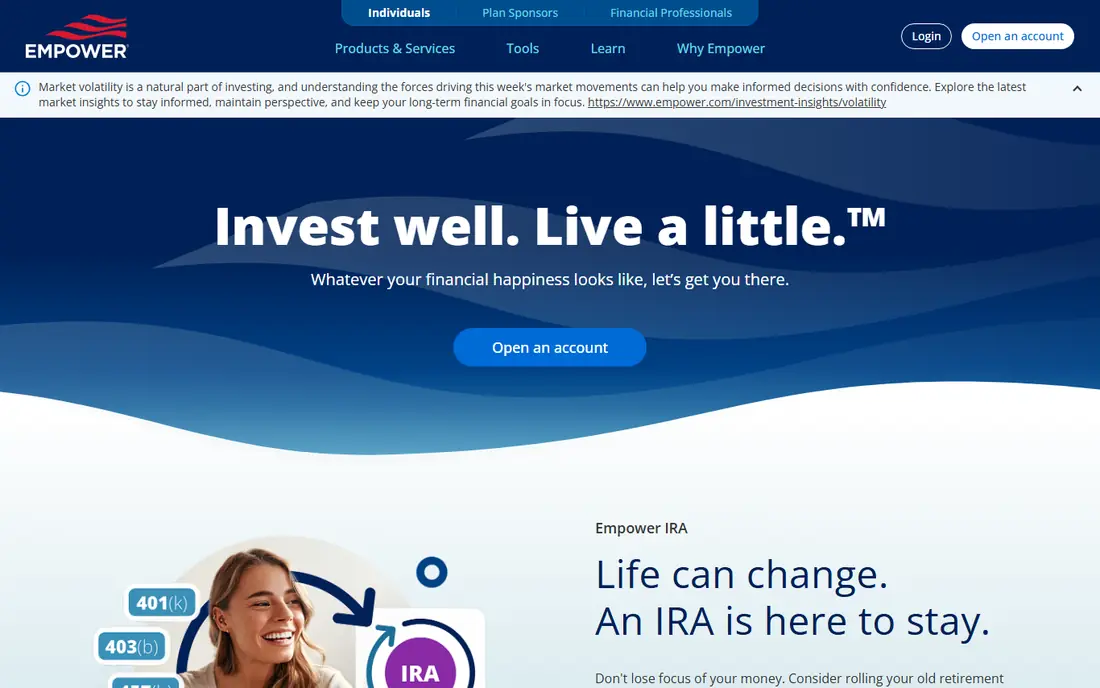
Empower Personal Dashboard, formerly Personal Capital, is the closest free replacement for Mint users who mainly want to see everything in one place. It links bank, card, loan, and investment accounts, then shows net worth, cash flow, and spending by category. For people who check their overall position weekly rather than managing every purchase daily, that broad view is often enough.
Budgeting is the weak spot. Empower tracks spending, but it does not offer the same detailed budget planning and bill tracking that Mint users may remember. The company also offers wealth management services, so expect occasional offers for advisory help. If your priority is a free, automatic overview of accounts and investments, Empower is the strongest starting point in this list.
- Free dashboard with account linking
- Net worth, spending, and investment views
- No paid tier required for the dashboard
- Budgeting tools are basic compared with Mint
- Company may offer advisory services
- Single-login view limits some household sharing
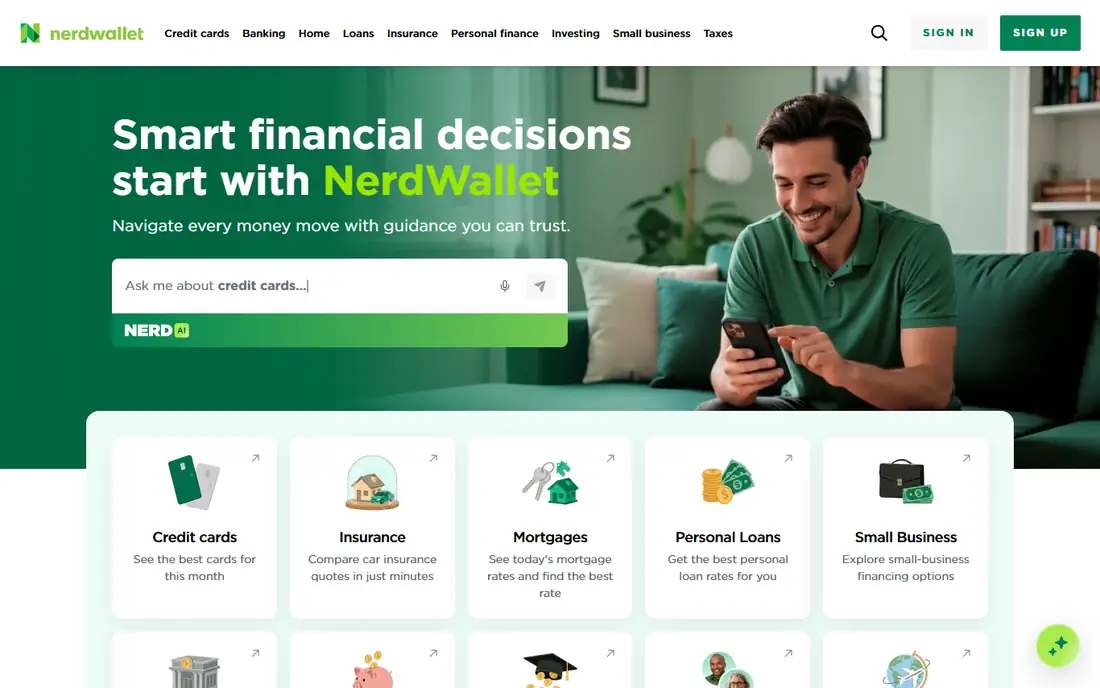
NerdWallet gives former Mint users a free way to link accounts, track spending, and check a credit score in one app. Spending categories and trends help answer the basic question Mint answered well: where did the money go this month. The built-in articles and calculators also help when you need to compare a card, a loan, or a savings account.
The trade-off is the business model. NerdWallet is free because it earns money from financial product recommendations, so you will see offers alongside your accounts. Budgeting features are also lighter than a dedicated budget app, and bill management is not the focus. Use NerdWallet for tracking and credit awareness, and pair it with a budget app if you need strict spending limits.
- Free account linking and spending tracking
- Credit score view
- Financial articles and calculators
- Ads and product offers are part of the free model
- Budgeting depth is limited
- Not a full bill management tool
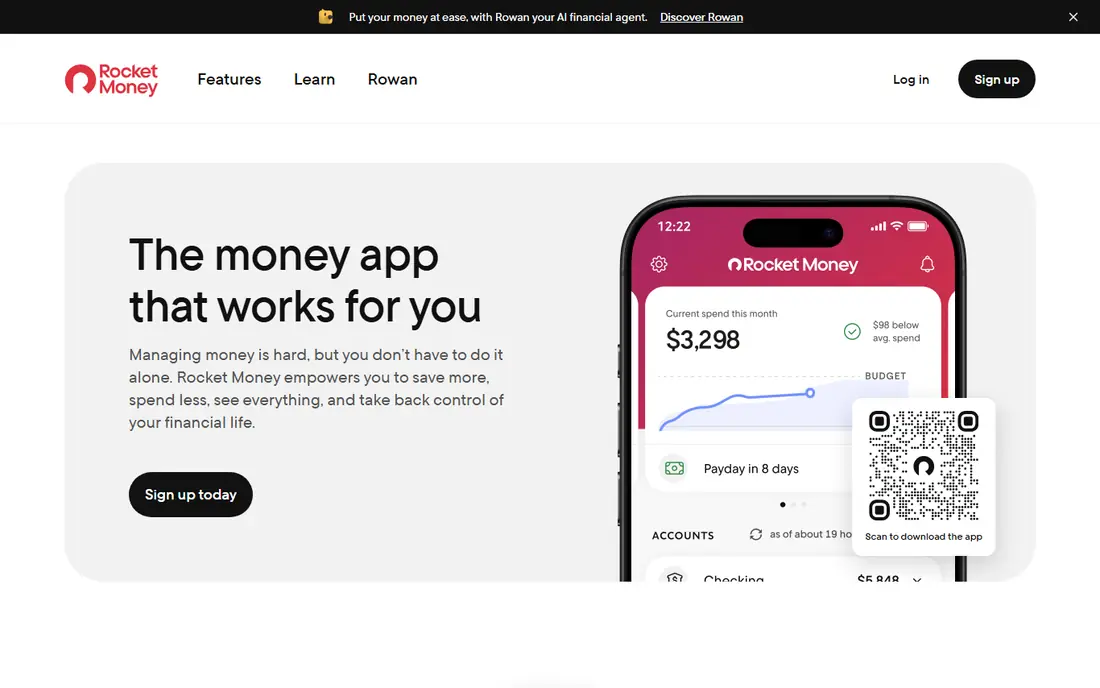
Rocket Money is the best free pick for people whose main Mint habit was spotting subscriptions and recurring charges. The free tier links accounts, shows spending, and surfaces subscriptions that might otherwise slip past unnoticed. That single job can save real money, since many households pay for services they no longer use.
The free tier does not include bill negotiation, credit monitoring, or the full premium budget set, and premium pricing works as a range rather than a single fixed price. Expect upgrade prompts for those extras. If you want a free tool that first cleans up subscriptions and then tracks spending, Rocket Money is a practical choice, but keep expectations clear about what stays free.
- Free tier with subscription tracking and spending views
- Recurring charge alerts
- Budget categories on the free tier
- Bill negotiation and full premium features are paid
- Premium pricing is a range you set
- Some features push toward upgrade
Goodbudget suits people who want to control spending by planning it first, rather than only reviewing it later. You assign money to envelopes for groceries, transport, dining, and other categories, then record spending against those envelopes. The free tier covers a limited number of envelopes and accounts, which is enough for a simple household budget.
There is no automatic bank sync, so every transaction must be entered by hand. That friction is a feature for some users, since manual entry makes spending more visible, but it is a burden for others. Households can share an account, which helps couples budget together. If automatic tracking matters more than envelope discipline, Empower or NerdWallet will fit better.
- Free tier with envelope budgeting
- Shared household access
- Teaches planned spending without bank linking
- Free tier caps envelopes and accounts
- No automatic bank sync
- Manual entry takes discipline
EveryDollar offers a clean, free way to build a monthly budget where every dollar has a job. You set income, assign amounts to categories, and track spending against the plan through the month. That zero-based structure helps people who want a clear plan rather than only a spending report, and the free plan covers the core budgeting job.
The free plan requires manual entry, since bank sync sits on the paid premium tier. That means EveryDollar works best for users who will log spending regularly or who prefer not to link bank accounts at all. It also offers less automatic tracking and investment detail than Mint did. For a simple, planned monthly budget at no cost, it remains a solid choice.
- Free plan for manual zero-based budgeting
- Simple monthly budget setup
- Clear category structure
- Free plan does not sync with banks
- Premium bank connection is paid
- Fewer tracking views than Mint
Credit Karma is where many Mint users were directed after Mint closed, so it deserves a clear-eyed place in this list. It is free, it shows credit scores and reports, and it offers spending and account views that help with basic tracking. For users who mainly want credit awareness plus a light spending overview, it covers those jobs without a subscription.
It is not, however, a full budgeting replacement for Mint. Detailed budget planning, bill tracking, and goal tools are thinner here than in dedicated budget apps. Product recommendations also play a large role in the free model, so expect offers tailored to your credit profile. Use Credit Karma for credit and light tracking, and add Goodbudget or EveryDollar if you need a real budget plan.
- Free credit scores and reports
- Spending and account views
- No subscription required
- Not a full Mint replacement for budgeting
- Product offers are central to the free model
- Budgeting features are limited
Honeydue is built for couples who manage money together, which was a common Mint use case that many solo-focused apps handle poorly. Partners can link accounts, see shared spending, set bill reminders, and leave notes about household expenses. That shared view reduces the need for separate spreadsheets or repeated money conversations about who paid what.
Solo users will find less value here, since the design centers on two people. Bank sync coverage also varies by institution, so check that your banks connect before you rely on automatic tracking. Investment and net worth tools are lighter than Empower. For couples who want a free shared budget, Honeydue is the most purpose-built option in this list.
- Free for couples with shared views
- Bill reminders and shared categories
- Chat and notes for household money talks
- Focused on couples rather than solo budgeting
- Bank sync coverage varies
- Fewer investment tools than Empower
PocketSmith suits users who want to look ahead, not only back. Its cash flow calendar and forecasts show when bills land, when balances may dip, and how a planned expense affects future months. That forward view helps freelancers, households with uneven income, and anyone planning a large purchase. Budgets and scenarios add context to the forecast.
The free tier limits accounts and history, so heavy users with many accounts may hit caps. Bank feed availability also depends on your region and provider, which is true of most tracking apps. The interface rewards a little setup time, since forecasts improve once categories and recurring bills are set correctly. For planning ahead on a free tier, PocketSmith offers more foresight than a simple spending tracker.
- Free tier with account tracking
- Cash flow forecasts and calendars
- Budget and scenario views
- Free tier has limits on accounts and history
- Bank feeds depend on region and provider
- Interface takes time to learn
Wallet by BudgetBakers covers both manual budgeting and account tracking in one app, which helps users who want to start free and decide later how much automation they need. You can record spending by hand, link accounts where supported, and view reports by category and time period. That flexibility suits users in different countries and with different banks, since support varies.
Free tier limits apply to some sync features and advanced reports, and paid plans add fuller automation and analysis. Bank connection quality also depends on your institution, so test your main accounts during the first week. For a free, general-purpose tracker that works without forcing a single budgeting method, Wallet is a flexible pick.
- Free tier with manual entry and account tracking
- Spending reports and budgets
- Works across web and mobile
- Free tier limits some bank sync and premium reports
- Advanced features sit on paid plans
- Setup varies by bank and country
How we picked these
We compared official pricing pages, feature pages, and app store listings for budgeting and tracking apps that are live in October 2026. We kept only apps with a genuinely free tier, and we left out trial-only tools such as Monarch, YNAB, Copilot, and Simplifi, even though they are popular Mint replacements for paying users. We also left out Mint itself as a live product, since it shut down in 2024. Where a price depends on a premium tier, we focused on what the free tier actually covers.
How to replace Mint without paying
Start by listing the Mint jobs you actually used. If you only checked spending and net worth, Empower or NerdWallet may be enough on their own. If you planned every dollar, add Goodbudget or EveryDollar for the budget itself. If subscriptions were the problem, start with Rocket Money. Splitting the job across two free apps often works better than hunting for one app that copies Mint exactly, since no free app does.
Before linking accounts, read the privacy policy, turn on two-factor authentication, and link only the accounts you need to track. Use read-only connections where the app offers them, and review connected accounts every few months. A free app that shows product offers is not automatically unsafe, but you should understand how it earns money before you share financial data with it.
Frequently asked questions
What are free mint alternatives after Mint shut down?
Empower, NerdWallet, Rocket Money, Goodbudget, EveryDollar, Credit Karma, Honeydue, PocketSmith, and Wallet all offer genuinely free tiers. Empower and NerdWallet suit automatic tracking, while Goodbudget and EveryDollar suit planned budgeting. No single free app copies Mint exactly, so many former users combine two apps.
Are there mint alternatives free with bank sync?
Yes. Empower, NerdWallet, Rocket Money, Credit Karma, and Honeydue offer bank sync on their free tiers, though coverage varies by bank and region. Goodbudget and the free version of EveryDollar use manual entry instead, which avoids linking accounts but requires more effort. Test your main banks in the first week before you commit to a tool.
Which free Mint alternative is best for budgeting?
Goodbudget is best for envelope budgeting, and EveryDollar is best for simple zero-based monthly budgets, both on free plans. If you want automatic tracking plus a budget view, Rocket Money offers a free tier with budget categories, though full features are paid. Choose the method you will actually maintain, since a budget you abandon helps no one.
Is Credit Karma a good Mint replacement?
Credit Karma is a reasonable replacement for credit scores and light spending views, and it is where Mint users were directed after the shutdown. It is not a full budgeting replacement, since detailed budget planning and bill tools are limited. Pair it with a dedicated budget app if you need strict spending control.
Is it safe to link bank accounts to free budgeting apps?
Reputable apps use encryption and established account aggregators, and they typically use read-only connections that cannot move money. Still, only download apps from official stores, enable two-factor authentication, and link only accounts you need to track. Read the privacy policy to understand how a free app earns money and what data it shares.
Sources
See where you really rank - block by block
ProMapRanker scans Google Maps across a grid of your service area. Simple monthly plans from $19, white-label on every plan.
Start freeKeep reading
 wpforms alternatives
Best WPForms Alternatives in 2026
We compare 9 wpforms alternatives for WordPress forms, with free and paid options, current pricing notes, and honest limits for small business sites in 2026.
Read → windows task scheduler alternatives
Best Windows Task Scheduler Alternatives in 2026
Looking for Windows Task Scheduler alternatives? We compare 9 schedulers for Windows and cross-platform work, from free tools to enterprise automation.
Read → which ai video service is best
Which AI Video Service Is Best in 2026
which ai video service is best? We compare 10 legitimate AI video services on price, avatars, editing and output quality to help you pick the right tool.
Read →