 ProMapRanker
Best Free Alternatives to OneNote in 2026

Key takeaways
- Every tool on this list has a genuinely free tier, not a trial only plan.
- Obsidian and Joplin suit readers who want local files and offline access, while Notion suits shared workspaces and databases.
- Google Keep and Simplenote suit quick capture, while Evernote and Zoho Notebook suit notebook style notes with clipping.
- Free tiers differ on devices, storage and sync, so check those limits before moving a large archive.
Quick comparison
| Pick | Great for | Pricing starts at | Free tier | |
|---|---|---|---|---|
 Notion | Shared workspaces and databases | Free | Yes | Visit |
 Evernote | Notebook notes with clipping | Free | Yes | Visit |
 Obsidian | Local Markdown knowledge base | Free | Yes | Visit |
 Joplin | Open source offline notes | Free | Yes | Visit |
 Google Keep | Quick notes and reminders | Free | Yes | Visit |
 Zoho Notebook | Visual card notebooks | Free | Yes | Visit |
 Simplenote | Minimal fast notes | Free | Yes | Visit |
 Standard Notes | Encrypted private notes | Free | Yes | Visit |
 Bear | Clean Markdown writing on Apple | Free | Yes | Visit |
 Logseq | Outliner and linked notes | Free | Yes | Visit |
The best free alternatives to OneNote
OneNote is free with a Microsoft account, so a useful free alternative must offer real free use, not just a short trial. Every app below has a free tier we could confirm from official pages or recent pricing guides. We compared official feature pages, pricing pages and platform support, and we left out trial only tools.
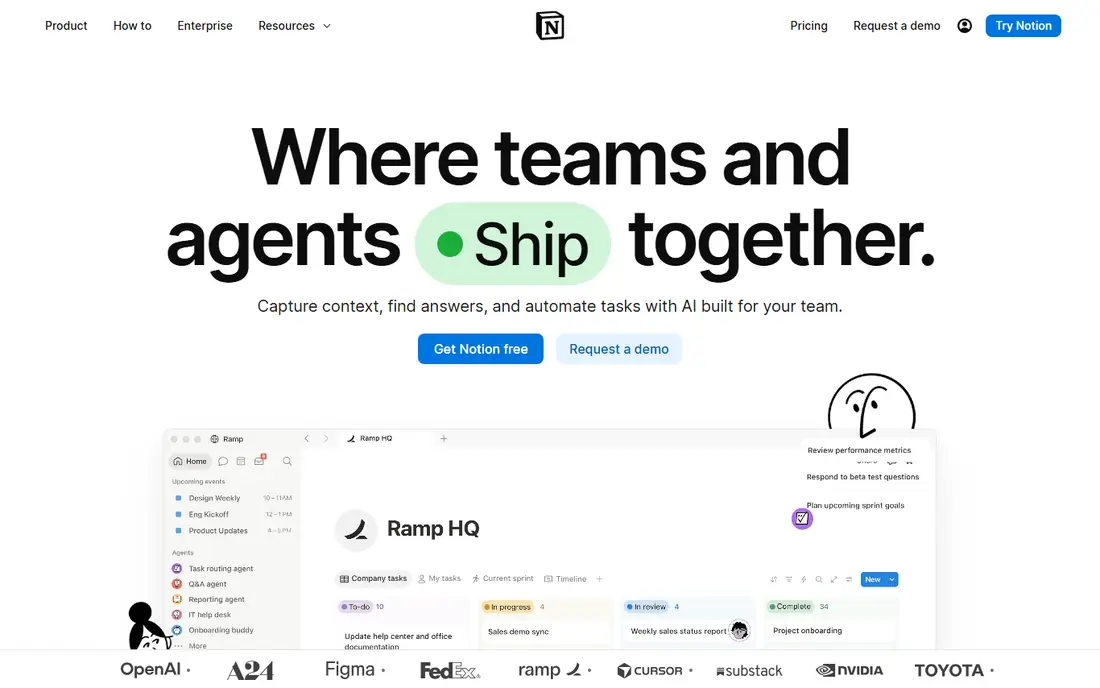
Notion is the most flexible free option for people who want notes plus structure. Pages can hold text, checklists, tables, databases and embedded files, and templates cover meeting notes, project trackers and study plans. Sharing is simple, which makes Notion a good fit for small teams and families.
The free plan suits individuals well, though team use and advanced features move to paid plans. Offline access is also limited compared with Obsidian or Joplin, so travellers should test it first. If you want OneNote style notebooks plus databases and shared pages, Notion is the best free starting point.
- Free personal plan
- Pages, databases and wikis in one place
- Strong templates
- Offline use is limited
- Large workspaces can feel slow
Evernote is closest to OneNote in structure, with notebooks, tags and a strong web clipper for saving articles and PDFs. Search inside scanned documents and images remains a strength, and the mobile apps are polished. For readers who clip a lot from the web, Evernote still feels familiar.
The free plan is now narrow, with a cap of 50 notes in one notebook on one device in recent pricing guides. That limit makes Evernote a poor free home for a large archive, though it still works for a small, focused set of notes. If clipping matters most and you accept the cap or a paid plan, Evernote is worth testing.
- Strong web clipper
- Notebooks and tags
- Search inside documents and images
- Free plan caps notes, notebooks and devices
- Paid plans are costly
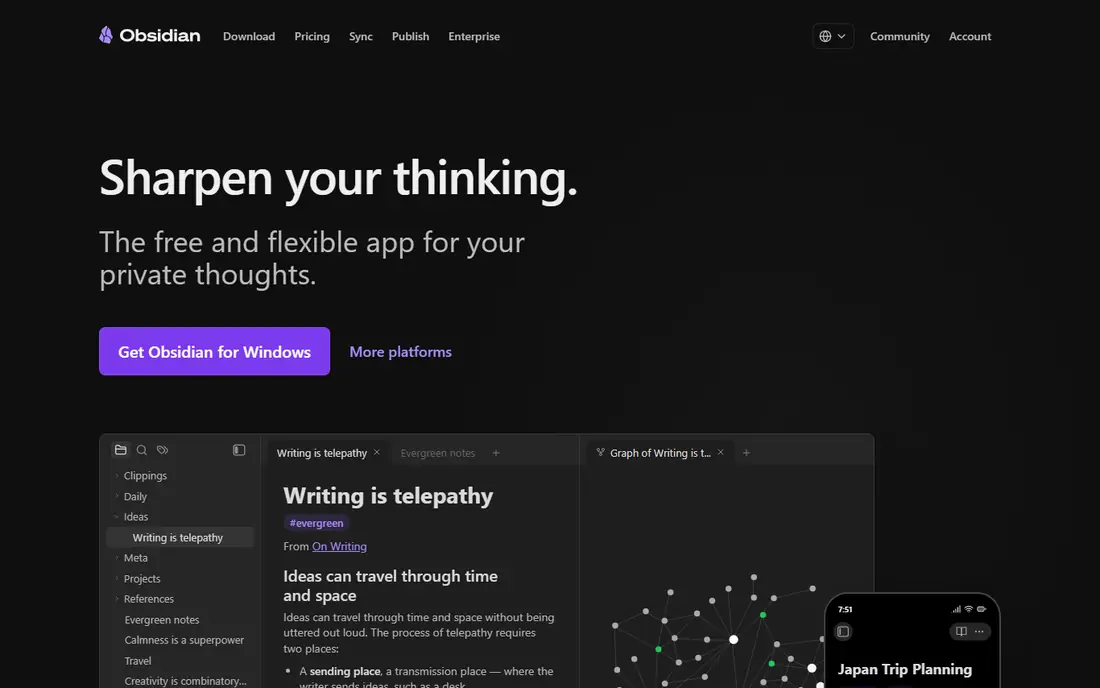
Obsidian stores notes as plain Markdown files on your own device, which gives you full control and easy export. Links between notes, a graph view and a large plugin library help researchers and writers build a personal knowledge base over time. It runs on Windows, Mac, Linux, iOS and Android.
The free personal app does not include the vendor cloud sync service, so syncing across devices needs your own cloud folder or a paid sync plan. There is also no built-in real time collaboration. If you value ownership, offline access and portability, Obsidian is the strongest free pick here.
- Free for personal use
- Local Markdown files
- Links and graph view
- Paid sync for easy cloud sync
- No built-in real time collaboration
Joplin is a free, open source note app with notebooks, Markdown editing, web clipping and encrypted sync to a storage provider of your choice. It works offline first, so notes stay available without a connection, and it runs on Windows, Mac, Linux, iOS and Android. Import from Evernote is also supported.
The design is plainer than Notion or Bear, and sharing a notebook with a team takes manual steps rather than a simple share link. For privacy minded users and anyone who wants a free tool without a vendor lock-in, Joplin is an excellent OneNote alternative. It is also the best free pick for a large archive, since there is no note cap.
- Free and open source
- Offline first
- Encrypted sync options
- Design is plainer than Notion
- Collaboration is manual
Google Keep suits quick capture better than long writing. Notes, lists, voice memos and photos can be saved in seconds, with colour labels, reminders and search to find them later. It syncs through a Google account across web, Android and iOS, with no paid tier needed for core use.
Keep does not offer OneNote style notebooks, sections and deep formatting, so long research notes will feel cramped. It is best as a capture inbox beside a larger tool, or as the main tool for short notes and lists. If speed matters more than structure, Google Keep is a simple free win.
- Completely free
- Fast capture
- Colour labels and reminders
- No notebook hierarchy
- Limited formatting and long document support
Zoho Notebook uses a card based layout that makes notes easy to scan, with notebooks, tags, checklists, sketches and audio notes. It runs on Android, iOS, Mac, Windows and web, with offline access, and it offers a migration path from OneNote. The core app is free, with a paid upgrade for pro AI features.
Zoho Notebook does not match Notion for databases or Obsidian for linked Markdown, but it is closer to OneNote in feel than either. Visual thinkers who like cards and colour will enjoy it. For a free, cross platform notebook with a simple migration route, Zoho Notebook is a solid choice.
- Free core app
- Card based notebooks
- Migration from OneNote
- Paid plan needed for some AI features
- Smaller plugin range
Simplenote is a deliberately small app: plain text notes, tags, search and version history, with fast sync across web, Windows, Mac, iOS and Android. There is no paid tier for core use, which makes it one of the few truly free tools on this list. Writers who want no distractions will like its clean editor.
The cost of that simplicity is scope. There are no notebooks, no handwriting canvas and no databases, so long structured notes need another tool. Simplenote works best for short notes, drafts and lists that need to be available everywhere. If OneNote felt too heavy, Simplenote is a refreshing free change.
- Completely free
- Very fast sync
- Tags and history
- No rich notebooks or handwriting
- Limited formatting
Standard Notes is built around privacy, with encrypted notes and a focus on long term access to your files. The free tier covers core note taking across web, Windows, Mac, iOS and Android, with tags and search. It suits readers who want a private notebook without ads or tracking.
Free users get a plain editor, while richer editors, themes and advanced features sit on paid plans. That makes Standard Notes less flashy than Bear or Notion, but more private by design. If encryption and a simple, durable notebook matter most, Standard Notes is a good free pick.
- Free tier with encryption
- Cross platform
- Long term file access
- Free tier lacks rich editors
- Paid plan needed for themes and advanced editors
Bear is a clean Markdown note app for Mac, iPhone and iPad, with tags instead of folders and a focus on writing. The free core editor covers notes, checklists and export, while the paid plan adds sync through iCloud and advanced export formats. Writers who like Markdown will find Bear fast and pleasant.
The limit is platform. Bear does not run on Windows or Android, so mixed device users should pick Joplin, Obsidian or Notion instead. Sync also needs the paid plan, though iCloud backup options vary by setup. For Apple only writers, Bear is one of the nicest free note apps available.
- Free core editor
- Clean Markdown writing
- Tags and export
- Apple only
- Sync and advanced export need a paid plan
Logseq is a free, open source outliner that stores notes locally and links ideas through pages and blocks. It suits researchers, students and writers who think in outlines and daily notes, with a graph view to explore connections. It runs on Windows, Mac, Linux, iOS and Android.
The outliner style is not for everyone, and the interface feels less polished than Notion or Bear at first. Once learned, it is powerful for daily journals and research notes. If you want a free, local first tool with linked thinking, Logseq is a strong OneNote alternative for structured thinkers.
- Free and open source
- Outliner with linked notes
- Local files
- Outliner style takes learning
- Interface is less polished
How we picked these
We compared official feature pages, pricing pages and recent pricing guides, and we kept only tools with a genuinely free tier in October 2026. Trial only tools were left out, even when a trial lasts 30 days. We also favoured tools that run on at least two major platforms, so a free plan is useful beyond a single device.
What to check before you move
Start with your note types. If you rely on handwriting, check which free tier supports pen input on your device, since many Markdown apps do not. If you rely on web clipping, test Evernote, Joplin or Notion with the pages you actually save. If you rely on offline access, test Obsidian, Joplin or Standard Notes without a connection.
Next, check free limits on devices, storage and sync. A free plan that covers one device will frustrate anyone with a phone and a laptop. Finally, export a small test notebook from OneNote and import it into your top two choices before moving everything. That test will reveal formatting problems while they are still easy to fix.
Frequently asked questions
What are the best free alternatives to OneNote?
Notion, Obsidian, Joplin, Google Keep, Zoho Notebook, Simplenote, Standard Notes, Bear, Logseq and Evernote all offer free tiers. Notion suits shared workspaces, Obsidian and Joplin suit local files, and Google Keep suits quick capture.
Are there free OneNote alternatives with no note limit?
Yes. Obsidian, Joplin, Google Keep, Simplenote, Standard Notes and Logseq do not cap note counts on their free tiers in the way Evernote does. Check storage limits for attachments, since large files can still hit a cap.
Which free OneNote alternative is best for students?
Notion suits group projects and study databases, while Joplin and Obsidian suit private research notes with offline access. Google Keep suits quick class reminders, and Zoho Notebook suits visual revision notes.
Can I import OneNote notebooks into these apps?
Some tools offer direct import or migration, such as Zoho Notebook, while others need an export to Markdown, text or PDF first. Test with a small notebook before moving a full archive, and keep your OneNote copy until the import looks right.
Which free alternative works offline?
Obsidian, Joplin, Standard Notes, Simplenote and Bear all support offline use on supported devices. Notion has limited offline support, so travellers and students without steady Wi-Fi should favour a local first app.
Sources
See where you really rank - block by block
ProMapRanker scans Google Maps across a grid of your service area. Simple monthly plans from $19, white-label on every plan.
Start freeKeep reading
 wpforms alternatives
Best WPForms Alternatives in 2026
We compare 9 wpforms alternatives for WordPress forms, with free and paid options, current pricing notes, and honest limits for small business sites in 2026.
Read → windows task scheduler alternatives
Best Windows Task Scheduler Alternatives in 2026
Looking for Windows Task Scheduler alternatives? We compare 9 schedulers for Windows and cross-platform work, from free tools to enterprise automation.
Read → which ai video service is best
Which AI Video Service Is Best in 2026
which ai video service is best? We compare 10 legitimate AI video services on price, avatars, editing and output quality to help you pick the right tool.
Read →