 ProMapRanker
Best Free Alternatives to Excel in 2026

Key takeaways
- Google Sheets is the best free choice for shared work, while LibreOffice Calc is the best free choice for offline desktop work.
- Every tool in this list has a genuinely free tier, with no trial-only options included.
- Excel file compatibility is good across these tools, but complex macros and advanced features may not transfer perfectly.
- Pick by how you work: browser collaboration, offline desktop use, Apple devices, or a database-style grid for team projects.
Quick comparison
| Pick | Great for | Pricing starts at | Free tier | |
|---|---|---|---|---|
 Google Sheets | Shared spreadsheets | Free | Yes | Visit |
 LibreOffice Calc | Offline desktop work | Free | Yes | Visit |
 Microsoft Excel for the web | Excel file fidelity | Free | Yes | Visit |
 Zoho Sheet | Free online sheets | Free | Yes | Visit |
 ONLYOFFICE Spreadsheet | Excel-compatible files | Free | Yes | Visit |
 WPS Spreadsheets | One free suite | Free | Yes | Visit |
 Apple Numbers | Apple devices | Free | Yes | Visit |
 Apache OpenOffice Calc | Simple free desktop sheets | Free | Yes | Visit |
 Airtable | Database-style grids | Free | Yes | Visit |
The best free alternatives to excel
A free spreadsheet tool should do the core job without a trial clock or a paywall on basic editing. Every tool below offers a genuinely free tier, and we note where paid plans add storage, collaboration, or advanced features. We compared file compatibility, collaboration, offline use, and platform support.
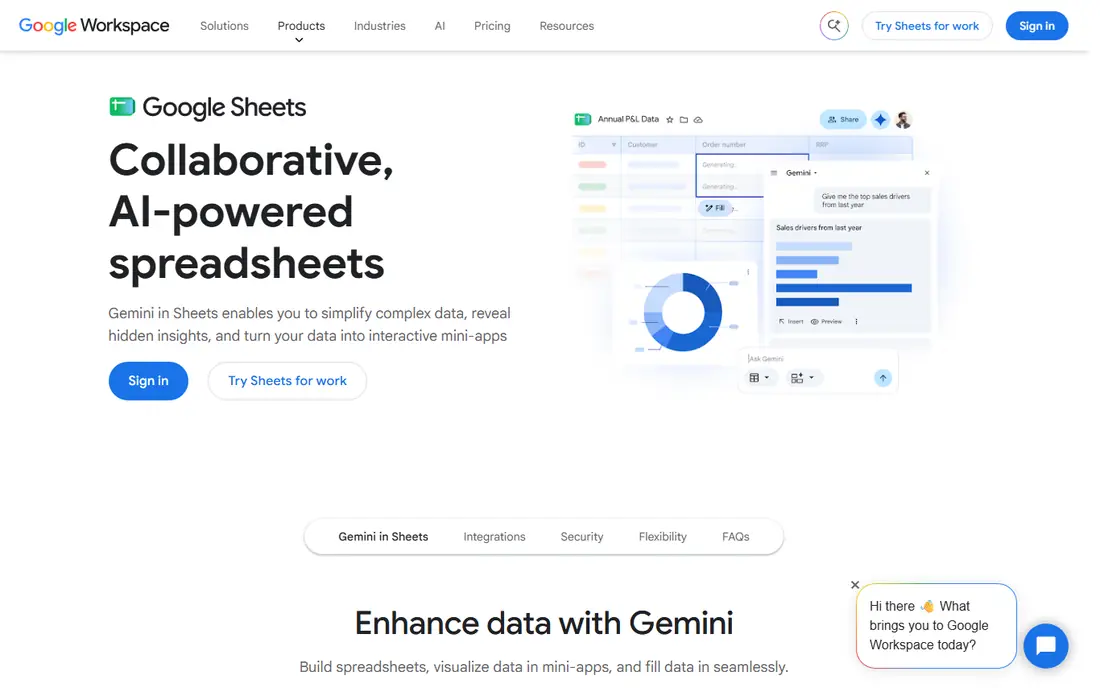
Google Sheets is our pick for most people who need a free Excel alternative, because sharing is built in from the start. Several people can edit the same sheet, leave comments, and see changes in real time, which suits family budgets, small teams, and school projects. It opens Excel files for editing and exports back to Excel format, so you can still share files with Excel users.
The limits appear with very large or complex workbooks, where Sheets can feel slower than a desktop app, and with Excel macros, which do not carry over in full. Offline editing is possible with setup, but Sheets is at its best with a connection. If your work is mostly shared, straightforward, and browser-based, Sheets is the simplest free place to start.
- Real-time collaboration and comments
- Free with a Google account
- Strong formulas, charts, and add-ons
- Needs internet for full collaboration
- Very large files can slow down
- Advanced Excel macros do not transfer fully
LibreOffice Calc is the best free desktop spreadsheet for people who want full control of their files without a cloud account. It runs offline, handles large local files well, and includes pivot tables, charts, and macro support that go beyond a basic grid. For a home office or a small business that works mainly on one computer, Calc covers most daily spreadsheet jobs at no cost.
Sharing is less smooth than in Google Sheets, since Calc is a desktop app and collaboration depends on how you share files. Some complex Excel formatting can also shift when a file moves between Calc and Excel, so check important files before you send them to a client. If offline work and file ownership matter more than live collaboration, Calc is the strongest free desktop pick.
- Free and open source for Windows, Mac, and Linux
- Opens and saves Excel files
- Pivot tables, charts, and macros
- Interface feels older than Sheets or Excel
- Collaboration needs a separate file-sharing setup
- Some Excel formatting shifts on transfer
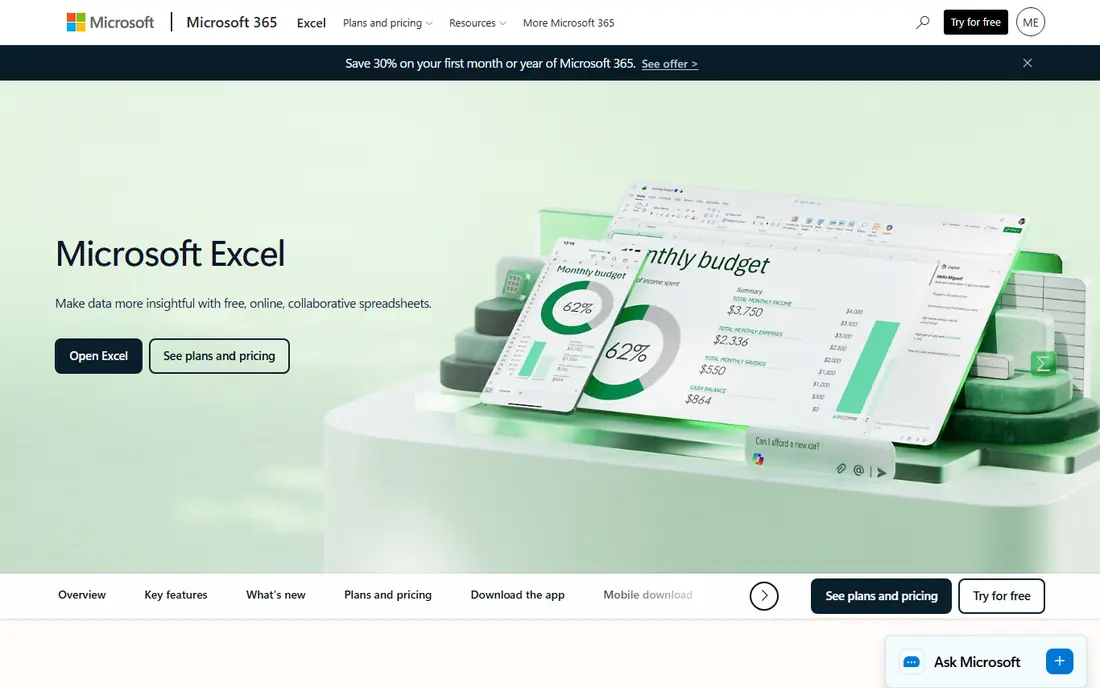
Microsoft Excel for the web is the closest free option to desktop Excel, since it is Excel itself in a browser. Files stay in Excel format, formulas behave as Excel users expect, and sharing through OneDrive covers basic collaboration. For anyone who receives Excel files regularly and wants the fewest surprises, this is a sensible free starting point.
The web version does not include every desktop feature, and macro-heavy or very complex workbooks may still need desktop Excel. You also need a Microsoft account and an internet connection for the free web app. Treat it as a faithful free companion to Excel, not a full desktop replacement, and it will serve most everyday spreadsheet work well.
- Best compatibility with Excel files
- Familiar Excel formulas and layout
- Free with a Microsoft account
- Web version lacks some desktop Excel features
- Needs a Microsoft account
- Large or macro-heavy files may need desktop Excel
Zoho Sheet is a capable free online spreadsheet that suits individuals and small teams who want collaboration without a Google or Microsoft account at the center of their work. It supports real-time co-editing, comments, version history, and data tools such as pivot tables and charts. Excel files can be imported and exported, which keeps it practical for sharing with Excel users.
The add-on and template ecosystem is smaller than Google Sheets, so teams that rely on many extensions may miss a favorite tool. Performance on very large sheets can also lag behind a desktop app. For straightforward shared sheets, budgeting, and small business tracking, Zoho Sheet offers a generous free tier with few compromises.
- Free online sheets with collaboration
- Pivot tables, charts, and data tools
- Imports and exports Excel files
- Smaller add-on ecosystem than Sheets
- Interface feels less polished to some users
- Very large sheets can slow down
ONLYOFFICE Spreadsheet stands out for file compatibility, since its editors are designed to keep Excel formatting intact when files move back and forth. Desktop apps cover Windows, Mac, and Linux, and online workspaces add collaboration for teams that want to host or use a shared environment. That mix suits businesses that exchange Excel files daily and care about how those files look on arrival.
The free story has two parts: desktop editors are free to use, while hosted collaboration and some workspace features depend on the plan you choose. Teams should check which setup matches their needs before they commit. For file fidelity on a desktop, ONLYOFFICE is one of the strongest free options in this list.
- Strong Excel file compatibility
- Desktop and online editors
- Collaboration features in online workspaces
- Free desktop use differs from hosted collaboration setup
- Some advanced features need paid workspace plans
- Setup takes more thought for teams
WPS Spreadsheets suits people who want one free office suite for spreadsheets, documents, and presentations on a computer and a phone. The interface feels familiar to Excel users, and Excel files open and save in the expected formats. Templates and mobile apps add value for students and small businesses that work across devices.
The free version includes advertising and regular prompts to upgrade, which some users find distracting. Advanced features and extra cloud storage also sit on paid plans. If you can live with those prompts, WPS offers a broad free suite in one install. If ads bother you, LibreOffice Calc or Google Sheets may feel cleaner.
- Free suite with spreadsheets, documents, and presentations
- Familiar interface for Excel users
- Mobile apps included
- Free version includes ads and prompts for paid features
- Some advanced tools sit behind paid plans
- Cloud features vary by plan
Apple Numbers is the natural free spreadsheet for people who live on Apple devices. It is free on Mac, iPhone, and iPad, and it offers attractive templates, charts, and tables that suit budgets, plans, and school work. Files can be shared through iCloud, and browser access at iCloud.com helps when you are away from an Apple device.
Numbers is less suited to heavy Excel work, since complex formatting and advanced Excel features may not transfer perfectly. Windows users should not choose it as a primary tool, though they can view shared files in a browser. For Apple households and small teams on Macs and iPhones, Numbers is a polished free option that needs no extra install.
- Free on Mac, iPhone, and iPad
- Clean templates and charts
- ICloud sharing and browser access at iCloud.com
- Only practical as a primary tool on Apple devices
- Excel transfer can shift complex formatting
- Fewer advanced data tools than Excel
Apache OpenOffice Calc covers basic spreadsheet work at no cost on Windows, Mac, and Linux. It opens and saves Excel files, handles formulas and charts, and suits users who want a simple desktop tool without a cloud account. Older computers also benefit, since OpenOffice is lighter than some modern suites.
Development pace is the main drawback. OpenOffice receives less frequent updates than LibreOffice, and it lacks some newer features and refinements. Most new users who want a free desktop spreadsheet should try LibreOffice Calc first. OpenOffice remains a valid choice for simple, offline work on a machine where a familiar, light tool is enough.
- Free and open source desktop spreadsheet
- Opens and saves Excel files
- Simple interface for basic work
- Updates are less frequent than LibreOffice
- Fewer modern features
- Collaboration depends on file sharing
Airtable is included because many people who search for a spreadsheet actually need a flexible grid for projects, content, and inventory. Its free plan lets small teams build bases with linked records, multiple views, and simple automations, which Excel alone does not handle as cleanly. A content calendar, a product list, or a job tracker often works better in Airtable than in a plain sheet.
It is not a drop-in Excel replacement for heavy formulas, pivot analysis, or macro work. Free plan limits on records, attachments, and automation runs also matter as a base grows. Use Airtable when your work is about linked lists and team views, and keep Google Sheets or Calc for pure calculation work. Together, they cover more ground than either tool alone.
- Free plan for small team bases
- Grid, calendar, and kanban views
- Linked records, filters, and automations
- Not a full Excel replacement for formulas and analysis
- Free plan has record and storage limits
- Learning curve for linked records
How we picked these
We compared official pricing pages, feature pages, and app store listings, and we kept only tools with a genuinely free tier that covers basic spreadsheet editing. Trial-only tools were left out, even when they are popular Excel replacements. We checked Excel file compatibility, collaboration, offline use, and platform support, and we used See website only where a price depends on a plan or bundle.
How to choose a free spreadsheet
Start with where you work. Browser and shared work points to Google Sheets or Zoho Sheet. Offline desktop work points to LibreOffice Calc. Apple-only work points to Numbers. Excel file fidelity points to Excel for the web or ONLYOFFICE. A team project with linked records points to Airtable, with a sheet tool alongside it for calculations.
Before you migrate a large workbook, test a copy. Check formulas, charts, pivot tables, and formatting after transfer, and confirm that collaborators can open the file in their own tools. A free tool that handles your daily work well is better than a paid tool with features you never open. Keep your original Excel files as backups until the new workflow has handled a full month of real work.
Frequently asked questions
What are the best free excel alternatives?
Google Sheets, LibreOffice Calc, Microsoft Excel for the web, and Zoho Sheet are the strongest free picks for most people. Sheets suits shared work, Calc suits offline desktop work, Excel for the web suits file fidelity, and Zoho Sheet suits free online collaboration. ONLYOFFICE and WPS add strong file compatibility and a full free suite.
Is Google Sheets really free?
Yes, Google Sheets is free with a Google account for personal use, including editing, sharing, and commenting. Paid Google Workspace plans add business storage, admin controls, and support, but basic spreadsheet work does not require a paid plan. Storage limits for your Google account still apply to files you store there.
Can free alternatives open Excel files?
Yes, all the main tools in this list open Excel files, and most can save back to Excel format. Complex macros, advanced formatting, and some Excel-only features may not transfer perfectly, so test important files before you rely on a transfer. For everyday budgets, lists, and reports, compatibility is generally good.
Which free Excel alternative works offline?
LibreOffice Calc, Apache OpenOffice Calc, ONLYOFFICE desktop apps, WPS desktop apps, and Apple Numbers all work offline on a computer or phone. Google Sheets and Zoho Sheet are mainly online tools, though offline setup is possible in some browsers. If offline work is essential, start with a desktop tool.
Is Airtable a good Excel alternative?
Airtable is a good alternative when your work is a linked list, project tracker, or content plan rather than a calculation-heavy workbook. It offers views, filters, and automations that plain sheets handle poorly. For heavy formulas and pivot analysis, pair Airtable with Google Sheets or LibreOffice Calc instead of replacing them entirely.
Sources
See where you really rank - block by block
ProMapRanker scans Google Maps across a grid of your service area. Simple monthly plans from $19, white-label on every plan.
Start freeKeep reading
 wpforms alternatives
Best WPForms Alternatives in 2026
We compare 9 wpforms alternatives for WordPress forms, with free and paid options, current pricing notes, and honest limits for small business sites in 2026.
Read → windows task scheduler alternatives
Best Windows Task Scheduler Alternatives in 2026
Looking for Windows Task Scheduler alternatives? We compare 9 schedulers for Windows and cross-platform work, from free tools to enterprise automation.
Read → which ai video service is best
Which AI Video Service Is Best in 2026
which ai video service is best? We compare 10 legitimate AI video services on price, avatars, editing and output quality to help you pick the right tool.
Read →